Microsoft PowerPoint 2016 is a software for creating presentations. It is a part of Microsoft Office 2016 suite, which was released in 2015. The presentations can contain text, graphics, videos, animations, and charts. PowerPoint is used in business and education.
How to Download Microsoft PowerPoint 2016
To download the latest version of Microsoft PowerPoint, click on the Download button below.
The New Features of the Whole Office Suite
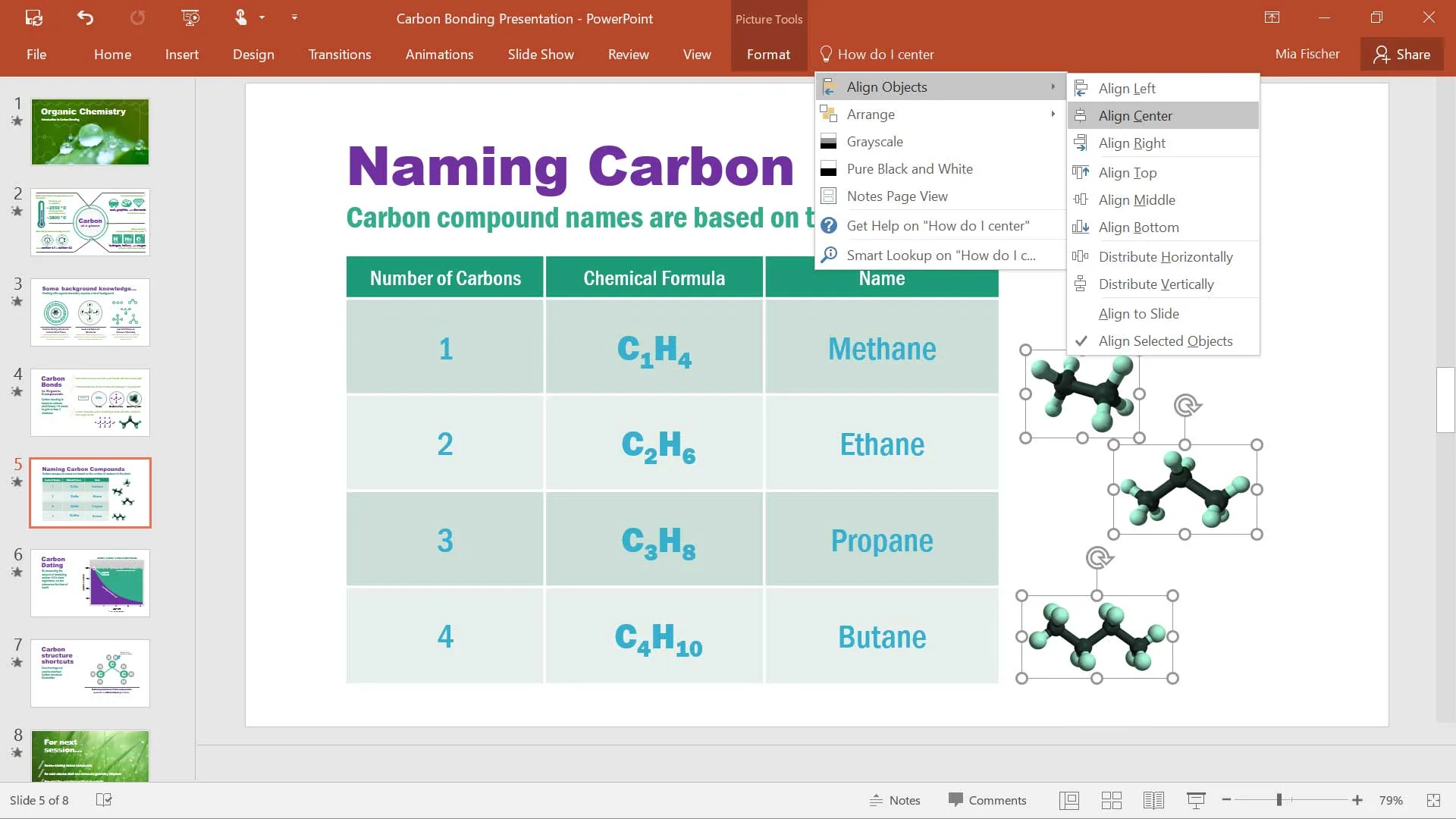
Microsoft PowerPoint 2016 has a number of new features that are common to all the main program of the new office suite. First of all, we have the “Tell me what you want to do” window that allows users to type in what they would like to achieve in the programs. It is very handy since even if we don’t remember where a certain feature is hidden in the program’s menu, we can simply type it. As a result, we’ll receive a list of commands we can quickly use. It is enough to click.
Core Features and Workflow in Microsoft PowerPoint 2016
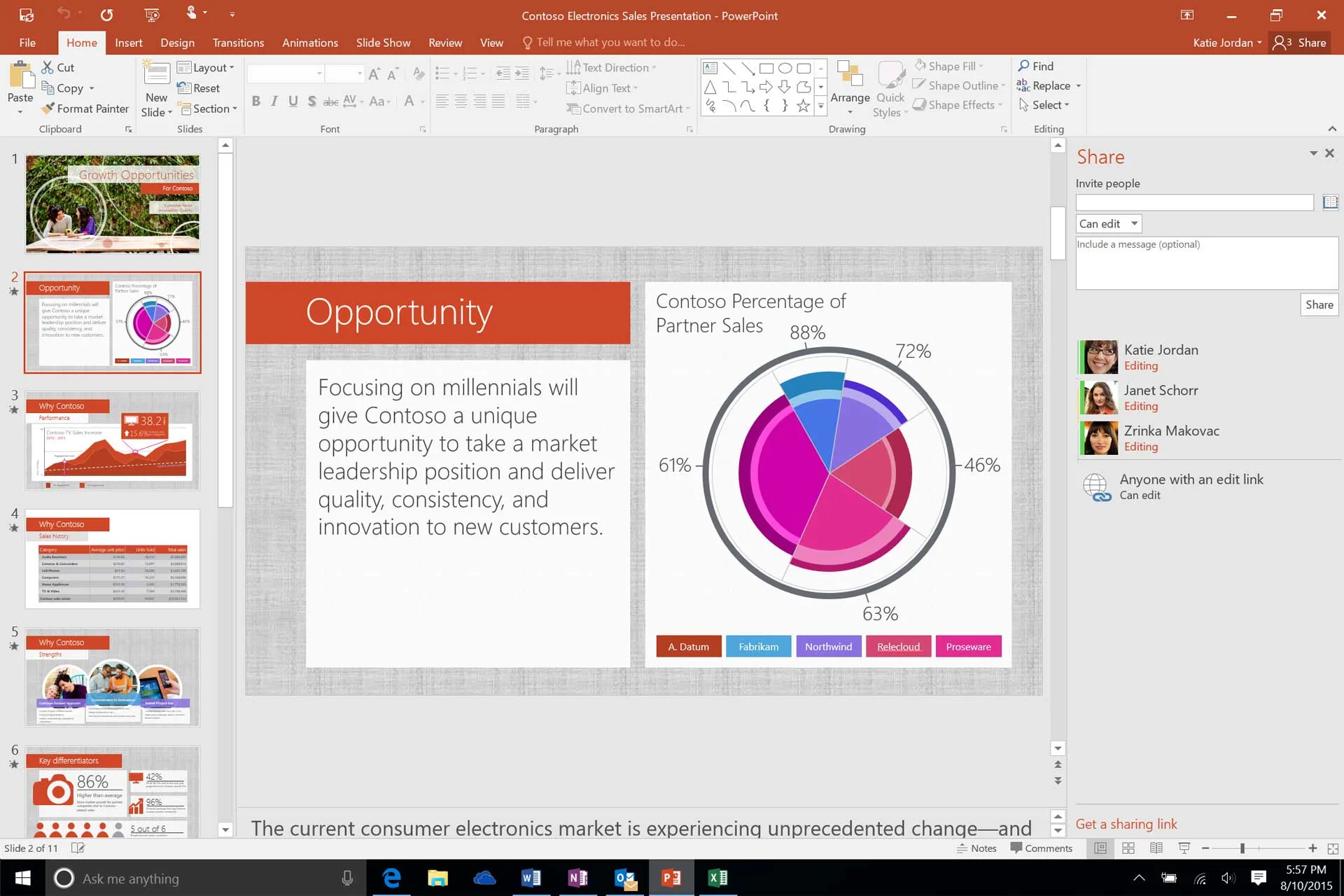
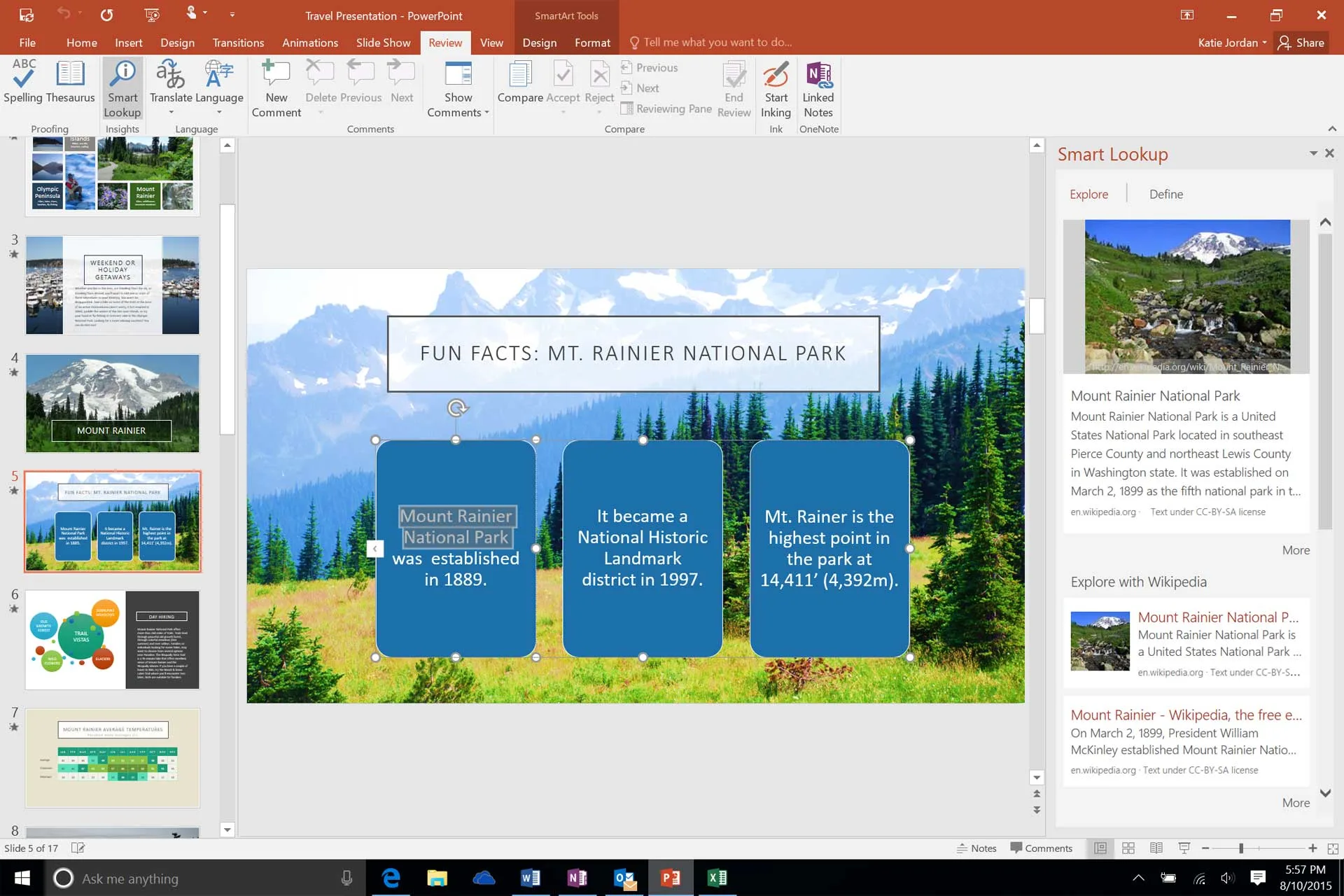
Another new feature is the Share button. Now we can save our work in the cloud, for example on OneDrive and share with any person who has an e-mail account. Then we both can edit the document in real-time. We can also give read-only access to any with whom we might want to discuss what is in the document.
Smart Lookup is a feature that we can call up in a number of ways. First, we can right-click a word or phrase and use the context menu. Secondly, we can reach this menu item from the Review tab. The last option is to use Tell me what you want to do windows. Smart Lookup is there too. How does it work? It shows us Bing search results in the right pane. We can copy text and graphics conveniently to our presentation.
Performance, Usability, and Final Verdict
Ink equations – yet another new feature in Microsoft PowerPoint 2016 lets us use a mouse to draw a mathematical equation rather than try to type it. It can be reached via the Insert tab and Equation menu.
New office themes, also included in PowerPoint 2016 allow us to change the look&feel of the software. They can be accessed from the File menu, from options. There are three themes available: colorful, dark gray and white.
The New Features for Microsoft PowerPoint 2016
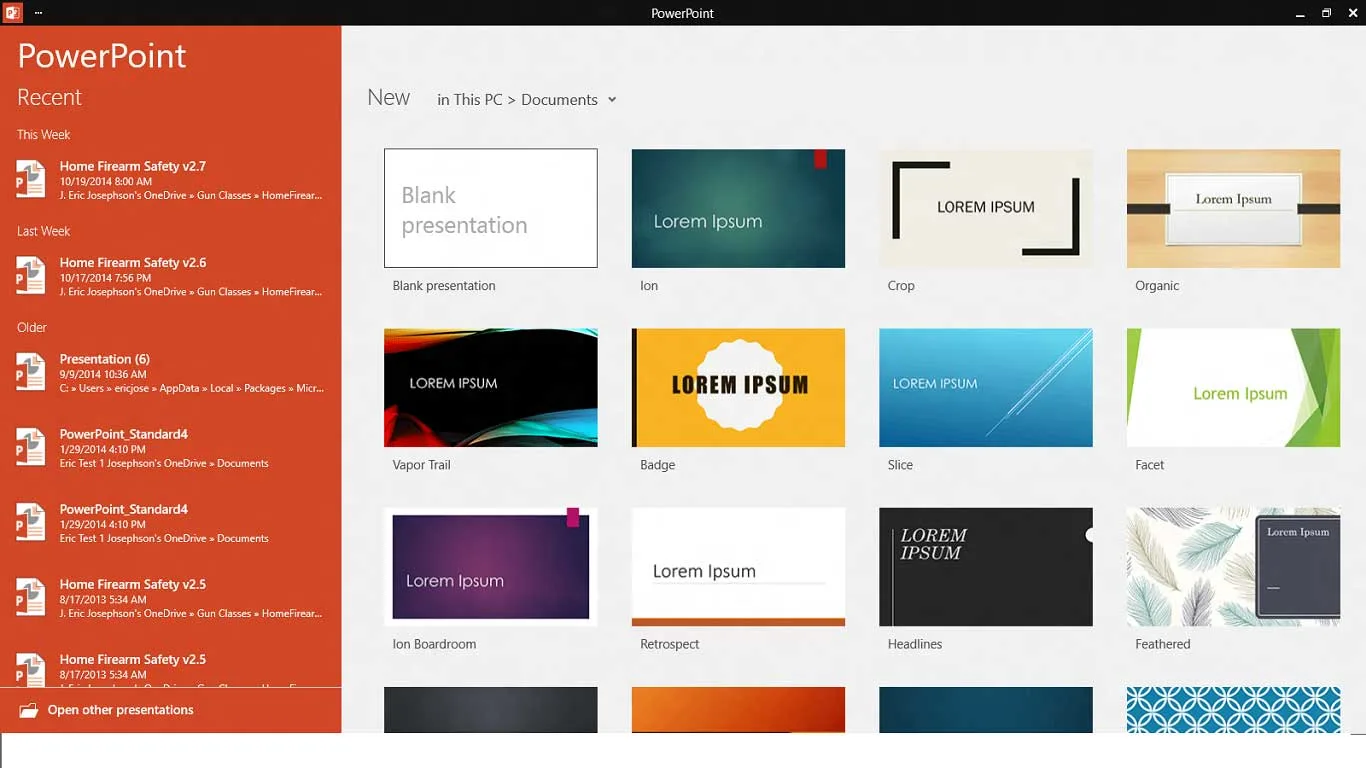
The features which are new and also PowerPoint only are not numerous. First, we have an improved Presenter View. This time we can see a whole row of previous and next slides as well as our notes. Then we have screen recording option. It enables us to record us talking with our slides in the background and produce a video, which we can then put on YouTube if we feel like it. Some new options have been also added to the animation panel. Also, we have new design themes and variants which we can use in our Microsoft PowerPoint 2016 presentations.
System Requirements & Key Features
Review the Windows desktop compatibility baseline and recommended setup specifications for Microsoft PowerPoint 2016 below before downloading.
| Specification | Minimum | Recommended |
|---|---|---|
| Operating System | Windows 7 / 8.1 / 10 (32-bit or 64-bit) | Windows 10 / 11 (64-bit) |
| Processor | 1.0 GHz Intel / AMD Dual-Core | 2.0 GHz+ Multi-Core CPU |
| Memory (RAM) | 2 GB RAM | 4 GB+ RAM |
| Free Disk Space | 500 MB free disk space | 1 GB+ SSD free space |
| Developer & Source | microsoft.com | Latest verified Windows build |
Frequently Asked Questions
Where can I safely download Microsoft PowerPoint 2016?
Use the download button on this page to get the official Microsoft PowerPoint 2016 installer from Microsoft for Windows PC.
Is Microsoft PowerPoint 2016 free to download and use?
Microsoft PowerPoint 2016 is offered under a official release license; see our specification box above for edition and licensing details.
Which operating systems are compatible with Microsoft PowerPoint 2016?
Microsoft PowerPoint 2016 is designed for Windows PC and installs cleanly using the standard setup package.
What are the main features of Microsoft PowerPoint 2016?
Our review highlights performance, interface usability, everyday workflow tools, and key pros and cons of Microsoft PowerPoint 2016.