

Download BlueStacks
BlueStacks is an Android emulator that lets you play your favorite mobile games on your Windows-based PC. Download it now.
The link is further down this page.
Game Details
- Publisher
- Bluestack Systems, Inc.
- Publisher Website
- www.bluestacks.com
- Platforms
- Windows 7, Windows 8, Windows 10
- License
- free
- File Size
- 1.17 MB
Our verdict
- This lets you play good mobile games on your PC
- It was very easy to use
- You can play mobile games with a controller
- The current version uses a ton of ram for some reason
- I am not sure that the “cheats” will be available for all games
Screenshots


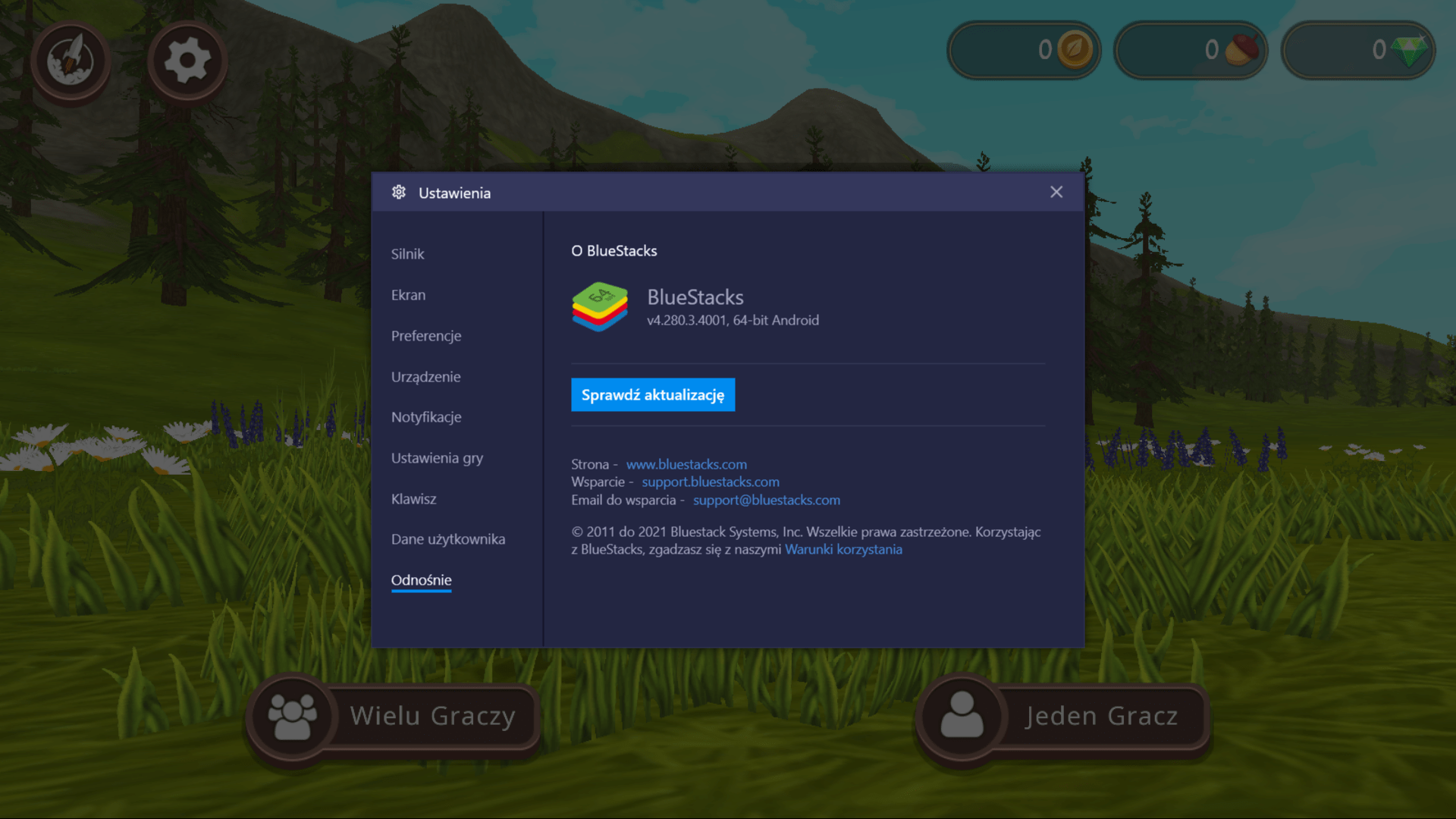
BlueStacks is available from its official source: bluestacks.com.
BlueStacks is published by Bluestack Systems, Inc. and runs on Windows 7, Windows 8 and Windows 10. License: free.
In our review we gave BlueStacks 9/10. It covers gameplay, graphics and our verdict with pros and cons, plus screenshots.
Before installing, check the system requirements on the publisher's website: www.bluestacks.com.
Download BlueStacks
1 official sourceFull disclosure: MadDownload does not host or sell this title. Each button opens the official service in a new tab, at the address shown under its name. Availability and prices depend on your country.
← Back to the BlueStacks review