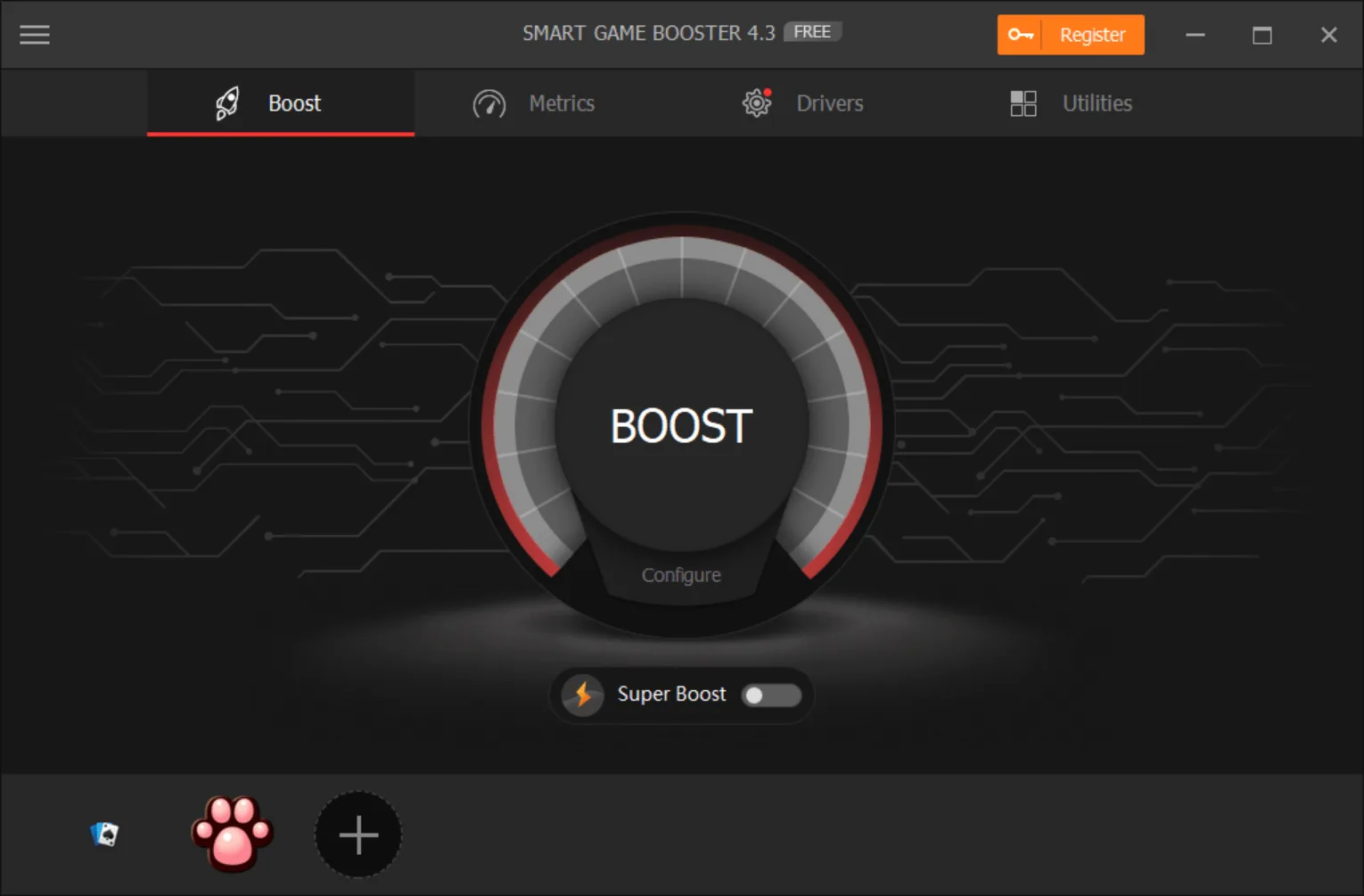
Smart Game Booster is an advanced program created with game enthusiasts in mind. It’s a versatile tool with many features gamers will be interested in. It helps to optimize your system speed in a few seconds. Apart from that, this will monitor CPU activities as well.
In addition, it requires a single click to check your system and provides all the details related to speed, performance, and much more. Hence, if you feel that your system performance is not up to the mark, then you can use this program to increase performance.
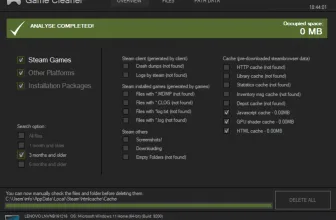
The primary purpose of this software is to make your PC fast, so you can play games smoothly. Along with that, it also helps to free up space for your games, so you can enjoy playing games without any trouble.
How to Download Smart Game Booster
You can download the free versions of the program by clicking the Download button below. If you like the tool you should definitely consider upgrading to the Pro version. The benefits you will get are the following:
- stronger boost in PC performance
- automatic performance boost when launching games
- the capability to automatically update outdated drivers in your system
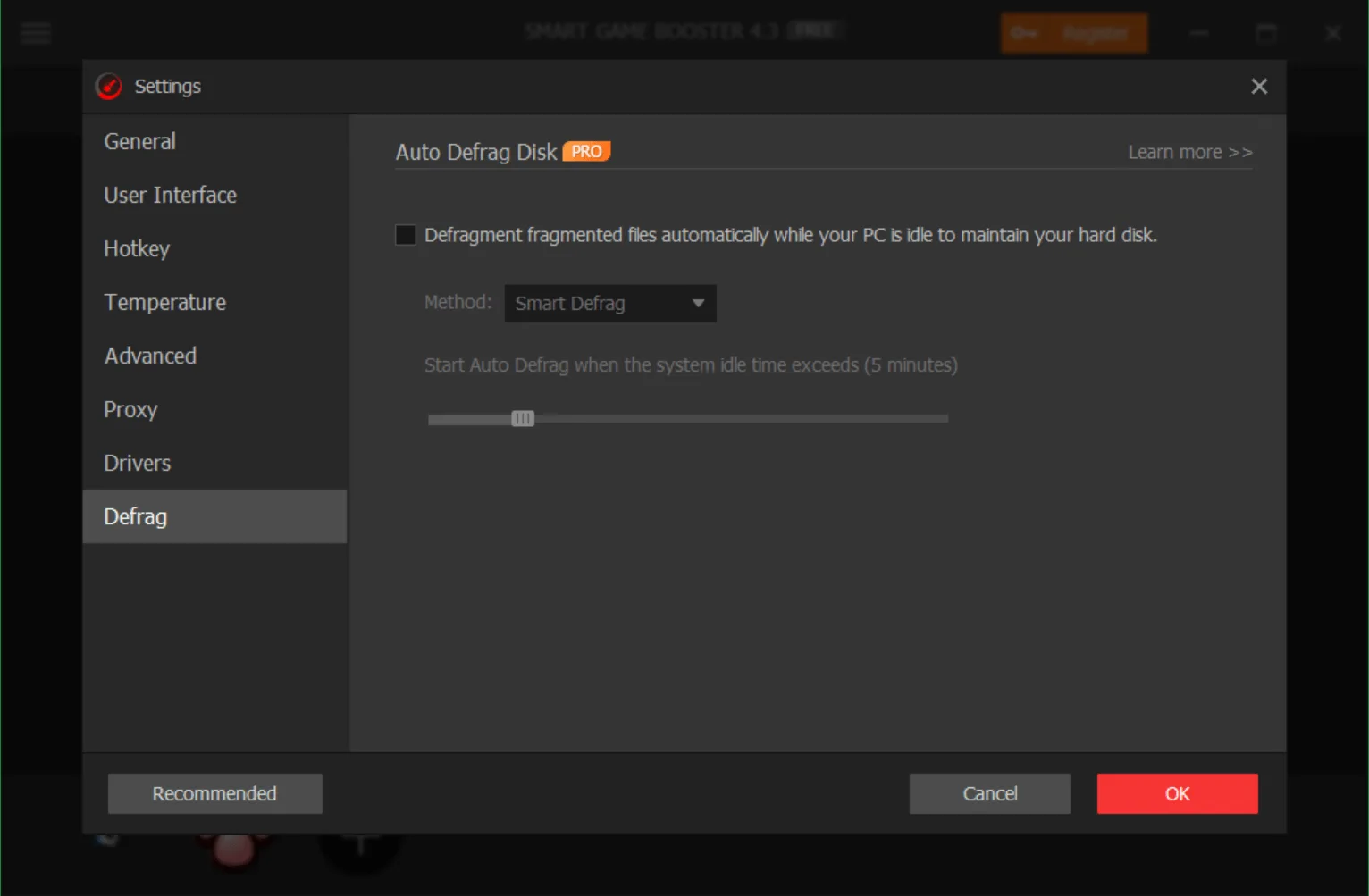
- automatic drive defragmentation
The Program Review
Do game boosters really work? How can you use a game booster to improve speed? Undoubtedly, game boosters are the right way to close background programs running on your computer. In fact, these boosters also help to improve your system speed so that you can enjoy games without any issues.
Ideally, it’s essential to choose the right game booster; otherwise, you can’t improve your Computer speed. Therefore, if you want less crashing and freezing experience, then we just have the right tool for you. Smart Game Booster is a fast and convenient application that helps to resolve all freezing and crashing problems.
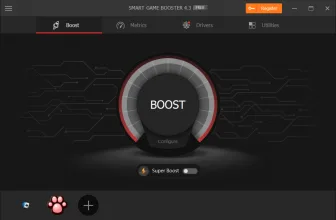
It also works as an FPS booster and simply helps to close all the unwanted apps. In order to use this app, you have to select the Boost button, and it will close all unnecessary processes.
Furthermore, it also helps to clean RAM and gives you suggestions on which program is consuming too much space. Besides, it helps to keep FPS (Frames per Seconds) higher than 60.
The Key Features of Smart Game Booster
The essential features of this software include Game Booster, Overclock, PC Temp Monitor, Free Driver Updater, Game Launcher, etc. Below are the necessary details related to these features and how they are helpful for you.
-
Game Booster
Do you want to boost your gaming experience? Then this feature is the right one for you. It helps to resolve all issues related to freezing and crashing. Also, it improves your gaming experience by cleaning RAM. Moreover, it also helps to increase frame rates.
-
Overclock Feature
It helps to overclock the NVIDIA graphic card. In addition, it overclocks the GPU as well so you can have better gaming experience. The overclocking settings are straightforward, and anyone can adjust them.
-
PC Temperature Monitor
Monitoring your PC is hard and requires a lot of work. But with the help of this utility, you can easily monitor PC temperature. It also helps to display CPU & graphic card’s temperature.
-
Free Driver Updater
Outdated drivers are not suitable for your Computer and can cause damage as well. Therefore, if you want to play games without facing any issues, then it’s essential to update drivers from time to time. This program helps to update drivers automatically.
-
Game Launcher
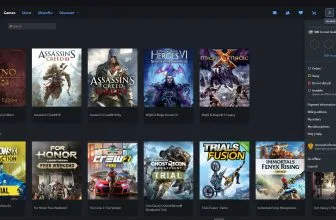
To launch your games easily, it adds all the games you own into the tool, and it will launch them for you without causing any delay.
Final Verdict
It’s not hard to improve your gaming experience if you have an efficient app. Smart Game Booster is the right choice for gamers and users who want to enhance their gaming experience. This software is free and provides you all the features that you can use to improve your system speed. It also contains a record feature that you can use to record video games effortlessly.
Smart Game Booster 5.3.1.692 PC System Requirements
Below are the verified minimum and recommended Windows PC specifications required to run Smart Game Booster 5.3.1.692.
| Component | Minimum | Recommended |
|---|---|---|
| OS | Windows 10, Windows 8/8.1, Windows 7, Windows XP, Vista | Windows 10, Windows 8/8.1, Windows 7, Windows XP, Vista |
| Processor | 1 GHz processor or faster | 1 GHz processor or faster |
| Memory | 1 GB RAM | 1 GB RAM |
| Storage | 100 MB available space | 100 MB available space |
Frequently Asked Questions
How can I download and play Smart Game Booster 5.3.1.692 on PC?
Use the green button on this page to access the official store and download page for Smart Game Booster 5.3.1.692.
What are the PC system requirements for Smart Game Booster 5.3.1.692?
Refer to our technical specification box and review analysis on this page for platform support, performance notes, and hardware requirements for Smart Game Booster 5.3.1.692.
How is the gameplay in Smart Game Booster 5.3.1.692?
Our editorial review above evaluates Smart Game Booster 5.3.1.692 across gameplay mechanics, graphics, audio design, and replayability, complete with a full Pros and Cons breakdown.
Does Smart Game Booster 5.3.1.692 support controllers and widescreen displays?
Modern PC releases of Smart Game Booster 5.3.1.692 include configurable display settings and standard input options as detailed in the official release notes.