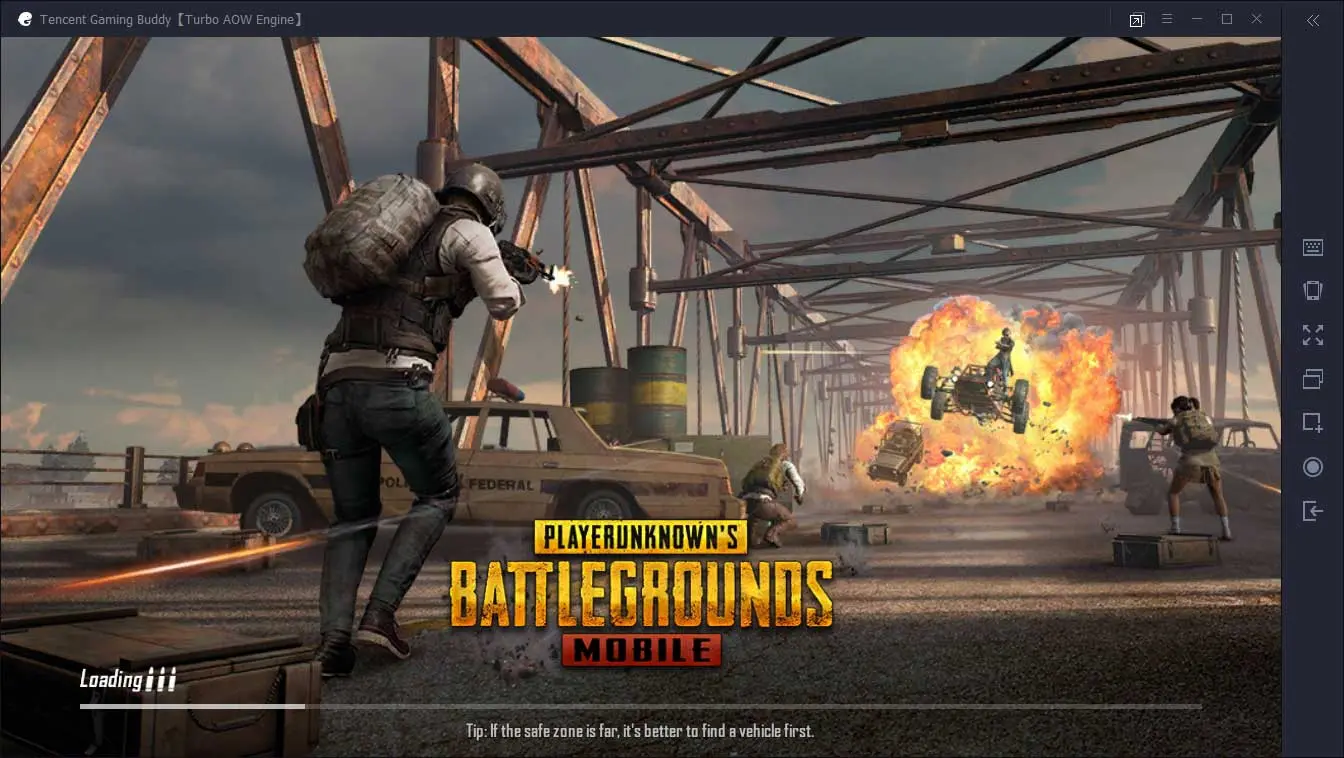
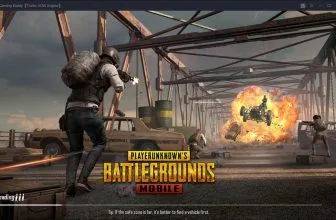
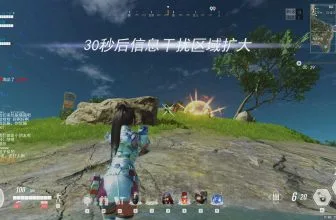
Tencent Gaming Buddy is a free downloadable Android Emulator developed by Tencent. It is basically a software that allows its users to play mobile games using a standard keyboard and mouse. Players basically download the software on to their smartphones and enable it before connecting their devices to the hardware components. The software is compatible with a number of games including the likes of Player Unknown Battlegrounds Mobile (PUBG Mobile) and Army Attack. It is free software that can be downloaded from Tencent’s official website.
How to Download Tencent Gaming Buddyor PC
You can download Tencent Gaming Buddy combined with the PUGB Mobile installer by clicking the download button below.
How to change the Chinese Language in Tencent Gaming Buddy to English
To change the language pull the dropdown menu and chose one Chinese option which will turn out to be Settings. Then navigate to another dropdown where you will be able to choose English or another language. Still unsure? Watch the video below, it should prove to be helpful.
The Settings & the Review
Essentially, the language Tencent Gaming Buddy Software operates in is English and Chinese, however, thanks to some brilliant designing, it hardly requires any human interaction. Users are only required to go the website and simply install the software. Once that is done, the setup menu will install both the software and the games along with it.
Giving the example of PUBG Mobile, the software works in relatively simple terms. Users can open the game directly from their phones and the players can check to see the controls which, by then, will be converted accordingly as if it were on a personal computer.
Playing PUGB Mobile on Tencent Gaming Buddy
To further act as proof, players can directly play the game as it will have the same controls with the mouse acting as the main source of aiming whereas, the keyboard working simultaneously to perform different actions such as jump, interact, and run. PUBG itself is an online multiplayer game that allows players to compete against one another.
It is a game which features quite complex controls as players are required to perform multiple actions at the same time. The game itself is very intriguing to play as it offers an open-world environment where one hundred players land on the ground and collect weapons in order to take down their opponents. All these complexities within the game can become quite difficult to handle at the same time and this is where Tencent comes in. By providing an environment where players can play using their mouse and keyboards, character control and improvisation can improve to a great extent.
One of the rare downsides of this game is that it only allows players to play in PC servers. The software limits the users as it does not feature console servers. This basically acts as a safety valve as well since playing in other servers could cause the software to become corrupted through numerous bugs, thereby creating an imbalance.
Playing in PC servers means that the opponents the players face will also pose a greater challenge as they will be making use of the same keyboard and mouse facilities. However, the players will have a better chance of performing well through the ease provided thanks to the Tencent Gaming Buddy Software.
Gameplay Loop, Mechanics, and Atmosphere in Tencent Gaming Buddy
Visual Style, Sound Design, and PC Optimization
PC System Requirements (Minimum & Recommended)
Check the verified Windows PC minimum and recommended hardware specifications for Tencent Gaming Buddy below before downloading.
| Component | Minimum | Recommended |
|---|---|---|
| OS | Windows 7 / 8.1 / 10 / 11 | Windows 10 / 11 (64-bit) with virtualization enabled |
| Processor | Dual-core Intel or AMD 1.8 GHz CPU | Quad-core Intel Core i5 / AMD Ryzen 5 or faster |
| Memory | 3 GB RAM | 8 GB RAM |
| Graphics | NVIDIA GeForce 8600 / 9600 GT or AMD Radeon HD 2600 / 3600 | NVIDIA GTX 660 / GTX 1050 or AMD Radeon RX 560 |
| DirectX | Version 9.0c | Version 11 |
| Storage | 2 GB free disk space | 8 GB+ SSD space for PUBG Mobile / Android HD resource packs |
Frequently Asked Questions
How do I download the latest version of Tencent Gaming Buddy for Windows?
Click the green Download button on this page to access the verified installer details and official download options for Tencent Gaming Buddy on Windows.
Is Tencent Gaming Buddy safe to install on Windows 10 and Windows 11?
Yes. When downloaded from its official release channel, Tencent Gaming Buddy is a clean gaming utility compatible with modern 64-bit Windows 10 and Windows 11 systems.
Is Tencent Gaming Buddy lightweight on PC system resources?
Yes, Tencent Gaming Buddy is designed with a compact footprint so it runs smoothly on everyday desktop and laptop PCs without slowing down background tasks.
Do I need technical expertise to use Tencent Gaming Buddy?
No. Tencent Gaming Buddy provides a straightforward interface that guides both beginners and experienced PC users through its core tools step by step.