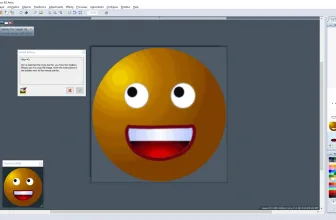
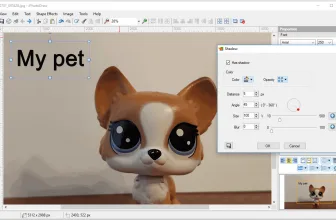
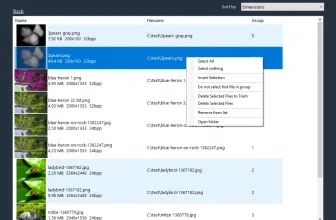
Chasys Draw IES is a very helpful set of image editing tools. If you are very passionate about the idea of editing images to make them look amazing, a great toolkit like this is all you need. But what really makes Chasys Draw IES unique is the fact that it has some of the best and most reliable tools out there that give comprehensive graphics editing solutions. All of that is provided free of charge.
How to Download Chasys Draw IES
You can download the program as a 32-bit or 64-bit executable. To start, click on the Download button below the review.
The Program Review
Included in the Chasys Draw IES package is an icon editing tool, animation, adjustment layers tool, image file converter and also an image viewer. You get complete support for RAW files and all the most popular files you already know and enjoy. The toolkit works great on pen input devices too, which is a must if you are a very creative person and want to come up with some gorgeous ideas.
An interesting thing to note about Chasys Draw IES is that it has its fair share of extras and plugins. Sometimes you just can’t access the features and results you want, and this toolkit helps expand on that. It gives you a much better set of features and added options that not everyone will use. Being able to include extras and plugins helps a lot, and it will give in some rather unique and impressive features because of that. All the focus is on getting the results you want from that picture, and thankfully the tool can work great and offer immediate quality on all resolutions.
The Chasys Draw IES toolkit is also updated rather often, especially with bugfixes. But it also includes new functions, keyboard shortcuts and the type of features you want to improve upon when you work with images. The team behind Chasys Draw IES is all about making it easy to customize and optimize images while also making the process as simple as possible.
For more tested utilities in this category, see our reviews of Fotosifter 2.9 and WildBit Viewer 6.20.1 for Windows.


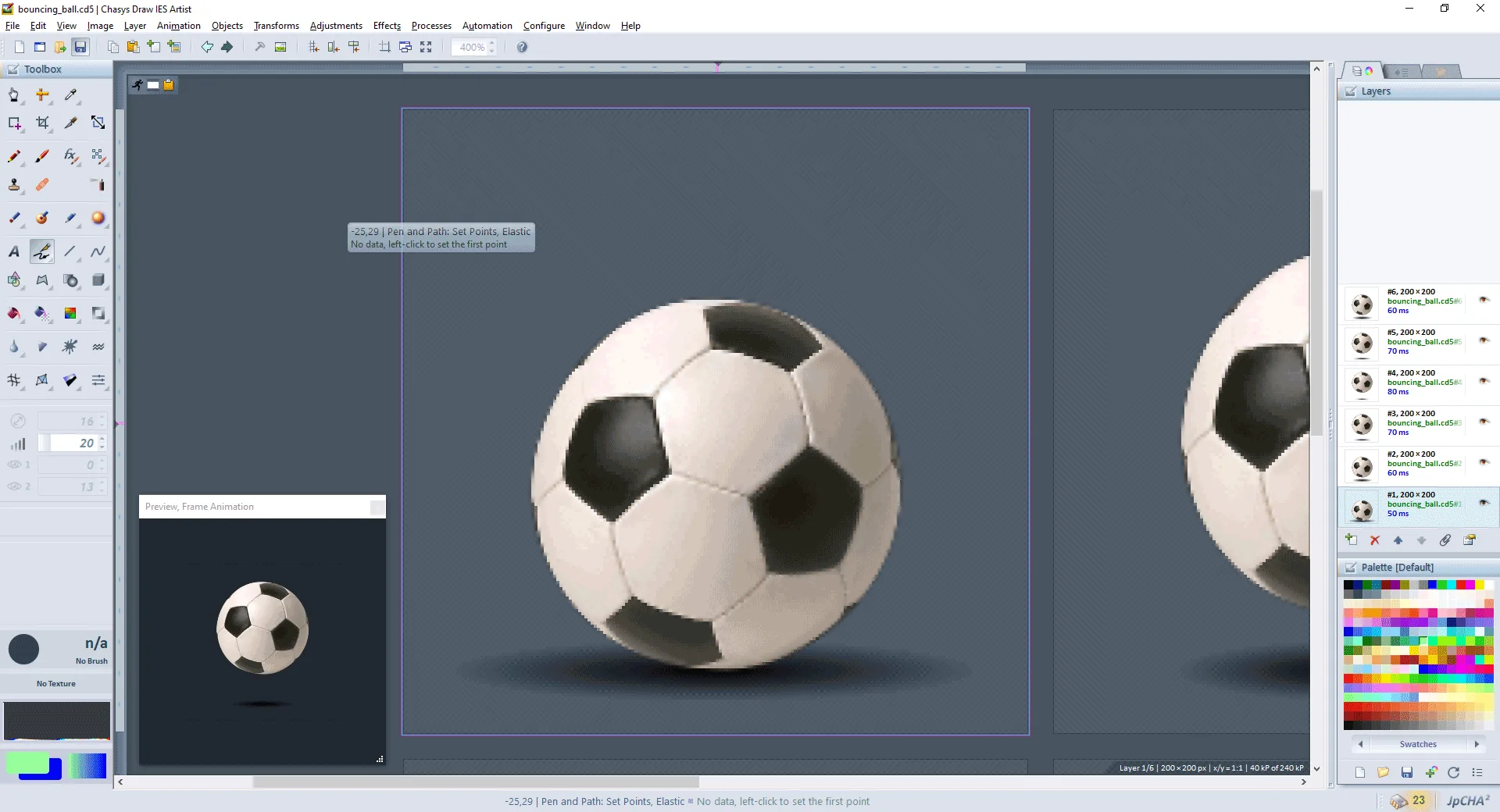


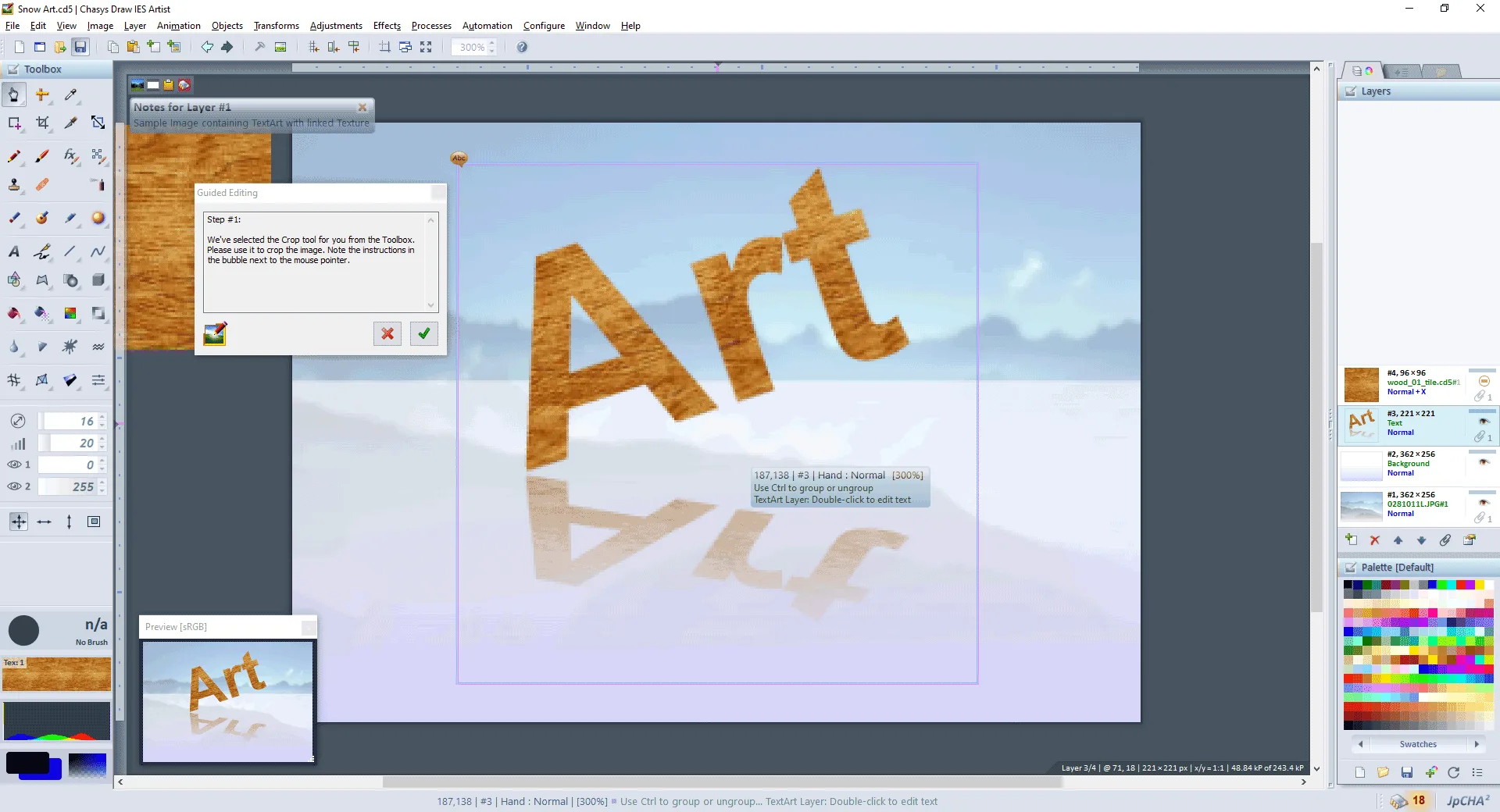

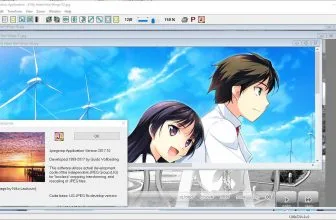
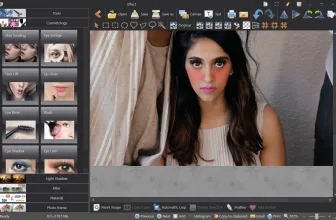
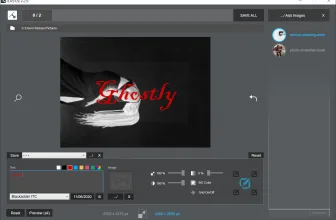
But even the more experienced video editors will find this tool great because there are a lot of cool features and ideas for you to explore. There’s support for some Photoshop plugins too, so if you find this a more comprehensive tool then it might very well work for you quite a lot. That’s the type of feature you expect, and it will give you the results and value you want no matter what.
All in all, the Chasys Draw IES tool is designed to offer the power of Photoshop and many other additional tools in a single product. It’s free of charge, and while it doesn’t have all the bells and whistles of that product it still offers you all kinds of results and benefits all the time. It’s totally worth it. You will find it to work super well and the fact that you also have conversion features is what really matters here all the time. Chasys Draw IES is a great tool, one that you will like a lot and it will make it easier to handle any image as you try to improve on it and make it even better!
Frequently Asked Questions
How can I download and play Chasys Draw IES 5.16.01 on PC?
Use the green button on this page to access the official store and download page for Chasys Draw IES 5.16.01.
What are the PC system requirements for Chasys Draw IES 5.16.01?
Refer to our technical specification box and review analysis on this page for platform support, performance notes, and hardware requirements for Chasys Draw IES 5.16.01.
How is the gameplay in Chasys Draw IES 5.16.01?
Our editorial review above evaluates Chasys Draw IES 5.16.01 across gameplay mechanics, graphics, audio design, and replayability, complete with a full Pros and Cons breakdown.
Does Chasys Draw IES 5.16.01 support controllers and widescreen displays?
Modern PC releases of Chasys Draw IES 5.16.01 include configurable display settings and standard input options as detailed in the official release notes.