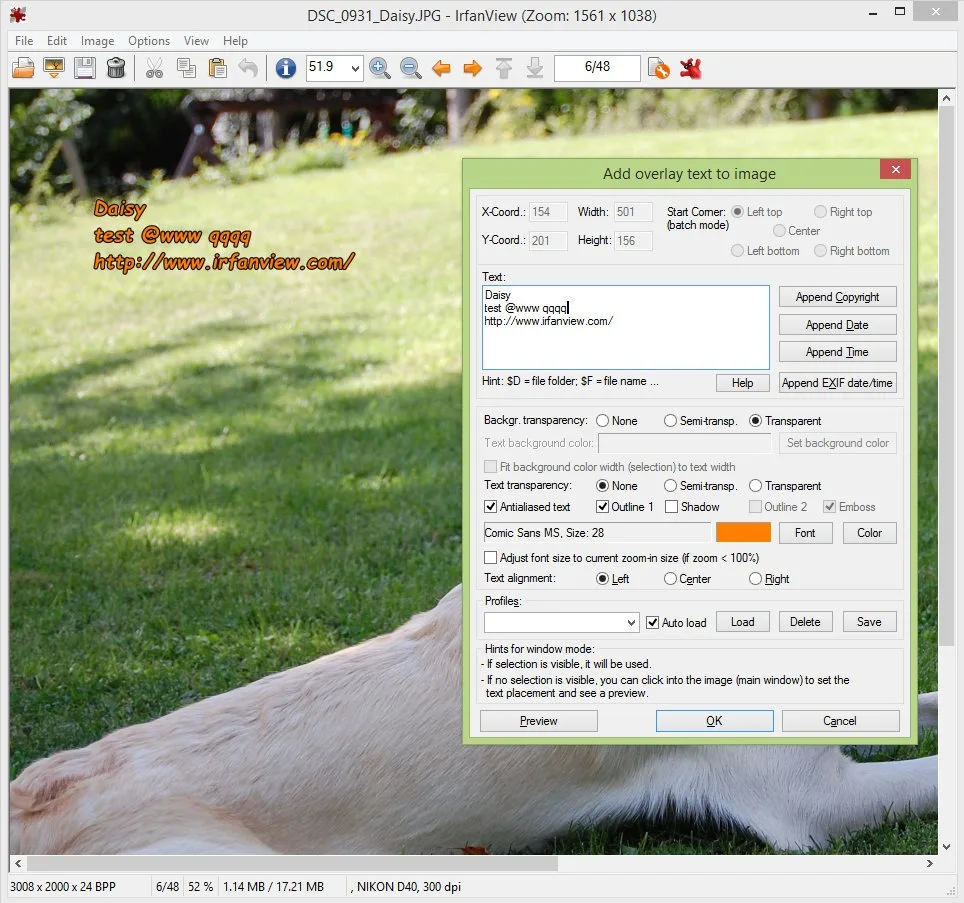
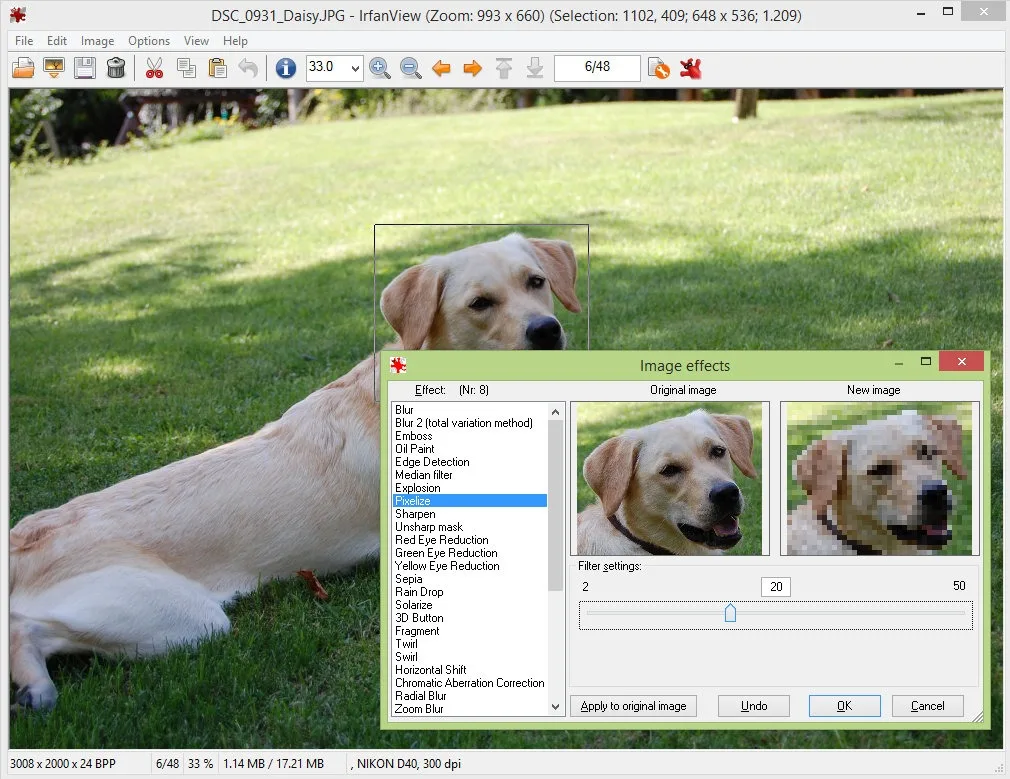
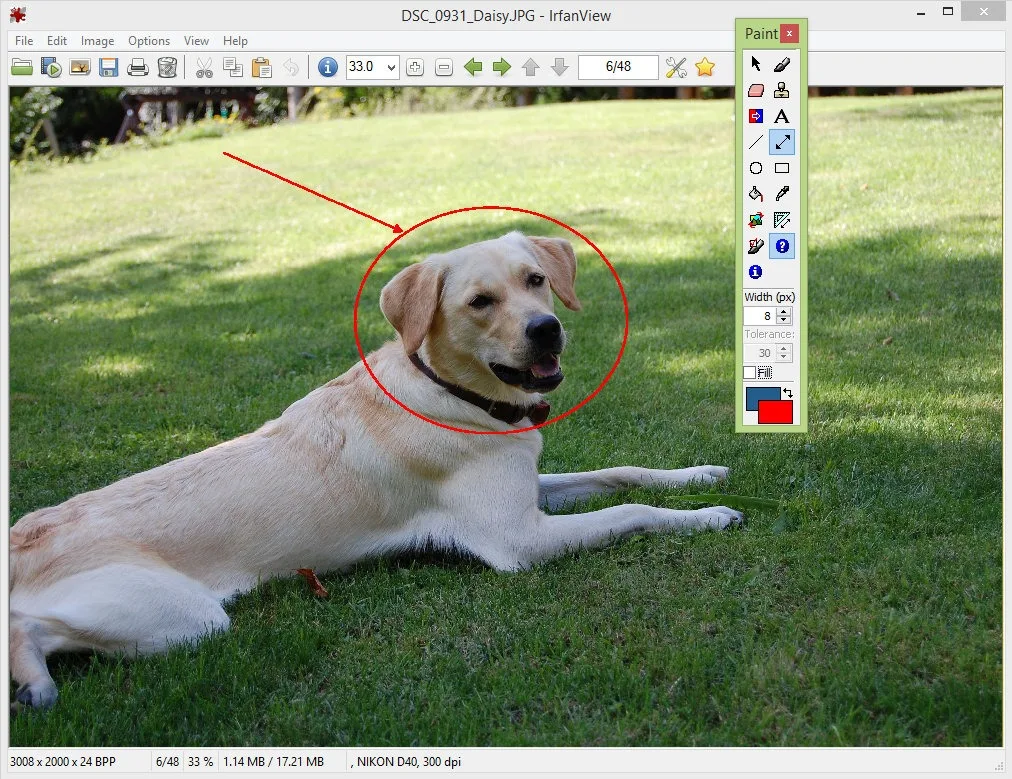
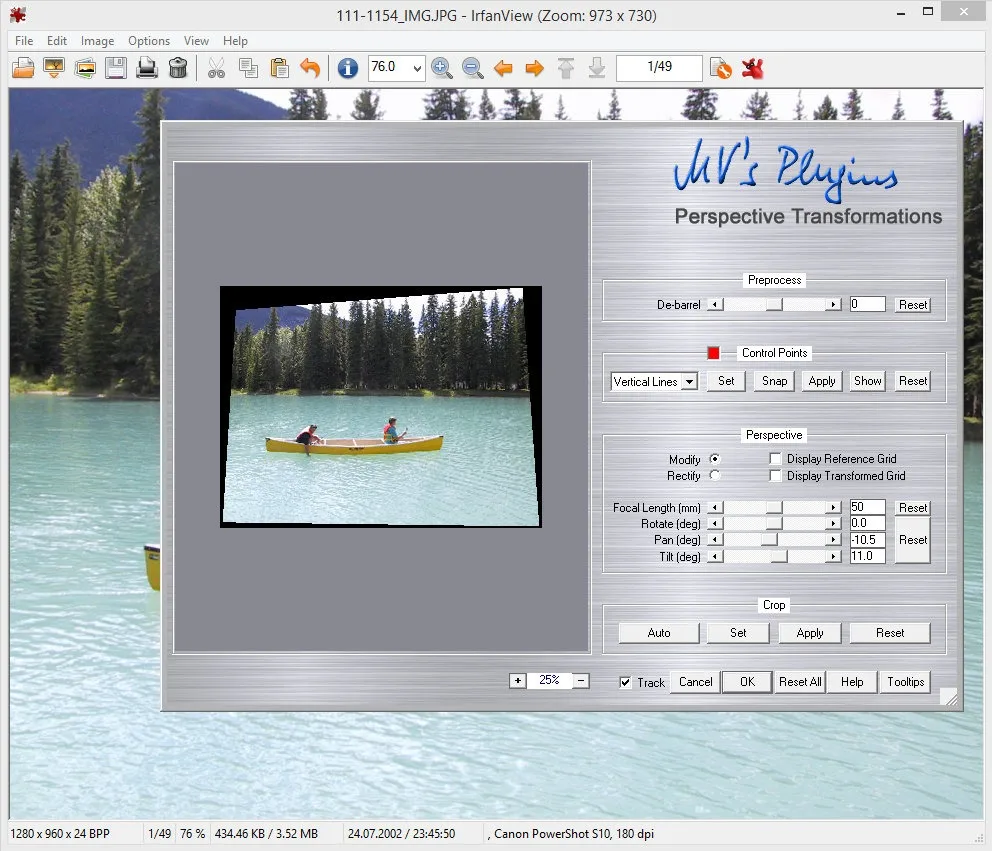
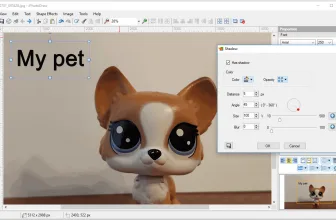
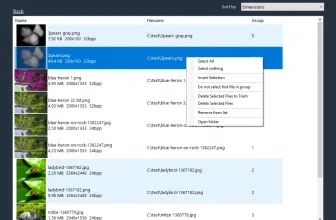
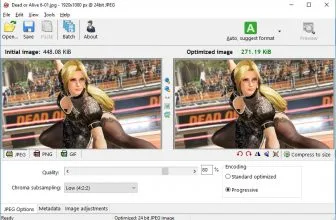
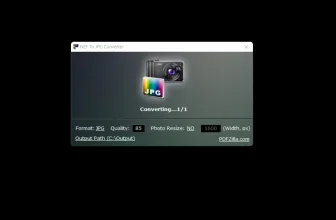
IrfanView is a photo editing program with the ability to convert, edit and organize digital images. Using IrfanView as an image viewer is an added advantage brought to you since it has the capability to create and paint an image to enhance its outlook. Nevertheless, the program has the ability to play audio and video files which predispose it to be the best ever entertainment deal brought to you. Below are some of the history, how it works and its benefits to your device.
How to Download IrfanView
You can download IrfanView either form my Download or from the official site. Both the 32-bit and 64-bit versions are available. You can also download the official plugins.
The Creator of the Program
The program is named after its pioneer Irfan Skiljan from Bosnia who had extensive knowledge, passion, and ambitions of changing the indigenous view of images, graphics, and videos.
How IrfanView works
Downloading and installing the program on your computer takes a short while encompassed with minimum disk space of about 2MB which is relatively affordable. Once the download and installation of this app have taken effect to your device clicking it gives you an option of either taking a fresh picture or choosing from your pictures. Once you select an option that suits your interest it authorizes you to either convert, edit or organize the image in accord with your desire. Using this program helps in supporting diverse features and files of your device hence making them more appealing or making them of worse quality but smaller and thus fit for use on the web.
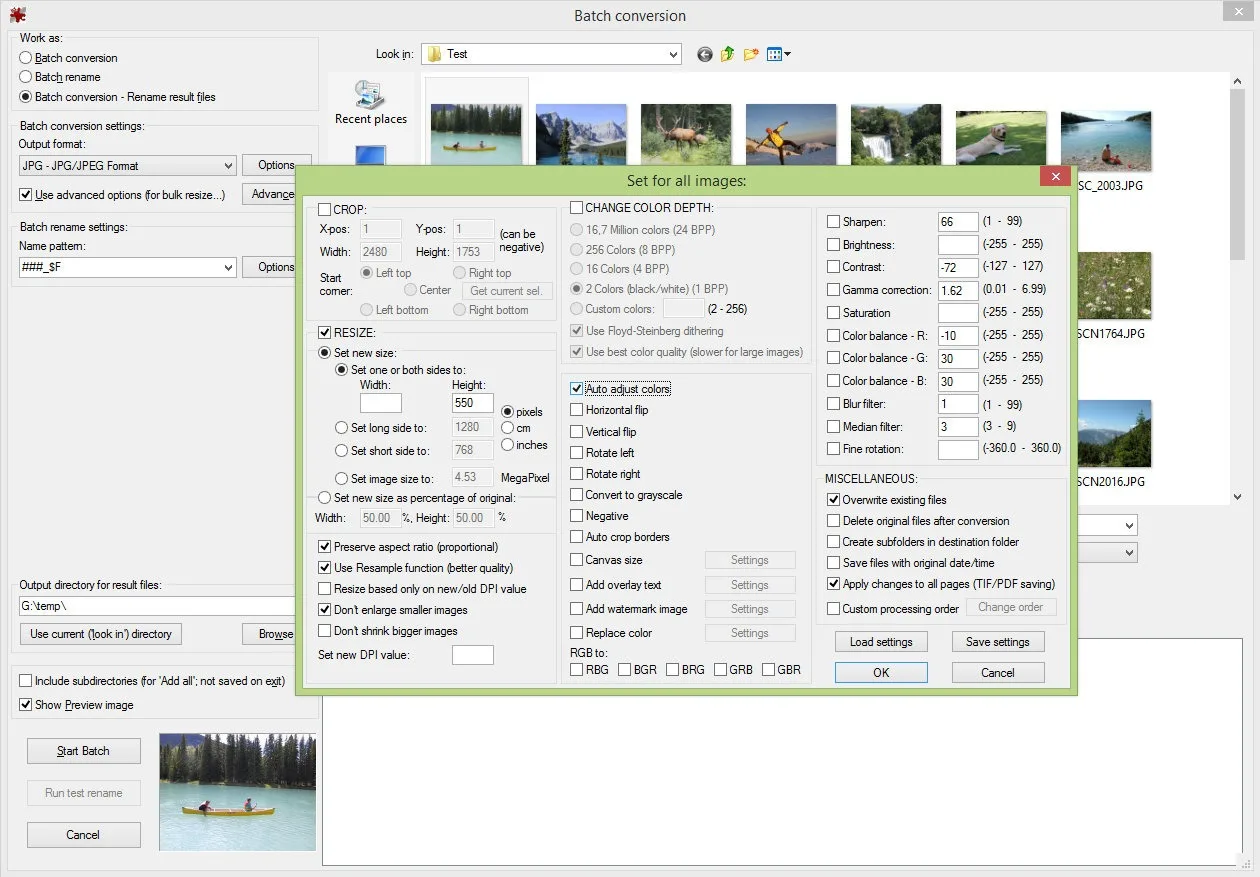
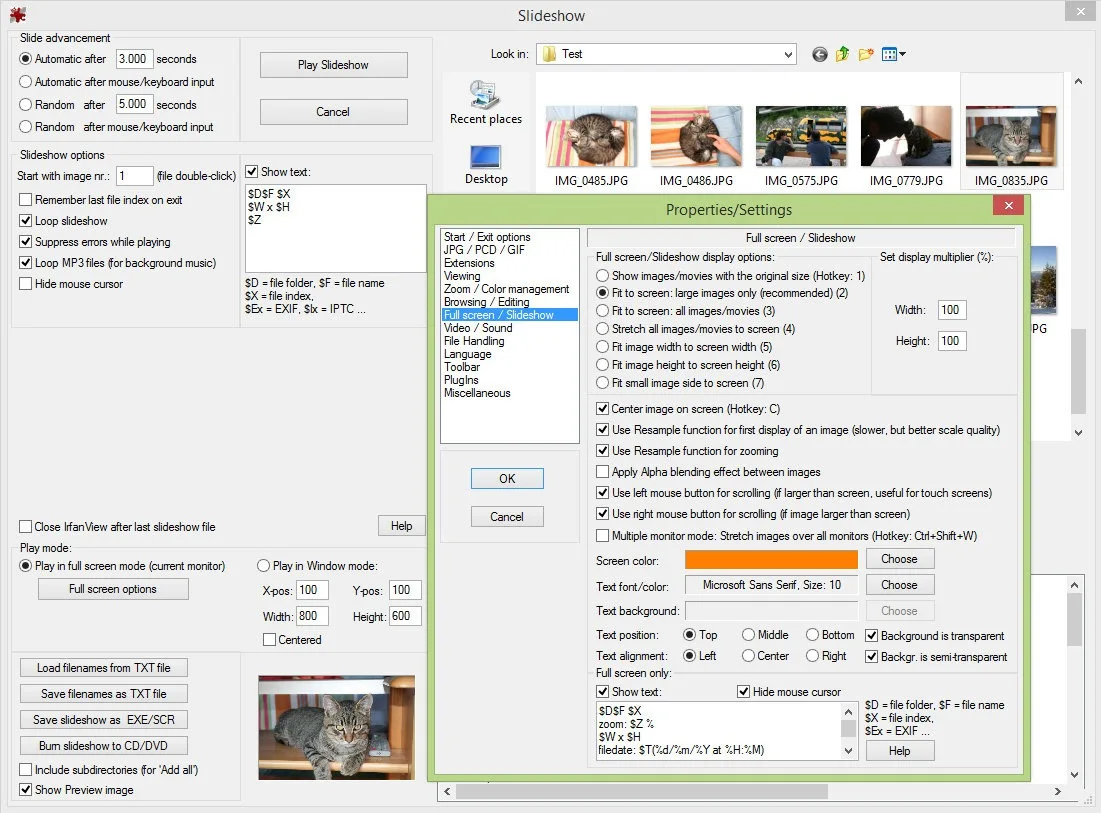
It has a special optimization that fosters fast loading and display of images and video that either helps you enjoy the fun or aid photo shoot in commercial incidents. With this program saving and viewing of more than one image is made easier thanks to batch processing. Also, IrfanView helps you to create slideshows and screensaver from several images from your folder accompanied by music from the background. Also, its ability to support Adobe compatible 8BF helps in processing image filters which aids your application of whole images.
Benefits of using IrfanView
With IrfanView you will always have quick access to basic editing tools and a simple fast image viewer.
For more tested utilities in this category, see our reviews of Panoweaver 10.10 and Easy Cut Studio 6.204 for Windows. You can also explore our full guide and specs for ALLPlayer 9.6.
System Requirements & Key Features
Compatibility & Requirements: Runs on 32-bit and 64-bit Windows (Windows XP through Windows 11), 256 MB+ RAM, ~5 MB base install (~30 MB with full PlugIns).
Mass Batch Resize, Watermark, and WebP/AVIF Conversion
Pressing B opens IrfanView’s legendary Batch Conversion window to compress entire camera folders with Lanczos resampling and EXIF retention.
Unlocking HEIC, RAW, and OCR Capabilities via Official PlugIns
Installing the matching 32-bit or 64-bit PlugIns pack adds native RAW camera, PDF, and video decoding alongside top image editors on MadDownload. Users building a complete toolkit also explore NEF To JPG Converter in our software library.
To round out your software toolkit safely, see our tested Windows overview of uTorrent 3.6.0 Build 47168.
To round out your software toolkit safely, see our tested Windows overview of HDCleaner 2.091.
To round out your software toolkit safely, see our tested Windows overview of cBackupper.
Readers exploring similar releases can also check our full breakdown and requirements for SIV – System Information Viewer 5.88.
Frequently Asked Questions
How do you open WebP, HEIC, and RAW camera photos in IrfanView 4.76?
Installing the official 64-bit IrfanView 4.76 setup together with the free IrfanView PlugIns package enables instant sub-second viewing, lossless JPEG rotation, and batch conversion/resizing (`B` key) across WebP, AVIF, HEIC, PSD, and camera RAW formats.
When should you use IrfanView versus Paint.NET or GIMP?
IrfanView is unmatched for ultra-fast photo browsing, cropping, and bulk folder renaming/resizing, whereas multi-layer retouching is best handled in Paint.NET or GIMP.