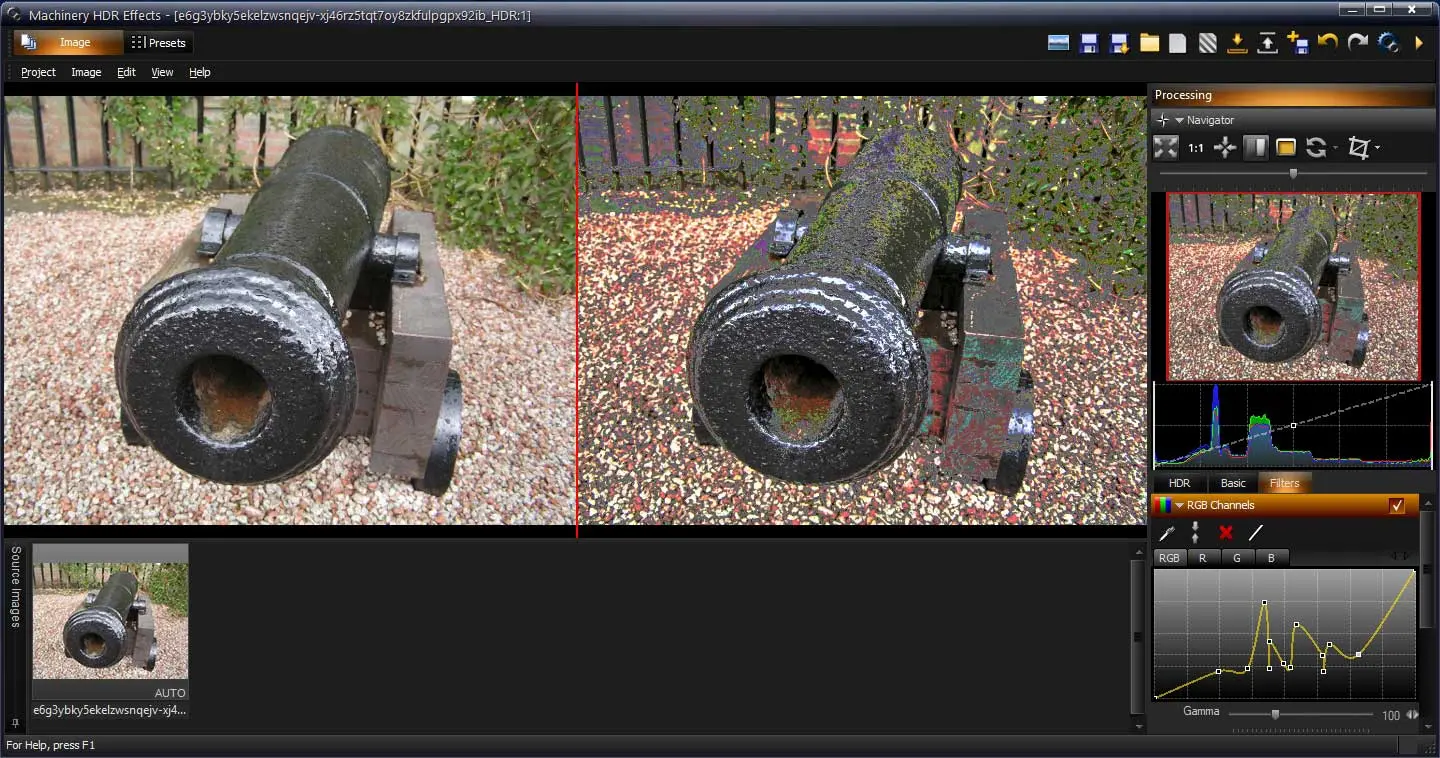
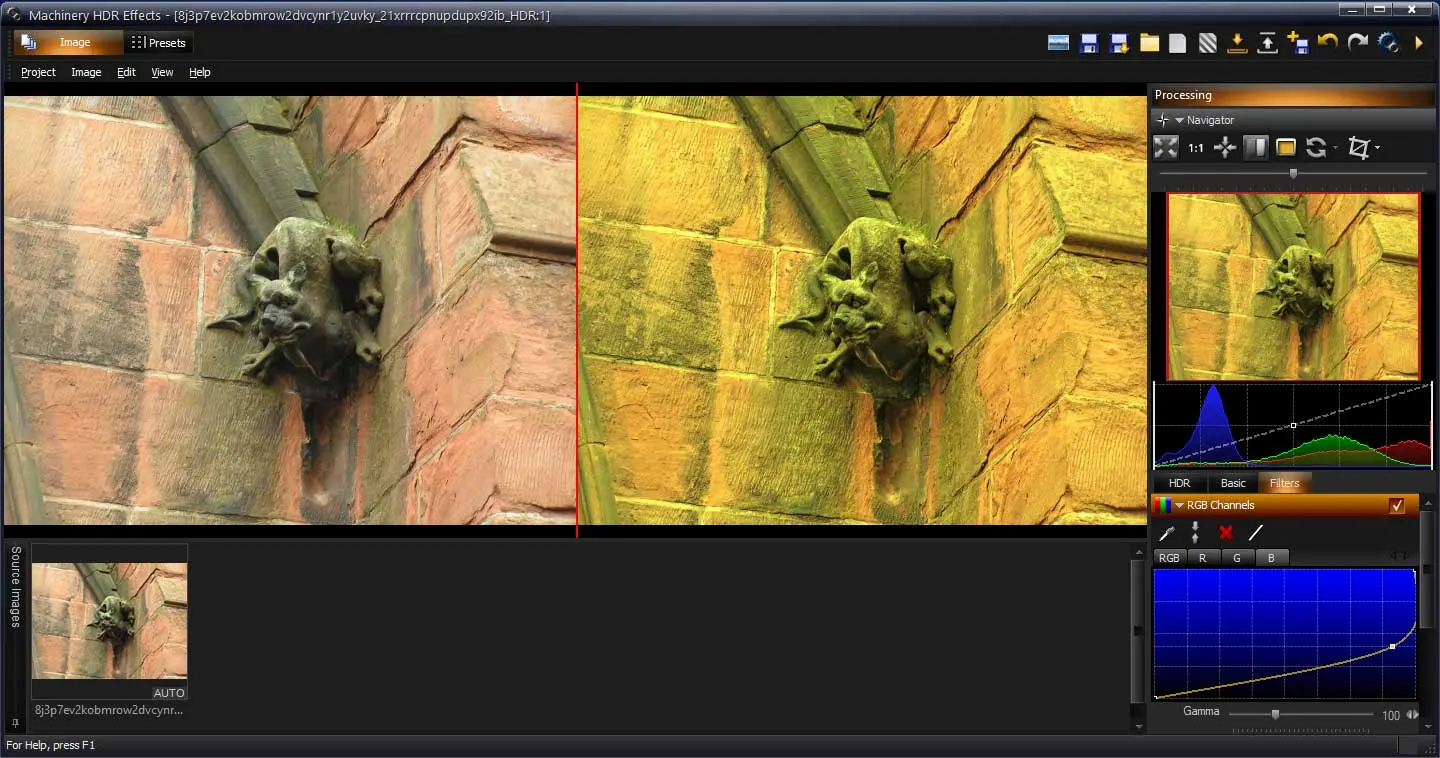
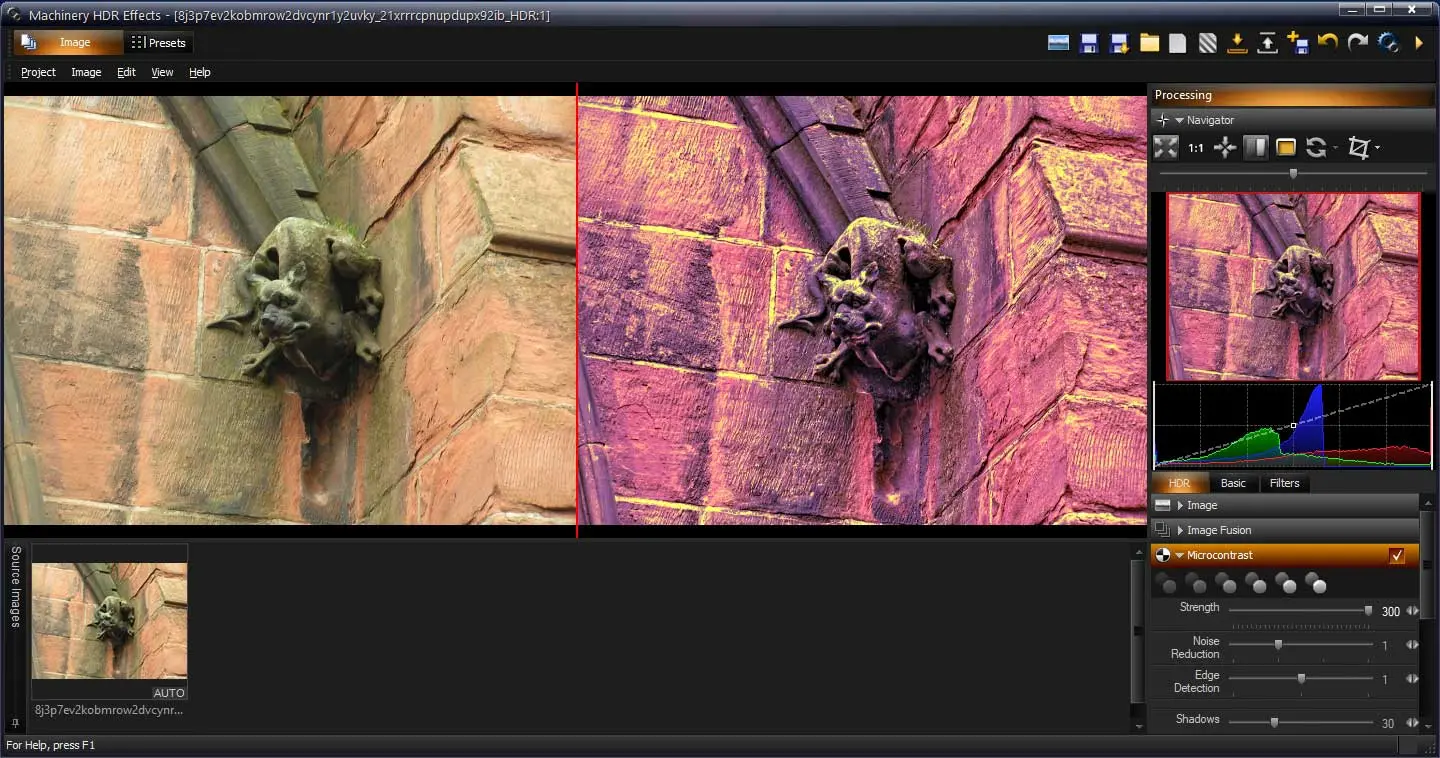
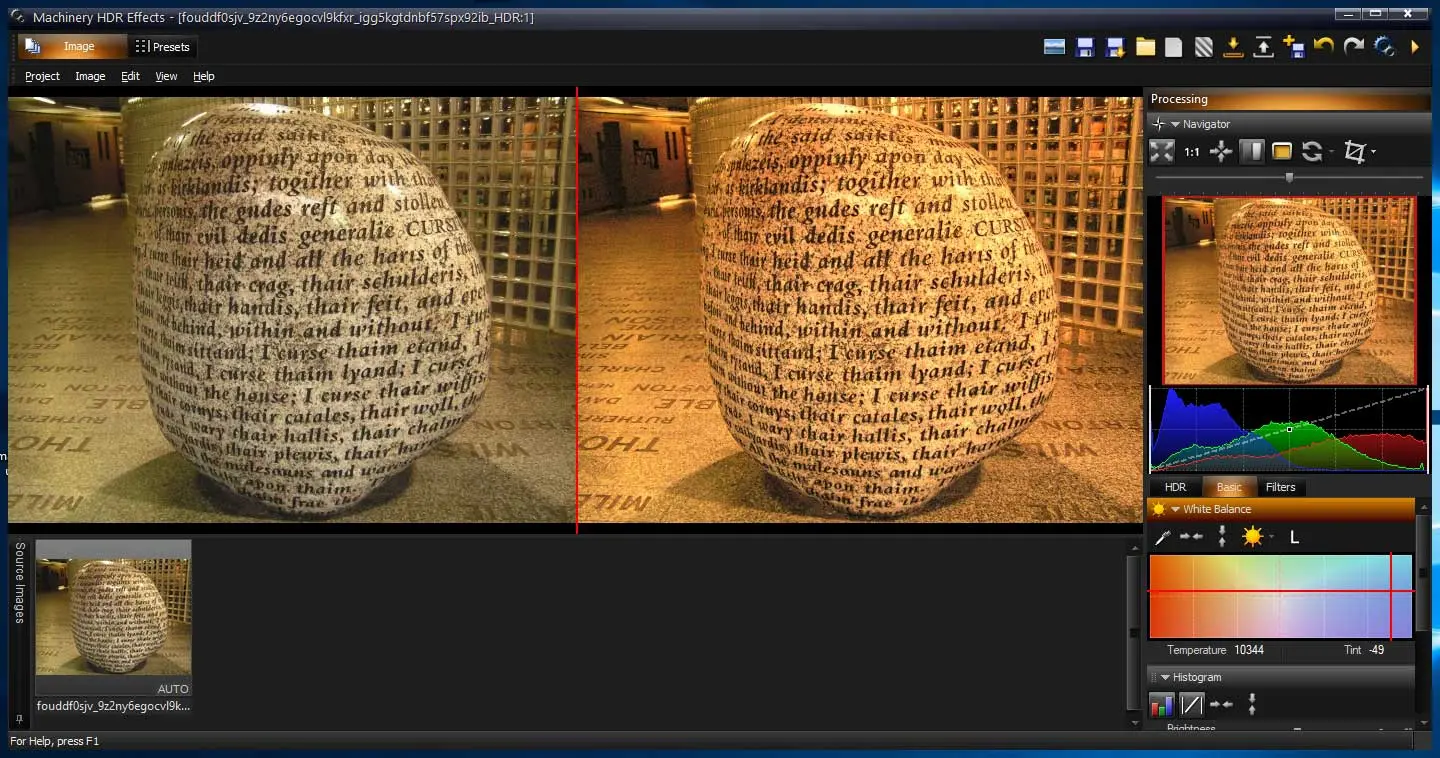
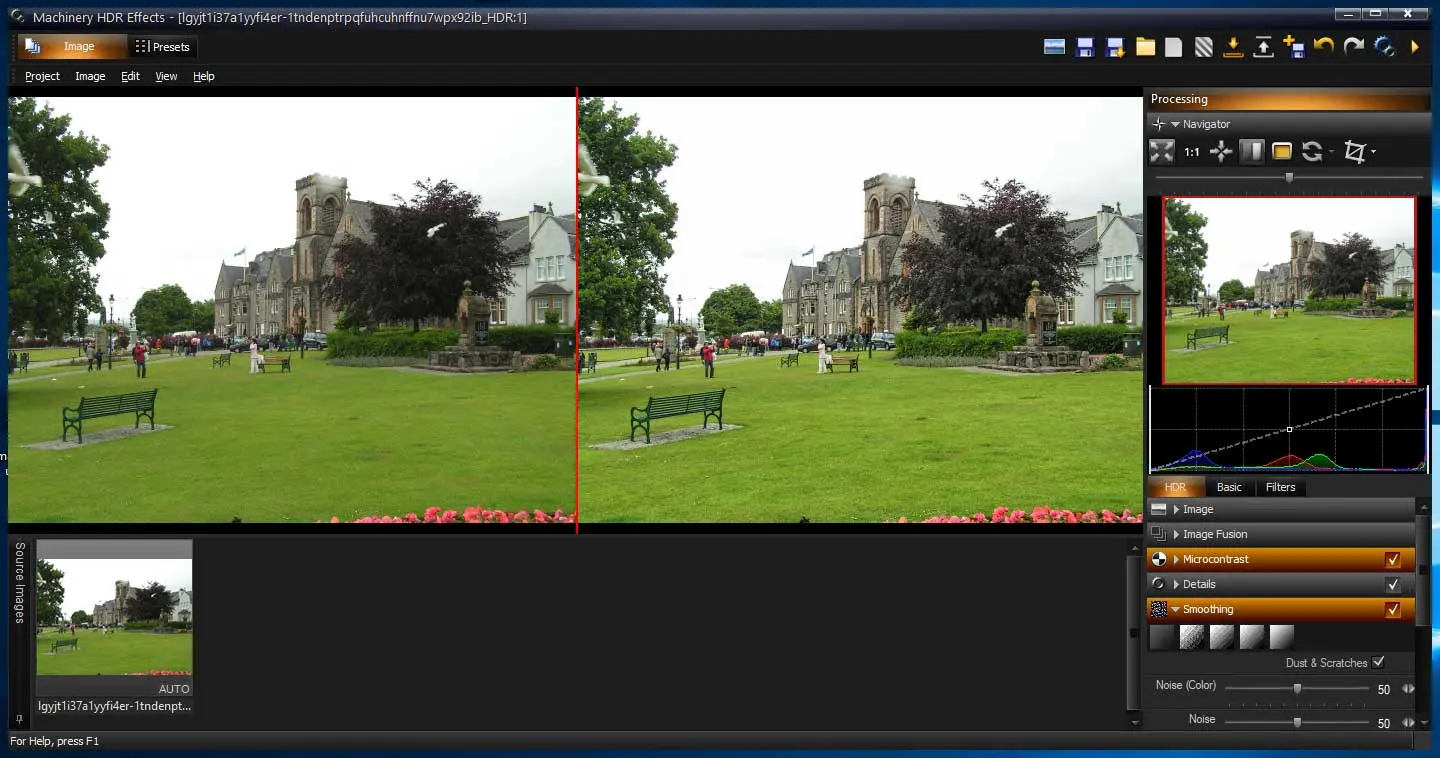
Have you ever looked at a dynamic photograph and wondered just how, exactly, they got that final product? Machinery HDR Effects might be the answer. You will be surprised what cool effects you can create on your own.
How to Download Machinery HDR Effects
You can download the demo version which has a time limitation. Or buy the full version which has several additional pro features. To start, click on the Download button located below this review. You can also explore our full guide and specs for ZEROFILL 1.09.
The Program Review
Of course, the light in a picture isn’t always natural and, in fact, most photographs do some editing here and there to highlight certain aspects of the image and downplay others.
When you’re working with light, in particular, you want to make sure that the colors are vibrant and bright but also well defined.
If you’ve ever seen one of those amazing pictures of streaming car lights on a road or looked at a city skyline picture with extra vibrant hues playing off of each other, that photo was most likely edited to create such a dynamic landscape.
Core Features and Everyday Workflow in Machinery HDR Effects 3.1.5
Machinery HDR Effects is an easy-to-use piece of software that not only makes creating dynamic, edited photographs easy but also makes it a lot of fun. Don’t worry about paying Adobe for an expensive cloud subscription, with Machinery HDR Effects you get everything you need with one licensing fee.
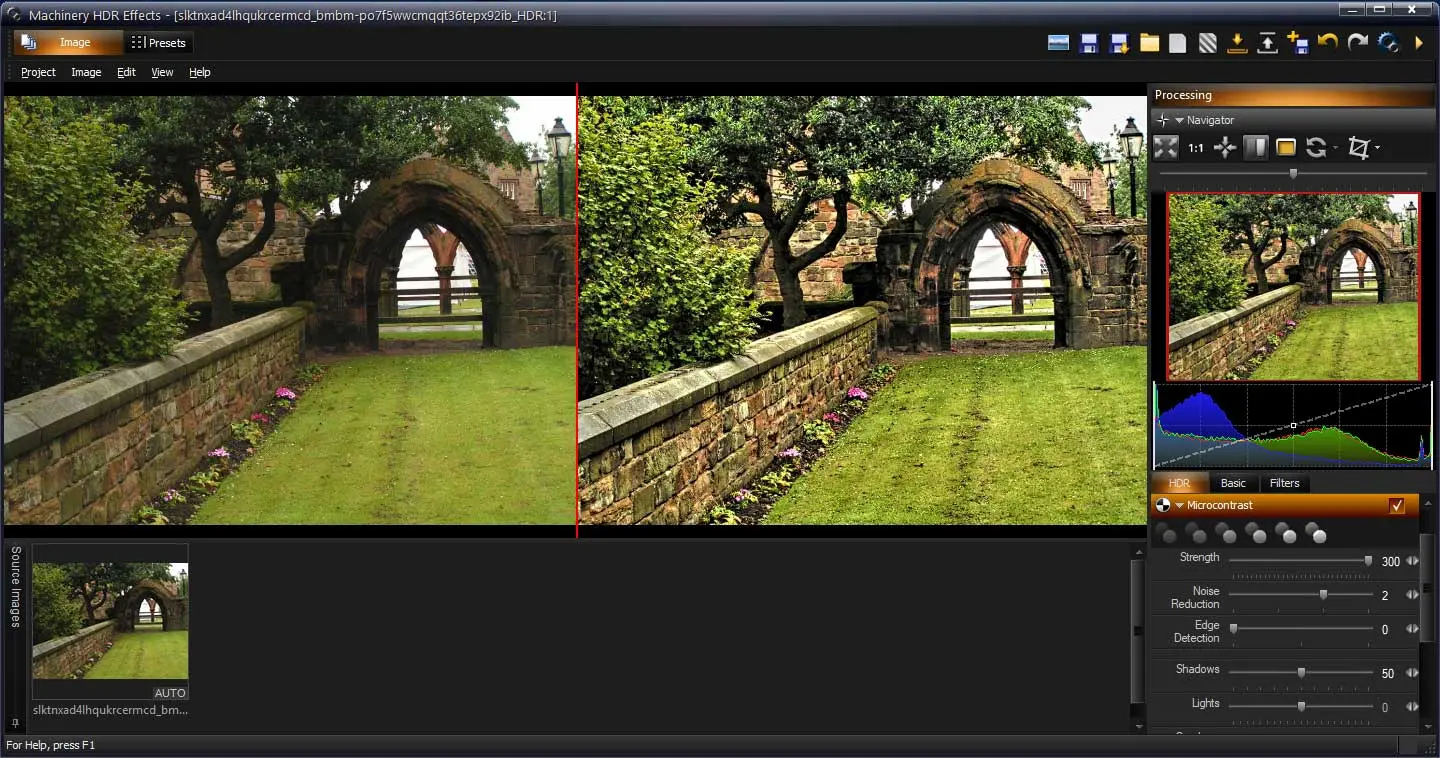
As the program itself explains, most of these effects we associate with cutting-edge photography comes from a method called high-dynamic-range imaging or HDR.
Machinery HDR Effects uses this method to deliver high-quality, stunning photographs – and you don’t even need the RAW file to do it! The program will work with a JPEG file, for example, and still, churn out the same dynamic results.
Preferred by photographers and even used by websites like Flickr, Machinery HDR Effects brings all of the essential elements of HDR photo editing into one comprehensive software package.
It is easy to use, runs exceptionally fast, and is relatively stable compared to many photo editing programs out there.
Interface Clarity, Speed, and Windows Compatibility
One concern that users might have about using or relying upon a piece of photo editing software that is not backed by a big team is that the software might not be as current as some of the cloud-based versions out there. Further, there is a concern that the software might not be as updated or maintained because it is managed by a smaller team of devs.
These concerns are a moot point as far as the program is concerned. It is frequently updated and has a massive, dedicated community of users that ensures it will be with us for a long time to come.
From updates to functionality packages to programmatic updates dealing with how the software interacts with certain file types, users won’t need to worry about whether or not they are using the best tool for the job.
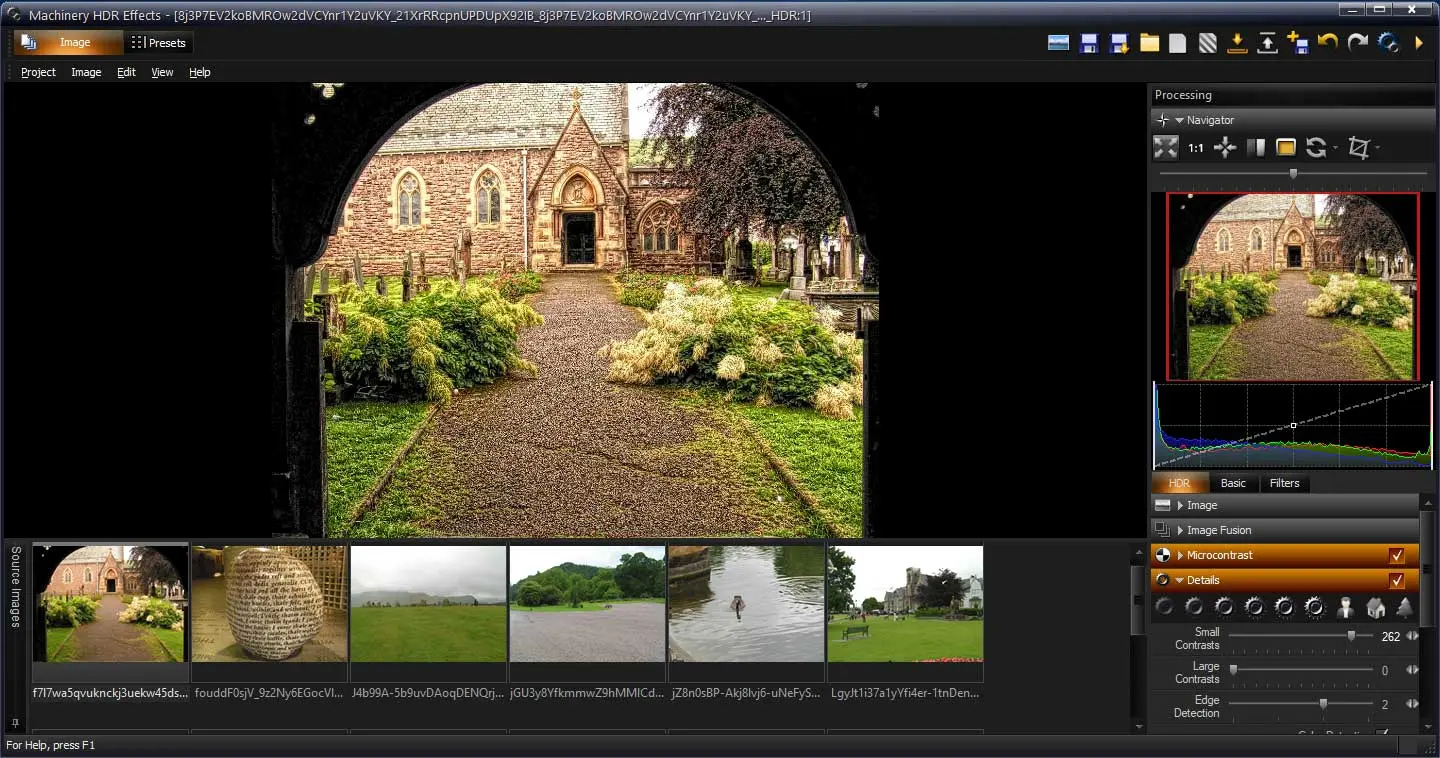
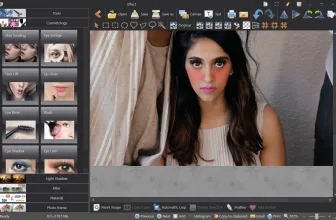
In terms of user interface and clarity, Machinery HDR Effects is a photo editing program and, thus, will be easier to use for people who are familiar with the terminology in that world. For the rest of us, there is a learning curve but, once overcome, Machinery HDR Effects transforms into an incredibly powerful tool for photo editing and post-production.
Aside from that, this is an incredibly stable program and won’t crash your system while working with a massive file. For many photographers out there, this is perhaps one of the biggest selling points for the program.
System Requirements & Key Features
Check the baseline Windows hardware specs, developer details, and license profile for Machinery HDR Effects 3.1.5 before installing.
| Specification | Minimum | Recommended |
|---|---|---|
| Operating System | Windows 7 / 8.1 / 10 (32-bit or 64-bit) | Windows 10 / 11 (64-bit) |
| Processor | 1.0 GHz Intel / AMD Dual-Core | 2.0 GHz+ Multi-Core CPU |
| Memory (RAM) | 2 GB RAM | 4 GB+ RAM |
| Free Disk Space | 20.2 MB installer + 300 MB free space | 1 GB+ SSD free space |
| Developer & License | Machinery HDR Software (demo) | Latest verified Windows build |
You may also appreciate our detailed comparison, ratings, and setup notes for Wireshark 4.6.9.
Frequently Asked Questions
What is Machinery HDR Effects 3.1.5 and what are its main features?
Machinery HDR Effects is a photo editing tool that uses high dynamic range imaging technology to alter the look of your digital photographs. H ave you ever looked at a dynamic photograph and wondered just how, exactly, they got that final product?, developed by Machinery HDR Software.
What operating systems does Machinery HDR Effects 3.1.5 support and how large is the installer?
Machinery HDR Effects 3.1.5 supports Windows XP, Windows Vista, Windows 7, and Windows 8, with a compact package size of roughly 20.2 MB. Official downloads and release information are available via machineryhdr.com.
What are the main advantages and limitations of Machinery HDR Effects 3.1.5?
You will be surprised what cool effects you can create on your own.. Overall editorial score: 9/10.