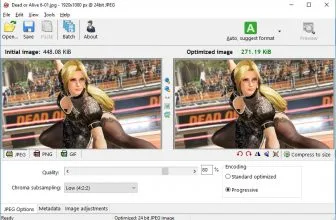
Photo Vacuum Packer is a tool designed to help you create optimized images for your photos. This is very convenient because you can save a lot of space while also making sure that your images won’t lose any detail or quality. Normally when you optimize images, they end up with the quality loss. But Photo Vacuum Packer does a very good job because it retains the same features while also keeping the image size as low as possible.
How to Download Photo Vacuum Packer
You can download the program by clicking the button below the review.
The Program Review
On top of that, the optimized images are staying intact, since your optimized images are saved in a separate folder. Everything is free of charge here, the app can be used without worries and it’s fully free too. The benefit is great since you can easily use these files for anything you want afterward. Ideally, you want to add them to your website, as it’s a very good option and you can find a really exciting experience all the time.
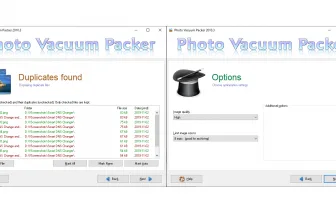
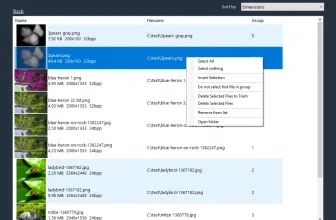
To make things even better, the app can also find duplicates for you if you want. The duplicate finding is very challenging nowadays, but Photo Vacuum Packer does a very good job of bringing you such a feature while also offering complete control. It’s the best of both worlds, and it helps keep the content interesting and appealing for you every time.
Since lots of digital cameras have non-optimally compressed images, you need to use a tool like Photo Vacuum Packer as it can bring in front some pretty nice benefits. The most important aspect here is that you can obtain smaller sized photos while also retaining all the original dimensions. Everything is completed within the app, there’s no need to worry about any problems or issues. It’s just a very professional method you can use to manage and pack images, and it’s well worth your time.
For more tested utilities in this category, see our reviews of Fotor and Slideshow XL for Windows.
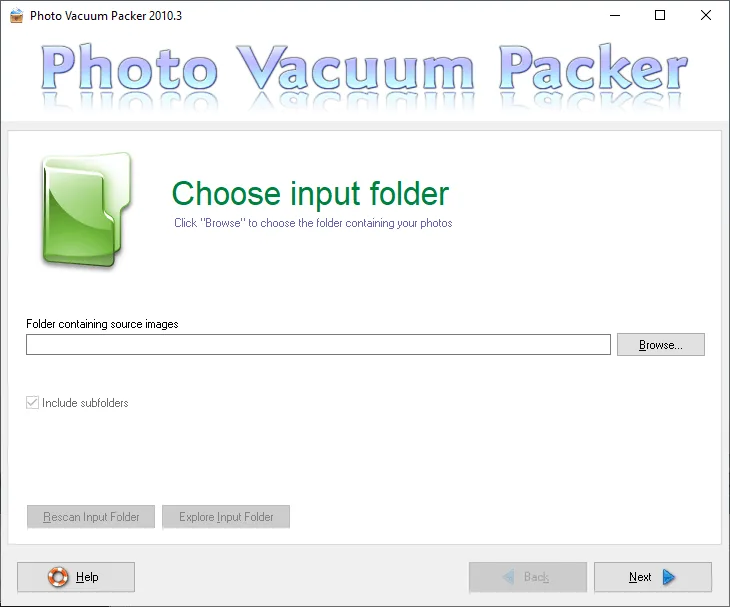


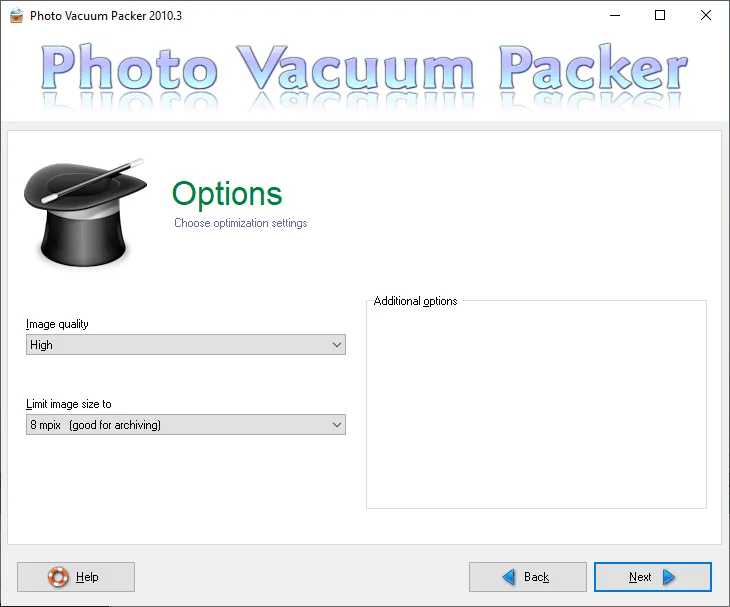
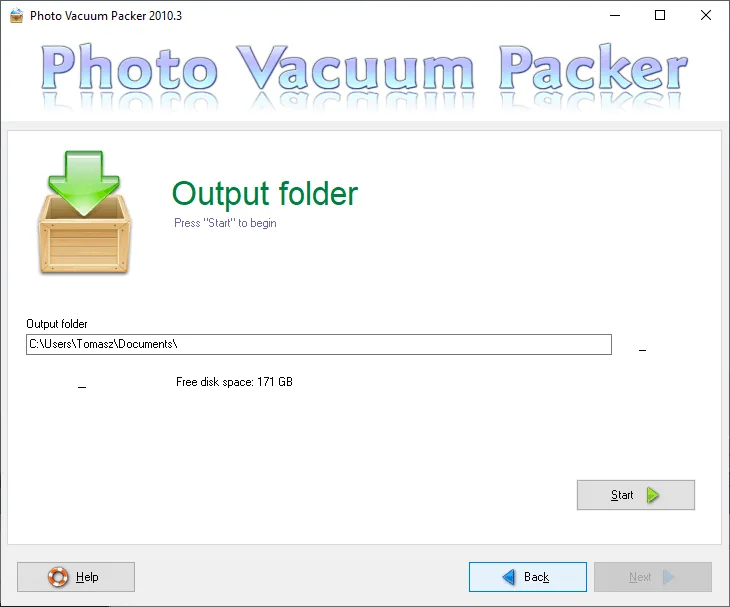

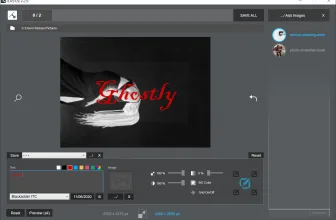
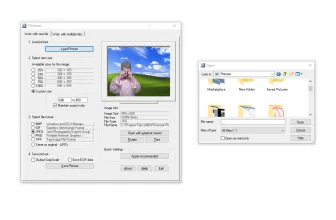
In case you want to resize images to a more reasonable resolution, then Photo Vacuum Packer can do that for you too. Resizing is optional, but it’s a very useful feature especially if you plan on using a tool like this for bath processing. It’s just a lot more dependable and reliable this way, and having so many great features in a single package is always going to be worth your time.
If needed, Photo Vacuum Packer can also help you change the format of your files whenever you want. BMP or PNG files tend to occupy a lot of space. Which means you can use this tool for fast JPEG conversion. This is definitely a helpful feature and it will offer you some great ways to manage your files without needing a lot of space.
Photo Vacuum Packer is a powerful tool for creating optimized copies of images, but it also has some amazing additional features. The ability to find duplicates, providing repacking, changing the format and resizing images comes in handy all the time. If you’re looking for a fast and dependable app for image compression, give Photo Vacuum Packer a try and you will find it amazing!
Frequently Asked Questions
How can I download and play Photo Vacuum Packer 2010.3 on PC?
Use the green button on this page to access the official store and download page for Photo Vacuum Packer 2010.3.
What are the PC system requirements for Photo Vacuum Packer 2010.3?
Refer to our technical specification box and review analysis on this page for platform support, performance notes, and hardware requirements for Photo Vacuum Packer 2010.3.
How is the gameplay in Photo Vacuum Packer 2010.3?
Our editorial review above evaluates Photo Vacuum Packer 2010.3 across gameplay mechanics, graphics, audio design, and replayability, complete with a full Pros and Cons breakdown.
Does Photo Vacuum Packer 2010.3 support controllers and widescreen displays?
Modern PC releases of Photo Vacuum Packer 2010.3 include configurable display settings and standard input options as detailed in the official release notes.