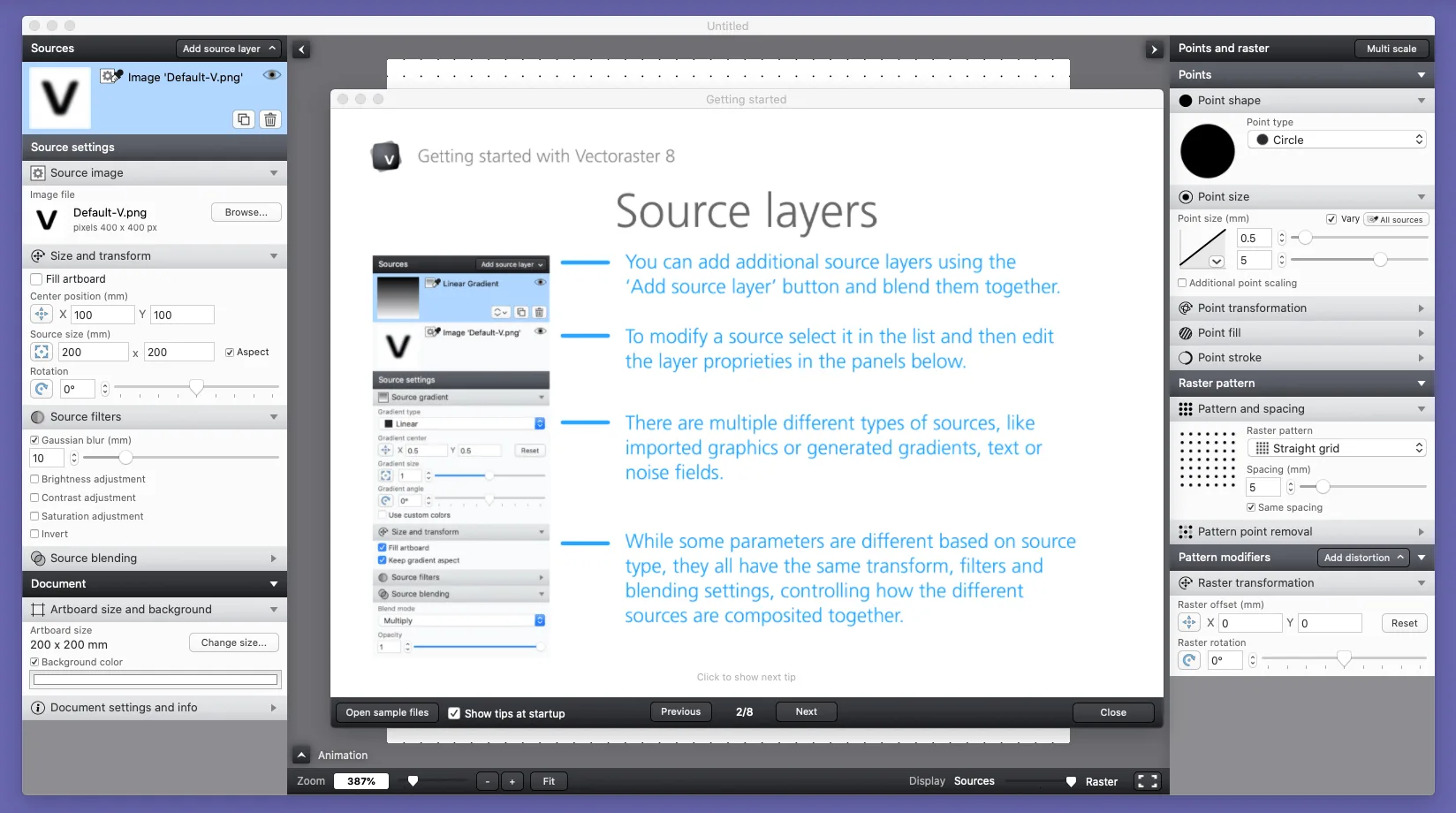
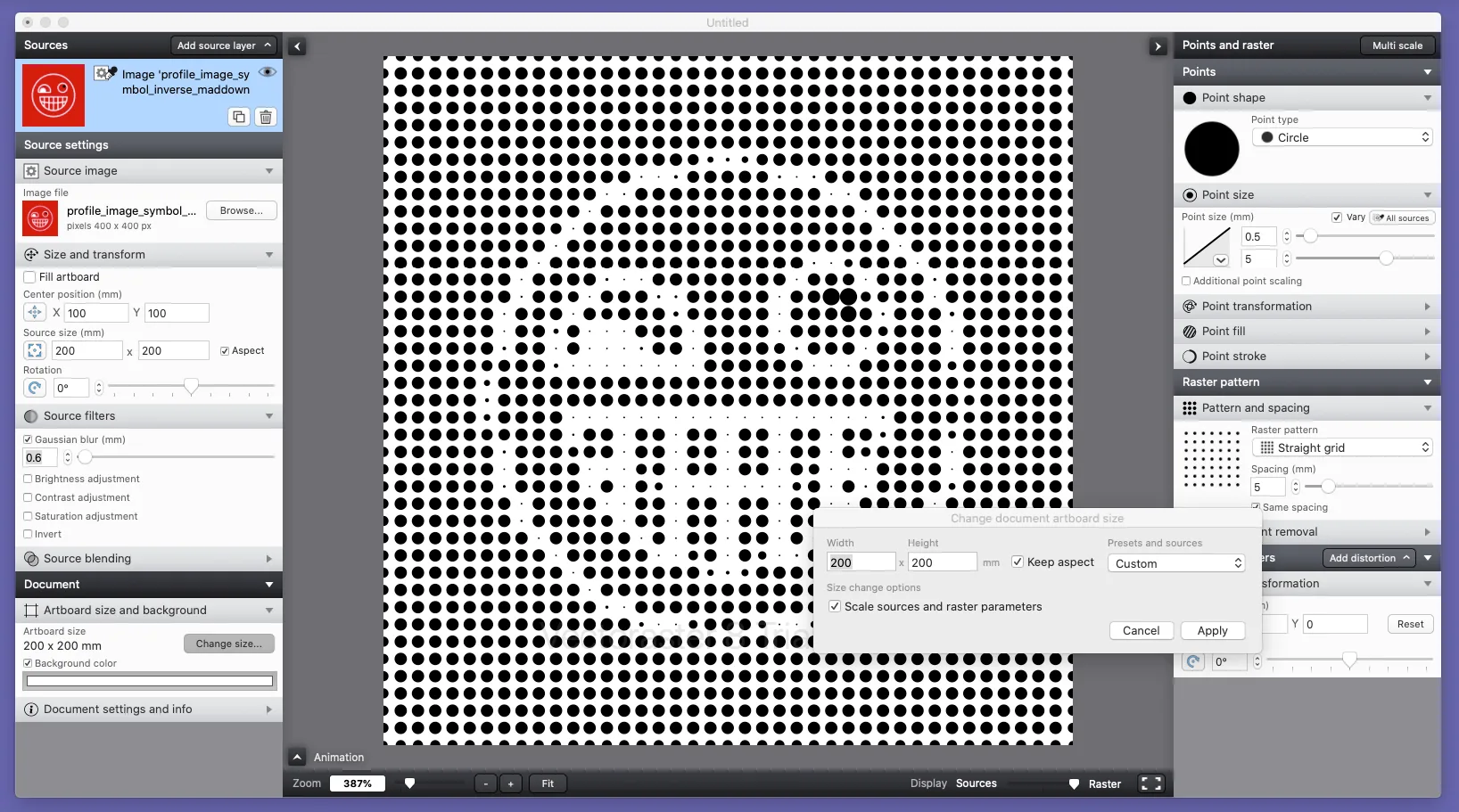
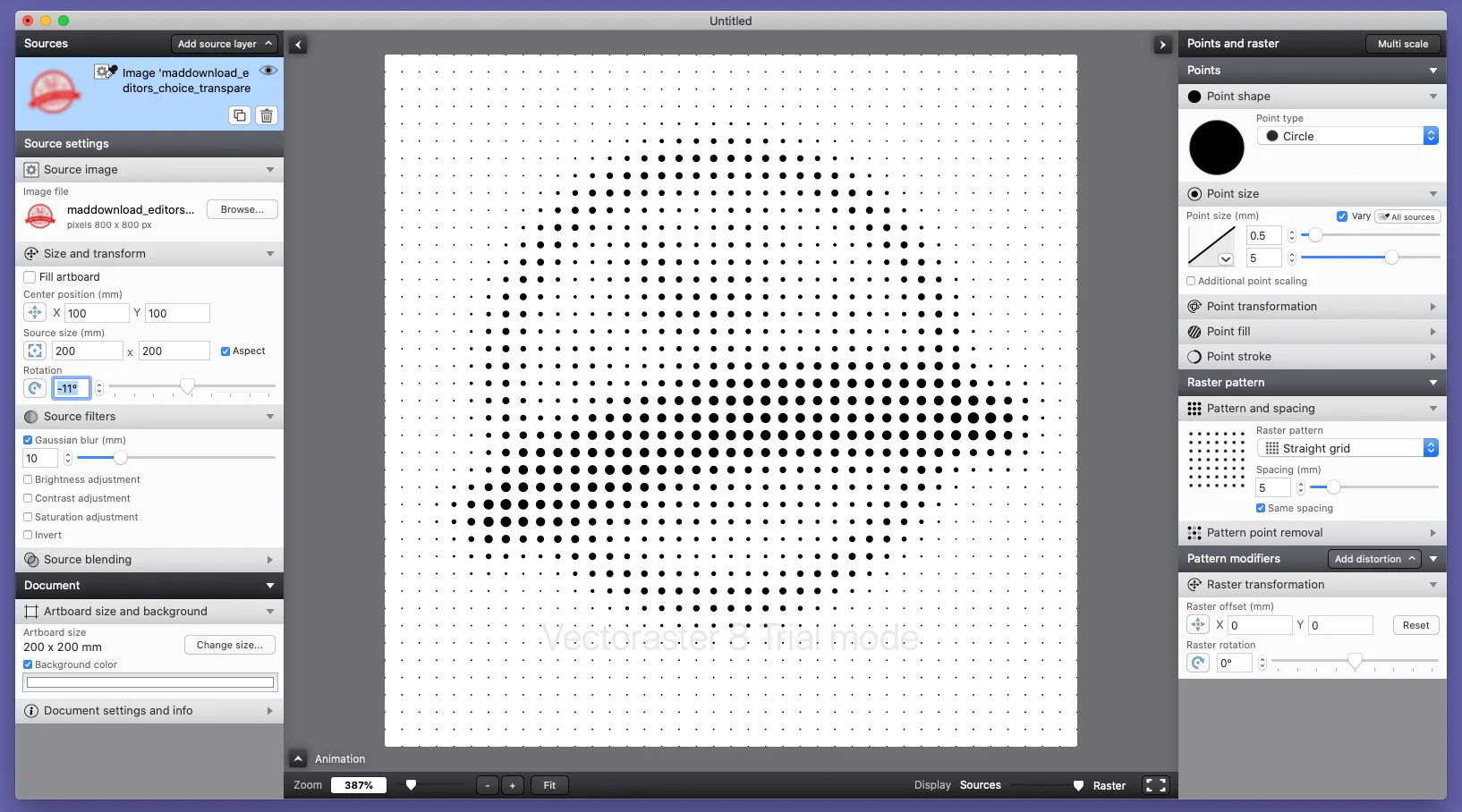
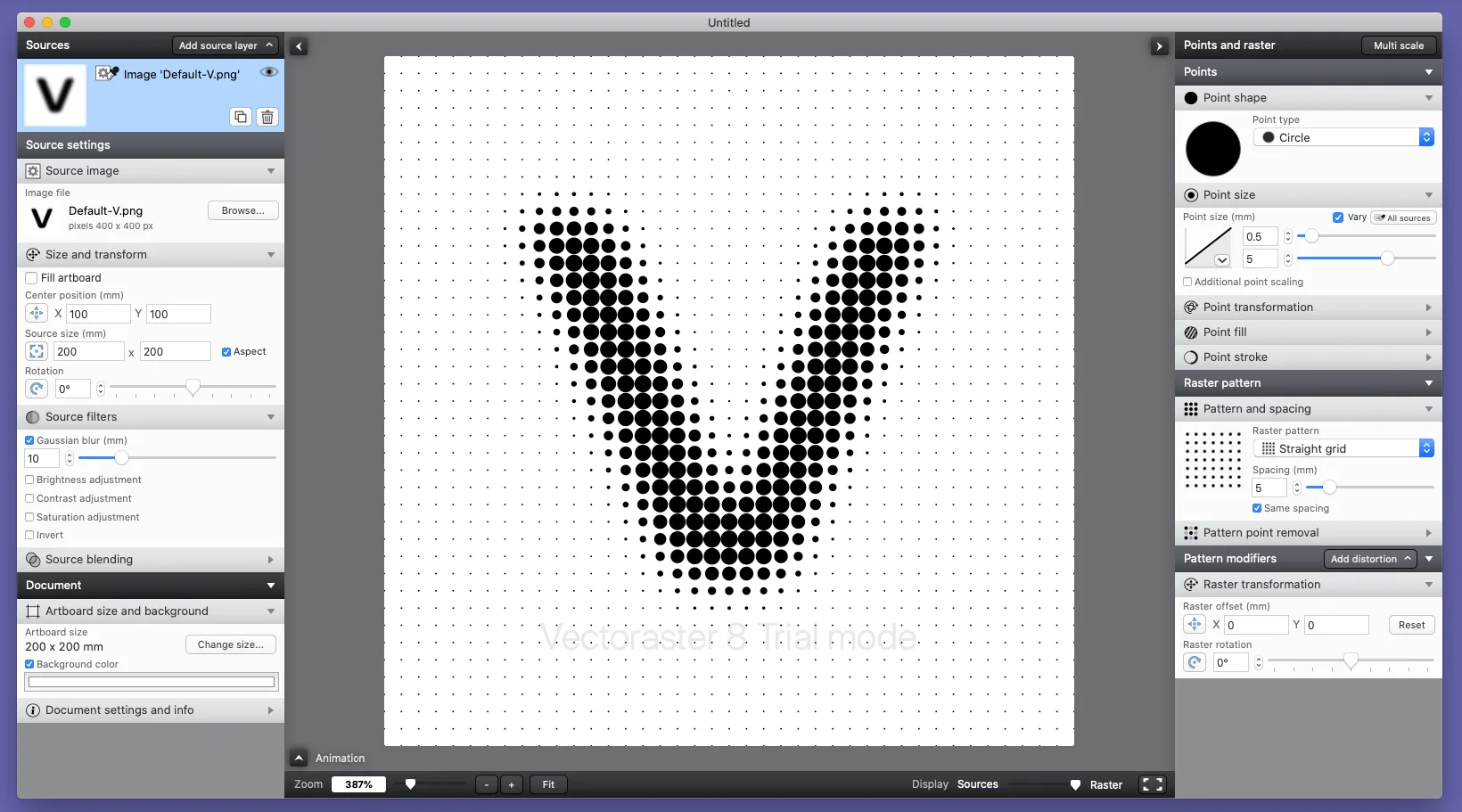
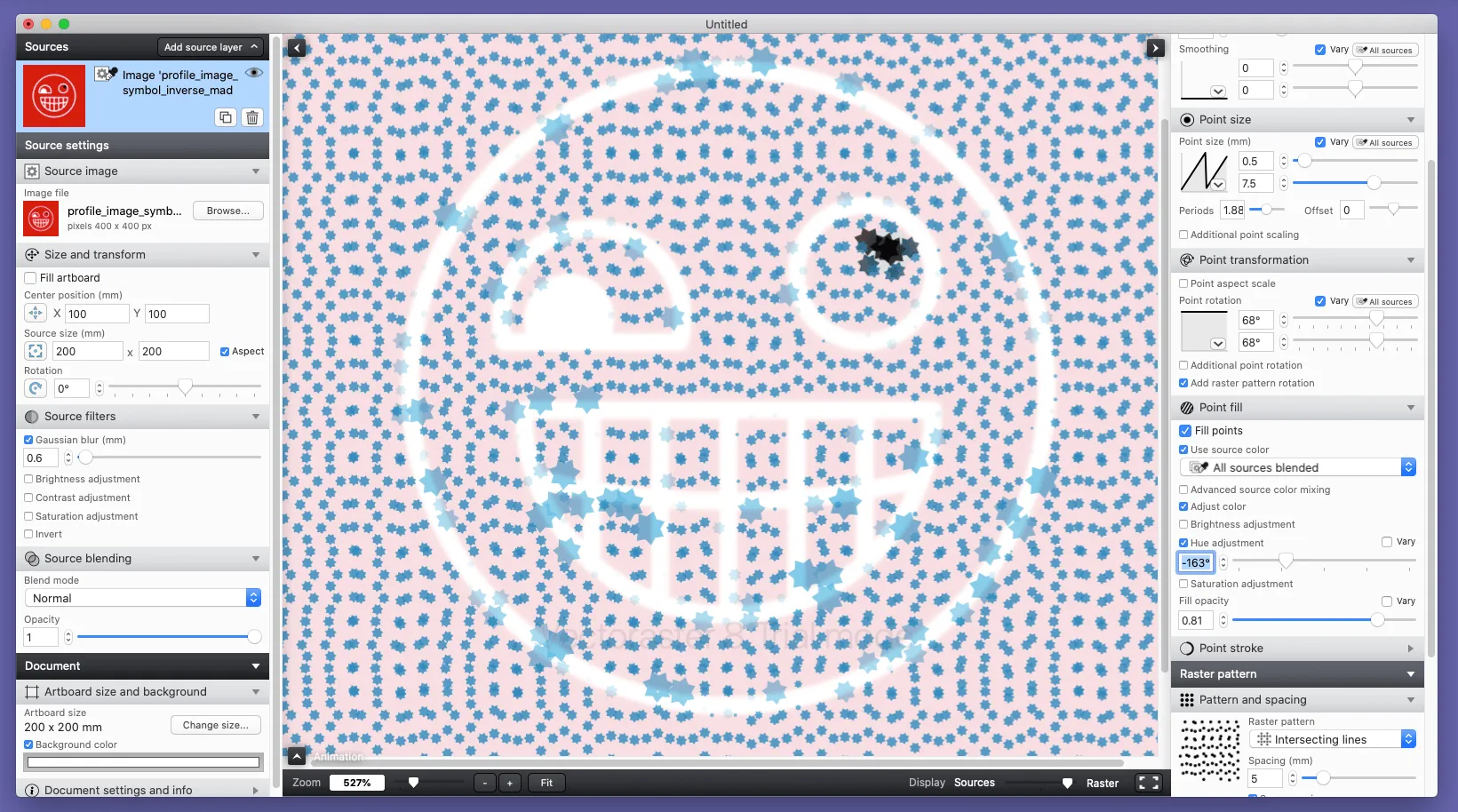
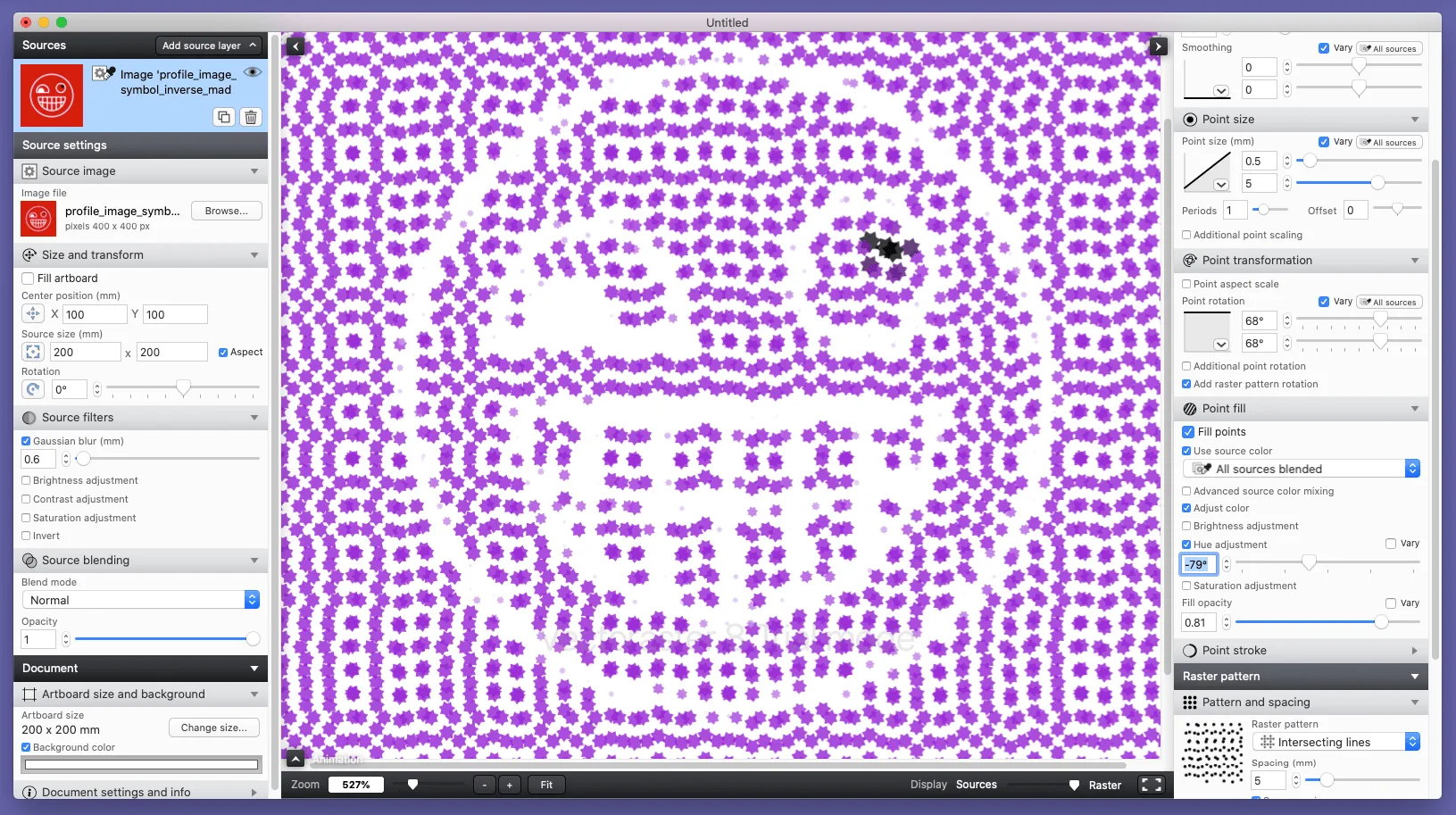
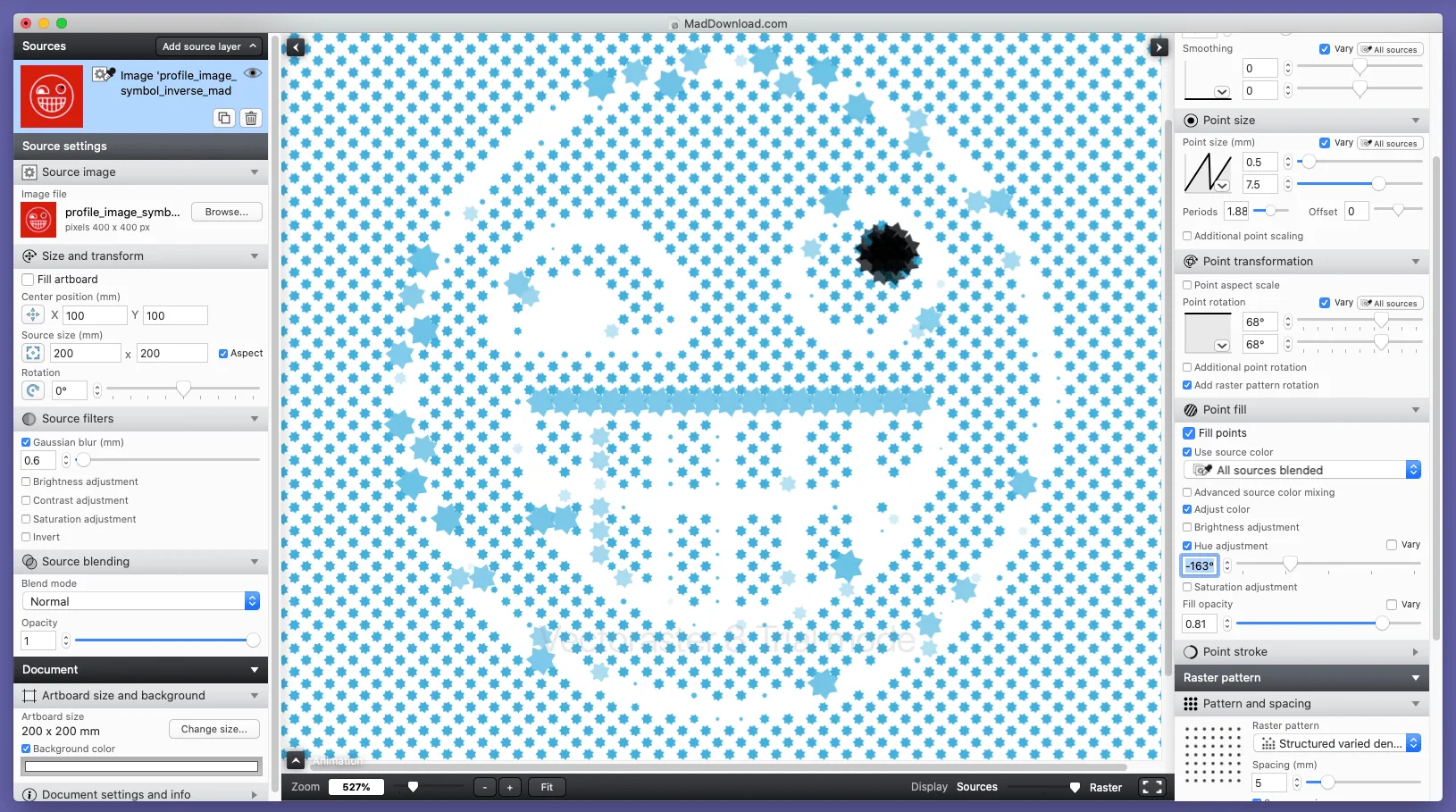
Efficiency need not come with compromise. Perhaps that’s what makes Vectoraster so compelling as a piece of software. If you need to create custom vector halftones and animations (and you have a Mac running OS 10.13 or later), then Vectoraster 8 might what you seek.
Vectoraster is a graphics design solution that can use imported images to create vector halftones or animated raster effects. It can also work with dynamic elements such as gradients or text. Developed by Lost Minds, Vectoraster joins the firm’s other utilitarian software like Patternodes and other apps on iOS.
How to Download Vectoraster
To download Vecrorater, you need to click on the Download button below this review.
The Program Review
Starting out as shareware game developers, Lost Minds might be far from where they started but their intuition for making software usable and accessible to a wide variety of audiences (as with game design) has not dissipated. Perhaps that is why, among all of its features, Vectoraster’s speed and ease-of-use continued to impress throughout.
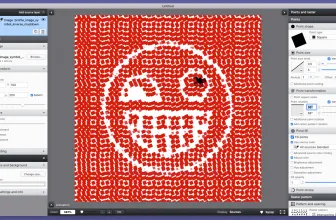
Halftone patterns can be created according to the user’s preferences with output displayed in realtime and export options including EPS or PDF to JPEG, PNG or TIFF in image formatting.
You can also copy it to your clipboard and paste it into most graphics software apps. In an upgrade over previous versions, Vectoraster 8 gives users the option to animate effects for transitions, video backgrounds, and other effects. As far as point shape types go, this app has everything from circles and polygonal designs to font characters.
One thing that end-users like to see in their software is a bevy of options and micro-level control over the final output. In this regard, Vectoraster 8 does not disappoint.
The user has very specific control functions over nearly every aspect of the point shape types. Creating patterns is easy with multiple distortions, randomizations, waves, and twists easy to implement if desired. Changes are quickly implemented and the app responds to new user inputs with little delay. The real-time responsiveness is a key player in making this happen and we can’t live without it.
You can animate your pattern, source, or raster point using a keyframe-based timeline interface. As mentioned above, the copy-and-paste function makes transferring data quick and easy and there are more than a few options in this regard. Of all of this software’s positive points, its ability to handle workloads efficiently and speedily has impressed us from beginning to end.
Outside of exporting to various file types, you can also generate a CSV file for upload to a CAD program. For animations, Quicktime MOV and MPEG4 are common output options; the user can also export a series of still image files. Again, the options you have with regard to the final product makes this an indispensable piece of kit for professionals that need to work fast and across a variety of formats.
Making custom vector halftones or animated raster effects from imported images or out of dynamic elements could not be any easier than it is with the Vectoraster 8. Graphic designers that need a competent, robust solution in this area should give it a thorough review and see how this app from Lost Minds can help augment their current productivity suite of software.
Frequently Asked Questions
How can I download and play Vectoraster 8.4.2 (2022-05-18) on PC?
Use the green button on this page to access the official store and download page for Vectoraster 8.4.2 (2022-05-18).
What are the PC system requirements for Vectoraster 8.4.2 (2022-05-18)?
Refer to our technical specification box and review analysis on this page for platform support, performance notes, and hardware requirements for Vectoraster 8.4.2 (2022-05-18).
How is the gameplay in Vectoraster 8.4.2 (2022-05-18)?
Our editorial review above evaluates Vectoraster 8.4.2 (2022-05-18) across gameplay mechanics, graphics, audio design, and replayability, complete with a full Pros and Cons breakdown.
Does Vectoraster 8.4.2 (2022-05-18) support controllers and widescreen displays?
Modern PC releases of Vectoraster 8.4.2 (2022-05-18) include configurable display settings and standard input options as detailed in the official release notes.