The prevalence of digital media in everyday life is quite overwhelming. This becomes even more pronounced when you consider just how many different cohorts have to master it: Photographers, videographers, influencers, streamers, and even just regular people that want to make a cool blog or vlog post. Not all video conversion software is created equally, and Apeaksoft Video Converter Ultimate demonstrates this quite clearly. It is not only one of the most capable pieces of kit in this regard, but also it is one of the easiest to use.
How to Download Apeaksoft Video Converter Ultimate
To download the program, click on the Download button below. Check out also another program by Apeaksoft – Apeaksoft Android Data Recovery
The Program Review
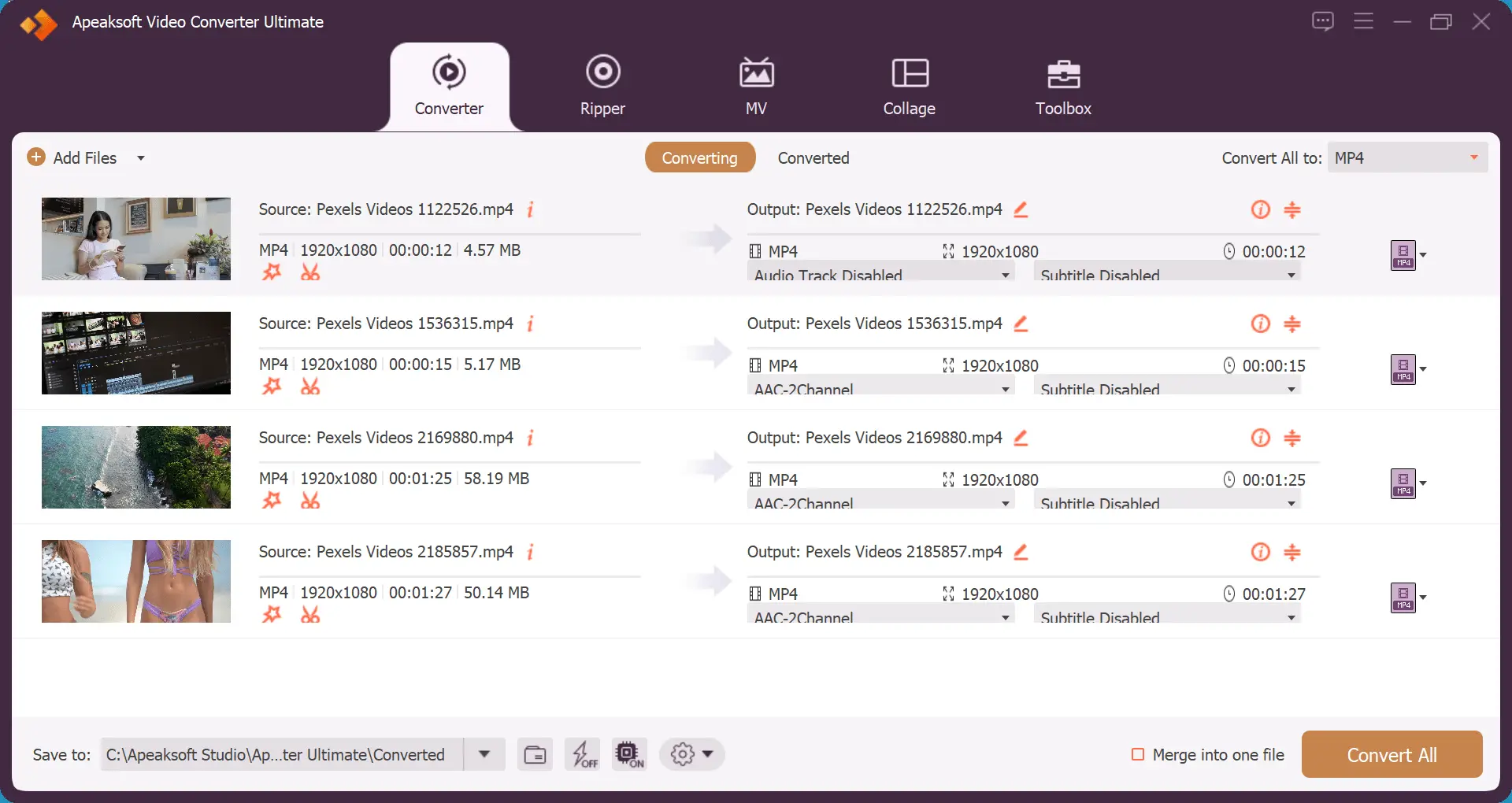
Loaded with powerful features that will appeal to both the novice and the professional, Apeaksoft Video Converter Ultimate presents a great overall package for digital media creators that need to efficiently convert between digital video formats and even from physical media such as DVDs. We’ll review some of the major features of Apeaksoft Video Converter Ultimate and tell you why we think you should add it to your workflow for video conversion.
Core Features and Workflow in Apeaksoft Video Converter Ultimate
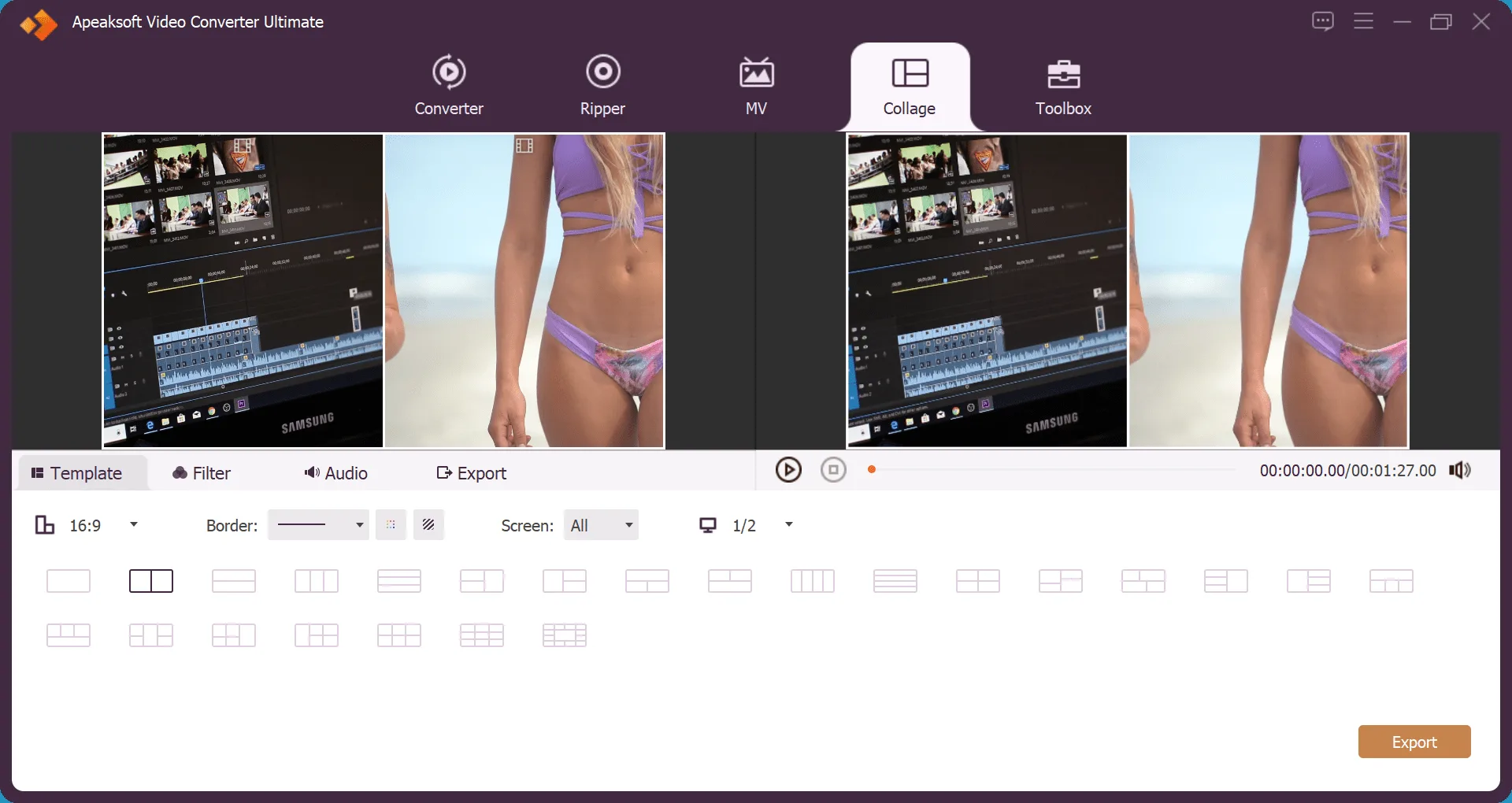
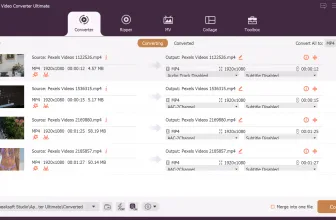
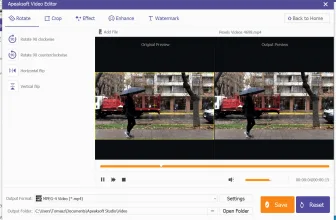
Broadly, the software helps you convert videos and audio from DVDs in over 1000 different formats with options like mirroring, clipping, merging, cropping, filtering, adding a watermark, and other effects. You can also create 3D videos, GIFs, compress the video for a smaller file footprint, and edit the ID3 tag.
It works on video files in input and output and whether the files are from smartphones like iOS or Android, a USB drive, or other external hard drives. The audio/video formats supported by Apeaksoft Video Converter Ultimate include MP4, MOV, MTS, M2TS, MKV, FLV, 3GP, SWF, AVI, WMV, MP3, FLAC, WMA, OGG, AAC, AIFF, M4R, DVD, and many others.
You can also convert videos from popular websites like Facebook, YouTube, or other sources. Further, you can take video and convert it into a file format appropriate for specific devices such as a Samsung Galaxy, Apple iPhone, Microsoft Xbox, or smart television.
Video Converter Ultimate is particularly strong when it comes to converting file formats from DVD into others. You can rip DVD files to MP4, AVI, WMV, 3GP, FLV MOV, MP3, WMA, FLAC, AIFF, OGG, and WAV file formats.
Performance, Usability, and Final Verdict
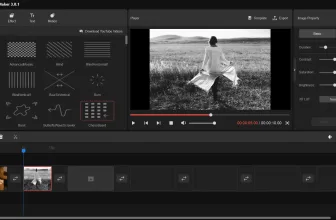
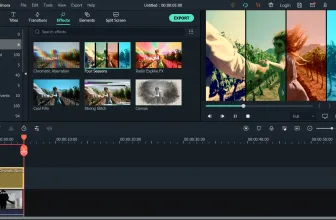
Beyond these core functions, Video Converter Ultimate also has a range of light editing capabilities that lets you create the file output you desire. You can set parameters, adjust settings, and add your own branding in the form of a watermark. In this regard, Video Converter Ultimate is a powerful creation tool for digital media specialists. As we mentioned earlier in the article, among the many file options available is a GIF.
Creating these is simple and this feature alone is sure to prove powerful and essential to digital media specialists.
Frequently updated with robust features and an easy-to-use interface, Video Converter Ultimate is certainly setting high standards for the competition out there. Competitively priced and accessible enough to most from a usability standpoint, Video Converter Ultimate is one of those productivity-enhancing tools that users will wonder how they lived without once they’ve integrated it into their workflow. If you are building a clean Windows toolkit, you may also appreciate Microsoft Excel 2007 with our compatibility and setup overview.
System Requirements & Key Features
Check the baseline Windows hardware specs, developer details, and compatibility profile for Apeaksoft Video Converter Ultimate before installing.
| Specification | Minimum | Recommended |
|---|---|---|
| Operating System | Windows 7 / 8.1 / 10 (32-bit or 64-bit) | Windows 10 / 11 (64-bit) |
| Processor | 1.0 GHz Intel / AMD Dual-Core | 2.0 GHz+ Multi-Core CPU |
| Memory (RAM) | 2 GB RAM | 4 GB+ RAM |
| Free Disk Space | 1.68 MB installer + 300 MB free space | 1 GB+ SSD free space |
| Developer & License | Apeaksoft Studio (trial) | Latest verified Windows build |
Frequently Asked Questions
What is Apeaksoft Video Converter Ultimate and what are its main features?
Apeaksoft Video Converter Ultimate lets you convert your video files to a plethora of different formats. Download it now and be able to play your video on any device or system. The prevalence of digital media in everyday life is quite overwhelming, developed by Apeaksoft Studio.
Which platforms support Apeaksoft Video Converter Ultimate and how is it licensed?
Apeaksoft Video Converter Ultimate supports Windows 7, Windows 8, Windows 8.1, and Windows 10, with an installer package around 1.68 MB available as shareware / free trial. Official downloads and release information are available via apeaksoft.com and Amazon.
What are the main advantages and limitations of Apeaksoft Video Converter Ultimate?
Not all video conversion software is created equally, and Apeaksoft Video Converter Ultimate demonstrates this quite clearly. Overall editorial score: 9/10.