Let’s face it: There’s no shortage of video editing software out there. That doesn’t mean that they’re all equal in terms of performance. In fact, more often than not, a lot of the stuff out there barely gets the job done. After all, no one wants lifeless, straightforward, boring clips stringed together in a “video” format but that’s what most of them do.
How to Download Apeaksoft Video Editor
To download the program, click on the Download button below. Check out also other Apeaksoft programs that we have reviewed: Apeaksoft Video Converter Ultimate and Apeaksoft Android Data Recovery.
The Program Review
Apeaksoft Video Editor is a cut above the rest and one of the most capable video editing programs we’ve ever used. If you think we like it now, wait until you let us actually tell you a little bit more about it. Bottom line, Apeaksoft Video Editor is made for the modern smartphone/tablet age and the fact that it works so well with cross-platform materials is a strong plus in its column.
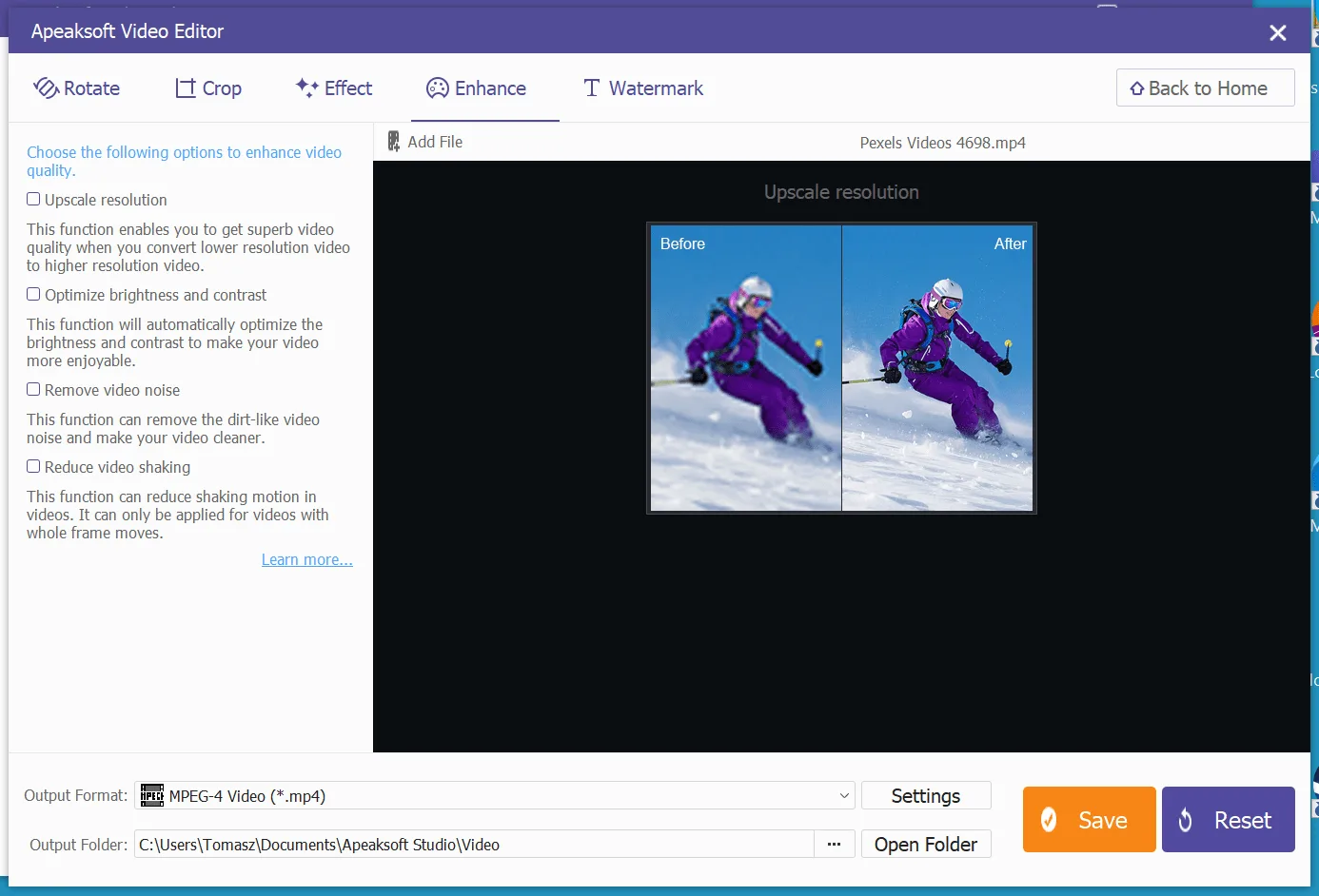
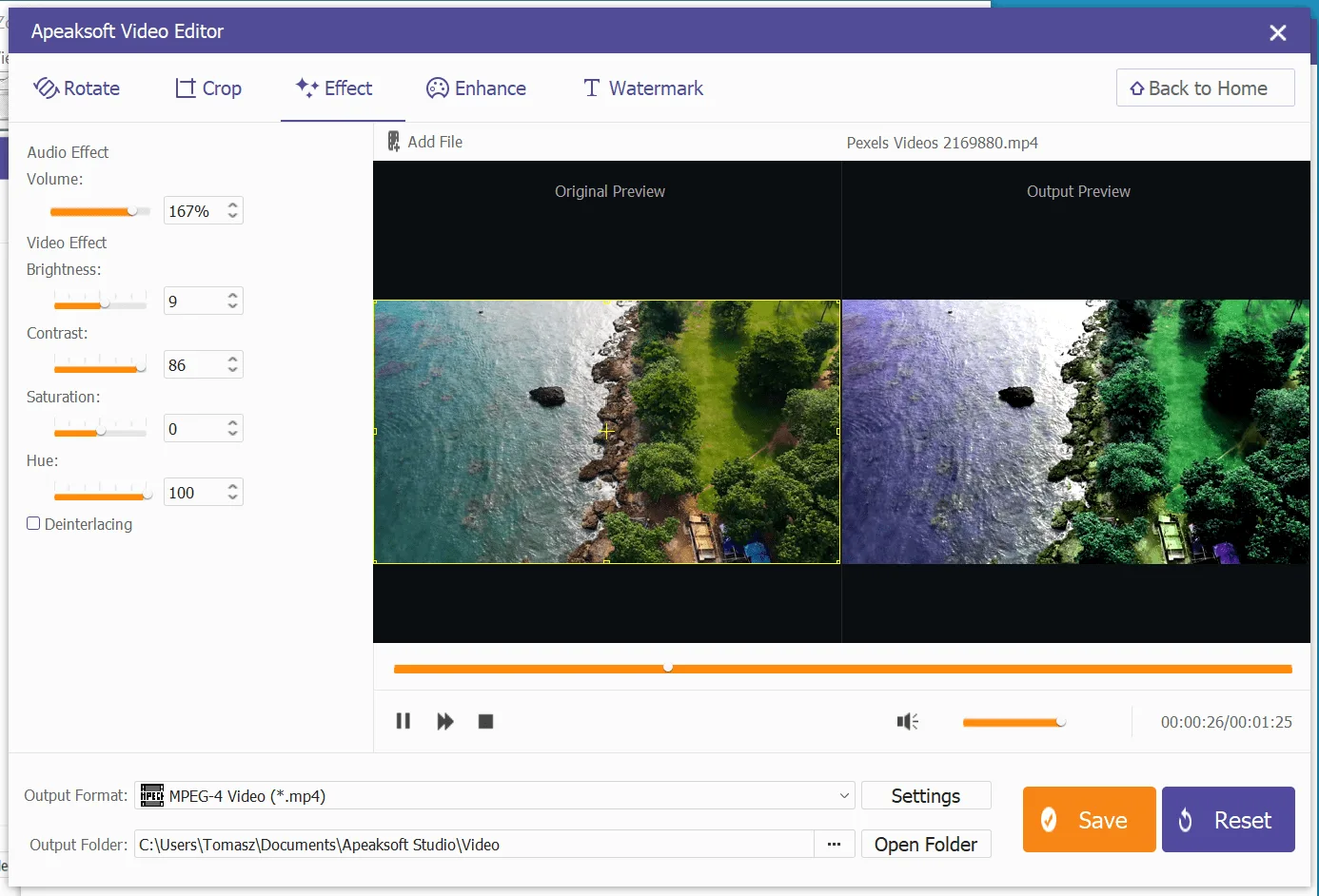
The topline features are what you’d expect, video editing and output with file formats compatible with smartphones, tablets, and even game consoles. You’ve got options to handle things like resolution, brightness, contrast, and even reducing video shaking in a clip.
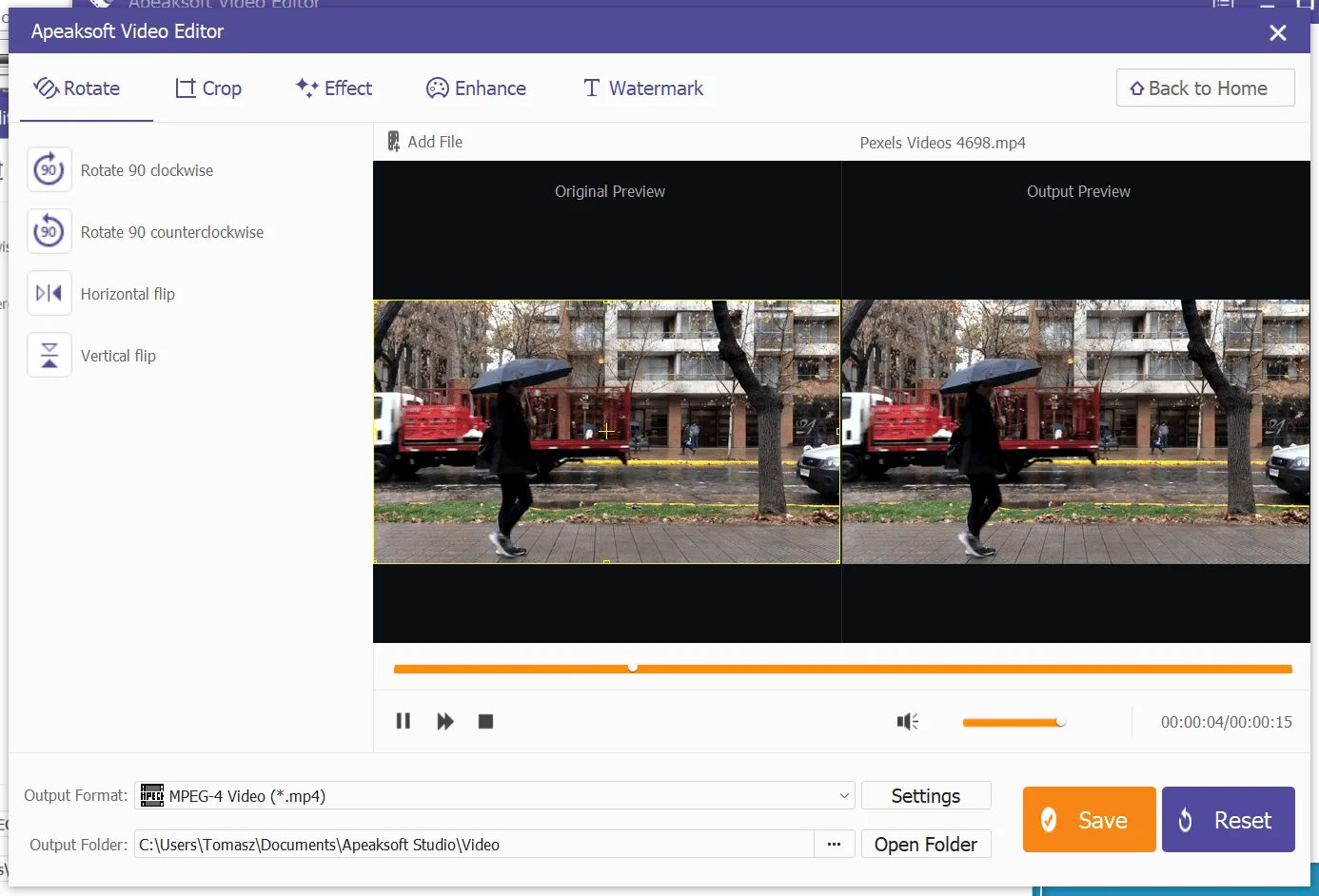
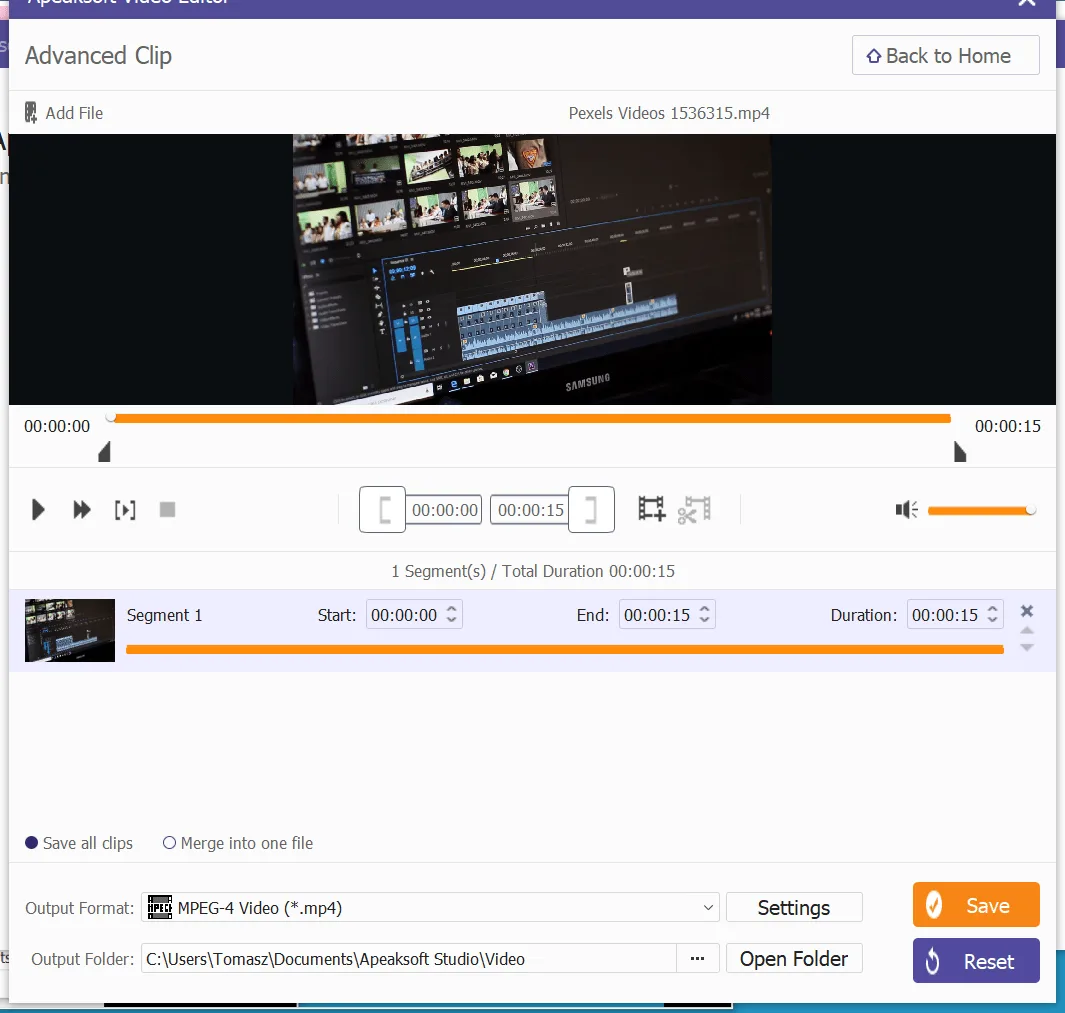
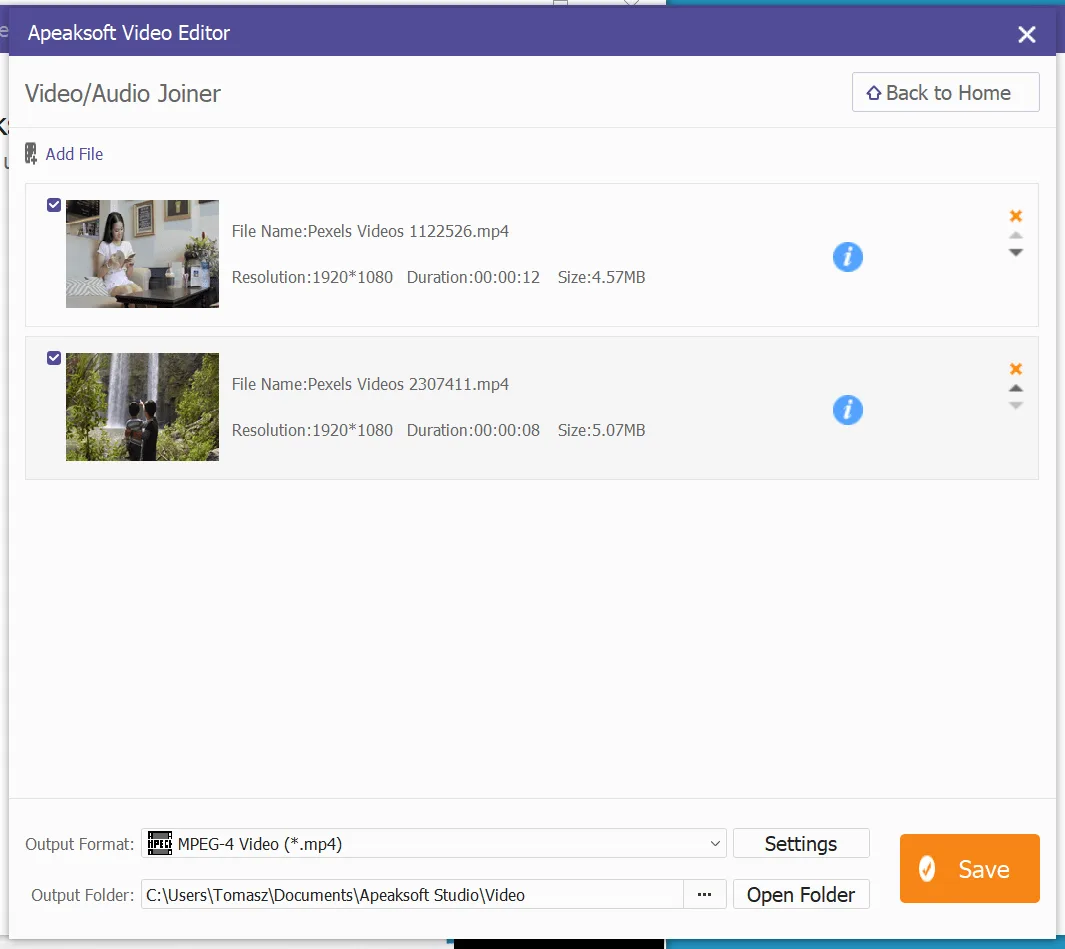
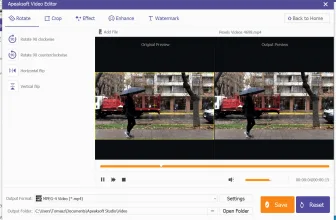
Billing itself as a productivity center superior to most of the major video editing software out there, Apeaksoft Video Editor offers efficient rotating, clipping, cropping, joining videos together, adding watermarks, and adding other video effects.
One feature of particular interest to people who work with media across multiple formats is the fast and robust video file conversion feature that the software has. You can quickly move between different file formats to help make your workflow that much more effective in terms of time management.
Output is fast, quality, and, best of all, reliable. For people who want to create dynamic content but don’t want to pay Hollywood-level prices in terms of software licenses or equipment, the value here is both apparent and immediate.
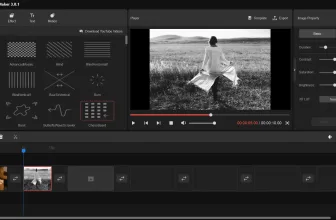
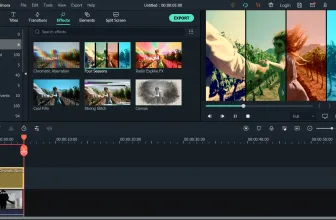
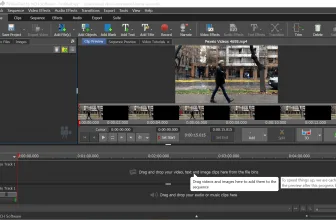
Of course, none of this would really matter if it was buried under menu after menu of esoteric options. You don’t have that here. Instead, you get a clean user interface that is almost web-like in its presentation.
In other words, people who are familiar with web-based editing apps, smartphone apps, or any of the more modern tools out there will feel right at home with Apeaksoft Video Editor. Rather than cramming every feature into tiny little expandable menus, this program makes exploration and experimentation and a guilt-free way of learning how to get the most out of the software without doing something that can’t be easily undone.
For editors that are just tired of navigating a bunch of nonsense to get something simple accomplished, this is a breath of fresh air. Yet, it also seems like this program is aware of its competition out there in ways that older names aren’t. For example, the app and web-style interface isn’t an accident – it realizes that smartphones and tablets have some very powerful, very focused options out there.
The great thing about this video editor is that it has all of that in one package and we think it’s something you should consider adding to your video editing workflow. If you are building a clean Windows toolkit, you may also appreciate Hybrid 2026.10.09.1 with our compatibility and setup overview.
Frequently Asked Questions
Where can I watch or download Apeaksoft Video Editor officially?
You can check official streaming and digital download platforms for Apeaksoft Video Editor via the Where to Watch button on our page.
What is Apeaksoft Video Editor about?
Apeaksoft Video Editor is a featured title reviewed in detail on MadDownload, covering story, cast, and production highlights.
Is Apeaksoft Video Editor worth watching?
Yes, our full review covers the plot pacing, performances, and visual highlights that make Apeaksoft Video Editor stand out.
Can I watch Apeaksoft Video Editor in HD or 4K with subtitles?
Yes, official digital platforms typically offer Apeaksoft Video Editor in HD or 4K resolution with English audio and subtitle options.