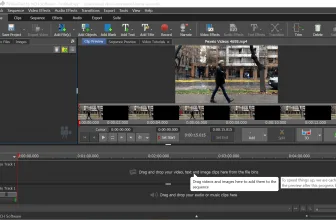
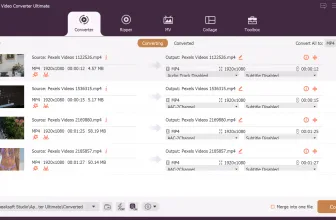
DVD Converter is a reliable app that helps to convert DVDs into AVI, iPhone, Xbox, and many more. It provides good quality results with fast conversions, which means you can convert your DVDs really fast.
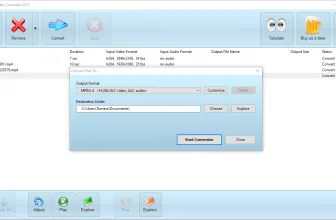
The interface is simple and manageable, which means you don’t have to struggle a lot while using it. You can find all the necessary options on the panel and can use them according to your requirements. In terms of converting DVDs, make sure not to upload any corrupt file; otherwise, it won’t convert your data.
This tool has been created by VSO Software and is ideal for beginners too. Below are some essential details about this application.
How to Download DVD Converter
To download the program, click on the Download button below.
The Program Review
You can find various DVD programs online which help to convert DVDs into different formats. However, choosing the right app is important because, in this way, you can easily convert the disc’s content into different documents.
Core Features and Workflow in DVD Converter 4.0.0.102
For more tested utilities in this category, see our reviews of Hybrid 2026.10.09.1 and FaceRig for Windows.
But some of these programs can be hard to understand, or some contain malware. Therefore, it’s essential to choose an application that is free from any spam and is 100% safe.
In case you are looking for secure software that can help to convert your DVDs content into a specific format, we have the same tool for you. DVD Converter helps to convert particular content in various formats without disturbing the quality.
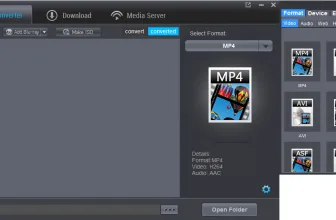
You can also call it a DVD ripper as it converts DVD to different formats, including AVI, KKV, PS3, and more. You can also create your own profile by adjusting the settings. In addition, it’s compatible with numerous devices, which will make your work easier.
In addition, it also allows you to copy data from one DVD to another. Besides, you can also edit audio files and use it for copying audio data.
The Features of DVD Converter
The essential key features of this software are mentioned below.
ISO Images
You can easily create ISO images using this application. This process will help you to use the file anywhere you want.
Profiles
You can create your own profile and can adjust it according to your requirements. You can see this option on the dashboard. However, to do that, you first have to adjust your custom settings.
Video Editor
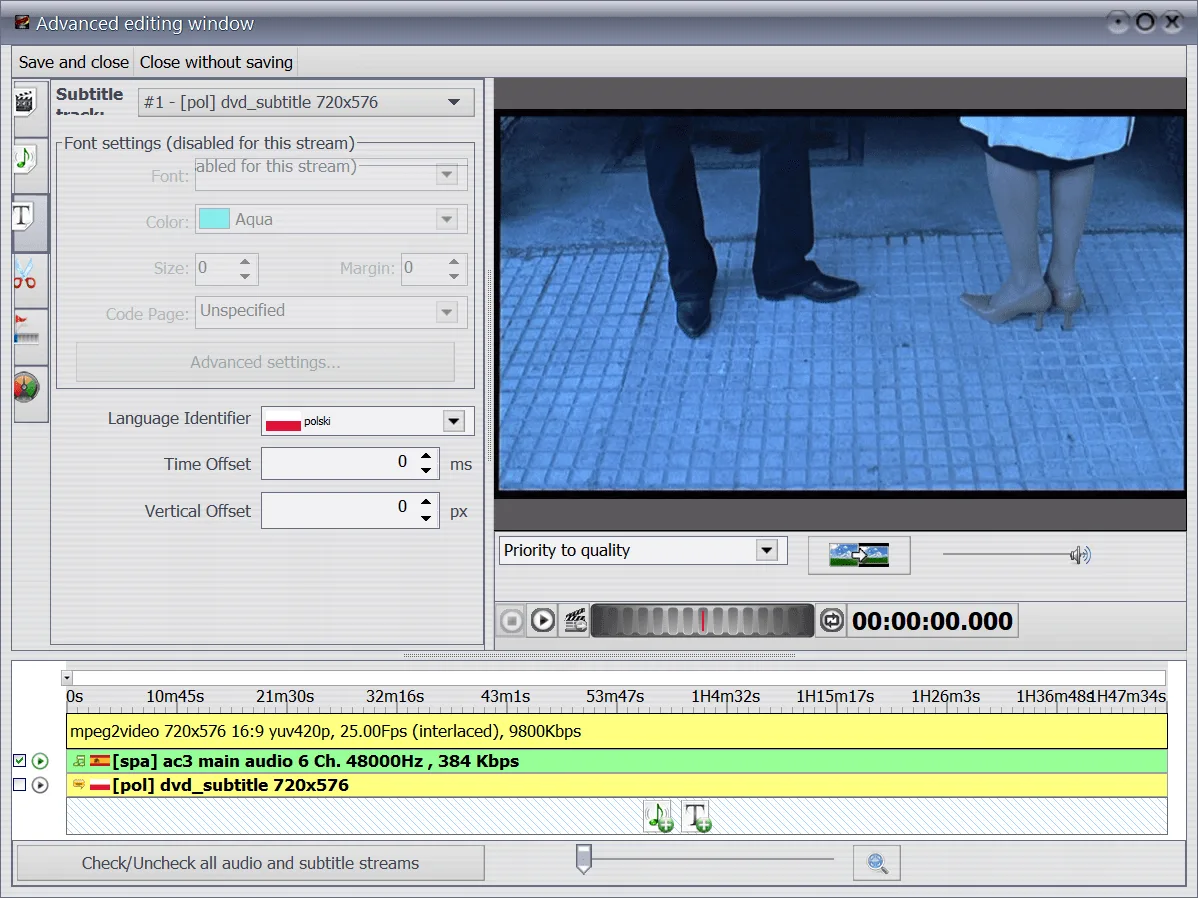
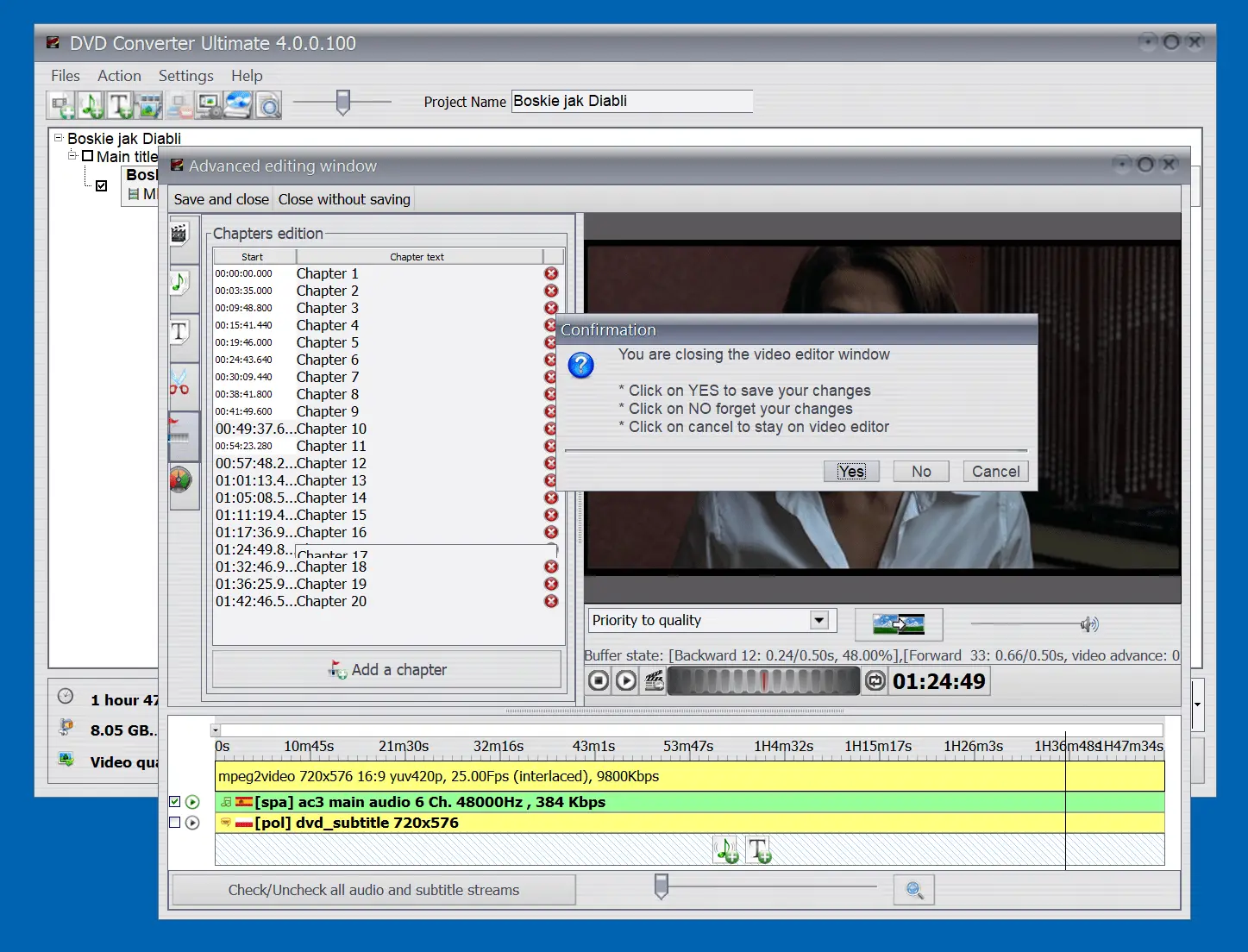
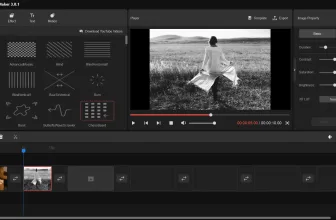
It consists of the same features as a video editor. You can remove the unwanted data, and can edit the subtitles too.
Fast Conversion Rate
It has a fast conversion rate, which means you can easily convert the files in no time. So, if you are looking for a fast process, this one is the right choice for you.
Data Display
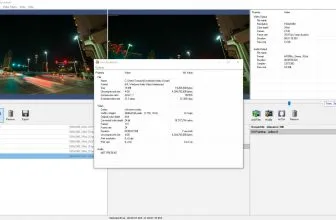
You don’t have to get confused as you can see all the details on the dashboard. It displays data in the right manner, so you can view things effortlessly.
Straightforward Interface
It has a simple and easy-to-use interface, which means non-technical users can use it easily.
Support for Different Formats
It provides support for different formats, including AVI, MP2, MP3, Ogg, AAC, and much more.
Final Verdict
Whether you want to convert DVD content or want to copy data from one file to another, this app helps to perform all the functions. It’s 100% secure and can be good for people who are looking for fast conversion tools.
The screenshot gallery uses pictures from a DVD of the great fantasy comedy Don’t Tempt Me (2001).
System Requirements & Key Features
Check the baseline Windows hardware specs, developer details, and compatibility profile for DVD Converter 4.0.0.102 before installing.
| Specification | Minimum | Recommended |
|---|---|---|
| Operating System | Windows 7 / 8.1 / 10 (32-bit or 64-bit) | Windows 10 / 11 (64-bit) |
| Processor | 1.0 GHz Intel / AMD Dual-Core | 2.0 GHz+ Multi-Core CPU |
| Memory (RAM) | 2 GB RAM | 4 GB+ RAM |
| Free Disk Space | 54 MB installer + 300 MB free space | 1 GB+ SSD free space |
| Developer & License | VSO Software (trial) | Latest verified Windows build |
Frequently Asked Questions
What is DVD Converter 4.0.0.102 and what are its main features?
DVD Converter is a tool that will convert DVDs from your collection to a plethora of different formats. DVD Converter is a reliable app that helps to convert DVDs into AVI, iPhone, Xbox, and many more, developed by VSO Software.
Which platforms support DVD Converter 4.0.0.102 and how is it licensed?
DVD Converter 4.0.0.102 supports Windows, with an installer package around 54 MB available as shareware / free trial. Official downloads and release information are available via vso-software.fr and Amazon.
What are the main advantages and limitations of DVD Converter 4.0.0.102?
The interface is simple and manageable, which means you don’t have to struggle a lot while using it. Overall editorial score: 9/10.