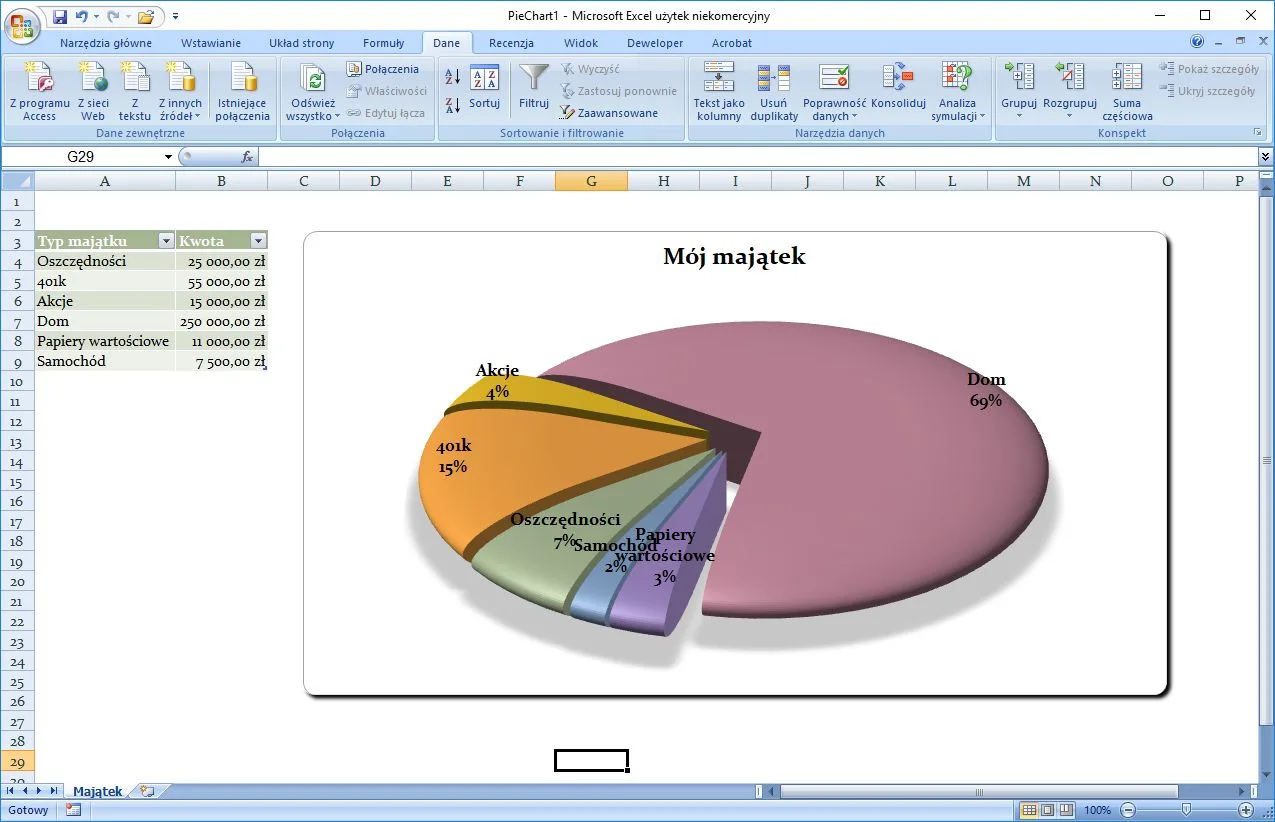
Microsoft Office 2007 is the successor to Microsoft Office 2003. Three years later this office suite was followed by Microsoft Office 2010. In order to run Microsoft Office 2007 requires a processor with a frequency of 500 MHz or higher, 512 MB of free RAM, at least 700 MB free hard disk space, a CD or DVD drive, a monitor with at least 1024 x 768 resolution, and an operating system such as Windows XP Service Pack 2, Windows Server 2003 with SP1, Windows Vista or later. Internet access is also required for upgrades.
How Can I Download Microsoft Office 2007?
You won’t be able to download Office 2007 but you can get the current newest version instead. Follow the link below this text.
What’s New?
In the suite, some changes have been made when comparing it to the previous edition. These changes include:
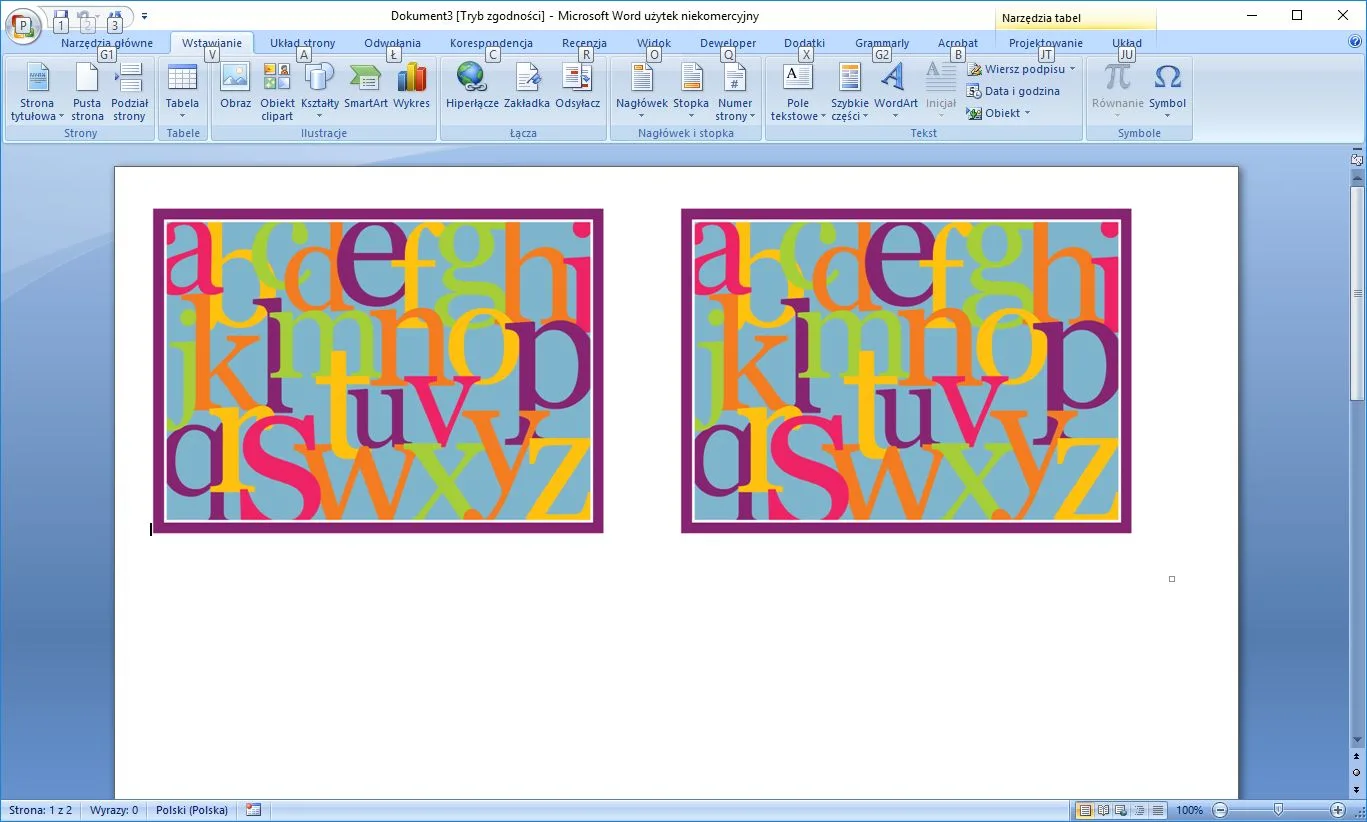
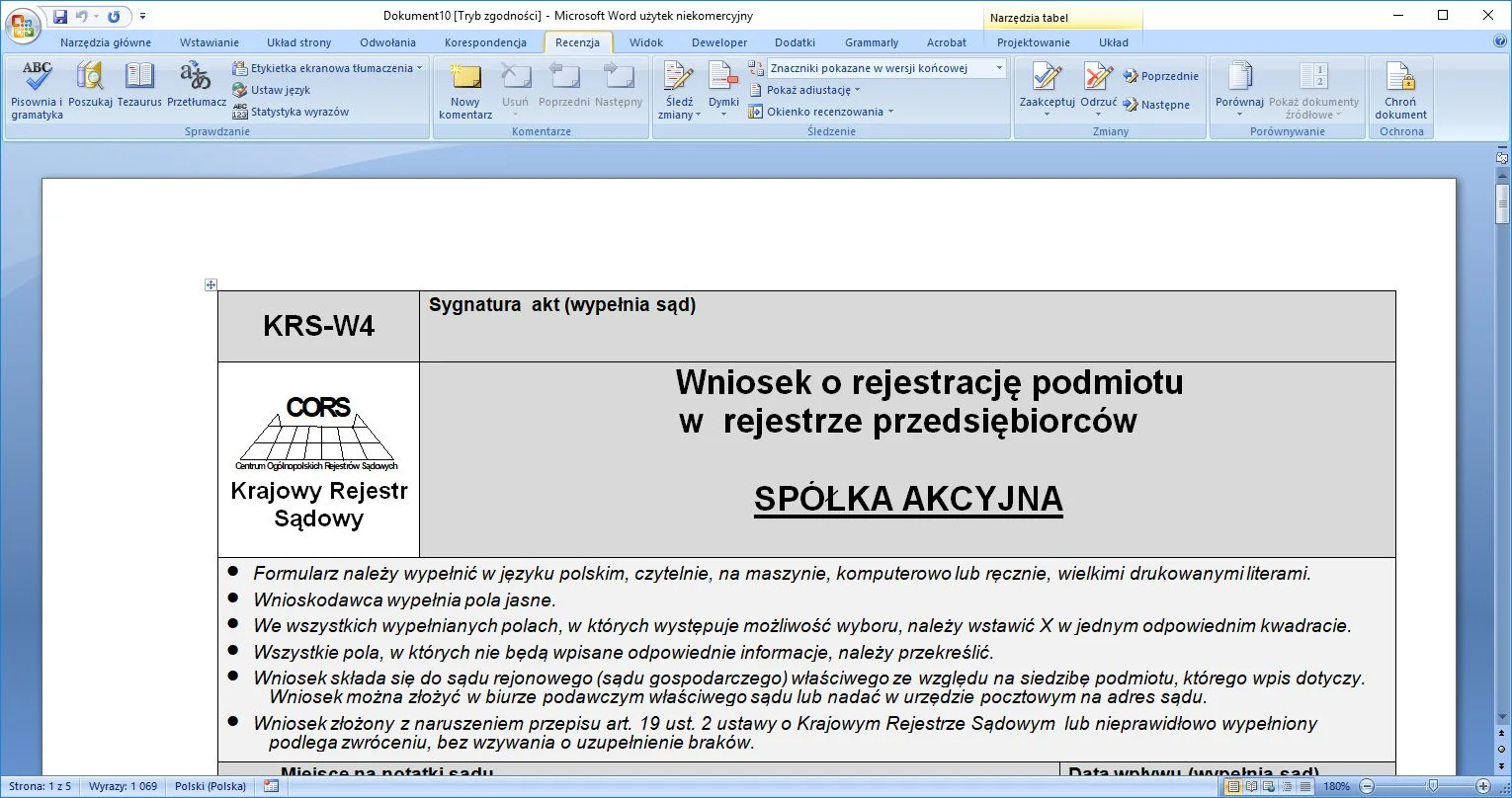
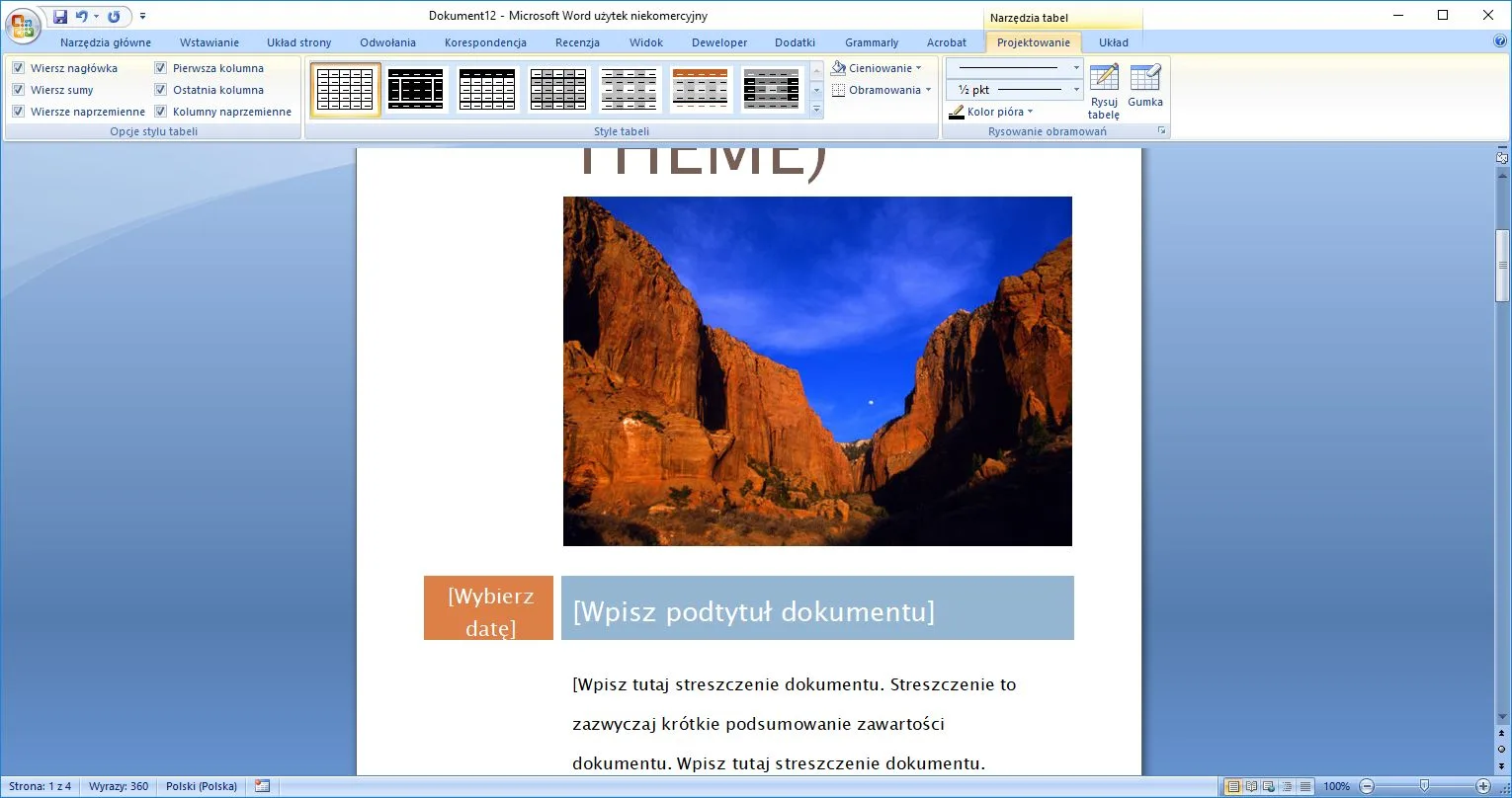
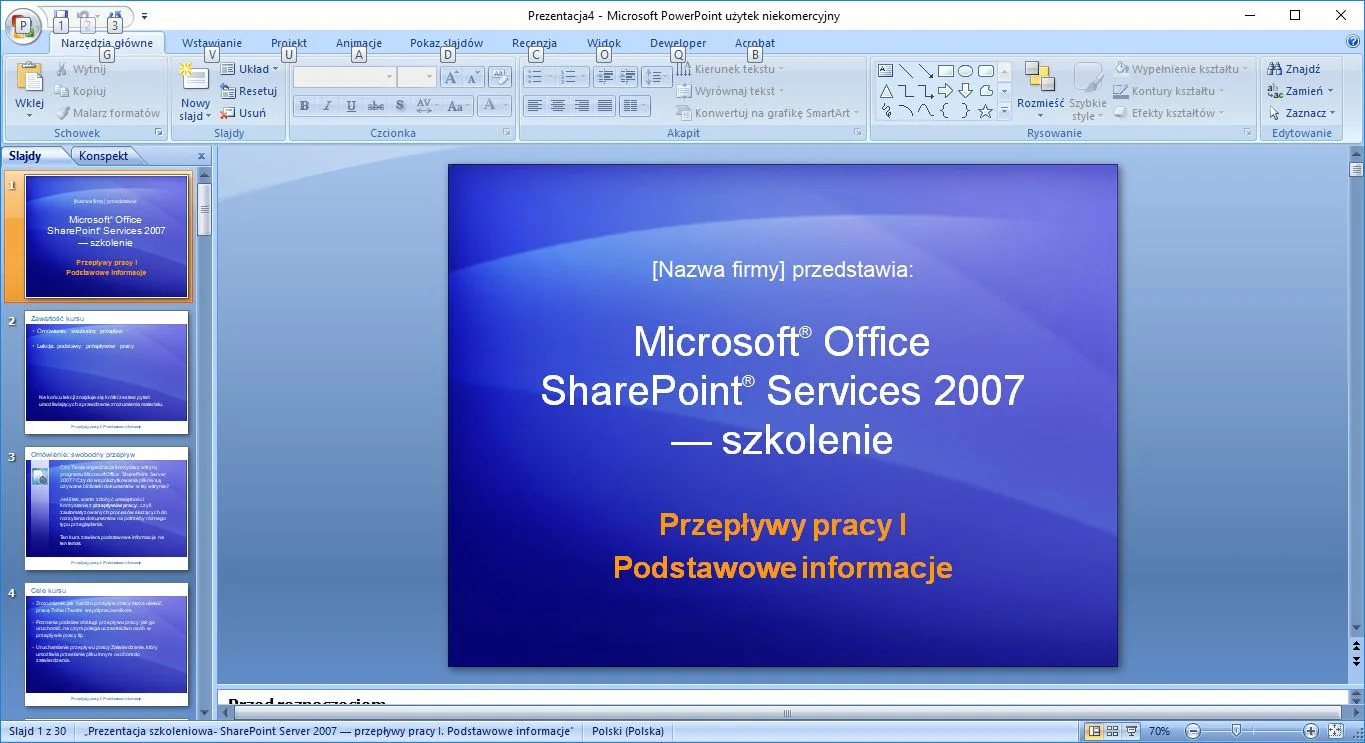
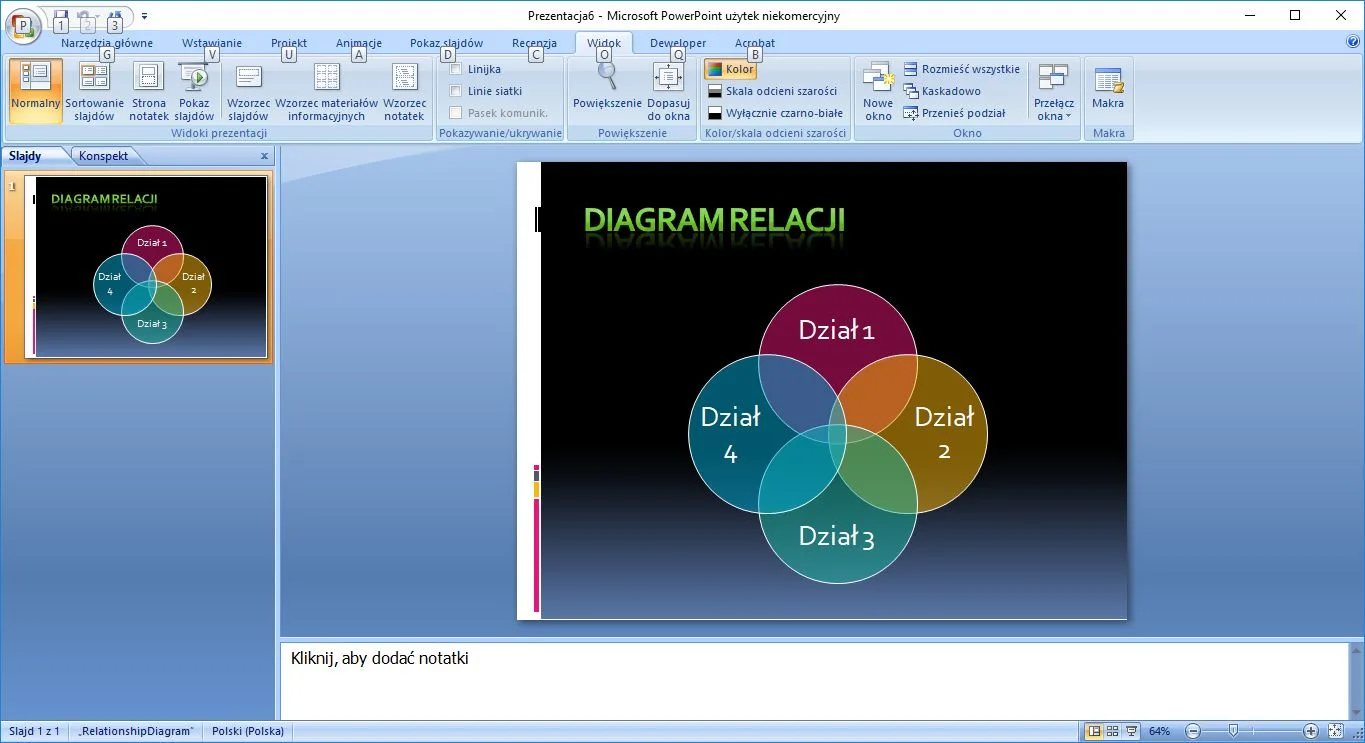
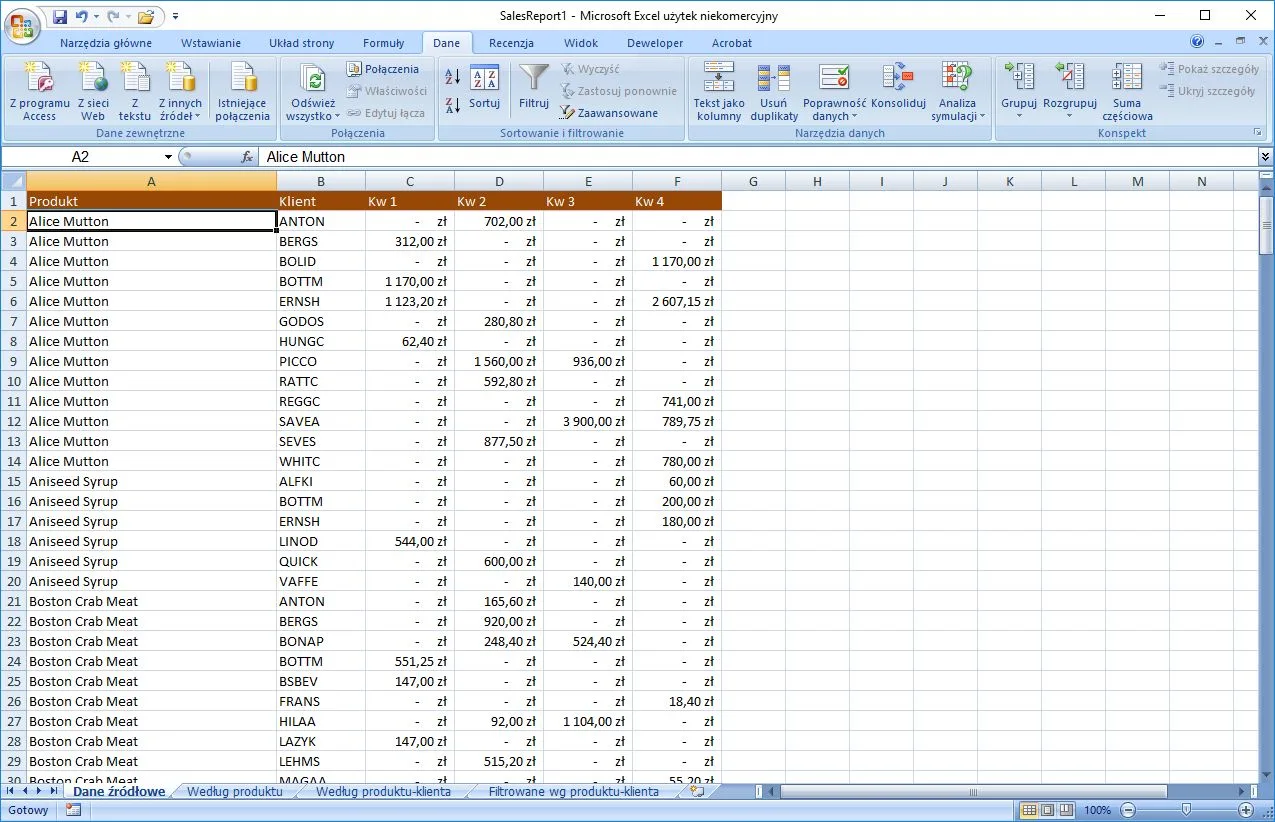
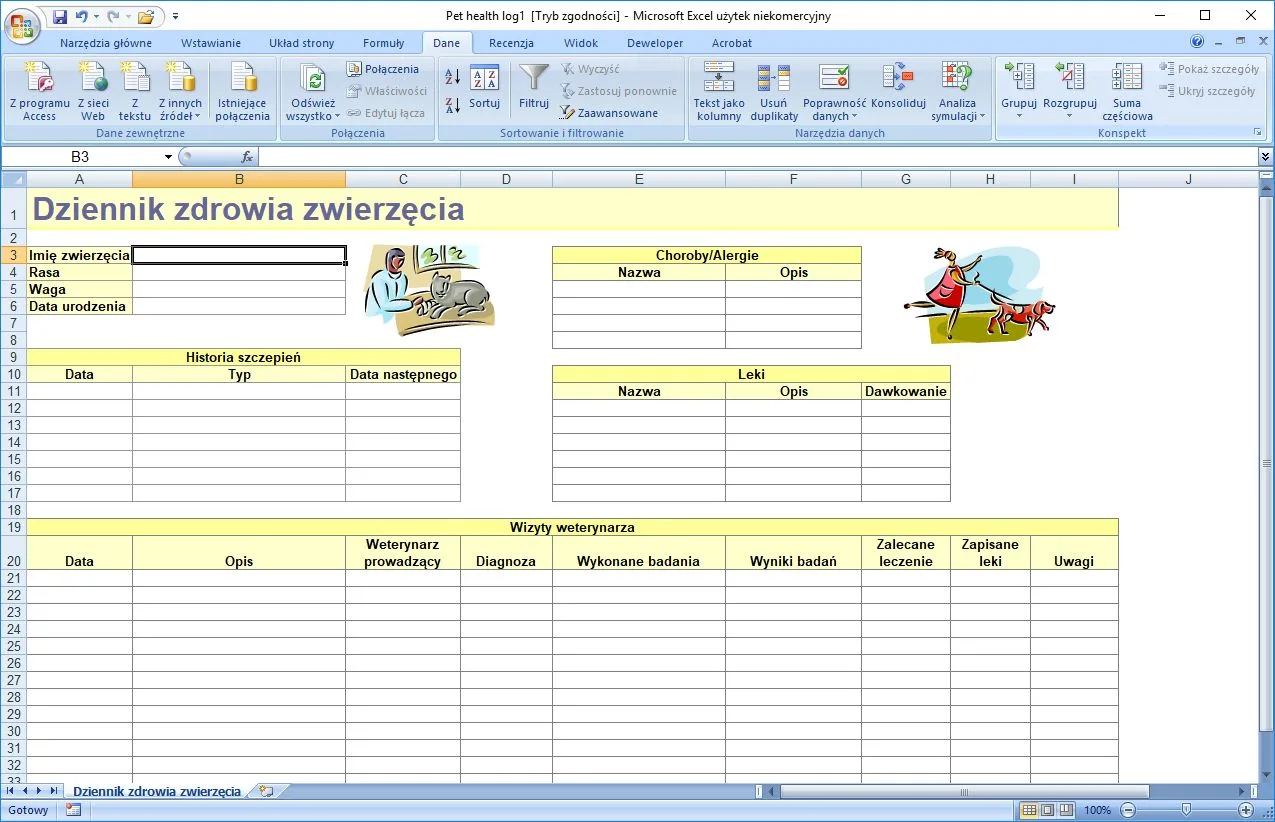
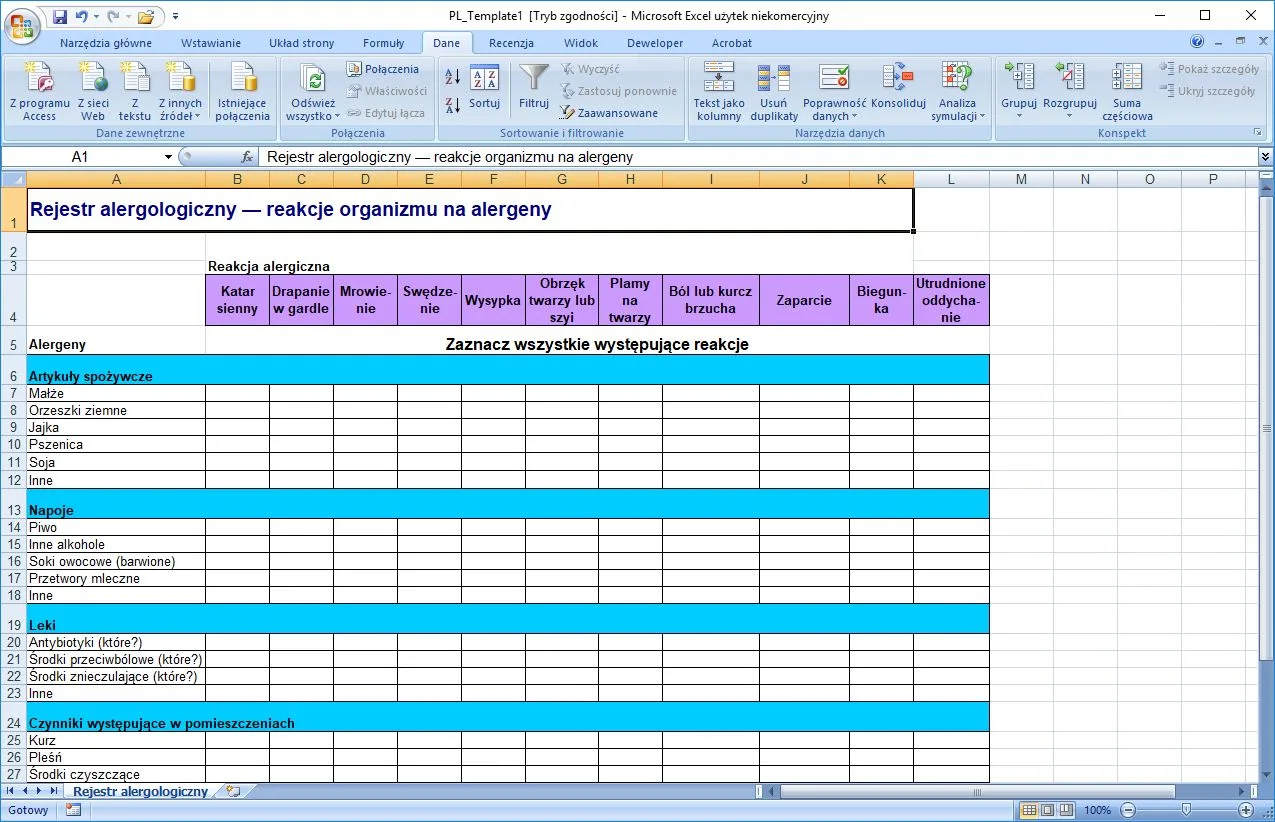
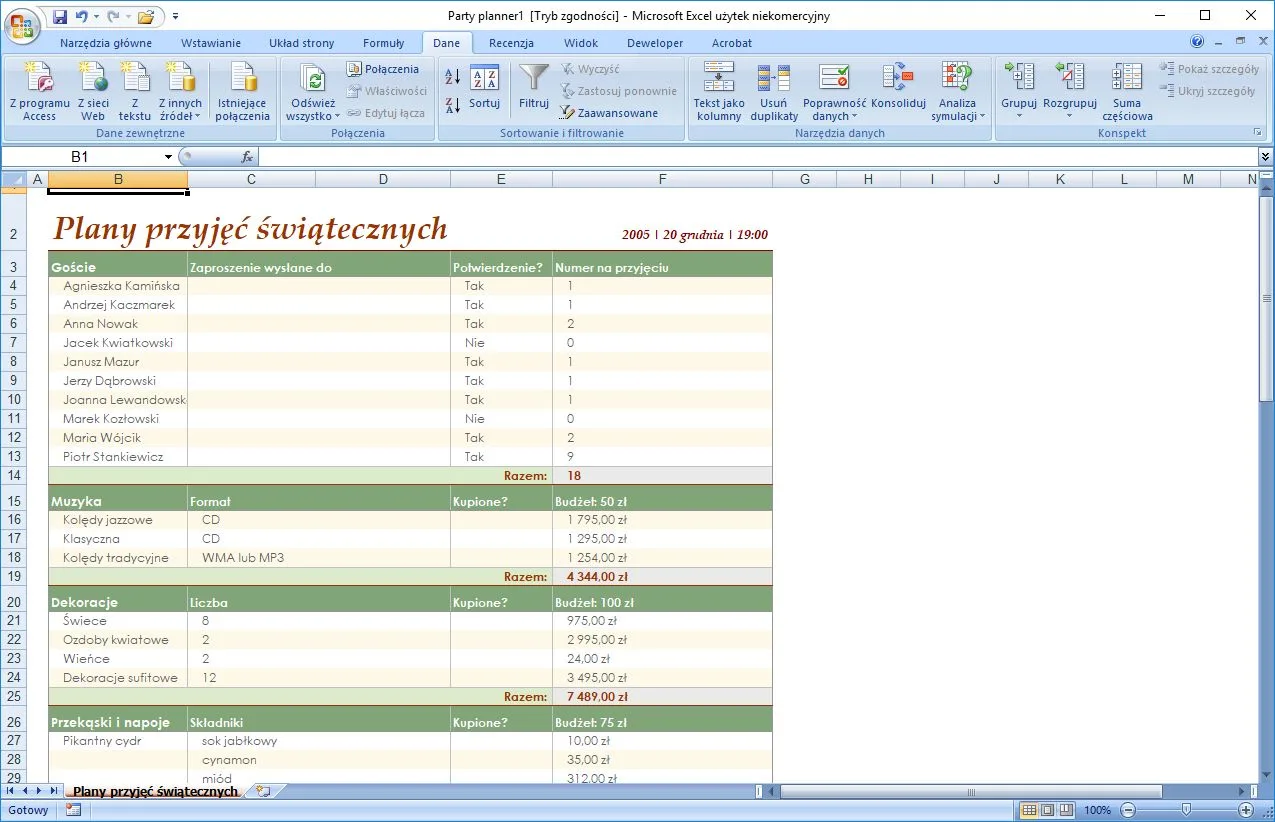
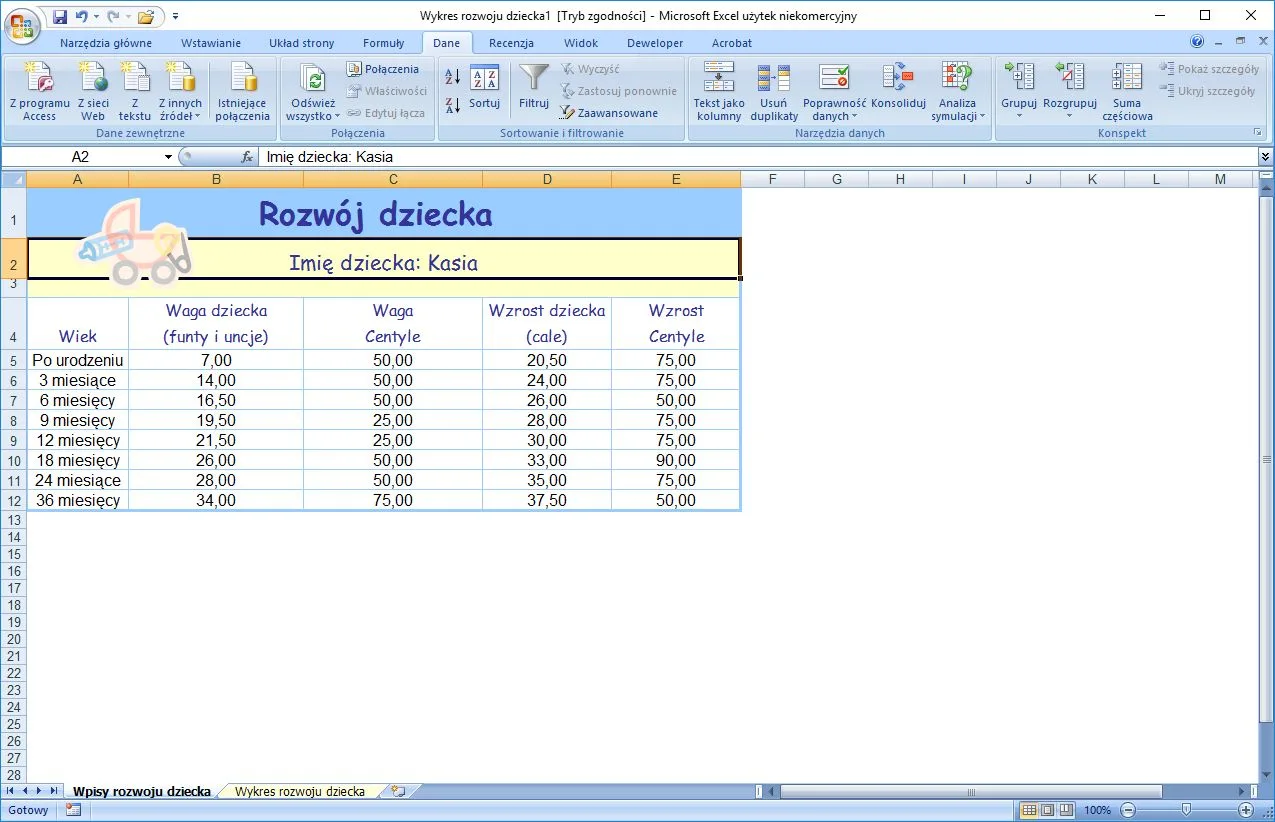
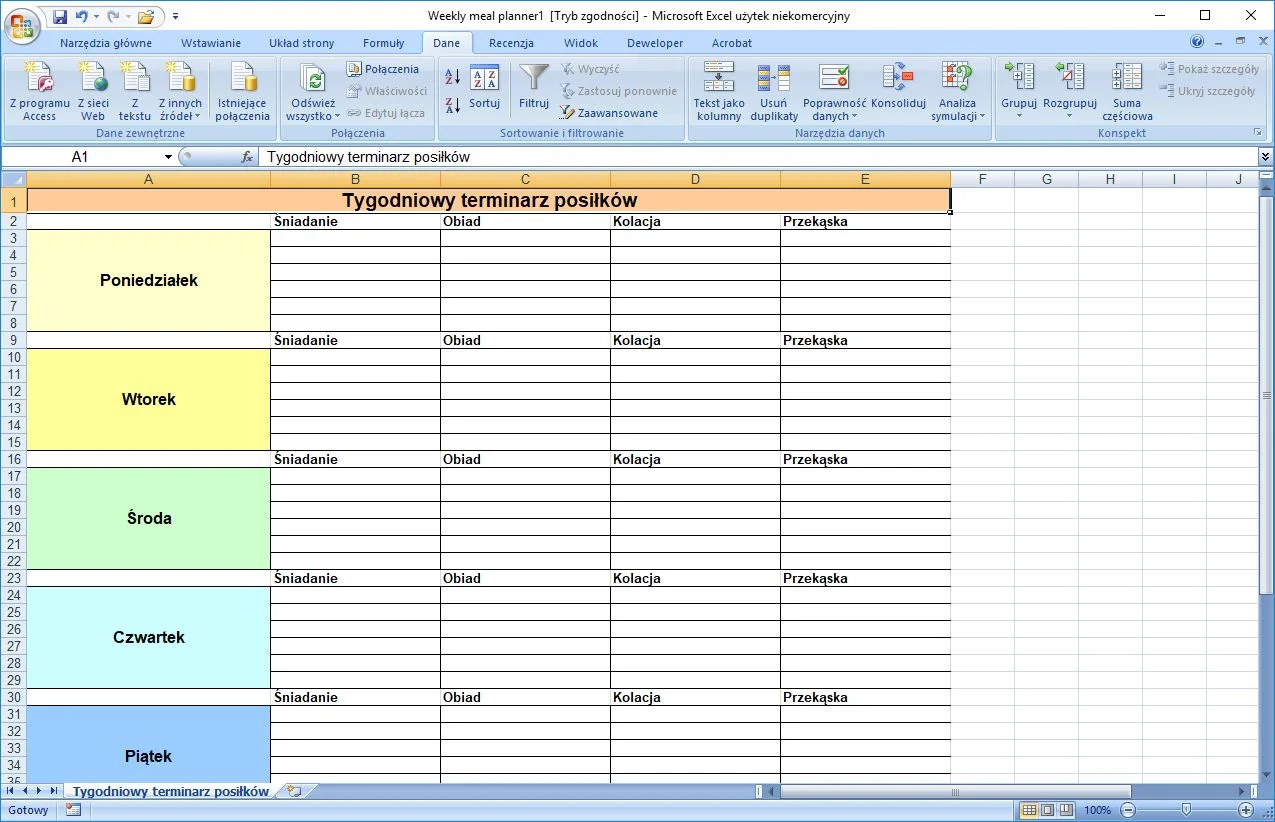
- New user interface – Ribbon,
- New applications like Groove (designed for effective teamwork),
- Microsoft Office Accounting (for small business accounting),
- Microsoft Office SharePoint Designer (the successor to Microsoft FrontPage),
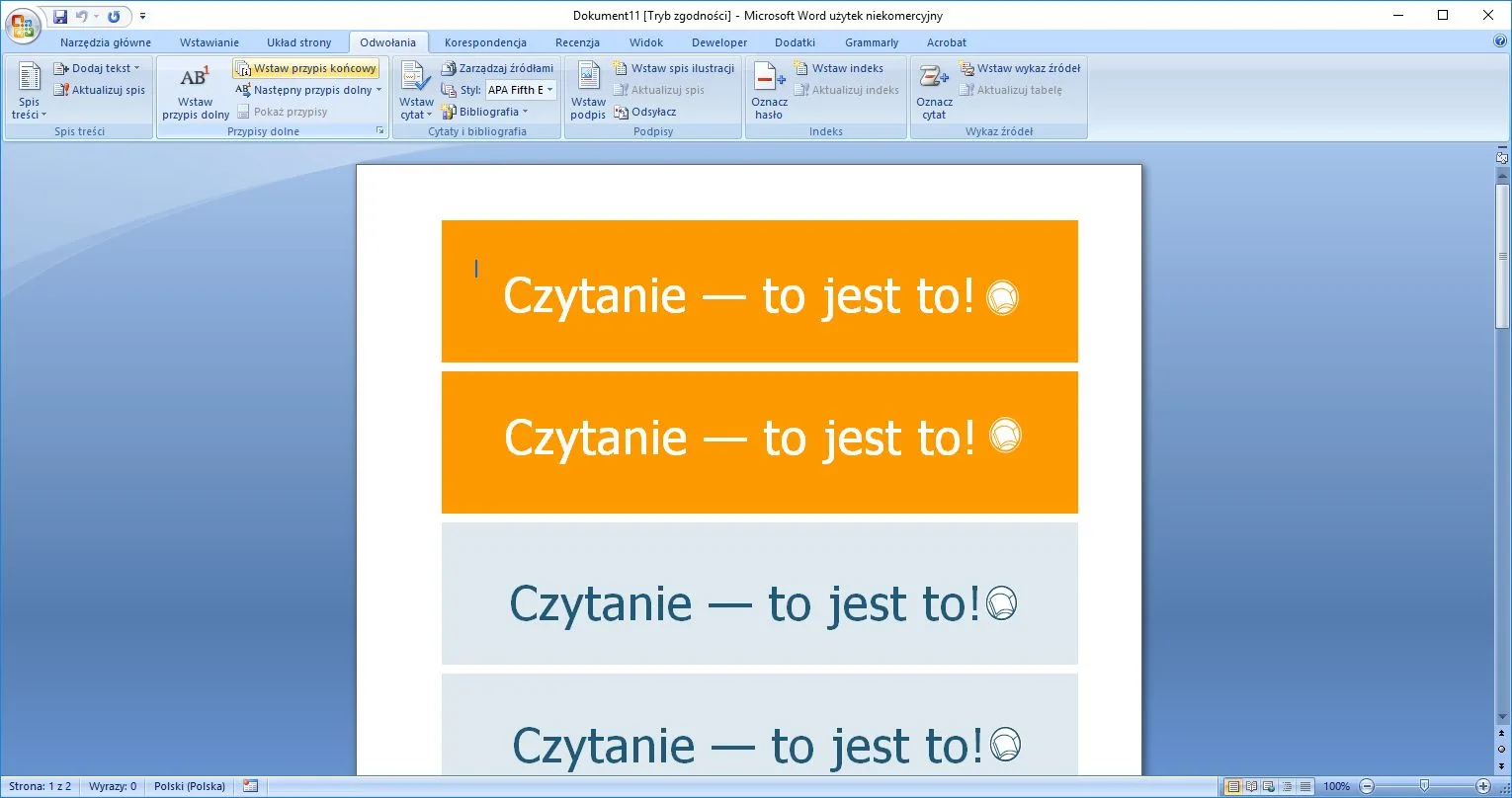
- Live Preview (allows to preview changes to the documents before the user applies them),
- New file format (Office Open XML),
- Office Assistant removal
Why Microsoft Office 2007?
The programs of the suite guarantee faster and easier work for home and office users. Document creation becomes simple and intuitive. The bundled help system provides links to the information you need. With Office 2007, you have the ability to better manage business processes, you can format your content more effectively, and print tables and spreadsheets. It organizes work and the documents in one place.
Core Features and Workflow in Microsoft Office 2007
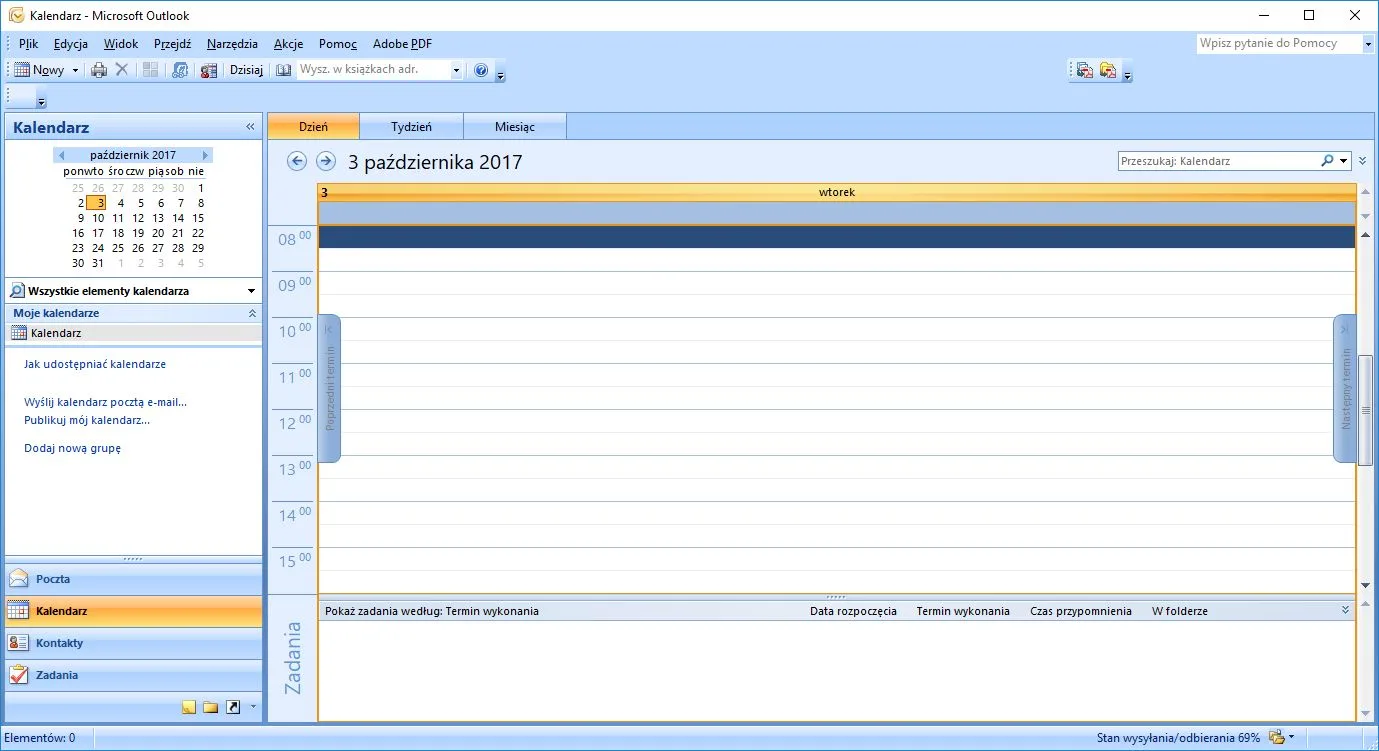
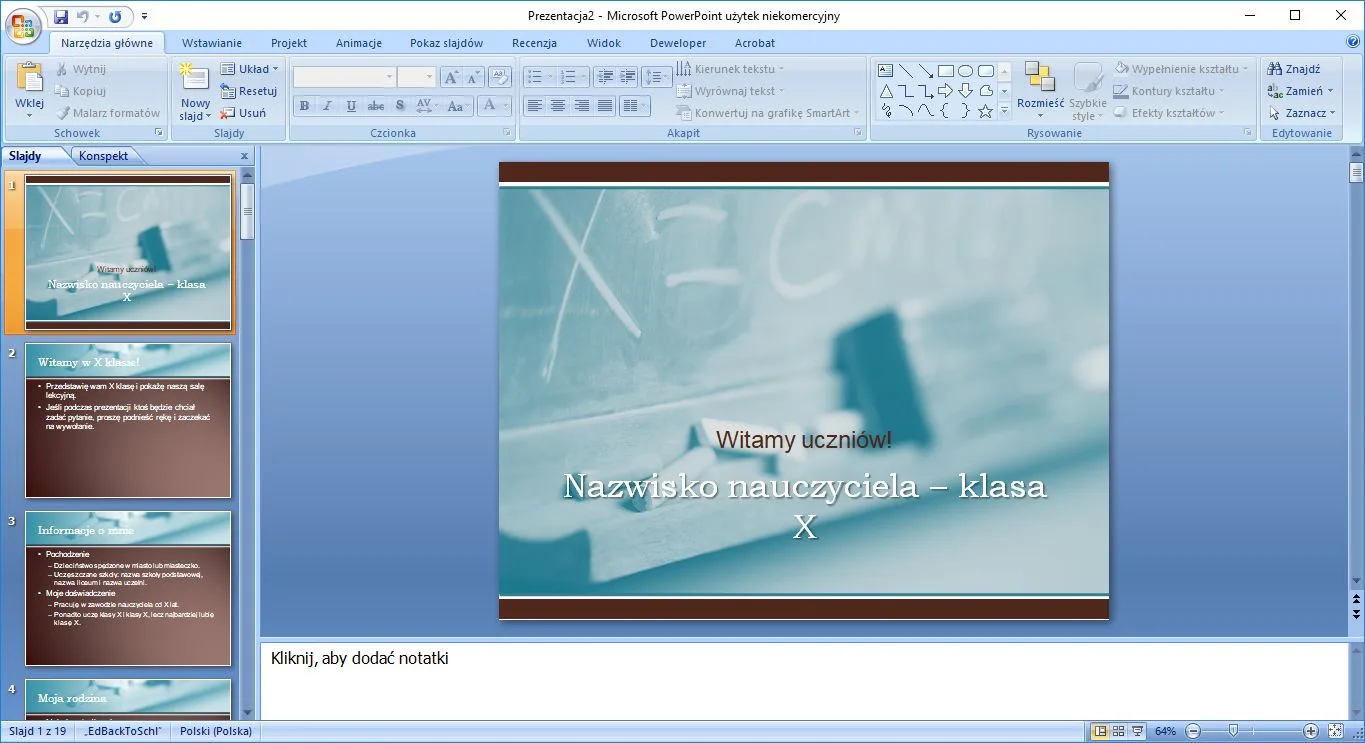
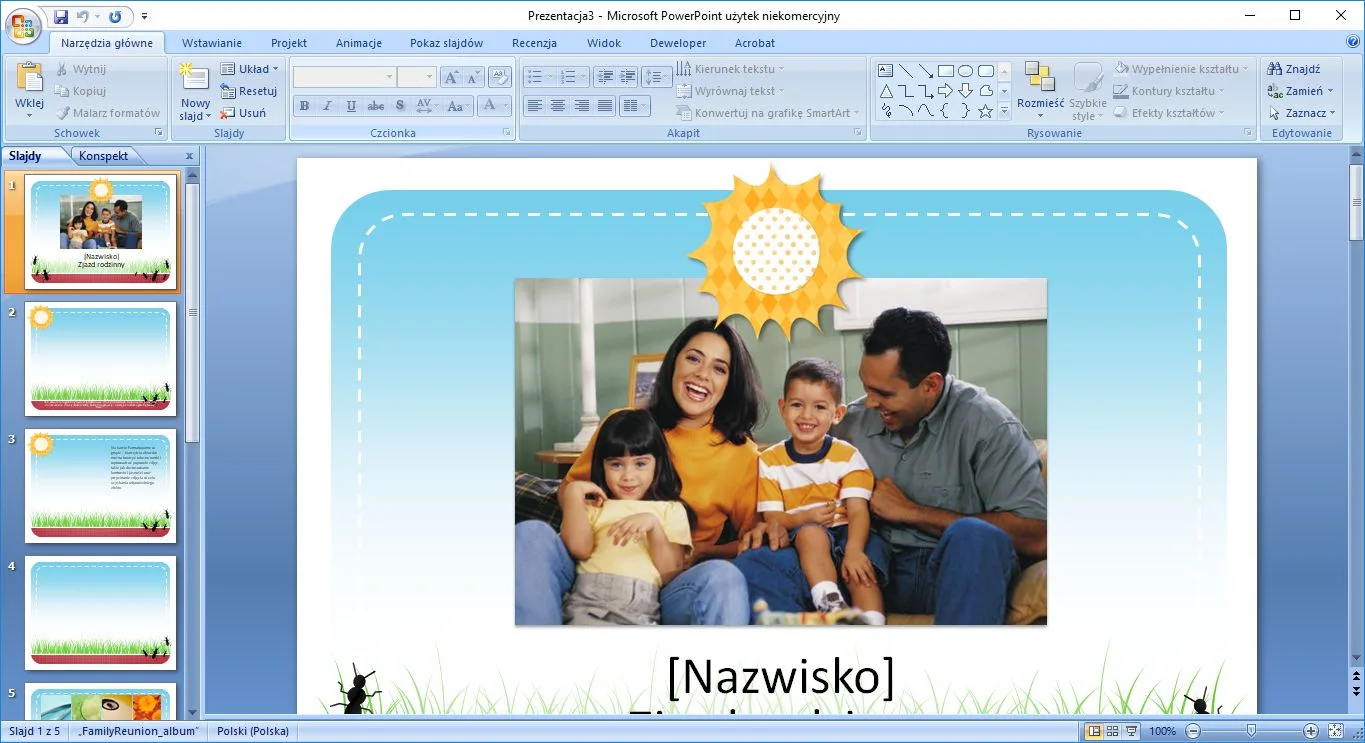
The 2007 suite can be used for documents editing, creating presentations, working with spreadsheets, creating print publications, creating, editing and managing databases, and working with an Exchange-enabled mail client.
Performance, Usability, and Final Verdict
In the case of the 2007 Office installer, it is possible to perform an installation without having to enter the product key. In this scenario, however, the program will operate with some restrictions. Whether the key is valid is verified immediately after it is entered. The installation of the program is easy and should not take more than an hour.
The Program Editions
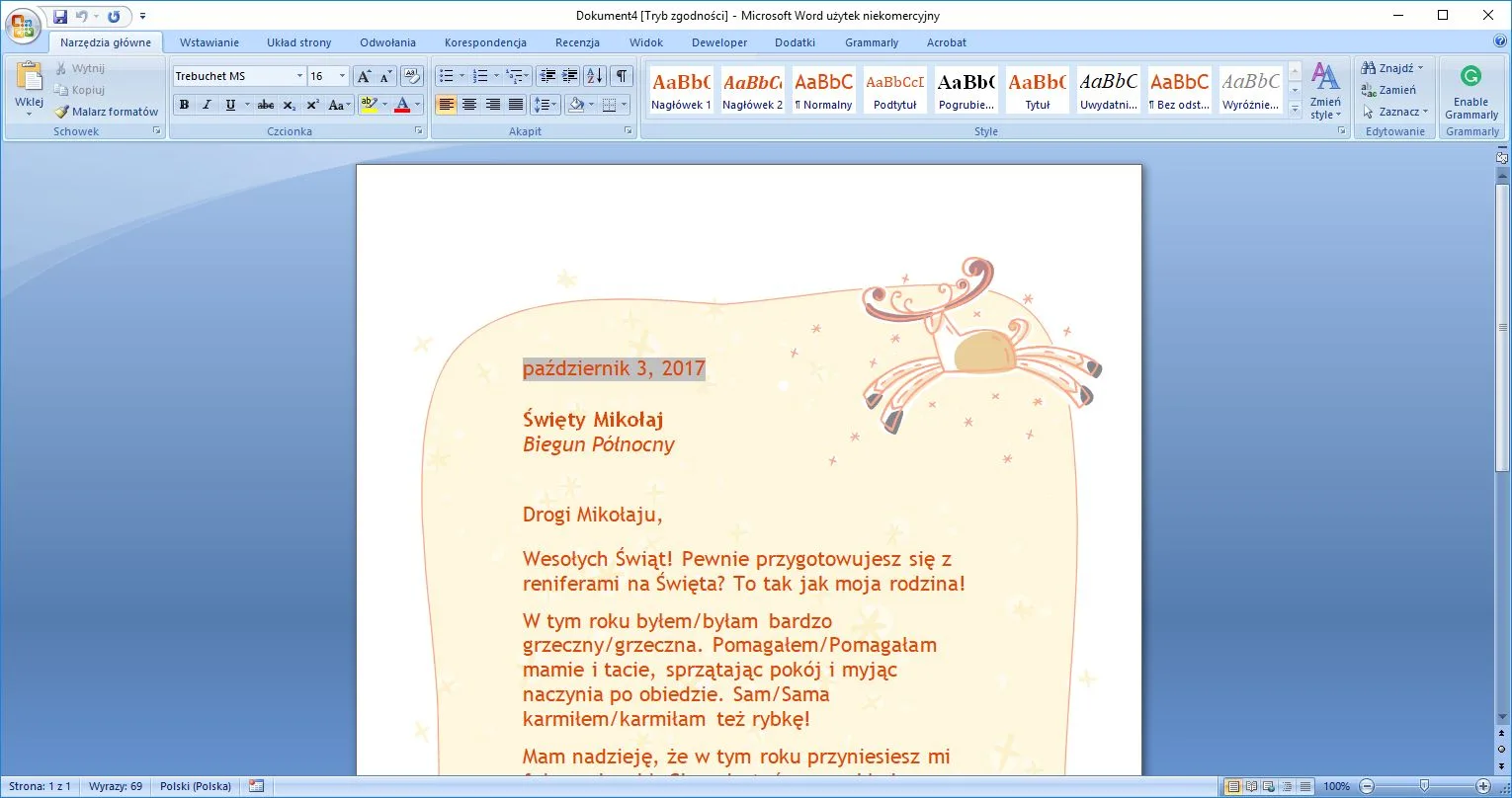
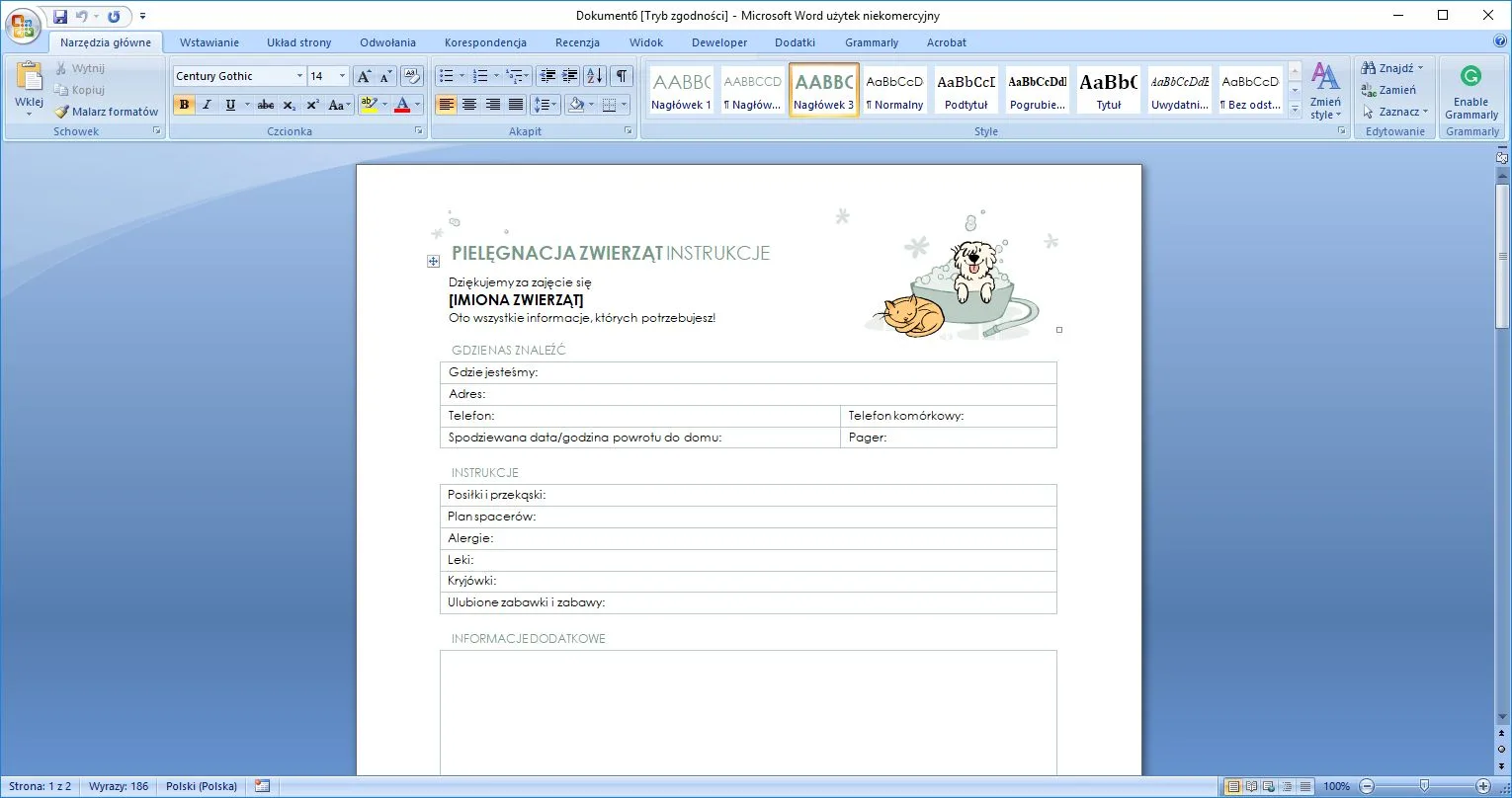
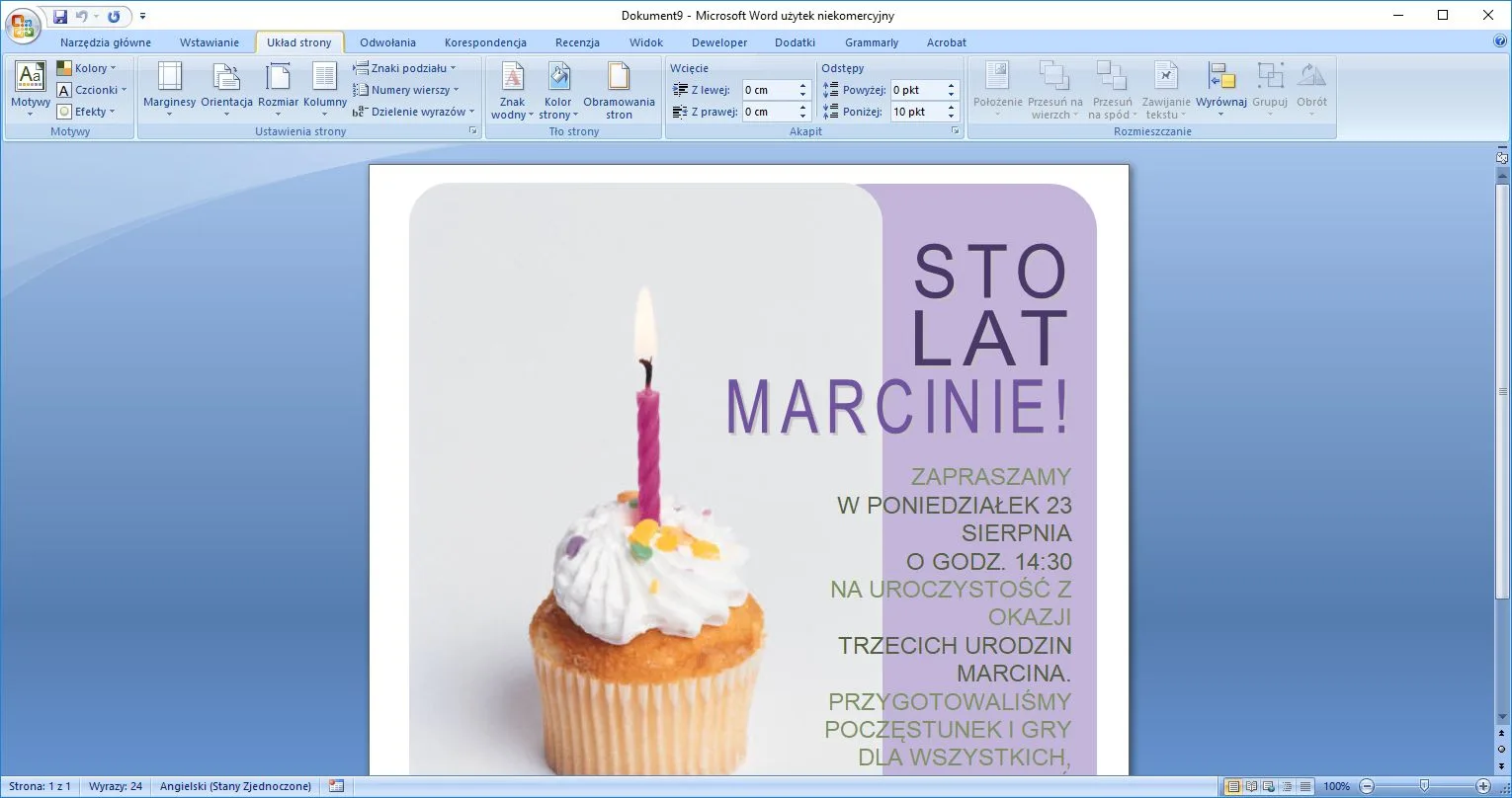
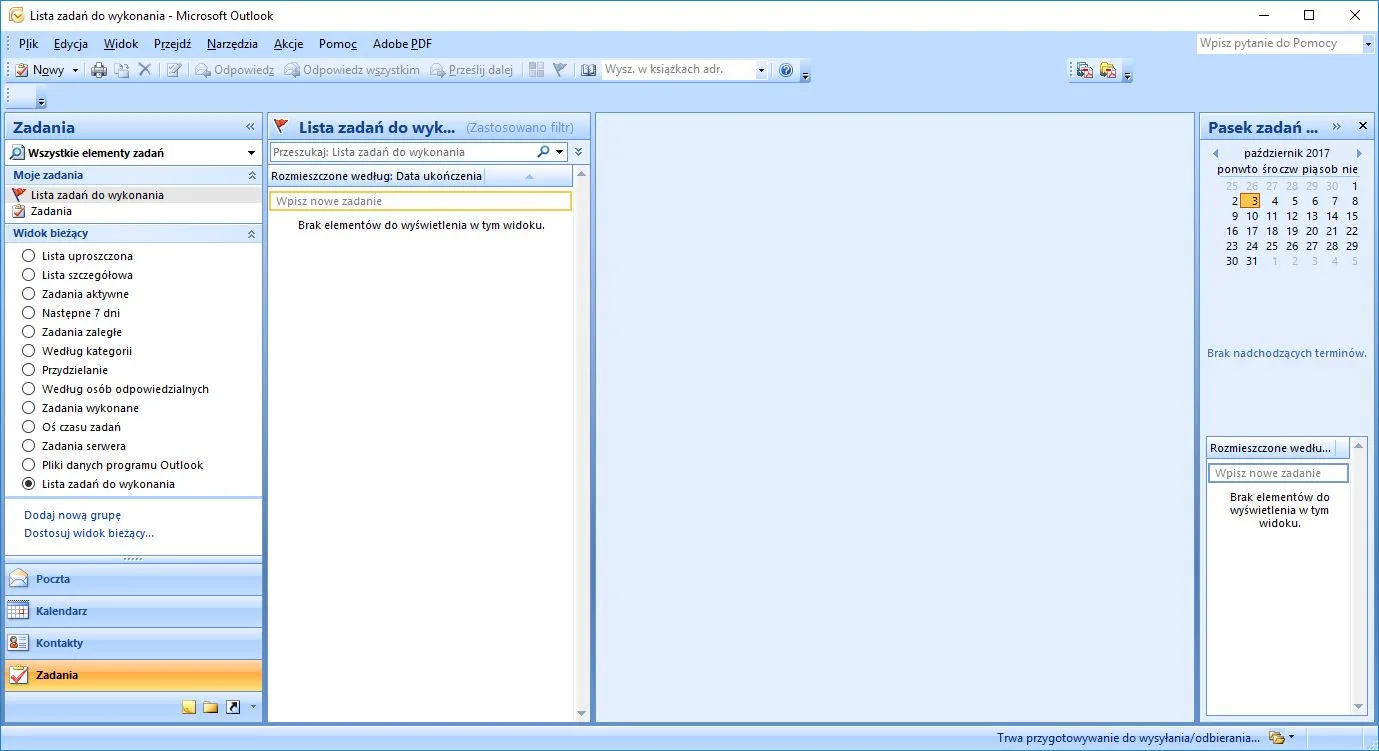
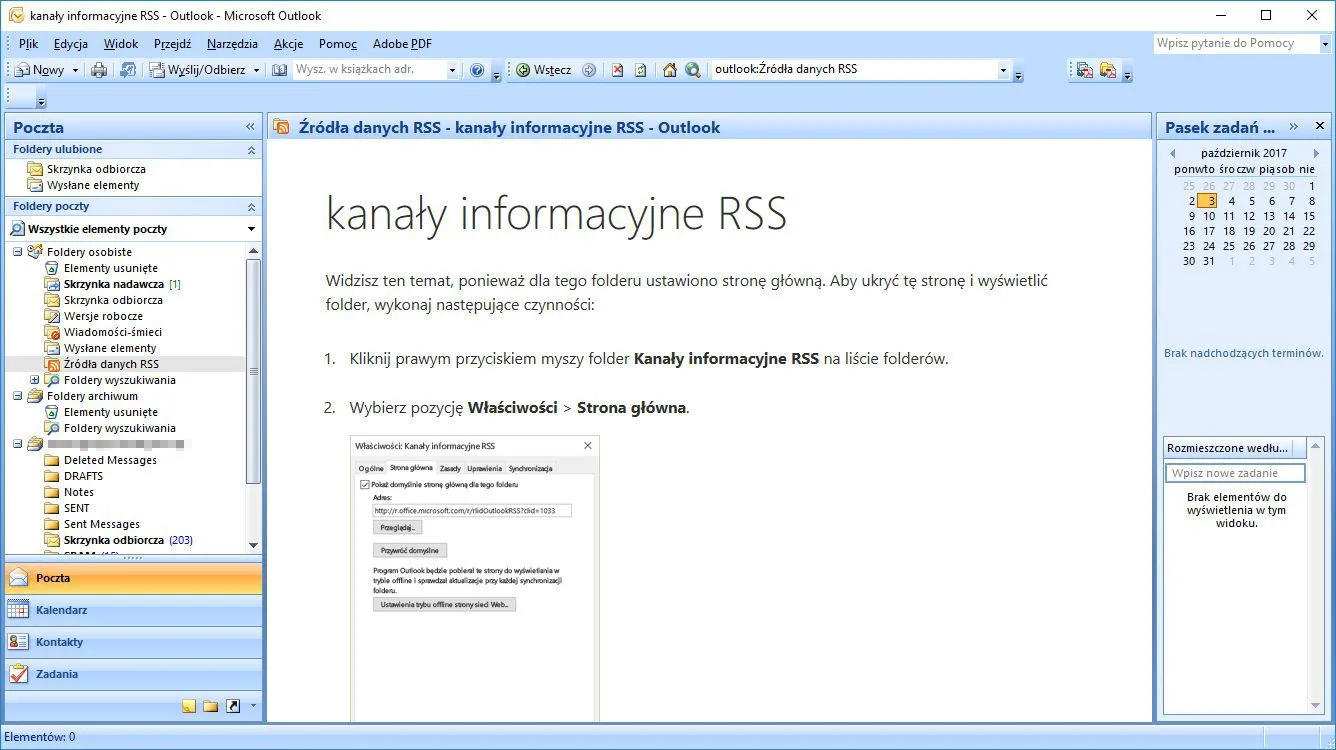
Microsoft Office 2007 is available in eight different editions, which include such applications as Word 2007, Excel 2007, Outlook, PowerPoint 2007, OneNote, Publisher, Access, InfoPath, Groove, and Accounting Express. In addition, the bundled plug-in from Sun Microsystems allows for OpenDocument standard support. It has the following versions:
- Basic,
- Home and Student
- Standard,
- Small Business,
- Professional,
- Professional Plus,
- Ultimate,
- Enterprise.
For more tested utilities in this category, see our reviews of SSuite Ex-Lex Office Pro and Polaris Office 9.114.123.47849 for Windows. You can also explore our full guide and specs for Download Accelerator Plus DAP 10.0.6.0.
System Requirements & Key Features
Check the baseline Windows hardware specs, developer details, and license profile for Microsoft Office 2007 before installing.
| Specification | Minimum | Recommended |
|---|---|---|
| Operating System | Windows 7 / 8.1 / 10 (32-bit or 64-bit) | Windows 10 / 11 (64-bit) |
| Processor | 1.0 GHz Intel / AMD Dual-Core | 2.0 GHz+ Multi-Core CPU |
| Memory (RAM) | 2 GB RAM | 4 GB+ RAM |
| Free Disk Space | 1.5 GB installer + 300 MB free space | 1 GB+ SSD free space |
| Developer & License | Microsoft (full version) | Latest verified Windows build |
To round out your software toolkit safely, see our tested Windows overview of FileOptimizer 17.1.0.0.
To round out your software toolkit safely, see our tested Windows overview of FileVoyager 26.9.6.0.
For another helpful Windows utility in a related category, explore our review and official download guide for Live File Backup 2.48.
To round out your software toolkit safely, see our tested Windows overview of MSI Afterburner.
To round out your software toolkit safely, see our tested Windows overview of R2D2 Translator 1.0.0.
To round out your software toolkit safely, see our tested Windows overview of GPS Utility 5.51.
To round out your software toolkit safely, see our tested Windows overview of 4Videosoft Screen Capture.
To round out your software toolkit safely, see our tested overview of Depeche View Lite.
Frequently Asked Questions
Where can I get the official Microsoft Office 2007 download?
You can download the latest official build of Microsoft Office 2007 safely through the green download button on this page.
Which operating systems are compatible with Microsoft Office 2007?
See the specification table at the bottom of this review for supported Windows, macOS, Linux, or mobile versions and license details for Microsoft Office 2007.
Is Microsoft Office 2007 free to download and safe to use?
Our review covers the exact license model of Microsoft Office 2007 and links to verified vendor distribution channels for clean installation.
What are the key features of Microsoft Office 2007?
Read our hands-on evaluation above for a full breakdown of Microsoft Office 2007’s interface, performance, strengths, and limitations.