If you deal with a lot of PDF documents then this PDF Combine software is something that you are going to wonder how you ever lived without. What is great about this software is that it sounds rather “boring” but it is the kind of thing that is very useful. If you want a software that lets you keep all your PDFs organized and together this is it.
How to Download PDF Combine
To download the program, click on the Download button located below the review. If you want more PDF tools, read also our review of Win PDF Editor.
The Program Review
The idea of this software is that you can combine multiple PDFs into one. Let’s say you are a teacher and need to have three PDFs as one for a presentation, this makes that very easy. You do not have to mess around combining, dragging, editing or anything like that. It is one of the simplest programs I have used that deals with PDF files.
Core Features and Workflow in PDF Combine
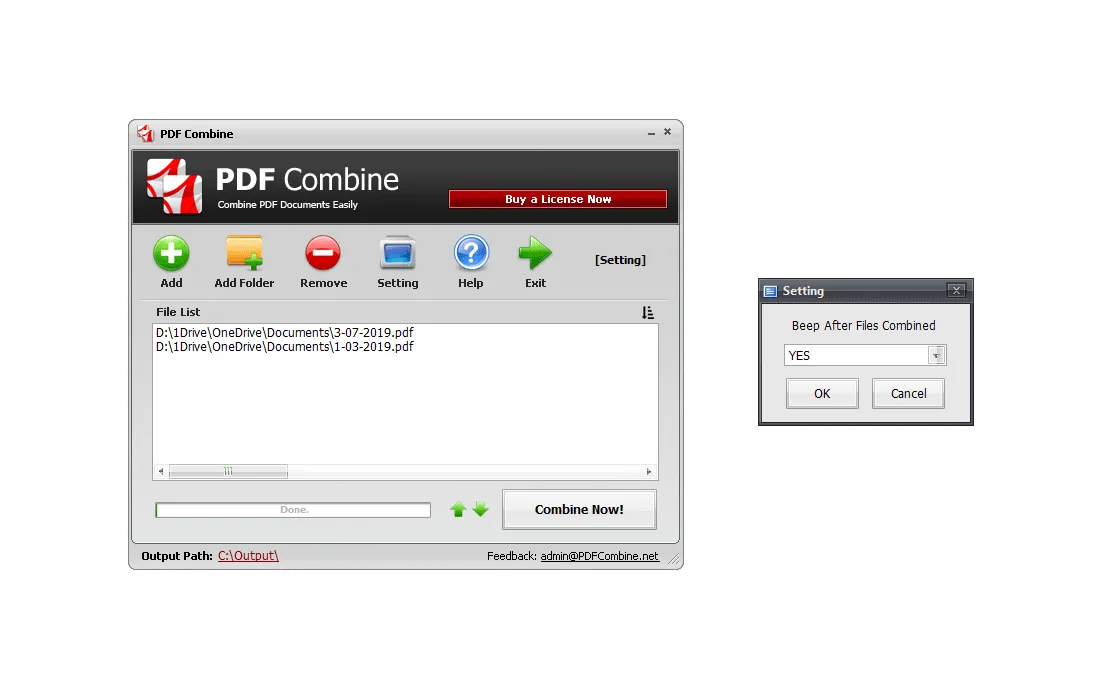
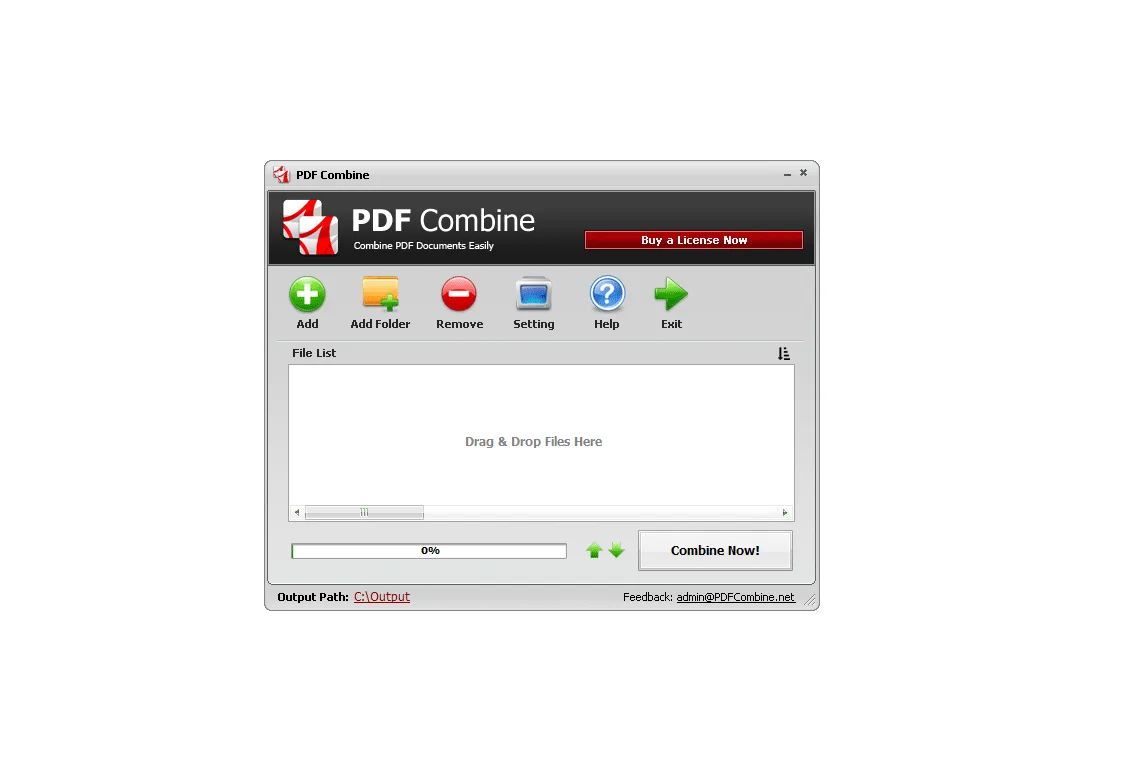
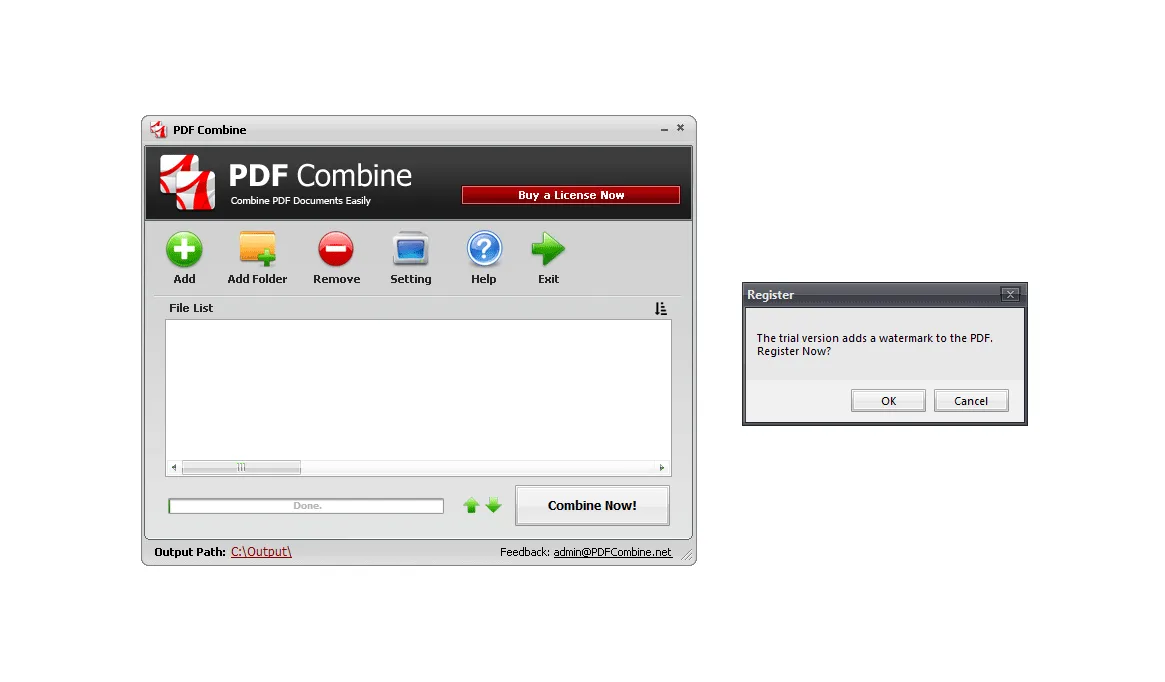
Before we start, I need to tell you that the PDF Combine software is free! Once you download the software and it is on your computer, you are ready to go. When the software opens up, you will notice that they have kept the UI simple and easy to understand. There is no confusion as to what anything does here.
What you need to do is then decide what PDFs need combining. You can either add a PDF file one at a time, drag them into the program or you can add a whole folder. It is up to you; I know that my wife who has used this a great deal prefers to just add one at a time so nothing gets added by accident.
For more tested utilities in this category, see our reviews of PDFCreator 6.3.1 and PDF Anti-Copy V2.6 for Windows.
Performance, Usability, and Final Verdict
Once the PDF files are added you can hit the combine button and they will all be combined into one “new” PDF. Before that though, let me tell you about one other feature. You can easily decide what order these PDFs are in on the new document. You just use the arrow to move one up or down and that is that.
Once you hit the combine button that is all there is to it. One of the most amazing aspects of this is the way that it takes just mere seconds to combine as many as 100 PDFs! It can handle many different languages (they say over 50) and the fact that it is so easy to use is just the icing on the cake.
I know that on the surface the PDF Combine software does not seem like the most exciting software in the world. For the right person, I do feel that this is a piece of software that is going to be really handy. My wife I know will get a ton of use out of this as will anyone who needs multiple PDFs in the one document.
System Requirements & Key Features
Check the baseline Windows hardware specs, developer details, and compatibility profile for PDF Combine before installing.
| Specification | Minimum | Recommended |
|---|---|---|
| Operating System | Windows 7 / 8.1 / 10 (32-bit or 64-bit) | Windows 10 / 11 (64-bit) |
| Processor | 1.0 GHz Intel / AMD Dual-Core | 2.0 GHz+ Multi-Core CPU |
| Memory (RAM) | 2 GB RAM | 4 GB+ RAM |
| Free Disk Space | 4.3 MB installer + 300 MB free space | 1 GB+ SSD free space |
| Developer & License | PDF Combine (demo) | Latest verified Windows build |
Frequently Asked Questions
What is PDF Combine and what are its main features?
PDF Combine is a simple tool that will let you join several PDF documents and create one file out of them. If you deal with a lot of PDF documents then this PDF Combine software is something that you are going to wonder how you ever lived without.
What operating systems does PDF Combine support and how large is the installer?
PDF Combine supports Windows XP, Windows Vista, Windows 7, and Windows 8, with a compact package size of roughly 4.3 MB. Official downloads and release information are available via pdfcombine.net.
What are the main advantages and limitations of PDF Combine?
Key highlights include the software is completely free to use, the ui is very clean and easy to understand, and it can handle 100 pdfs and takes no time at all to combine them all. Limitations noted during evaluation include not something that the average joe will get a great deal of use out of and cannot really think of anything else. Overall editorial score: 9/10.