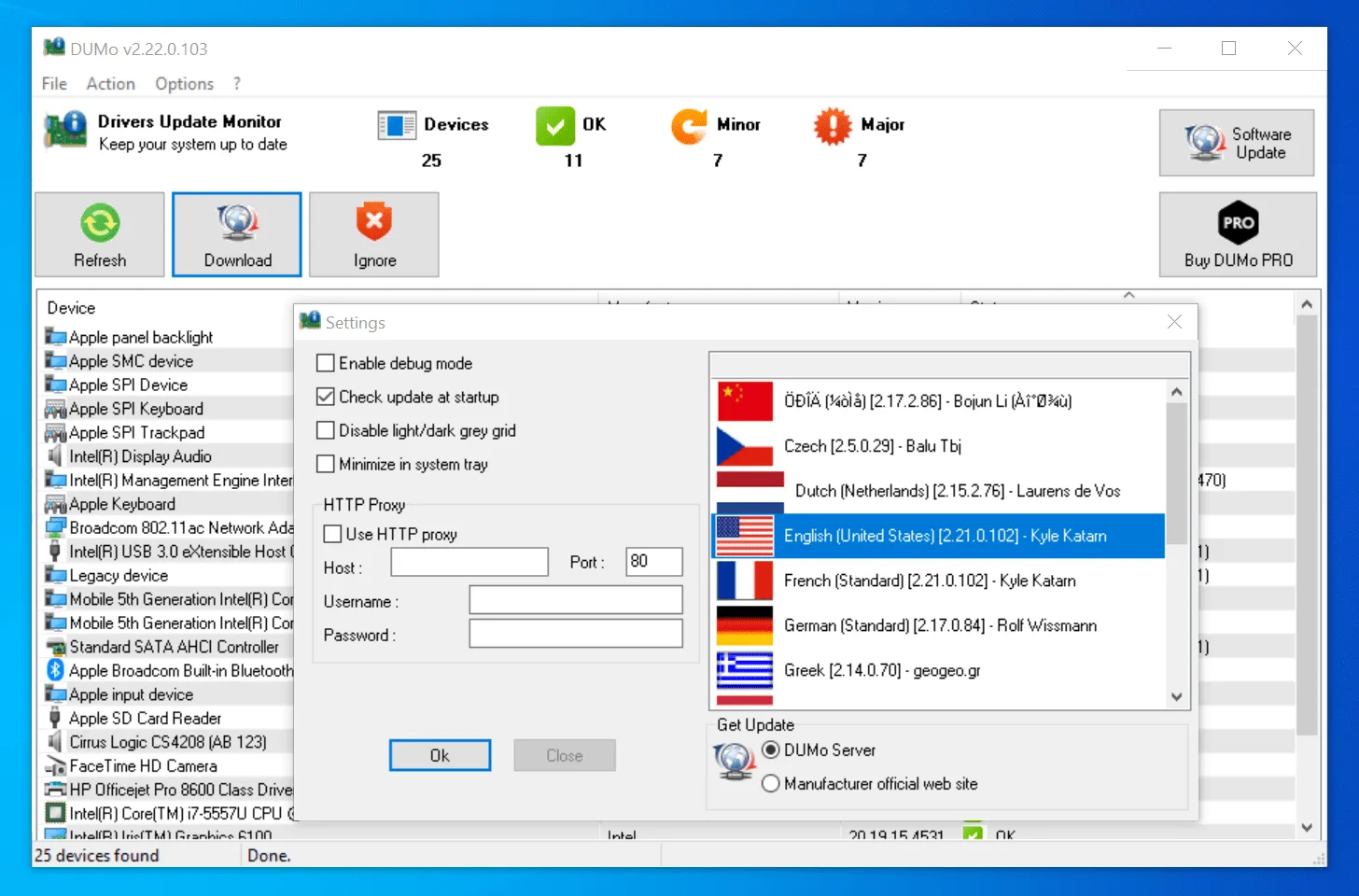
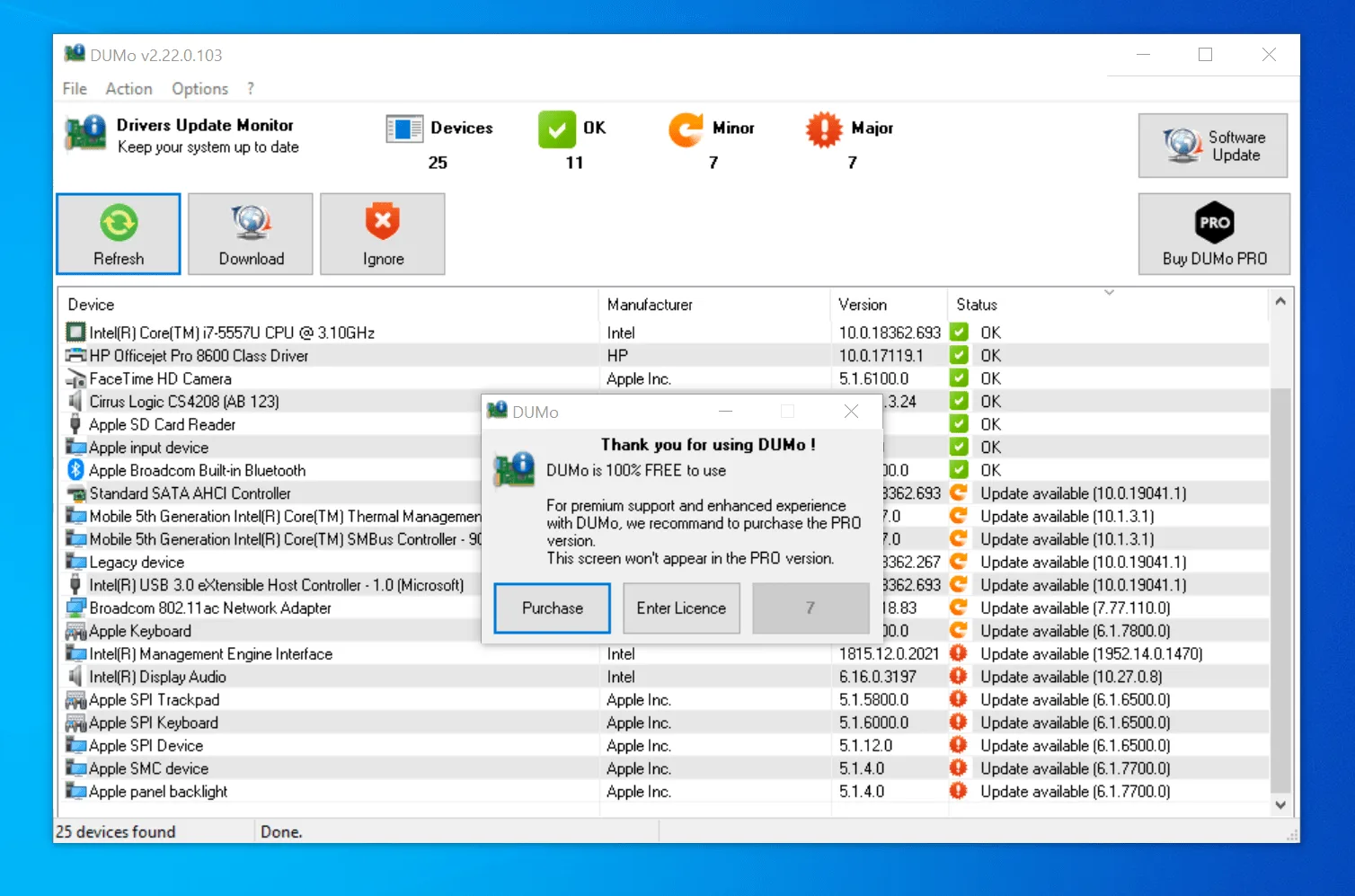
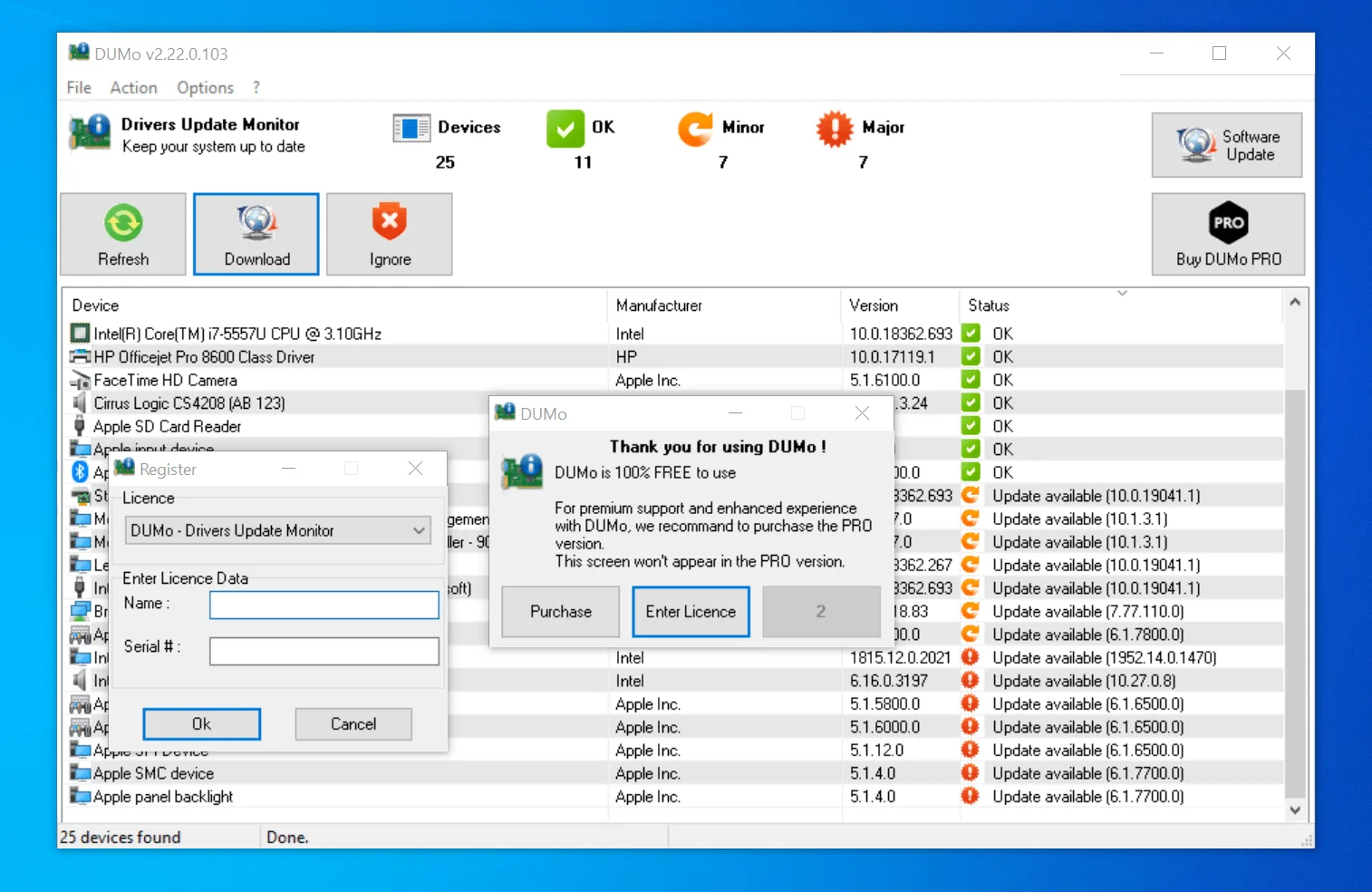
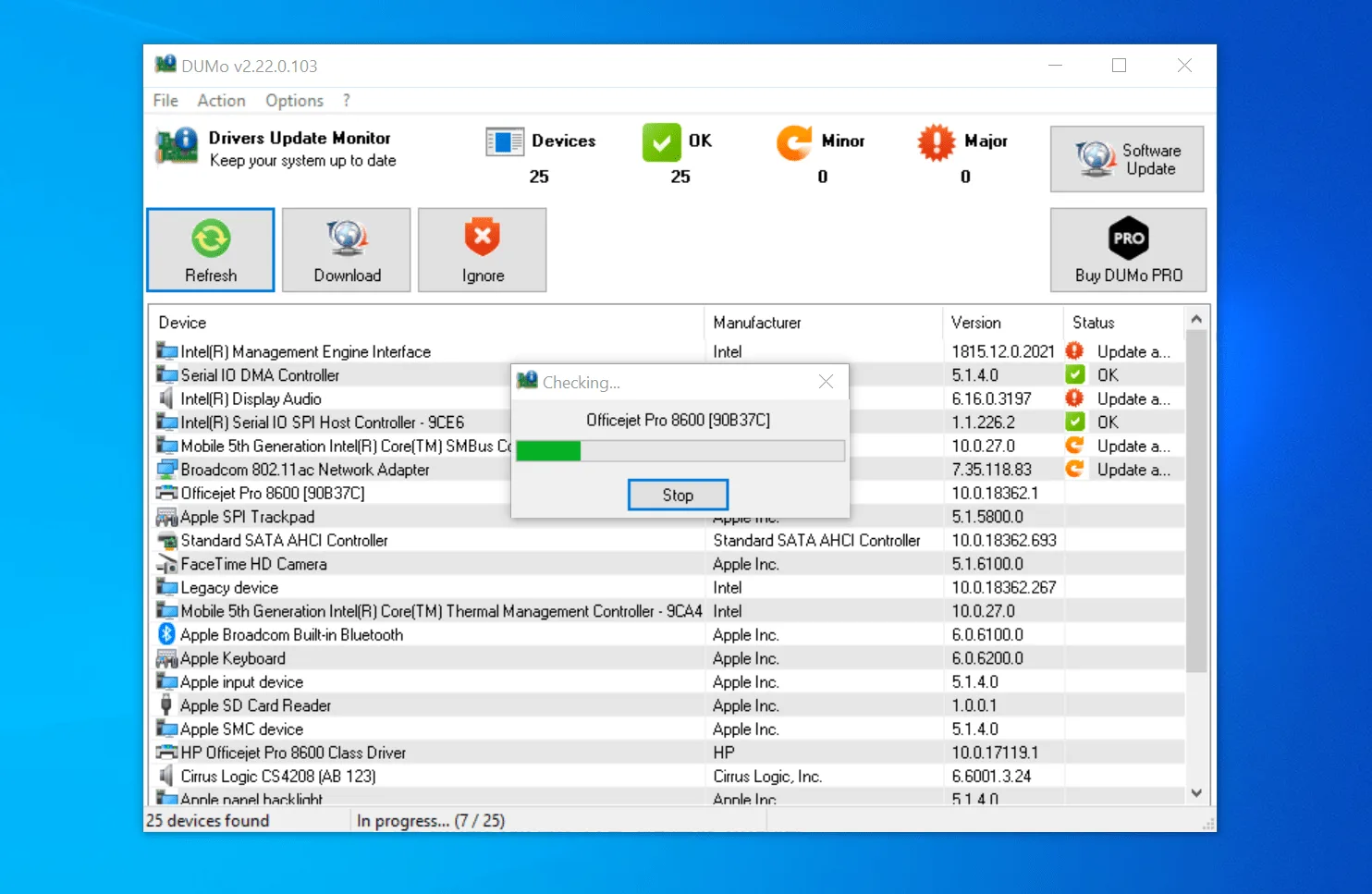
DUMo from KC Softwares is a tool that keeps you updated with the latest hard drivers. As the name specifies, this software is specially made for detecting updates related to hard drivers. It provides you information about the latest updates so you can safely download the new versions.
How to Download DUMo
You can download DUMo by following the Download button below the review. If you are happy with the free version, you should know that there is also DUMo Pro that has some extra features that make the whole experience more comfortable. It is also worth to know that DUMo integrates well with SUMo, the software updater made by the same company.
The Program Review
Nowadays, it’s imperative to keep your PC up-to-date, and for that, it’s important to install the latest drivers. Perhaps, if you don’t update your drivers on time, it could lead to several issues, including viruses, slow speed of applications, and much more.
So, if you are looking for a perfect software that works best for your hard drivers, then add DUMo on your list. Moreover, this software also helps to detect Acronis virtual disk, which is a plus point of it.
Additionally, if you want to get information about CPU and memory load, then you can see it on the DUMo dashboard.
System Requirements & Key Features
Review the Windows desktop compatibility baseline and recommended setup specifications for DUMo 2.25.2.122 below before downloading.
| Specification | Minimum | Recommended |
|---|---|---|
| Operating System | Windows 7 / 8.1 / 10 (32-bit or 64-bit) | Windows 10 / 11 (64-bit) |
| Processor | 1.0 GHz Intel / AMD Dual-Core | 2.0 GHz+ Multi-Core CPU |
| Memory (RAM) | 2 GB RAM | 4 GB+ RAM |
| Free Disk Space | 500 MB free disk space | 1 GB+ SSD free space |
| Developer & Source | web.archive.org | Latest verified Windows build |
For more tested utilities in this category, see our reviews of SlimDrivers Free 2.3.2.0 and Driver Easy Free 7.3.0.6732 for Windows.
What Is DUMo?
DUMo is a comprehensive software that provides you a list of drivers that need to be updated. The software works by looking for the newest version of drivers that are already installed on your PC. Other than that, it provides information related to drivers with a web link from where you can download the new version.
The application is suitable for experts as well as beginners who can’t find the new drivers easily. By using this software, you can reduce your efforts while searching for a new version of the driver. Not just it’s quick, but also straightforward so anyone can use it.
How Does DUMo Work?
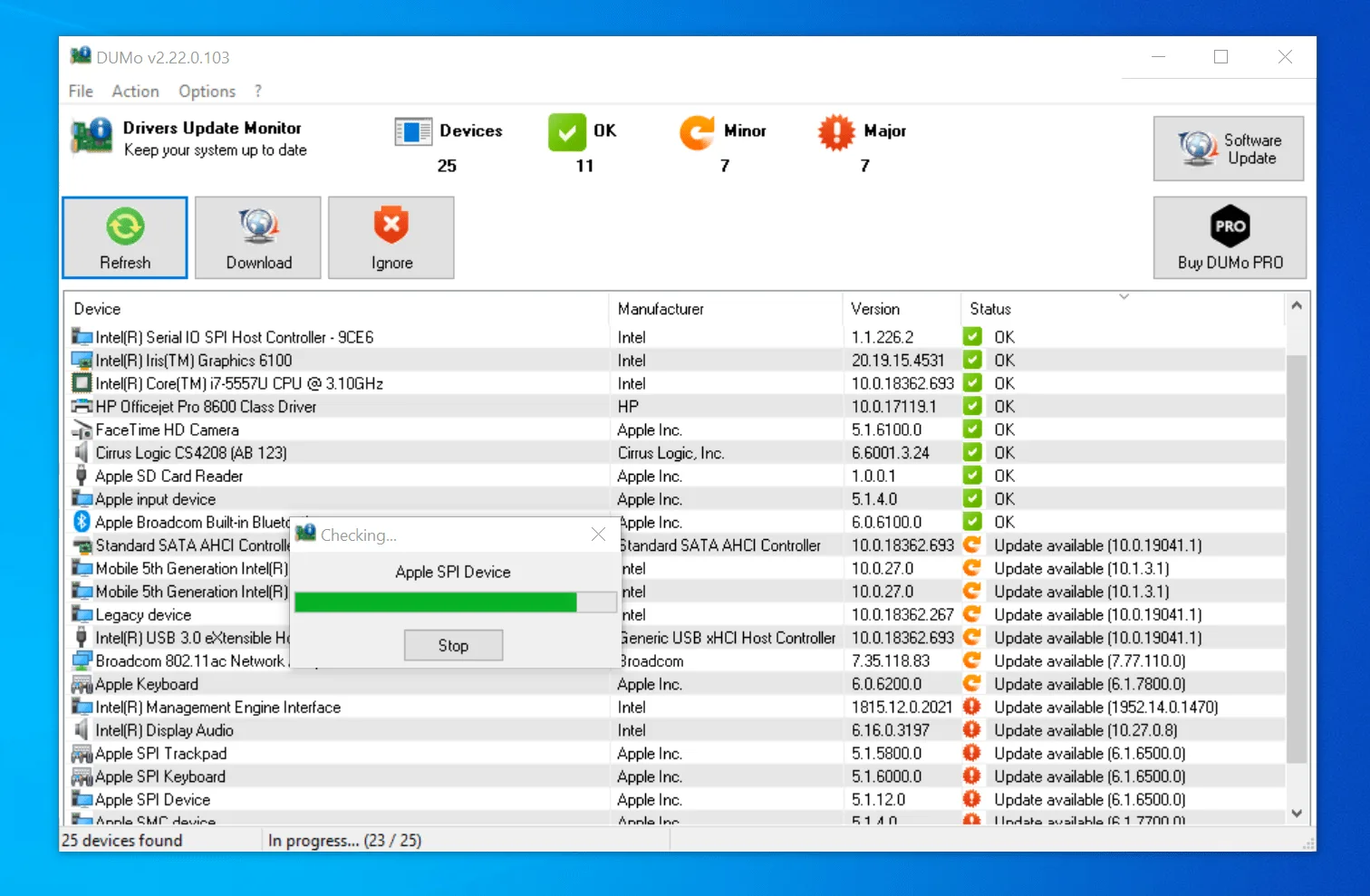
In order to use this software, you have to install it on your PC. Once you have installed the software, it will start to scan your PC and will show you the list of drivers that need to be installed. Besides, it will share some links too that you can use to download the latest version.
It’s a one-stop solution for those who want to update their drivers without wasting any time. The application will provide you all the information about the latest version on your screen.
The Program Features
Apart from providing your latest information regarding drivers, here are other things as well that DUMo does.
-
Drivers Detection
It helps to detect drivers and collect all the latest information about them. You can see all the information on the dashboard.
-
Easy-to-Use
The software is easy-to-use and consists of a user-friendly interface. Furthermore, it comprises a minimal installation process.
-
Compatibility
DUMo is compatible with all the latest versions of Windows.
-
Direct Access to Sites
The driver provides uninterrupted access to websites from where you can update the new version. Also, you can see information about the company, the driver version, and the size on the dashboard.
Final Verdict
Undoubtedly, DUMo has gained much popularity and has been used by many users all around the world. No matter which driver you have in your PC, it will easily provide information about that driver, whether it needs an update or not.
Moreover, it doesn’t allow batch installation option, but we might see this feature in the future. Overall, we can conclude that the software is perfect for all types of drivers you have on your PC.
For a complementary desktop tool in the same Windows workflow, check our full review and requirements for Music Tag.
For a complementary desktop tool in the same Windows workflow, check our full review and requirements for DVD to MP4.
For a complementary desktop tool in the same Windows workflow, check our full review and requirements for RAMExpert 1.20.0.42.
You may also appreciate our detailed comparison, ratings, and setup notes for EF CheckSum Manager 26.10.
For a complementary desktop tool in the same Windows workflow, check our full review and requirements for ShareWatcher 7.5.
For a complementary desktop tool in the same Windows workflow, check our full review and requirements for 3D Object Converter 9.0.
For a complementary desktop tool in the same Windows workflow, check our full review and requirements for Seaside 1.38.
For a complementary desktop tool in the same Windows workflow, check our full review and requirements for XnView MP 1.12.3.
For a complementary desktop tool in the same workflow, check our full review and requirements for Star PDF Watermark.
Frequently Asked Questions
What is DUMo 2.25.2.122 and what are its main features?
DUMo is a program that scans your system for the installed drivers and notifies you when there is a more recent version ready to be installed. DUMo from KC Softwares is a tool that keeps you updated with the latest hard drivers.
Which platforms support DUMo 2.25.2.122 and how is it licensed?
DUMo 2.25.2.122 supports Windows XP, Windows Vista, Windows 7, and Windows 8, with an installer package around 3.7 MB available as a free download. Official downloads and release information are available via web.archive.org.
What are the main advantages and limitations of DUMo 2.25.2.122?
It provides you information about the latest updates so you can safely download the new versions.. Overall editorial score: 9/10.