For a while now OptiFine has proven very popular with Minecraft players. I know that there is no shortage of add-ons for Minecraft, but those looking for a performance boost need to check this out. It is free to use and they are supported by ads and donations which can be annoying, but not so much that you would not want to use this.
How to Download OptiFine
To download OptiFine, click on the Download button located below this review.
The Program Review
So, what exactly does OptiFine do? Well, it does a few things, but the main thing for me is the performance. Despite the simple look, Minecraft can be quite a demanding game, with this you can as much as double the frame rate. If you have ever played Minecraft on an older computer and have had a janky unstable framerate you know how annoying it can be.
When you use OptiFine, there is no way that you will not notice the performance boost. Even older computers will notice a huge difference in the way the game plays. That alone would be reason enough to use this, but it does have some other features that make this a fantastic add-on for Minecraft.
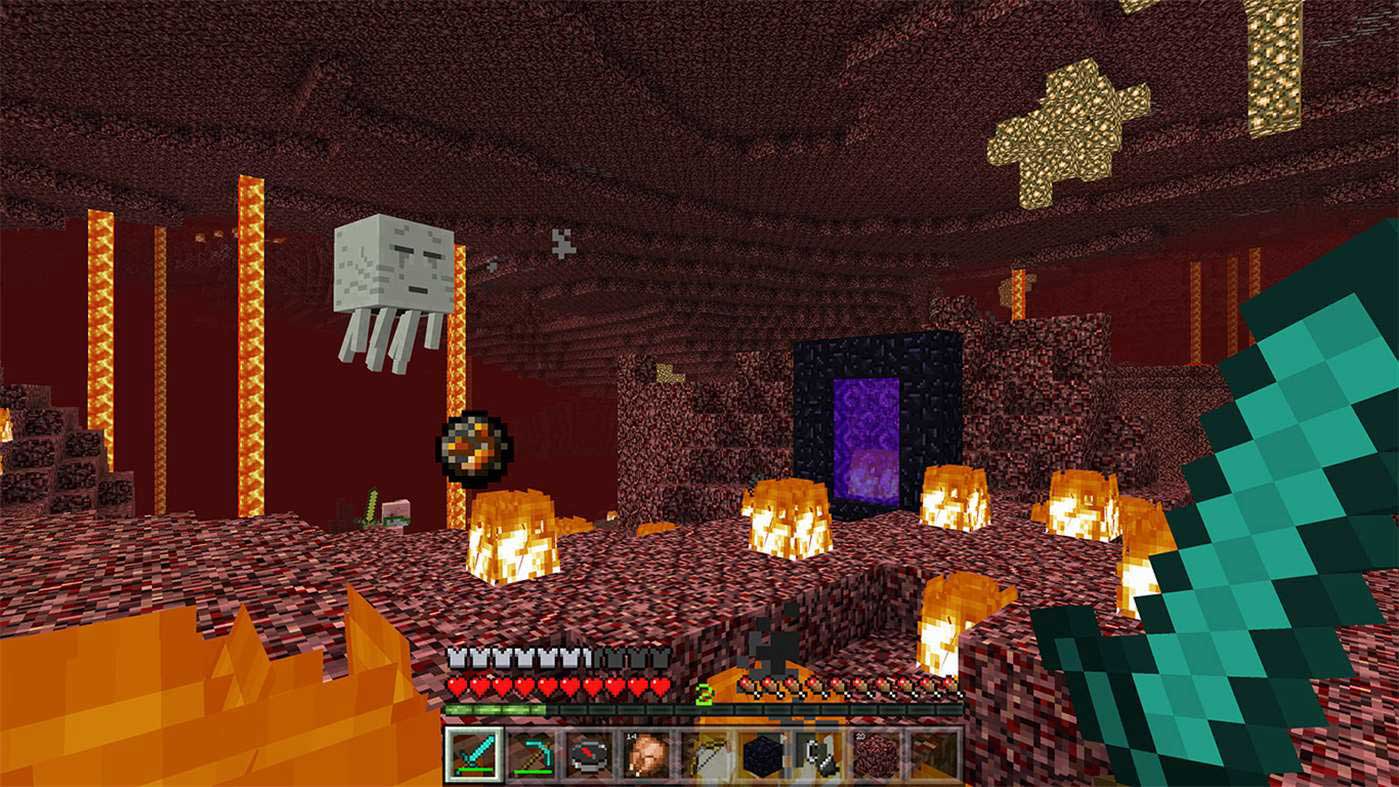
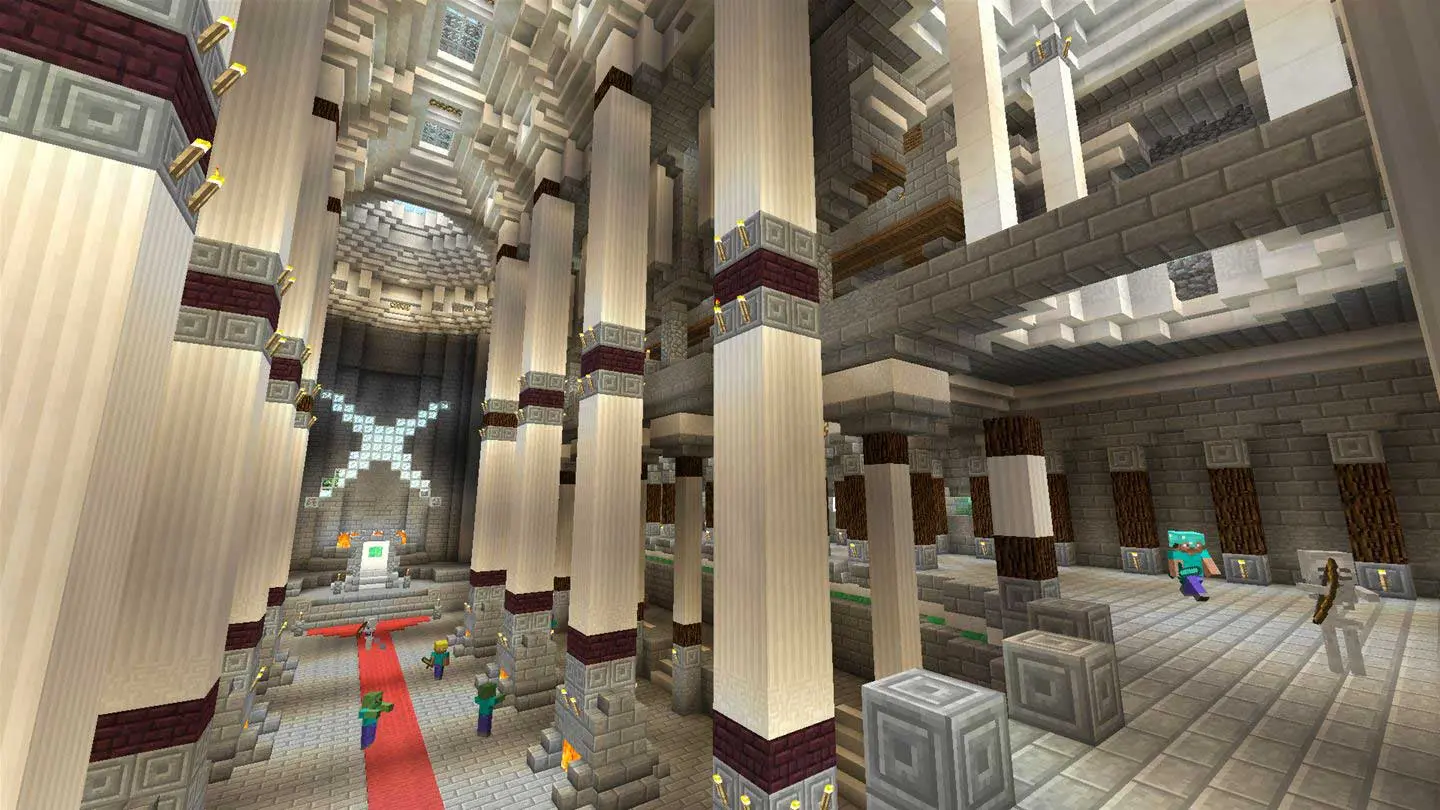
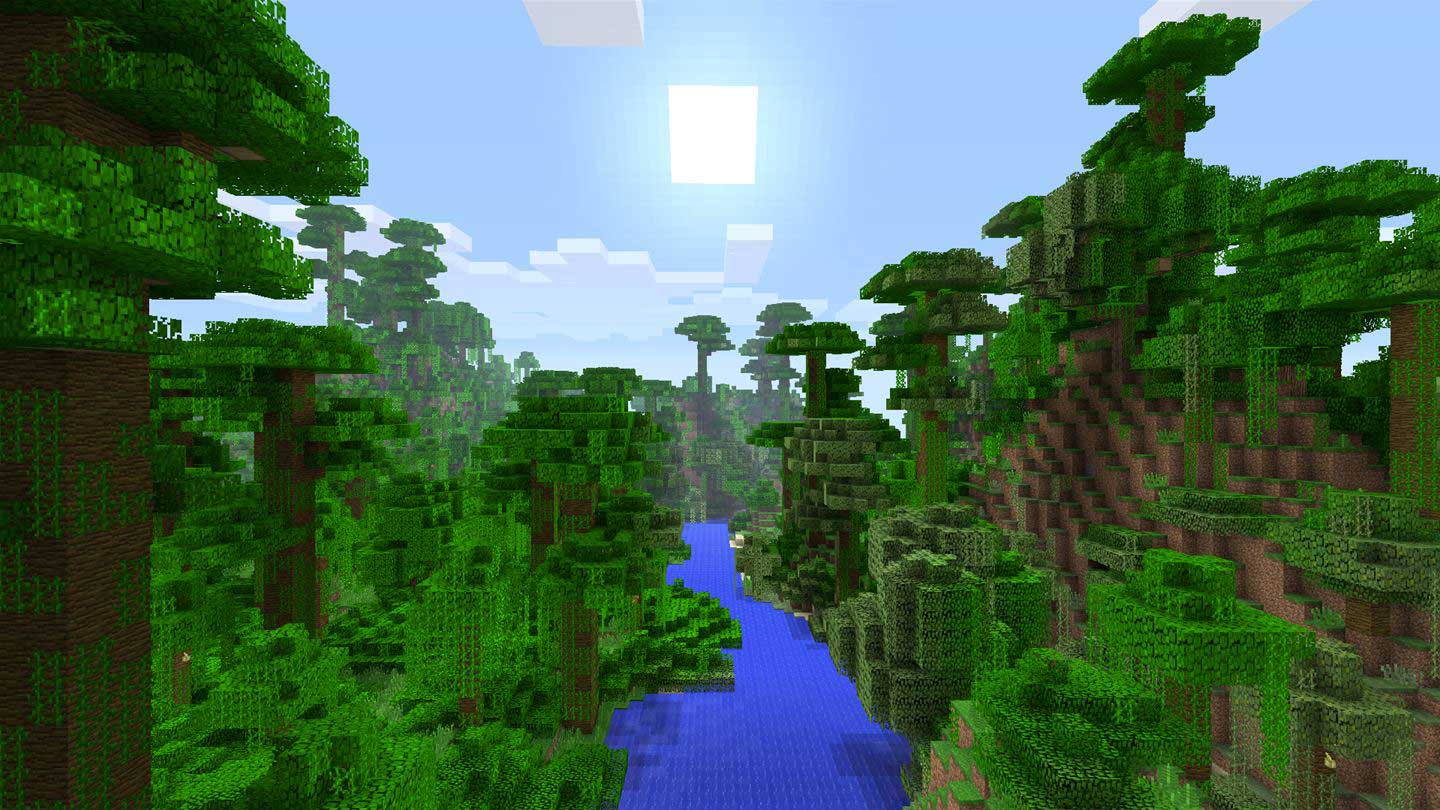
There are many visual improvements that this can make which gives Minecraft a much nicer aesthetic. This fully supports HD textures and it does not need any kind of extra patch to do so. The difference is quite staggering, it just looks like the game has way more polish when you are playing with HD textures.
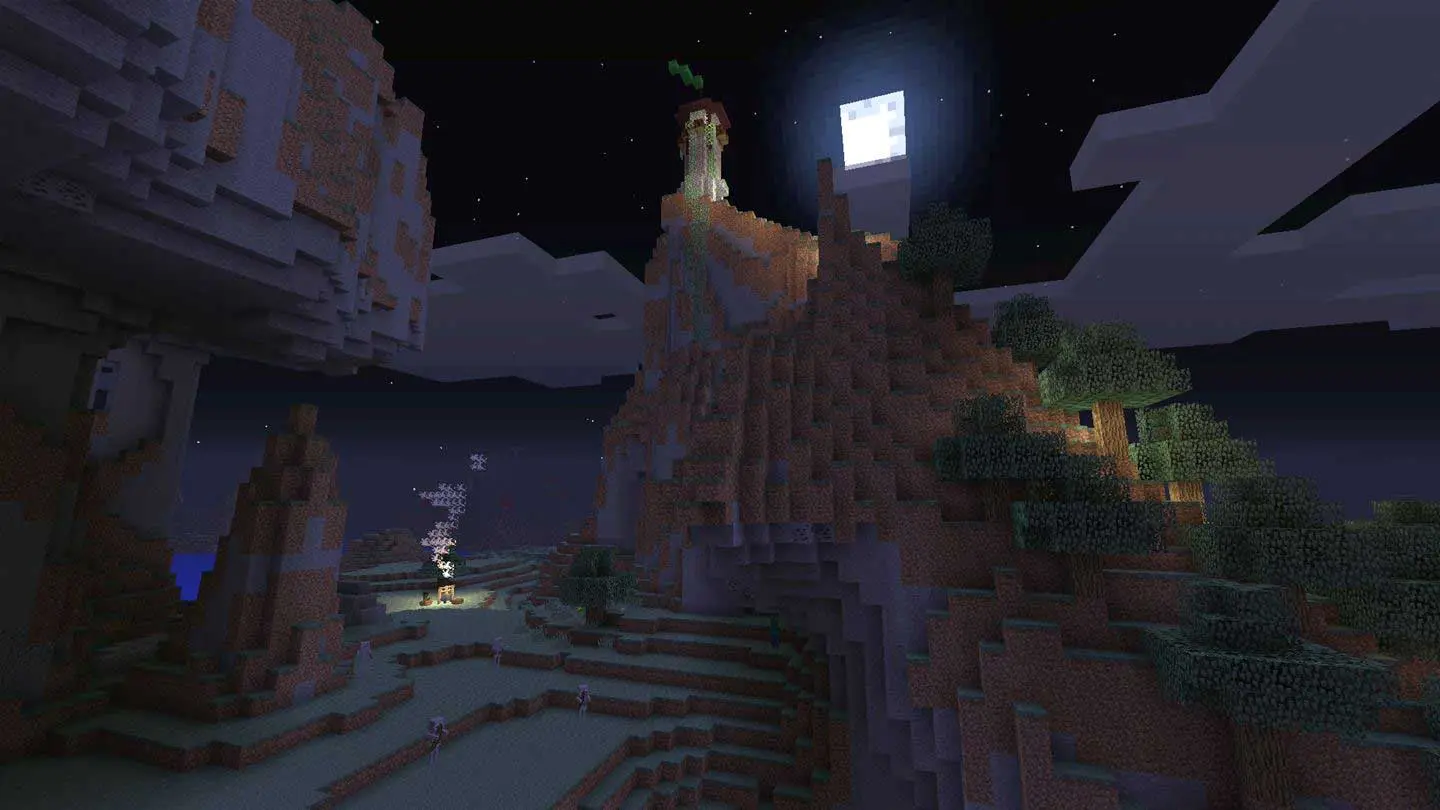
I would say the HD textures alone along with the better performance will be what most people will be more than happy with. There are different lighting options that you can use, the one that I think is awesome is the dynamic lighting which can make certain items in the game world really pop.
There are so many different options that you can play around with in OptiFine, it would be impossible for me to list them all, but there are a few others I want to give a special mention to. You can toggle certain animations on or off such as fire, water particles, dripping water/lava, portal animation, and so on.
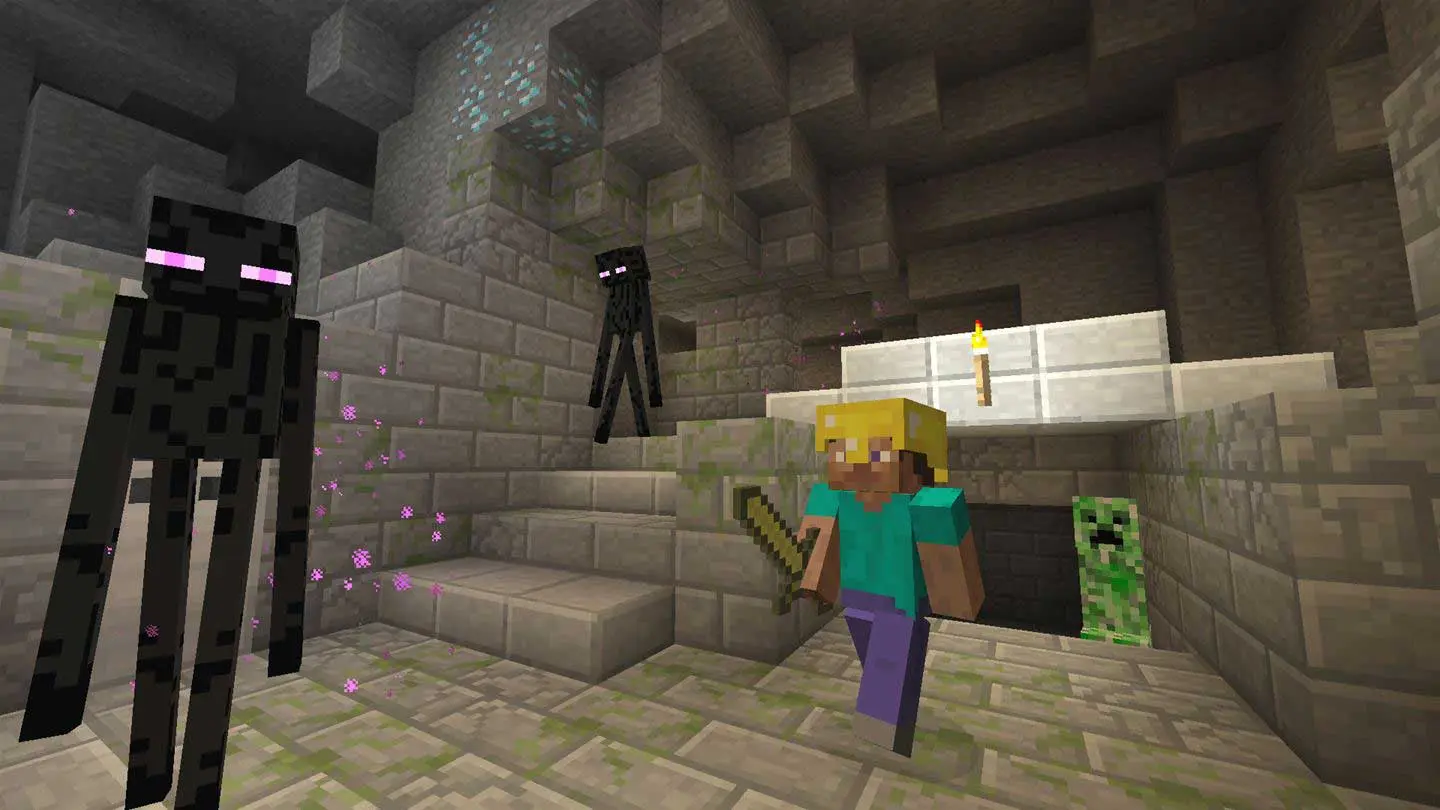
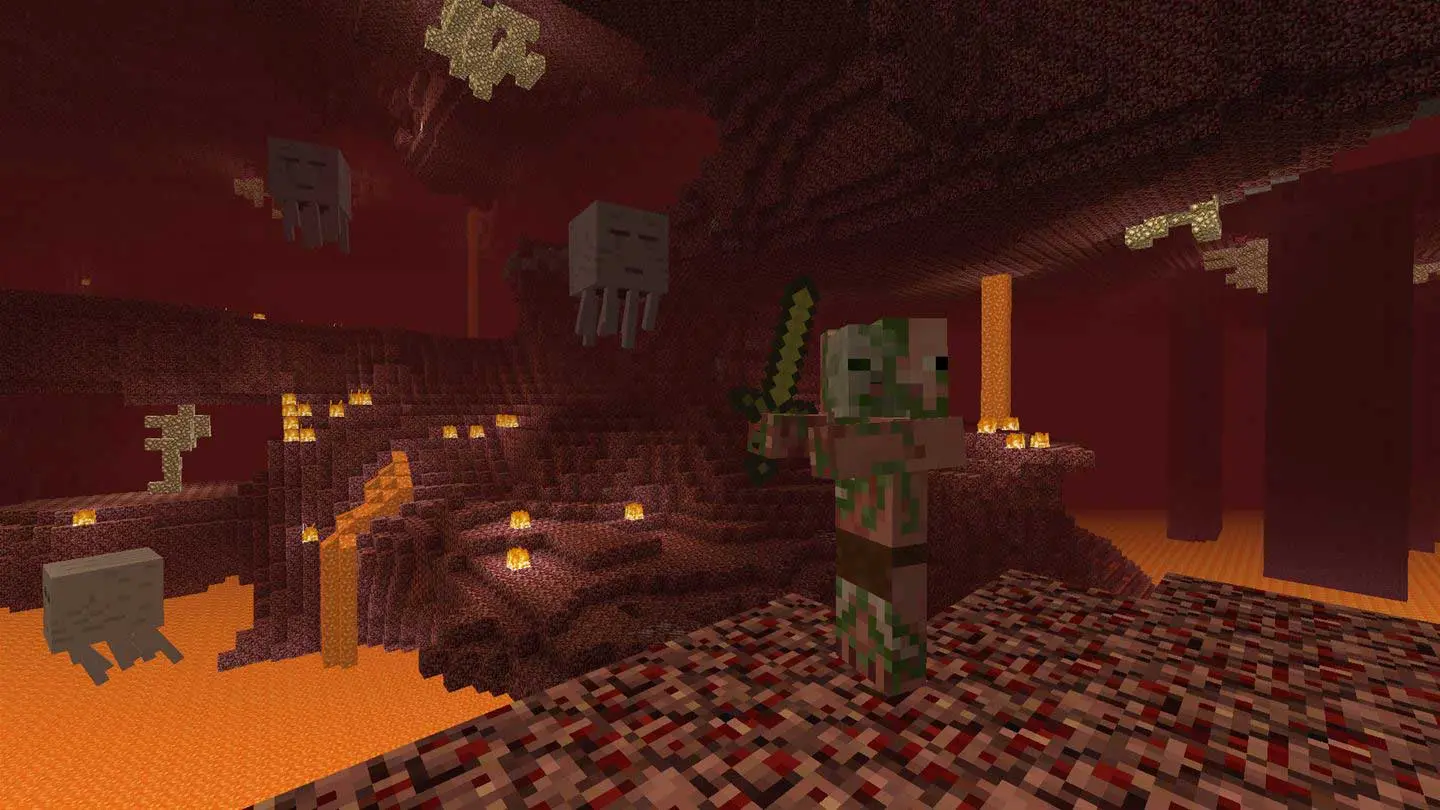
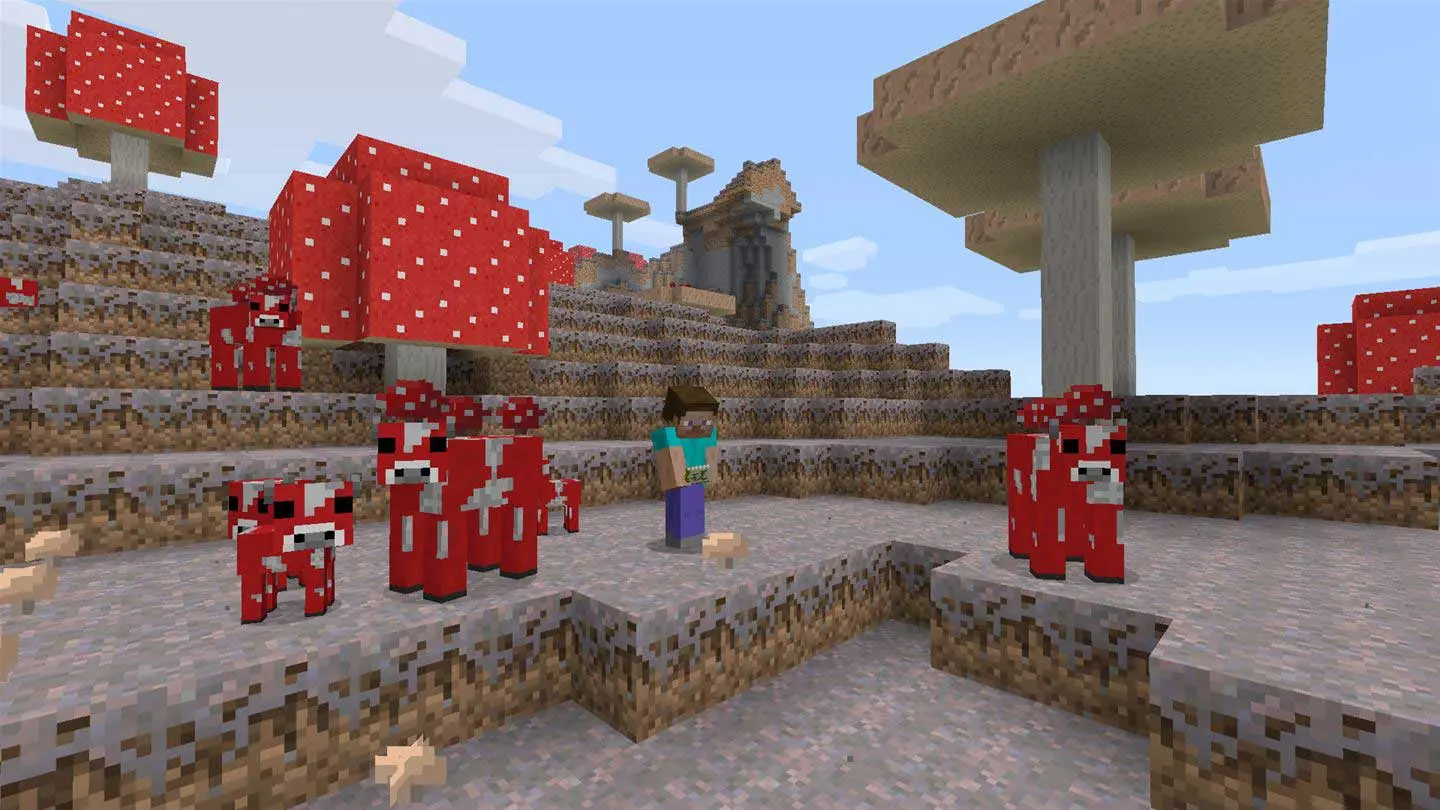
One feature that I thought was really cool was the random mobs. With this on, mobs will appear in random textures (depending on which texture packs you have) which I really liked. Speaking of texture packs, you can quickly change them on the fly, you no longer need to go out of the game to change the texture pack.
I have just really scratched the surface of the various things that OptiFine lets you play around with. There are so many different things you can toggle on and off, it is pretty awesome. However, above all else, I would say that the performance booster alone is more than enough reason to use this with Minecraft.
Gameplay Design, Features, and Core Value of OptiFine HD U H7
OptiFine HD U H7 focuses on responsive controls, reliable stability, and rewarding mechanics suited to Windows PC setups.
Compatibility, Performance, and Overall Replayability
From setup ease and system efficiency to long-term enjoyment, OptiFine HD U H7 remains a dependable choice in our PC and gaming catalog.
PC System Requirements (Minimum & Recommended)
Check the verified Windows PC minimum and recommended hardware specifications for OptiFine HD U H7 below before downloading.
| Component | Minimum | Recommended |
|---|---|---|
| OS | Windows 7 / 10 / 11 (64-bit, Java 17+ for Minecraft 1.18+) | Windows 10 / 11 (64-bit) |
| Processor | Intel Core i3-3210 3.2 GHz / AMD A8-7600 3.1 GHz | Intel Core i5-4690 / AMD Ryzen 5 1600 or faster |
| Memory | 4 GB RAM | 8 GB – 16 GB RAM (for HD resource packs and GLSL shaders) |
| Graphics | OpenGL 4.4 compatible GPU (Intel HD 4000 / Radeon R5) | NVIDIA GTX 1060 / RTX 2060 or AMD RX 580+ for shader packs |
| Storage | 200 MB free space (plus Minecraft Java Edition) | 2 GB+ SSD space for shader packs and HD textures |
Frequently Asked Questions
What type of game is OptiFine HD U H7 and who developed it?
OptiFine is a popular Minecraft mod that optimizes the game experience. Download it now and make your game run faster and also look nicer. It is developed or published by sp614x.
Which platforms and stores offer OptiFine HD U H7?
Official digital editions of OptiFine HD U H7 are available via optifine.net. Key technical details: supported platforms include Windows; storage requirement is roughly 5.64 MB; pricing follows a free model.
What are the main strengths and drawbacks of OptiFine HD U H7?
OptiFine dramatically boosts Minecraft frame rates even on aging PCs while adding HD texture support, dynamic lighting, random mob textures, and effortless on-the-fly visual toggles. Its only real annoyances are intrusive download-site ads and frequent donation prompts. Editorial score: 8.5/10.