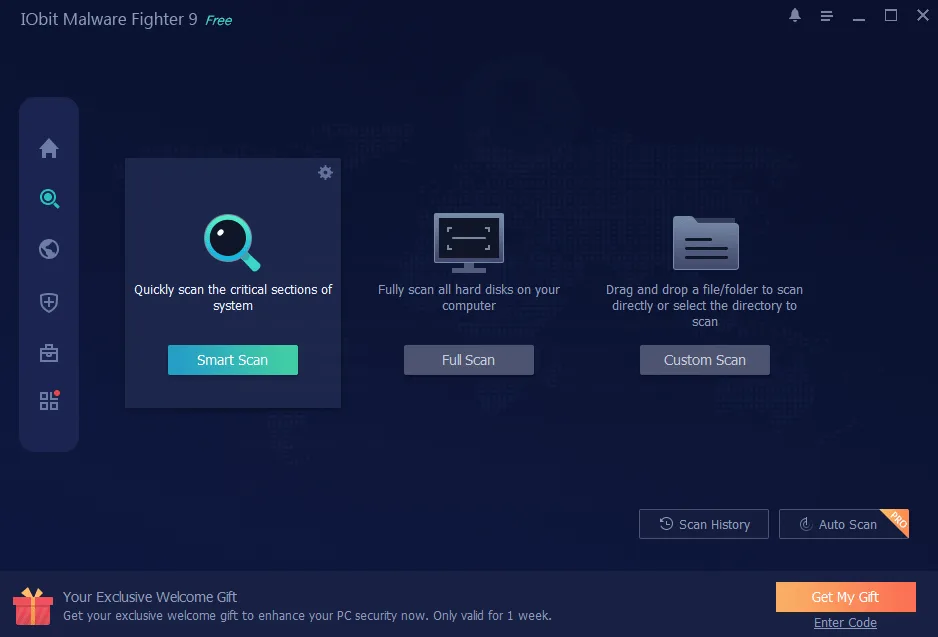
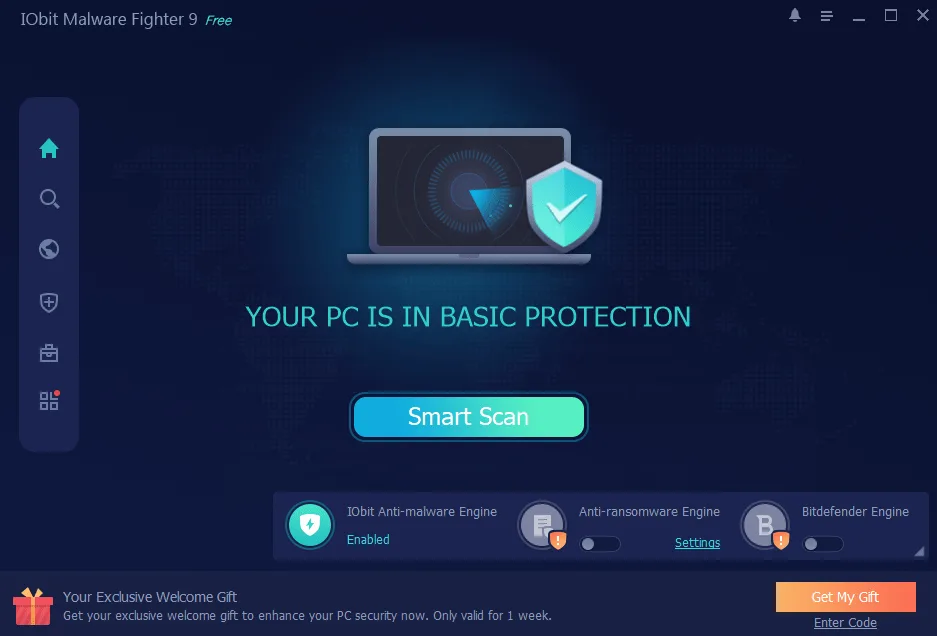
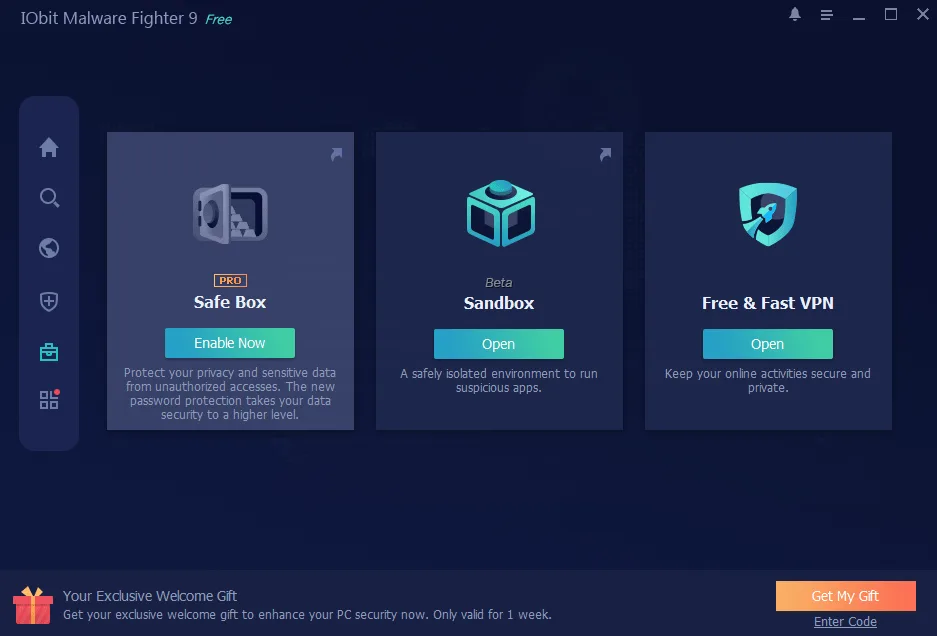
As newer and more powerful malware threats are being created each day, IObit provides protection against them with the IObit Malware Fighter. IObit Malware Fighter is all-around security software that is powerful to protect your PC against various malware in real-time. With all-new features such as the Safe Box, anti-cryptocurrency mining extension, MBR guard, etc. The latest version provides even more protection against ransomware, cryptocurrency mining malware and a variety of varied cyber attacks.
How to Download IObit Malware Fighter
To download IObit Malware Fighter click on the Download button below. Two versions of the program are available, for download free and PRO. Together with the free version, you can also choose to install Advanced SystemCare, which is also a recommended choice.
The Program Review
As already have been said IObit Malware Fighter can be downloaded in two versions, free and pro. The free version allows the software to be installed in tandem with pre-existing anti-virus software on the user’s computer. The pro version comes with the anti-virus built into the package. The Safe Box module allows the users to put certain files that they deem sensitive and want to restrict access to. The Anti-Ransomware engine allows the user to protect their computer from unspecified file types and various ransomware.
Core Features and Workflow in IObit Malware Fighter 14.0.0
The free version comes with the standard features that provide users with basic protection. First and foremost is the network guard, which protects against attacks carried out over networked computers. Then there is the file guard, which works in a similar fashion to the Safe Box protecting your sensitive files from tampering and getting compromised. Then there is the startup guard, which protects the computer’s vital startup processes along with making sure any malware doesn’t become a part of the startup process. Lastly, there is the process guard which protects critical system processes from attack by malware. In addition to that, the free version also provides browser protection which includes homepage advisor, download protection, plugin/toolbar cleaner, DNS protection and general surfing protection with ads removal.
Performance, Usability, and Final Verdict
The pro version offers all of the aforementioned features along with additional functionalities. The pro version comes with the Bitdefender Engine, which is the previously mentioned anti-virus suite. First and foremost is the MBR Guard, which is able to protect system boot information against malicious tampering while booting. Next is the camera guard, which protects your webcam from being hacked and used as a means to spy on you. Followed by the USB disk guard which protects against any kind of malware transferred over USB disk exchange. And lastly, there is the malicious action protection which will stop any malicious action taking place, even from non-malicious sources. For browser protection, the pro version provides the Anti Tracking feature which stops malware from tracking your whereabouts.
The new version provides the widest array of features as of yet, which have been previously been discussed. With the latest update, the malware database has been expanded by 20%, with 40% larger ransomware database. IObit Malware Fighter 6 can now easily remove the latest Thanatos ransomware as well as WannaCry, Petya, GoldenEye, etc. The latest version also supports Cryptocurrency malware protection and removal for users who trade and deal with cryptocurrency regularly providing protection against attacks during their dealings.
System Requirements & Key Features
Review the Windows desktop compatibility baseline and recommended setup specifications for IObit Malware Fighter 14.0.0 below before downloading.
| Specification | Minimum | Recommended |
|---|---|---|
| Operating System | Windows 7 / 8.1 / 10 (32-bit or 64-bit) | Windows 10 / 11 (64-bit) |
| Processor | 1.0 GHz Intel / AMD Dual-Core | 2.0 GHz+ Multi-Core CPU |
| Memory (RAM) | 2 GB RAM | 4 GB+ RAM |
| Free Disk Space | 500 MB free disk space | 1 GB+ SSD free space |
| Developer & Source | cdn.iobit.com | Latest verified Windows build |
You may also appreciate our detailed comparison, ratings, and setup notes for EF Commander 26.10.
Frequently Asked Questions
Where can I safely download IObit Malware Fighter 14.0.0?
Use the download button on this page to get the official IObit Malware Fighter 14.0.0 installer from IObit for Windows PC.
Is IObit Malware Fighter 14.0.0 free to download and use?
IObit Malware Fighter 14.0.0 is offered under a official release license; see our specification box above for edition and licensing details.
Which operating systems are compatible with IObit Malware Fighter 14.0.0?
IObit Malware Fighter 14.0.0 is designed for Windows PC and installs cleanly using the standard setup package.
What are the main features of IObit Malware Fighter 14.0.0?
Our review highlights performance, interface usability, everyday workflow tools, and key pros and cons of IObit Malware Fighter 14.0.0.