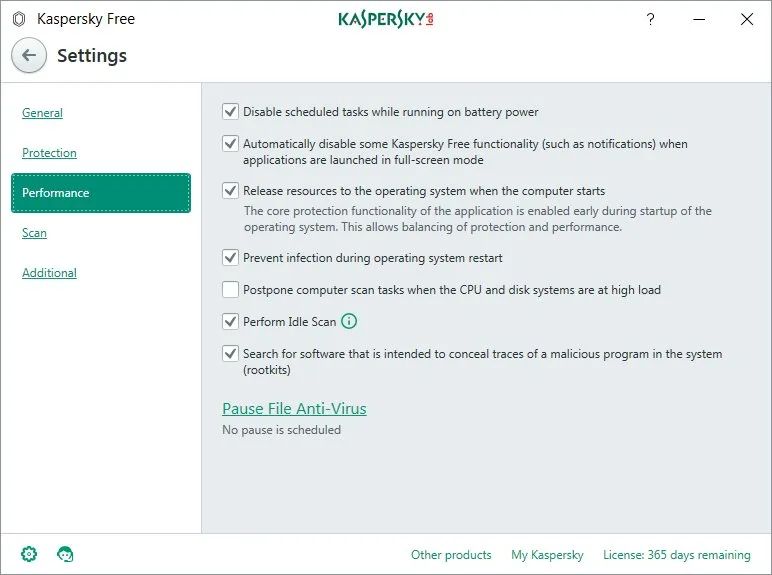
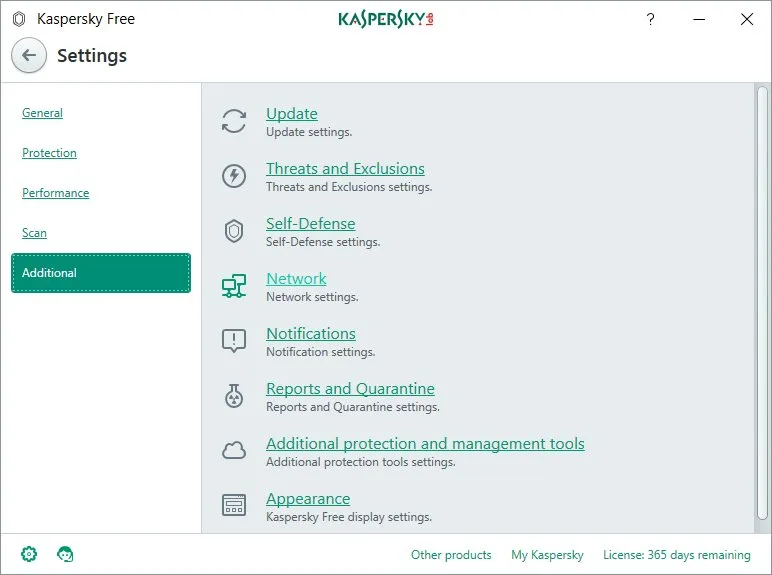
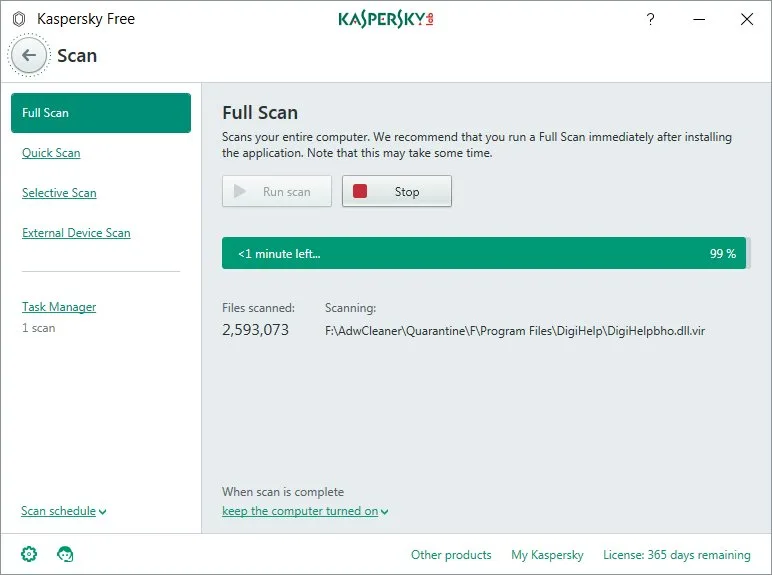
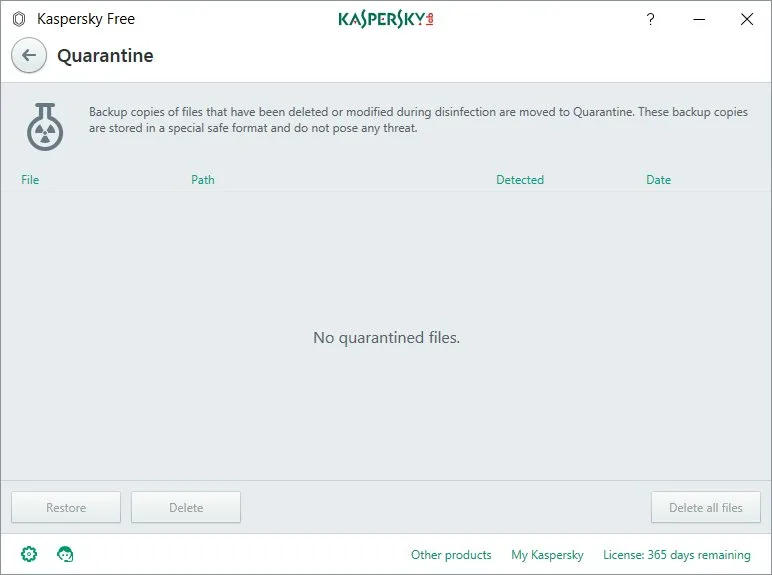
Kaspersky Anti-Virus is a downloadable antivirus from Kaspersky Lab, the company which specializes in creating software that protects our computers. Currently, we are increasingly more exposed to cyber-attacks. For this reason, it is necessary to use antivirus protection. A good way to start is to install the free download of Kaspersky Free. The software utilizes the Kaspersky Security Network (KSN) a cloud-based system. Of course, this component can be also turned off if we don’t like it.
How to Download Kaspersky Anti-Virus
To download the program, hit the button located below this review.
The Program Review
Core Features and Workflow in Kaspersky Anti-Virus 15.0.2.361
Kaspersky Anti-Virus 15.0.2.361 delivers consistent craftsmanship across its main experience, rewarding close attention to detail.
System Requirements and Program Capabilities
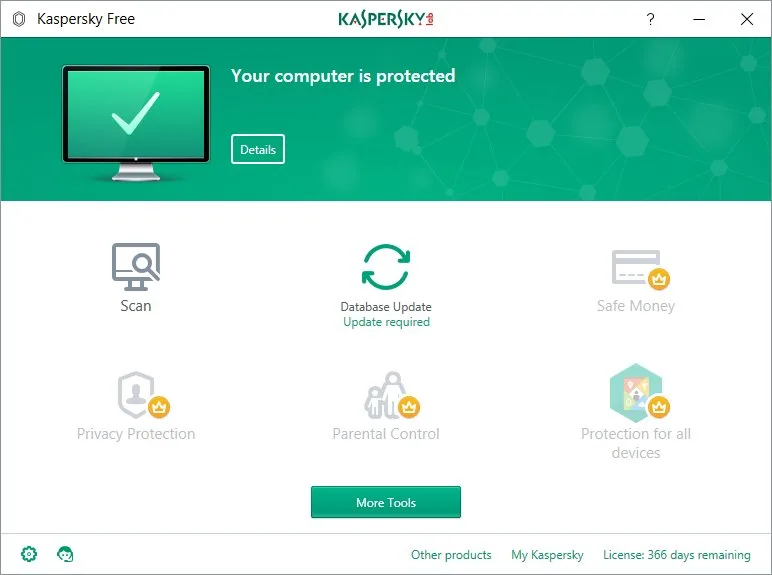
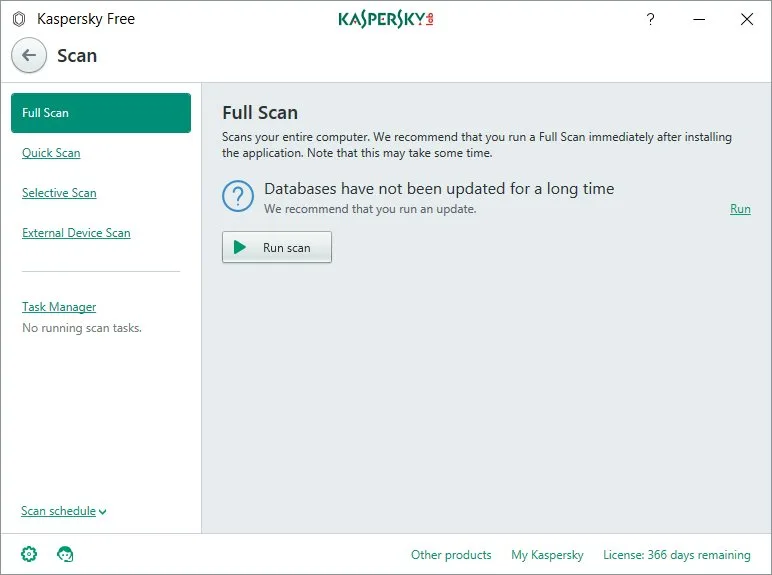
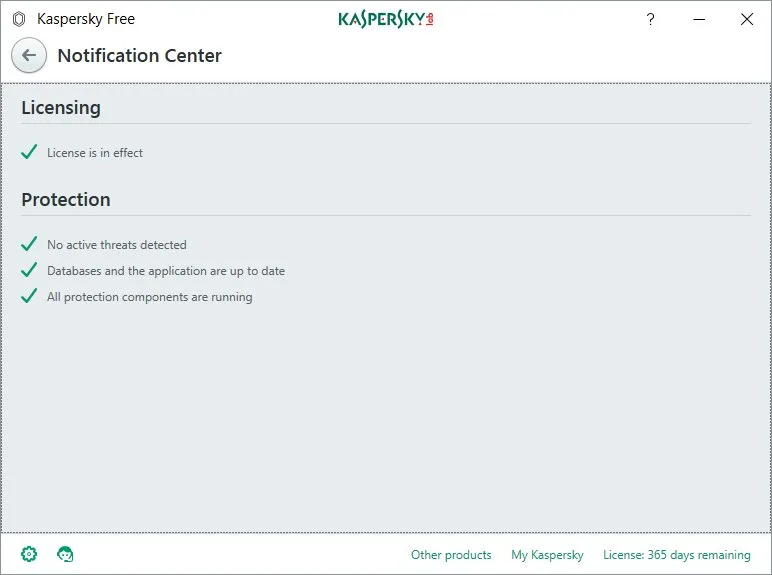
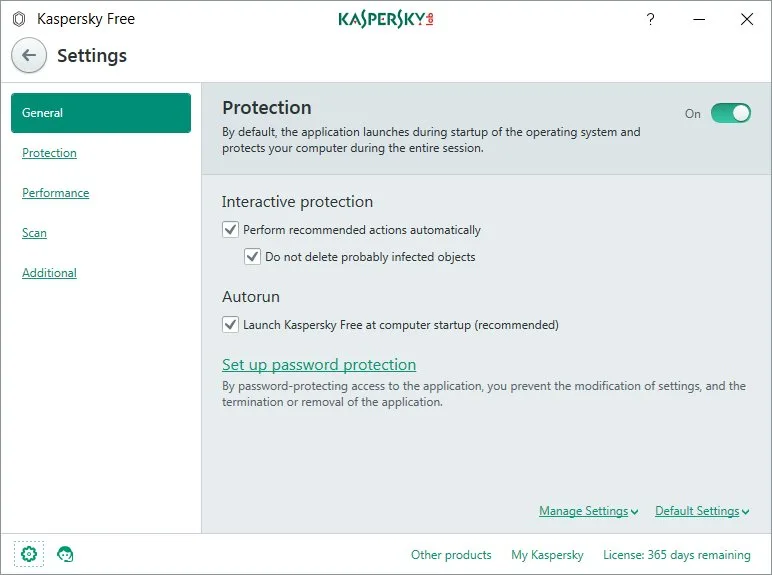
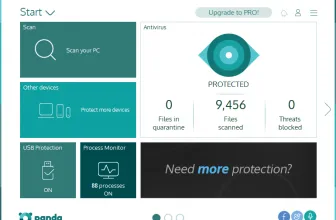
The interface of the program is simple to use and provides protection for files, websites, and e-mail. The main menu allows you to start scanning or updating databases. In addition, Kaspersky Free does not feature any ads. The program has a built-in self-defense mechanism and the quarantine module. The disadvantage of the program is the lack of parental control, which is, however, available in the full version.
The application allows you to use the Internet safely. It protects against phishing and blocks the execution of infected files. Due to the smaller number of security modules, this program works quickly and efficiently. It requires a minimum of 1 GHz Intel Pentium / AMD Athlon processor or better, a minimum of 1 GB of RAM, at least 800 MB of free hard disk space, and a Windows operating system – Windows XP, Vista, 7, 8, 8.1 or 10 (32- / 64 -bit).
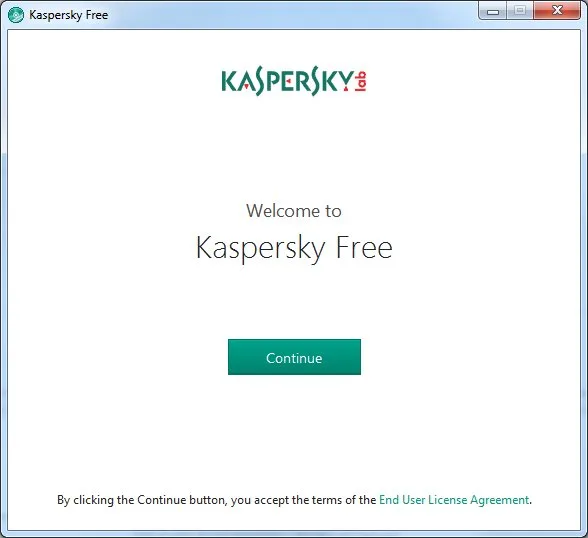
The program is available on the manufacturer’s website. Once downloaded, just run the installer, which will tell you what to do next. The program’s user has a network traffic monitor that automatically blocks suspicious files and a module for scanning e-mails. The Kaspersky Free interface is identical to that already known from the paid version and presents six basic buttons that are responsible for various functions. In the free version, only the first two are available, which is to scan and update the virus database.
Kaspersky Anti-Virus – The Program Components
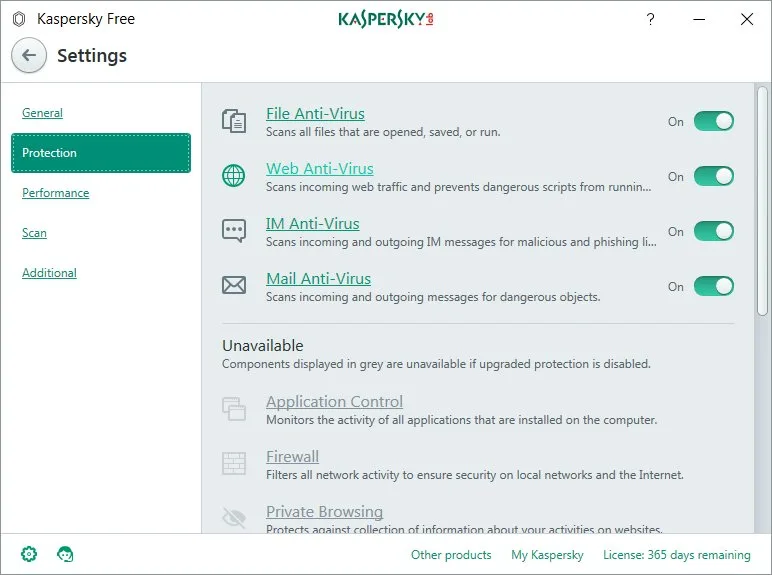
Kaspersky Free is primarily intended to work as an antivirus program. It has the following modules:
- File Anti-Virus, the scanner that monitors and checks the files stored on your hard drive,
- Web Anti-Virus,
- IM Anti-Virus,
- and Mail Anti-Virus (controls the incoming e-mail for malicious software, suspicious messages or harmful attachments).
With all these activities performed in the background, the files on your computer are safe, just as internet browsing. The application also gives you access to Kaspersky Secure Connection, which offers a secure internet connection. This makes it possible to connect via a VPN from Kaspersky. Thus all our Internet activities are being done by an intermediary which is Kaspersky. In Kaspersky Free version, this option only guarantees 200 MB monthly transfer. It is important to note that the Secure Connection module is a separate application.
The free version of the program provides a screen keyboard, which prevents the interception of content entered through the physical keyboard. The greatest thing about the tools is that it provides protection without a need for payment.
Core Features and Everyday Workflow in Kaspersky Anti-Virus 15.0.2.361
System Requirements & Key Features
Check the baseline Windows hardware specs, developer details, and license profile for Kaspersky Anti-Virus 15.0.2.361 before installing.
| Specification | Minimum | Recommended |
|---|---|---|
| Operating System | Windows 7 / 8.1 / 10 (32-bit or 64-bit) | Windows 10 / 11 (64-bit) |
| Processor | 1.0 GHz Intel / AMD Dual-Core | 2.0 GHz+ Multi-Core CPU |
| Memory (RAM) | 2 GB RAM | 4 GB+ RAM |
| Free Disk Space | 2.26 MB installer + 300 MB free space | 1 GB+ SSD free space |
| Developer & License | Kaspersky Lab (free) | Latest verified Windows build |
Frequently Asked Questions
Where can I get the official Kaspersky Anti-Virus 15.0.2.361 download?
You can download the latest official build of Kaspersky Anti-Virus 15.0.2.361 safely through the green download button on this page.
Which operating systems are compatible with Kaspersky Anti-Virus 15.0.2.361?
See the specification table at the bottom of this review for supported Windows, macOS, Linux, or mobile versions and license details for Kaspersky Anti-Virus 15.0.2.361.
Is Kaspersky Anti-Virus 15.0.2.361 free to download and safe to use?
Our review covers the exact license model of Kaspersky Anti-Virus 15.0.2.361 and links to verified vendor distribution channels for clean installation.
What are the key features of Kaspersky Anti-Virus 15.0.2.361?
Read our hands-on evaluation above for a full breakdown of Kaspersky Anti-Virus 15.0.2.361’s interface, performance, strengths, and limitations.