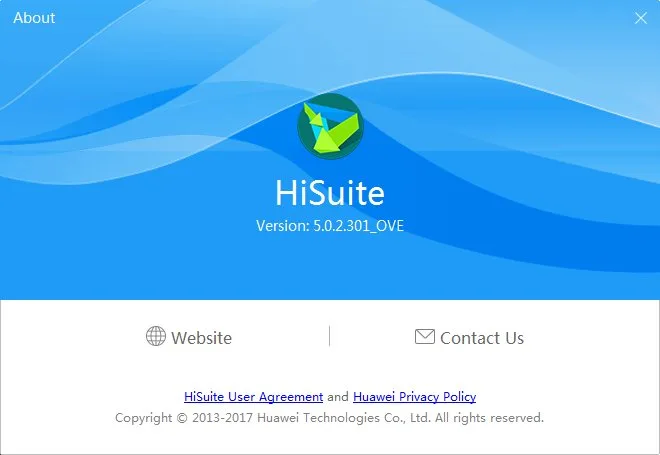
HiSuite by Huawei is an official free downloadable program for managing the data collected on the mobile devices manufactured by Huawei. The company which created the application Huawei Technologies Co is also the force behind another program called HiCare. It allows the user to find the address of their service and to download instruction manuals.
How to Download HiSuite by Huawei
To get the program, click on the Download button located below the review.
What Do We Need This Program for?
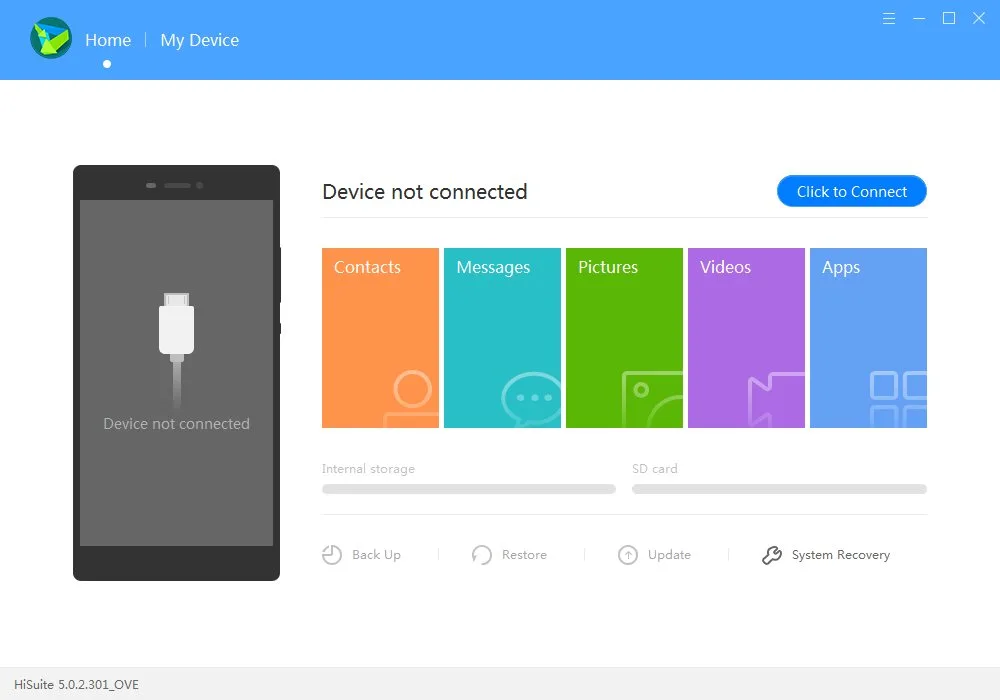
HiSuite is responsible for the management of the data stored in the memory of a Huawei smartphone. It operates on Android devices and guarantees the best performance of the system. When we connect the mobile device to a PC by the means of the USB port or via WiFi, we can begin working with the program. There are three main areas the program can help us in, namely:
- management of the data stored in the mobile device.
- creating backups.
- system update.
First and foremost, the application is used for data management. With HiSuite by Huawei, we can take care of:
- contacts,
- messages,
- pictures,
- movies,
- applications.
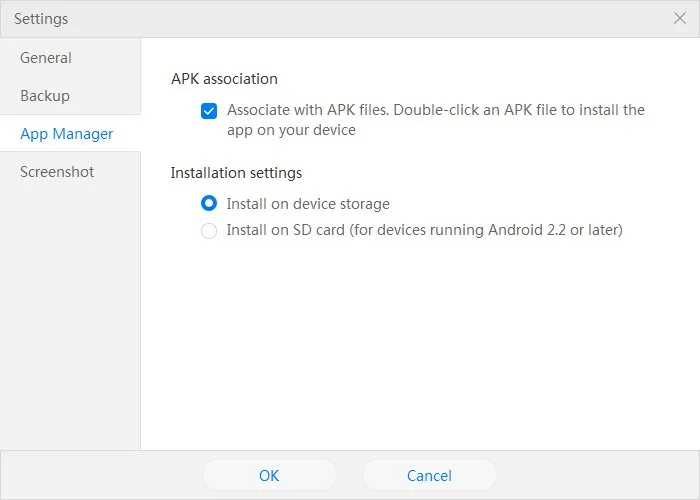
One of the features that are at our disposal is quick browsing through the list of the installed applications. The program allows for their installation and removal also through the PC. HiSuite lets its users add, edit and delete contacts. What’s more, using the computer, we can easily combine the contacts into easy to manage groups.
Another advantage of the software is its ability to import and export contacts between mobile devices and the computer. The users can similarly manage the messages. They can send and receive messages from within the applications and copy them from the phone to the PC. There is a handy option to send a message to multiple recipients.
HiSuite by Huawei is a program which also enables us to import and export multimedia – the pictures and the video files. We can also view them in different modes. We are also able to take screenshots of our mobile devices directly on the computer. We can comfortably configure our wallpaper settings. Additionally, HiSuite shows us how much memory of our smartphone we have used.
Data Backup and Updates
The second area the program capabilities is the backup. HiSuite will make a backup copy thus saving the user from losing their data. Of course, we can also easily restore the data from backup.
The last area is the system update. The program allows the users to check, download, and install the new system updates in a few easy steps.
An essential feature of HiSutie by Huawei is that it is compatible with a number of mobile devices, not only from Huawei (also, for example, Nexus and Samsung). The ability to connect via WiFi is also something many similar programs cannot do.
All Huawei users will find HiSuite to be a must-have program. With it, everything that we want to do on the device can be done quicker on a computer.
System Requirements & Key Features
Compatibility & Requirements: Compatible with Windows XP/Vista/7/8.1/10/11 (32/64-bit), 1 GHz+ CPU, 1 GB RAM, 500 MB free space (plus space for device backups), and USB data cable.
Backing Up Contacts, Photos, and App Data Before Updates
Selecting Back Up creates password-protected local snapshots of media, call logs, system settings, and apps on your PC hard drive prior to factory resets.
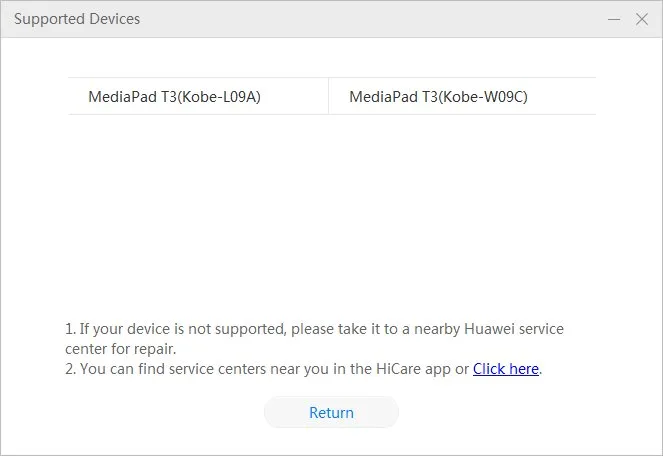
System Recovery and Rollback on Supported Handsets
When an OTA update stalls, HiSuite downloads signed official recovery images in Fastboot mode alongside complementary mobile device managers. Users building a complete toolkit also explore Vysor in our software library.
Huawei HiSuite 14.0.0.380 System Requirements & Compatibility
Below are the supported Windows editions and baseline hardware specifications for installing and running Huawei HiSuite 14.0.0.380.
| Specification | Minimum | Recommended |
|---|---|---|
| Operating System | Windows 7 / 8.1 / 10 (32-bit or 64-bit) | Windows 10 or Windows 11 (64-bit) |
| Processor | Intel or AMD 1.4 GHz compatible CPU | Dual-Core Intel Core i3 / AMD Ryzen 3 or faster |
| Memory (RAM) | 2 GB RAM | 4 GB RAM or higher |
| Storage | 1 GB free disk space (approx. installer + app) | 250 MB+ on SSD for fast caching and updates |
| Distribution | Freeware / Official Release | Official publisher installer with administrator rights |
Frequently Asked Questions
How do I connect a Huawei phone to HiSuite 14.0.0.380 via USB?
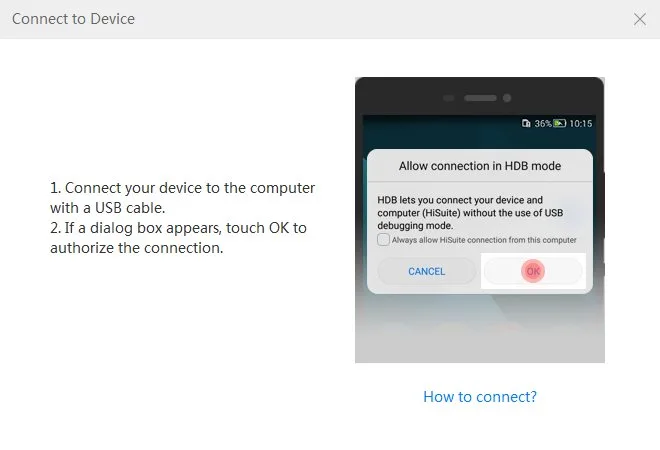
Enable Settings > Security > More settings > Allow connection through HDB on your phone, connect via USB, switch USB mode to Transfer Files, and confirm the 8-digit pairing code.
Can Huawei HiSuite recover a phone stuck in a boot loop?
Yes – HiSuite’s built-in System Recovery mode puts supported Huawei smartphones into Fastboot and flashes official verified firmware packages cleanly.
Is Huawei HiSuite 14.0.0.380 safe and free to use on Windows 11?
Yes – HiSuite is distributed free of charge by Huawei Technologies Co. and version 14.0.0.380 runs reliably on modern Windows 10 and Windows 11 PCs.