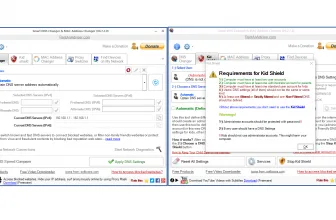
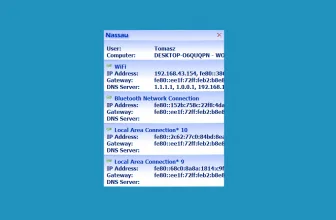
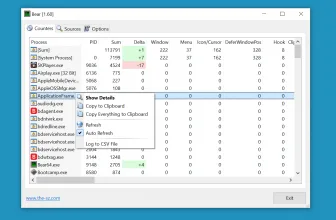
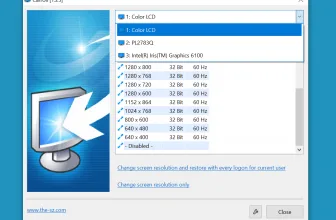
Complete Internet Repair is an open-source tool that is mainly used for repairing internet issues. If you are facing any issues such as loss network connection or DNS lookup problem, then this tool helps to resolve all the problems.
However, make sure that you don’t use this tool for those applications which are already repaired as it will create issues for your system.
In addition, the tool is generally used for repairing software issues, not hardware faults. So, if you are looking for a trustworthy solution for your internet issues, then this one is perfect for you.
Furthermore, it also helps to resolve DHCP errors which are hard to solve using manual methods.
How to Download Complete Internet Repair
You can download the setup and the portable versions of Complete Internet Repair after clicking on the Download button located below this review.
For more tested utilities in this category, see our reviews of Desktop Restore 1.7.2.083 and PTBSync 6.6d for Windows.
The Program Review
There is no doubt that technology is improving day by day, and everything can be accessed via the internet. Whether it’s Facebook or YouTube, you can’t use them without the proper internet connection.
But what happens when you don’t have a strong internet connection? In this situation, you need the help of a tool that can solve your internet issues, and for that, Complete Internet Repair is the right choice.
This tool works the same as the technician does and helps to solve all the issues which are related to the software.
What Is Complete Internet Repair?
Complete Internet Repair is an ideal choice for those who have to face continuous network connectivity issues. These issues can become worse when you can’t access your sites properly.
Therefore if you want to try a software that can resolve all your issues, then Complete Internet Repair is perfect for you. As the name indicates, it’s a tool that helps to repair internet issues, including registry errors, DNS lookup problems, and much more.
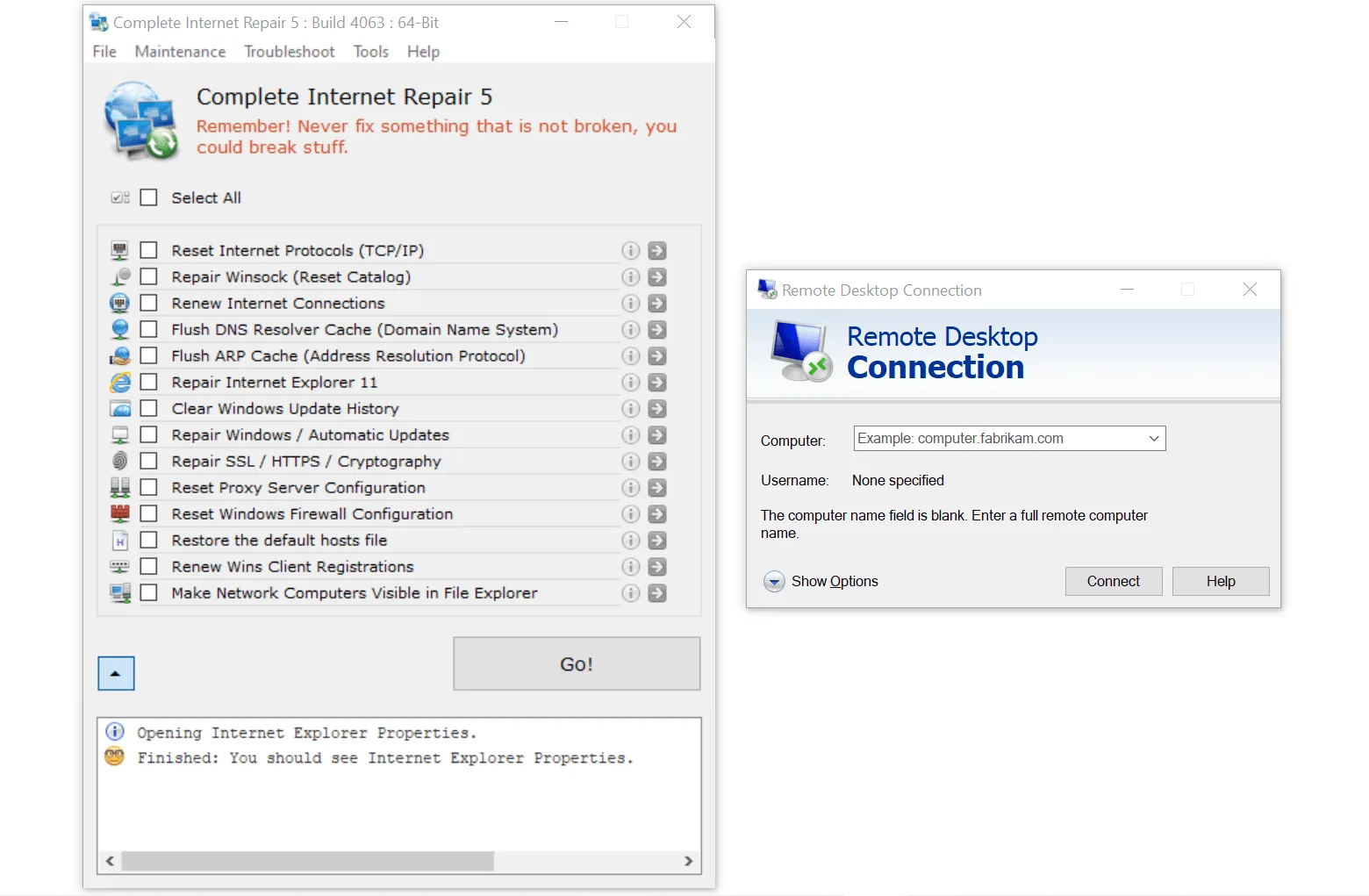
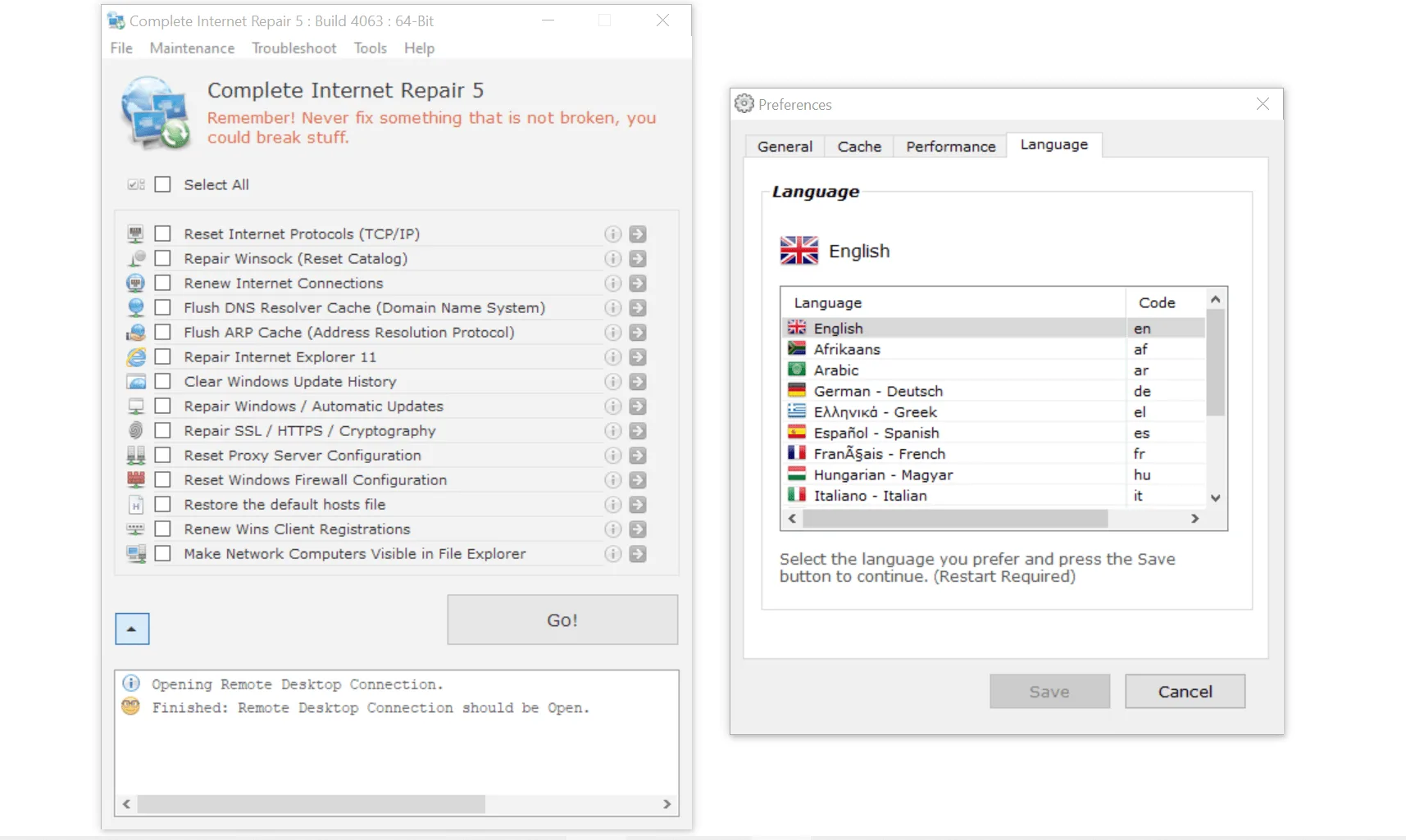
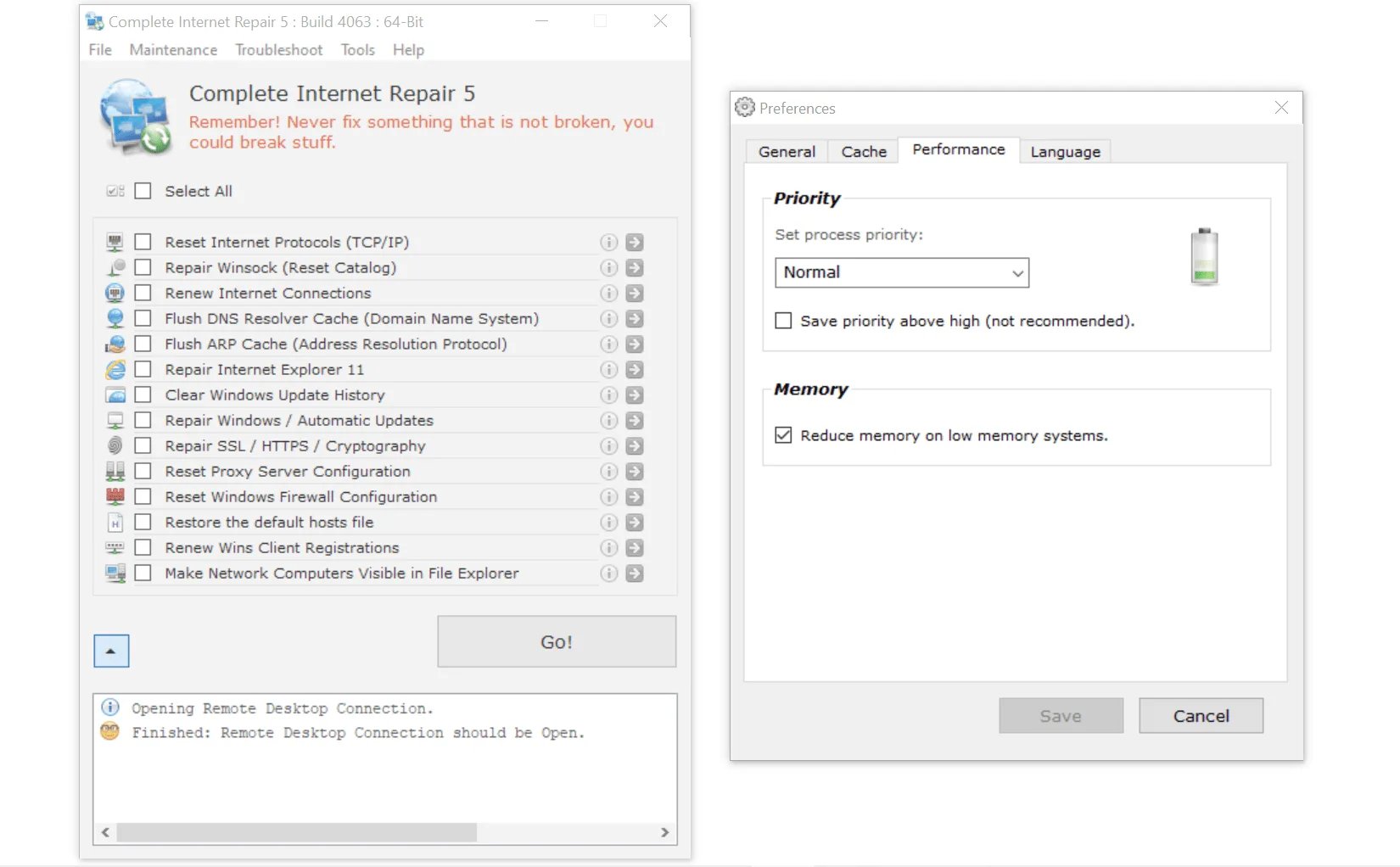
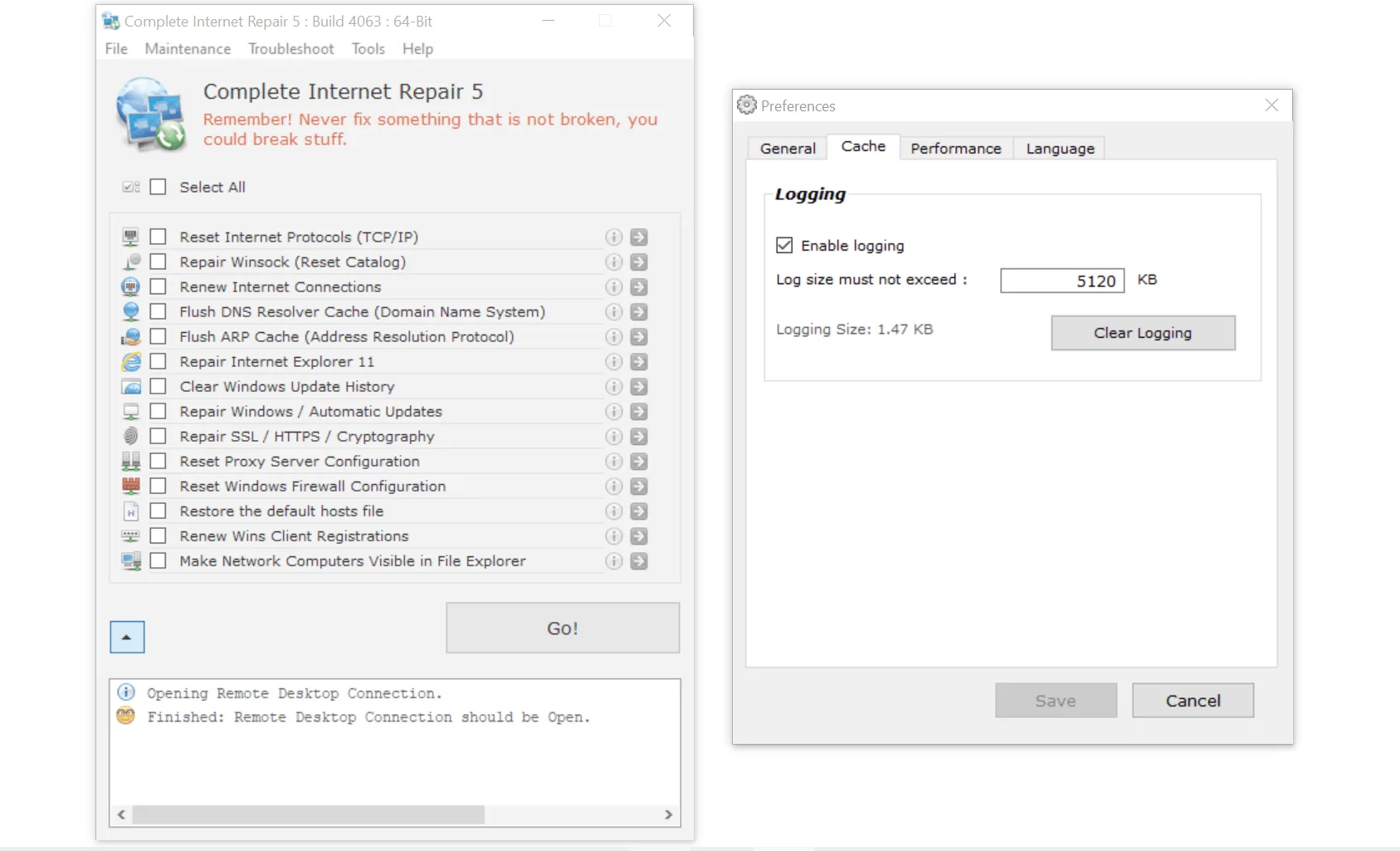
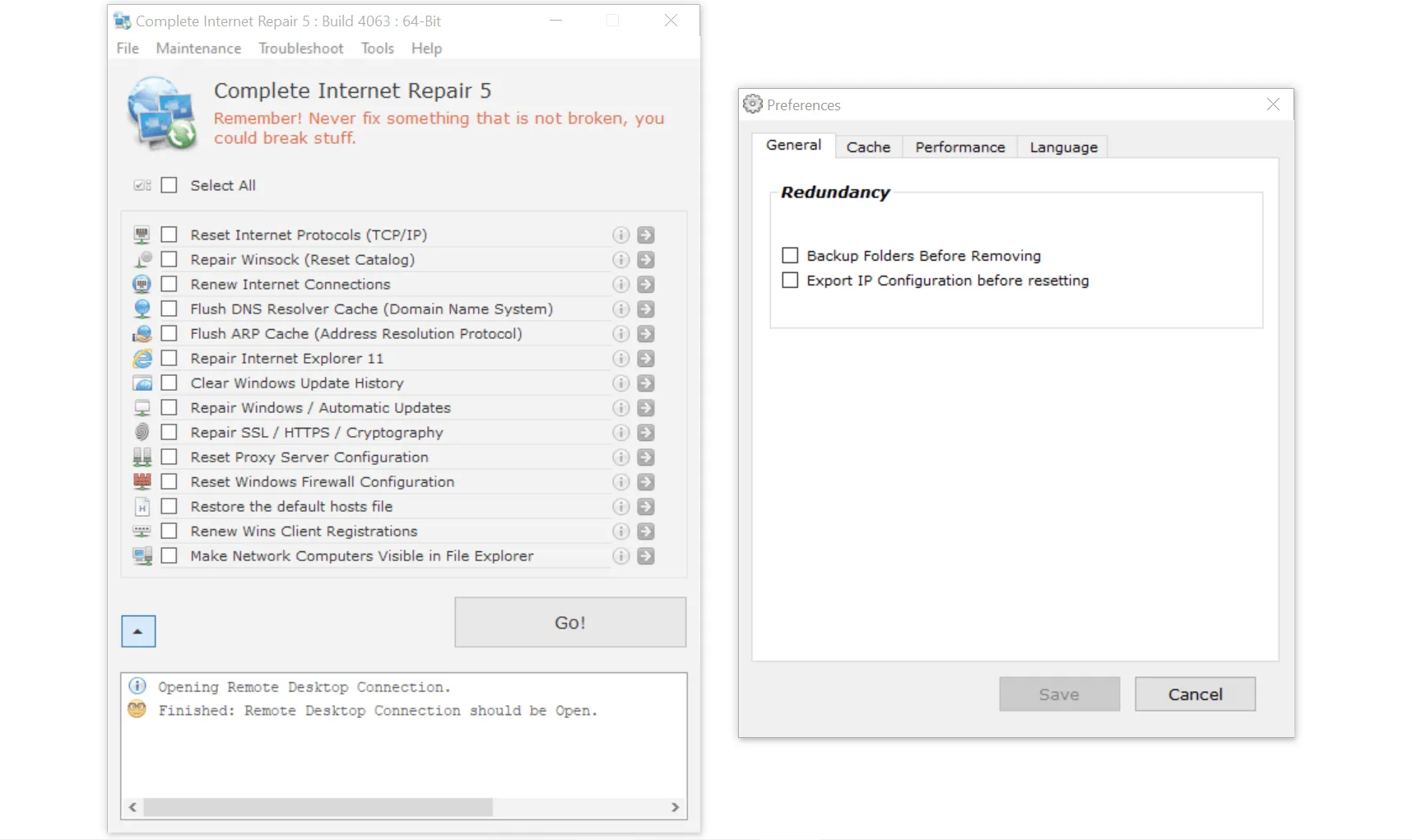
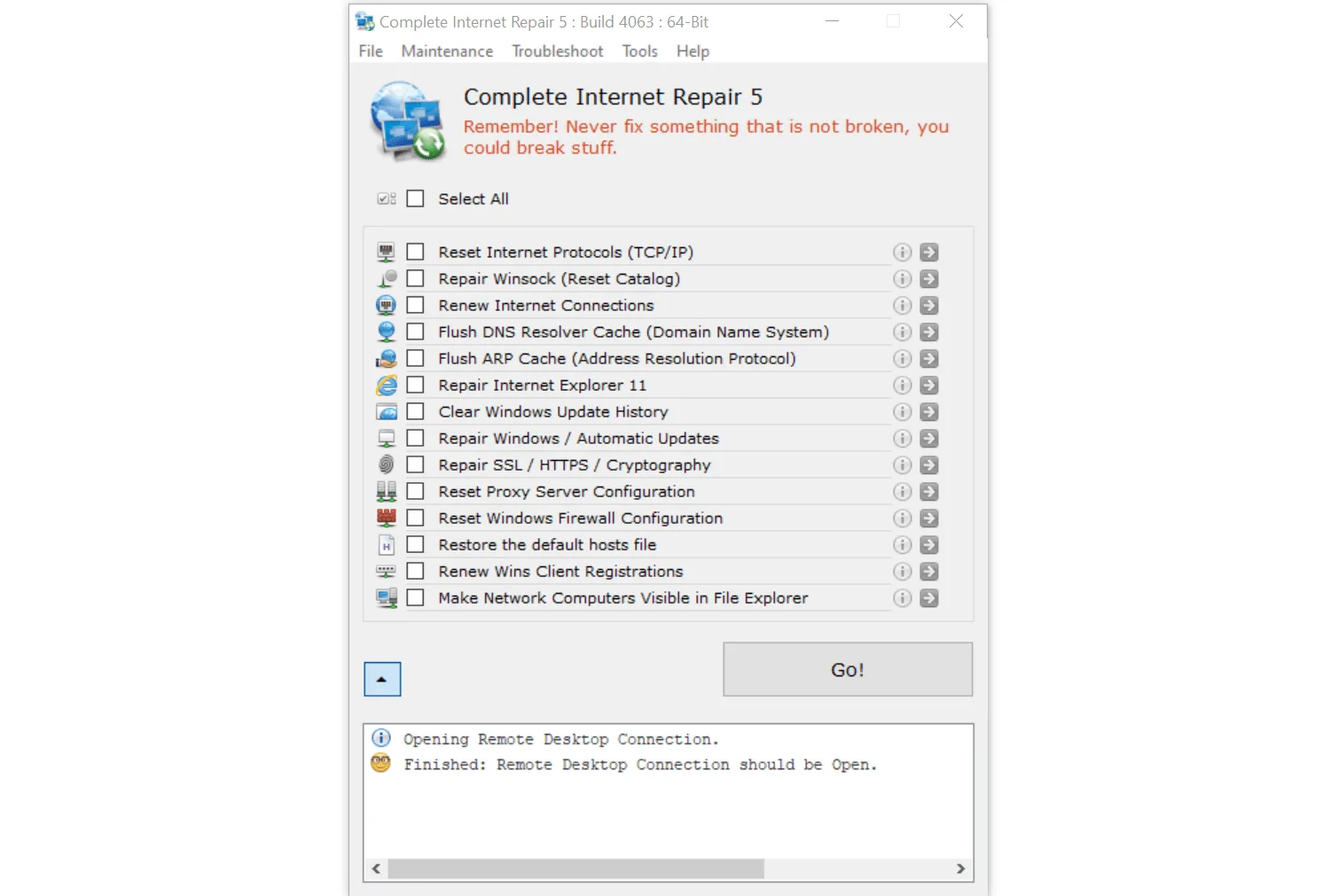
The interface of the tool is simple and easy to use. Besides, if you want to try something easy that can fix your internet issues, then this tool is perfect.
On the dashboard, you can see different options from where you can choose your issues and can fix them in no time. Keep in mind that the tool doesn’t help to solve the hardware issues.
The Key Features
The key features of this tool are mentioned below.
-
Removes Viruses
This tool helps to resolve all the problems by removing viruses, adware, worm, Trojan, and much more.
-
Resolves DHCP Errors
DHCP also stands for Dynamic Host Configuration Protocol is used for providing dynamic IP to the device. Somehow if your device is not getting dynamic IP, then it could be due to DHCP errors. Therefore this tool is used to resolve all the DHCP issues.
-
Fixes Internet Explorer
If your Internet Explorer is not working and crashes all the time, then this tool helps to fix it in no time.
-
User-Friendly Interface
For starters, it’s easy to use this tool as the interface of the tool is user-friendly and straightforward.
-
Compatibility
It works best with all the old and latest Windows versions, including Windows 8, Windows 7, Windows 8.1, and Windows 10.
Final Verdict
If you are looking for a tool that can help you to repair all the internet issues, then Complete Internet Repair is the right choice for you. The tool works with all the Windows versions, and beginners can use it effortlessly without demanding any help from the expert.
Complete Internet Repair 11.1.3.6518 System Requirements & Compatibility
Below are the supported Windows editions and baseline hardware specifications for installing and running Complete Internet Repair 11.1.3.6518.
| Specification | Minimum | Recommended |
|---|---|---|
| Operating System | Windows 7 / 8.1 / 10 (32-bit or 64-bit) | Windows 10 or Windows 11 (64-bit) |
| Processor | Intel or AMD 1.4 GHz compatible CPU | Dual-Core Intel Core i3 / AMD Ryzen 3 or faster |
| Memory (RAM) | 2 GB RAM | 4 GB RAM or higher |
| Storage | 3 MB free disk space (approx. installer + app) | 250 MB+ on SSD for fast caching and updates |
| Distribution | Freeware / Official Release | Official publisher installer with administrator rights |
Frequently Asked Questions
What is Complete Internet Repair 11.1.3.6518 and what are its main features?
Complete Internet Repair is a free tool that will repair internet connection should you have any problem getting online, developed by Rizonesoft.
Which platforms support Complete Internet Repair 11.1.3.6518 and how is it licensed?
Complete Internet Repair 11.1.3.6518 supports Windows XP, Windows Vista, Windows 7, and Windows 8, with an installer package around 3 MB available as a free download. Official downloads and release information are available via rizonesoft.com.
What are the main advantages and limitations of Complete Internet Repair 11.1.3.6518?
However, make sure that you don’t use this tool for those applications which are already repaired as it will create issues for your system. Overall editorial score: 9/10.