Do you do a lot of work with system registry? Whether for home or professional purposes? Perhaps you maintain a range of different systems, each with their own requirements, and you need a software solution to maintain and edit registry entries? Then RegCool is probably one of the most powerful pieces of software that you still haven’t heard about and it will make your life a whole lot easier when it comes to performing these tasks.
How to Download RegCool
To download the program, click on the button located below this review.
The Program Review
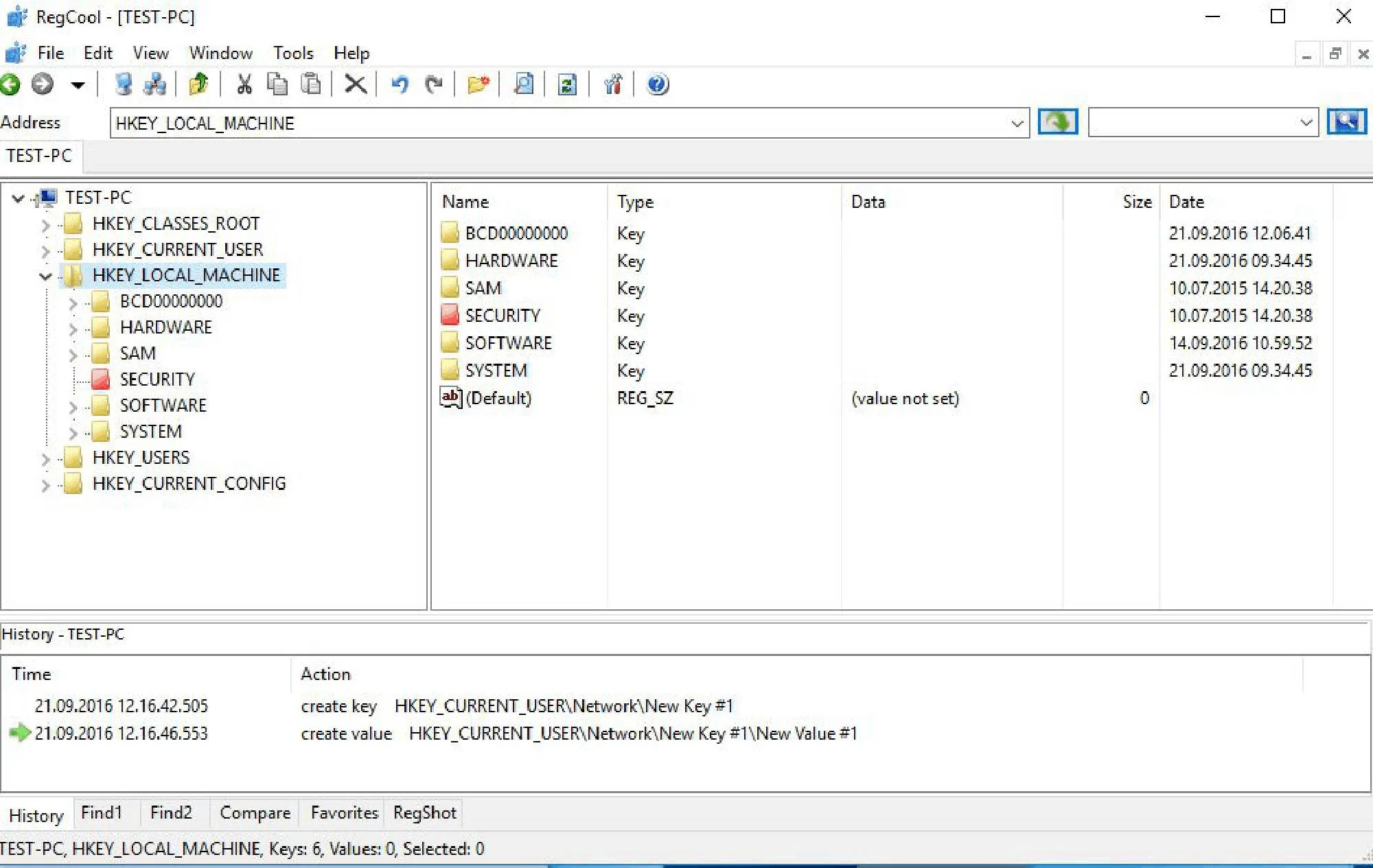
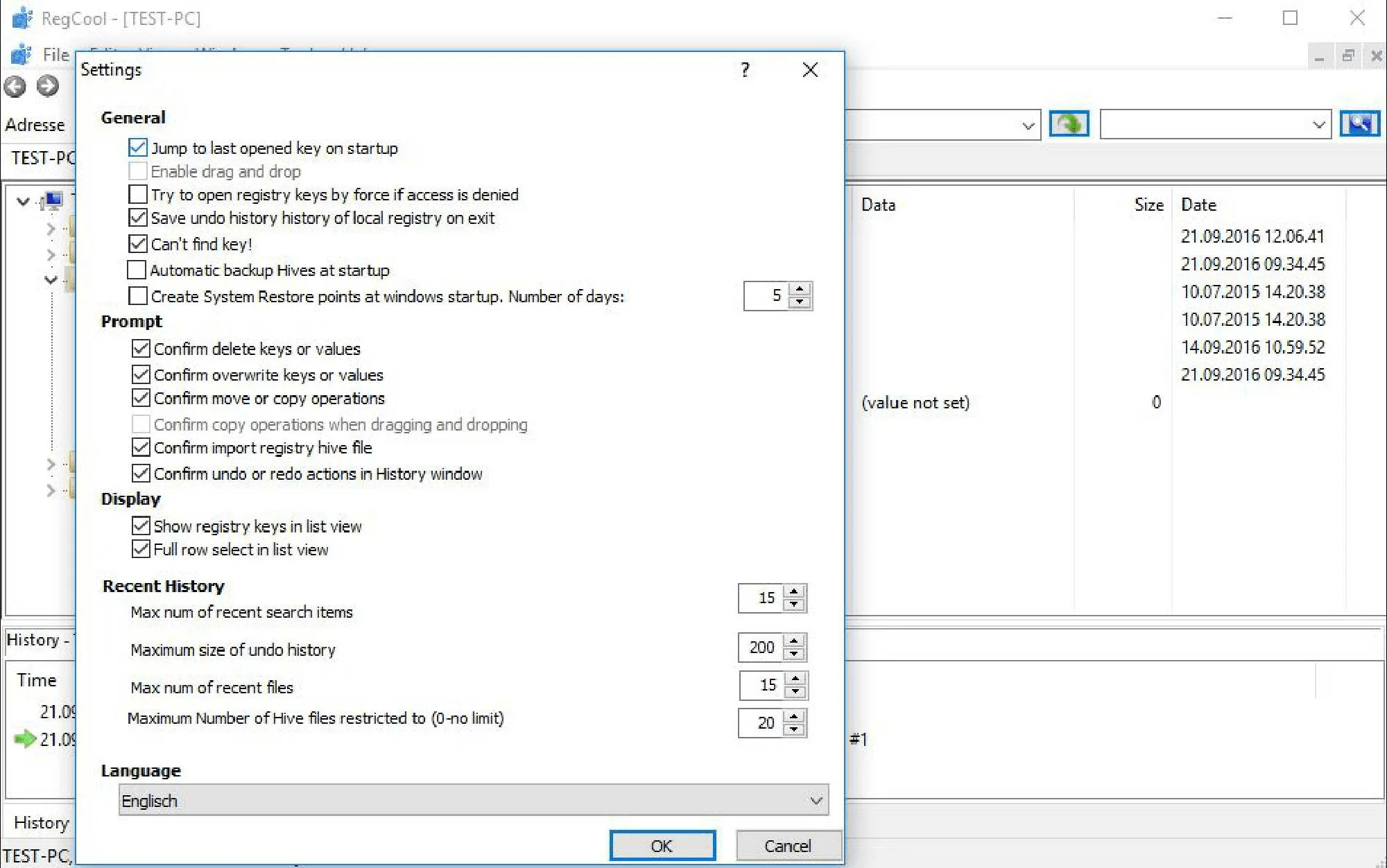
Some of the key features for RegCool include such things as search and replace registry keys, multiple open registry window capabilities, copy and pasting registry values, undo, redo, and a favorites option. RegCool keeps maintaining multiple registries and working on them easy as a breeze and it does it all without a hiccup. If you’re looking for smooth operation and stability, RegCool has that in spades.
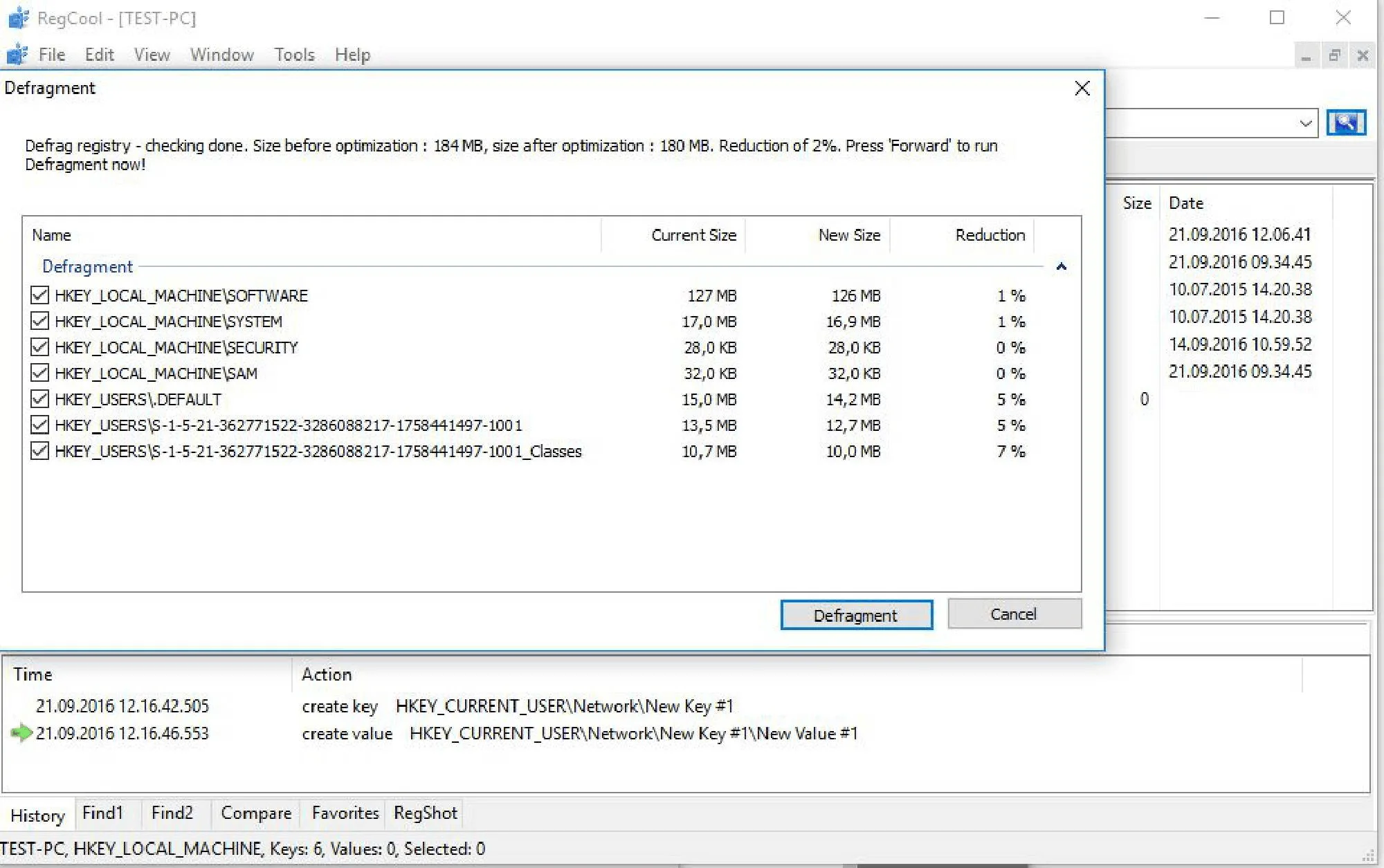
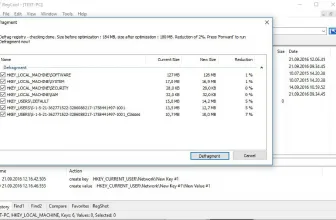
Beyond the registry options and tools, you also have a slew of defragmentation and maintenance tools. Defragmentation is critically important when it comes to maintaining registries and RegCool makes this easy to do and the options for doing so really easy to understand.
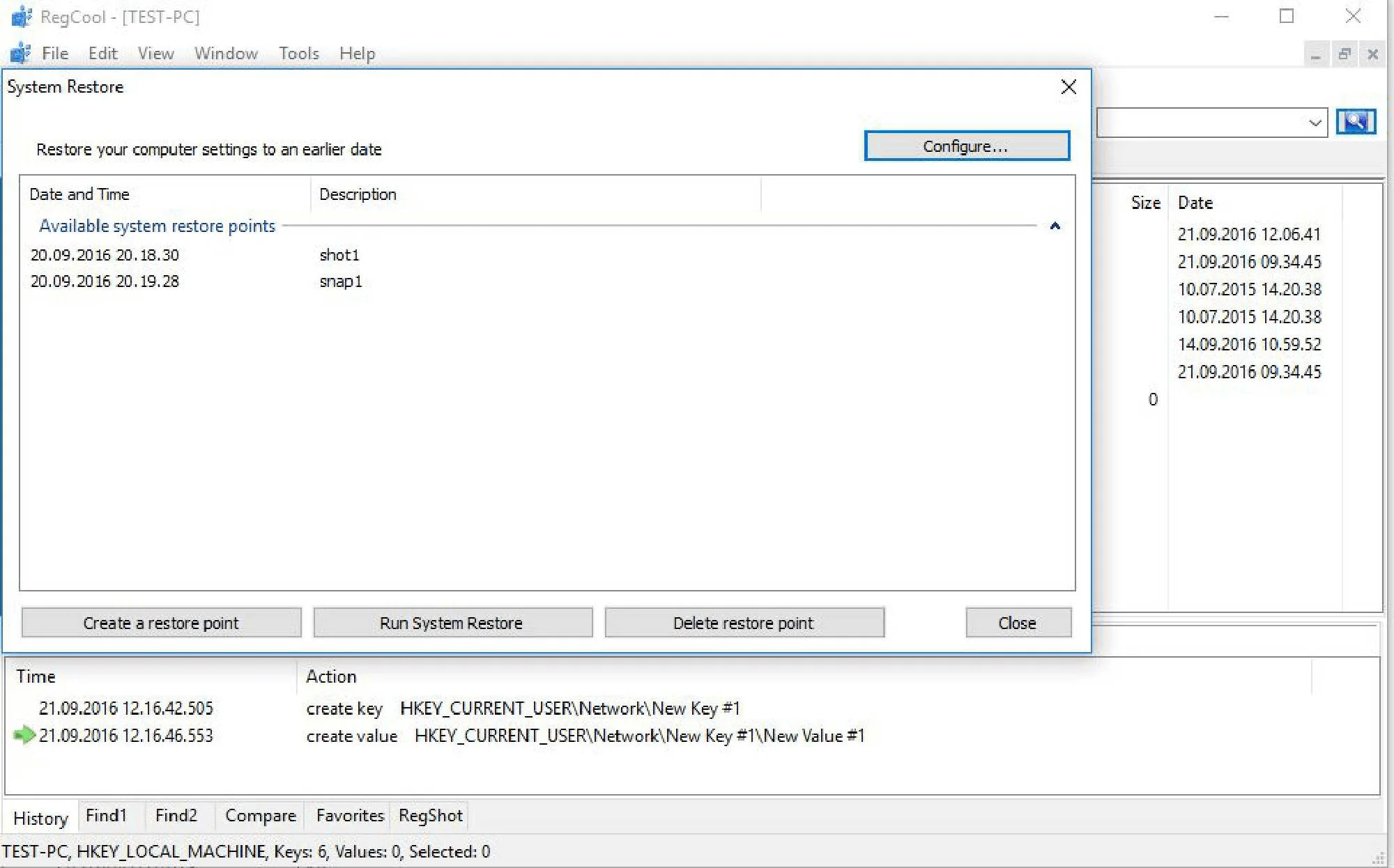
Backup and restore options also keep your data secure and safe from system failures or even hardware failures if set up correctly.
Core Features and Everyday Workflow in RegCool 3.0.0.5
Interface Clarity, Speed, and Windows Compatibility
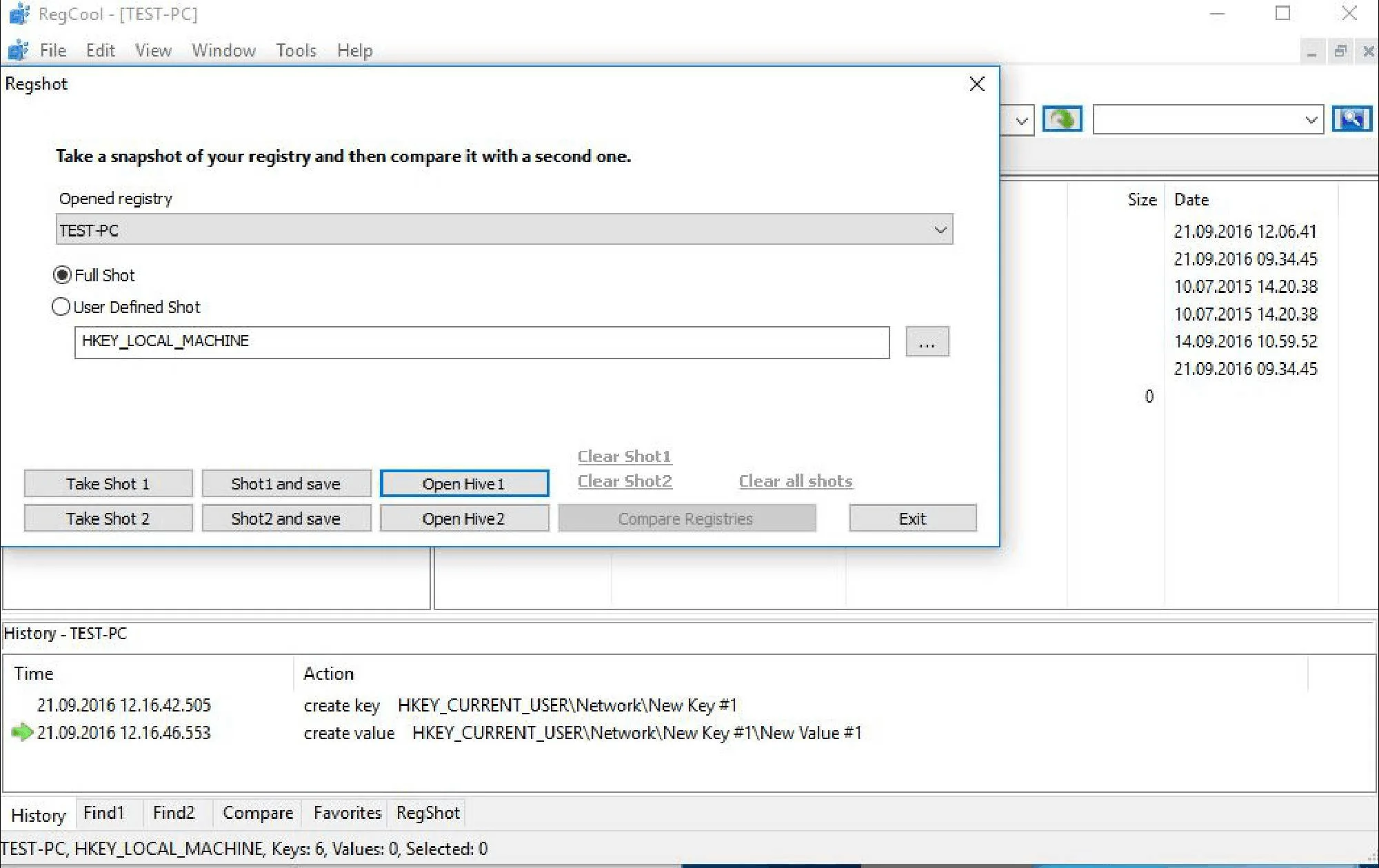
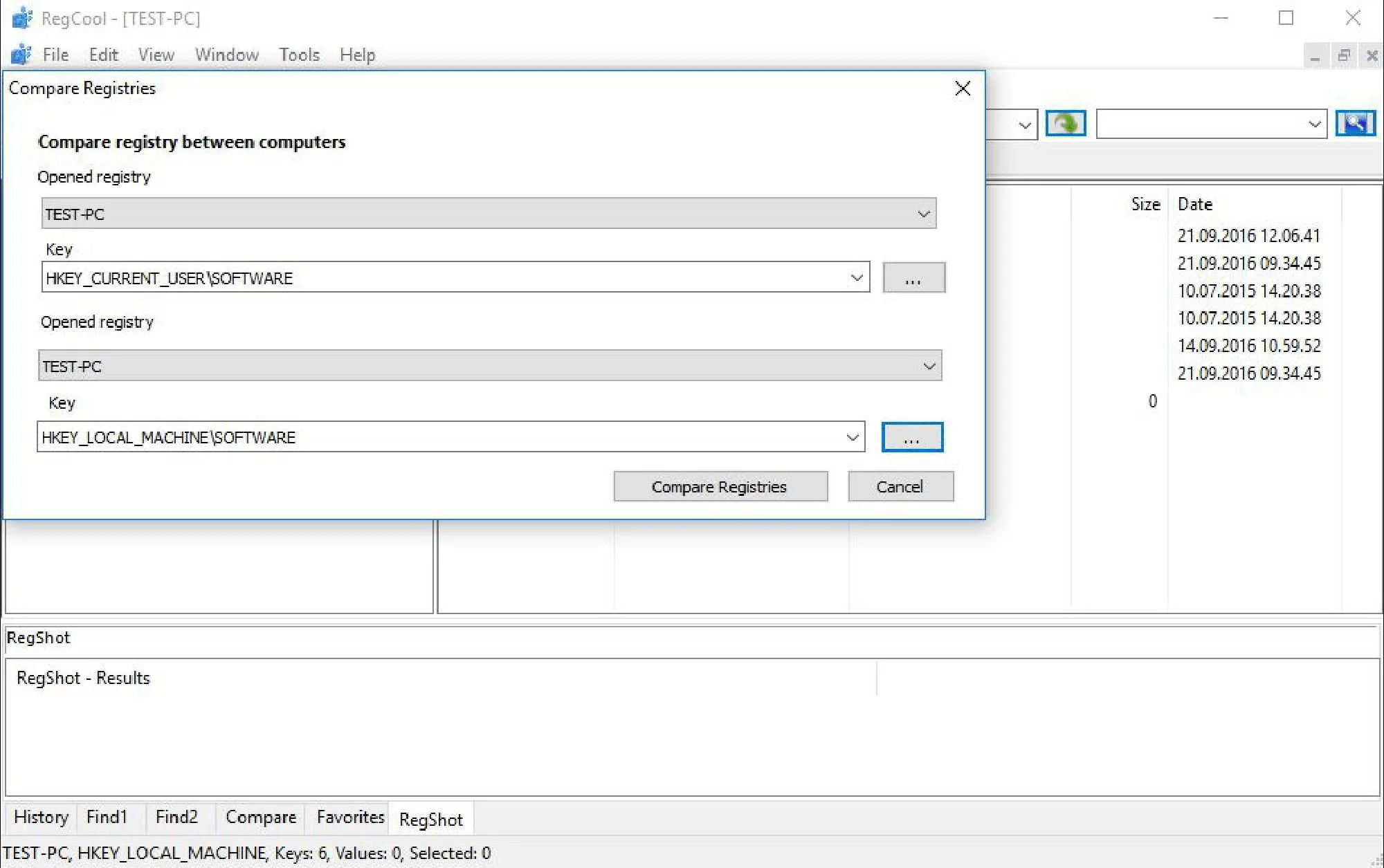
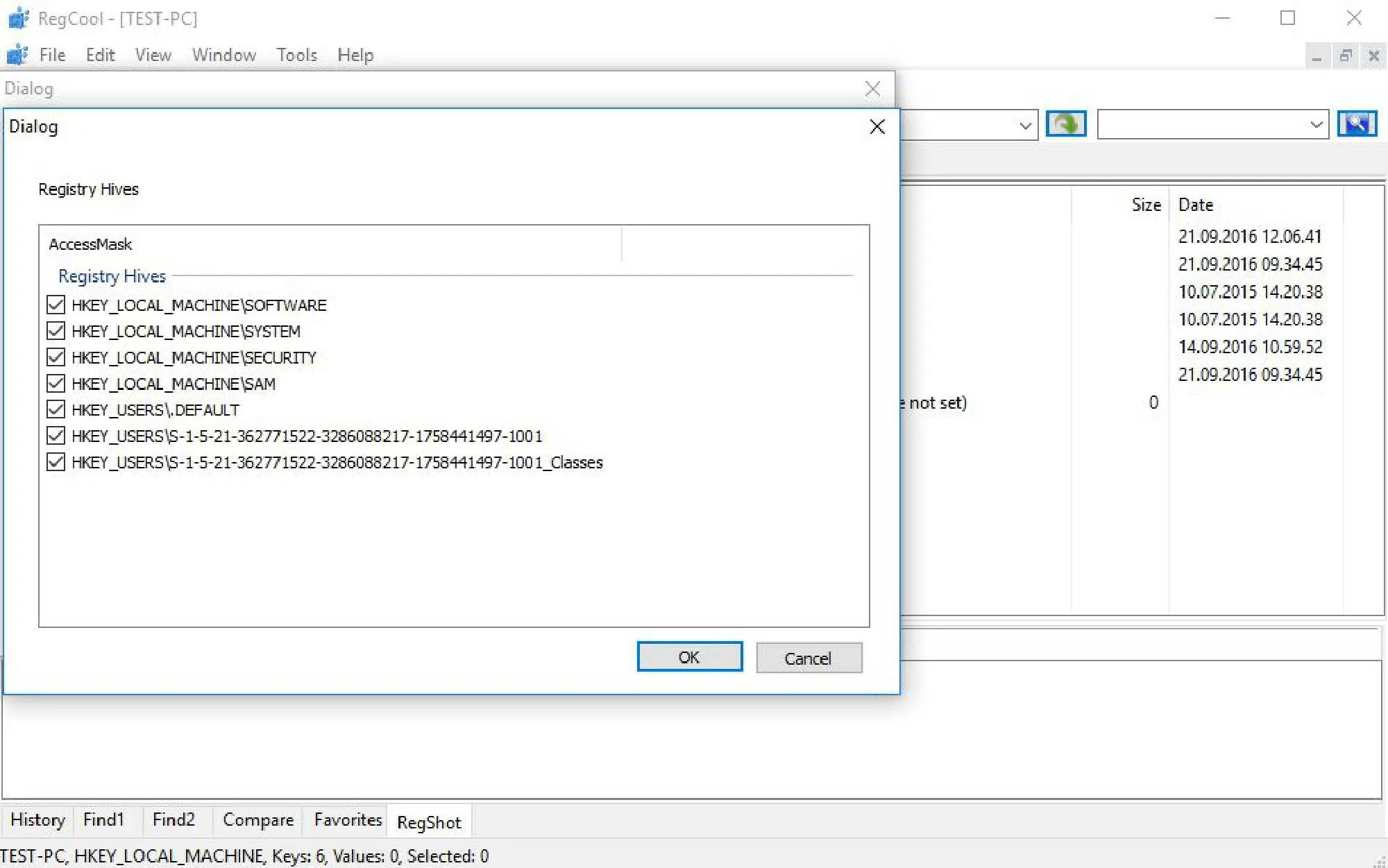
There are also some awesome add-ons for RegCool that allow you to take a snapshot of your registry in addition to some other things. Like many of the best software programs out there, RegCool can tailor its functions to the user’s scope of needs. It handles registry tasks without a problem, but it does a great job at backing up your system and defragging your hard drive as well. Beyond that, the add-ons give that advanced functionality that some more experienced users need.
RegCool does all of this through an ultra-minimalist user interface that is stark when compared to many other programs out there. Don’t expect a lot of hand-holding when it comes to what the application does – you’ll need to figure out a lot of that on your own.
What you get in exchange is a piece of software that runs extremely smoothly, without issues, and rarely crashes. Those are some awesome benefits but, again, the UI doesn’t help you figure anything out.
That said, there is a huge community of RegCool fans on the Internet that are more than happy to help one another out as well as teach new users how to get the most out of their new software.
It is also available in a ton of different languages, including German, English, Polish, France, Hungary, Chinese simplified, Chinese traditional, Korean, Slovak, Indonesian, Czech, Greek, Romanian, Hindi, Italian, Netherlands, Portuguese, Spanish, Turkish, Japan, Arabic, and Russian. With that many languages under its belt, the communities that use RegCool are just as varied.
While the user interface leaves a little bit to be desired, the overall package you get with RegCool is one of powerful software registry options and defragmentation tools. We recommend it for advanced users but we think beginners will find much to love if they can get passed the learning curve.
System Requirements & Key Features
Check the baseline Windows hardware specs, developer details, and license profile for RegCool 3.0.0.5 before installing.
| Specification | Minimum | Recommended |
|---|---|---|
| Operating System | Windows 7 / 8.1 / 10 (32-bit or 64-bit) | Windows 10 / 11 (64-bit) |
| Processor | 1.0 GHz Intel / AMD Dual-Core | 2.0 GHz+ Multi-Core CPU |
| Memory (RAM) | 2 GB RAM | 4 GB+ RAM |
| Free Disk Space | 1.26 MB installer + 300 MB free space | 1 GB+ SSD free space |
| Developer & License | KurtZimmermann SOFTWARE (free) | Latest verified Windows build |
Frequently Asked Questions
What is RegCool 3.0.0.5 and what are its main features?
RegCool is a free Windows registry editor. Download it now and perform advanced operations on your system registry keys and values. Do you do a lot of work with system registry?, developed by KurtZimmermann SOFTWARE.
Which platforms support RegCool 3.0.0.5 and how is it licensed?
RegCool 3.0.0.5 supports Windows XP, Windows Vista, Windows 7, and Windows 8, with an installer package around 1.26 MB available as a free download. Official downloads and release information are available via kurtzimmermann.com.
What are the main advantages and limitations of RegCool 3.0.0.5?
Perhaps you maintain a range of different systems, each with their own requirements, and you need a software solution to maintain and edit registry entries? Overall editorial score: 9/10.