The main reason that I became interested in PC gaming a few years back was because of all the crazy mods that I would see. What we have here with Vortex is a mod manager made by the people at Nexus Mods and it is truly fantastic and makes organizing and using mods with a ton of different games so easy.
How to Download Vortex
To download Vortex, click on the Download button below.
The Game Review
To start with the number of games that this supports is just staggering. Stardew Valley, Star Wars Battlefront II, Jurassic World Evolution, Resident Evil 2, and GTA V are just some of the games I have played around with this week! There is a huge list on the site that tells you all the games that are currently compatible with Vortex.
Gameplay Loop, Mechanics, and Atmosphere in Vortex 2.10.1
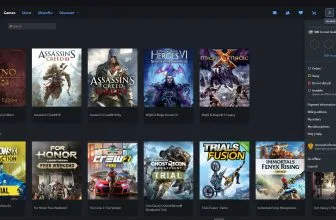
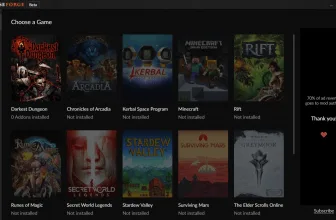
What I like about this is that you click on a game, let’s say Jurassic World Evolution for example, and then it gives you a list of all the available mods for that game. The actual mod manager is very easy to use, you just search the game, select the mod and then this does all of the hard work for you.
I remember a few years back trying to mess around with mods for Stardew Valley and it was a huge pain in the butt. That is certainly not the case here as it is so simple, yes there is a bit of a learning curve. However, once you figure it out for one game, it is pretty much the same steps for all other games you want to play around with.
Visual Style, Sound Design, and PC Optimization
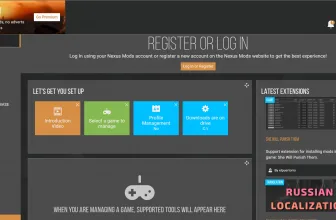
Vortex is designed with working with mods from Nexus Mods in mind and that is why it is all connected and so easy to use. You can even make “mod profiles” this is great if you have a game with many different mods as you can make a profile of a few selected mods, select it before you play and the game will load with those specific mods.
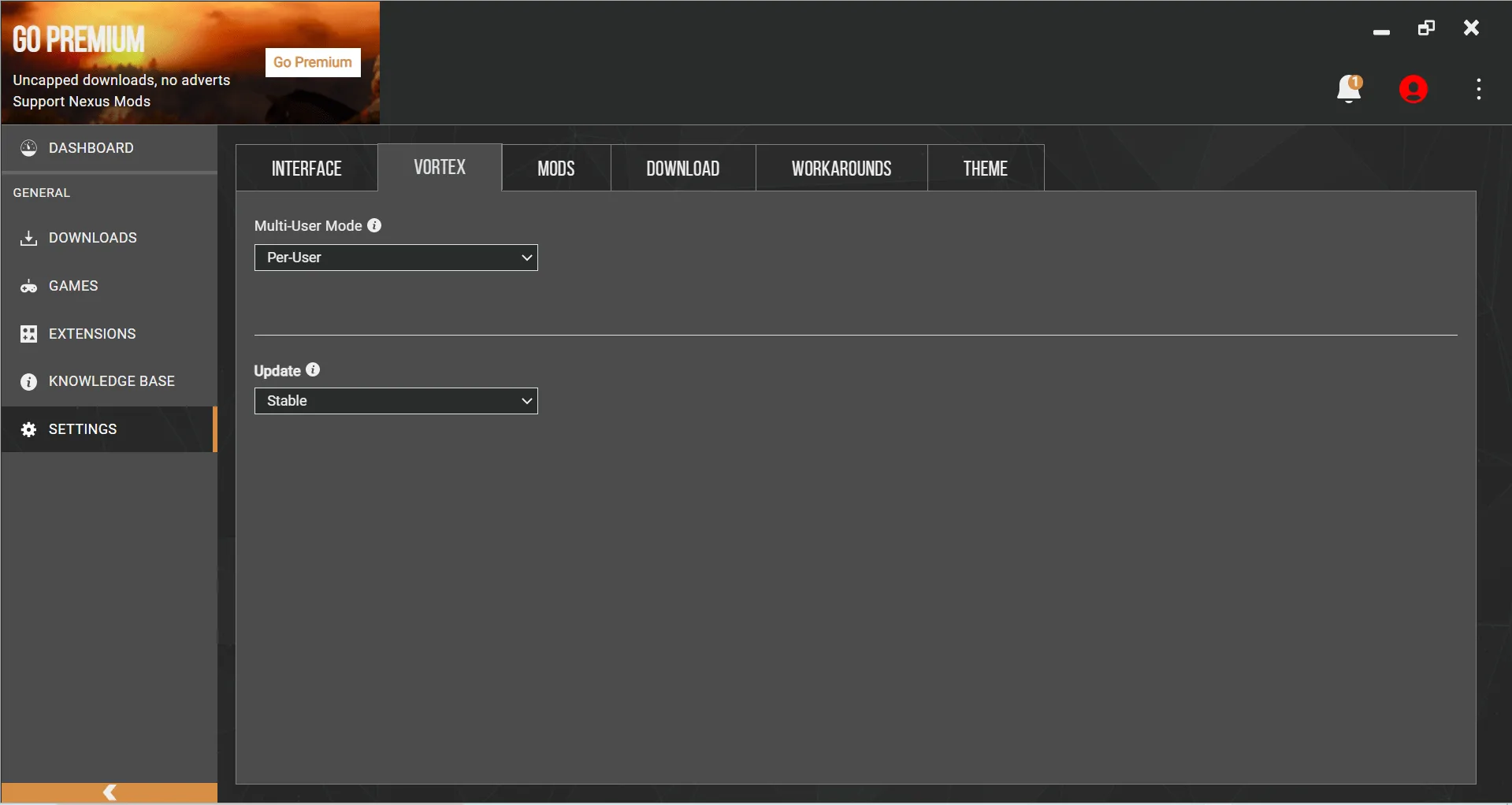
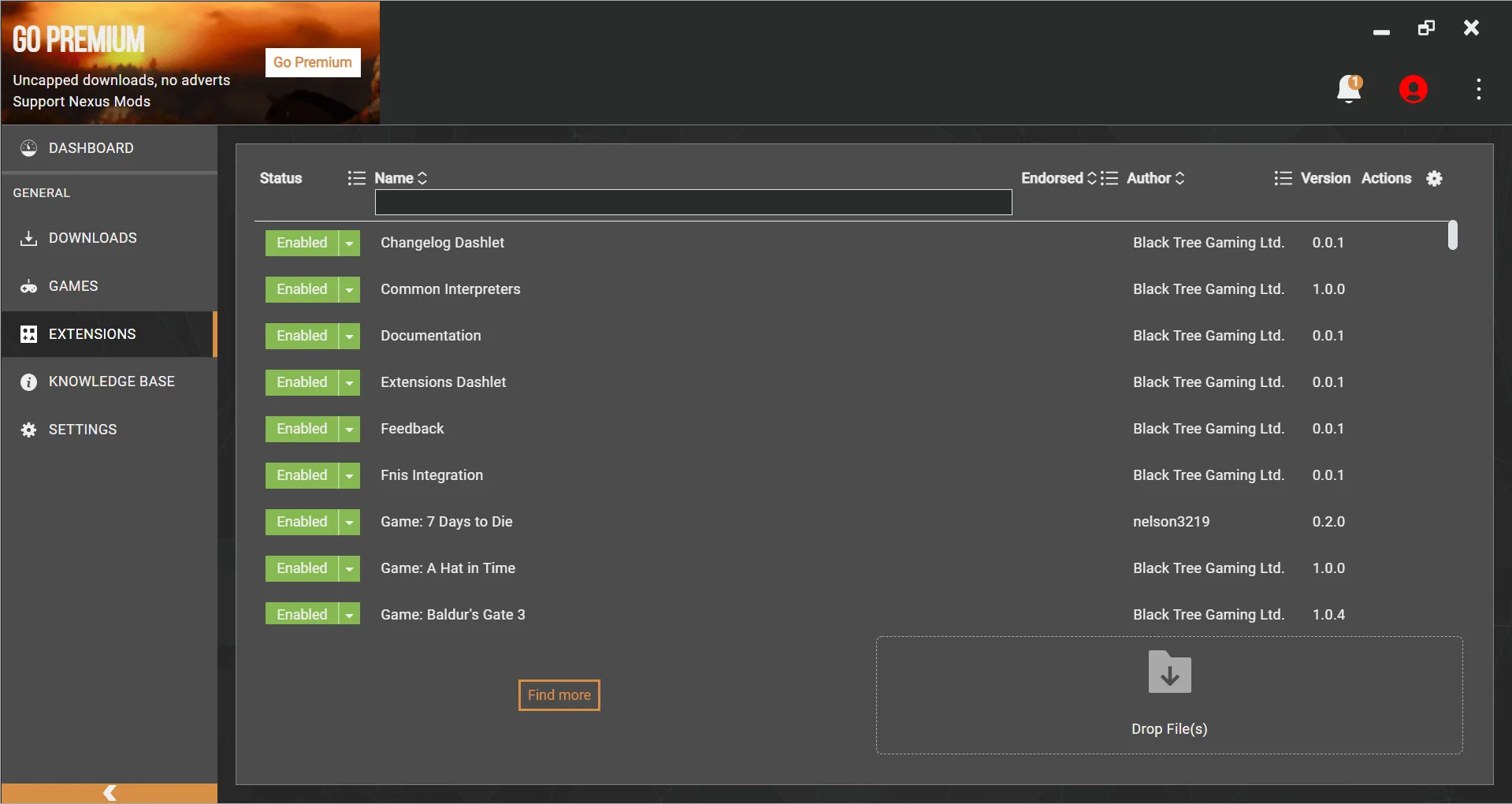
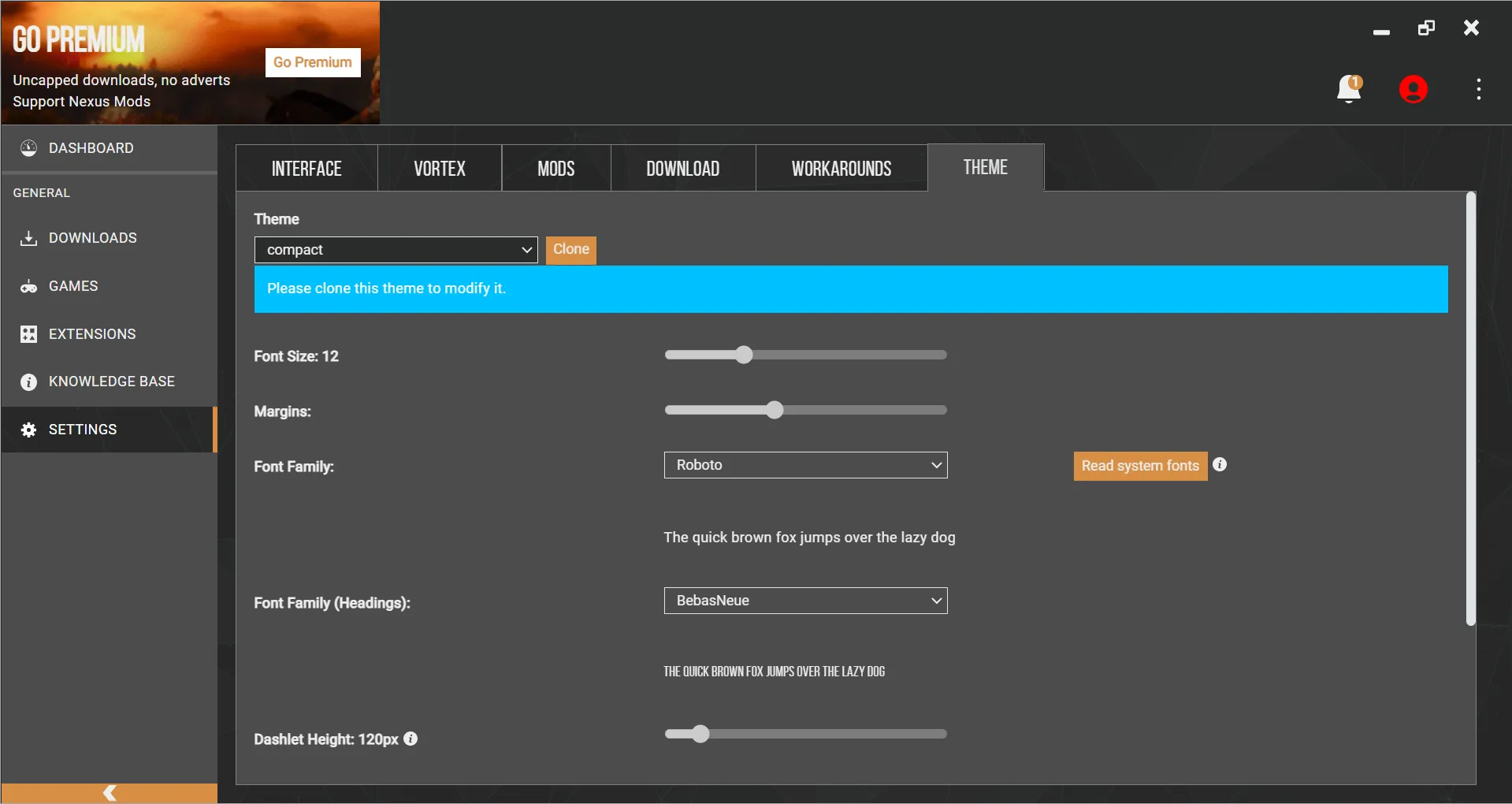
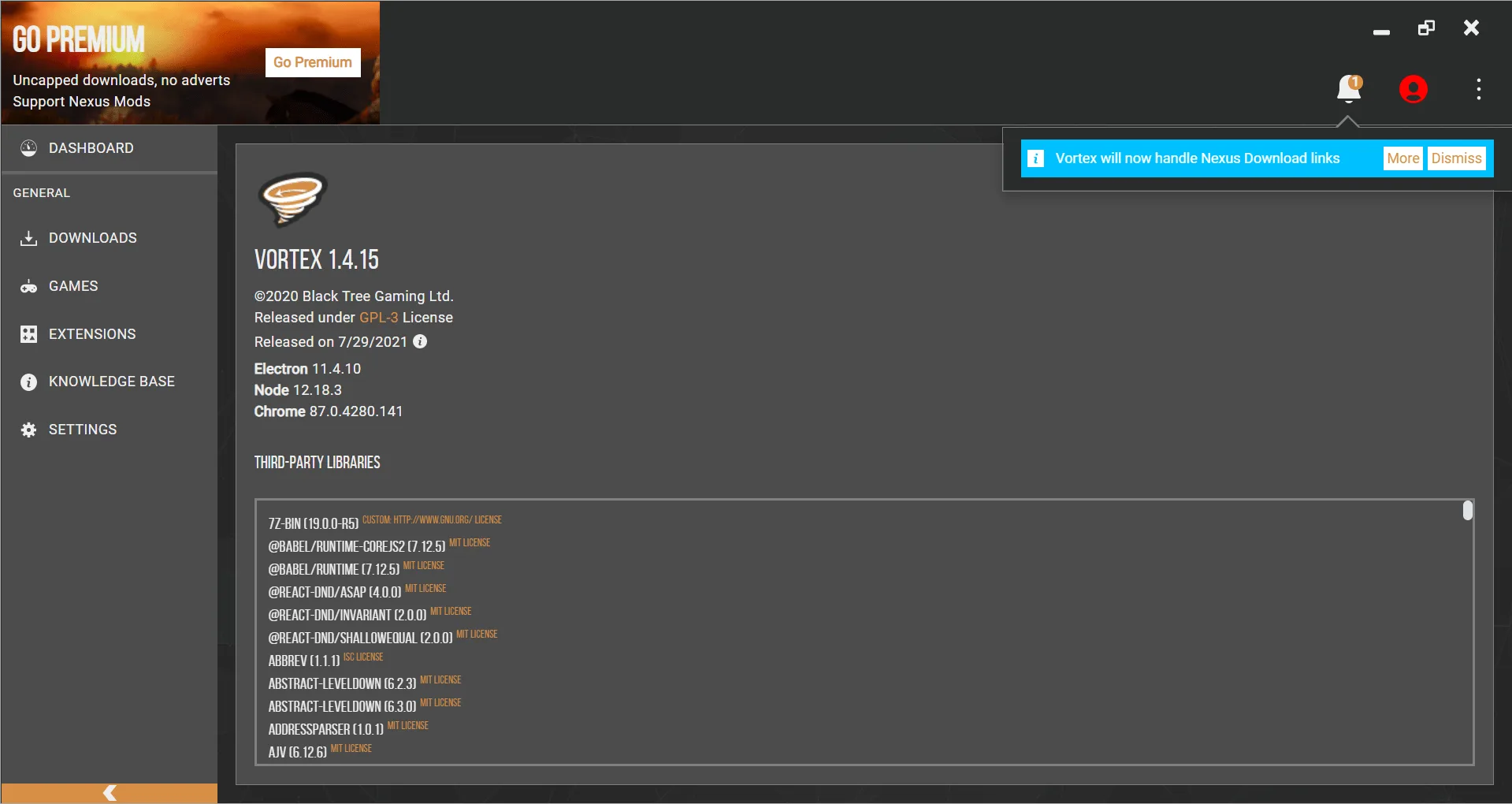
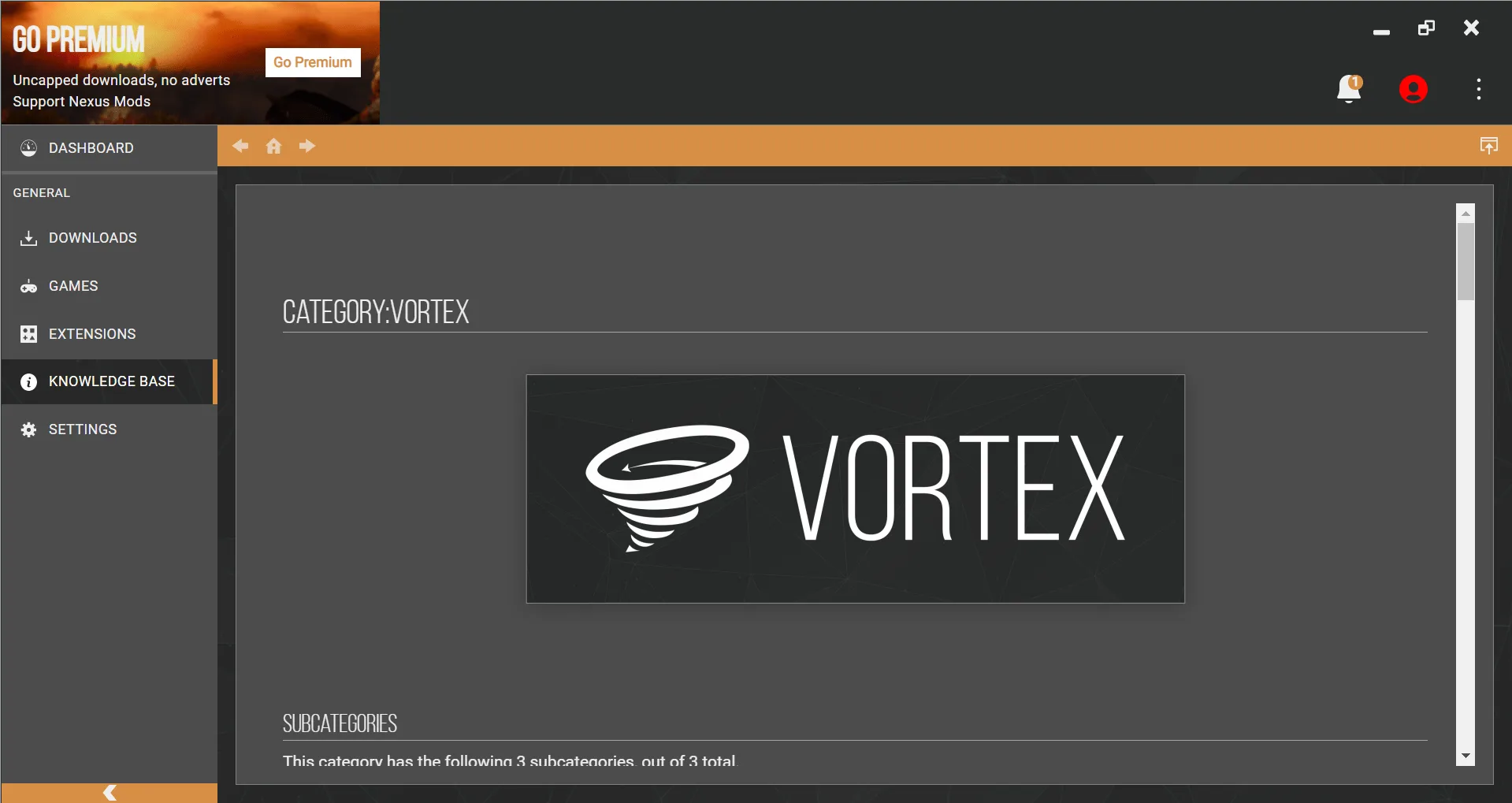
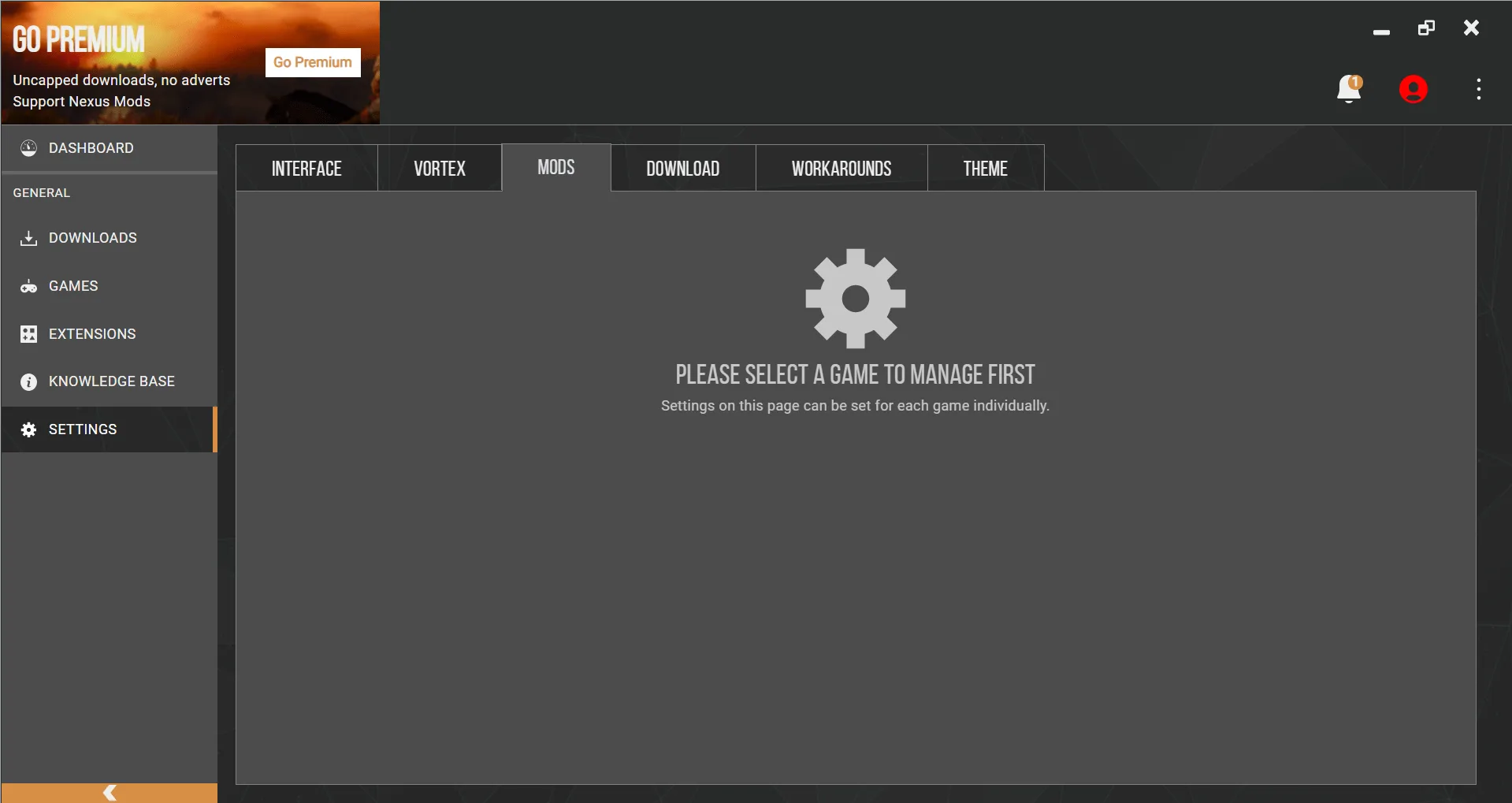
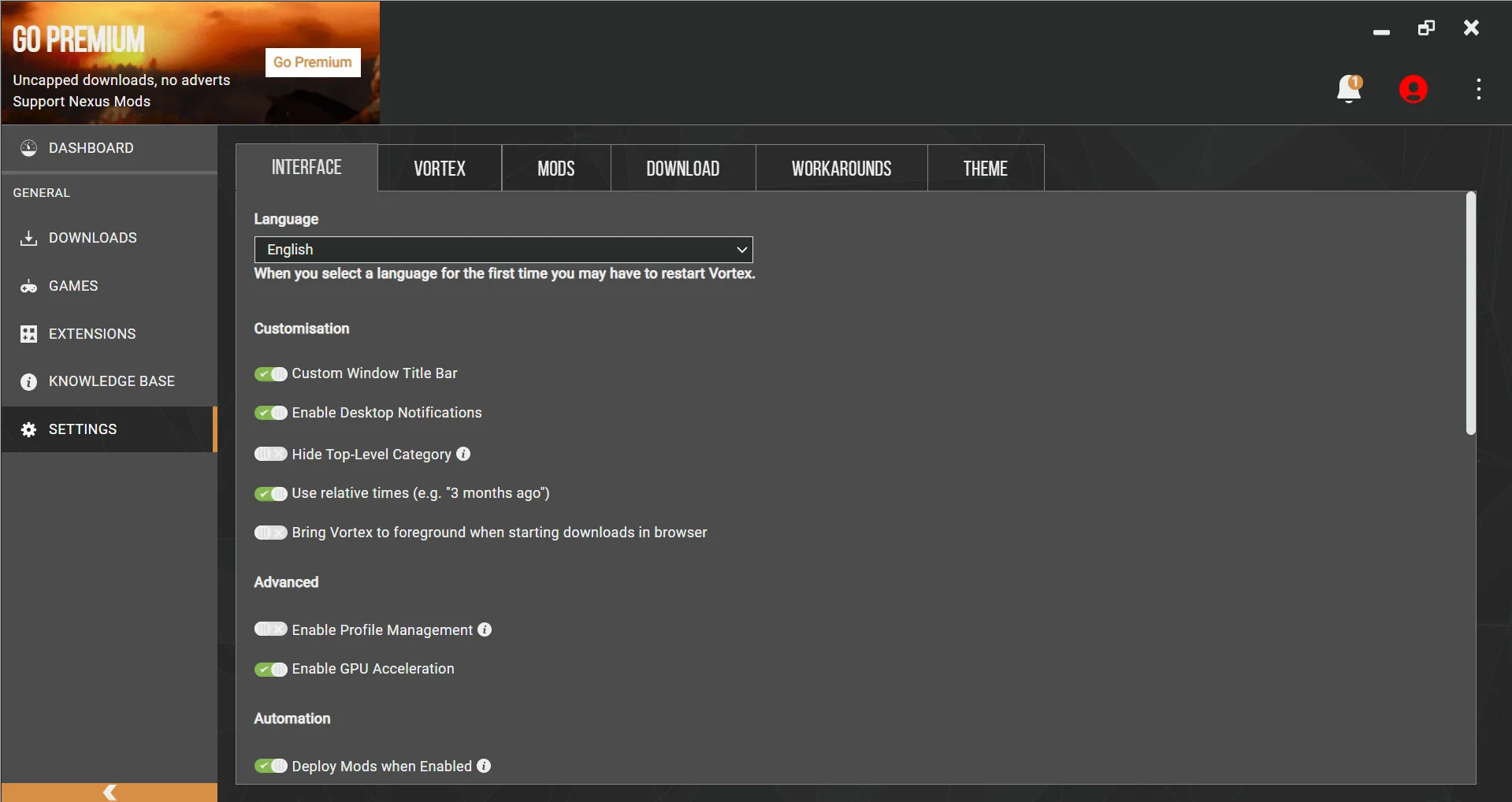
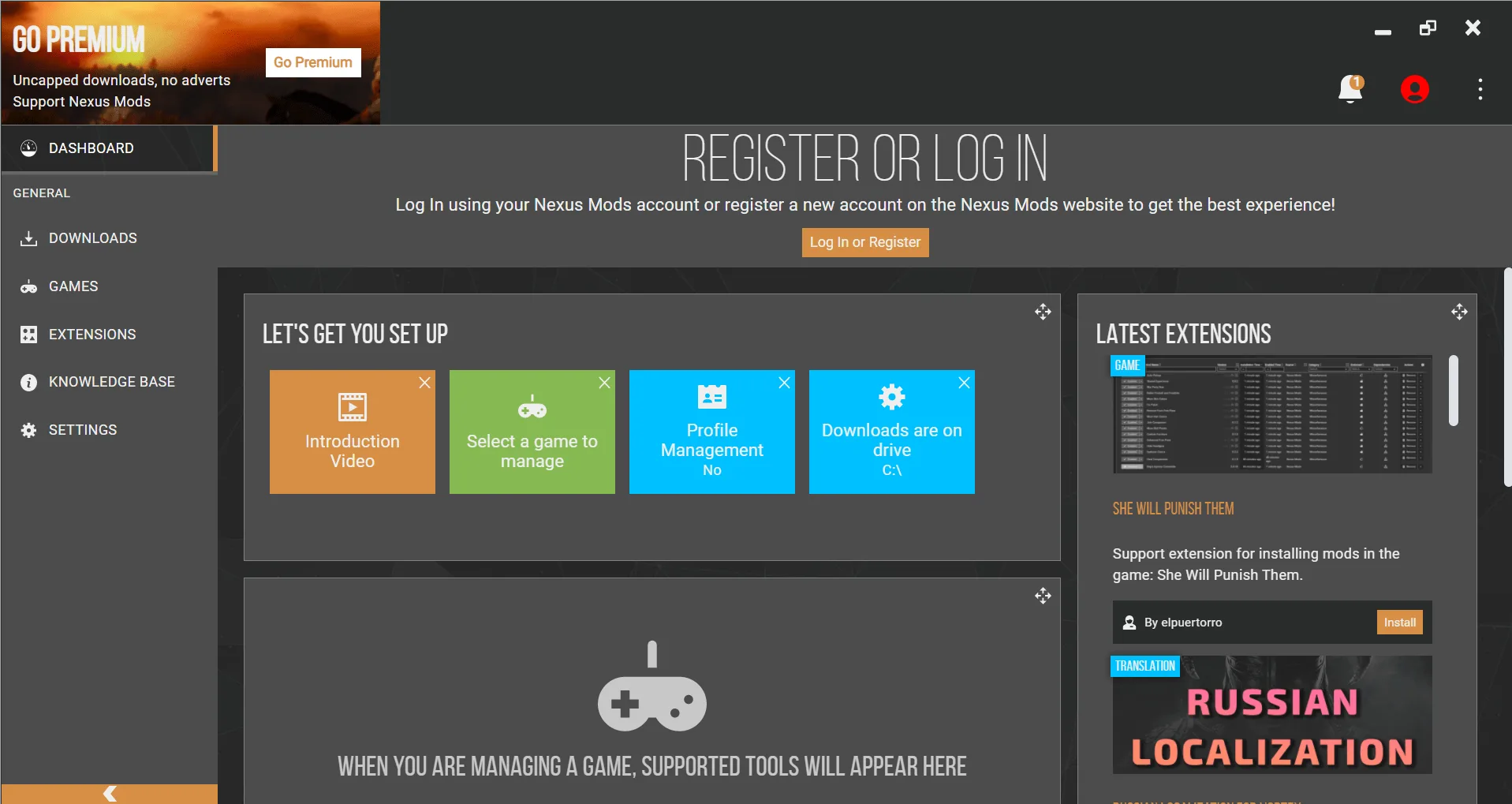
In the time that I have been using Vortex, I have just been using the standard UI. They do though allow you to tinker with the UI and set it up how you want which is cool. I like how on the left side of the screen you have your tabs for what you need such as games, profiles, downloads, and so on.
If you have messed around with modding before, I am sure you will have no trouble getting to grips with Vortex at all, it is by far the easiest mod manager that I have used! Still, they do have a dedicated help section that teaches you how to use Vortex and even how to move on from the older Nexus Mod Manager to this. They do a great job of holding your hand until you are comfortable with how this works.
If you are a PC gamer then you have to embrace the modding scene. For me, Vortex is the best mod manager around and I see no reason to move on from it. They support a ton of games, there are some awesome and fun mods and it is easy to use. I really do not see any downside to using this at all!
For another worthwhile title to play on Windows PC, read our full review of Super Mario Maker 2. You can also explore our full guide and specs for Tank Mechanic Simulator.
PC System Requirements (Minimum & Recommended)
Check the verified Windows PC minimum and recommended hardware specifications for Vortex 2.10.1 below before downloading.
| Component | Minimum | Recommended |
|---|---|---|
| OS | Windows 10 / 11 (64-bit, .NET 6.0 Desktop Runtime) | Windows 10 / 11 (64-bit) |
| Processor | Dual-core 1.8 GHz x64 processor | Quad-core Intel Core i5 / AMD Ryzen 5 (for fast archive deployment) |
| Memory | 4 GB RAM | 8 GB – 16 GB RAM (for Nexus Mods Collections) |
| Graphics | DirectX 10 compatible display adapter | DirectX 11 / 12 GPU matching modded PC games |
| Storage | 1 GB free space for Vortex app | 10 GB+ SSD space on same NTFS volume as modded games (hardlink staging) |
Frequently Asked Questions
What type of game is Vortex 2.10.1 and who developed it?
Vortex is a fantastic mod manager that lets you install mods and safely delete them once you don’t need them. It is developed or published by Black Tree Gaming Ltd.
Which platforms and stores offer Vortex 2.10.1?
Official digital editions of Vortex 2.10.1 are available via GitHub Releases and nexusmods.com. Key technical details: supported platforms include Windows; storage requirement is roughly 87.4 MB; pricing follows a free model.
What are the main strengths and drawbacks of Vortex 2.10.1?
Standout strengths include direct Nexus Mods integration across huge titles like GTA V and Stardew Valley, one-click mod installation, switchable mod profiles, a customizable sidebar, and migration guides for former Nexus Mod Manager users. Its only notable drawback is a slight initial learning curve before the workflow clicks. Editorial score: 9/10.