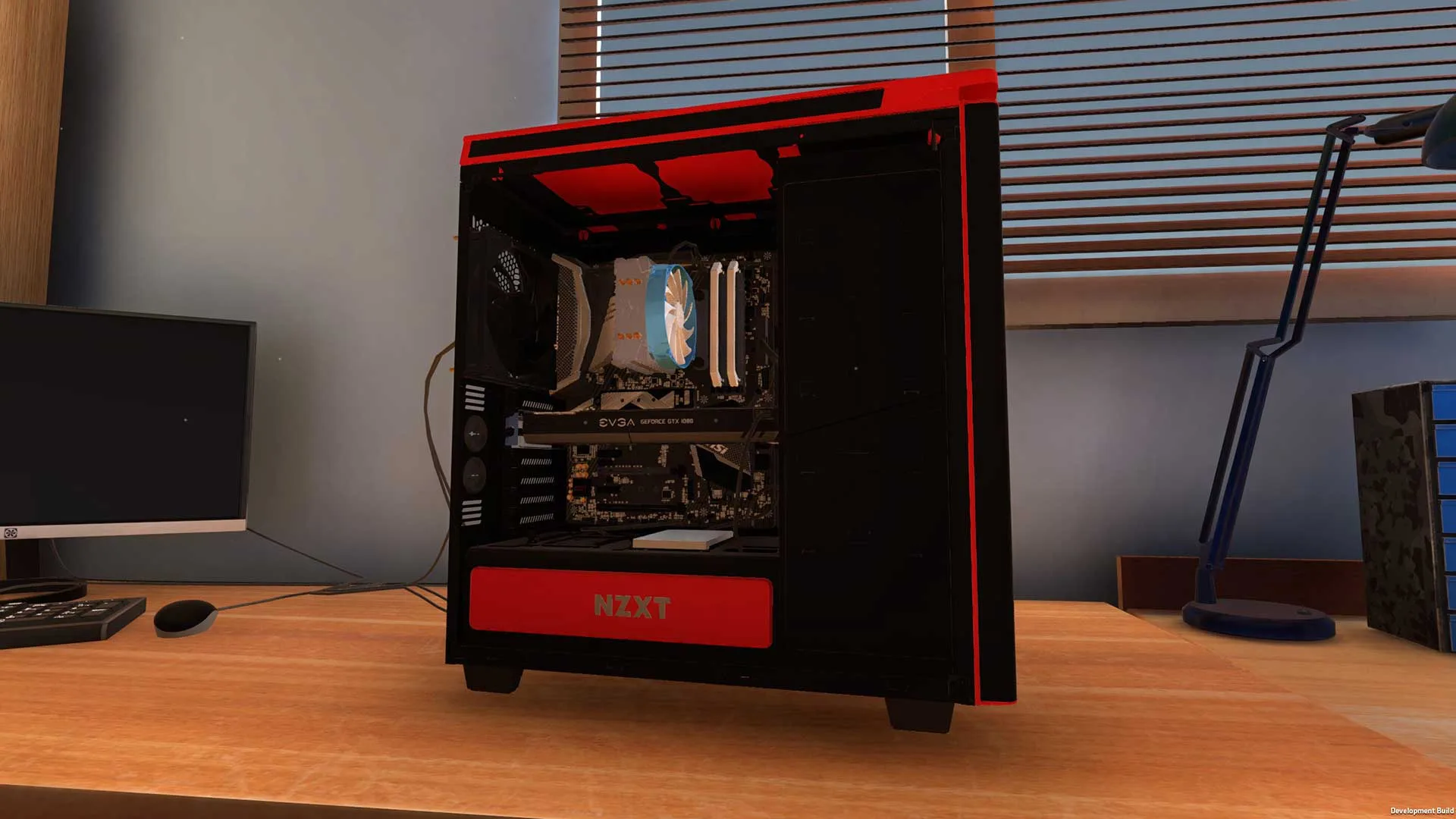
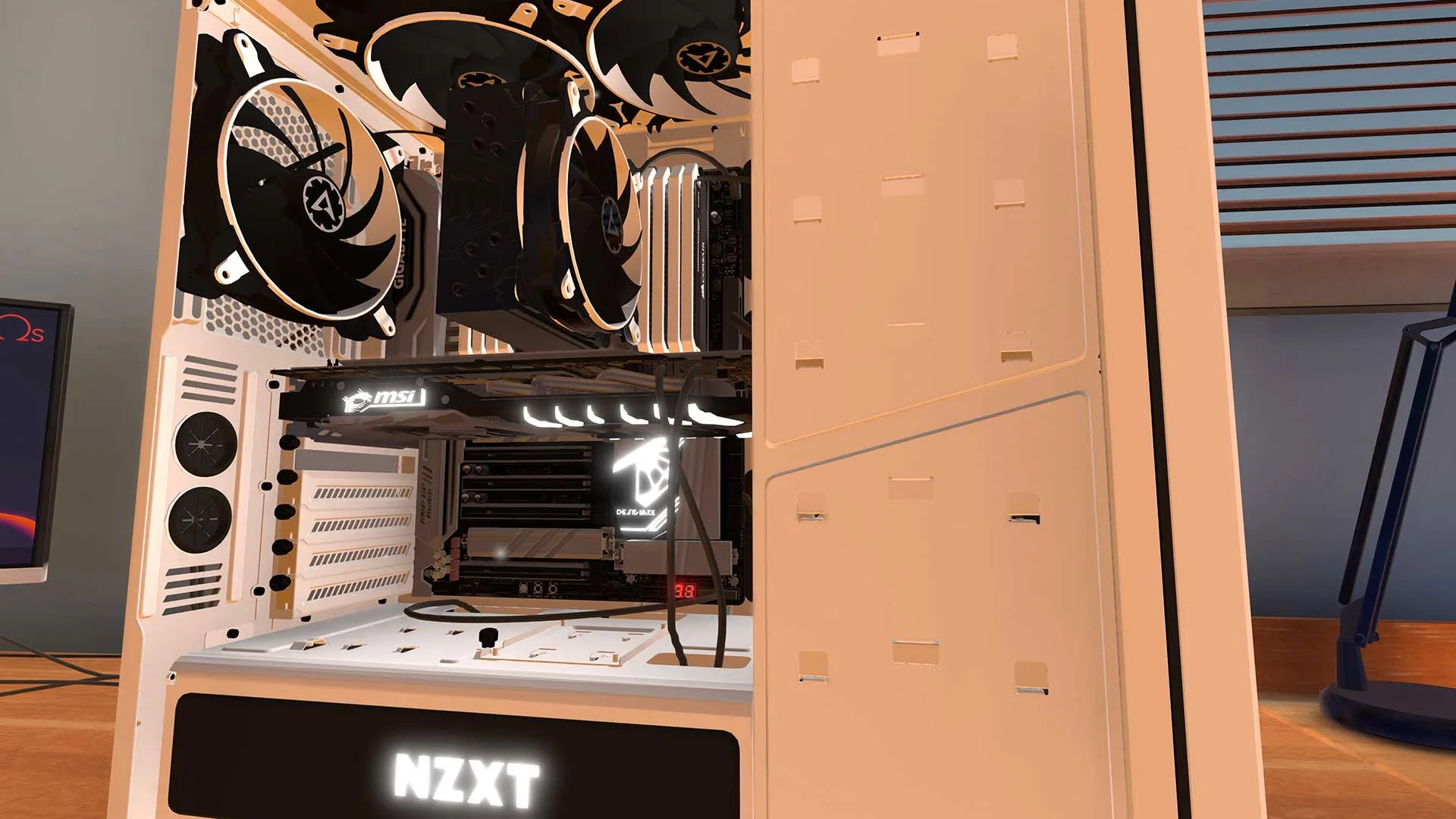
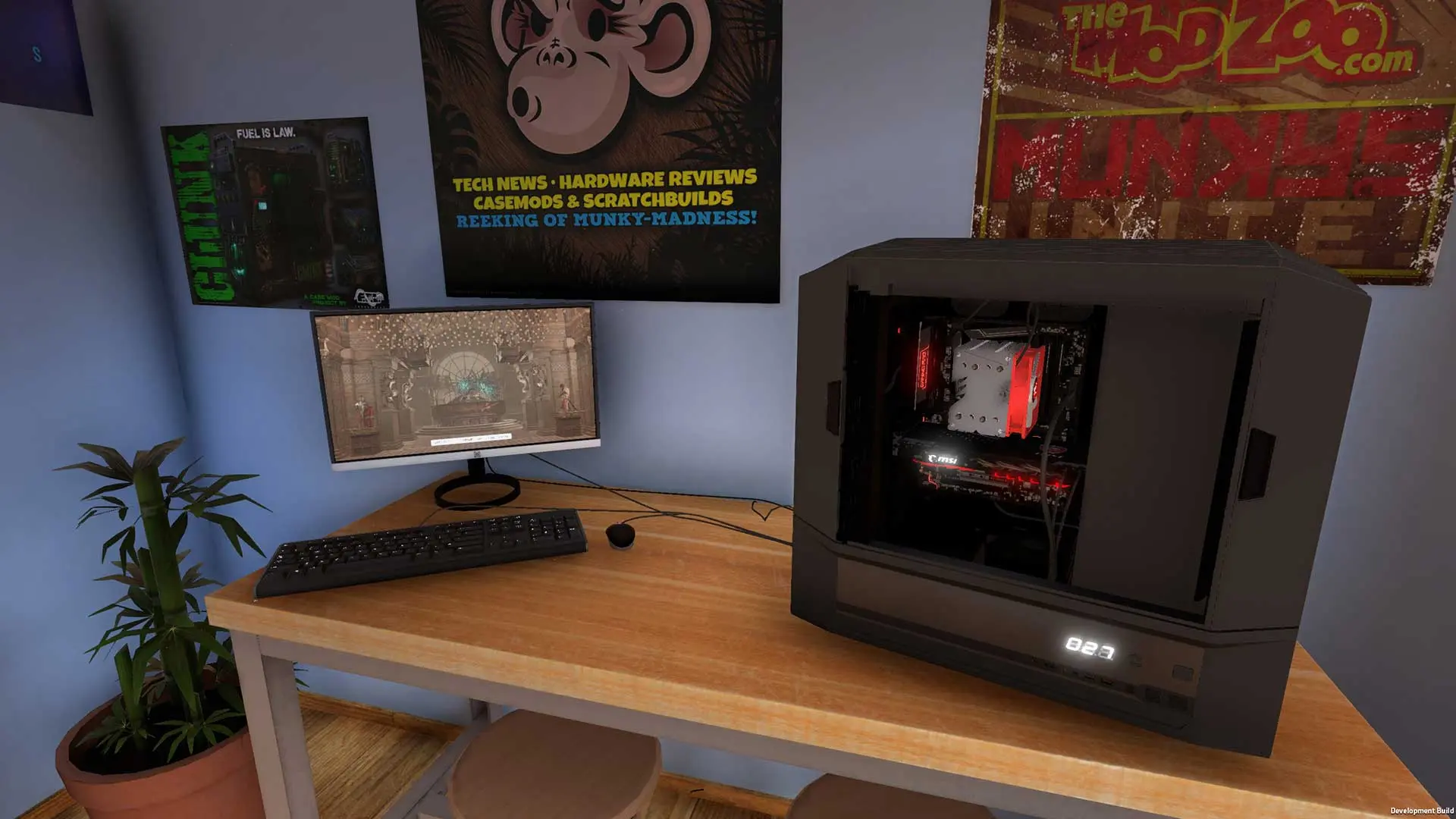
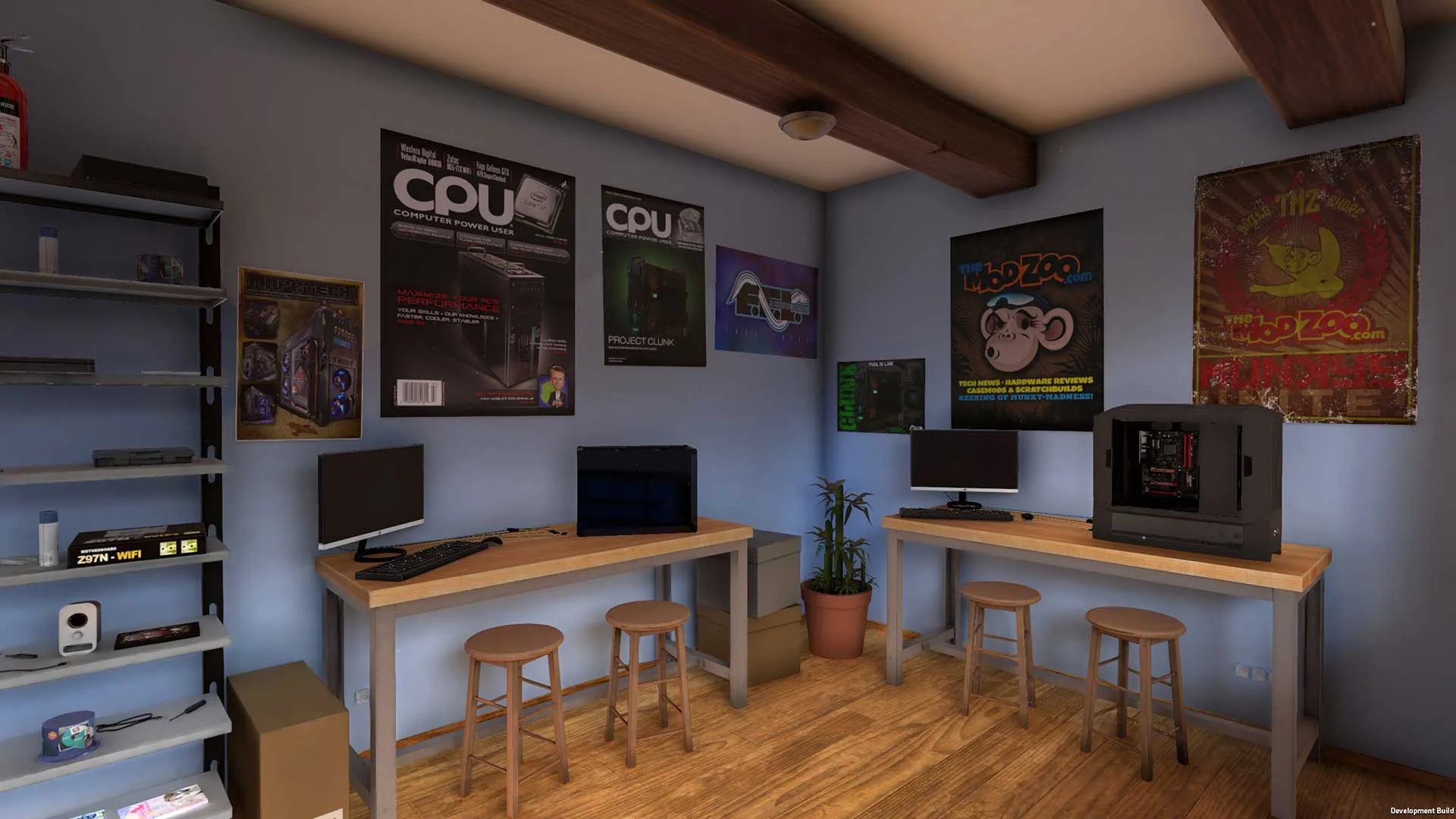
PC Building Simulator is a downloadable game in which you assemble personal computers. In the game, you run our own computer shop, in which you build and repair PCs. The game is a great proposition for every PC enthusiast and all computer hardware freaks. The game has been created by Claudiu Kiss and The Irregular Corporation.
The Irregular Corporation, which is also the publisher of the game, is known primarily for the visual novel Hatoful Boyfriend, in which the main character is romancing with pigeons. The title was a success when it was released back in 2014, which is why it seems to be a good recommendation for the quality PC Building Simulator.
How to Download PC Building Simulator
To download the full version of PC Building Simulator, click on the Download button below. There is also a completely free demo of the game that you can download from the site claudiu-kiss.itch.io. Both the Windows version as well as the Linux and OSX versions are available for free download.
The Game Review
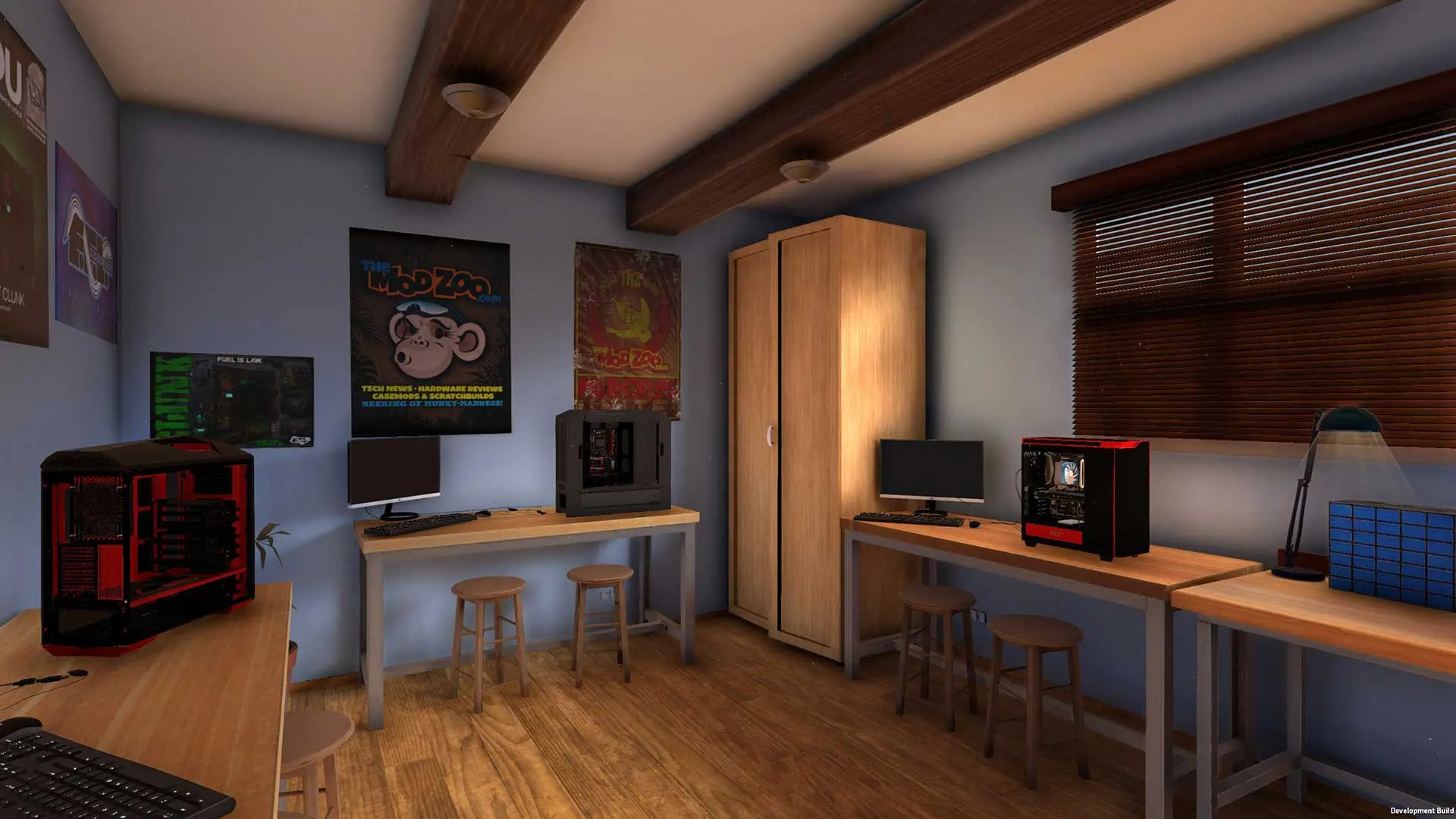
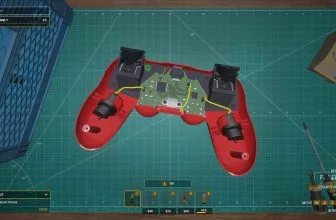
PC Building Simulator is an advanced computer hardware simulator. In the game, you play as a computer serviceman. Your tasks include the repair and the creation of new powerful gaming rigs. In this virtual computer shop, you will be tasked with diagnosing damaged equipment, repairing components and replacing parts. In addition to these maintenance tasks, you will also experience the pleasure of building up entire computers from scratch fulfilling your customer orders or adding advanced hardware upgrades. The game features all the most popular parts and brands from the IT industry.
Core Gameplay Mechanics in PC Building Simulator
The whole construction and modification process consists in the proper selection of parts and placing them inside the computer case. The gameplay is simple and intuitive. All you need to do is click on any part of your computer – such as the case and place the components there. As a player, you can choose from a wide range of processors, motherboards, graphics cards, RAM chips and cooling system. An additional great element of the game is the ability to check how your computers work by performing benchmark tests. These test can be done by clicking on the screen and launching an appropriate program exactly like you do in the real world.
The plot of the game is well-thought-out and carefully planned. The in-game realism deserves special attention. The proof of this is the presence of money in the game, which in addition to having fun also forces you to think about the business side. PC Building Simulator guarantees fun for long hours, providing really interesting gameplay for the players. In any case, the adventures with the simulator will not end within an hour. Surely you won’t get bored soon and you will not immediately put the game on your (virtual) shelf. You have a lot of tasks to do, and the big number of combinations and activities that need to be carefully planned makes the whole thing a lot of fun for long evenings.
The game realism is at a very high level. The components are faithfully reproduced. The graphics of the game are at a satisfactory level, which of course increases the joy of the game and makes you feel happy and captivated. This is perhaps not the most important thing in simulators, but a good thing nonetheless.
PC Building Simulator collects positive reviews and high ratings among players. MadDownload.com also gives this game a high review rating of 9 out of 10.
PC Building Simulator Hardware Requirements
To run the game, you must have an Intel Core i5 processor, 4 GB of memory and a 2 GB graphics card.
Real Hardware and Software
The creators of the PC Building Simulator during the development of the game cooperated with the leading suppliers of computer hardware and benchmark performance software. The list includes AMD, Arctic, Cooler Master, Corsair, Cryorig, EVGA, Futuremark and 3DMark, Gigabyte, InWin, MSI, NZXT, RAIJINTEK, SilverStone and TEAMGROUP.
Gameplay Loop, Mechanics, and Atmosphere in PC Building Simulator
PC gamers looking for another classic release can explore our complete gameplay review and Windows requirements for Pure Farming 2018.
PC Building Simulator PC System Requirements
Below are the verified minimum and recommended Windows PC specifications required to run PC Building Simulator.
| Component | Minimum | Recommended |
|---|---|---|
| OS | Windows 7 or higher | See minimum |
| Processor | Intel Core i5-2500K or AMD Athlon X4 740 (or equivalent) | See minimum |
| Memory | 4 GB RAM | See minimum |
| Graphics | GeForce GTX 660 (2048 MB) or Radeon R9 285 (2048 MB) – Integrated GPUs may work but are not supported. | See minimum |
| DirectX | Version 9.0c | See minimum |
| Storage | 30 GB available space | See minimum |
| Sound Card | DirectX compatible | See minimum |
Players exploring similar PC favorites can also check our full review and system requirements for Deluxe Ski Jump 2.1.
Players exploring similar PC favorites can also check our full review and system requirements for RPCS3 Build 0.0.23-13843.
If you want another standout pick to check out next, read our complete Battlefield 1 review, rating, and official download guide.
Frequently Asked Questions
How do I download PC Building Simulator for PC?
Click the green Download button on this page to access the official storefront and digital download links for PC Building Simulator.
What platforms support PC Building Simulator?
PC Building Simulator is available for Windows PC and compatible gaming setups listed in our technical specification box.
What kind of gameplay does PC Building Simulator feature?
Our hands-on review breaks down the core mechanics, progression, visual presentation, and replay value of PC Building Simulator.
Is PC Building Simulator worth playing?
Rated 9/10 by our editorial team, PC Building Simulator delivers a rewarding experience for fans of the genre.