Download east-tec Eraser 13.3
east-tec Eraser is a tool that lets you remove files that you don't want to store on your PC thus protecting your privacy. Download it now.
Links to 2 official sources are further down this page.
Specifications
- Version
- 13.3
- Developer
- East-Tec
- Developer Website
- www.east-tec.com
- Operating System
- Windows XP, Windows Vista, Windows 7, Windows 8, Windows 10
- License
- trial
- File Size
- 15.9 MB
Our verdict
- Clean Windows desktop interface and straightforward setup for east-tec Eraser 13.3
- Practical feature set suited for daily productivity and system tasks
- Lightweight RAM usage and stable background performance on Windows 10/11
- Some advanced options in east-tec Eraser 13.3 require brief initial configuration
- Confirm system architecture and license terms before installing
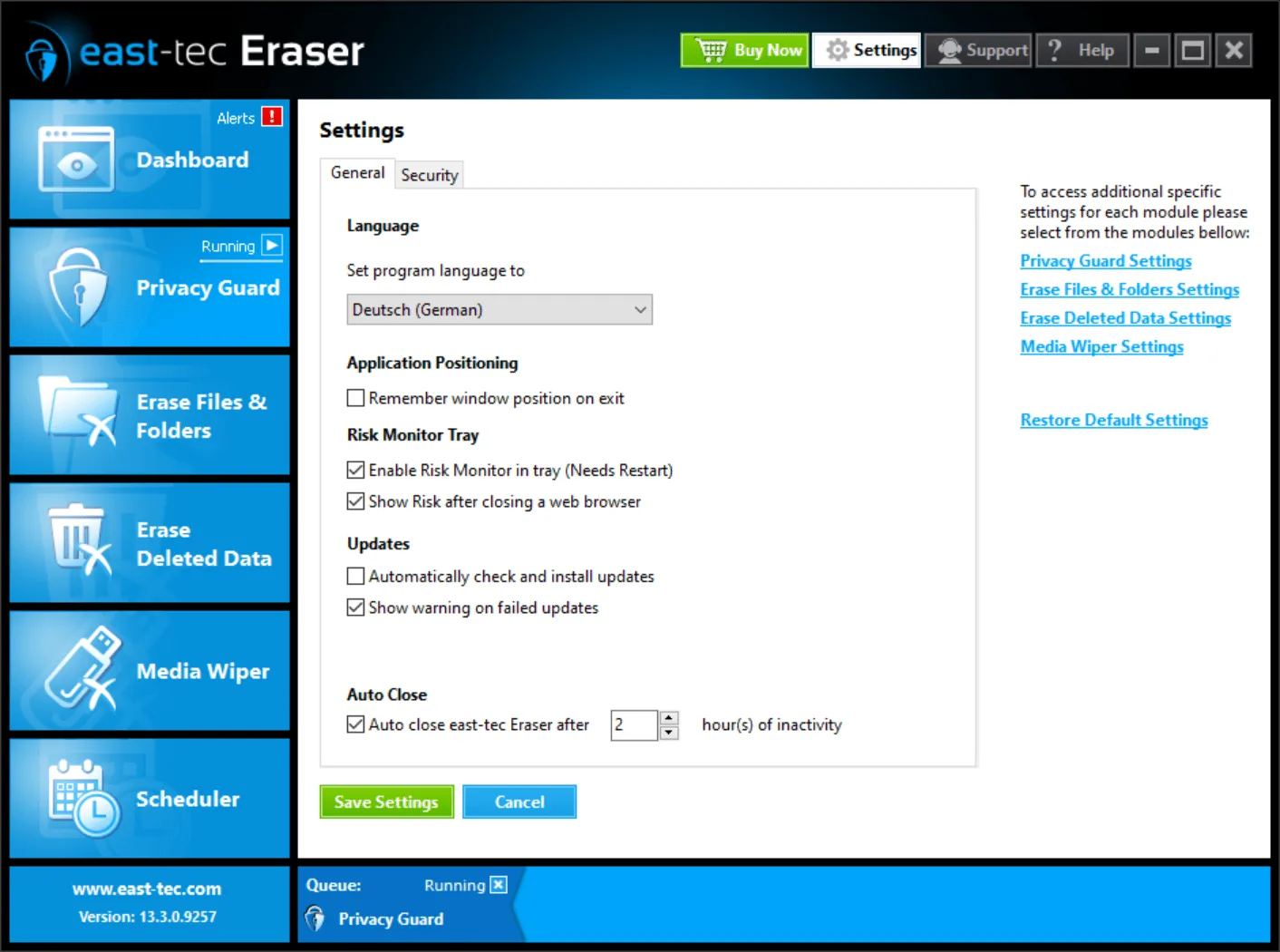
Screenshots


east-tec Eraser 13.3 can be downloaded directly from MadDownload.com. The file (15.9 MB) is the developer's original, unmodified file.
east-tec Eraser 13.3 is developed by East-Tec and runs on Windows XP, Windows Vista, Windows 7, Windows 8 and Windows 10. The version available for download here is for Windows. License: trial.
In our review we gave east-tec Eraser 13.3 9/10. It describes the main features, our verdict with pros and cons, and screenshots.
We regularly update the hosted file to the developer's latest release. Developer's official website: www.east-tec.com.
Download east-tec Eraser 13.3
2 official sourcesFull disclosure: the download button gets the file from MadDownload's own server. It is the developer's original, unmodified file. Other buttons open official sites in a new tab. Affiliate disclosure: Links to Amazon and Prime Video are affiliate links (*). As an Amazon Associate we earn from qualifying purchases, at no extra cost to you.
← Back to the east-tec Eraser 13.3 review