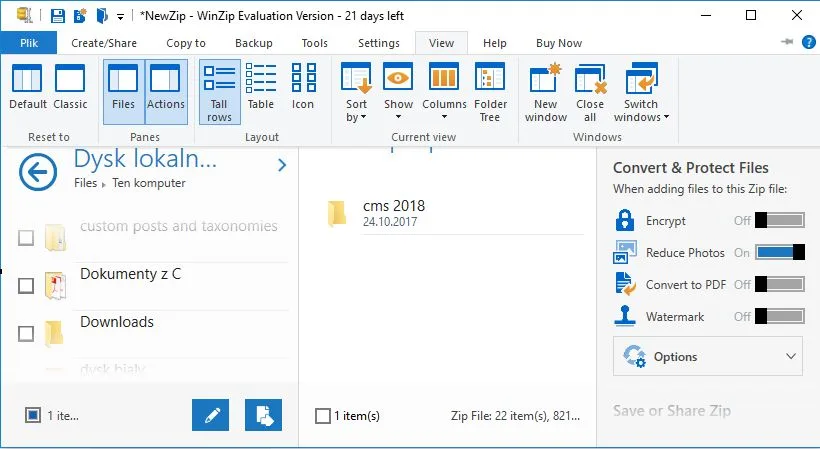
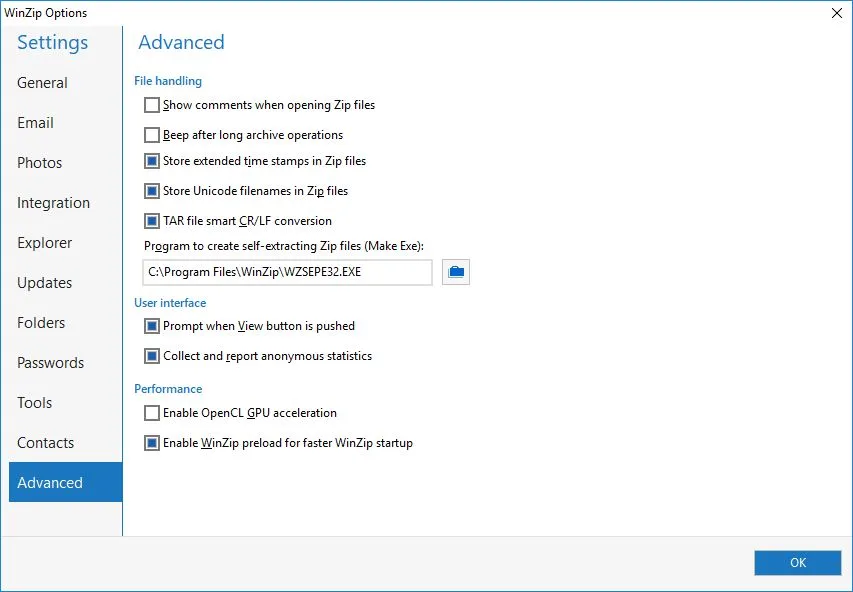
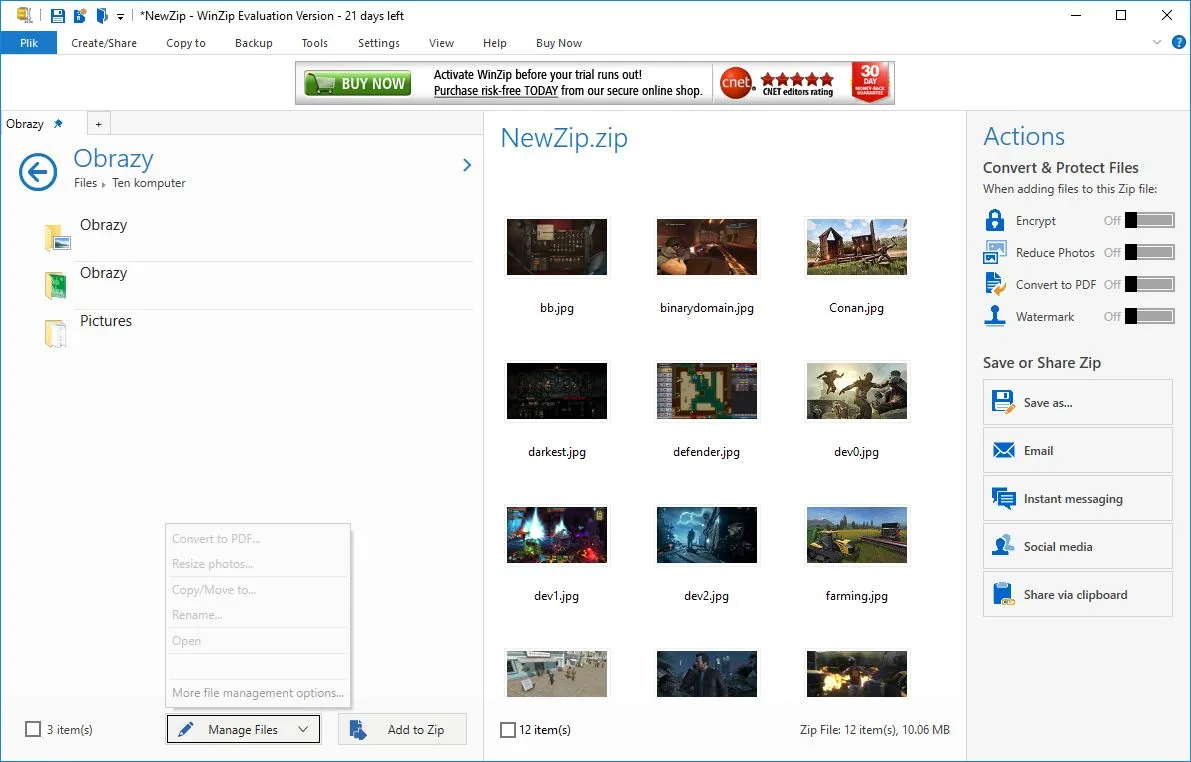
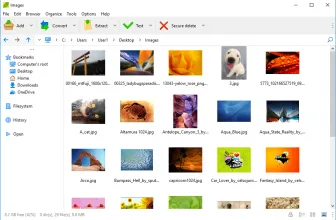
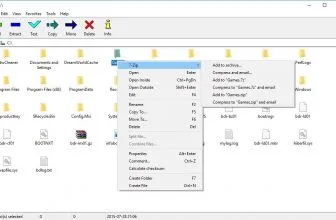
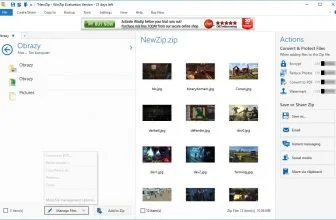
WinZip is a trial version (it’s free to download) of a program designed to create and unpack archives in the ZIP format as well as those prepared in other formats. The application can also send files to an FTP server, and even change the size and orientation of photos and display their preview. The program was created in the early 90s (as a GUI for the PKZIP archiver). It was not until 1996 that the program became an independent application.
How to Download WinZip
To download this program, simply click on the button below the text. There are also other alternatives, for example, the free 7-Zip.
The Program Features
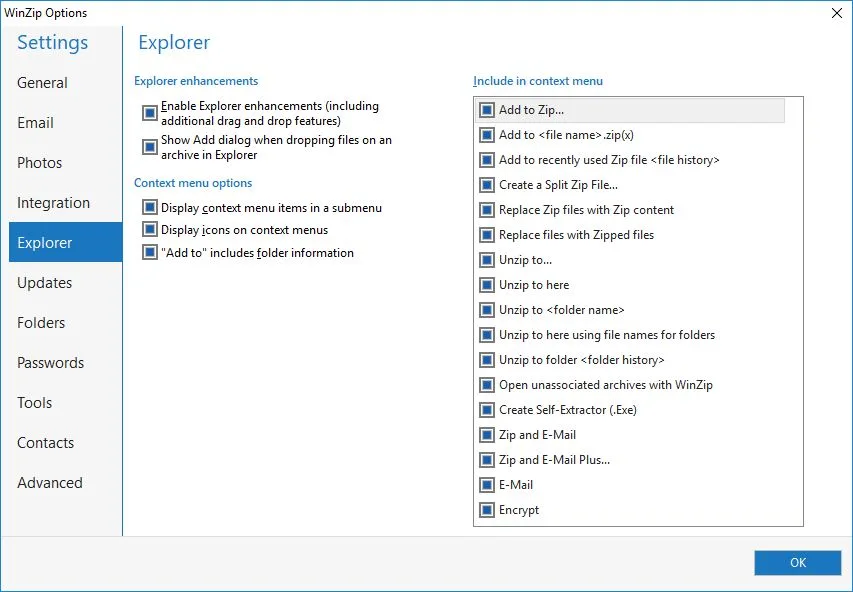
This program is chosen by its user users due to the speed of operation and the ease of use. WinZip supports such formats as ZIP, ZIPX, RAR, LHA / LZH, Cabinet, Disc Image, BinHex, TAR, GZIP, XXencode, MIME, Compress, and UUencode. Its features also include the ability to integrate with Windows Explorer and decompress multiple files simultaneously. WinZip also easily divides archives into parts and can protect compressed files with AES encryption. The program requires Windows Vista or newer, with which it integrates seamlessly. There is also a version for Apple computers.
Core Features and Workflow in WinZip 29.0 Build 16250
WinZip has many advantages such as:
- help in recovering free space on a computer disk,
- speed in creating archives,
- the simplicity of use,
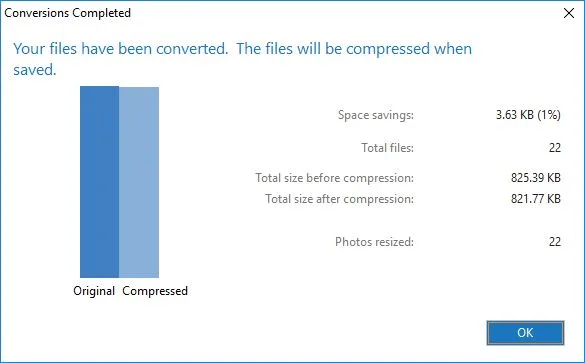
- intelligent image compression,
- the possibility of dividing files into smaller archives,
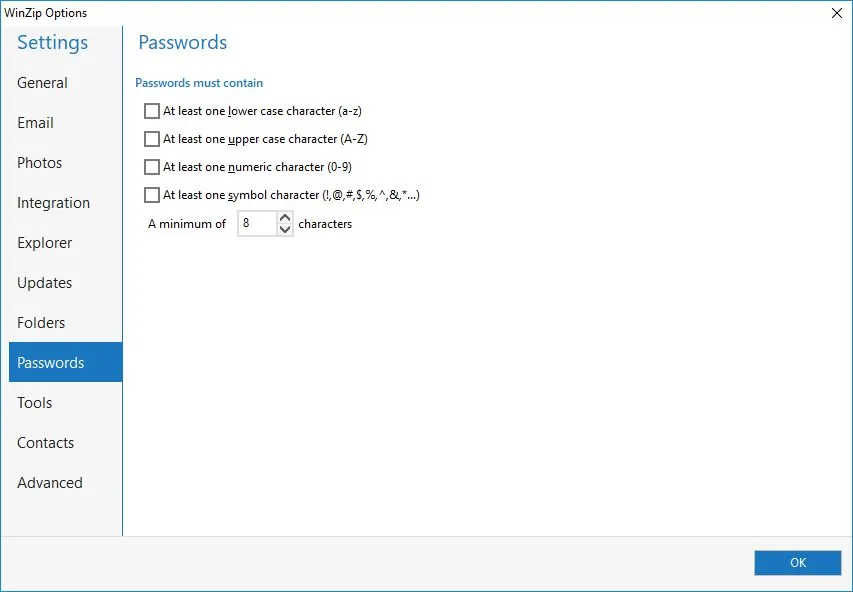
- encrypting the archive with a password,
- selection of the type of compression,
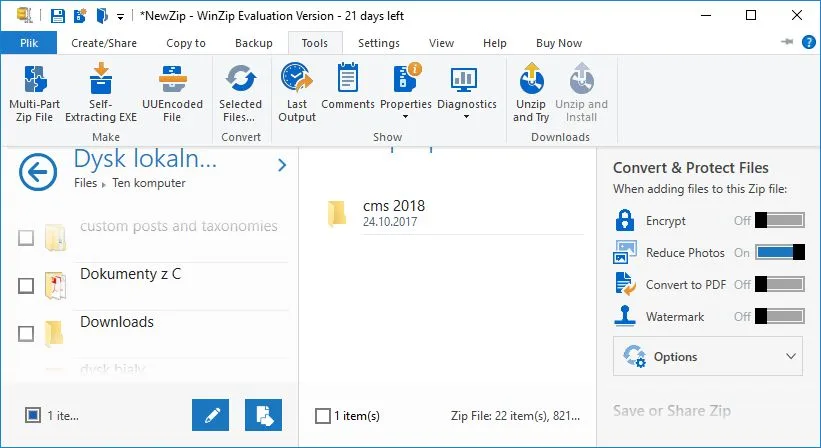
- a built-in file converter to PDF format,
- ability to insert a watermark,
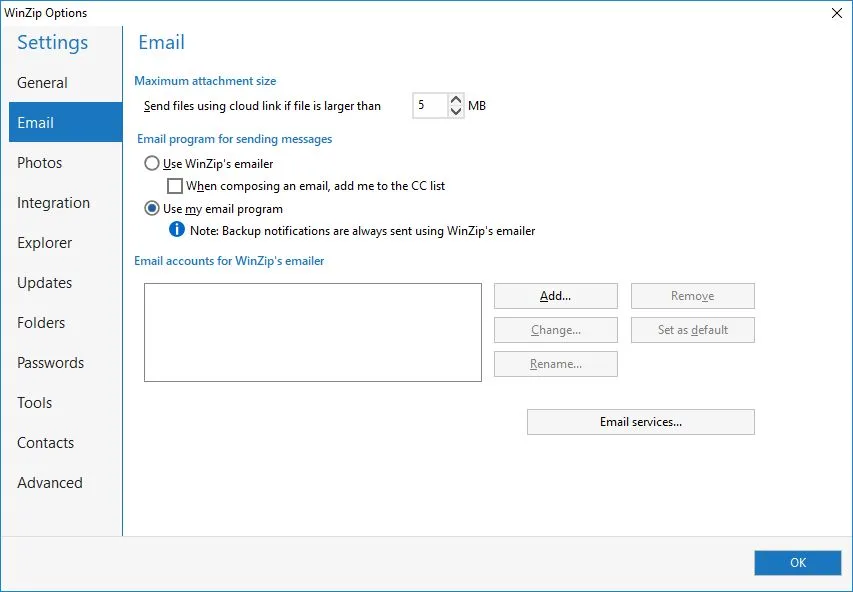
- reducing the size of e-mails.
WinZip: the Advanced Capabilities
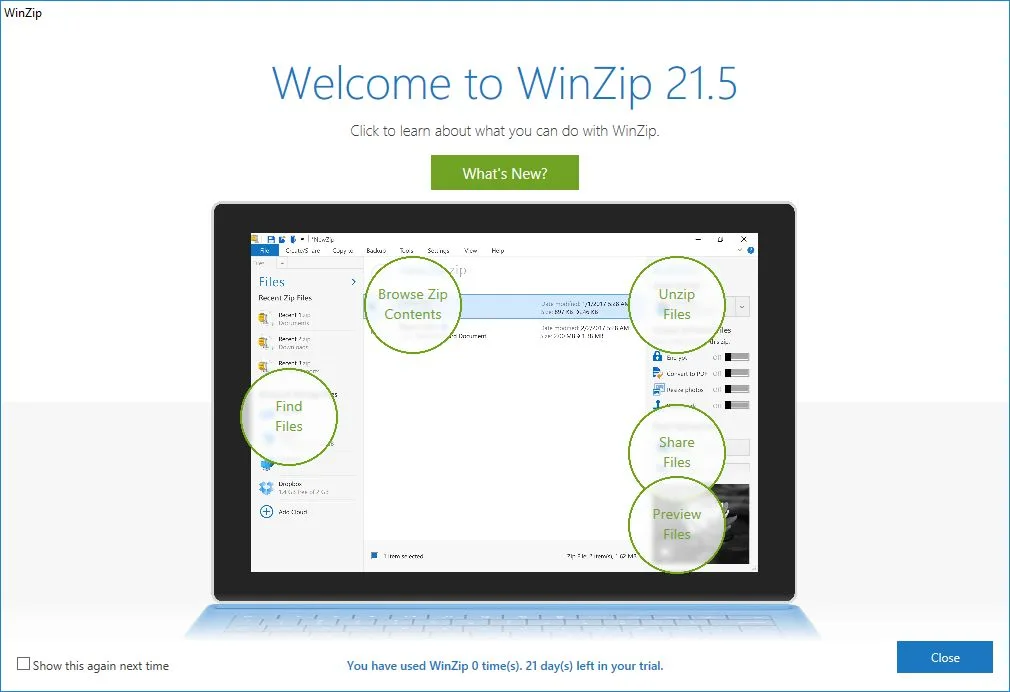
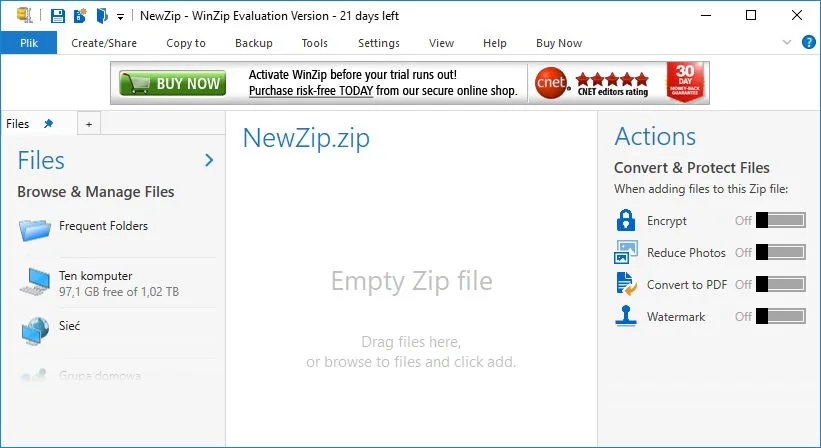
WinZip allows you to synchronize files with cloud servers (Google Drive or SkyDrive). It also allows for quick sending of files via messengers, social networks or e-mail. The program is appreciated for its easy-to-use user interface, instant packing and unpacking of archives and for the support for many popular formats. The interface view can be adapted to the user’s requirements. The program also offers the ability to view graphic and text files.
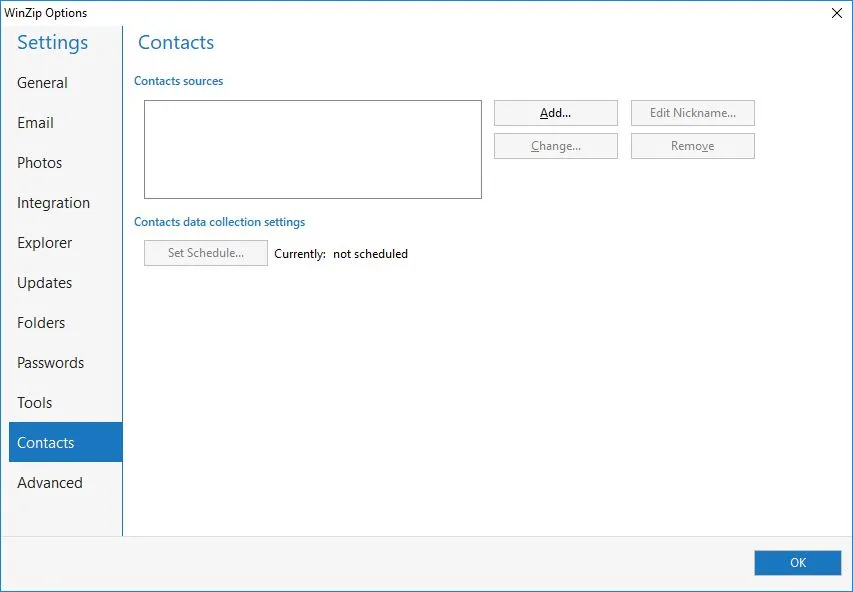
It is worth to note that WinZip undergoes constant evolution. In Version 21.0, the possibility of integration with the address book has been added, which allows quick access to the archives by specific people. Another welcome change is the option of handling digital photos in the preview panel. Moreover, the changes introduced in the program in this version allow for network domains support and improve the compression algorithm of MP3 audio files. The earlier version 20.0 could boast of:
- extended sharing capabilities,
- capability to add the most frequently opened files and folders,
- introduction of a backup wizard,
- and the ability to preview the file in a thumbnail.
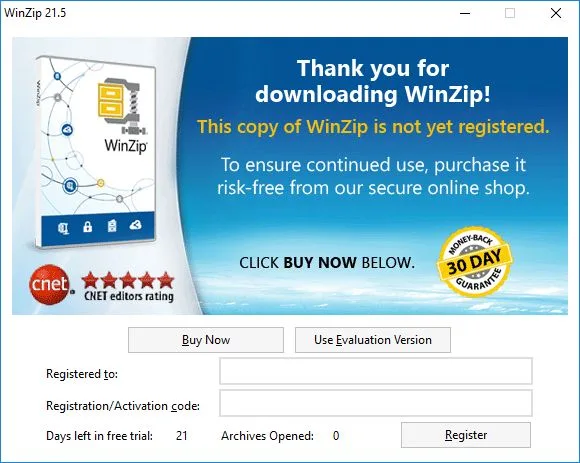
The program is distributed under a trial license, which in the case of this application means the possibility of free use for a period of 21 days. WinZip is available in two versions: Standard and Pro, which can be chosen during the installation (license selection).
The Other Archivers
There are several competitive programs that can be tantamount to WinZip. You might want to take a look at trial license (40-day) of WinRAR or to check out the completely free super-compressor 7-Zip.
Core Features and Everyday Workflow in WinZip 29.0 Build 16250
System Requirements & Key Features
Check the baseline Windows hardware specs, developer details, and license profile for WinZip 29.0 Build 16250 before installing.
| Specification | Minimum | Recommended |
|---|---|---|
| Operating System | Windows 7 / 8.1 / 10 (32-bit or 64-bit) | Windows 10 / 11 (64-bit) |
| Processor | 1.0 GHz Intel / AMD Dual-Core | 2.0 GHz+ Multi-Core CPU |
| Memory (RAM) | 2 GB RAM | 4 GB+ RAM |
| Free Disk Space | 0.76 MB installer + 300 MB free space | 1 GB+ SSD free space |
| Developer & License | Corel Corporation (trial) | Latest verified Windows build |
Frequently Asked Questions
What extra business features distinguish WinZip 29.0 from basic file archivers?
Beyond standard ZIP and Zipx compression, WinZip 29.0 integrates FIPS 140-2 / AES-256 encryption, PDF conversion and watermarking, image resizing, and direct cloud backup to OneDrive, Google Drive, and Dropbox.
Which lightweight alternatives exist if you only need fast local extraction?
As of November 2026, home users looking for compact context-menu extraction on Windows 11 frequently compare WinZip against 7-Zip and WinRAR.