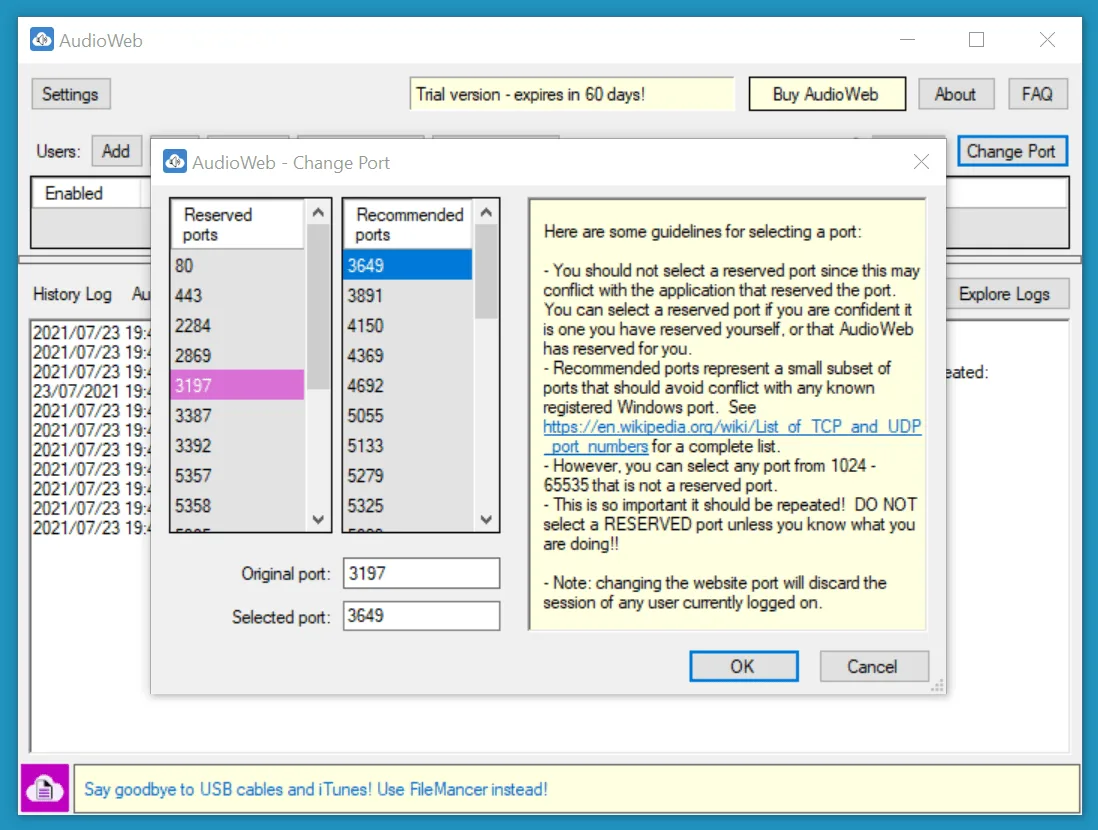
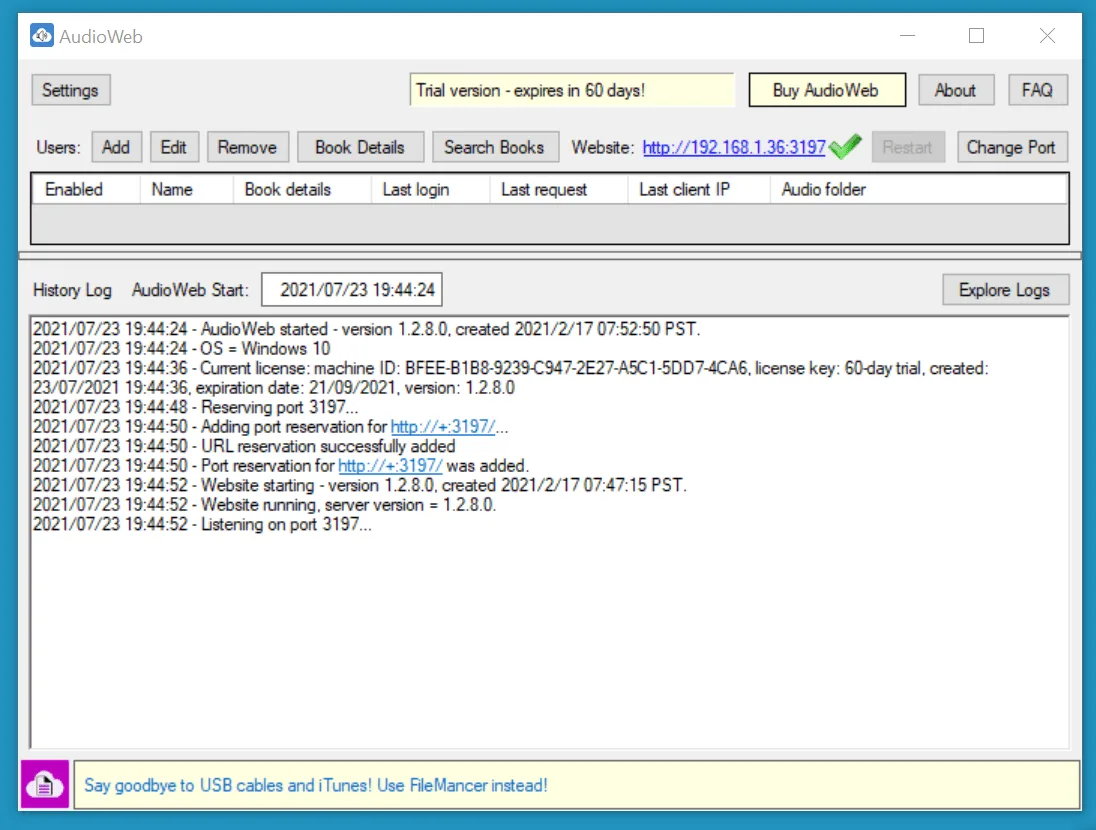
As someone who works from home 9/10, I have some music playing, a podcast rotting my brain or even an audiobook playing. The idea of AudioWeb is that you have your own personal audio website for Windows that can keep you entertained while you are on your computer.
How to Download AudioWeb
To download the program, click on the Download button located below. Check out also other programs from MollieSoft that we have reviewed – FileMancer, FileBadger, and OverSite.
The Program Review
Ok, so I did just say “on your computer” however, AudioWeb is fine on any device that has a web browser. While I have used it on my computer, you can also use it on your phone, iPad, or whatever too as it works with any kind of MP3 files. I spent a bit of time messing around with it and found it to be pretty fun.
Core Features and Workflow in AudioWeb 2.1.2.0
The whole program is very small and easy to use. You can bookmark certain songs, make your own playlists and it can even keep track of exactly where you are in an audiobook. I really do think that they have made this as easy to use as possible, but at the same time, they do give you all of the features that you could need.
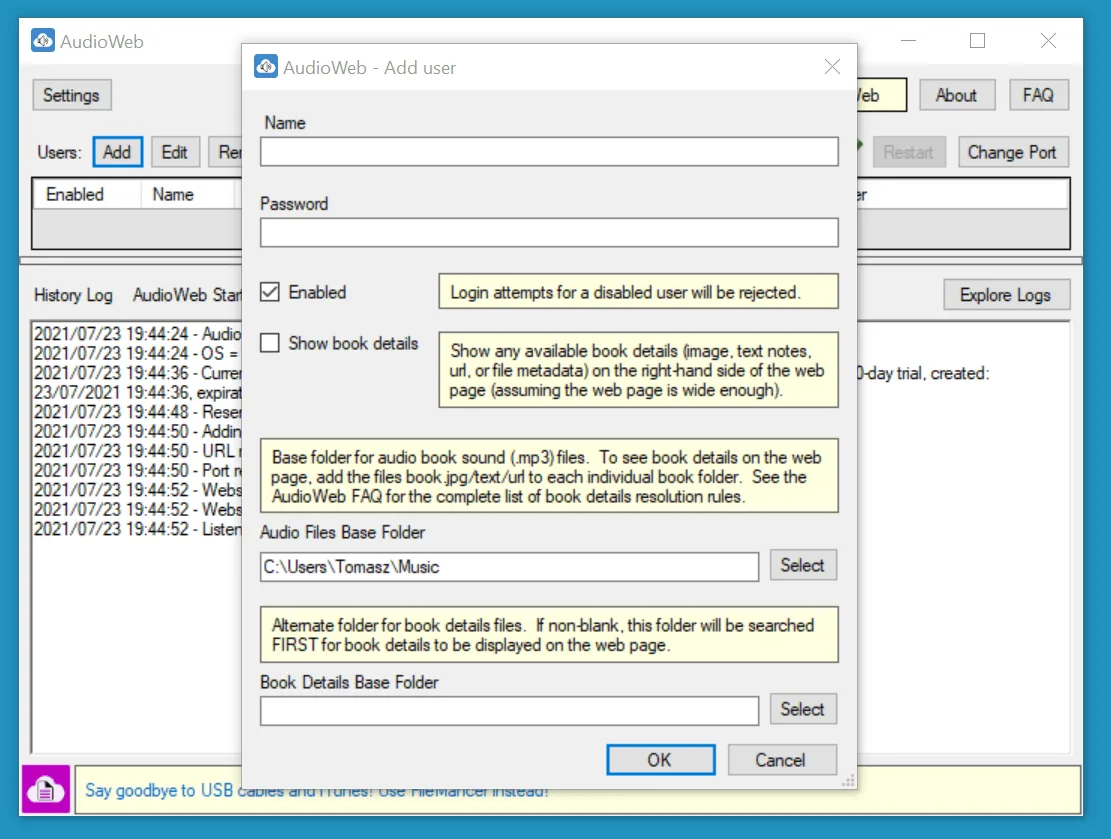
You can also create many different profiles with the AudioWeb program. To be honest with you, I did not mess with this feature, but it is there if you need it. I guess if you have a family computer that different people use then a feature like this could actually come in handy.
Performance, Usability, and Final Verdict
I really like the idea of creating my own audio website and it is very easy to see why some people would get super into this. For me, as cool as this is, I have to be honest and say that I would probably never use this over just using my Spotify account on my computer or even my phone while I am working.
That is not to say that this is not good, it does what it does very well. I just do not see the need for a program like this to exist if I am being honest with you. I see it more as a fun thing for people to tinker with and dabble in making their own private music site rather than being the best way for someone to listen to their music.
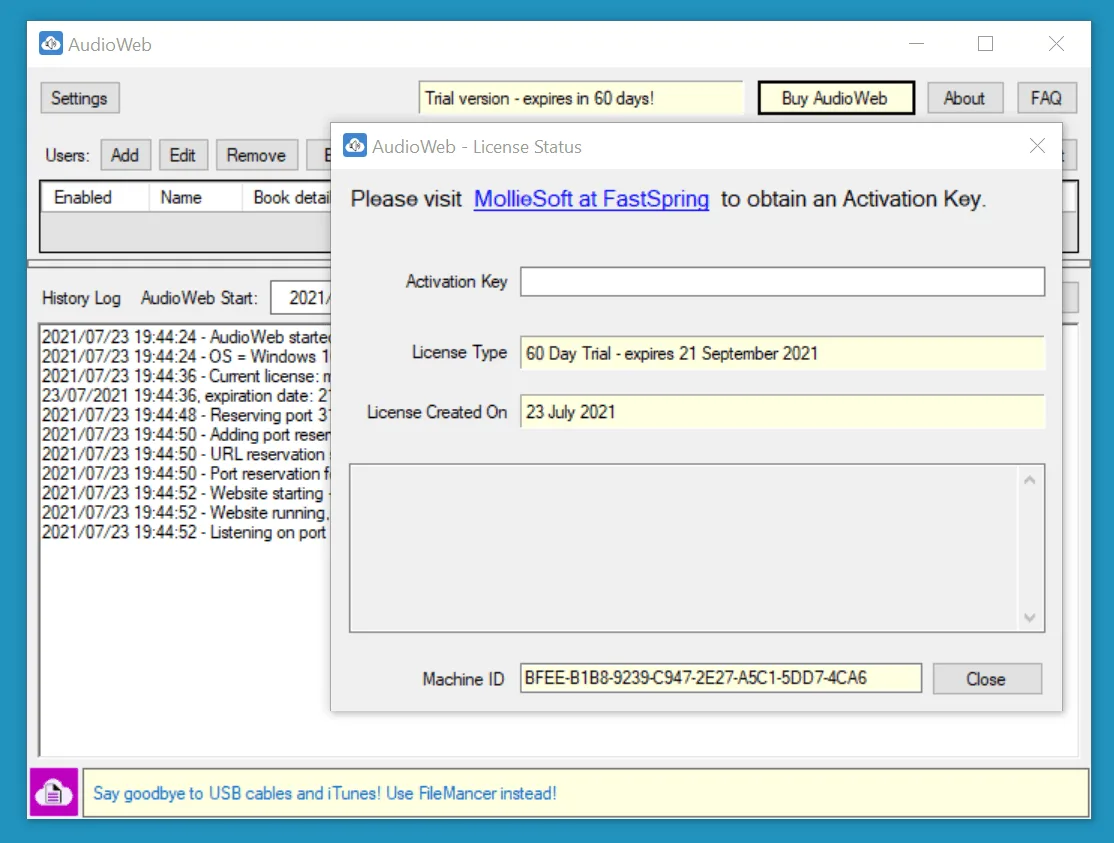
This is a service that is not free to use! To be fair they give you a 60-day free trial so that is more than enough time to see if this is for you or not. If you do decide that you want to keep using the program then you can pay for a license which as of writing is priced at $9.95 which to be fair, is not a bad price at all. Readers comparing specialized desktop utilities often check iTunes 12.13.12.3 alongside our other Windows software guides.
System Requirements & Key Features
Check the baseline Windows hardware specs, developer details, and compatibility profile for AudioWeb 2.1.2.0 before installing.
| Specification | Minimum | Recommended |
|---|---|---|
| Operating System | Windows 7 / 8.1 / 10 (32-bit or 64-bit) | Windows 10 / 11 (64-bit) |
| Processor | 1.0 GHz Intel / AMD Dual-Core | 2.0 GHz+ Multi-Core CPU |
| Memory (RAM) | 2 GB RAM | 4 GB+ RAM |
| Free Disk Space | 41 MB installer + 300 MB free space | 1 GB+ SSD free space |
| Developer & License | Marvin Hymowech (trial) | Latest verified Windows build |
Frequently Asked Questions
What is AudioWeb 2.1.2.0 and what are its main features?
AudioWeb is a unique tool that lets you play MP3 files through any web browser from your personal website. The idea of AudioWeb is that you have your own personal audio website for Windows that can keep you entertained while you are on your computer., developed by Marvin Hymowech.
Which platforms support AudioWeb 2.1.2.0 and how is it licensed?
AudioWeb 2.1.2.0 supports Windows 8.1 and Windows 10, with an installer package around 41 MB available as shareware / free trial. Official downloads and release information are available via molliesoft.com and Amazon.
What are the main advantages and limitations of AudioWeb 2.1.2.0?
AudioWeb turns local MP3 libraries into a clean, browser-ready audio portal for PCs, phones, and tablets, complete with playlists, multi-user profiles, audiobook progress tracking, and a 60-day trial. On the downside, it requires payment after the trial and fills a niche that streaming services like Spotify already handle effortlessly. Editorial score: 9/10.