Facebook Gameroom is a free downloadable program, the purpose of which is to offer casual games. Some of them you might know from the social network website. The platform offers a gaming library with the most popular titles from Facebook, as well as some downloadable games and single-player titles.
How to Download Facebook Gameroom
To download Facebook Gameroom, click on the Download button and get a very small installer file. The application requires logging in with your login and the password for Facebook.
Facebook Gameroom is an interesting alternative for platforms such as Steam, Game Jolt, or GOG.com. You can play it for free and also download paid games. Most of the items found here will not be known to hardcore players and can be considered casual titles, but there are also exceptions, for example, the MOBA War Robots.
The Program Review
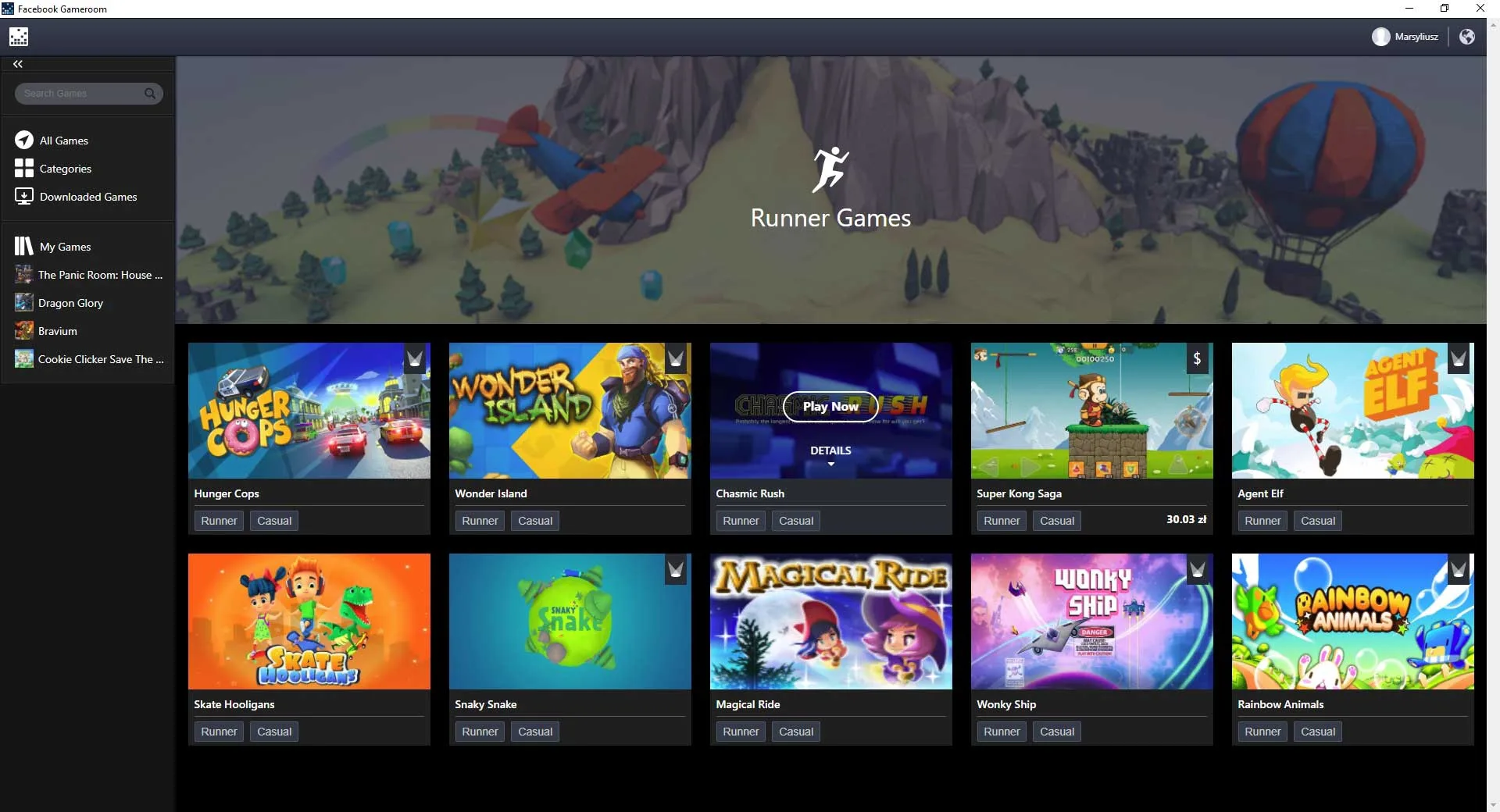
The Facebook Gameroom interface is very intuitive and easy to use. On the platform, you can find games of various types that are made available either completely free or for a small fee.
Facebook Gameroom lets you search for games by category. Games within a category, are sometimes additionally tagged with different categories to which they might belong. Clicking on such a tag will allow you to see all the games which share it.
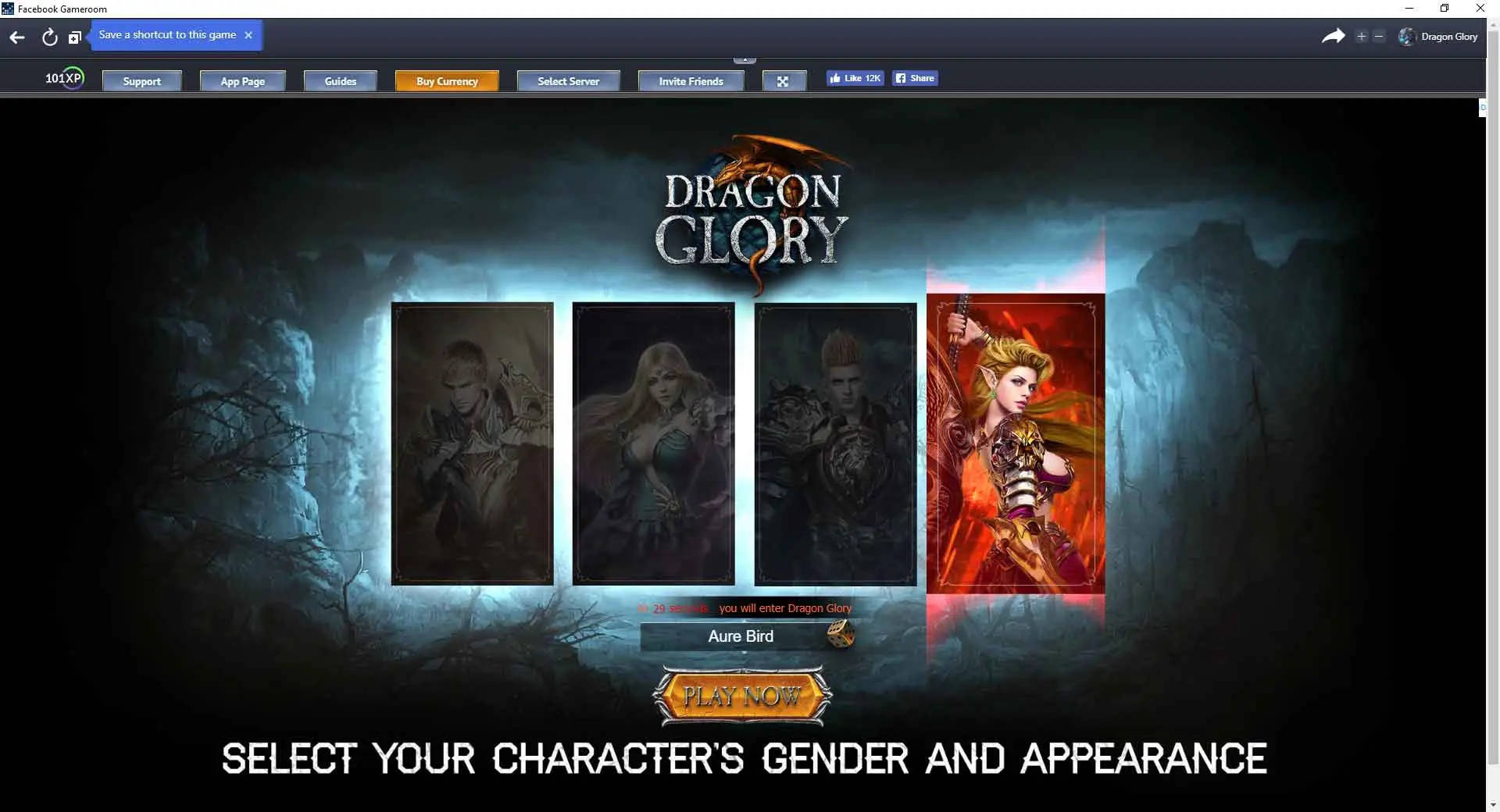
The games can be played just like in a web browser or on Steam, where you need to download sometimes many megabytes of files.
Installing the Facebook Gameroom application is very simple and requires a Windows 7 or newer.
After the installation, all the games that you play on the social network will automatically appear in the menu.
During the gameplay, you can communicate with other people. If you want, you can also easily make a screenshot of the played game and publish it on your Facebook wall.
Most of the games are mobile productions that are free or require micropayments, but as we have already pointed out earlier, there are also games that you need to pay for upfront.
There are the following game categories (there are 18 of them):
- Action,
- Bingo,
- Board,
- Builder,
- Card,
- Card Battle Games,
- Casino,
- Casual,
- Match 3,
- Poker & Table Games,
- Puzzle Games,
- Role-Playing,
- Runner Games,
- Simulation,
- Slot,
- Sports,
- Strategy,
- and Trivia & Word.
The choice is big, so everyone will find something for themselves. You can also use the search box, which is especially useful when you know the name of the game, and do not know where to look for it.
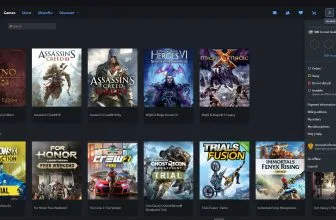
The games in categories and on the search engine results page are presented in the form of illustrations with the name of the game underneath.
The platform looks aesthetic and using it is quite enjoyable.
It should be remembered that after choosing the game, you must agree to share information about your profile. It is important to know that games will not post anything without the explicit consent of the user.
The games on the platform sometimes have a similar look due to the Unity engine they use, which can be effectively employed for both 2D and 3D games. You can see that switching between games is easy, and browsing their offer is fast and convenient.
Using the menu, you can: browse downloaded games or join live broadcasts, if they are available.
The platform also has a notification panel that displays information sent out by the games.
Branching out across mobile or console releases? See our hands-on evaluation and official store guide for QWOP.
Gameplay Design, Features, and Core Value of Facebook Gameroom
Facebook Gameroom focuses on responsive controls, reliable stability, and rewarding mechanics suited to Windows PC setups.
Compatibility, Performance, and Overall Replayability
From setup ease and system efficiency to long-term enjoyment, Facebook Gameroom remains a dependable choice in our PC and gaming catalog.
PC System Requirements (Minimum & Recommended)
Check the verified Windows PC minimum and recommended hardware specifications for Facebook Gameroom below before downloading.
| Component | Minimum | Recommended |
|---|---|---|
| OS | Windows 7 / 8.1 / 10 (legacy client discontinued in 2021) | Windows 10 (64-bit) |
| Processor | 1.8 GHz Intel Pentium 4 or AMD Athlon 64 | Dual-core Intel Core i3 or AMD equivalent |
| Memory | 2 GB RAM | 4 GB RAM |
| Graphics | DirectX 9.0c / WebGL compatible graphics adapter | DirectX 11 compatible integrated or discrete GPU |
| Storage | 500 MB free disk space | 2 GB available space for cached web and Unity games |
Frequently Asked Questions
How do I download the latest version of Facebook Gameroom for Windows?
Click the green Download button on this page to access the verified installer details and official download options for Facebook Gameroom on Windows.
Is Facebook Gameroom safe to install on Windows 10 and Windows 11?
Yes. When downloaded from its official release channel, Facebook Gameroom is a clean gaming utility compatible with modern 64-bit Windows 10 and Windows 11 systems.
Is Facebook Gameroom lightweight on PC system resources?
Yes, Facebook Gameroom is designed with a compact footprint so it runs smoothly on everyday desktop and laptop PCs without slowing down background tasks.
Do I need technical expertise to use Facebook Gameroom?
No. Facebook Gameroom provides a straightforward interface that guides both beginners and experienced PC users through its core tools step by step.