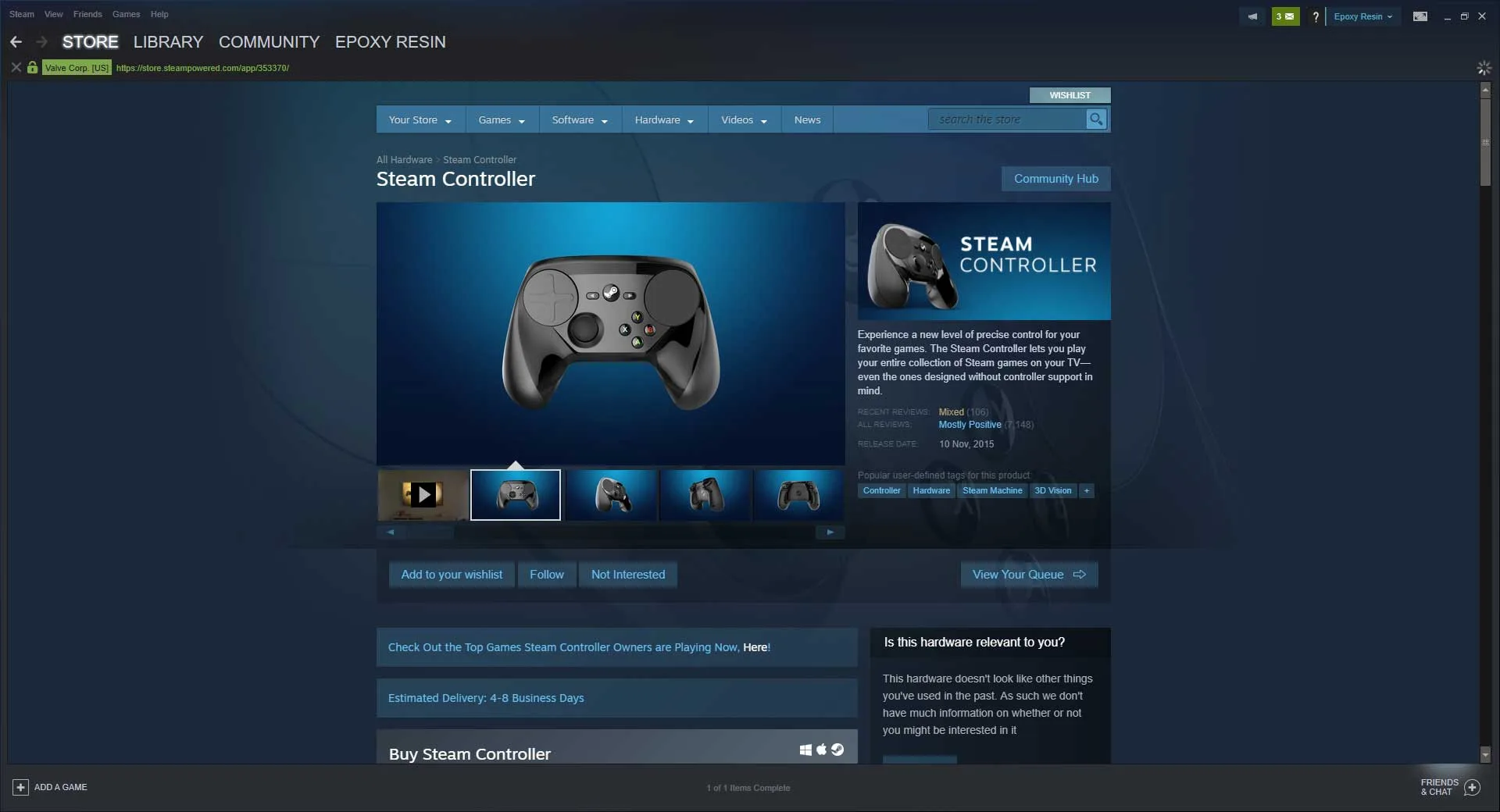
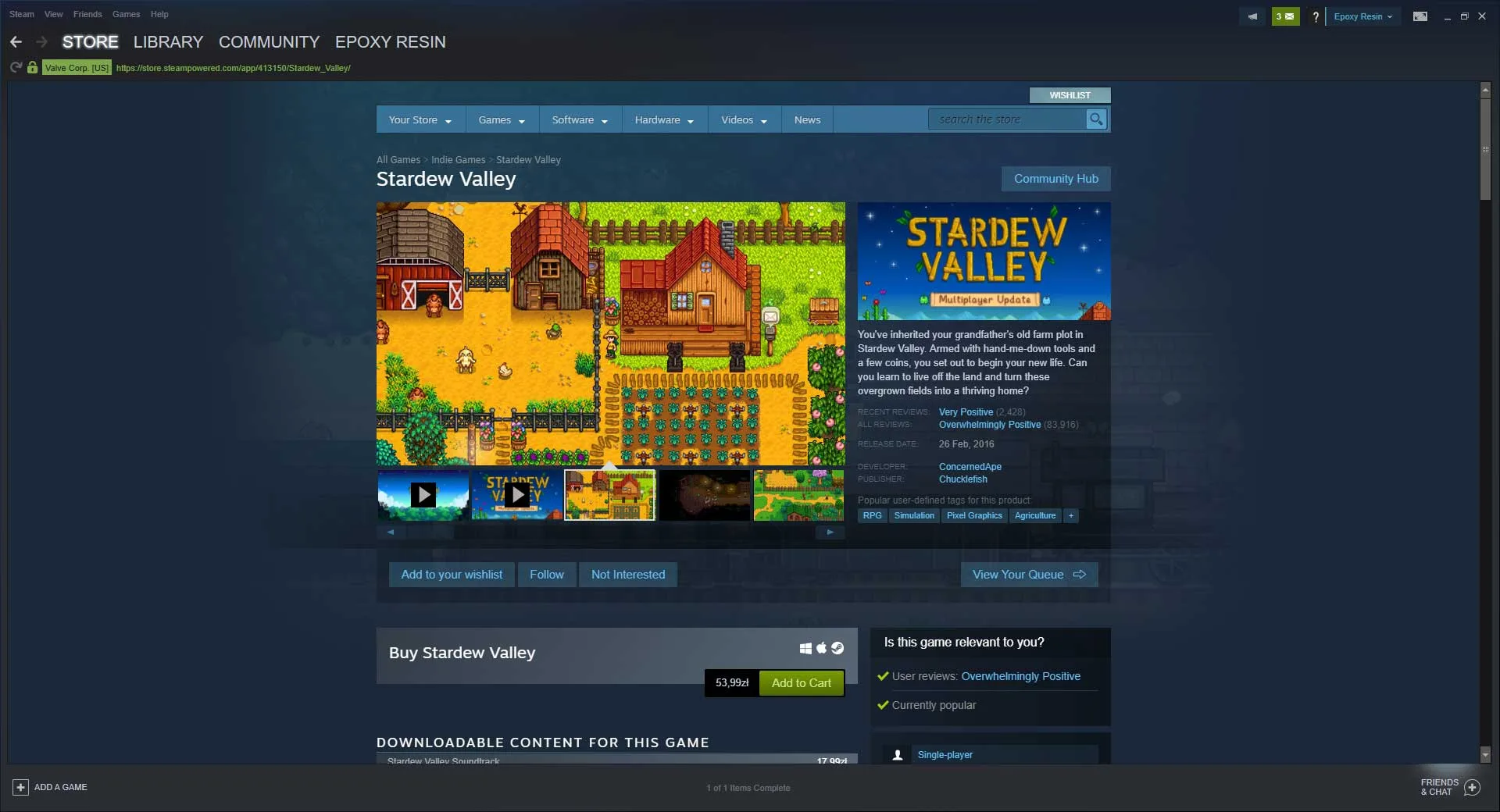
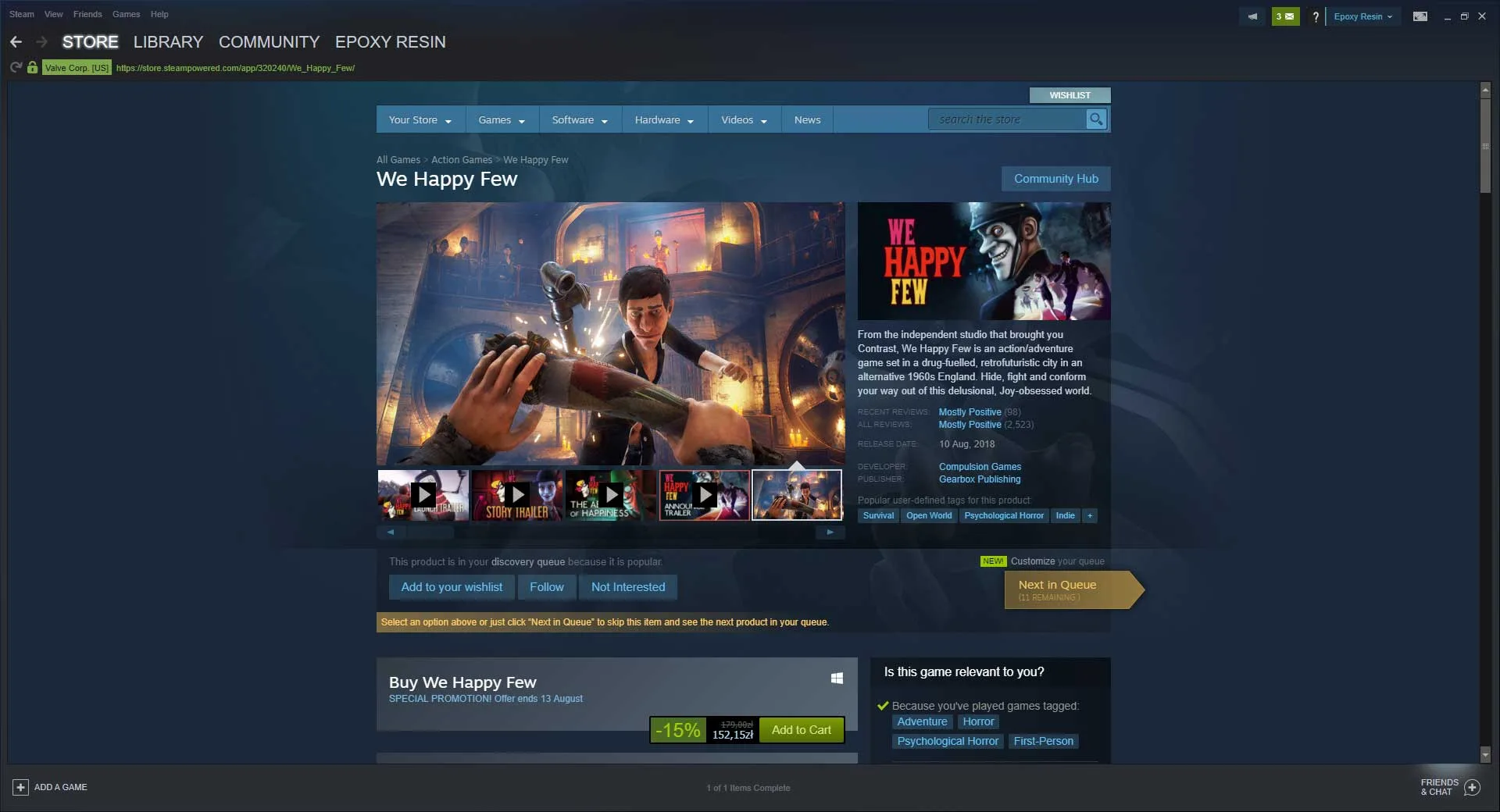
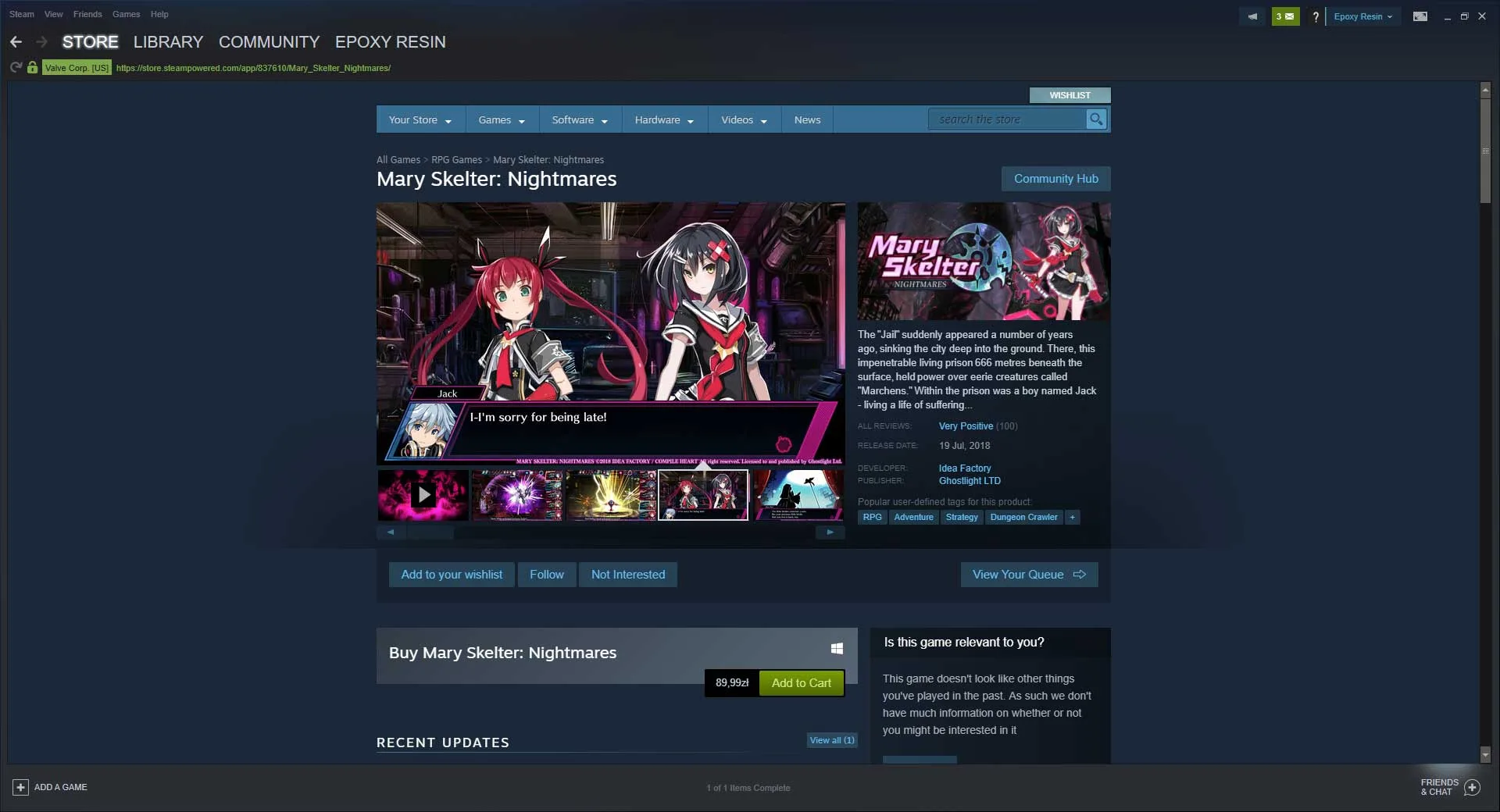
Steam is a digital distribution platform for video games and was originally developed by Valve on the 12th of September 2003. Valve are originally known for many classic titles, such as Half-Life, Left 4 Dead, and of course, Portal. Moving on from developing games, Valve created Steam, a DRM platform that many other companies proceeded to try and copy and follow on from its vast success, especially under the consideration that every PC game on the platform wants to be on Steam, at any cost.
How to Download Steam
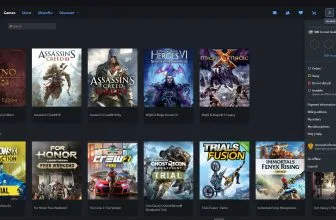
The Steam client can be downloaded and used for free. To start your download click on the button below. You will then be able to explore the platform and download games, many of them completely for free. You should know that there are also other digital distribution platforms and be sure to check them out too. To give you just a few examples, they are Origin, GOG, Game Jolt, or Itch.
The Client Review
Steam Visuals and Presentation
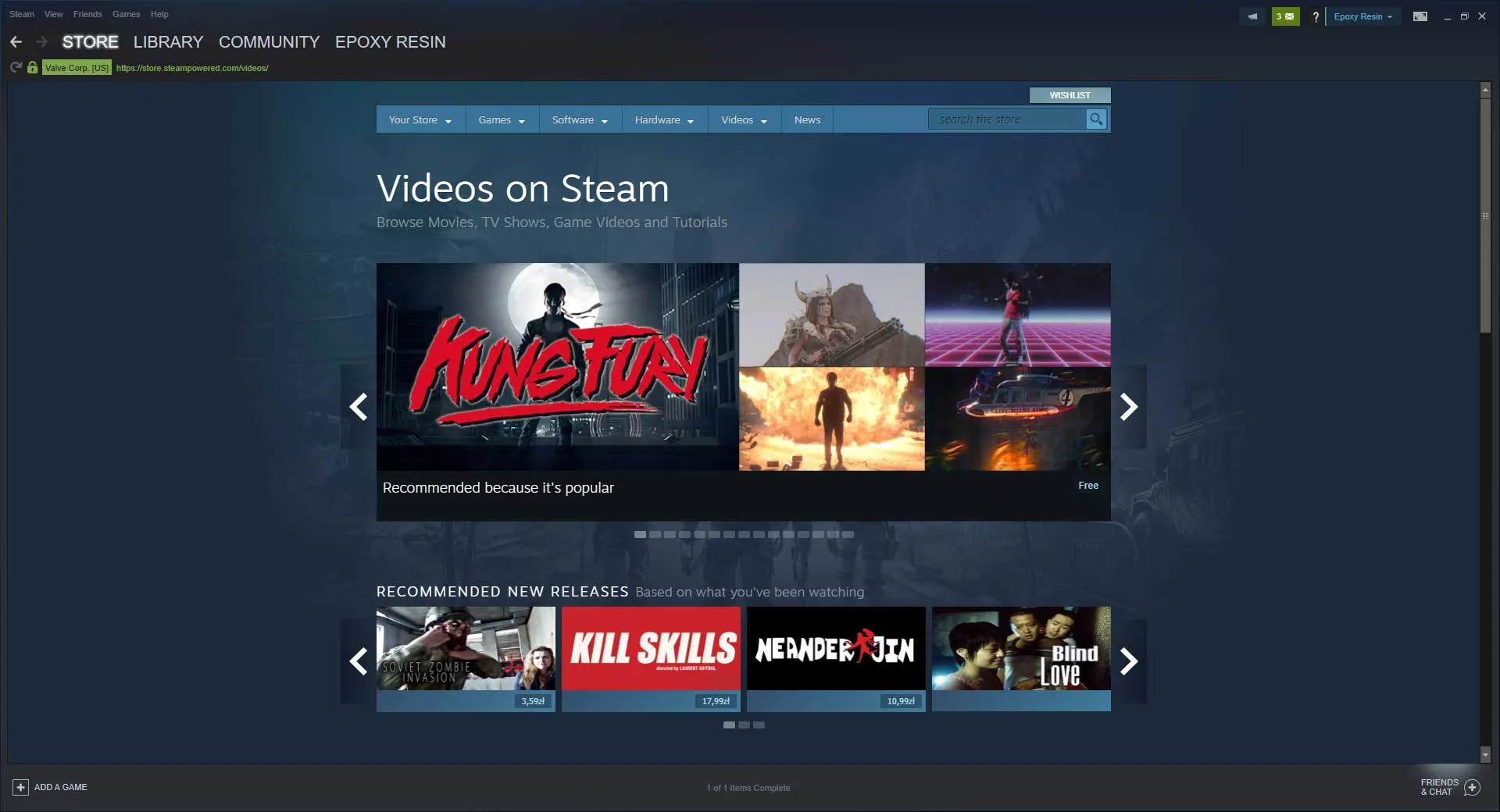
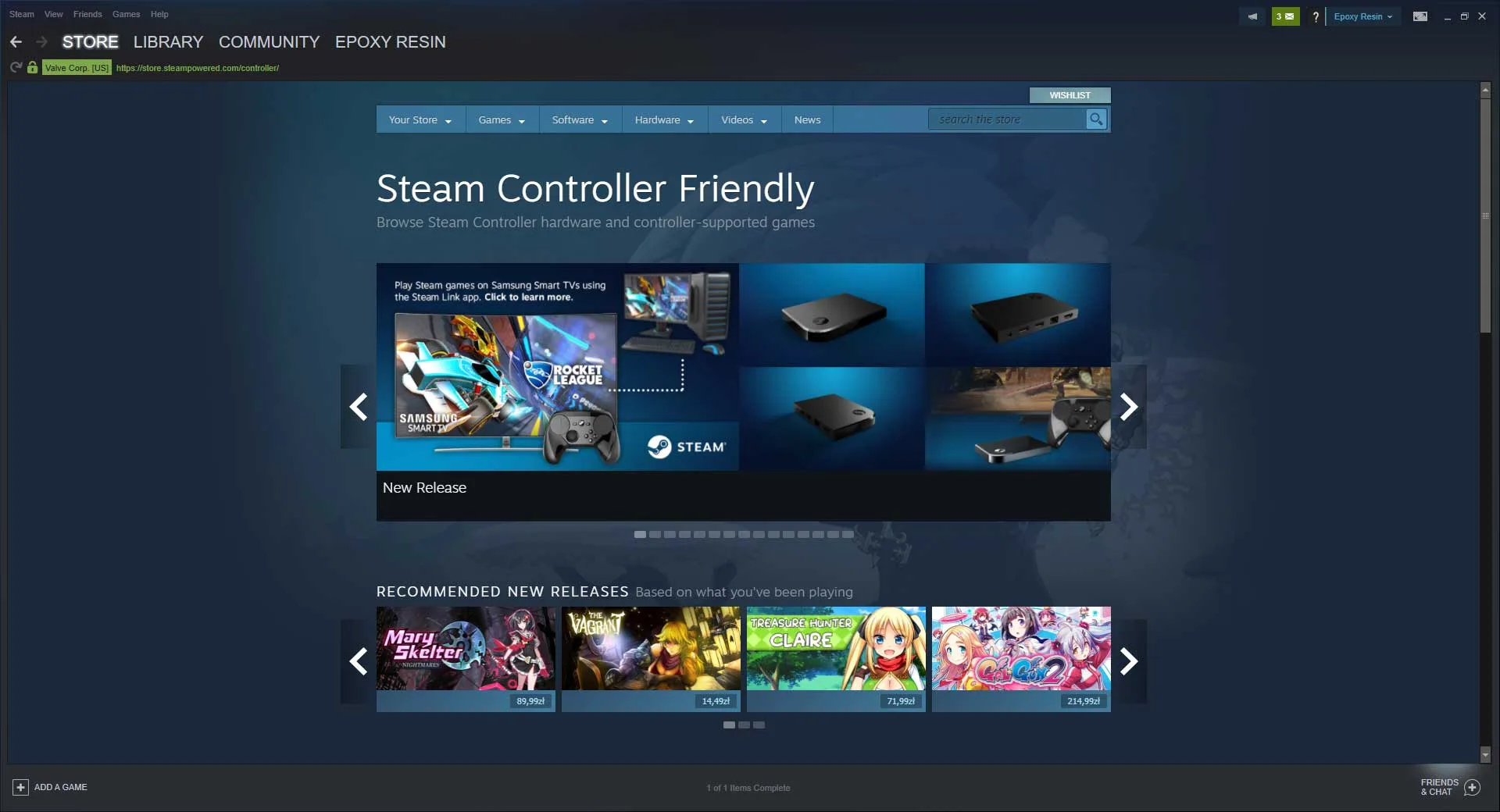
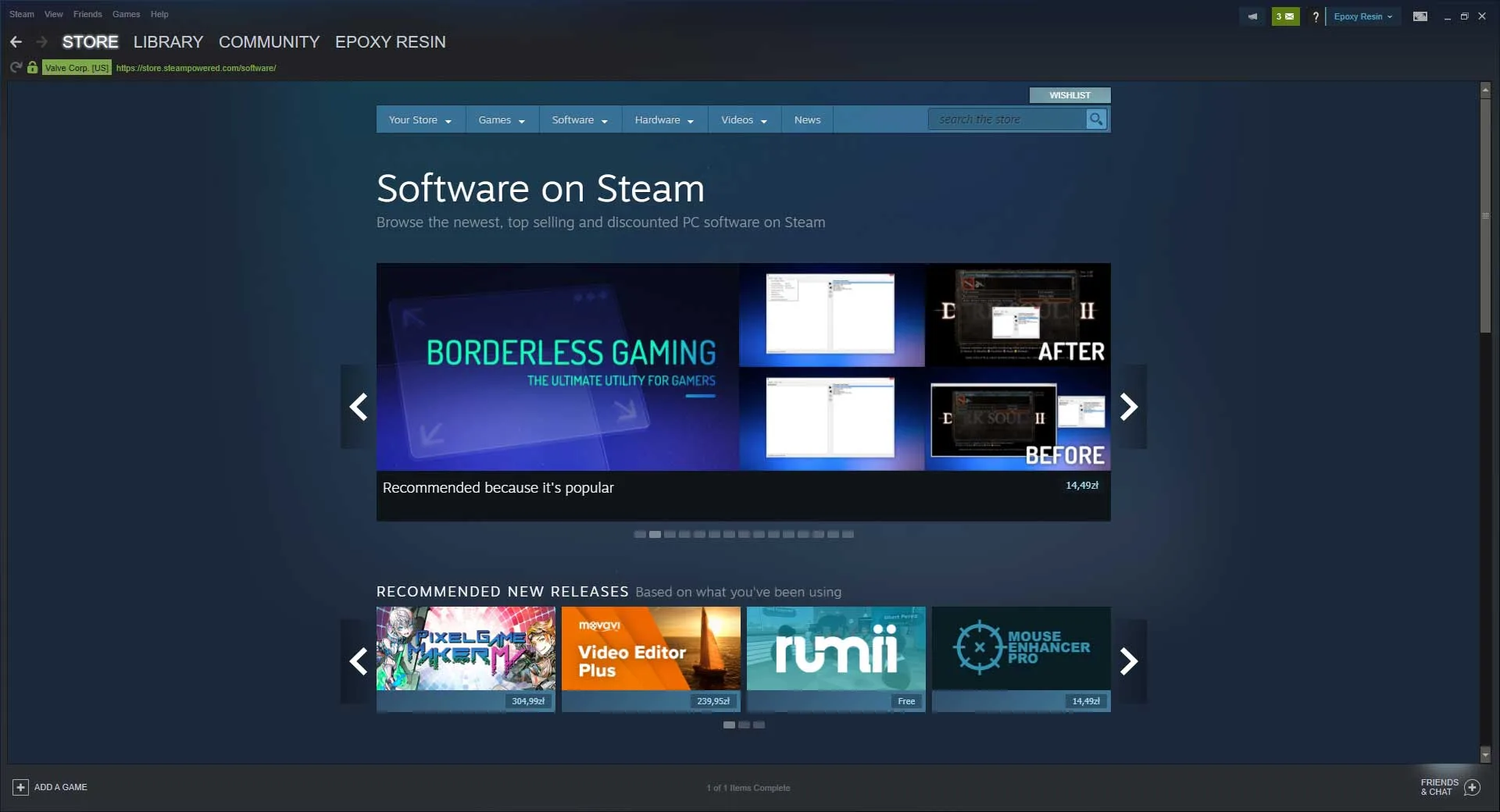
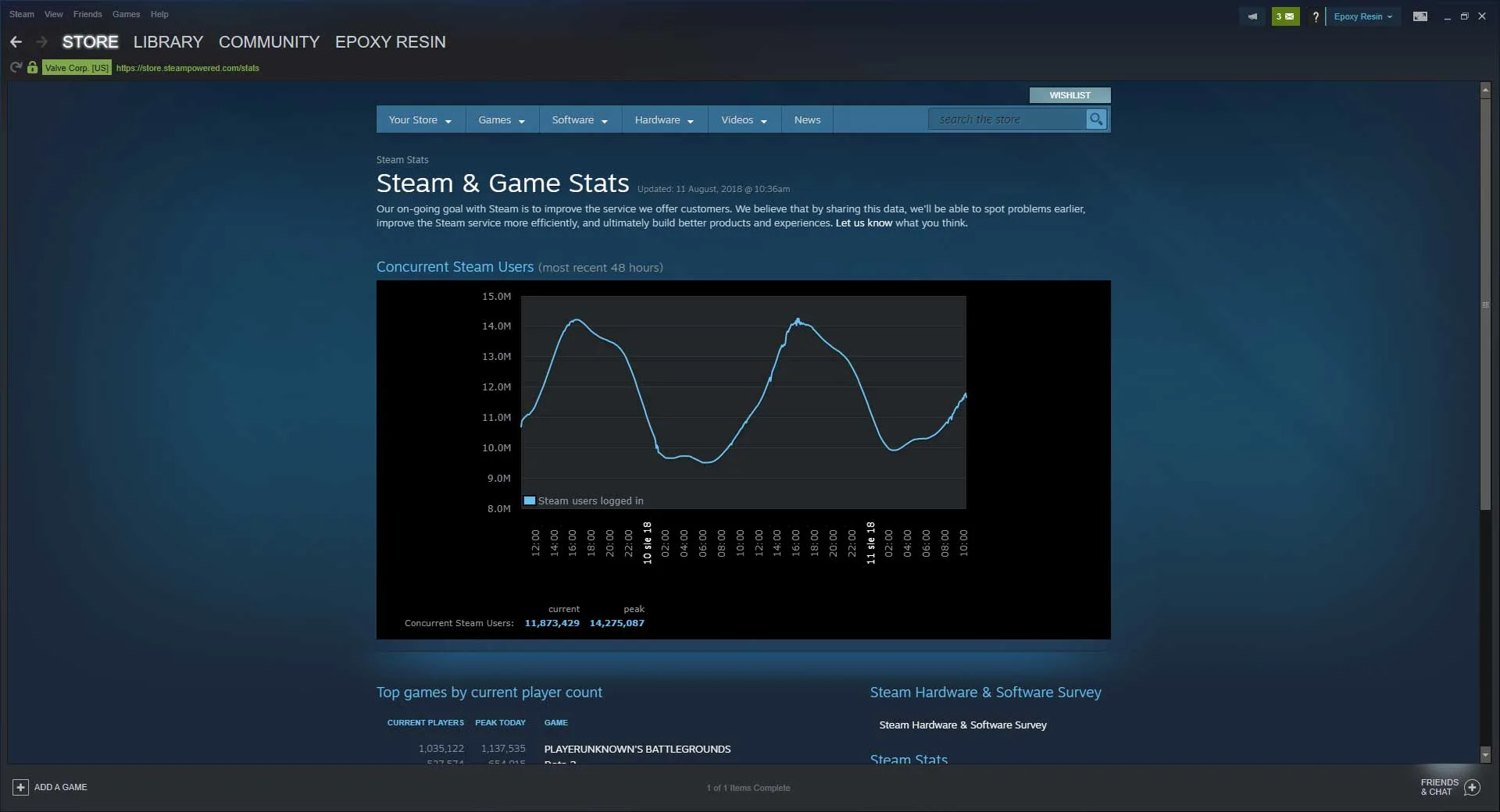
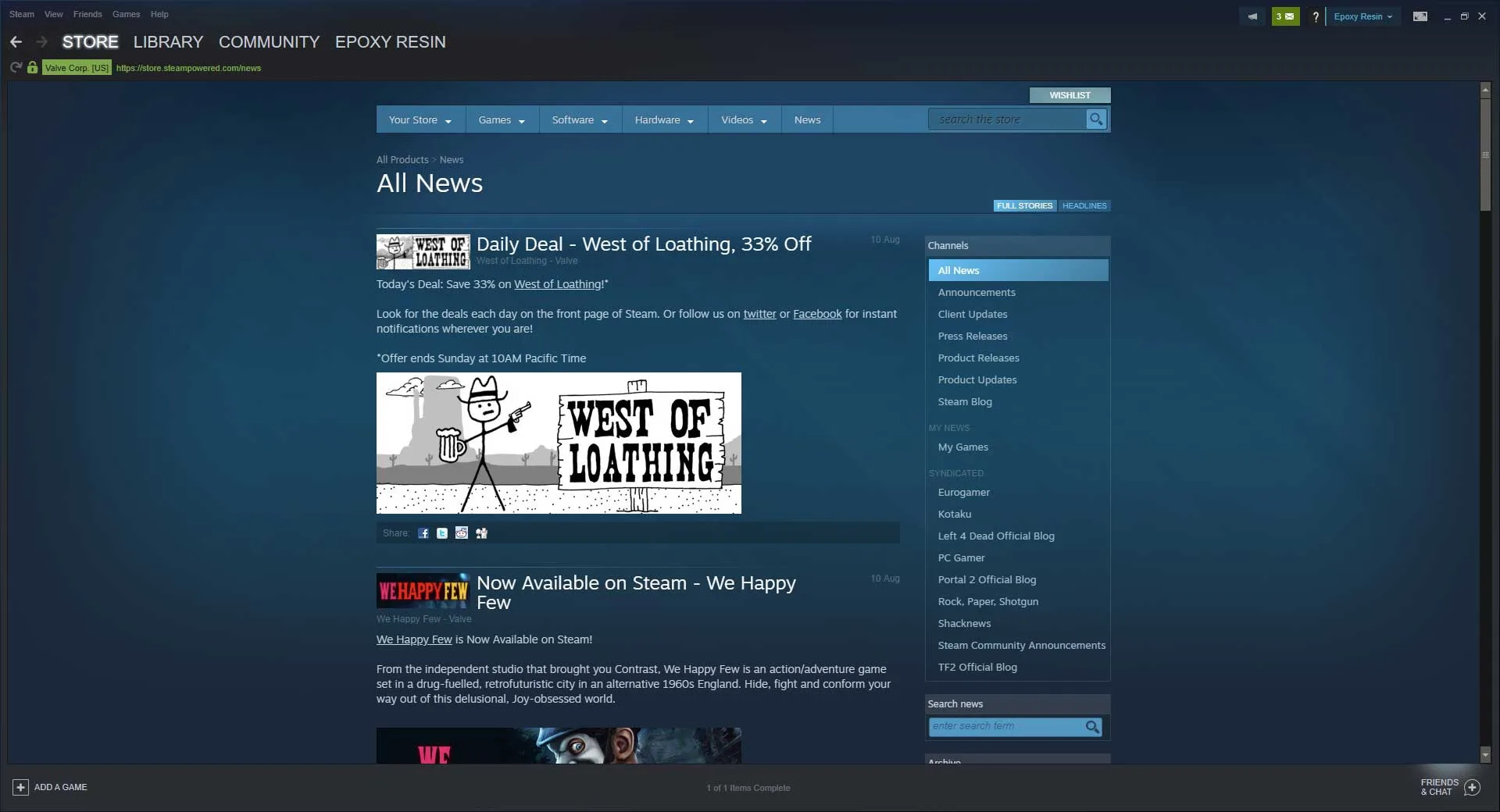
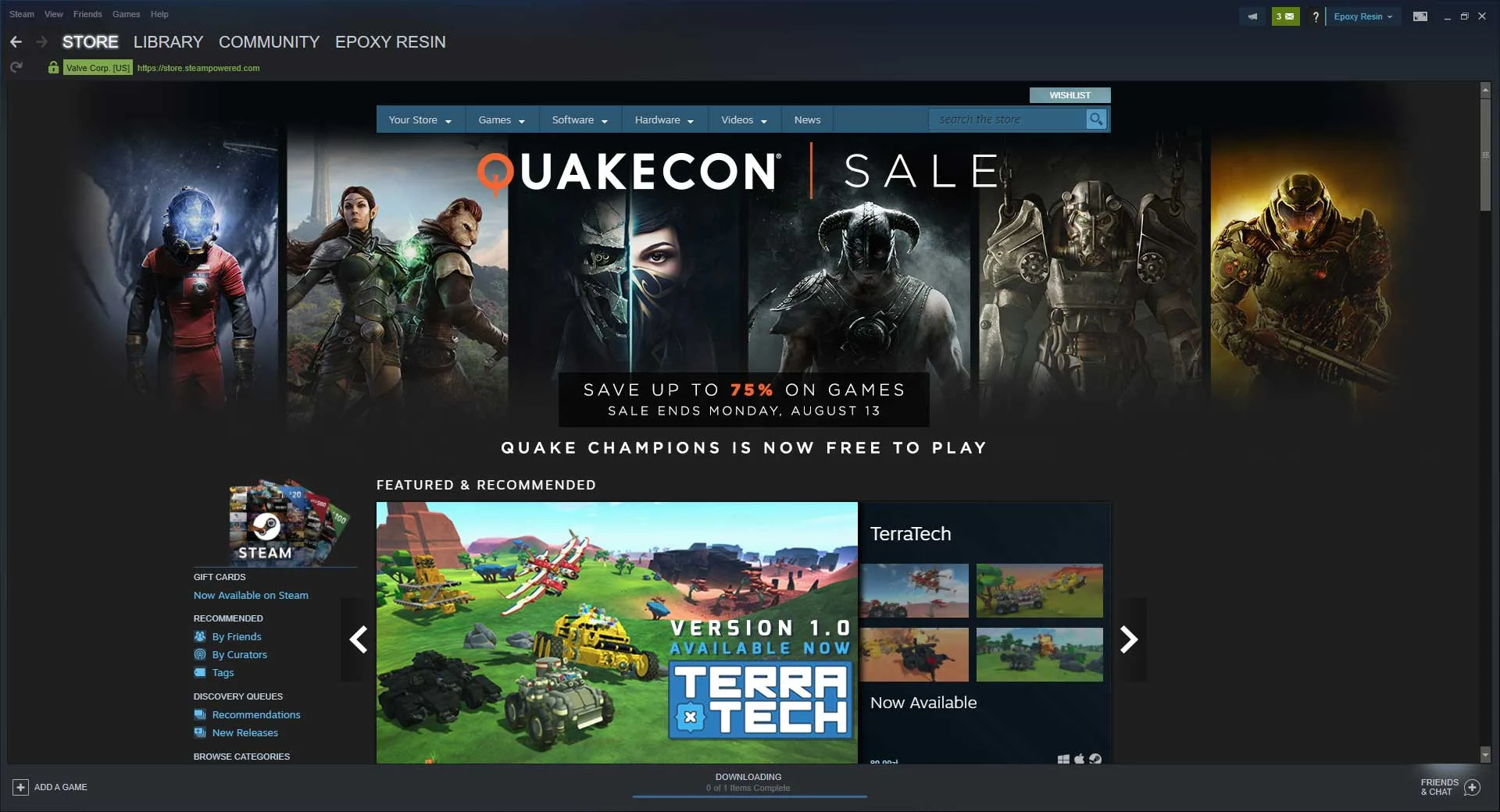
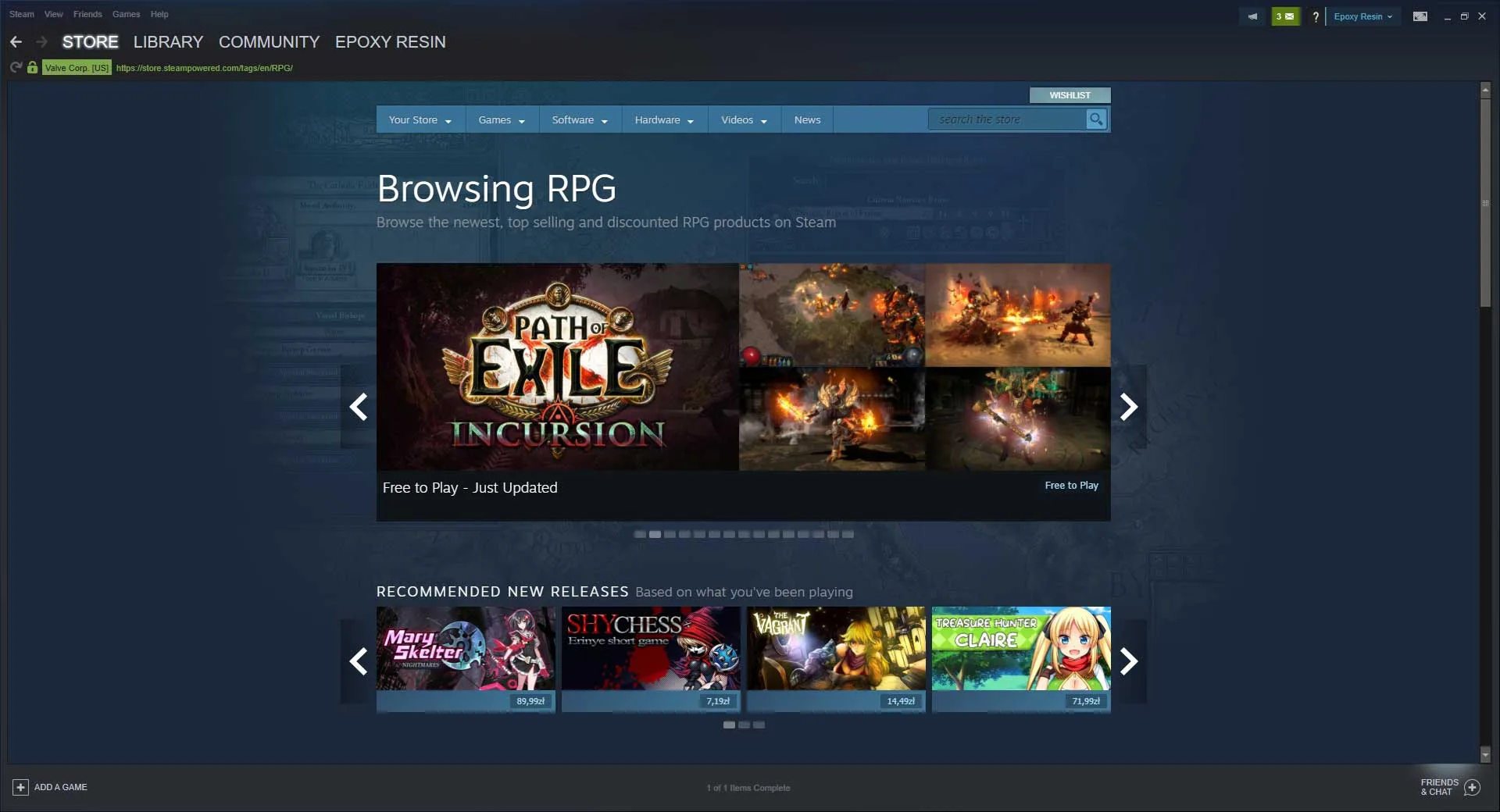
Over the years, Steam has changed a lot, and the developers have made a lot of different visual changes and additions to the platform and its client to smooth out the overall experience. For the most part, users of the client will be treated to the featured area of the store, where at a glance they can check to see what’s on sale, and even see what some of the best-selling games are out right now.
Steam Features
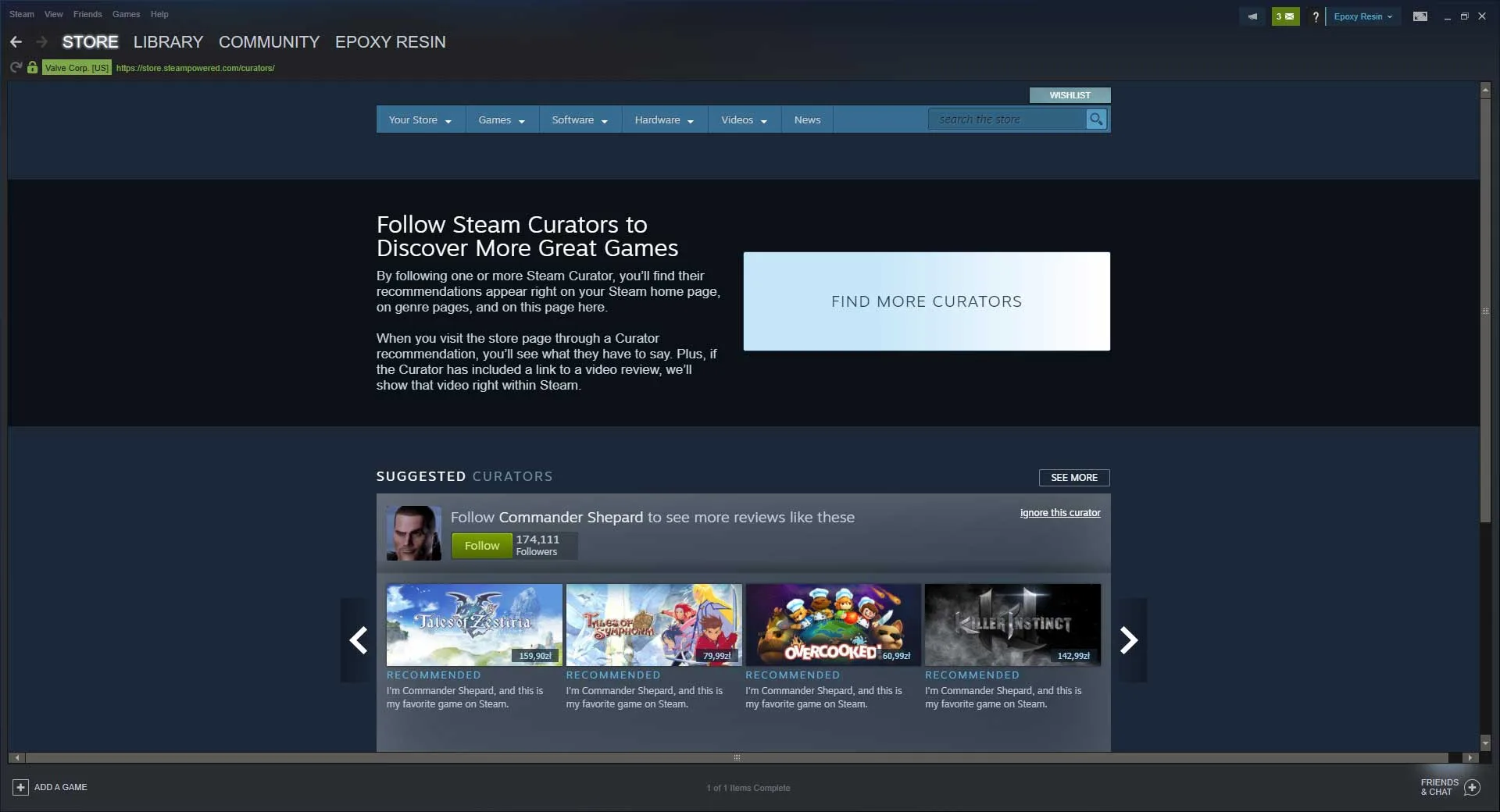
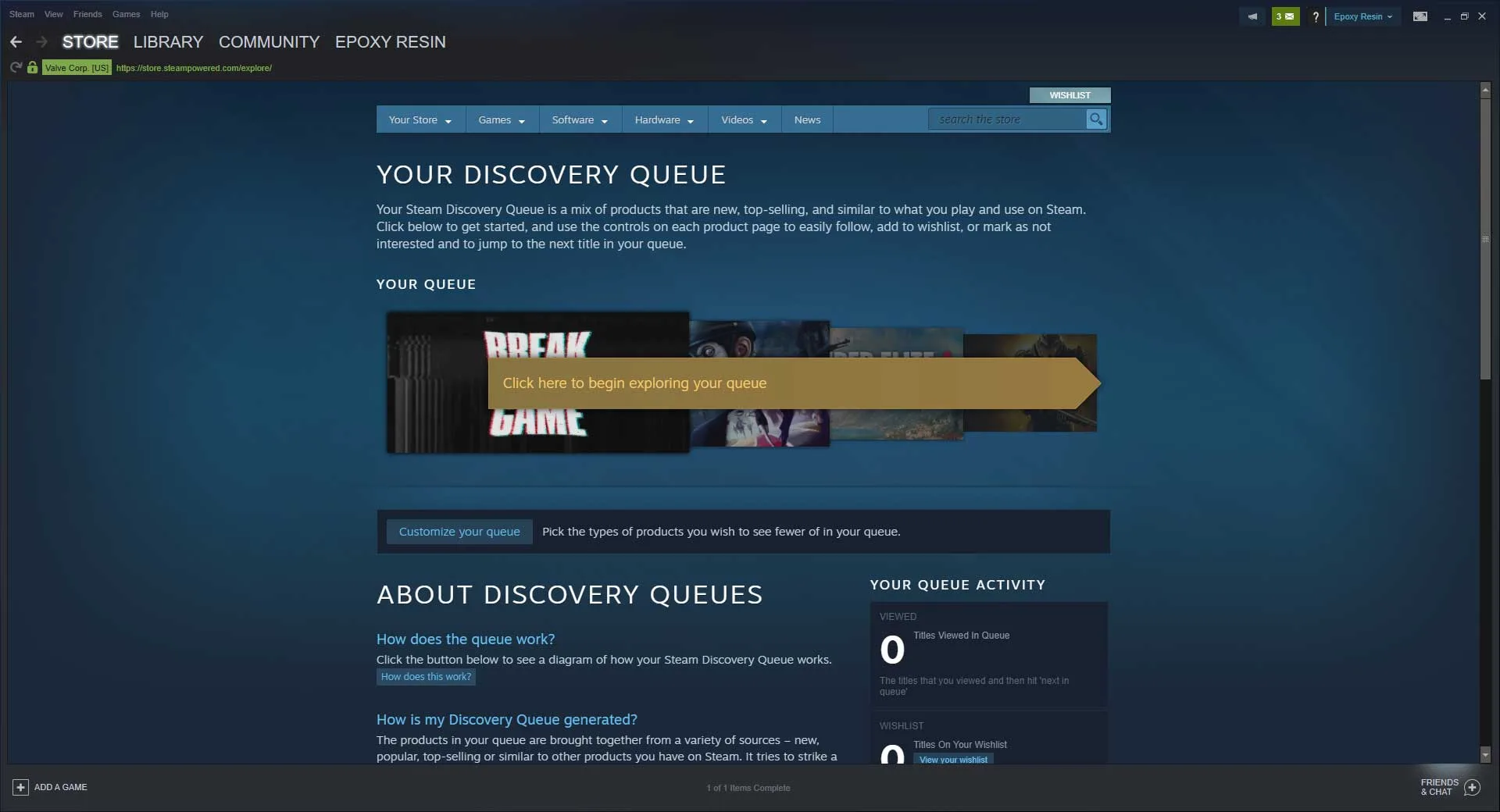
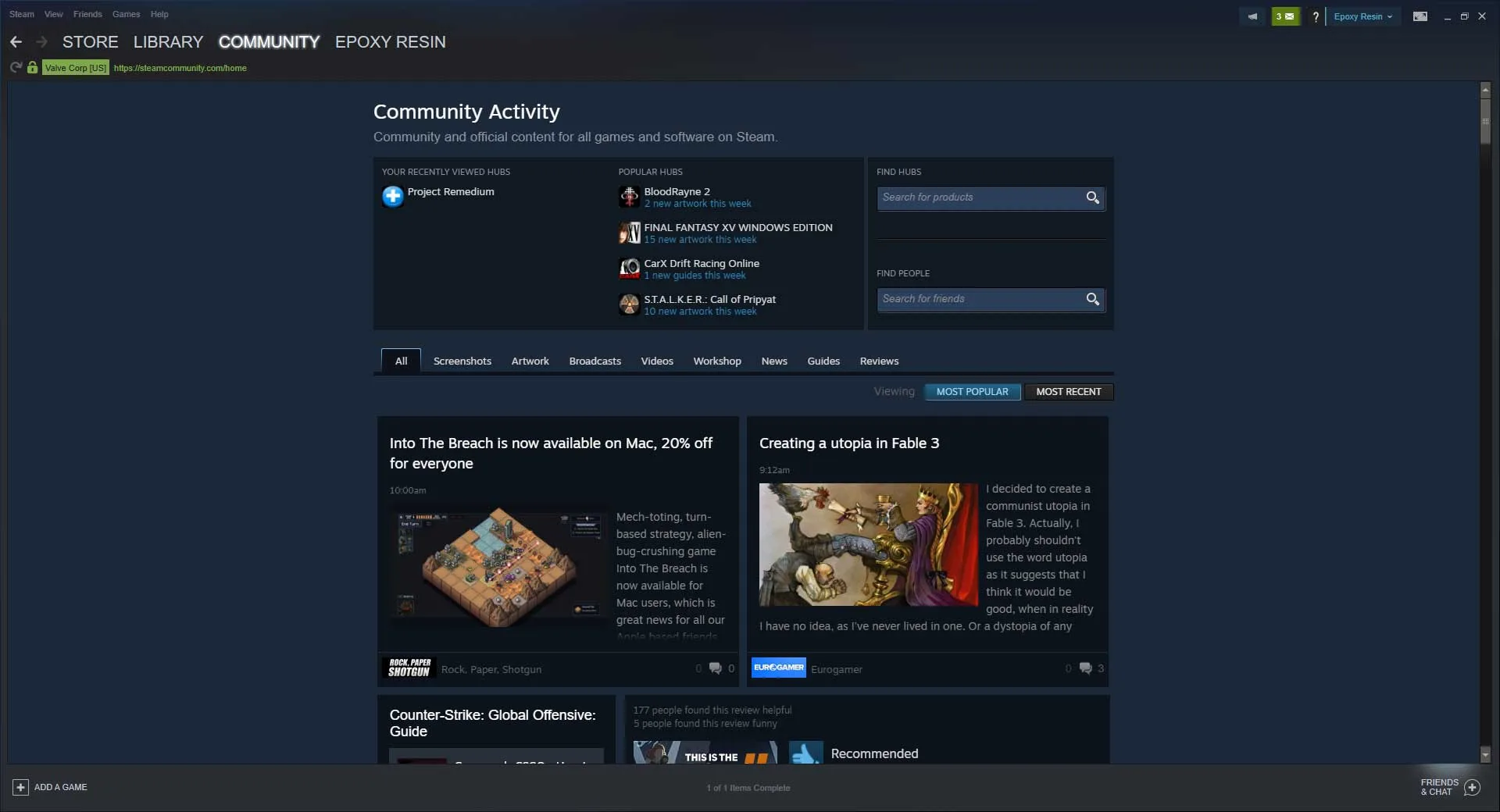
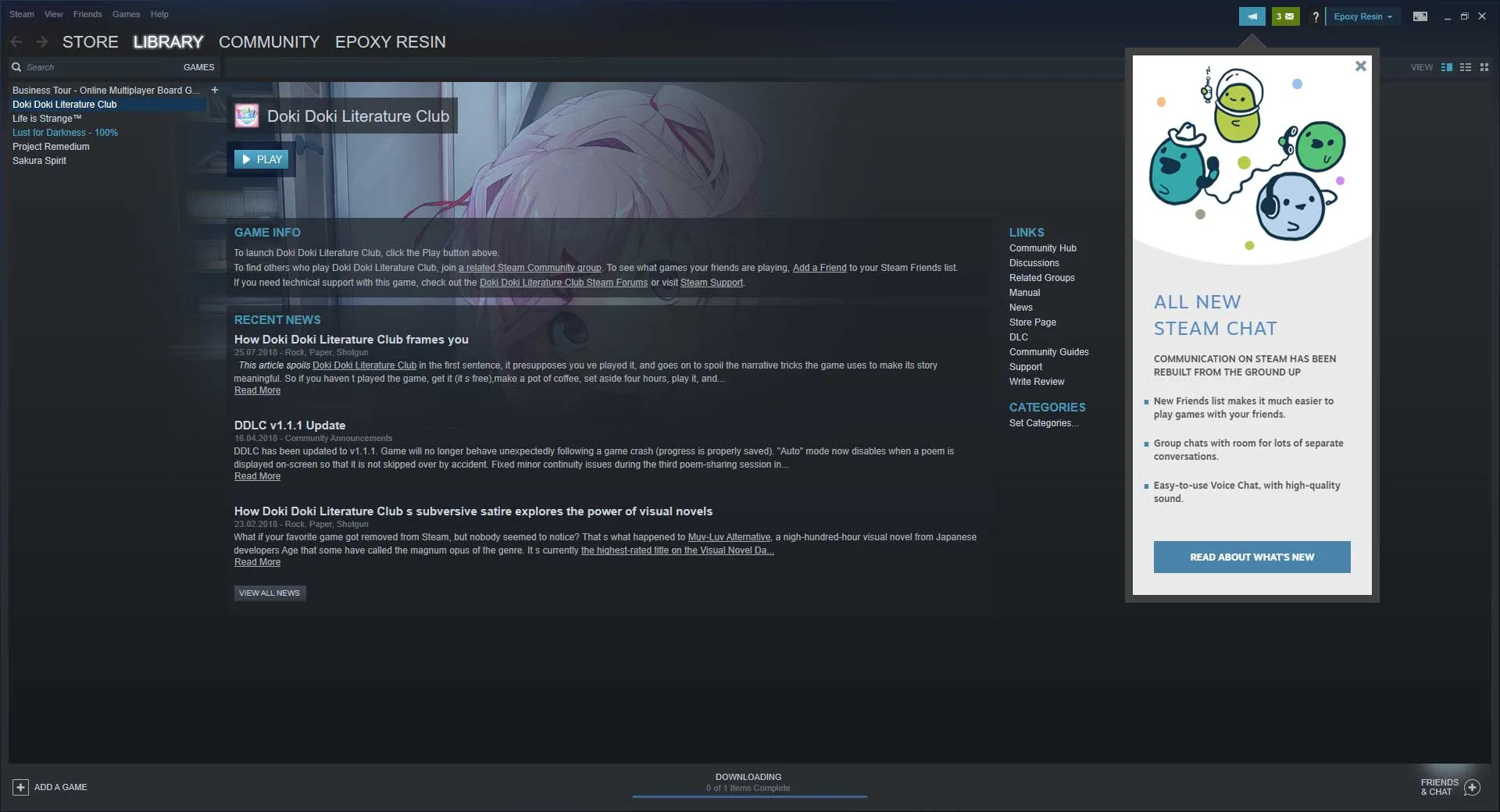
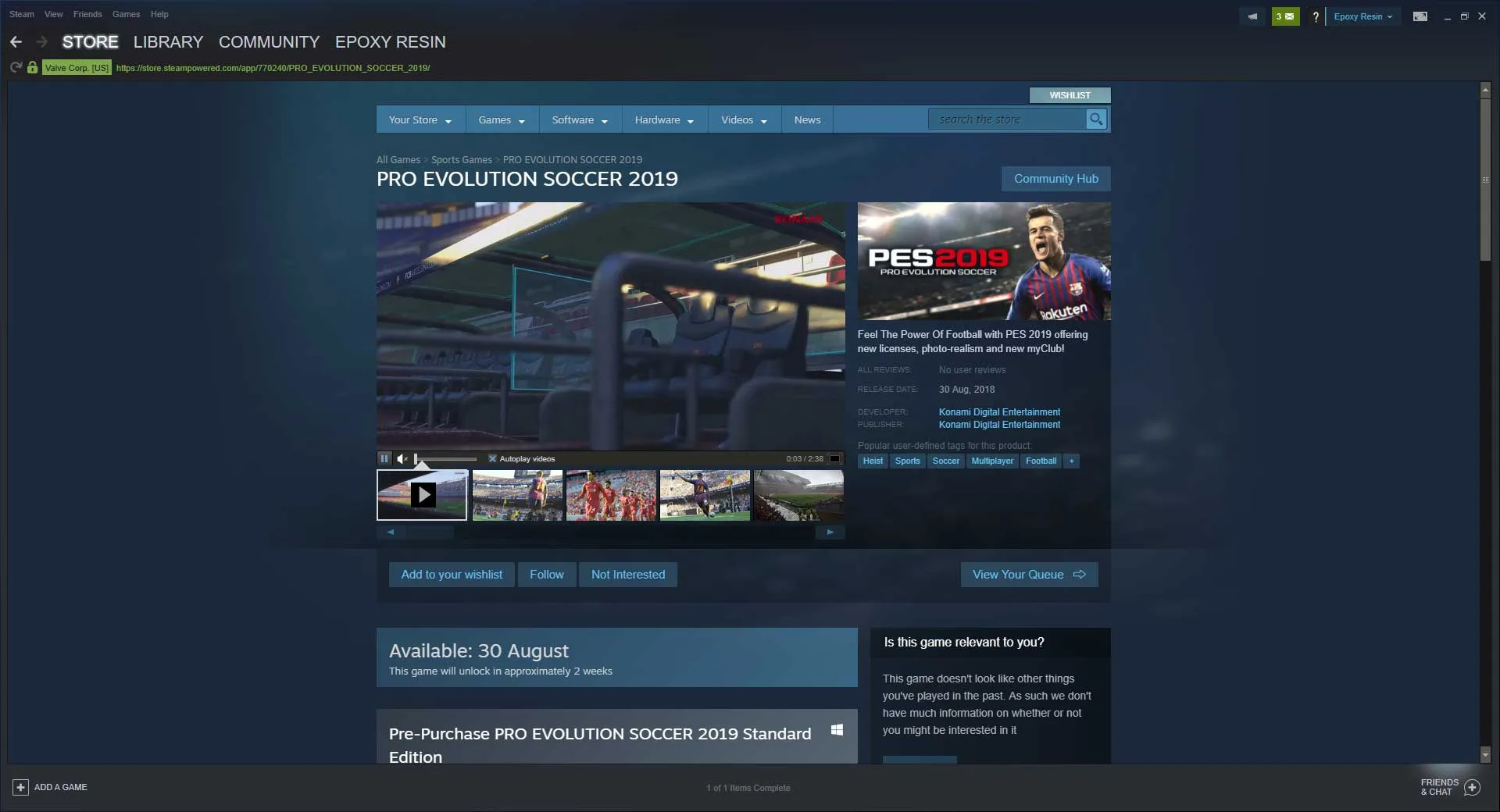
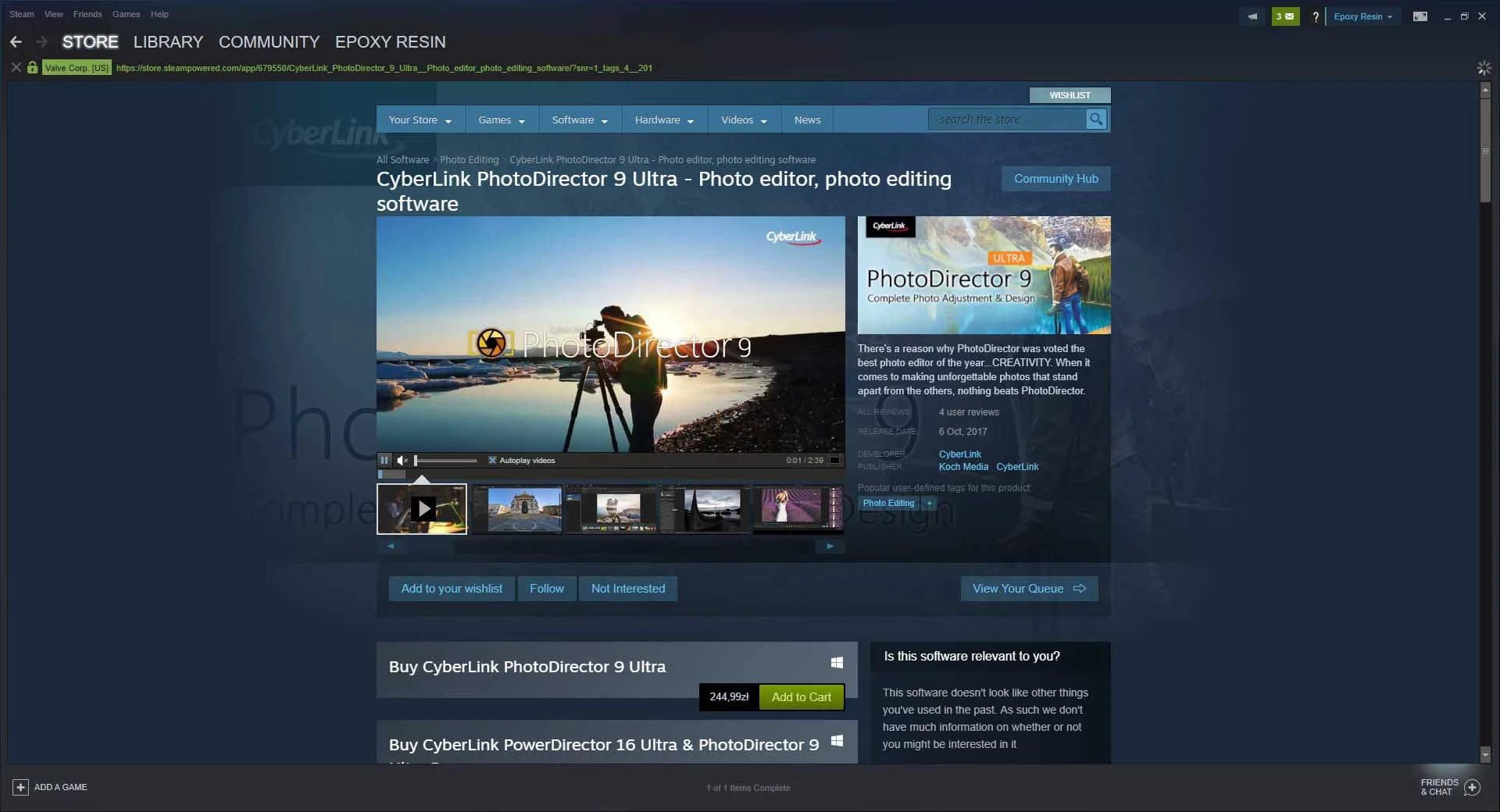
From that point, the user can continue to explore the store, picking out their favorite genres to look out for new games they might not have seen or heard of before. Alongside the store, there is a library, community, and profile section. For the library, users will find their library of games to install and play. Community allows the user to look up community-created content, reviews, mods, and all sorts of other extras that might crop up. In the profile section, users have the option of personalizing their profile page however they see fit.
Standout Moments in Steam
A couple of years prior, Steam implemented a new system called “badges” and along with the badges came the inclusion of trading cards. Trading cards can be earned, simply by playing a game that the user owns, but typically caps off between 3-8, depending on the game. With those trading cards, the user can purchase other trading cards to create a set, and once a set has been created, the player will be rewarded with a badge, a background wallpaper for their profile, a Steam Emote – which can be used when chatting to friends – and 100 XP. The more experience the user gains, the higher their Steam level will be and while it doesn’t really do much, it’s primarily for bragging rights.
Craft and Structure in Steam
A major part of Steam is the use of the market. In the market, players can buy and sell different in-game items that have been unlocked by playing some of their favorite games. Buying and selling on the market can net the user a tidy profit, providing the item is of some value, and while the money can only be contained in the user’s Steam account, that money can be used anywhere on the Steam platform when able.
Enjoying Steam on Your Sofa
For players that like to enjoy their games from a sofa, the use of Big Picture Mode alleviates that problem by making the Steam client act as if it’s a regular console. The UI is much bigger, along with the text, and everything is made much simpler and designed to be perfectly used on a large screen TV, a problem many other users struggled with without Big Picture Mode.
The Community of Players
Then, of course, there’s the friend’s system, where the user can add many other users to their friend’s list (once they’ve been accepted) and chat away or play games with them. Now, with a recent update, players can set up groups between friends, and play games together even easier than before. There is a finite number of friends one player can have, however, but that can be increased by reaching certain Steam level milestones.
Originally, Steam was a simple platform to distribute digital PC games with ease and over the years it has been perfected and refined into an ideal experience for any PC gamer. Many of the additions create a great community vibe and makes playing games on PC a lot more streamlined and entertaining than it was previously, allowing users to stay connected with their friends whenever and how often they like.
Fans comparing performance and features across classic PC releases will also appreciate our coverage of Car Mechanic Simulator 2014.
Fans comparing performance and features across classic PC releases will also appreciate our coverage of If My Heart Had Wings.
Fans comparing performance and features across classic PC releases will also appreciate our coverage of Sabbat of the Witch.
You may also appreciate our detailed comparison, ratings, and setup notes for Poly Bridge.
Fans comparing performance and features across classic PC releases will also appreciate our coverage of Castle Story.
Fans comparing performance and features across classic PC releases will also appreciate our coverage of The Walking Dead: Saints & Sinners.
Fans comparing performance and features across classic PC releases will also appreciate our coverage of Witch Hunt.
Fans comparing performance and features across classic PC releases will also appreciate our coverage of Metal Gear Solid V: The Phantom Pain.
Fans comparing performance and features across classic PC releases will also appreciate our coverage of Shining Resonance Refrain.
Frequently Asked Questions
What features does the official Valve Steam client provide on PC?
Launched by Valve in September 2003, Steam is the largest digital storefront and launcher for Windows, macOS, and Linux PC gaming, providing automatic game patching, Steam Cloud save syncing, Steam Workshop one-click modding, Remote Play Together, family game sharing, voice chat, and Big Picture controller mode.
Is the Steam desktop client completely free to download and use?
Yes, downloading the Steam client and creating a Steam account are 100% free with no monthly multiplayer subscription fee, giving instant access to thousands of free-to-play hits such as Counter-Strike 2, Dota 2, Team Fortress 2, Apex Legends, and Warframe alongside paid games.
What operating systems does the current Steam client support?
The modern Steam desktop client runs on 64-bit Windows 10 and Windows 11, macOS (Intel and Apple Silicon via Rosetta/native updates), Ubuntu/SteamOS Linux distributions, and Valve’s handheld Steam Deck.
Where should you download the official Steam installer safely?
Always download the official SteamSetup.exe installer directly from Valve’s store.steampowered.com page linked via our download button above, and enable free Steam Guard Mobile Authenticator for two-factor account security.