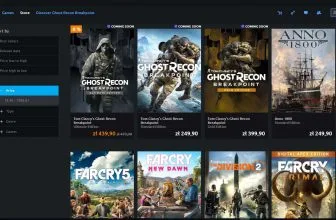
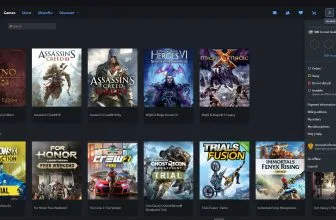
Wow, Ubisoft Uplay! It is crazy to think that Ubisoft’s Uplay game service has been around for the better part of a decade right now. No matter what you game on, be it a console, PC or even mobile. If you want to play a Ubisoft game, you have to set up an Uplay account, but is this service actually any good?
How to Download Ubisoft Uplay
You can download the desktop Uplay app for free. There are also many other programs that offer digital game downloads. Check out also our reviews of Origin, Steam, GOG Galaxy, Discord, and Epic Games Launcher.
The Client Review
To start with I have to say that I am starting to feel that there are far too many game clients these days. It can be a royal pain in the butt to have to deal with these, remember passwords and so on. I have always got the impression that Uplay was created more as some kind of DRM checker than to give gamers more bang for their buck.
Thankfully for the most part the “always connected to Uplay” thing that they tried to enforce years back is gone. Some games, most notably The Crew 2 did require an internet connection. However, they finally seemed to “get it” and realize that a single-player game like Assassins Creed should not have gamers need to be connected to the internet in order to play it!
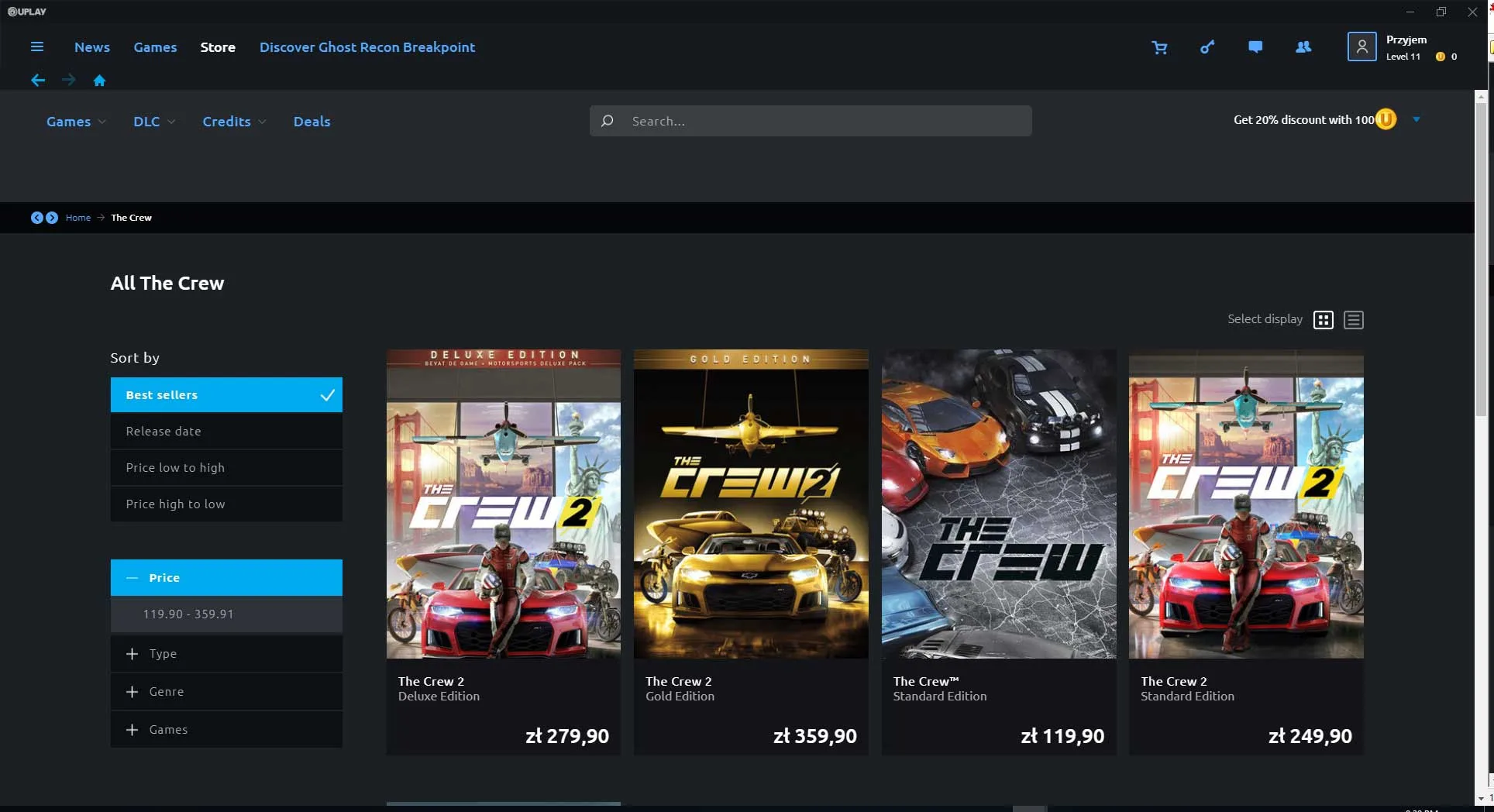
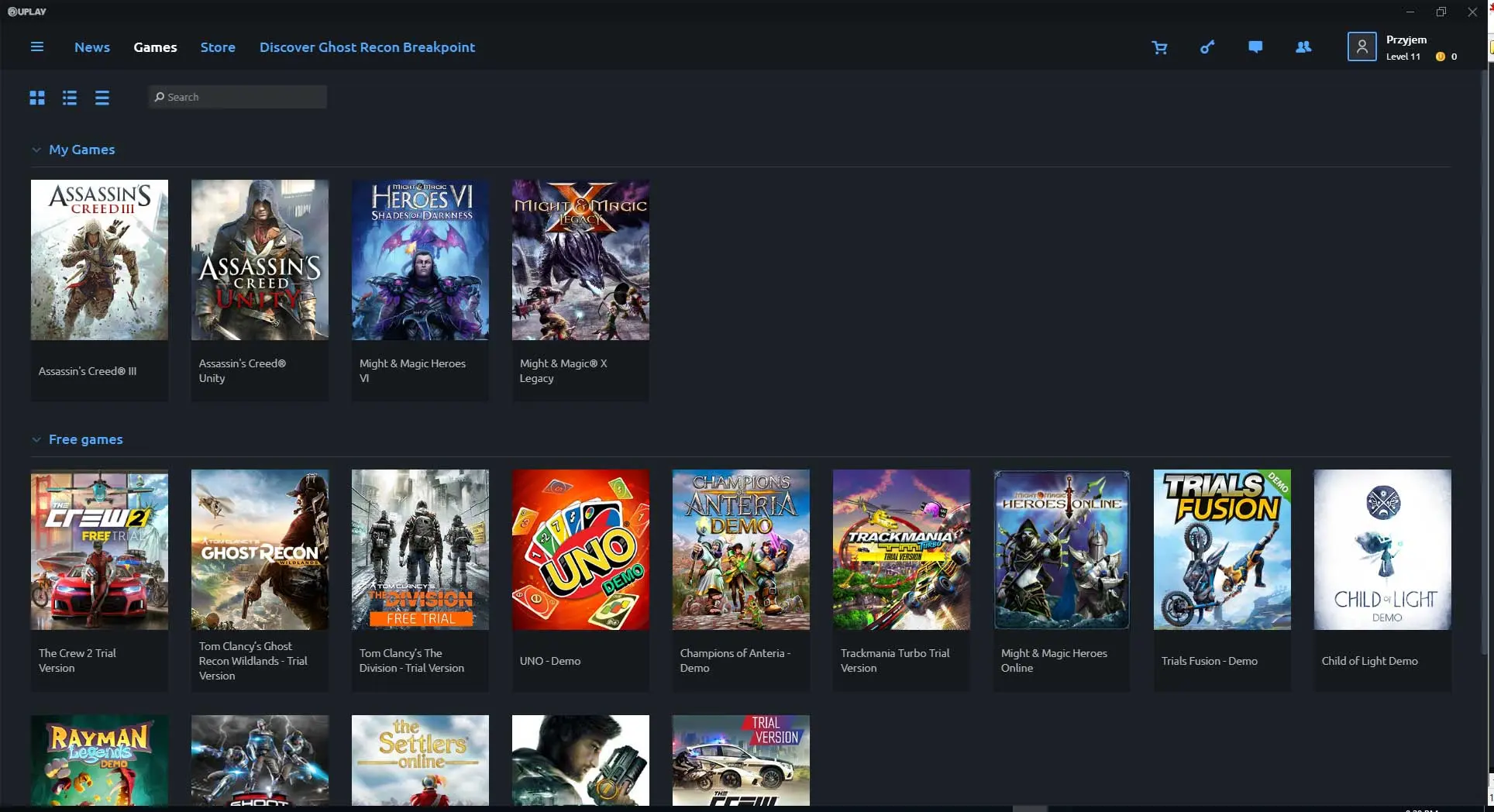
The Uplay service works as a game client. You can buy and launch games through it if you are on PC and on the other devices (console and mobile) you can use an app to keep track of everything. I do like the idea of having one Uplay account across all of your devices and in a way, I do get what they were going for here.
Truth be told as long as it does not sign you out. When you are playing on Xbox One or PlayStation 4. Your Uplay account really does not matter at all, it is just sort of there in the background and it does not interfere if you are on console. However, there have been occasions when getting into my game (most notably Assassins Creed Origins when that came out) it would not connect as the game launched and it was annoying.
The Uplay service on PC, on the other hand, has always had a negative reputation from gamers. It will randomly decide that someone’s password is not good enough. On PC it has been known to accuse people of having a suspicious copy of a game even if it is legit and it is just a major headache to deal with. The way the client updates game feels very outdated as it does not just update games on its own.
I do think that the way you earn those points by playing Ubisoft games is quite clever. You can then use those points to unlock various in-game rewards for Ubisoft games. It is like a trophy/achievement system, but you are also getting a little bit extra for your work. This is something that I do actually like about the service and think would be cool if Xbox and Sony did it.
Out of the major game client/services that are out there right now I would have to say that Uplay is probably my least favorite. The console version is not that intrusive, but on PC it is more of a hassle than it should be and it never actually seems to get any major improvements.
Want more PC gaming recommendations after this guide? Read our full overview and system requirements for New Super Mario Bros. U Deluxe.
Gameplay Design, Features, and Core Value of Uplay
Uplay focuses on responsive controls, reliable stability, and rewarding mechanics suited to Windows PC setups.
Compatibility, Performance, and Overall Replayability
From setup ease and system efficiency to long-term enjoyment, Uplay remains a dependable choice in our PC and gaming catalog.
PC System Requirements (Minimum & Recommended)
Check the verified Windows PC minimum and recommended hardware specifications for Uplay below before downloading.
| Component | Minimum | Recommended |
|---|---|---|
| OS | Windows 7 SP1 / 8.1 / 10 / 11 (succeeded by Ubisoft Connect) | Windows 10 / 11 (64-bit) |
| Processor | Dual-core 1.8 GHz Intel or AMD processor | Quad-core Intel Core i3 / AMD Ryzen 3 or faster |
| Memory | 2 GB RAM | 8 GB RAM |
| Graphics | DirectX 10 / 11 compatible display adapter | Dedicated DirectX 11 / 12 GPU |
| Storage | 600 MB free space for client | 4 GB+ SSD space (plus downloaded Ubisoft games) |
Frequently Asked Questions
How can I download and play Uplay on PC?
Use the green button on this page to access the official store and download page for Uplay.
What are the PC system requirements for Uplay?
Refer to our technical specification box and review analysis on this page for platform support, performance notes, and hardware requirements for Uplay.
How is the gameplay in Uplay?
Our editorial review above evaluates Uplay across gameplay mechanics, graphics, audio design, and replayability, complete with a full Pros and Cons breakdown.
Does Uplay support controllers and widescreen displays?
Modern PC releases of Uplay include configurable display settings and standard input options as detailed in the official release notes.