X-Plane is a downloadable flight simulator. What can we compare it to? Well, one of the premier flight simulator software titles out there is the Microsoft Flight Simulator franchise. The first title in the Microsoft Flight Simulator series launched in 1982 and the most recent game came out in 2014. Needless to say, it has a long and storied history.
Easily one of the most involved and immersive games out there, the Microsoft Flight Simulator series relies on pure simulation for its main selling point – and this can be a huge negative for many gamers.
After all, some simulation is necessary but too much and the game becomes a chore.
Since piloting a modern jet aircraft is anything but simple, Microsoft Flight Simulator can be overwhelming for newcomers.
But what about X-Plane 11?
How does it stack up when compared to the vaunted Microsoft Flight Simulator series?
How to Download X-Plane 11
The game can be downloaded from the Steam platform. If you want to fly, click on the Download button located below the reviews. This way you will get a free demo to try the game!
The Game Review
Developed and published by Laminar Research, X-Plane 11 is the latest – and probably most competent – a competitor that Microsoft’s Flight Simulator series has had in a while.
Gameplay Loop, Mechanics, and Atmosphere in X-Plane 11
Like Microsoft’s series, the game tries to recreate flight cockpits, sounds and controls down to the smallest detail. Again, if you set the flight simulator series as your bar, you’ve made an ambitious choice. Trying to surpass Microsoft’s Flight Simulator is a whole other thing entirely.
In many ways, X-Plane 11 succeeds at this task.
Visual Style, Sound Design, and PC Optimization
Details are the name of the game when it comes to flight sims and the title doesn’t shy away from even the smallest detail. From catering trucks loading up the plane with the in-flight meal to the real-world replica airports on display, the game doesn’t take anything for granted.
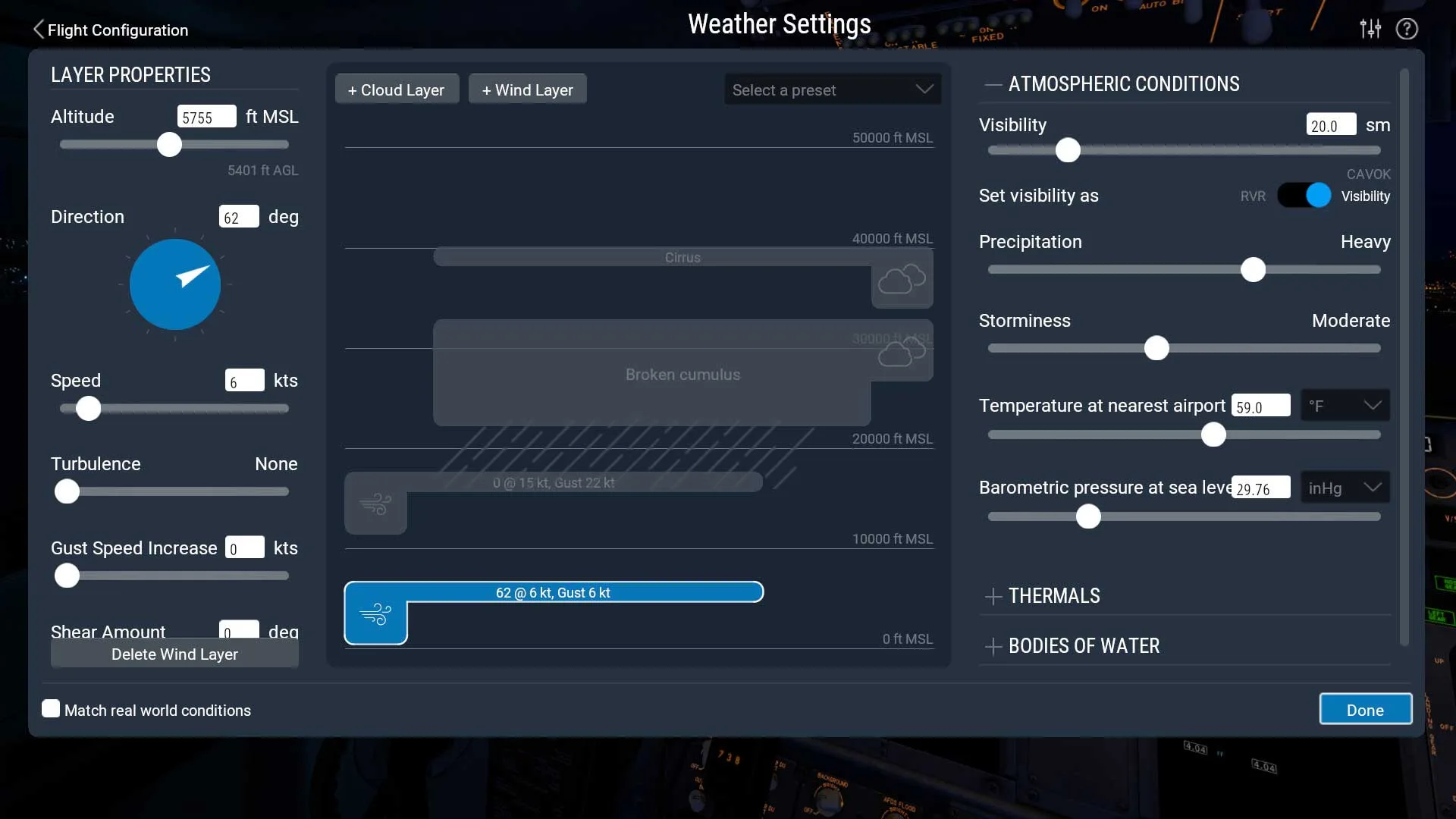
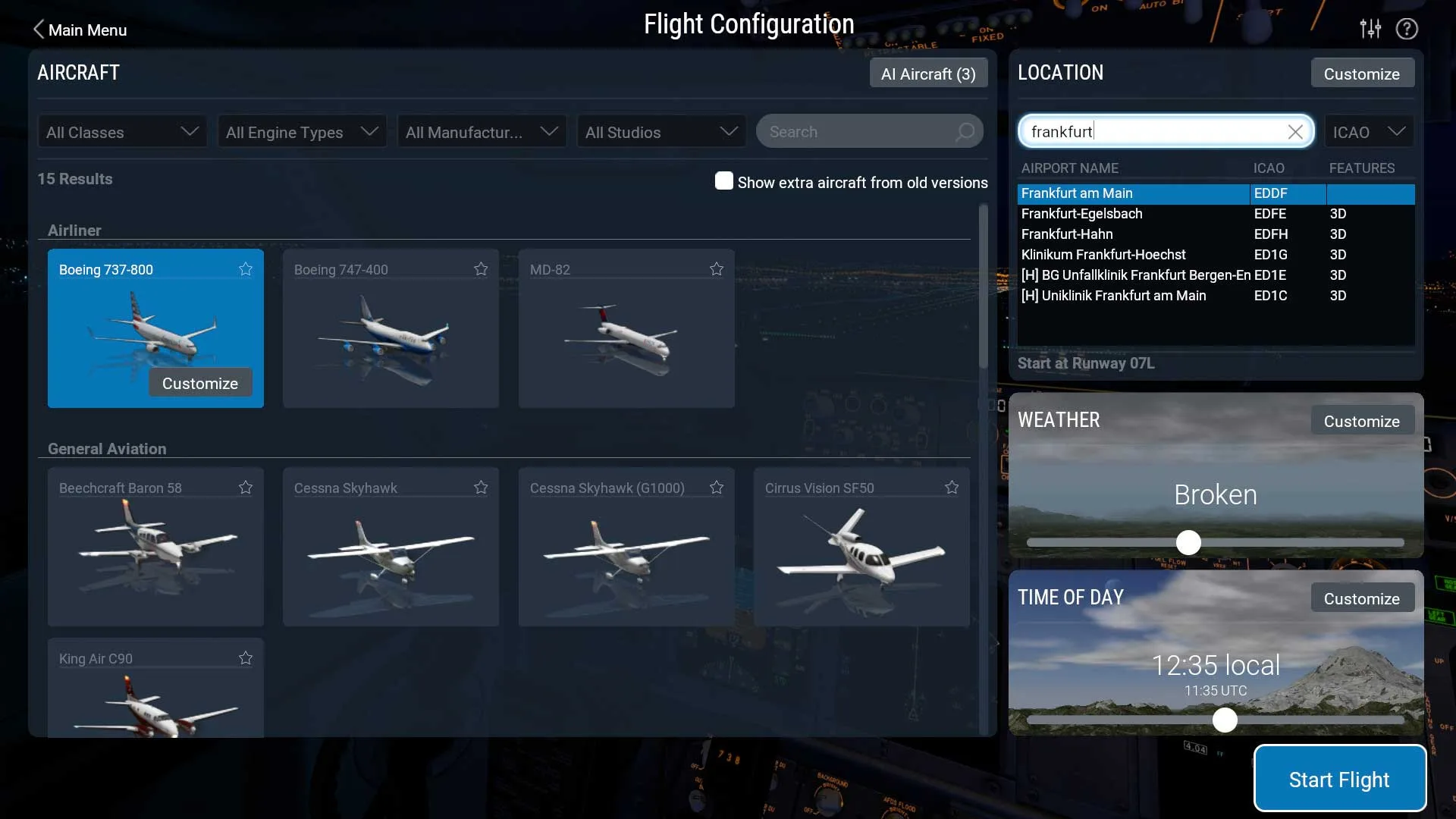
Employing a user-friendly interface, the game seems much more accessible than Microsoft Flight Simulator though this could just be a first-impressions type thing. Both games require mastery and appreciation of depth to truly explore all they have to offer but, on the surface, X-Plane 11 seems way more friendly to newbies.
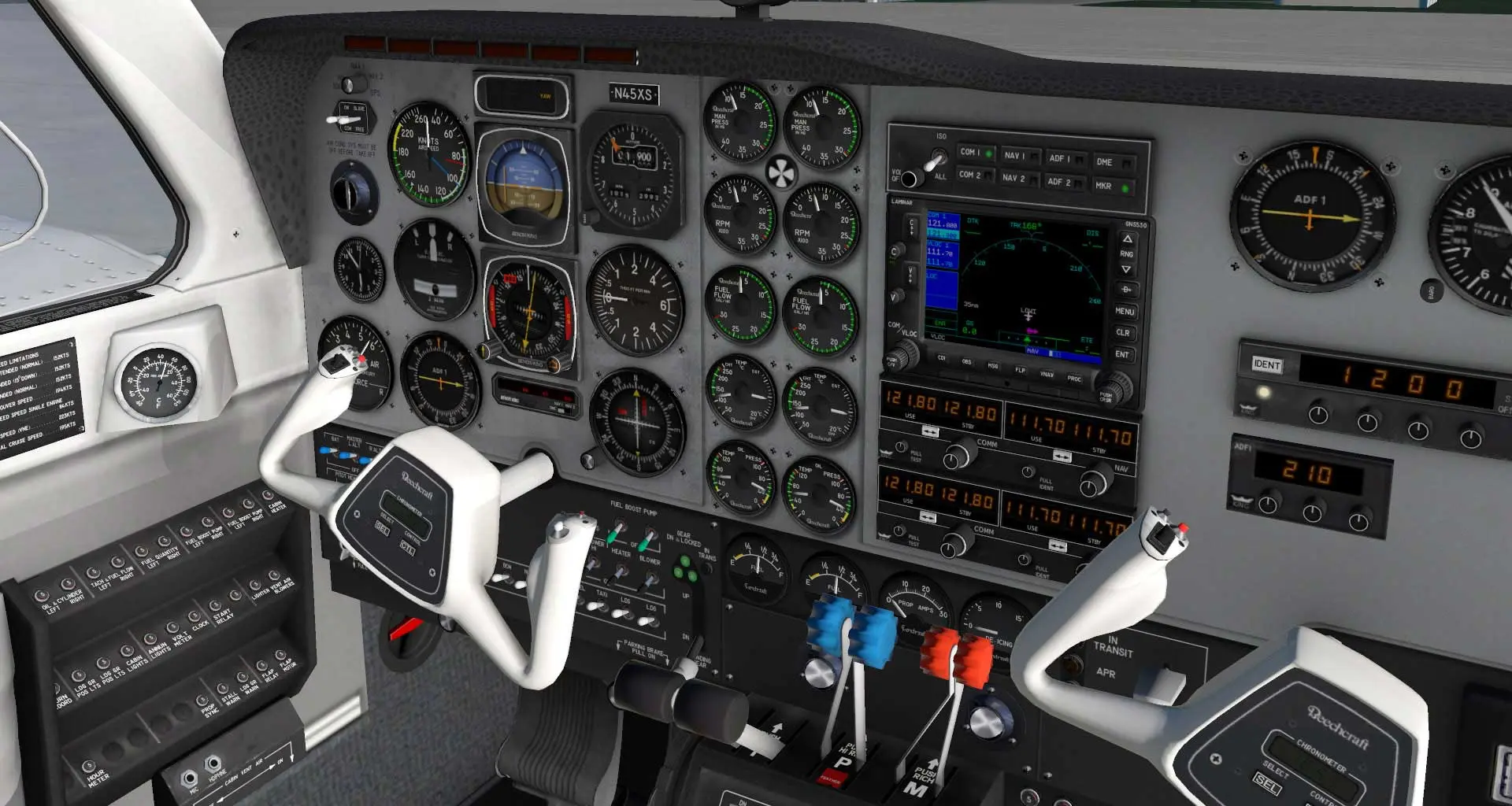
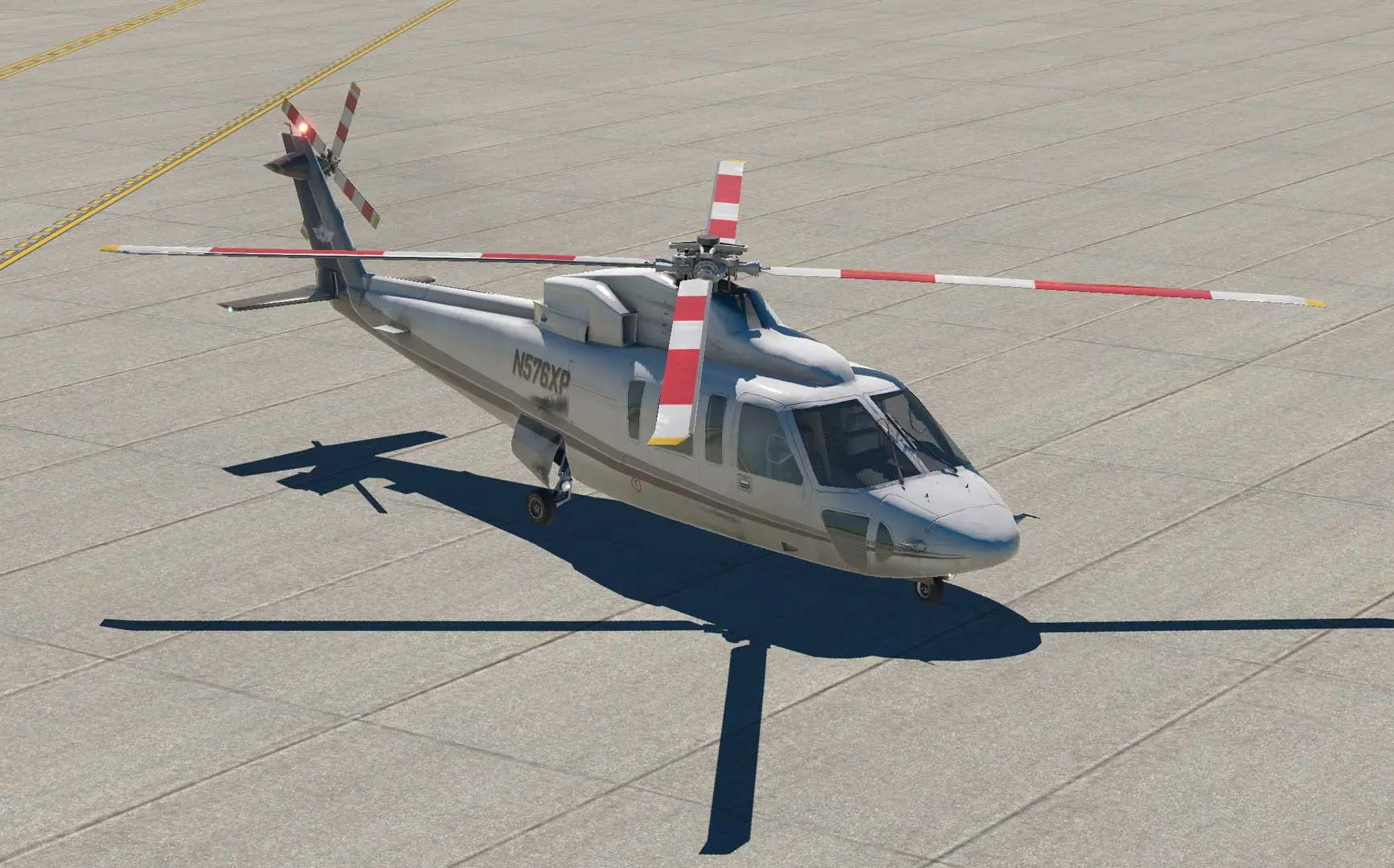
Cockpit detail and overall plane design are true to life as well as being varied enough so that each model feels like a different experience.
Aircraft fans will especially enjoy the game’s lovingly crafted models and interior spaces. Simulations fans will similarly love the game’s uncompromising approach to recreating the experience of being an airline pilot.
Accurate aircraft models can only take you so far, however. If the sound and, more importantly, the sound effects aren’t up to par then the game will only be so good.
Thankfully, Laminar Research has done their research and everything from takeoff to cruising sounds are recreated in this game.
X-Plane 11 PC System Requirements
Check the verified minimum and recommended Windows hardware specifications from the official Steam release of X-Plane 11 before installing.
| Component | Minimum | Recommended |
|---|---|---|
| Processor | Intel Core i3, i5, or i7 CPU with 2 or more cores, or AMD equivalent | Intel Core i5 6600K at 3.5 ghz or faster |
| Memory | 8 GB RAM | 16 GB RAM |
| Graphics | DirectX 11-capable video card from NVIDIA or AMD w/512 MB VRAM | DirectX 12-capable video card from NVIDIA or AMD w/4 GB VRAM |
| DirectX | Version 11 | Version 12 |
| Network | Broadband Internet connection | Broadband Internet connection |
| Storage | 20 GB available space | 65 GB available space |
Frequently Asked Questions
How can I download and play X-Plane 11 on PC?
Use the green button on this page to access the official store and download page for X-Plane 11.
What are the PC system requirements for X-Plane 11?
Refer to our technical specification box and review analysis on this page for platform support, performance notes, and hardware requirements for X-Plane 11.
How is the gameplay in X-Plane 11?
Our editorial review above evaluates X-Plane 11 across gameplay mechanics, graphics, audio design, and replayability, complete with a full Pros and Cons breakdown.
Does X-Plane 11 support controllers and widescreen displays?
Modern PC releases of X-Plane 11 include configurable display settings and standard input options as detailed in the official release notes.