Avant Browser provides you advanced features that you can use to improve your browsing experience. It’s freeware and doesn’t contain any ads. The ideal thing about this program is that it doesn’t require much space, so you can easily download it in your systems.
So, if you want a crash-free internet browsing, add this tool to your list today. In addition, you can open multiple tabs at a time, which means you don’t have to worry about unwanted crashes. Moreover, it doesn’t freeze the browser and slow down the loading process. You can open multiple pages at a time and can easily enjoy browsing experience.
The developers have created the tool in such a way that it doesn’t slow down your computer and doesn’t cause memory leaks. If you feel that it’s not working properly, clean the cache first, and restart it.
How to Download Avant Browser
To download the program, click on the Download button provided for you below.
The Program Review
You might have asked for different suggestions when it comes to improving browser experience. But every time you get the same answer that it’s an issue with your system, that’s why you are experiencing slow browsing.
So what should you do in such cases? Will replacing your system is the only way to speed up your browser? Absolutely not! If you want to get the best browsing experience, it’s important that you should shift to something fast. That is why we have a quick tool for you that will work like magic.
Avant Browser-as the name suggests is an application that provides you fast internet browsing. With a few simple steps, you can effortlessly download videos, watch movies, and much more. It doesn’t slow down the speed and provides a secure browsing experience.
The Key Features of Avant Browser
This program has so many features to offer, such as download videos, accelerators, and much more. Let’s have a look at its detailed functions.
-
Multi-Processing
This feature helps you provide speed so you can easily browse unlimited videos at a time. Also, it doesn’t pull down pages or slow down your system speed. The browsing experience you will get will be quick and efficient.
-
Video Sniffer
It helps to detect videos, so you can easily download them without using any third-party app. With just one click, you can download your favorite videos.
-
Split View
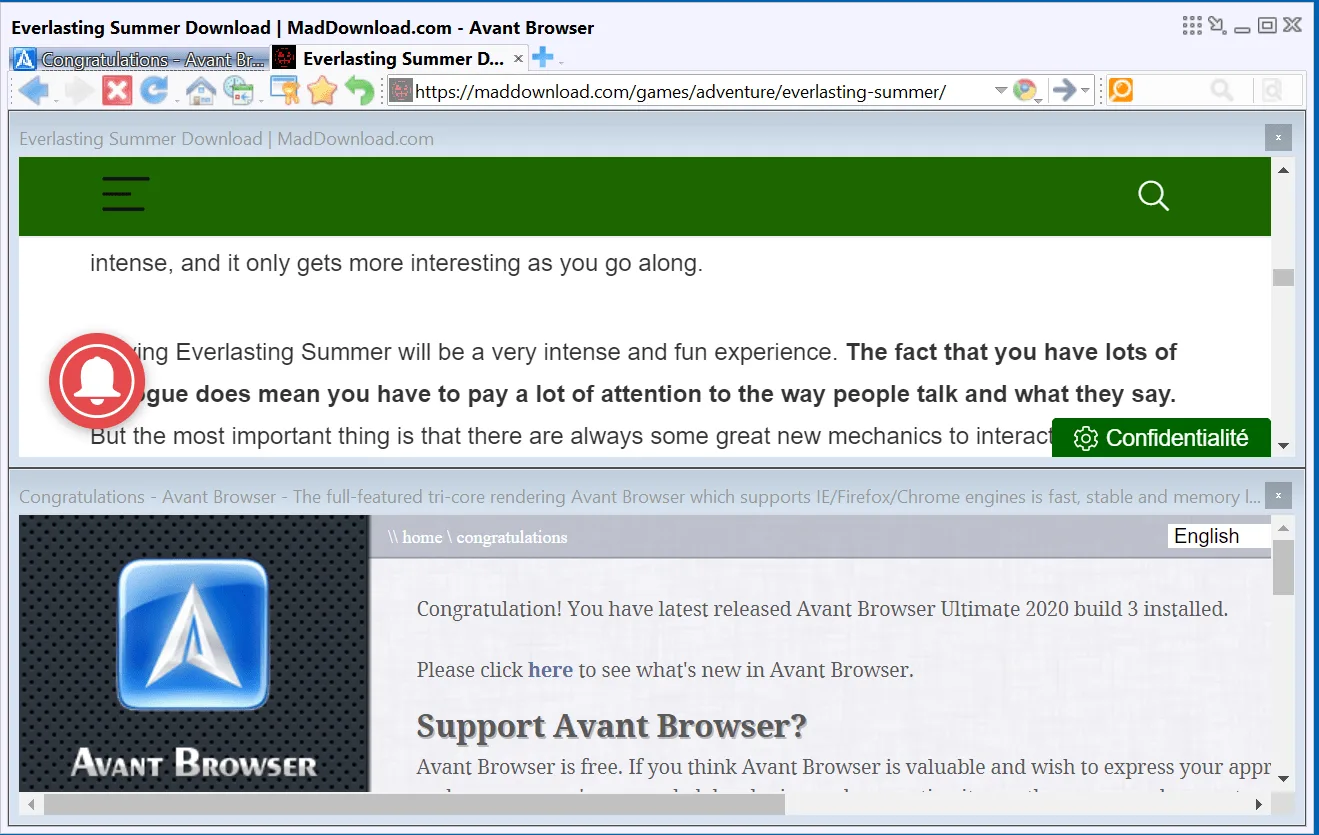
We loved this feature, as it can only be found in a few applications. The split view feature helps to open multiple websites at the same time. You can also adjust the layout according to your desire. Want to watch videos while reading the news? It’s what Avant Browser does.
-
Files Download
Avant Browser comes with a built-in multi-threaded downloader that allows you to download files in one go. Moreover, you can manage your download files as well without disturbing any data.
-
Private Browsing
Unlike other browsing apps, it offers a private browsing option too. As it doesn’t store web data, therefore those users who are sharing the same PC can’t see each other’s activities.
-
No Memory Leak
This program makes sure to clear all the memory once you have closed the tab. In this way, you don’t have to worry about memory leak issues.
Final Verdict
To get a fast browsing experience, this program is an ideal choice for advanced users. It has an appealing interface and works on all Windows operating systems.
System Requirements & Key Features
Check the baseline Windows hardware specs, developer details, and compatibility profile for Avant Browser 2020 build 3, released 3.17.2020 before installing.
| Specification | Minimum | Recommended |
|---|---|---|
| Operating System | Windows 7 / 8.1 / 10 (32-bit or 64-bit) | Windows 10 / 11 (64-bit) |
| Processor | 1.0 GHz Intel / AMD Dual-Core | 2.0 GHz+ Multi-Core CPU |
| Memory (RAM) | 2 GB RAM | 4 GB+ RAM |
| Free Disk Space | 111 MB installer + 300 MB free space | 1 GB+ SSD free space |
| Developer & License | Avant Force (free) | Latest verified Windows build |
Frequently Asked Questions
What is Avant Browser 2020 build 3, released 3.17.2020 and what are its main features?
Avant Browser is a fast internet browser with a nice interface and useful features. Download it now. It is free. Avant Browser provides you advanced features that you can use to improve your browsing experience, developed by Avant Force.
Which platforms support Avant Browser 2020 build 3, released 3.17.2020 and how is it licensed?
Avant Browser 2020 build 3, released 3.17.2020 supports Windows, with an installer package around 111 MB available as a free download. Official downloads and release information are available via avantbrowser.com.
What are the main advantages and limitations of Avant Browser 2020 build 3, released 3.17.2020?
The ideal thing about this program is that it doesn’t require much space, so you can easily download it in your systems. Overall editorial score: 9/10.