I am sure you have heard of the Opera browser, well today we are looking at Opera GX! Opera GX takes what is so great about the Opera and tailors it towards gamers. It is packed with cool features, is easy to use, and can be used on both a computer and a mobile device.
How to Download Opera GX
To download the browser, click on the Download button that is located below this review.
The Program Review
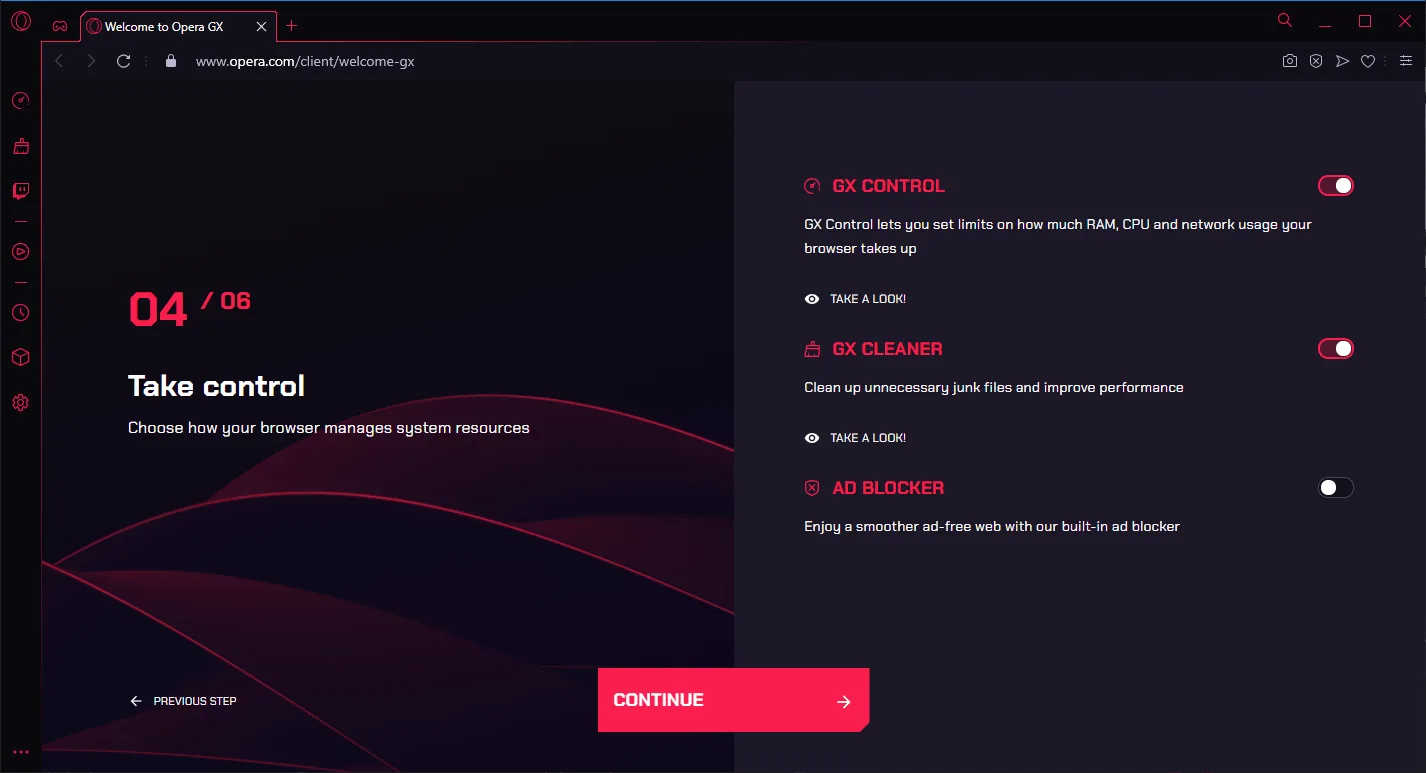
The first thing that we have to talk about is how this makes it so gaming is your computer’s main priority. Opera GX features CPU, Network, and RAM limiters. This makes it so that essential resources are prioritized when it comes to playing games. This is awesome as we have all been on random sites that for some reason are very demanding of our computers, with this, gaming always comes first!
Core Features and Workflow in Opera GX
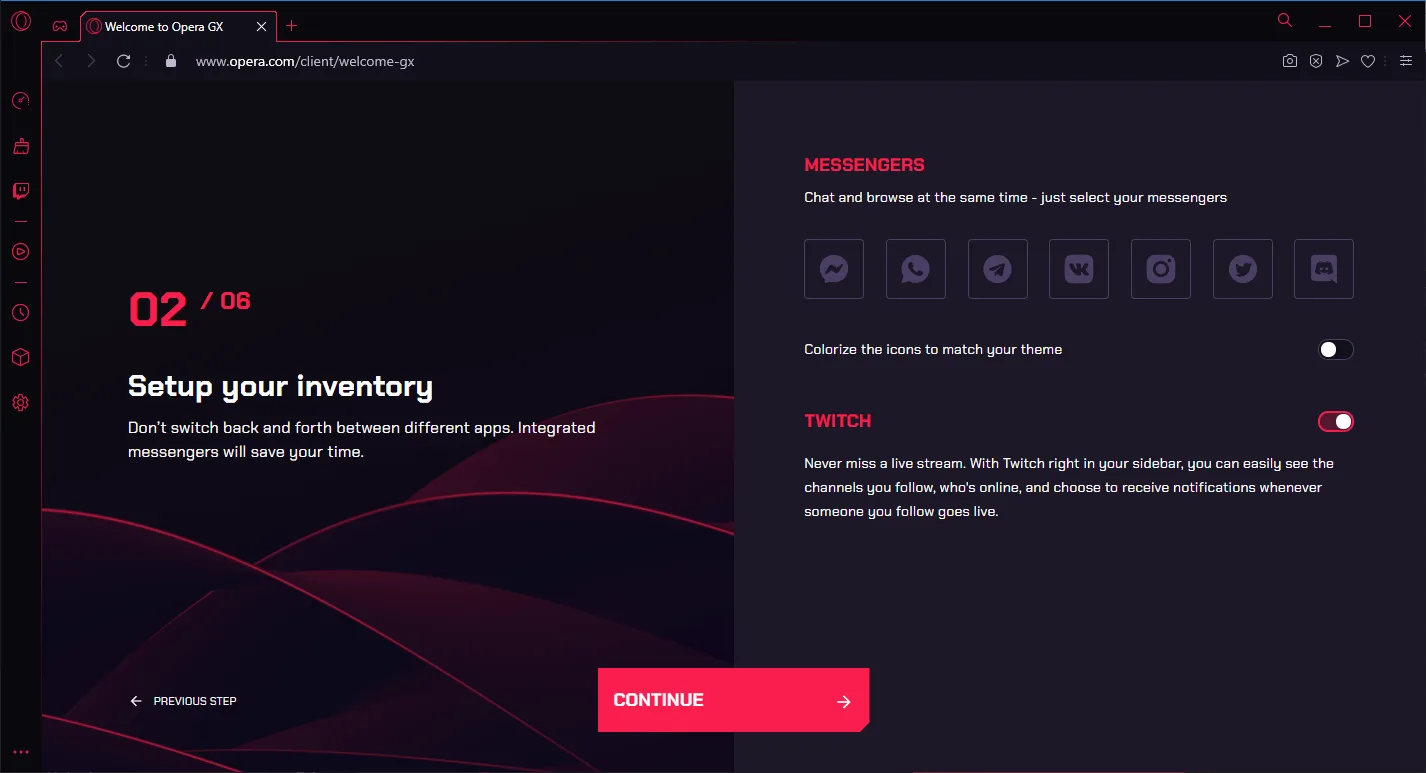
This is also packed with many other features that people who love video games will find very useful. The integration of Twitch and Discord is the best I have seen on any browser. This makes it so they are always on your sidebar if you want. It is one of those features that once you have, there is no going back to not having it.
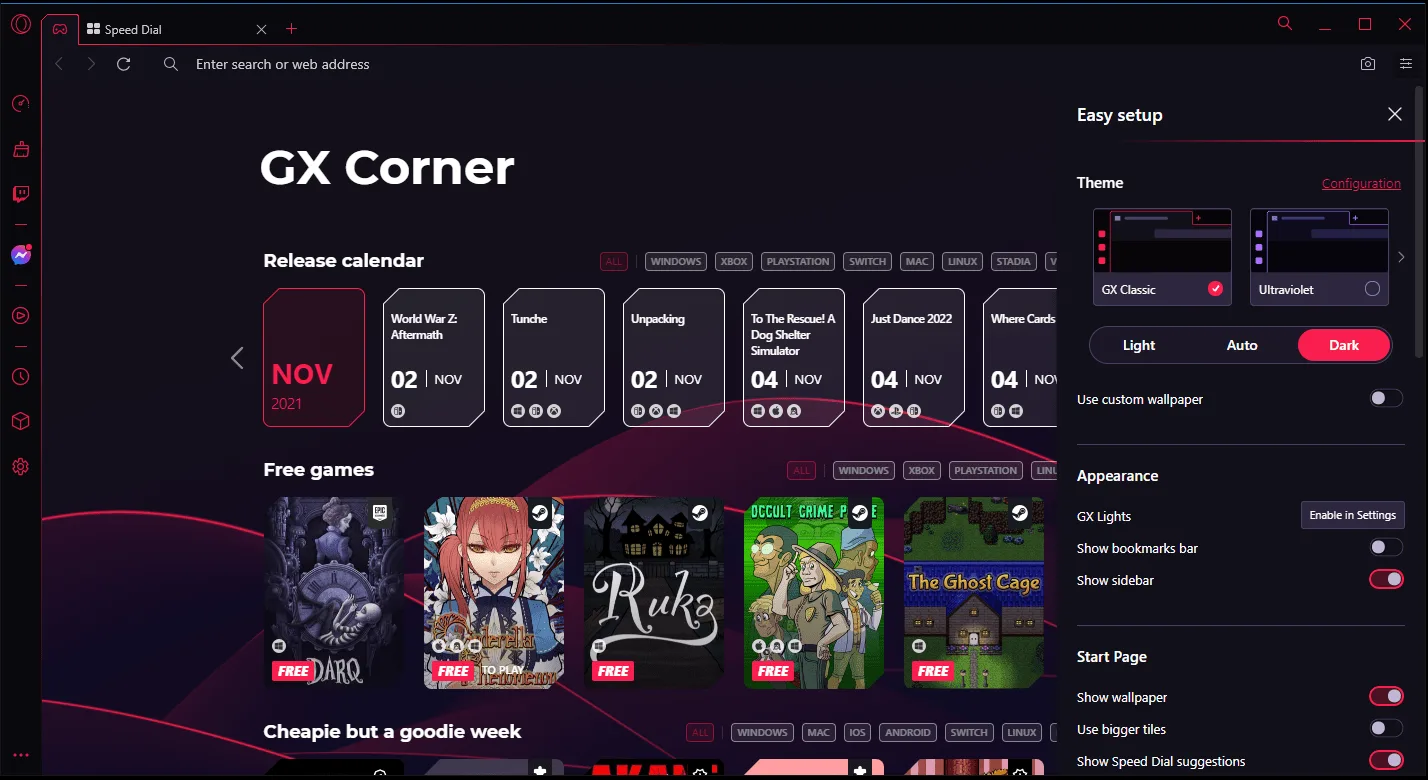
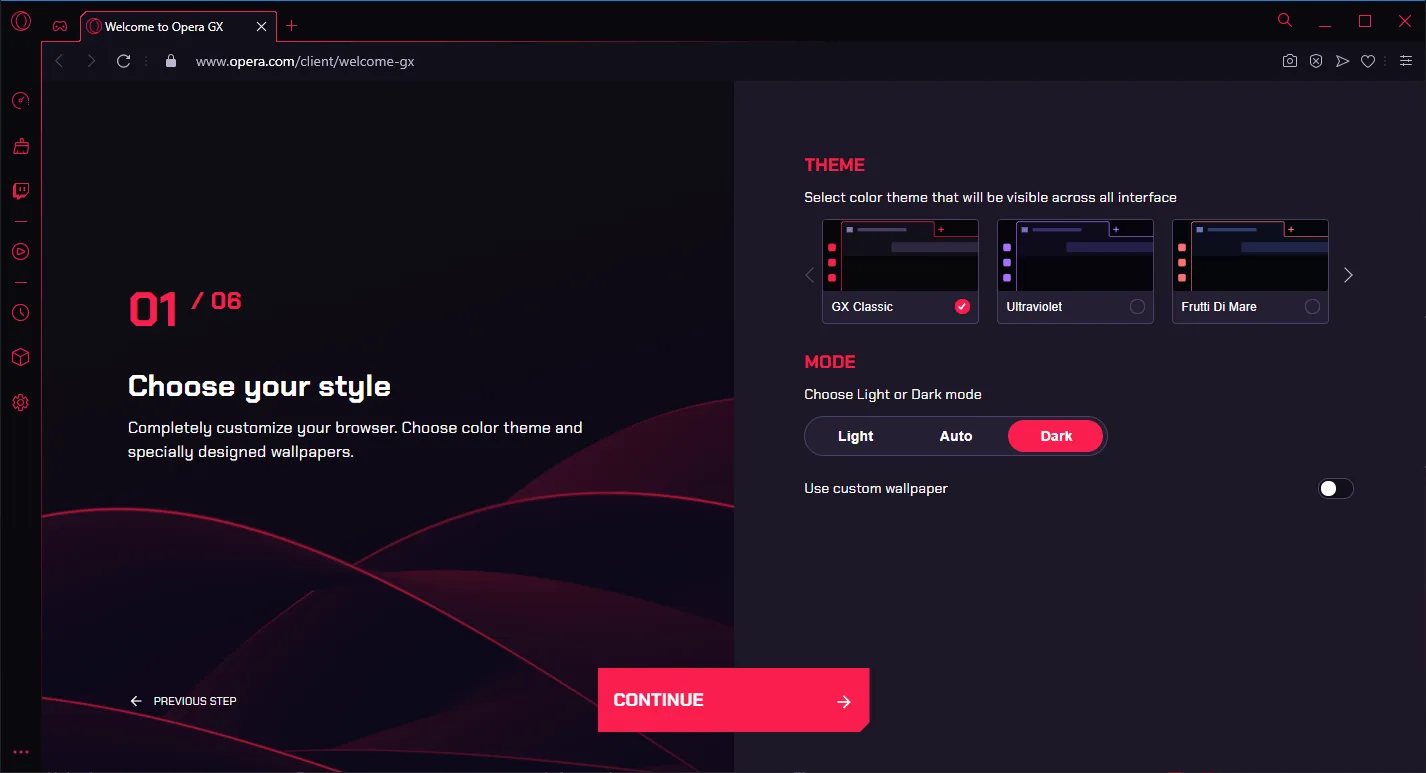
You can also customize the way that it looks too. Right now, I have this cool Jedi Fallen Order background with some very cool green and purple, which I think looks really awesome. However, it is up to you how you decide to customize this, I have seen some people go for a color scheme that is the same as their actual rig which is pretty cool.
Another really neat feature that Opera GX has is called GX Corner. With GX Corner, you can see what games are currently free, what games are on special offer, and all kinds of other cool deals. It also has the latest gaming news on here too, this was actually how I found out about the upcoming GTA Remastered Trilogy. It also led me to get Mortal Kombat 11 for just a few bucks!
Performance, Usability, and Final Verdict
You can also link up your “music” account to Opera GX as well. I am always listening to music and being able to have my Spotify account right there is very handy. You can also use Apple Music, YouTube Music, and Amazon Music if you prefer any of those. This is another feature that I could never in a million years go back to not having.
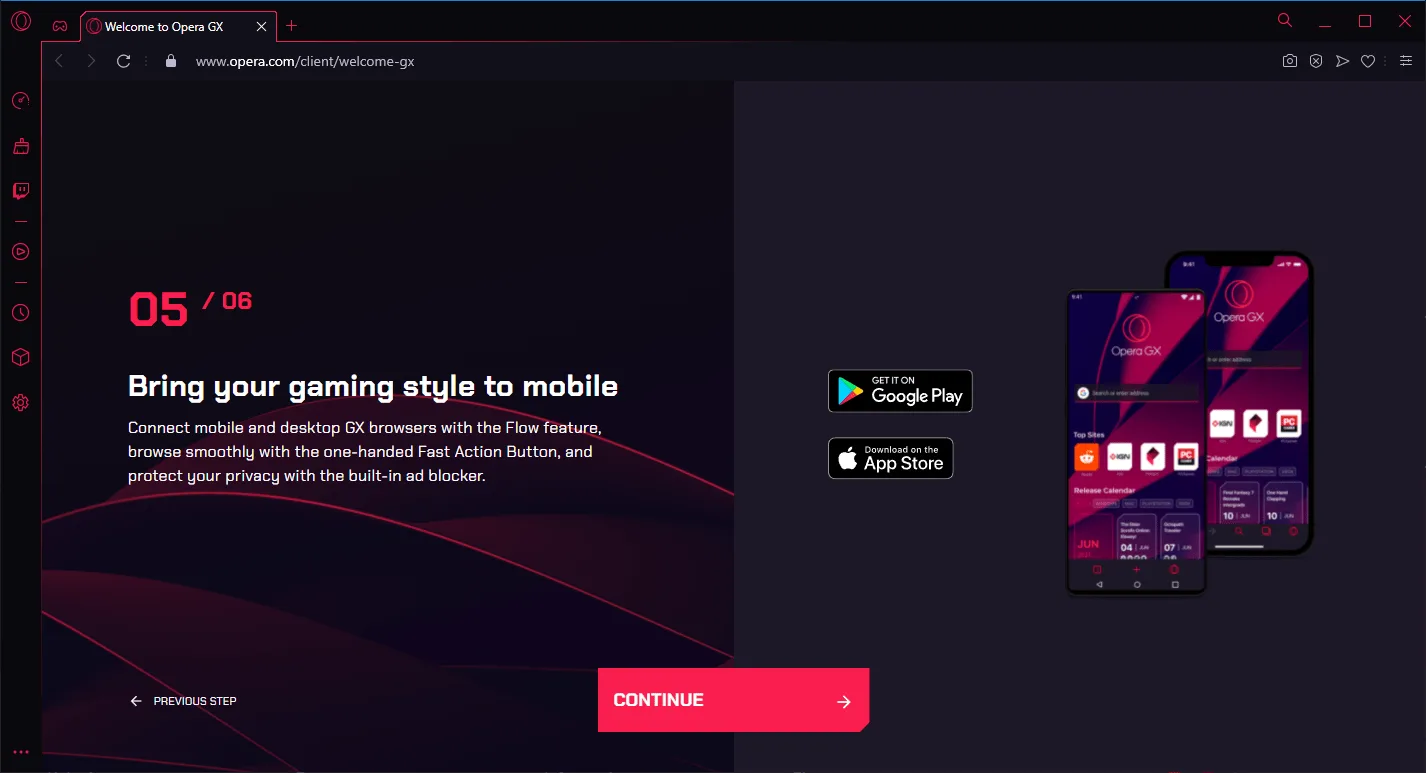
Now, Opera GX is also available for your phone and while I have not tested it on there, it looks pretty awesome. From what I can tell, you can still find deals and free games with the mobile version. You can also connect the two browsers together and use the file-sharing FLOW feature to sync them up and transfer various files. While this is not necessary for me, I can see some people finding this feature very useful.
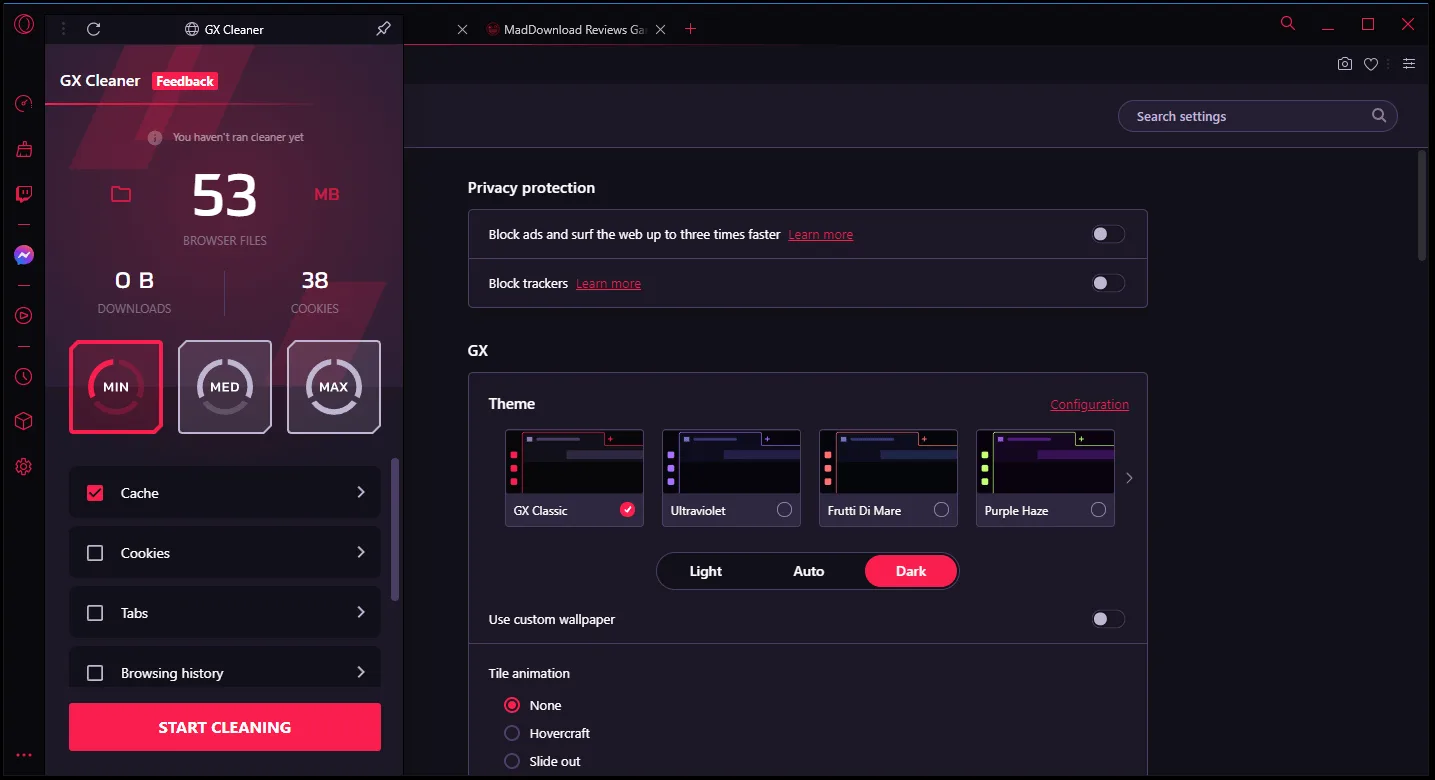
I have forgotten to tell you one very important thing about this and that is it is completely free! There are tons of great features that Opera GX offers, but what I have shared with you are what I feel are the main ones. From giving you a fantastic ad blocker and a free VPN, it is amazing just how many great features this offers. Looking for a reliable desktop utility in a similar category? Check out our detailed review of Utilu IE Collection 1.7.2.1 on MadDownload.
System Requirements & Key Features
Check the baseline Windows hardware specs, developer details, and compatibility profile for Opera GX before installing.
| Specification | Minimum | Recommended |
|---|---|---|
| Operating System | Windows 7 / 8.1 / 10 (32-bit or 64-bit) | Windows 10 / 11 (64-bit) |
| Processor | 1.0 GHz Intel / AMD Dual-Core | 2.0 GHz+ Multi-Core CPU |
| Memory (RAM) | 2 GB RAM | 4 GB+ RAM |
| Free Disk Space | 3.08 MB installer + 300 MB free space | 1 GB+ SSD free space |
| Developer & License | Opera Norway (free) | Latest verified Windows build |
Frequently Asked Questions
What is Opera GX and what are its main features?
Opera GX is a special version of the Opera browser with features dedicated to gamers. Download it now and enjoy its cool integrations. Opera GX takes what is so great about the Opera and tailors it towards gamers, developed by Opera Norway.
Which platforms support Opera GX and how is it licensed?
Opera GX supports Windows, Linux, macOS, and Android, with an installer package around 3.08 MB available as a free download. Official downloads and release information are available via Amazon.
What are the main advantages and limitations of Opera GX?
Opera GX features CPU, Network, and RAM limiters. Overall editorial score: 9/10.