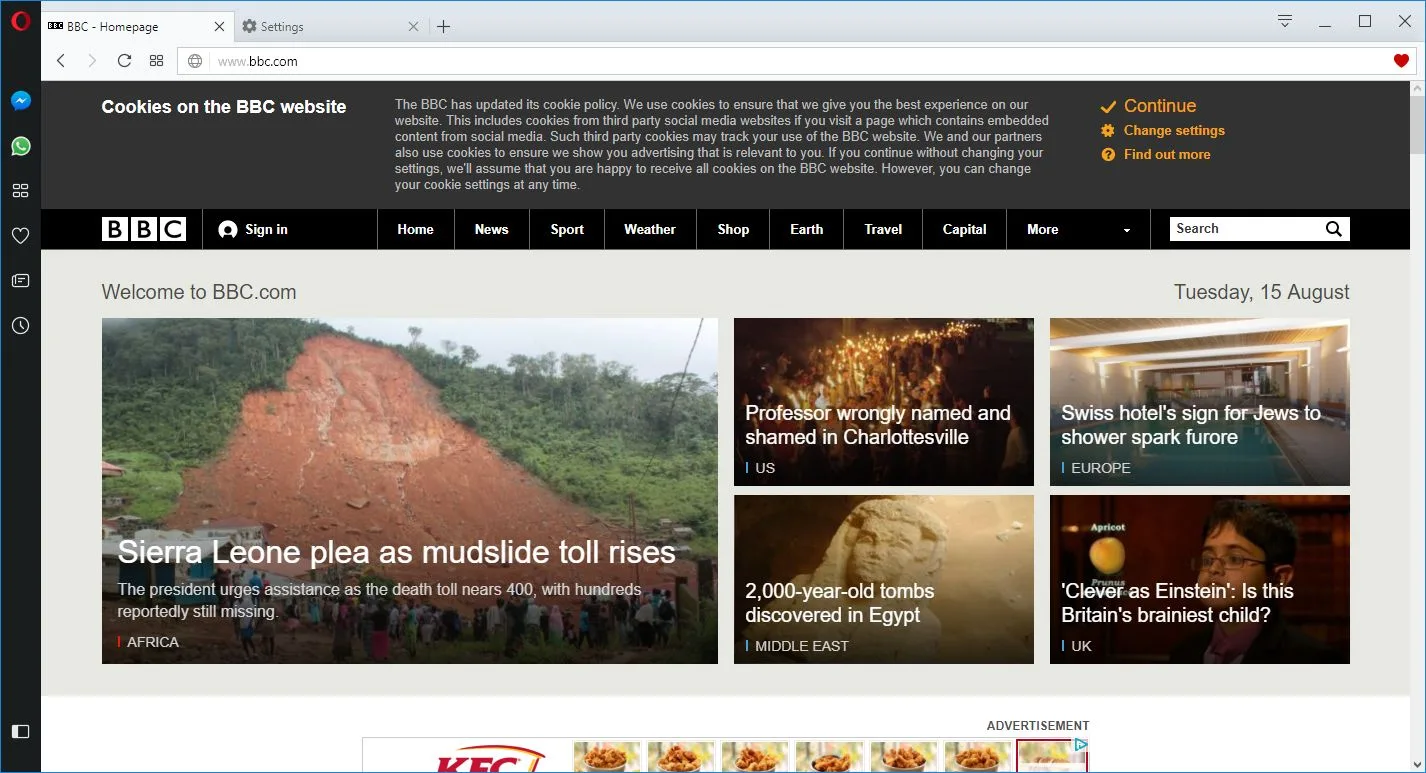
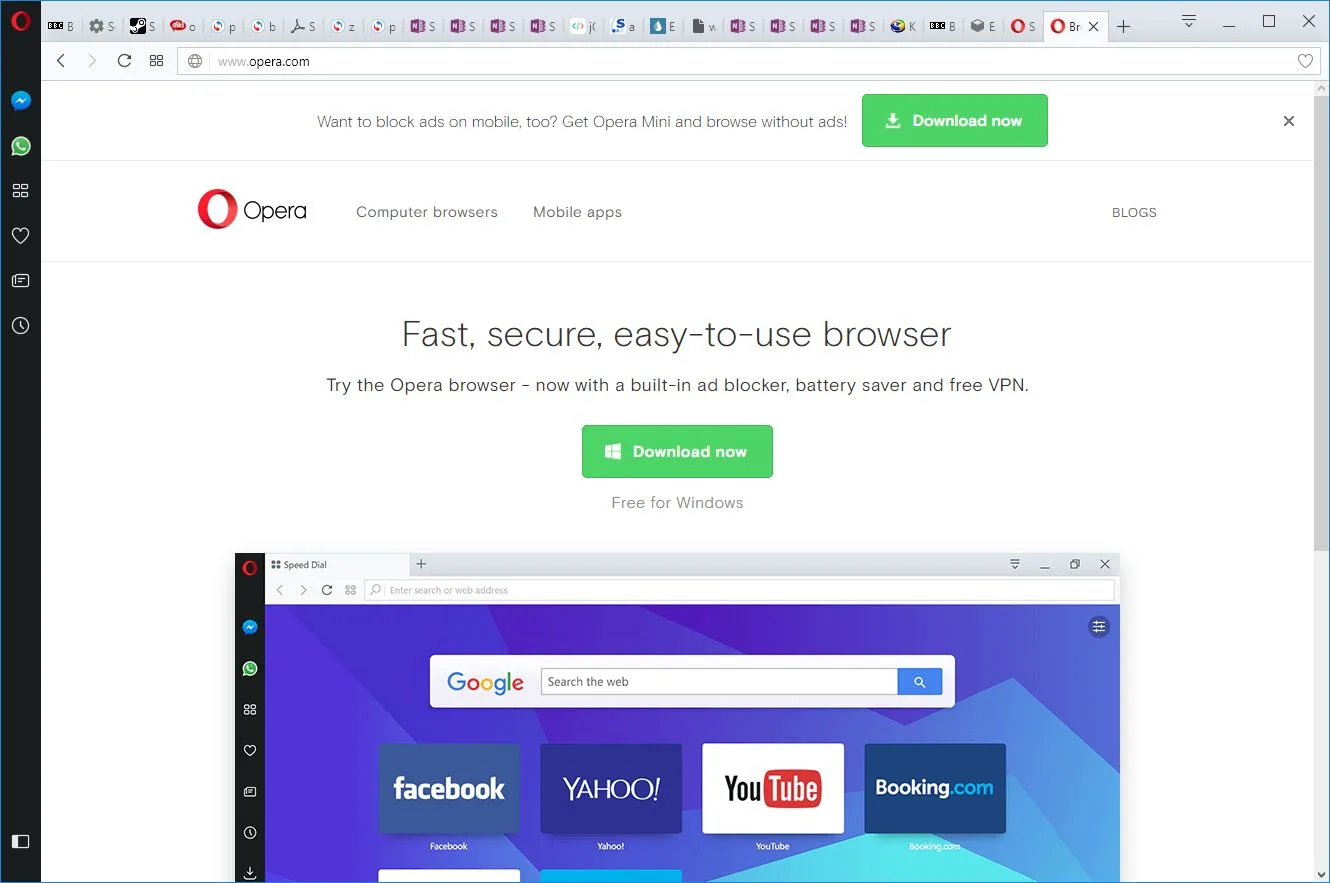
Opera is a free downloadable web browser, created by the Norwegian company Opera Software ASA and originally released in April 1995. Since September 20, 2005, Opera is freeware. In the ranking of the most popular browsers in 2016, it ranked fifth. It’s the most popular in Belarus, Ukraine, and Kazakhstan.
How to Download Opera
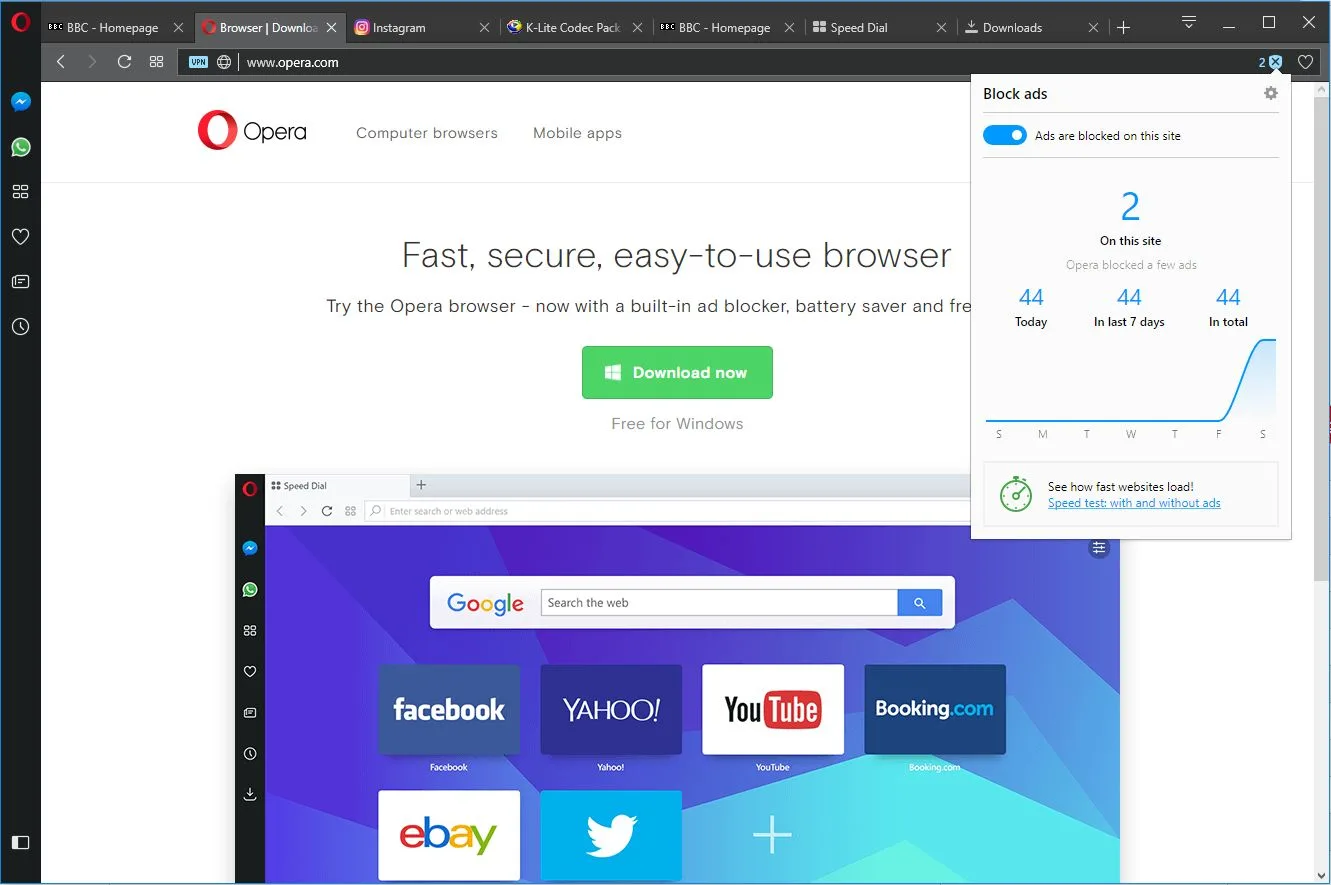
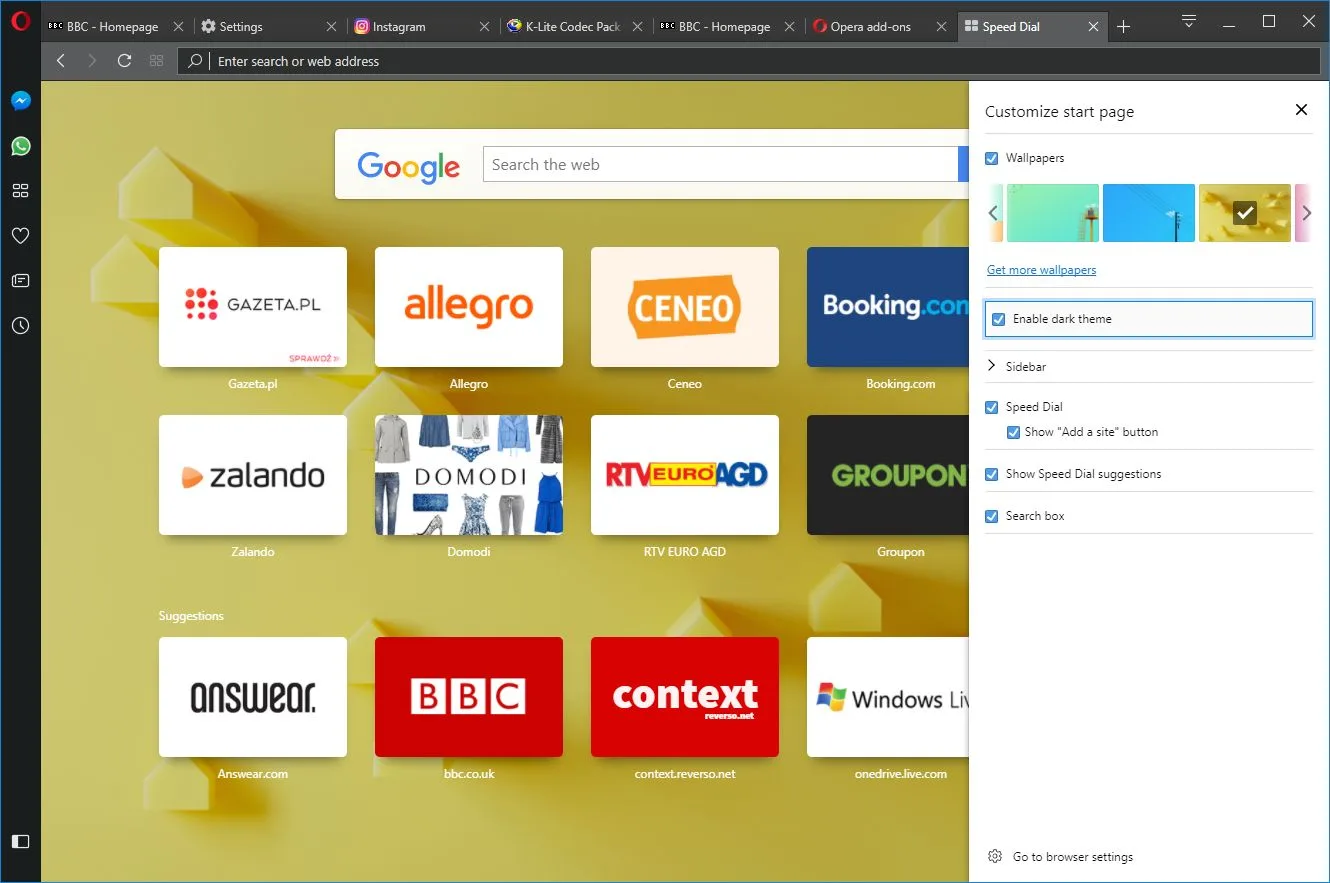
The download of Opera is completely free. The browser can be downloaded from the manufacturer’s website or from MadDownload.com. It’s available in a number of languages depending on your operating system. The latest version of the program is based on the Blink engine and can be run on Windows, Linux, and macOS. The program supports the Turbo mode, which because of data compression allows for faster loading of pages even on a slow connection. In addition, the browser features the built-in ad blocker and free VPN support to keep you anonymous while surfing the web. The appearance and functionality of the browser can be freely modified with the use of various extensions which can be downloaded from the net. It works pretty much the same as in the most popular browsers such as Google Chrome or Mozilla Firefox.
The Program Features
The manufacturer has included another useful, though a less popular feature that is mouse gestures. This option allows you to perform basic operations such as refreshing a page or opening a new tab with mouse movements. Mouse gestures, like many other built-in Opera options, can be disabled in the intuitive settings menu.
Compared to other popular browsers, this one runs smoothly and consumes the least amount of computer resources, even with a large number of opened tabs. Opera Software ASA has also put a lot of stress on speed and ease of use. They combined the address bar and the search bar, which allows for a quicker search of the entered keywords, without having to look for the appropriate search engine. The application has a number of keyboard shortcuts, which are designed to facilitate its use.
Mobile Opera Download
There’s also a mobile Opera browser available. It’s first version, Opera Mobile 3.6, was released in 2000, while the release for the Android phones appeared in October 2010. Currently, the mobile version is available for all of the most popular operating systems such as Android, iOS, Windows Phone, and Symbian. Just like the PC version, the application is free and has a number of popular features, such as the built-in ad blocker. It offers also a set of completely unique features such as fast video downloads and data usage monitoring. Both the mobile and the desktop versions offer a wide range of configuration options to customize the browser in the most user-friendly way.
According to Opera Software ASA, in the second half of 2014, the browser enjoyed more than 350 million active users, while its mobile counterpart in June 2015 has a whopping number of 291 million users.
For more tested utilities in this category, see our reviews of Avast Secure Browser and Opera GX for Windows.
Users comparing reliable PC utilities can also read our breakdown of features and download options in K-Lite Codec Pack Full 20.2.0.
Core Features and Everyday Workflow in Opera 140.0.6074.18
Users comparing reliable PC utilities can also read our breakdown of features and download options in HiBit Uninstaller 4.0.10.
Users comparing reliable PC utilities can also read our breakdown of features and download options in System Mechanic.
Interface Clarity, Speed, and Windows Compatibility
You may also appreciate our detailed comparison, ratings, and setup notes for VMware Workstation Player 17.6.3.24583900.
Users comparing reliable PC utilities can also read our breakdown of features and download options in Kiwi System Info 1.0.1.
System Requirements & Key Features
Check the baseline Windows hardware specs, developer details, and compatibility profile for Opera 140.0.6074.18 before installing.
| Specification | Minimum | Recommended |
|---|---|---|
| Operating System | Windows 7 / 8.1 / 10 (32-bit or 64-bit) | Windows 10 / 11 (64-bit) |
| Processor | 1.0 GHz Intel / AMD Dual-Core | 2.0 GHz+ Multi-Core CPU |
| Memory (RAM) | 2 GB RAM | 4 GB+ RAM |
| Free Disk Space | 1.10 MB installer + 300 MB free space | 1 GB+ SSD free space |
| Developer & License | Opera Software (free) | Latest verified Windows build |
Users comparing reliable PC utilities can also read our breakdown of features and download options in Intelliremote 2.8.9.932.
Users comparing reliable PC utilities can also read our breakdown of features and download options in K-ML 4.11.443.
Users comparing reliable utilities can also read our breakdown of features and download options in Greenshot 1.3.328.
Frequently Asked Questions
How do I download the latest version of Opera 140.0.6074.17?
Click the Download button on this page to get the verified installer for Opera 140.0.6074.17 by Opera Software.
Is Opera 140.0.6074.17 free to download and use?
Opera 140.0.6074.17 is available under a free license; see the specification table on this page for license and file-size details.
What are the main features of Opera 140.0.6074.17?
Our review outlines the interface, everyday performance, and key tools that make Opera 140.0.6074.17 practical for daily use.
Is the Opera 140.0.6074.17 installer safe for Windows?
Yes. All software downloads linked on MadDownload point to original developer builds or verified official packages.