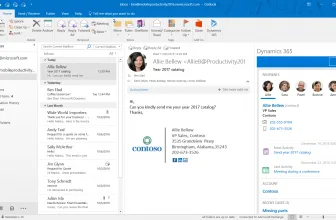
It is like we all have multiple email addresses these days and keeping on track of that can be a pain in the butt. In an ideal world, you would have everything going to one place, but not all types of files are supported by all email providers! That is what MailsDaddy MBOX to PST Converter is here to help with and make your email life a heck of a lot easier.
How to Download MailsDaddy MBOX to PST Converter
To download the program, click on the Download button that is located below this review.
The Program Review
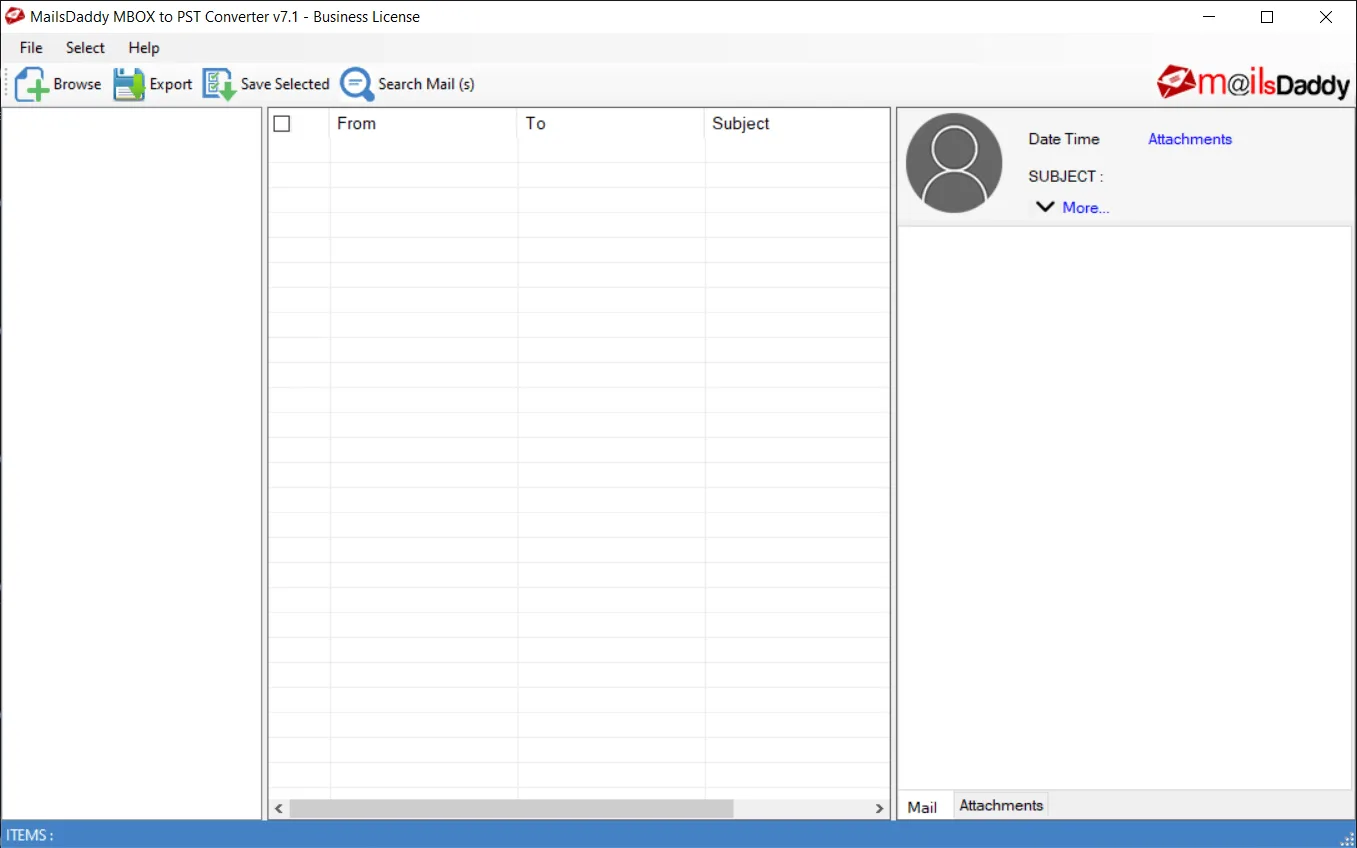
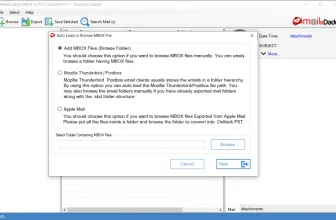
The whole idea of this is that it takes files such as mbox, mbx, and mbs files that are used by the likes of Mozilla Thunderbird, Apple Email, Eudora Mail, and more and then converts and exports them to your Outlook account. It will convert those files into a vast range of other formats such as Outlook PST, HTML, EML, and many more.
Core Features and Workflow in MailsDaddy MBOX to PST Converter 7.1
You do not have to worry about anything missing with the MailsDaddy MBOX to PST Converter. It will convert everything that you have, so any images, attachments, folders, and so on will all be carried over. They have made it so that you can convert things in bulk or you can go through things individually.
There are also various options that you can play around with too if you want to be more specific with what you are carrying over. For example, you can search and filter emails by different criteria such as date, subject, and so on. This way if you have a ton of emails, but only need a select few about a certain subject converted, you can do that quickly and easily.
One of the best things that I can say about MailsDaddy MBOX to PST Converter is that this is actually pretty advanced in terms of the features it offers. However, even though it is packed with features and it can sound pretty daunting, they have made it as easy to use as possible.
Performance, Usability, and Final Verdict
Pretty much all versions of Outlook are supported with this going all the way back to 2007! Not sure who is still using an Outlook 2007 account, but the option is there if you are. It also supports all forms of Windows going all the way back to much older versions such as Windows Vista.
There is a free version of MailsDaddy MBOX to PST Converter that is more of a trial or demo version, to be honest with you as it is missing many features. For example, you cannot even preview emails properly with the free version. A personal license which lets you use this on two computers will cost you $69, although as I write this it is on special offer for $39.
They also have other purchase options too. The business license allows for use on up to 50 machines and the Enterprise license allows for use on up to 100 machines. These as you would expect are more expensive, but they could be handy for people with a business that need all their employees to be able to access all kinds of emails in one place.
I am very impressed with just how easy this thing is to use! If you want a quick, easy and in-depth way to convert your various email files so that they can be viewed and used in Outlook, MailsDaddy MBOX to PST Converter is perfect. Just remember that the free trial version is only a little peek at what this thing can offer you. If you are building a clean Windows toolkit, you may also appreciate Utilu Mozilla Firefox Collection 1.2.1.7 with our compatibility and setup overview.
System Requirements & Key Features
Check the baseline Windows hardware specs, developer details, and compatibility profile for MailsDaddy MBOX to PST Converter 7.1 before installing.
| Specification | Minimum | Recommended |
|---|---|---|
| Operating System | Windows 7 / 8.1 / 10 (32-bit or 64-bit) | Windows 10 / 11 (64-bit) |
| Processor | 1.0 GHz Intel / AMD Dual-Core | 2.0 GHz+ Multi-Core CPU |
| Memory (RAM) | 2 GB RAM | 4 GB+ RAM |
| Free Disk Space | 5.95 MB installer + 300 MB free space | 1 GB+ SSD free space |
| Developer & License | MailsDaddy (trial) | Latest verified Windows build |
If you want another standout pick to check out next, read our complete VCE Simulator 2.9.3 review, rating, and official download guide.
If you want another standout pick to check out next, read our complete Grand 1.7 review, rating, and official download guide.
Frequently Asked Questions
What is MailsDaddy MBOX to PST Converter 7.1 and what are its main features?
MailsDaddy MBOX to PST Converter is a handy program that lets you translate your email to the Outlook format. In an ideal world, you would have everything going to one place, but not all types of files are supported by all email providers!
Which platforms support MailsDaddy MBOX to PST Converter 7.1 and how is it licensed?
MailsDaddy MBOX to PST Converter 7.1 supports Windows XP, Windows Vista, Windows 7, and Windows 8, with an installer package around 5.95 MB available as shareware / free trial. Official downloads and release information are available via mailsdaddy.com and Amazon.
What are the main advantages and limitations of MailsDaddy MBOX to PST Converter 7.1?
The whole idea of this is that it takes files such as mbox, mbx, and mbs files that are used by the likes of Mozilla Thunderbird, Apple Email, Eudora Mail, and more and then converts and exports them to your Outlook account. Overall editorial score: 9/10.