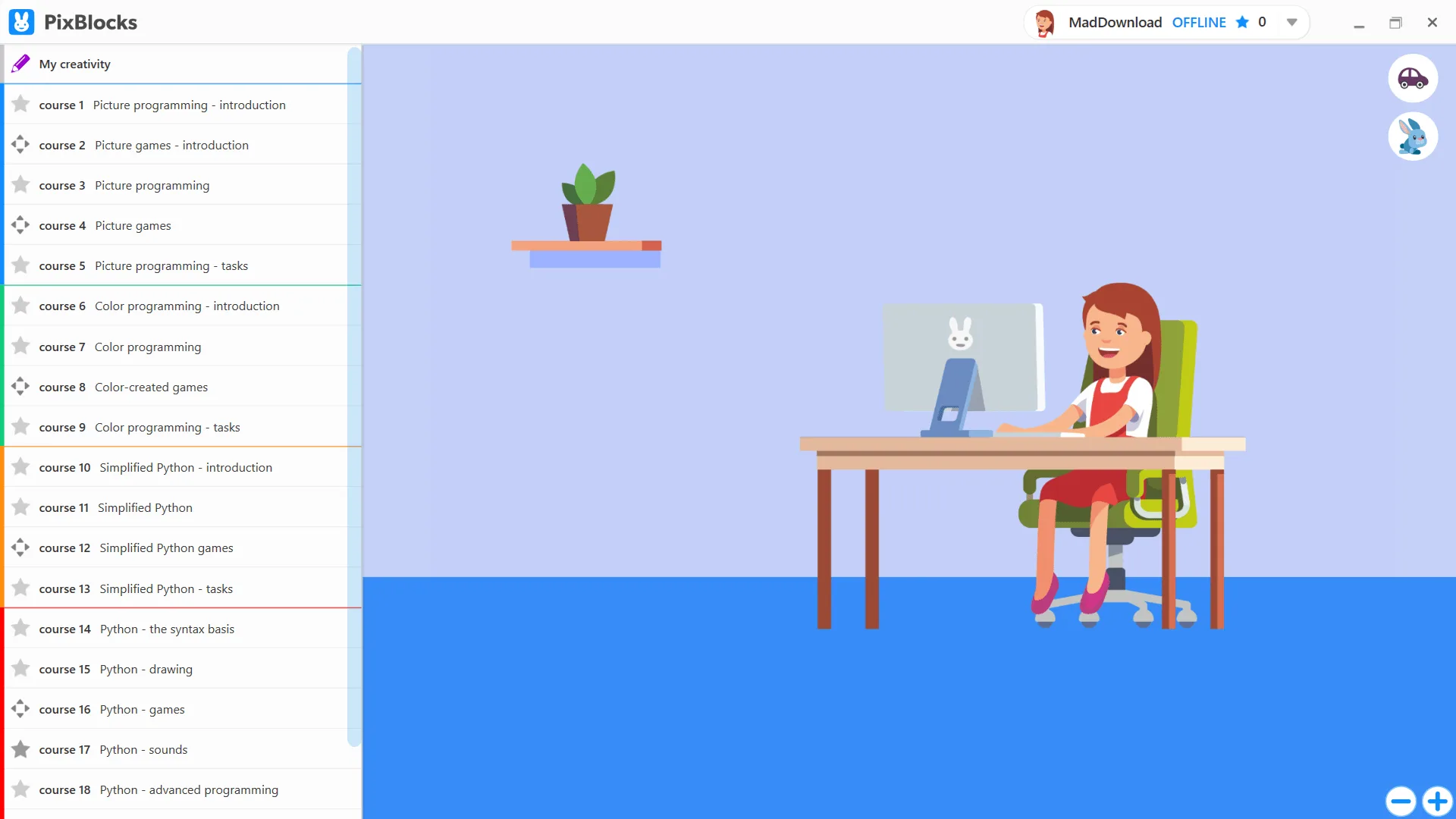
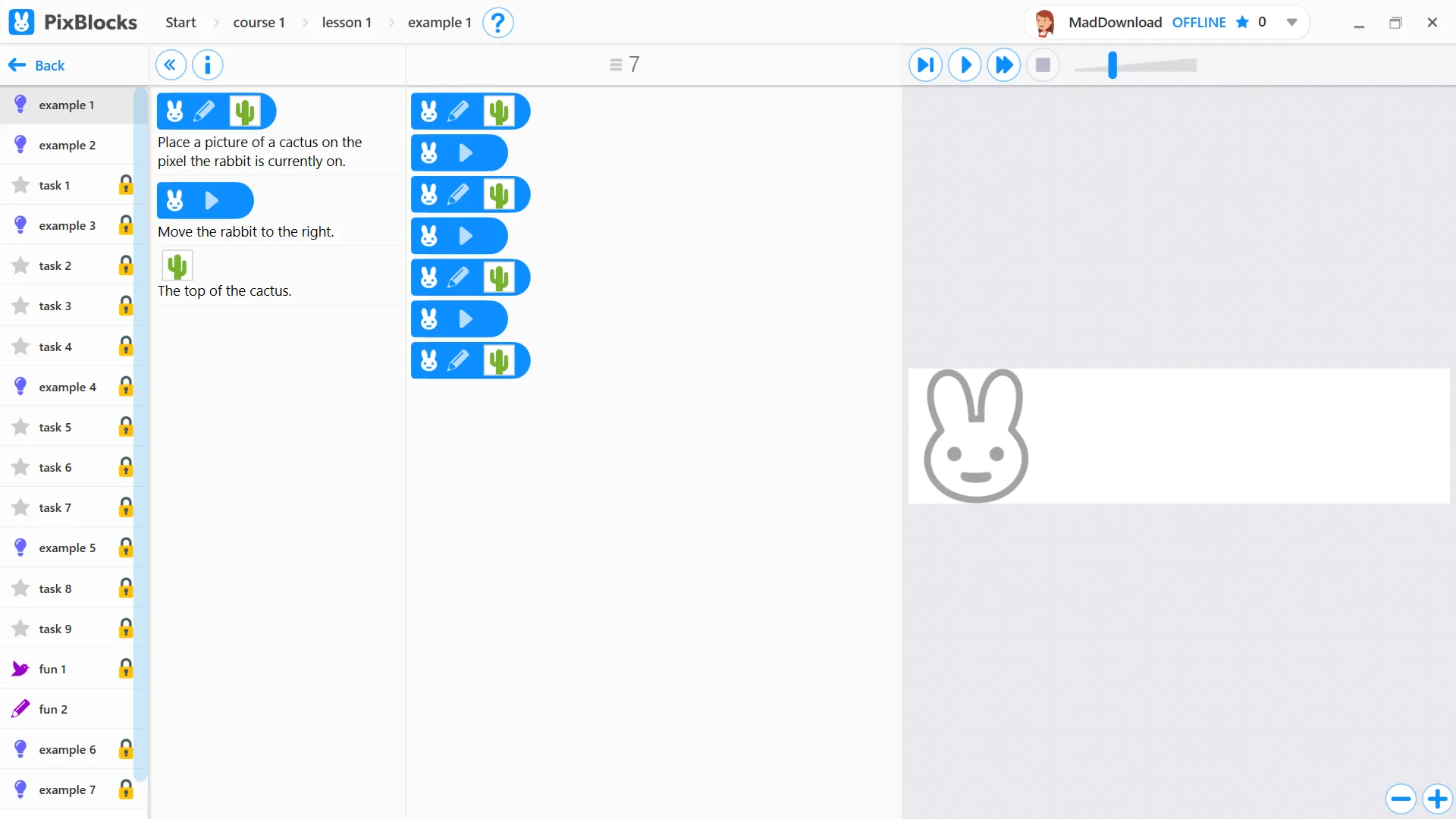
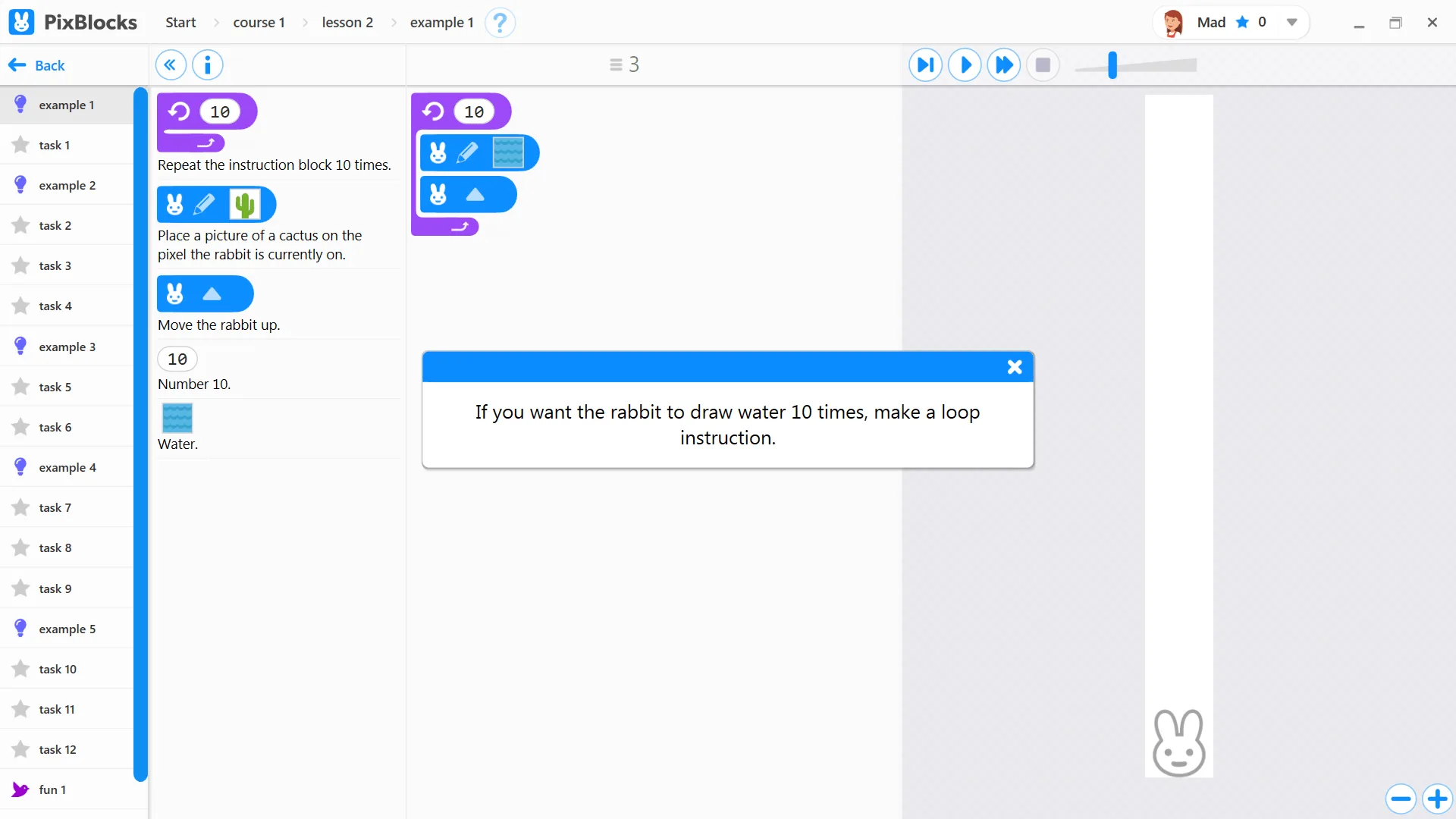
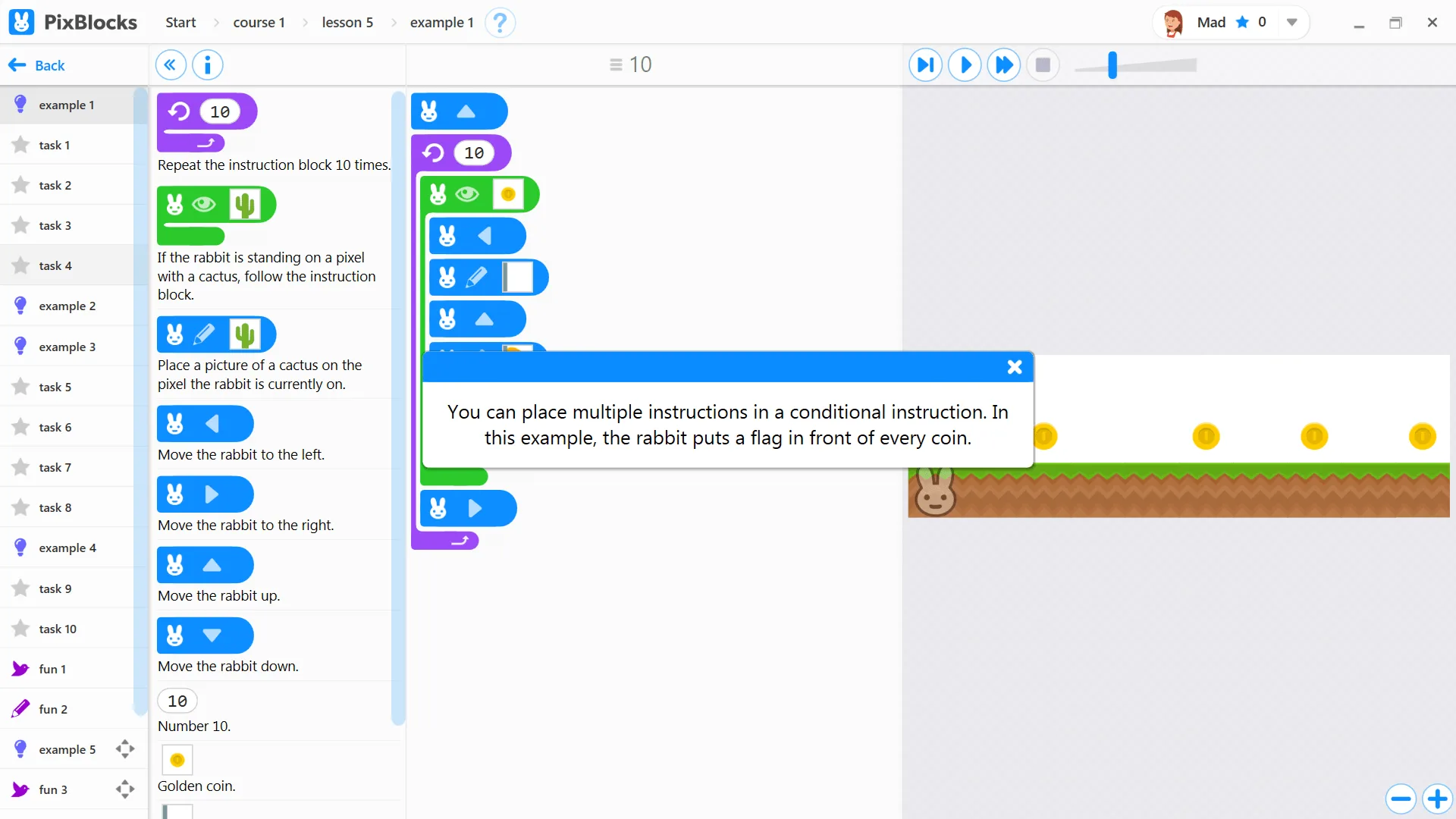
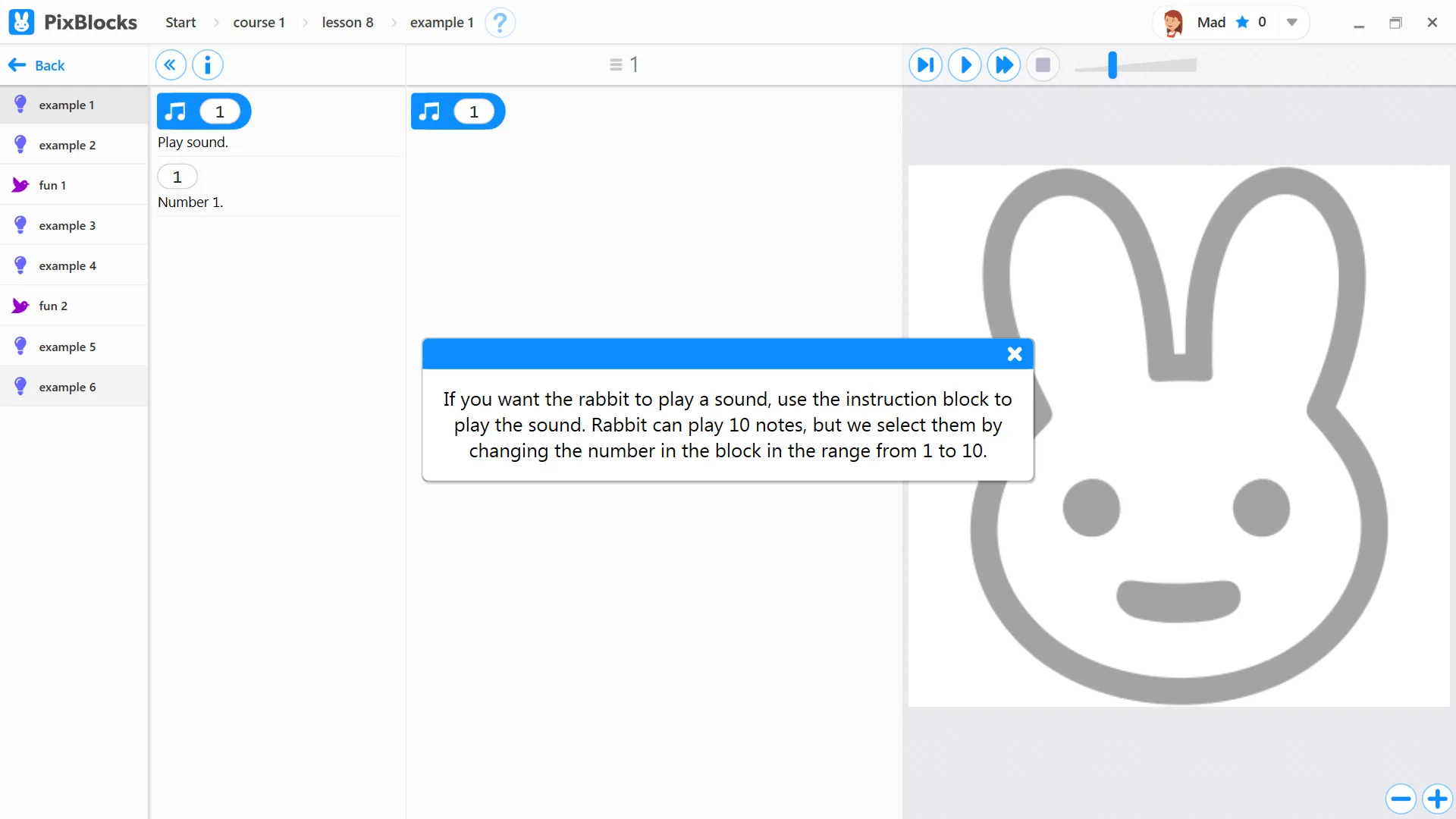
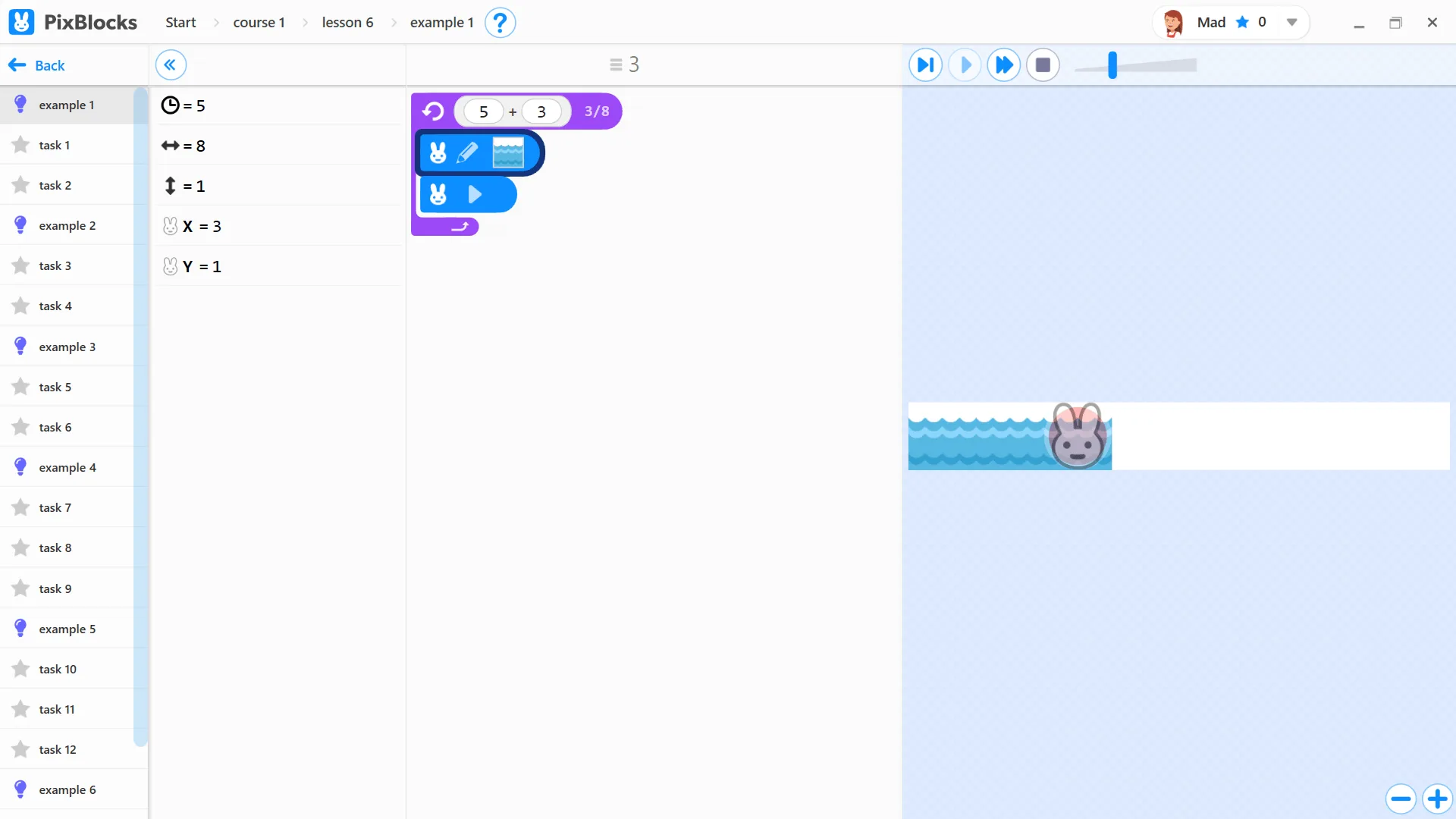
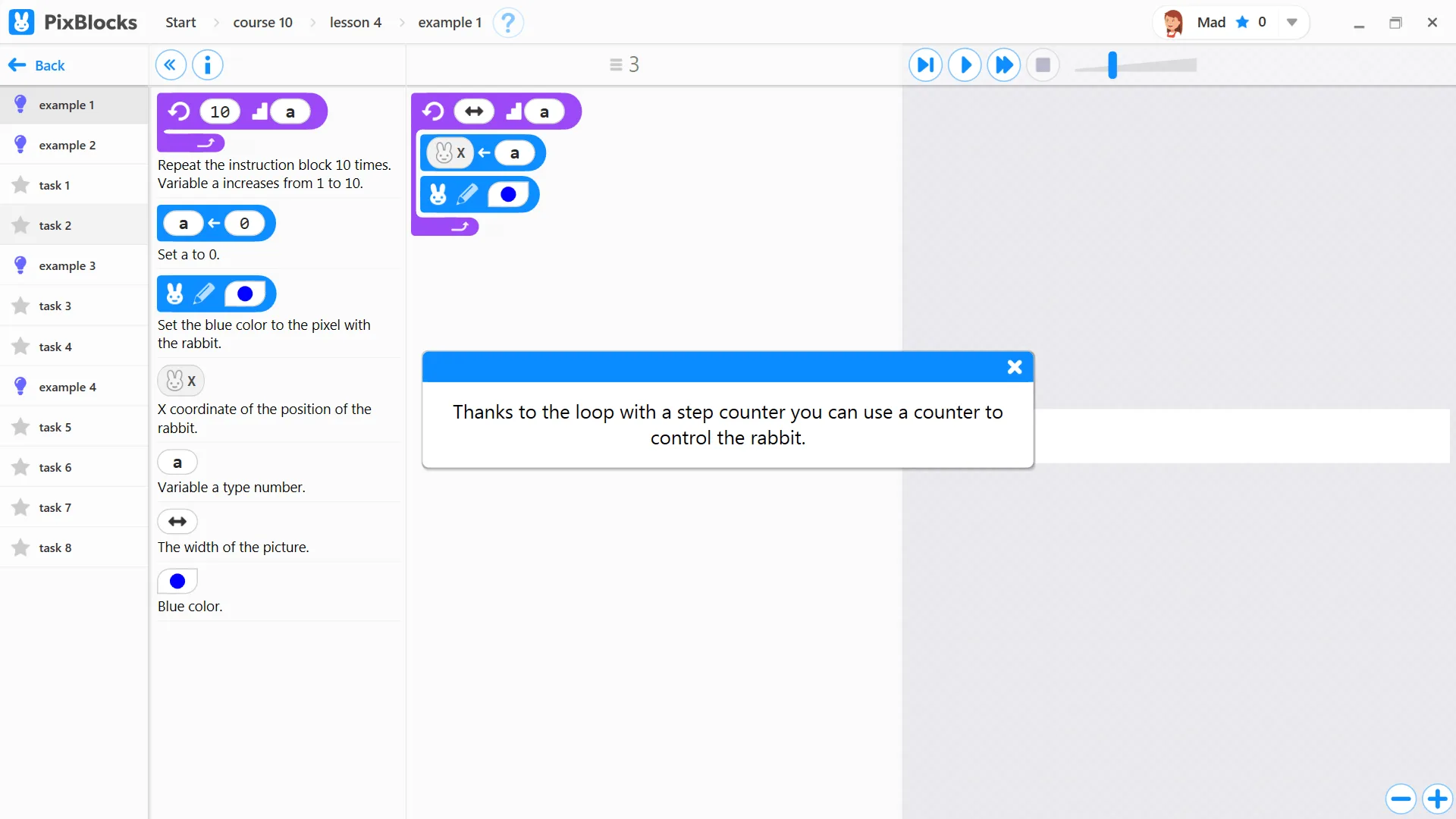
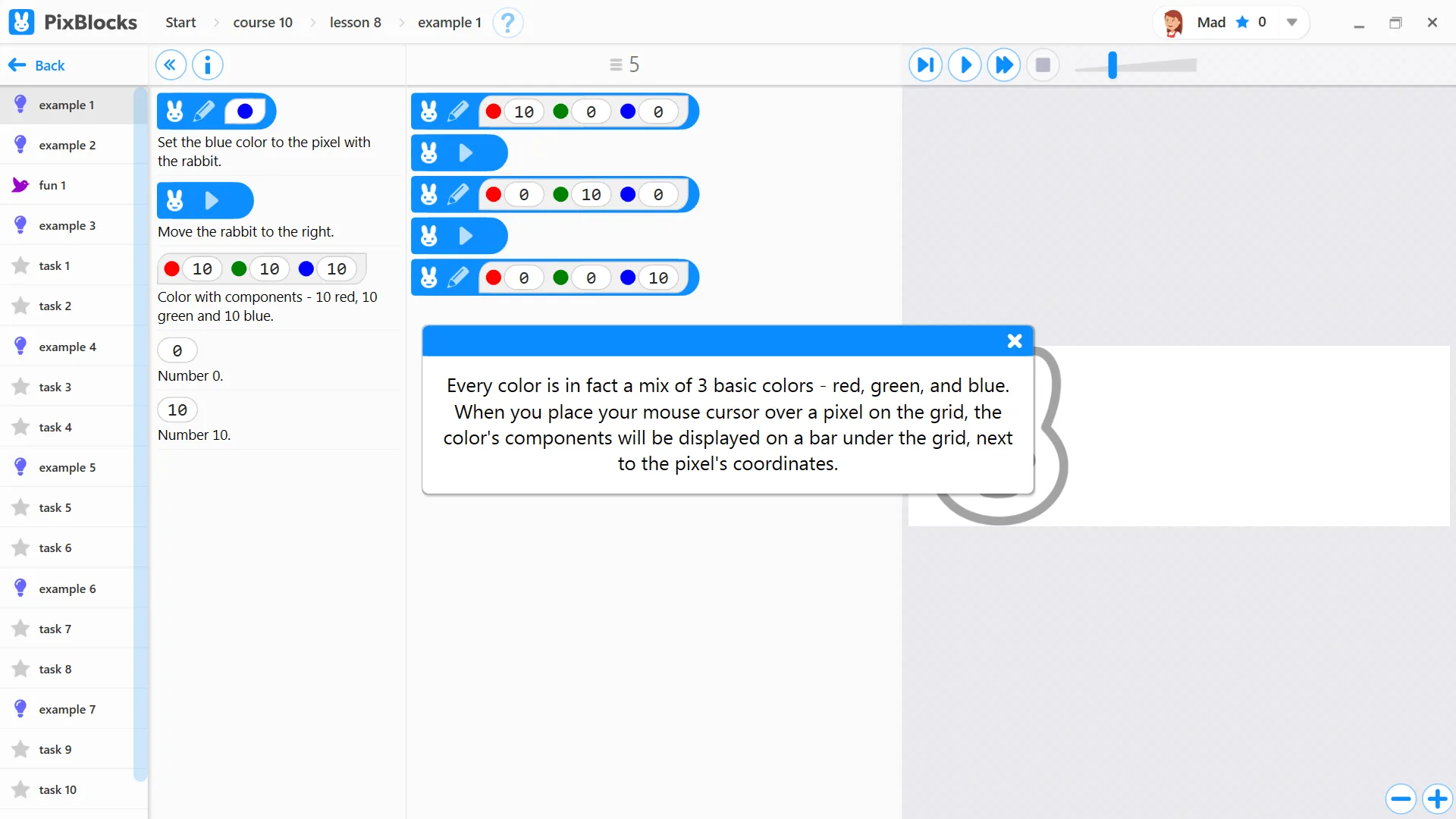
PixBlocks is a platform and a user-friendly tool that offers programming education for people of all ages. It may be used in both classroom and individual teaching situations to assist them master Python block-based and text-based programming. It provides a full environment in which to learn programming at all levels of education. PixBlocks is basically made up of a large variety of courses, tutorials, exercises, and examples.
PixBlocks focuses on two key areas: children’s block programming courses and Python text programming (for teenagers and adults).
How to Download PixBlocks
To download the program, click on the Download button that is located below this review.
The Program Review
PixBloxks platform has a task validation engine that runs automatically. There are also tutorials that show you how to make games. We also have our own game engine for blocks and Python, which allows you to construct complicated games in a very simple manner. Readers comparing specialized desktop utilities often check OBD Auto Doctor 5.4 alongside our other Windows software guides.
Core Features and Workflow in PixBlocks
PixBlocks are useful because:
- The app includes programming in the visual block programming language as well as text processing in Python. Over 2,000 activities, examples, and creative works are included.
- Ensures that the knowledge delivered is complete;
- It allows for the creation of artwork, games, and animations
- It features a straightforward graphical user interface and syntax
- It offers the possibility of modifying and sketching integrations
- It contains self-study video materials
- It features a teacher panel with a view into classes, students, and work progress.
Performance, Usability, and Final Verdict
System Requirements & Key Features
Check the baseline Windows hardware specs, developer details, and license profile for PixBlocks before installing.
| Specification | Minimum | Recommended |
|---|---|---|
| Operating System | Windows 7 / 8.1 / 10 (32-bit or 64-bit) | Windows 10 / 11 (64-bit) |
| Processor | 1.0 GHz Intel / AMD Dual-Core | 2.0 GHz+ Multi-Core CPU |
| Memory (RAM) | 2 GB RAM | 4 GB+ RAM |
| Free Disk Space | 531 KB installer + 300 MB free space | 1 GB+ SSD free space |
| Developer & License | PixBlocks (free) | Latest verified Windows build |
Frequently Asked Questions
What is PixBlocks and what are its main features?
PixBlocks is a great educational tool for users who want to learn programming concepts. Download it now and become a developer. PixBlocks is a platform and a user-friendly tool that offers programming education for people of all ages.
Which platforms support PixBlocks and how is it licensed?
PixBlocks supports Windows, with an installer package around 531 KB available as a free download. Official downloads and release information are available via pixblocks.com.
What are the main advantages and limitations of PixBlocks?
It provides a full environment in which to learn programming at all levels of education. Overall editorial score: 9/10.
These features make the app an excellent choice for teaching programming to youngsters and teenagers, for example. PixBlocks is a fun and creative coding game that teaches basic programming concepts.
Users of PixBlocks
First and foremost, instructors gain from our product since it gives them access to a wide range of programming courses at all levels of education. Access is also given to an unique administration panel (teacher’s panel) where they can manage classes, create assessments, and track student progress.
Second, students benefit from PixBlocks because it provides them with engaging learning material that is accompanied by easy-to-understand visualisations. It motivates kids to study by allowing them to compete in development competitions and make their own games.
PixBlocks, on the other hand, is an application that can be used outside of the classroom. Many of our users complete our courses entirely on their own.
There is a clear trend toward digitalization of education and teachers’ search for comprehensive tools with incorporated material.
The present Covid-19 epidemic is also a fascinating aspect to consider. On the one hand, remote education provides extra chances for tools like ours, and it should theoretically encourage the EdTech business.
On the other hand, on the same scale, it is a significant problem for instructors, which unfortunately results in a slowdown in the overall development of the education market. PixBlocks aims to actively support instructors and students during this trying period by providing new options and demonstrating how remote education can be enhanced.
In a fun and effective approach, the application blends learning programming with entertainment. If you believe you have untapped IT potential, want to improve existing abilities, or want to study programming for the first time, this application is for you.
The app is easy to use and read, and it includes challenges that build both logical and creative thinking skills.