Programming
Download PixBlocks
PixBlocks is a great educational tool for users who want to learn programming concepts. Read our software review, specs, and official download guide.
9
Our scoreout of 10, from our review
The link is further down this page.
Specifications
- Developer
- PixBlocks
- Developer Website
- pixblocks.com
- Operating System
- Windows
- License
- free
- File Size
- 531 KB
Our verdict
Pros
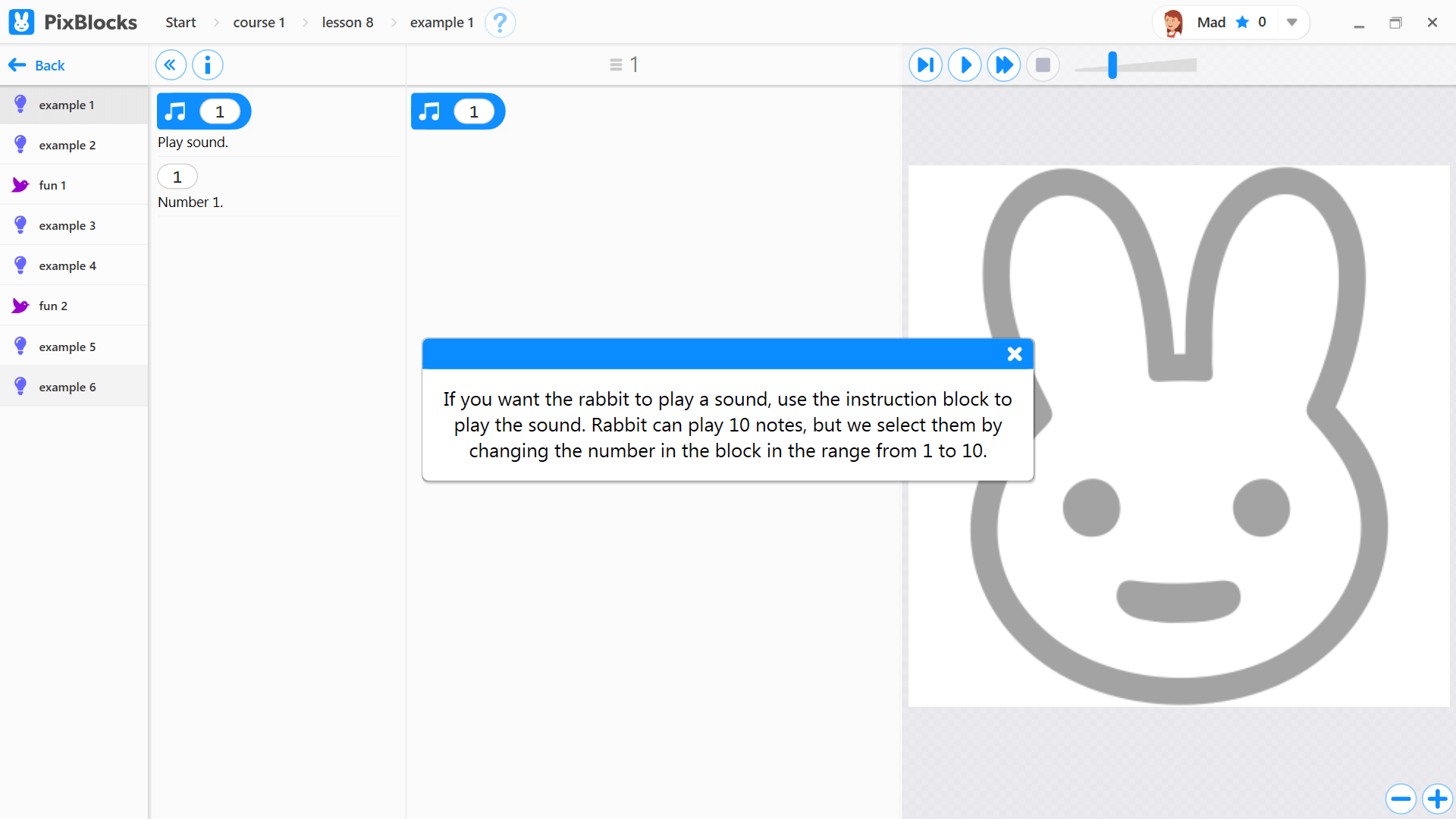
- Teaches coding from visual block exercises for kids up to text-based Python programming
- Includes over 2,000 activities, self-study videos, and automatic task validation
- Built-in block and Python game engine lets learners create artwork, animations, and games
Screenshots


PixBlocks is available from its official source: pixblocks.com.
PixBlocks is developed by PixBlocks and runs on Windows. License: free.
In our review we gave PixBlocks 9/10. It describes the main features, our verdict with pros and cons, and screenshots.
Developer's official website: pixblocks.com.
Download PixBlocks
1 official sourceFull disclosure: MadDownload does not host or sell this title. The button below opens the official service in a new tab, at the address shown under its name. Availability and prices depend on your country.
PixBlocks official Windows download summary with verified specs, developer details, key workflow features, and direct setup access.
← Back to the PixBlocks review
Opened in a new tab - explore similar titles while you are here