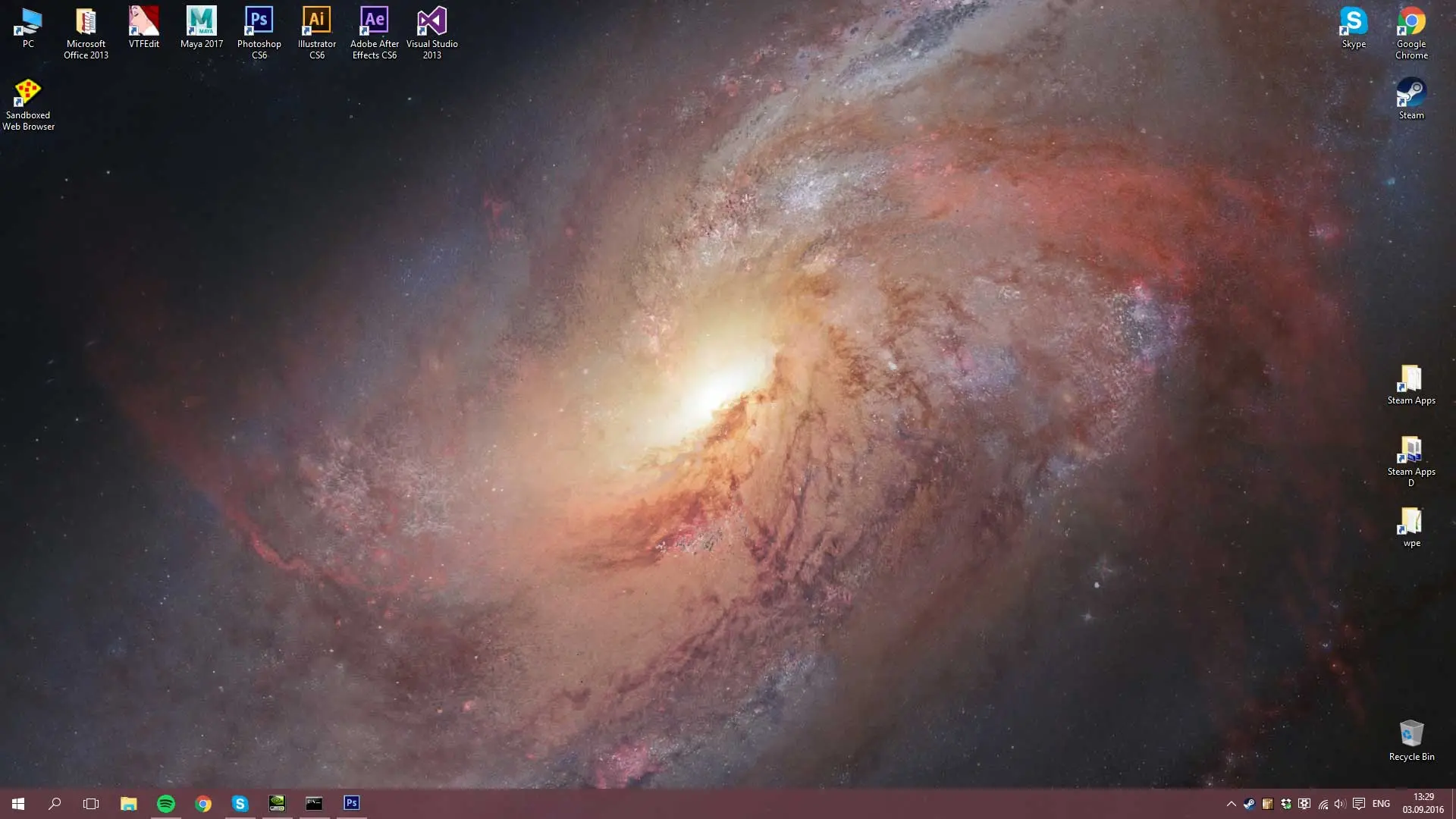
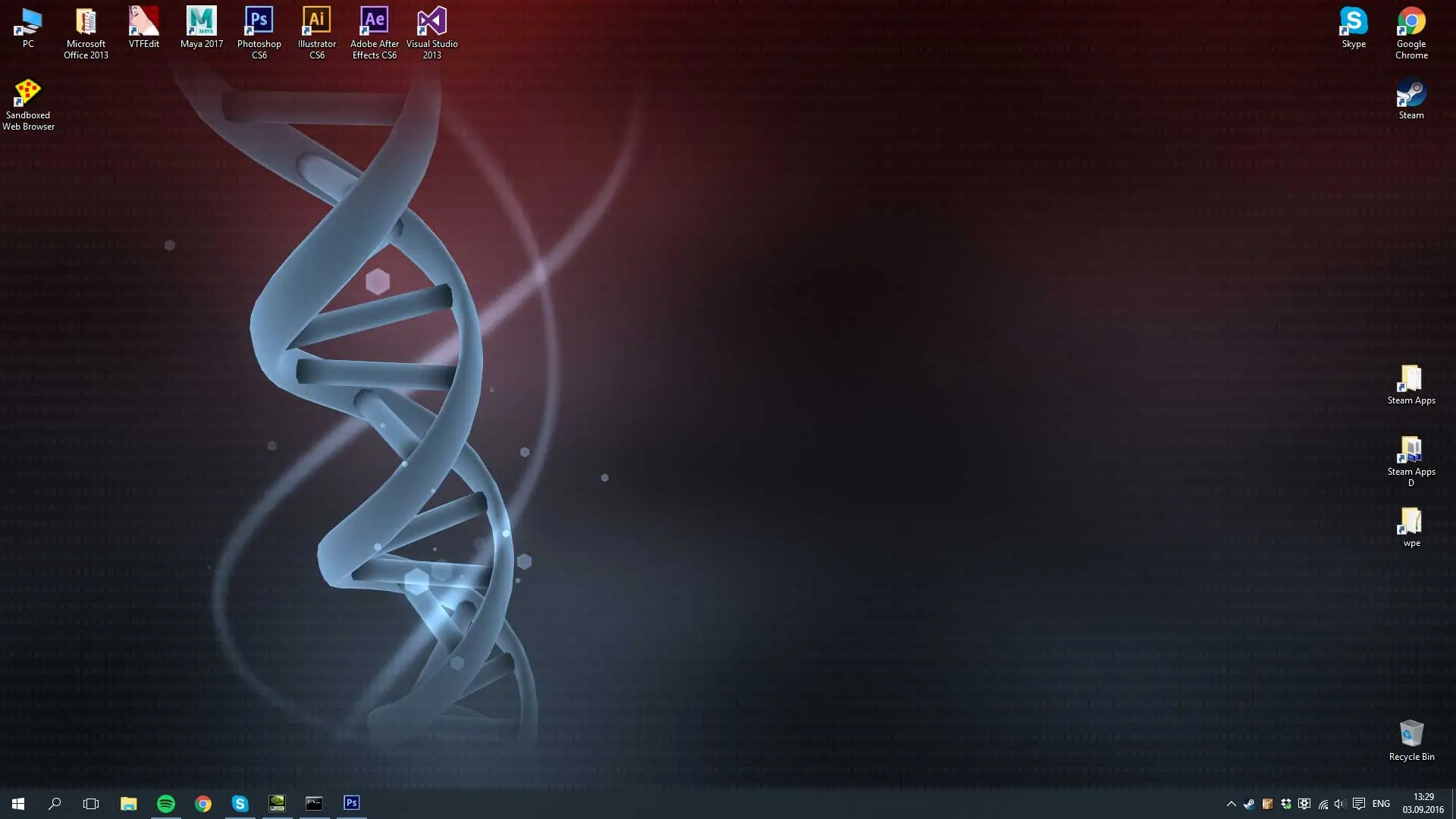
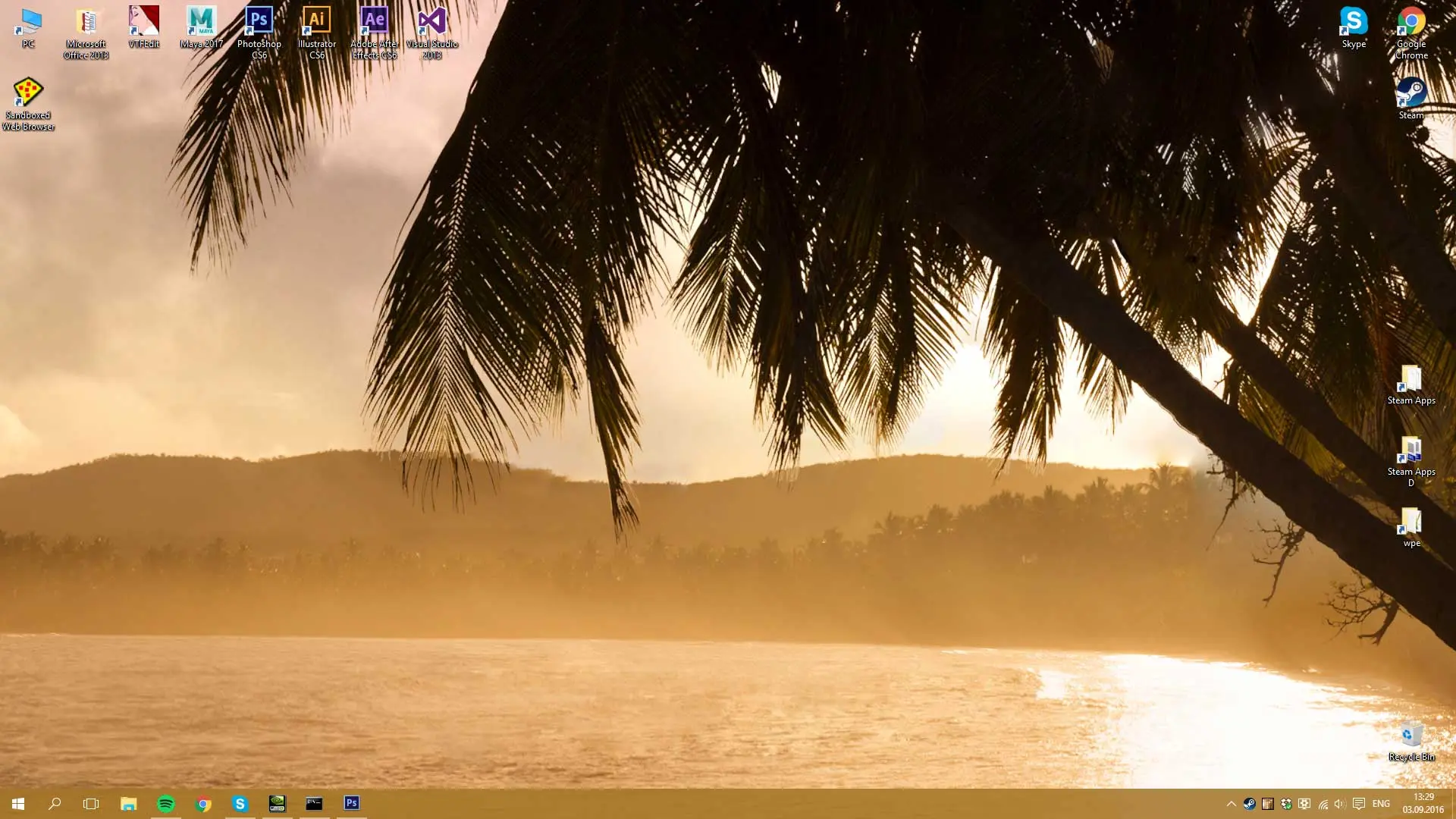
Wallpaper Engine is a program that allows you to use animated 2D and 3D wallpapers on your desktop. With the application, you can choose one of many compositions or create your own. The program has a lot of options that allow you to transform your desktop into an animated world. The creator and the publisher of the program is the German programmer Kristjan Skutta.
How to Download Wallpaper Engine
The program is available for download only in digital distribution via the Steam platform, The price is low, about $4. To download the Wallpaper Engine, click the Download button below.
The Program Capabilities
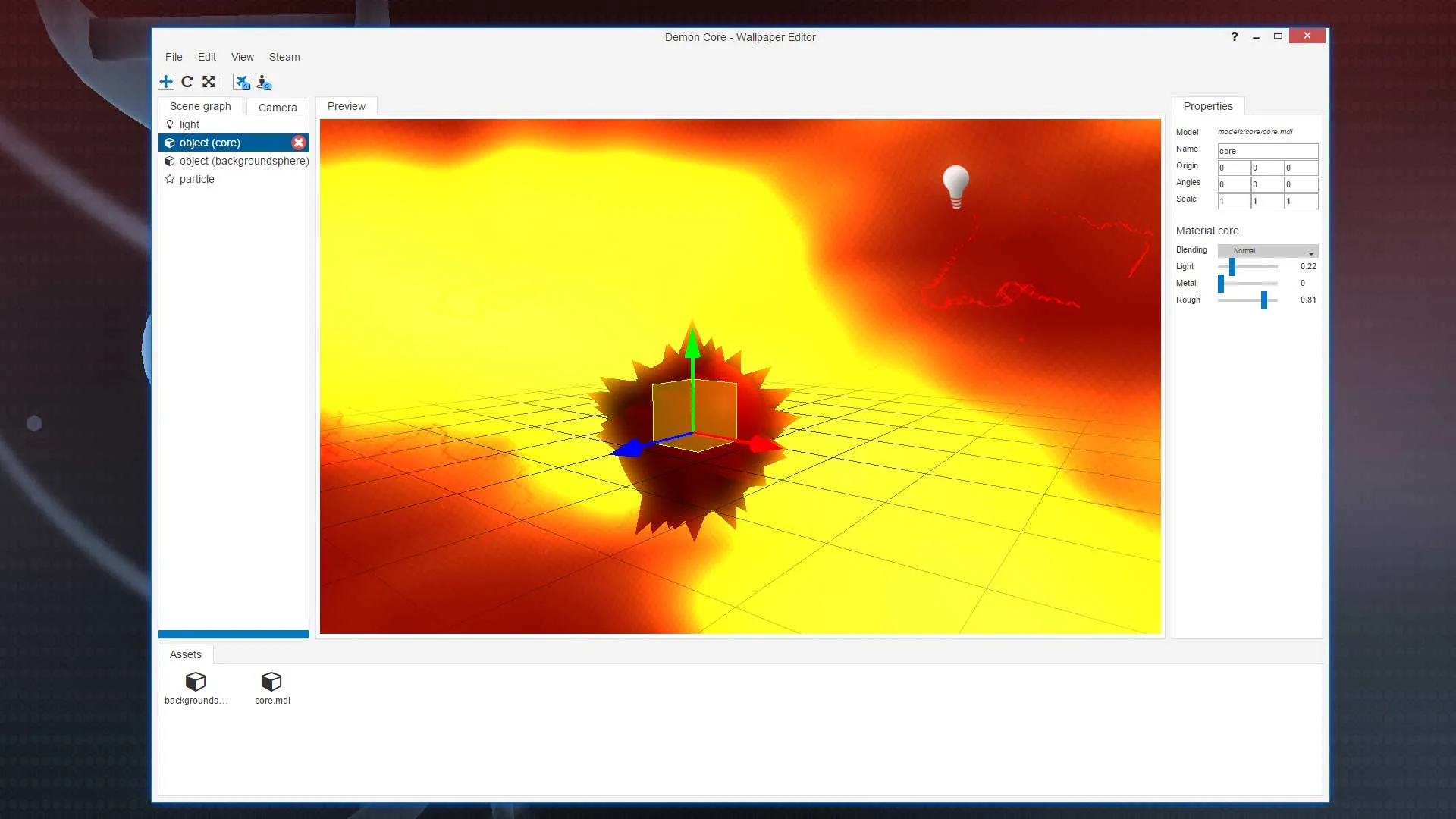
The program is used to change your standard desktop into an animated show. Thus you can have animated wallpapers, both in 2D and 3D. Your desktop can also display videos, web pages and even interactive mini-games on our desktop. The possibilities Wallpaper Engine offers are endless and the end result is largely dependent on the user’s imagination. For example, you can insert your own recordings into your project and add a variety of visual elements. For more advanced users, the author of the program has prepared options for creating and editing three-dimensional wallpapers.
The program supports MP4, WebM, AVI, M4V, MOV, and WMV formats. Wallpaper Engine is equipped with a mechanism that stops the animation of the wallpaper when a video game is run by the user. This saves system resources and makes the gaming experience better.
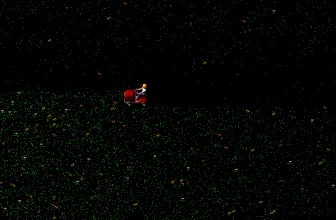
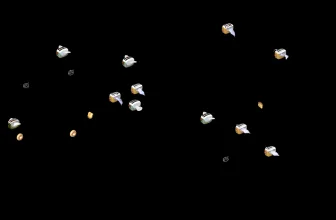
The program has a lot of options and thus gives you a lot of choices. You can use the available wallpapers or create your own. The interface is very intuitive and should not cause major problems. With so many possibilities, you can make your desktop the center of a galaxy where spaceships travel, or you can watch their cars speeding on a race track, or perhaps you can have an interactive wallpaper that you can operate with the mouse.
Wallpaper Engine – the Hardware Requirements
The system requirements are not as high as they might be for newer games. Actually, in the minimal configuration, they are very low. The program also offers a very interesting resources management option. You can set how much computer power Wallpaper Engine will use.
Minimum Hardware Requirements
- Operating System: Windows 7 (with Aero), 8.1, 10
- Processor: 1.66 GHz Intel i5 or equivalent
- Memory: 1024 MB RAM
- Graphics card: HD Graphics 4000 or better
- DirectX: 10
- Disk Space: 512 MB
Recommended Hardware Requirements
- Operating System: Windows 8.1, 10
- Processor: 0 GHz Intel i7 or equivalent
- Memory: 2048 MB RAM
- Graphics card: NVIDIA GeForce GTX 660, AMD HD7870, 2 GB VRAM or better
- DirectX: 11
- Disk Space: 1024 MB
Downloadable Wallpapers
The program offers the ability to create and share your projects on the web. You can do it for free or even sell your creations. Thanks to this solution there is no shortage of imaginative wallpapers that you can get.
The program’s website is on Steam. You will there find information about the hardware requirements, Wallpaper Engine options, program capabilities, tips, and tricks. You can also find sample compositions and paid downloadable wallpapers offered by the producer for less than $2 art. You will find there:
- Dragon – a fully animated flying dragon that can edit body parts (!),
- Space Trail – a cosmic trail that follows the mouse,
- Space Twirl – a cosmic whirlpool,
- WaterFlow – an animation of flowing water.
Each of the above wallpapers can be modified and customized by changing many parameters.
The program was launched in 2016. Wallpaper Engine gets very good reviews – 96% positive, which is an amazing result. There are several language versions available.
For more tested utilities in this category, see our reviews of After Dark Classic Set 1.2 and Shimeji for Windows.
For a complementary desktop tool in the same Windows workflow, check our full review and requirements for SmoothDraw 4.1.4 Beta.
System Requirements & Key Features
Check the baseline Windows hardware specs, developer details, and license profile for Wallpaper Engine before installing.
| Specification | Minimum | Recommended |
|---|---|---|
| Operating System | Windows 7 / 8.1 / 10 (32-bit or 64-bit) | Windows 10 / 11 (64-bit) |
| Processor | 1.0 GHz Intel / AMD Dual-Core | 2.0 GHz+ Multi-Core CPU |
| Memory (RAM) | 2 GB RAM | 4 GB+ RAM |
| Free Disk Space | 512 MB installer + 300 MB free space | 1 GB+ SSD free space |
| Developer & License | Kristjan Skutta (early access) | Latest verified Windows build |
For a complementary desktop tool in the same Windows workflow, check our full review and requirements for Duplicate Sweeper.
For another helpful Windows utility in a related category, explore our review and official download guide for AllDup 4.5.72.
For a complementary desktop tool in the same Windows workflow, check our full review and requirements for OverSite 1.2.5.0.
For a complementary desktop tool in the same Windows workflow, check our full review and requirements for Pivot Animator 5.2.5.
For a complementary desktop tool in the same Windows workflow, check our full review and requirements for Microsoft Office 2013.
For a complementary desktop tool in the same Windows workflow, check our full review and requirements for Sticky Password 8.8.6.1893.
For a complementary desktop tool in the same workflow, check our full review and requirements for Adaware Antivirus Free 12.10.184.0.
Frequently Asked Questions
Where can I safely download Wallpaper Engine?
Use the download button on this page to get the official Wallpaper Engine installer from Kristjan Skutta for Windows PC.
Is Wallpaper Engine free to download and use?
Wallpaper Engine is offered under a official release license; see our specification box above for edition and licensing details.
Which operating systems are compatible with Wallpaper Engine?
Wallpaper Engine is designed for Windows PC and installs cleanly using the standard setup package.
What are the main features of Wallpaper Engine?
Our review highlights performance, interface usability, everyday workflow tools, and key pros and cons of Wallpaper Engine.