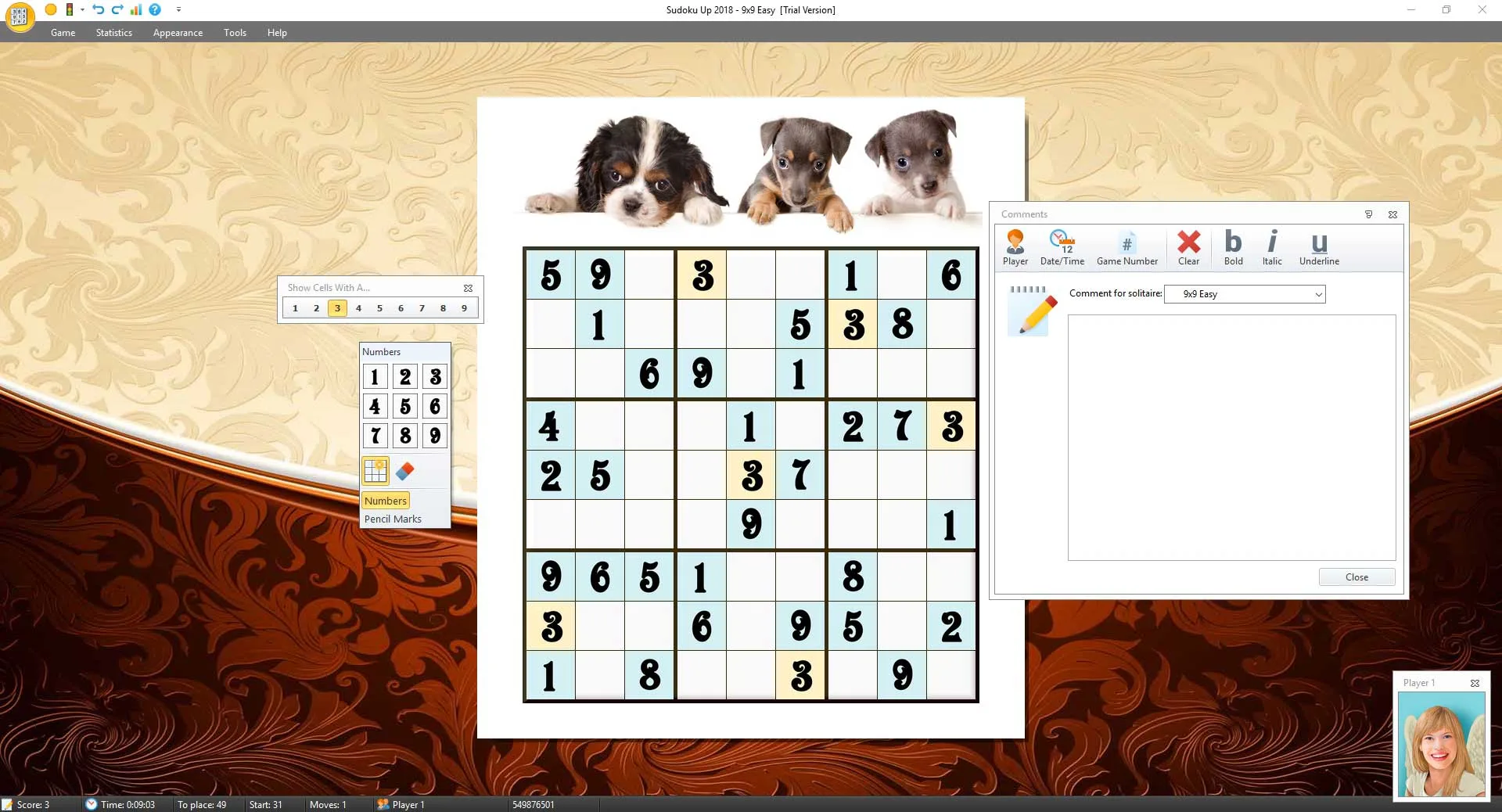
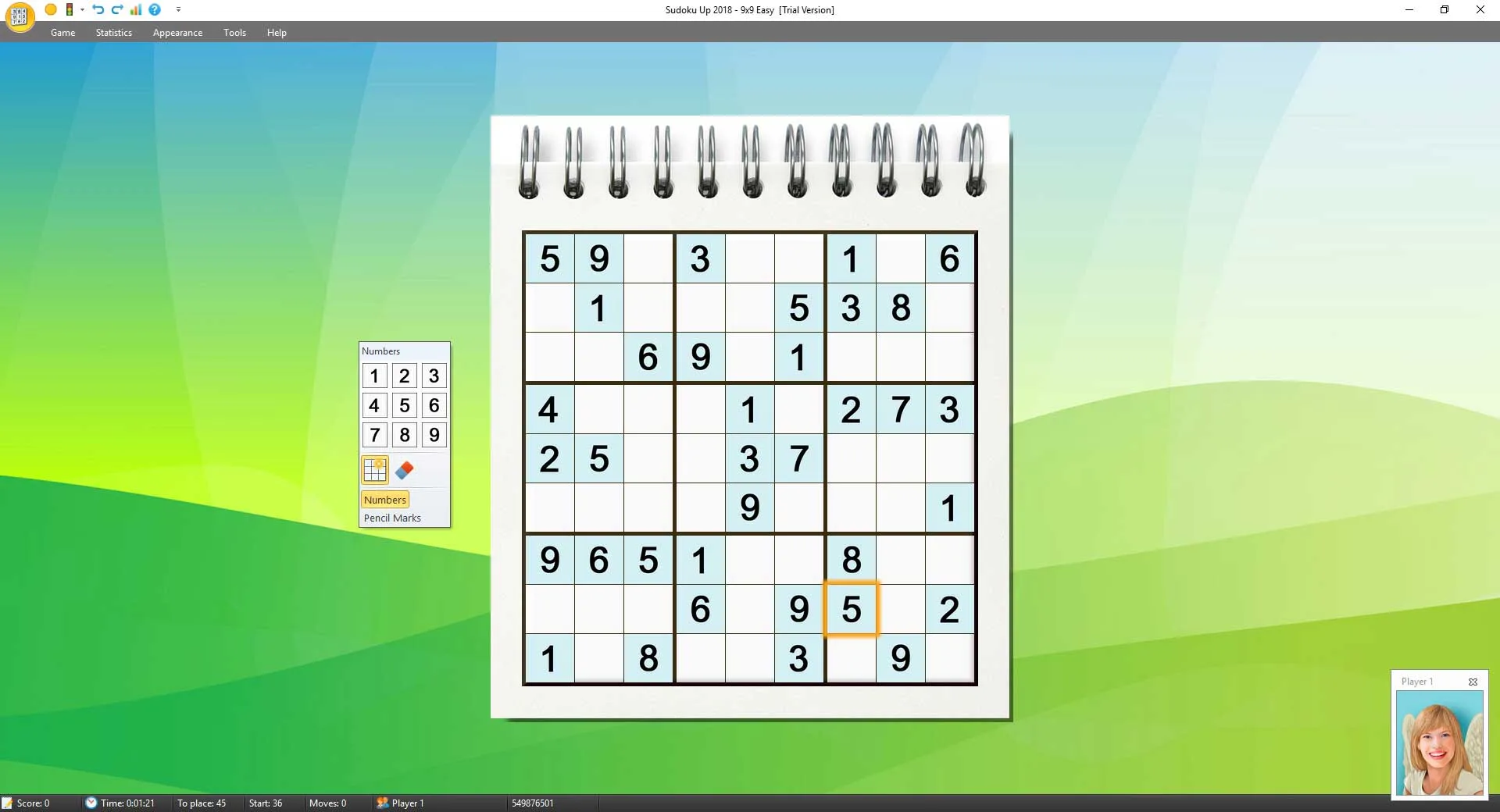
Sudoku the Japanese puzzle game took the world by storm a few years ago. There have been many Sudoku games over the years, but the downloadable title Sudoku Up 2018 is a cut above the rest. This is characteristic of TreeCardGames productions that give you a lot of value for your buck.
How to Download Sudoku Up 2018
You can download the trial version of Sudoku Up 2018 Review by clicking the Download button below. The trail will be active for 30 days. If you like the game you should also have a look at other titles from TreeCardGame like Free Spider Solitaire, 123 Free Solitaire or SolSuite Solitaire. You can count that you will get the same high quality.
The Game Review
Let’s start with the sheer number of different Sudoku puzzles that Sudoku has. There are so many puzzles in this game that it would actually be impossible for you to play them all in your lifetime! So if you are a huge Sudoku fan and like to play it for a few minutes every day, you will always have a new experience when you play this.
Gameplay Loop, Mechanics, and Atmosphere in Sudoku Up 12.0
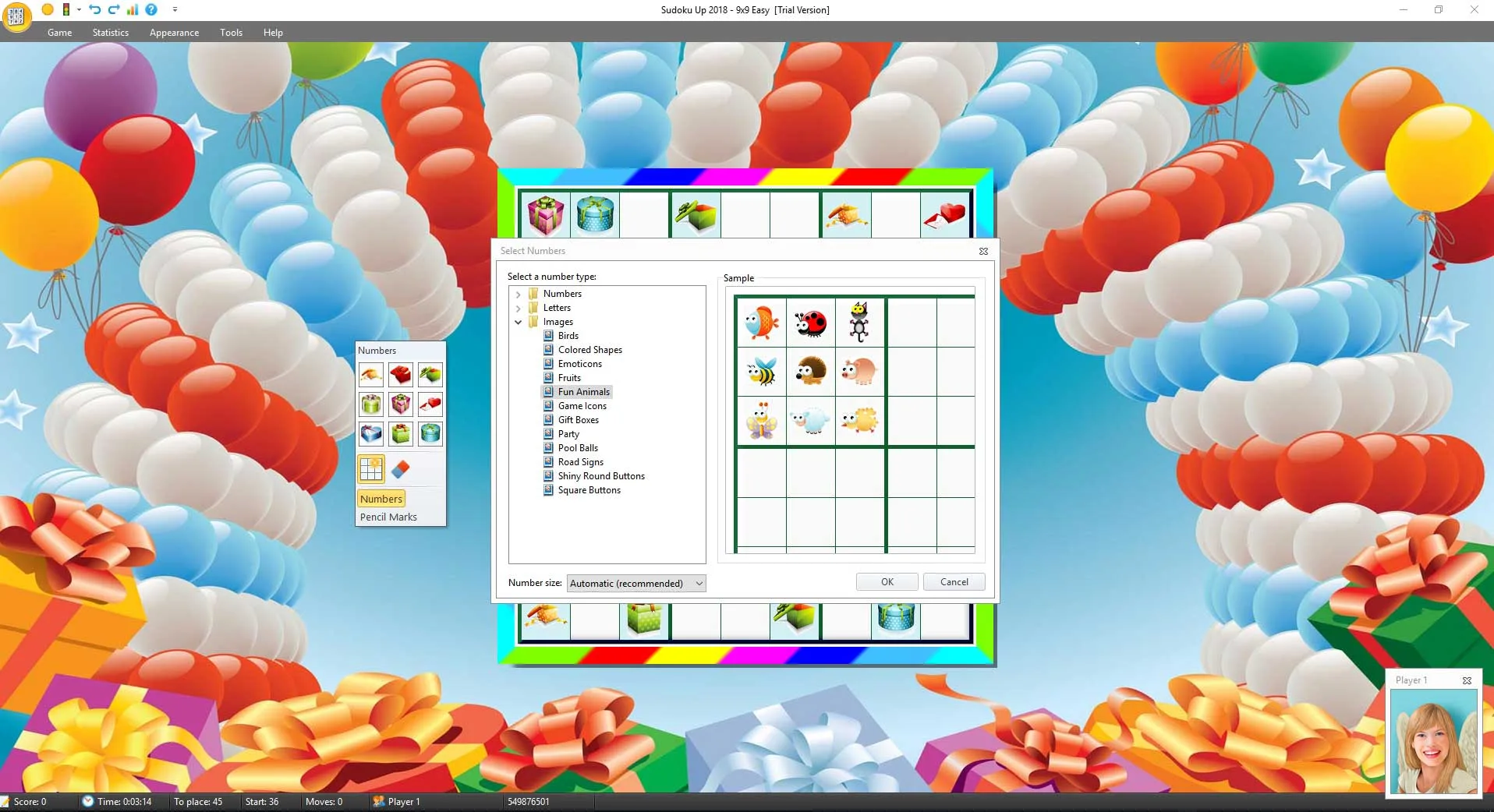
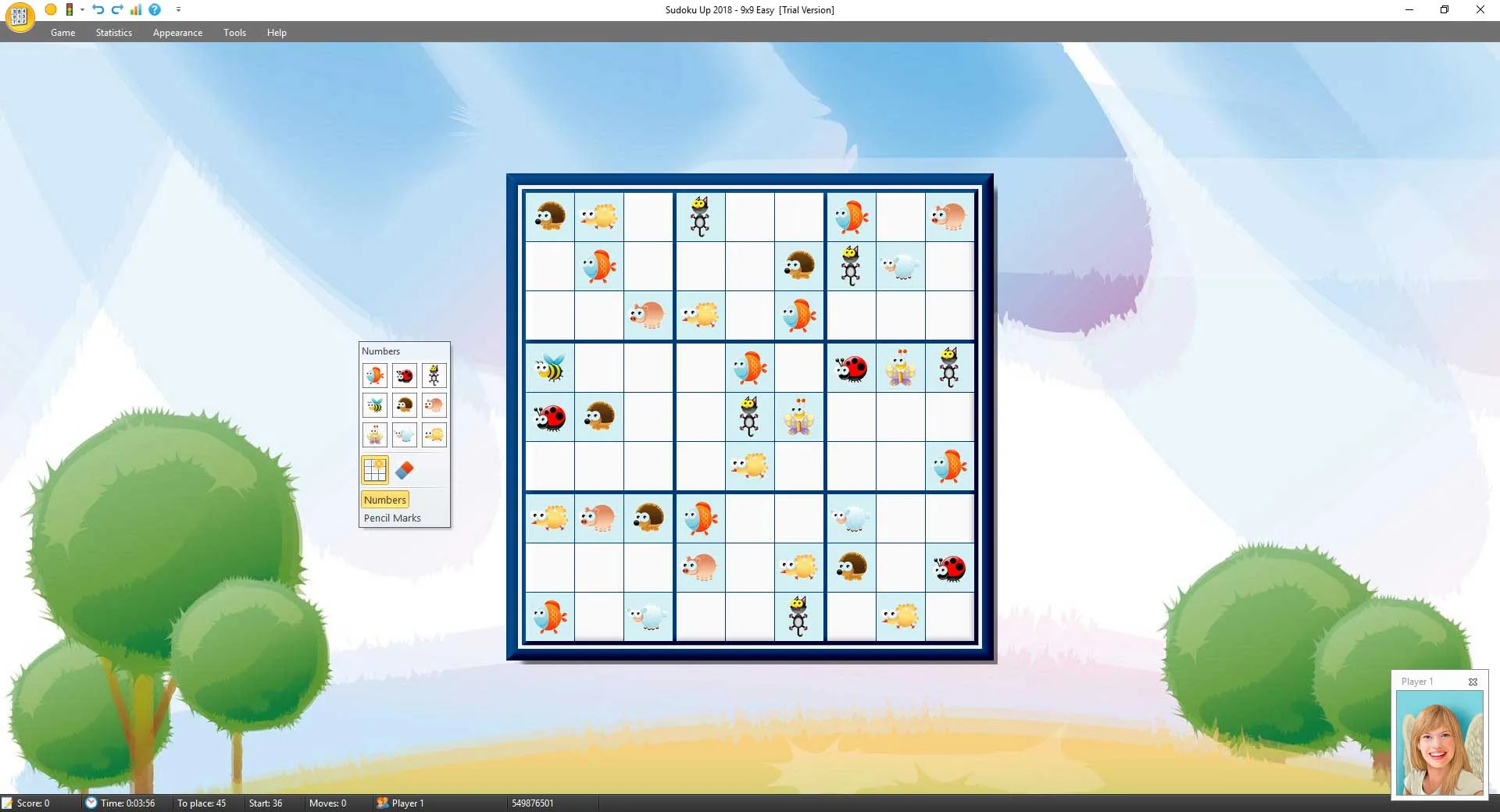
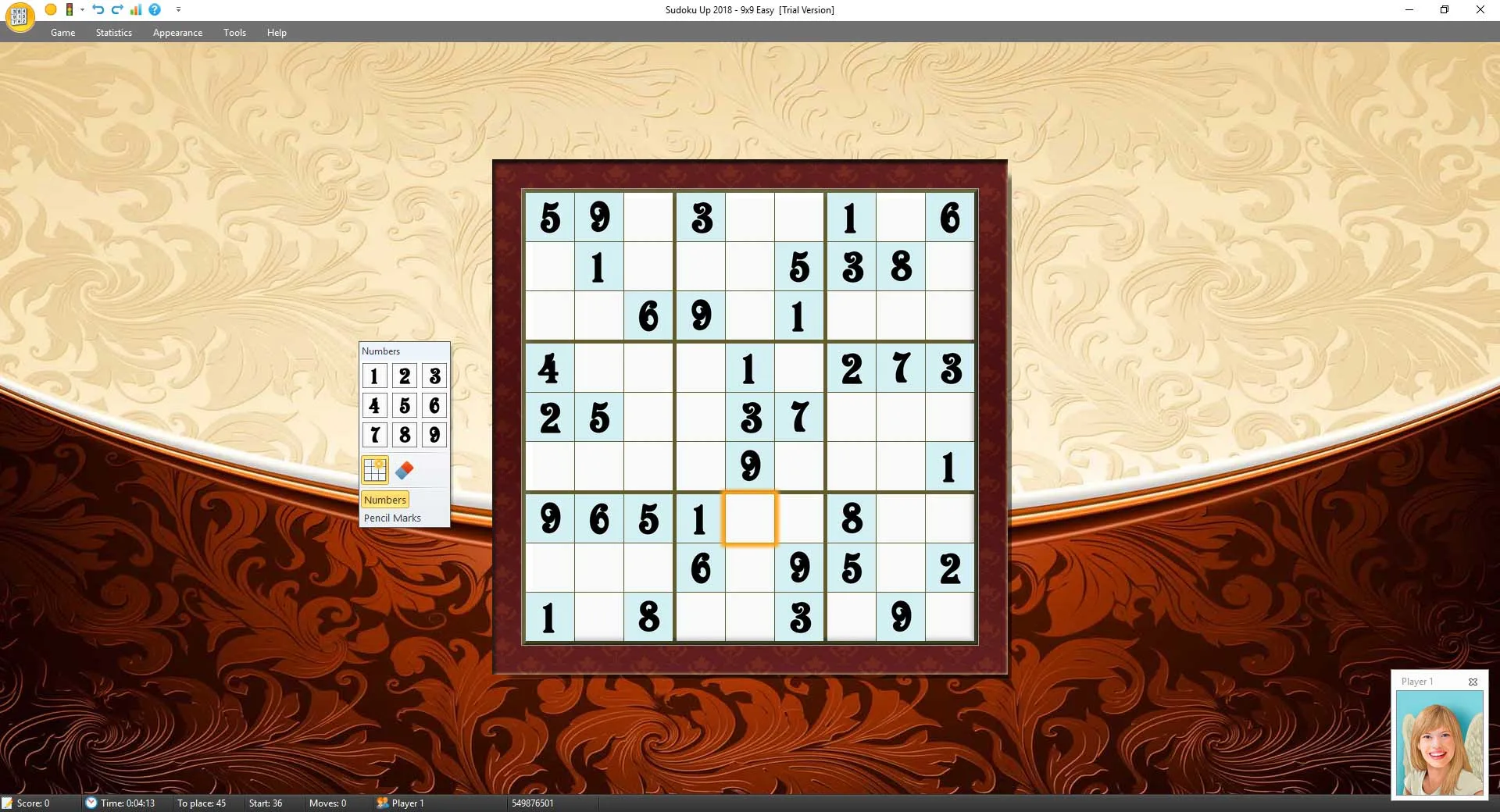
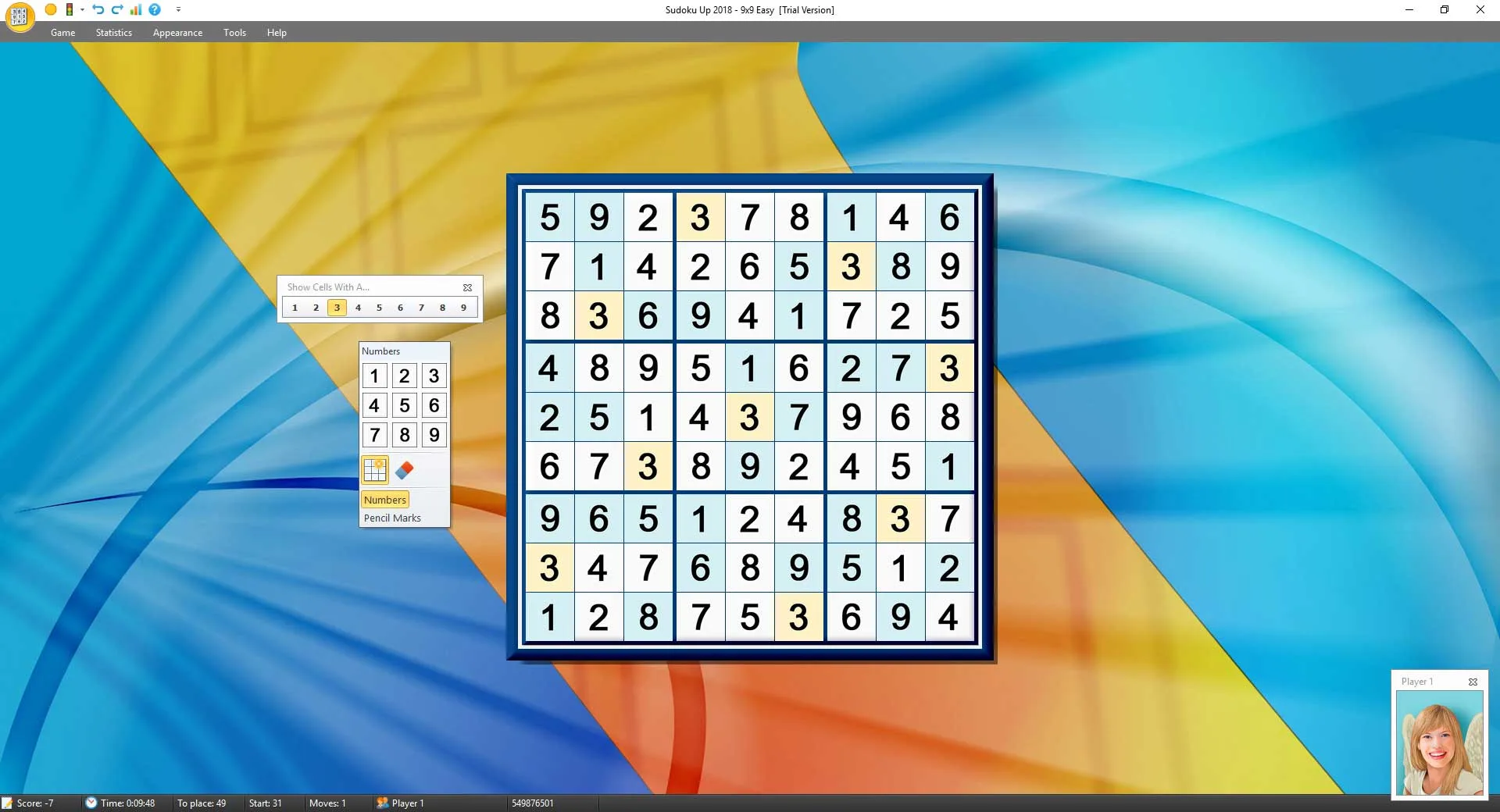
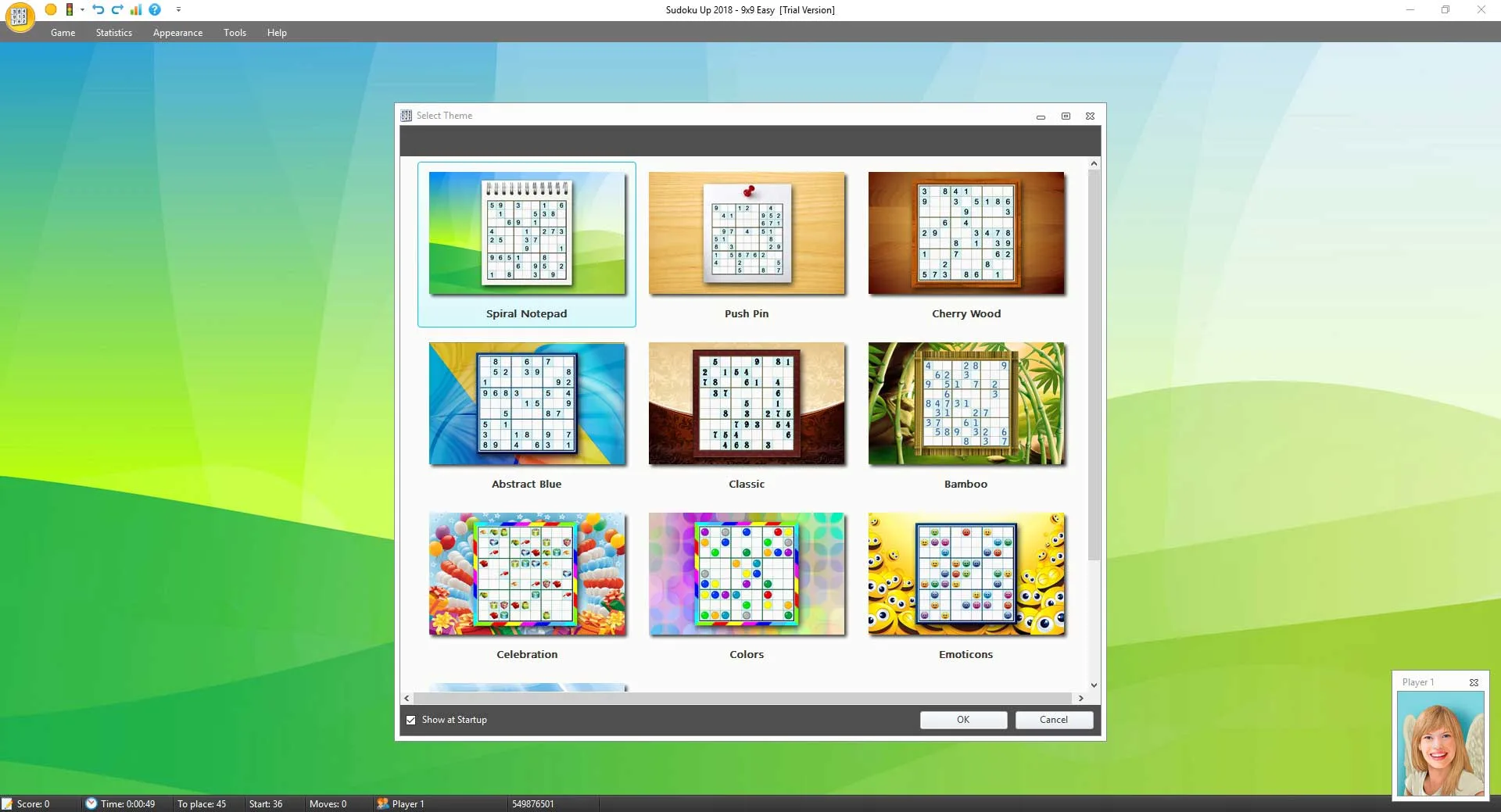
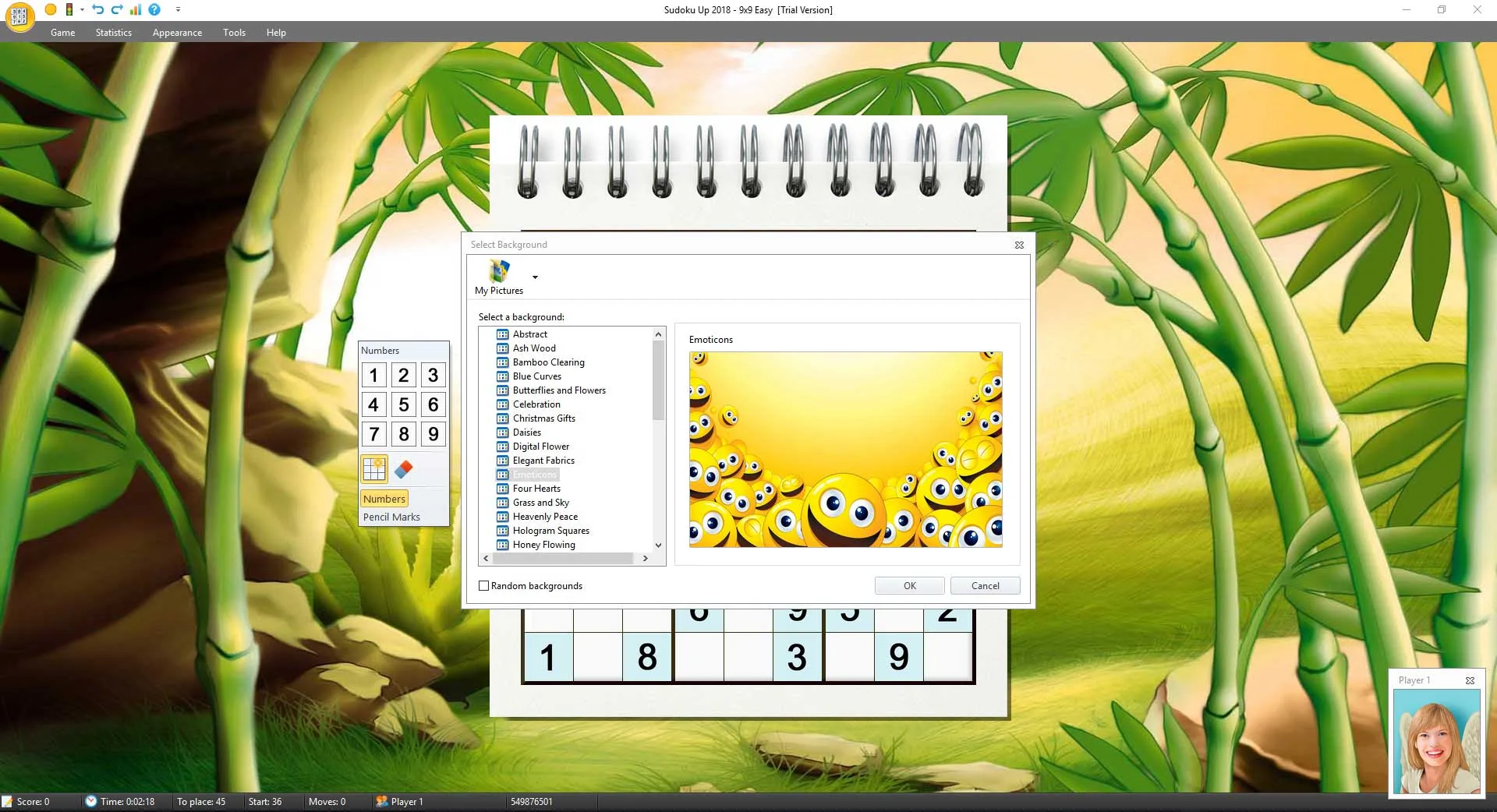
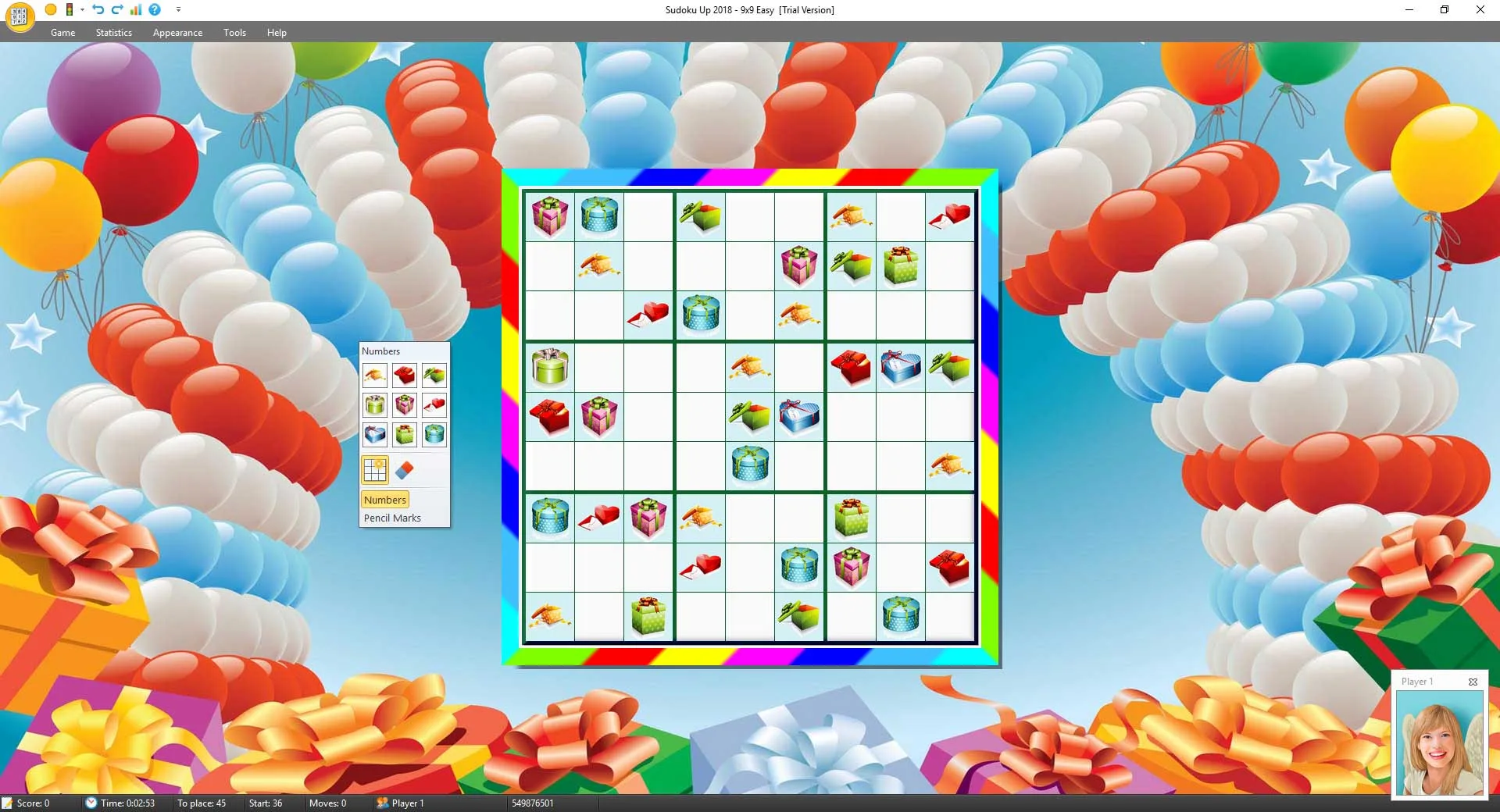
While Sudoku is known for being the game about the numbers and Sudoku Up 2018, of course, has that. You can keep things fresh by replacing the same old numbers with things like letters, birds, smiley faces, fruit and much more. This adds far more to the game than you would think and helps keep Sudoku fresh and fun, speaking of fresh they also have a series of backgrounds that help make things more interesting.
Along with the different backgrounds and icons, you also have five difficulty levels ranging from very easy to very difficult. They even allow you to print out the puzzles so you can take these on the go with you.
Visual Style, Sound Design, and PC Optimization
Now that alone makes Sudoku Up 2018 the most amazing Sudoku package around, but it does far more and that is what really makes this the only Sudoku game that you need. Its stat tracking is second to none.
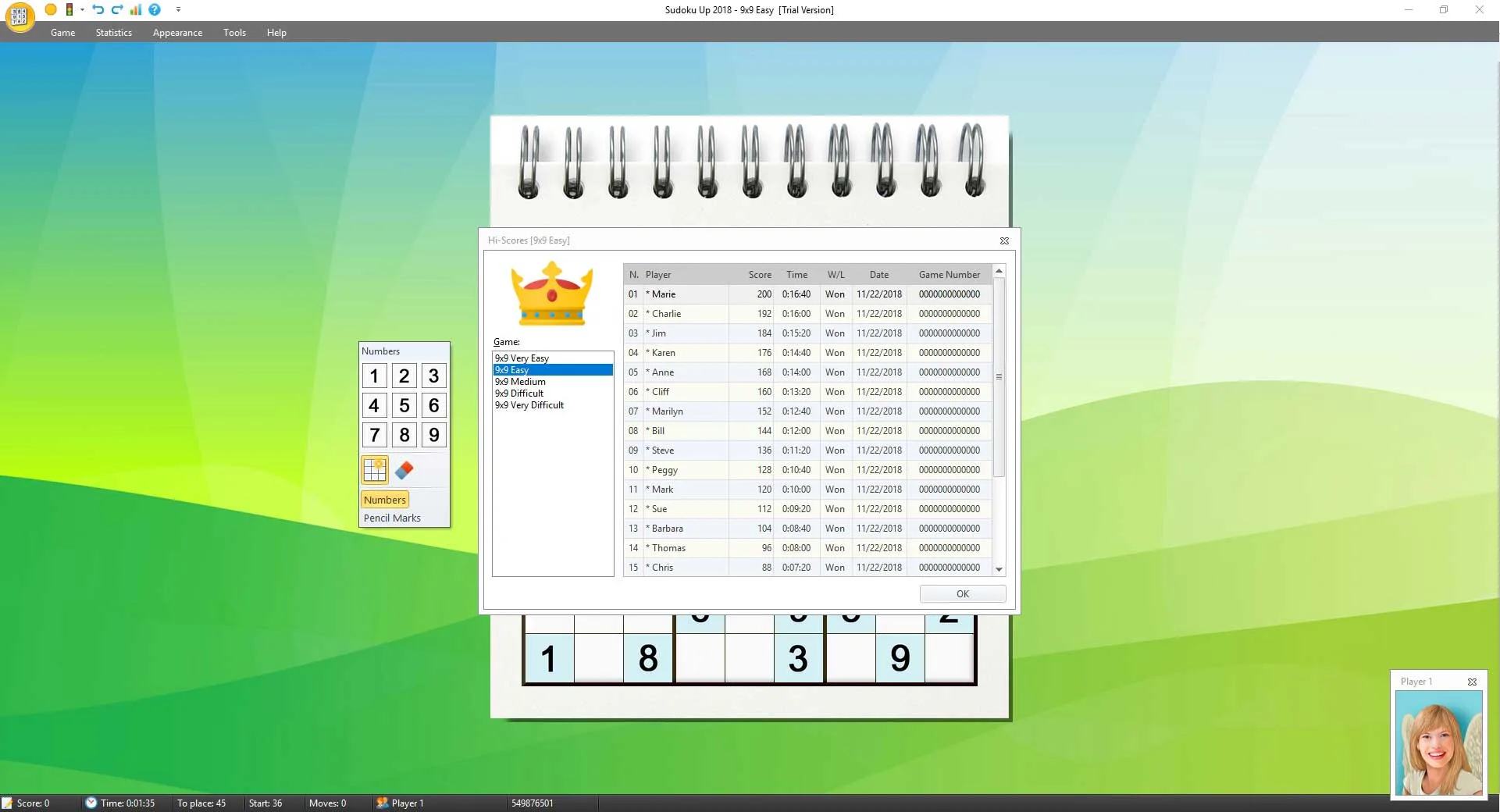
It will keep track of the games that you have played, how well you did, games you quit on, games you failed and so on. If you are into stats and want to track who much better you are getting then this allows you to do that and it is actually quite addictive.
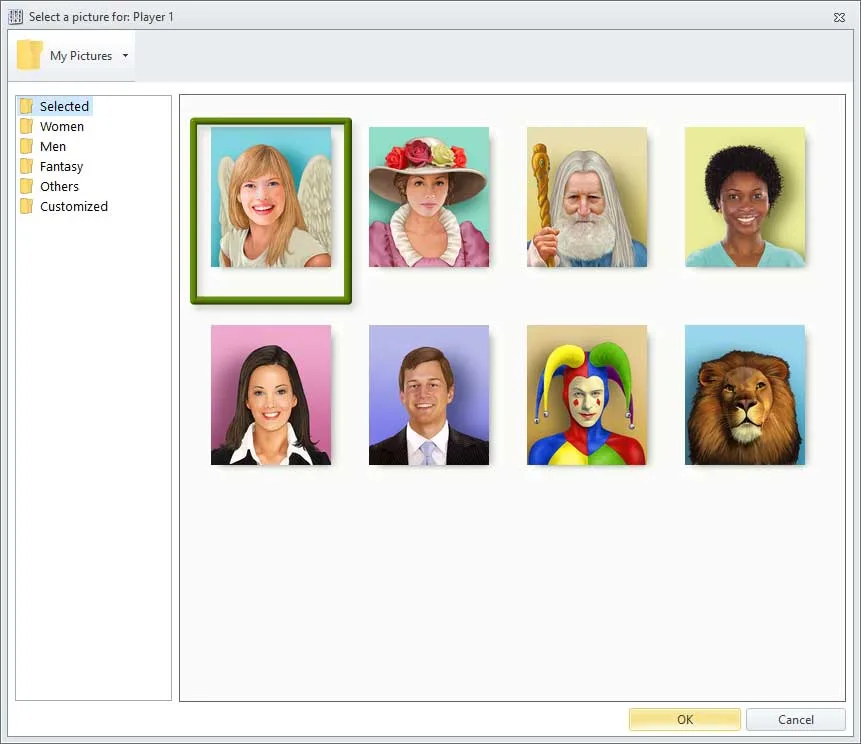
If you love to play against your friends then there is actually a really fun multiplayer component to Sudoku Up 2018. You guys can challenge each other’s high score, records and so on and this helps make things fun.
Sudoku Up 2018 also has some other features that are actually really cool. First up is the feature to select an actual game board. Each board has its own number and by typing it in you can play that exact board. You can then give your buddy the same number and directly challenge each other. You can also look at the games you have played and the games that you have lost in this section.
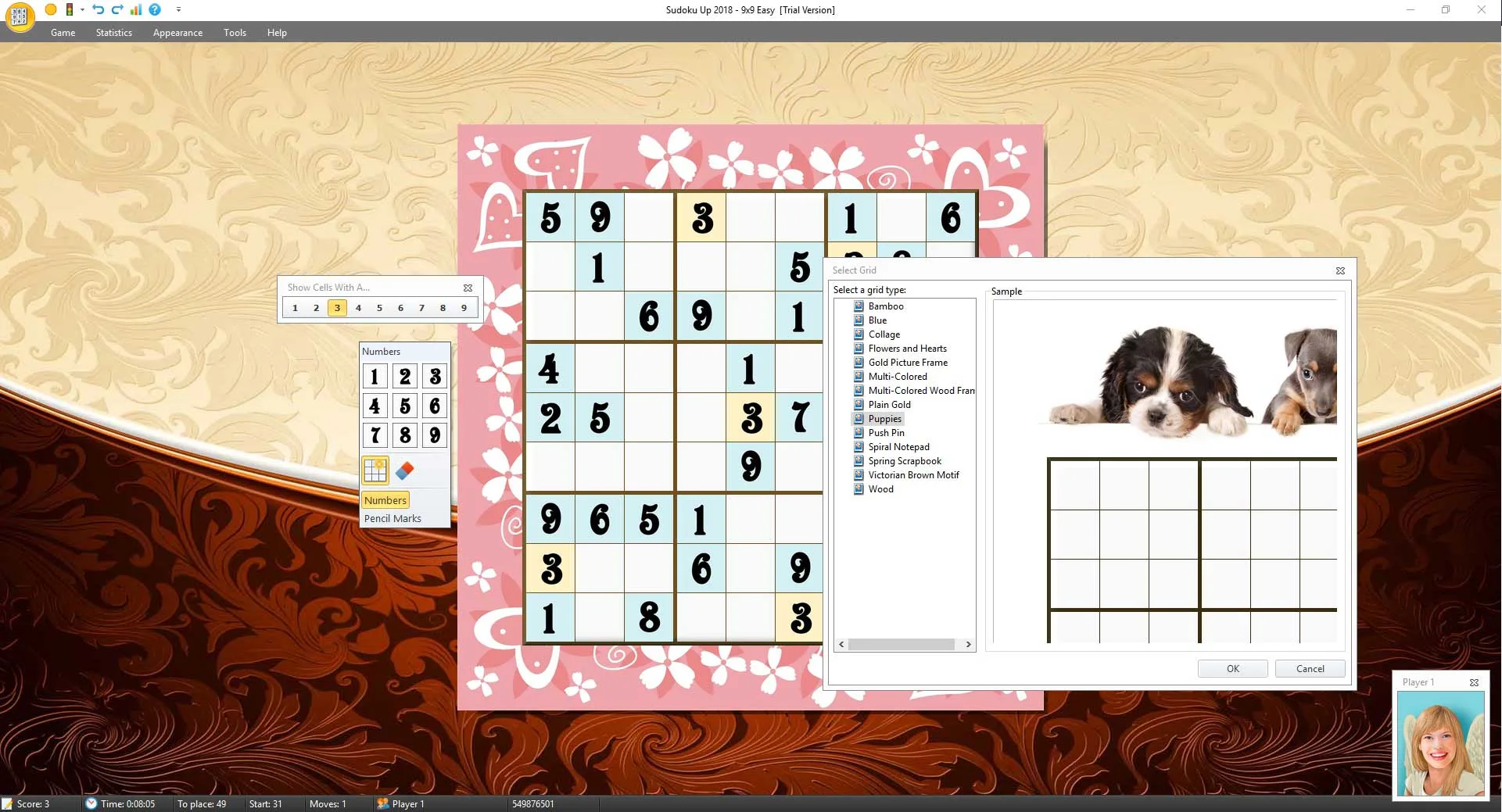
There are two options that are great if you get stuck. One will show you the available moves and the other allows you to select a certain number and then the game will tell you the available spaces that number can go. This is called the “show valid moves” feature and it is really helpful. These may not be required if you are some kind of Sudoku Jedi, but if you are new to the game it can really be helpful.
Players expanding their Windows PC library also frequently check our full review and download details for We Happy Few.
Sudoku Up 12.0 PC System Requirements
Check the verified minimum and recommended Windows hardware specifications for the TreeCardGames Official Windows PC Release of Sudoku Up 12.0 before installing.
| Component | Minimum | Recommended |
|---|---|---|
| OS | Windows 7 / 8 / 10 / 11 | Windows 10 / 11 |
| Processor | 1.5 GHz Intel / AMD CPU | 2.0 GHz Dual-Core CPU |
| Memory | 2 GB RAM | 4 GB RAM |
| Graphics | Integrated DirectX 9.0c Graphics | Any DirectX 11 Graphics |
| DirectX | Version 9.0c | Version 11 |
| Storage | 300 MB available space | 500 MB available space |
Frequently Asked Questions
How can I download and play Sudoku Up 12.0 on PC?
Use the green button on this page to access the official store and download page for Sudoku Up 12.0.
What are the PC system requirements for Sudoku Up 12.0?
Refer to our technical specification box and review analysis on this page for platform support, performance notes, and hardware requirements for Sudoku Up 12.0.
How is the gameplay in Sudoku Up 12.0?
Our editorial review above evaluates Sudoku Up 12.0 across gameplay mechanics, graphics, audio design, and replayability, complete with a full Pros and Cons breakdown.
Does Sudoku Up 12.0 support controllers and widescreen displays?
Modern PC releases of Sudoku Up 12.0 include configurable display settings and standard input options as detailed in the official release notes.