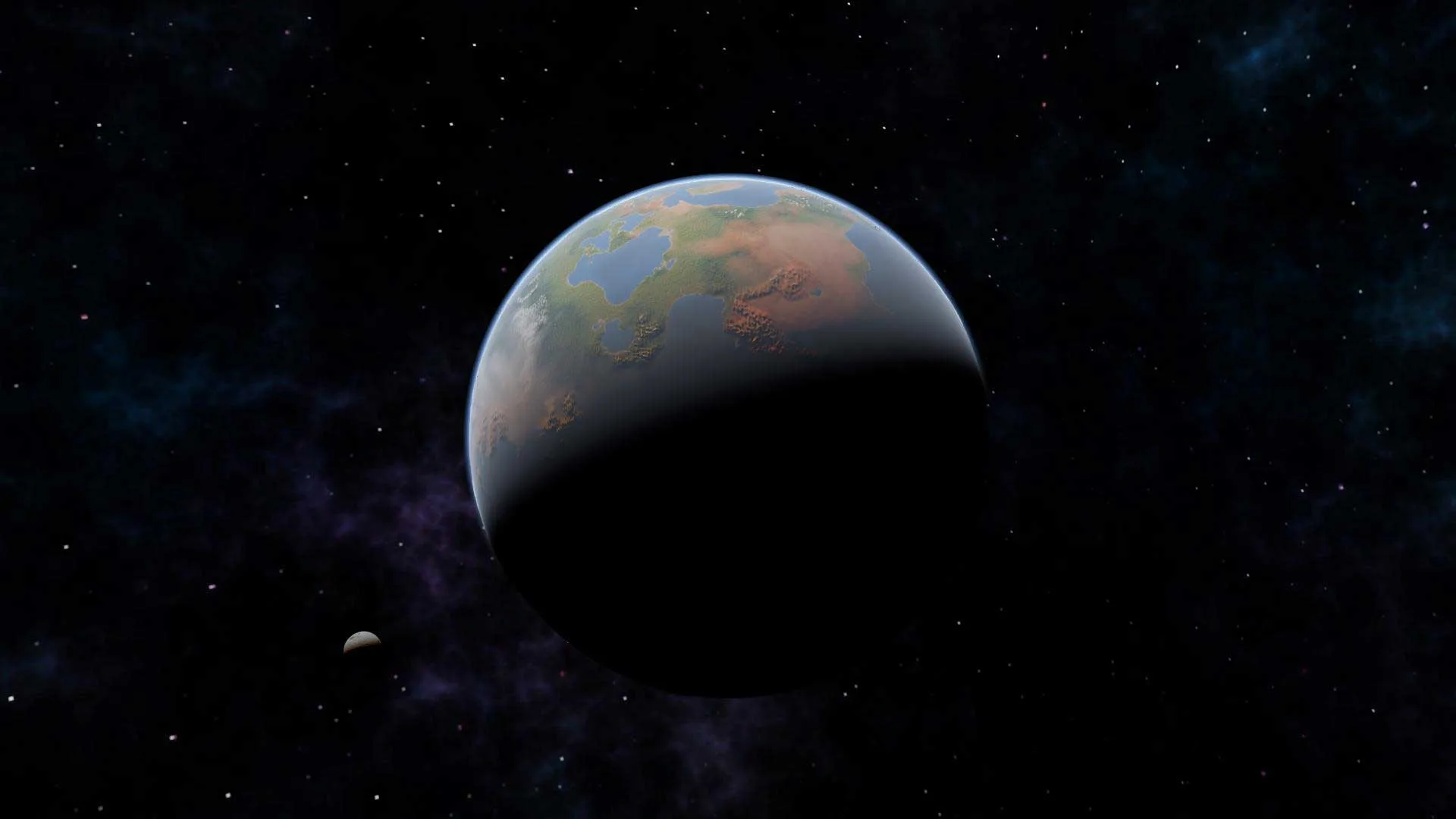
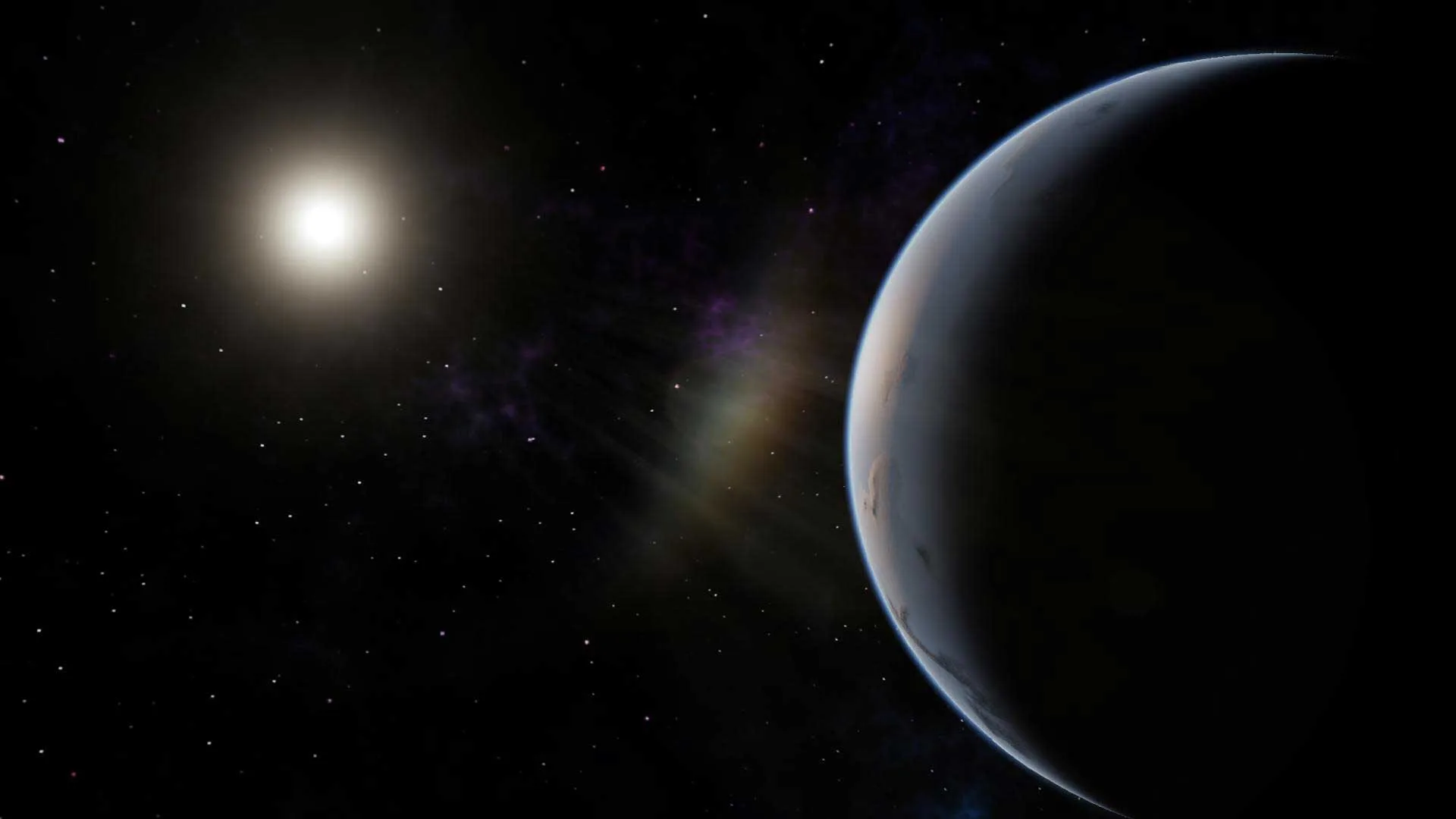
SimpleRockets 2 is the downloadable sequel to SimpleRockets and now comes in the form of being fully 3D this time around. Originally released on PC on the 8th November 2018, this Early Access title has been developed by Jundroo LLC, a team known for SimplePlanes and the first SimpleRockets games. With no specific objective, the game simply wants you to build your own ideal rocket and have fun with it while getting the chance to explore new, unexplored worlds.
How to Download SimpleRockets 2
Click on the Download link placed at the bottom of this review. This way you will be able to download the game from Steam.
The Game Review
Procedural Rocket Engines, Wings, and Part Scaling
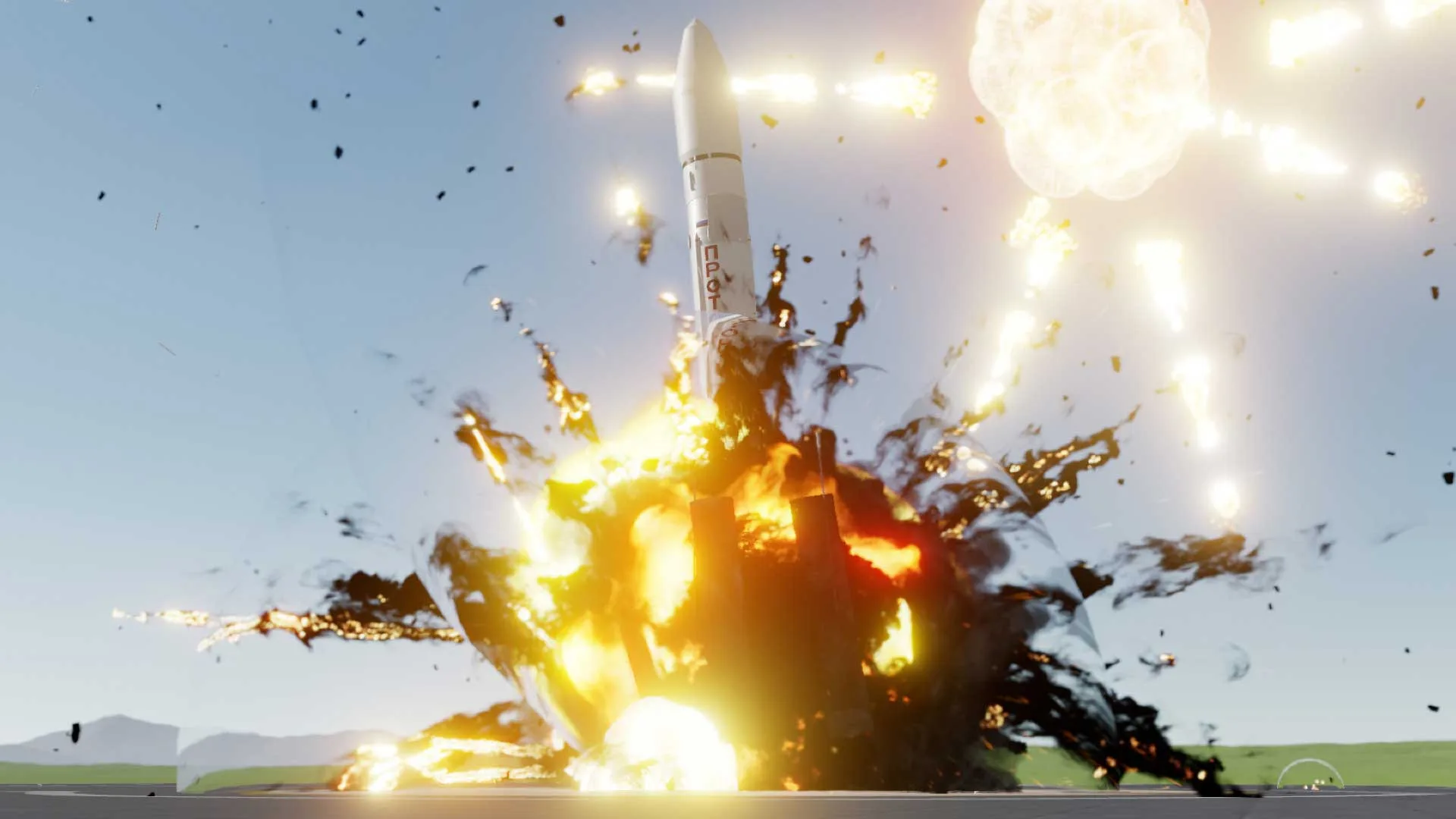
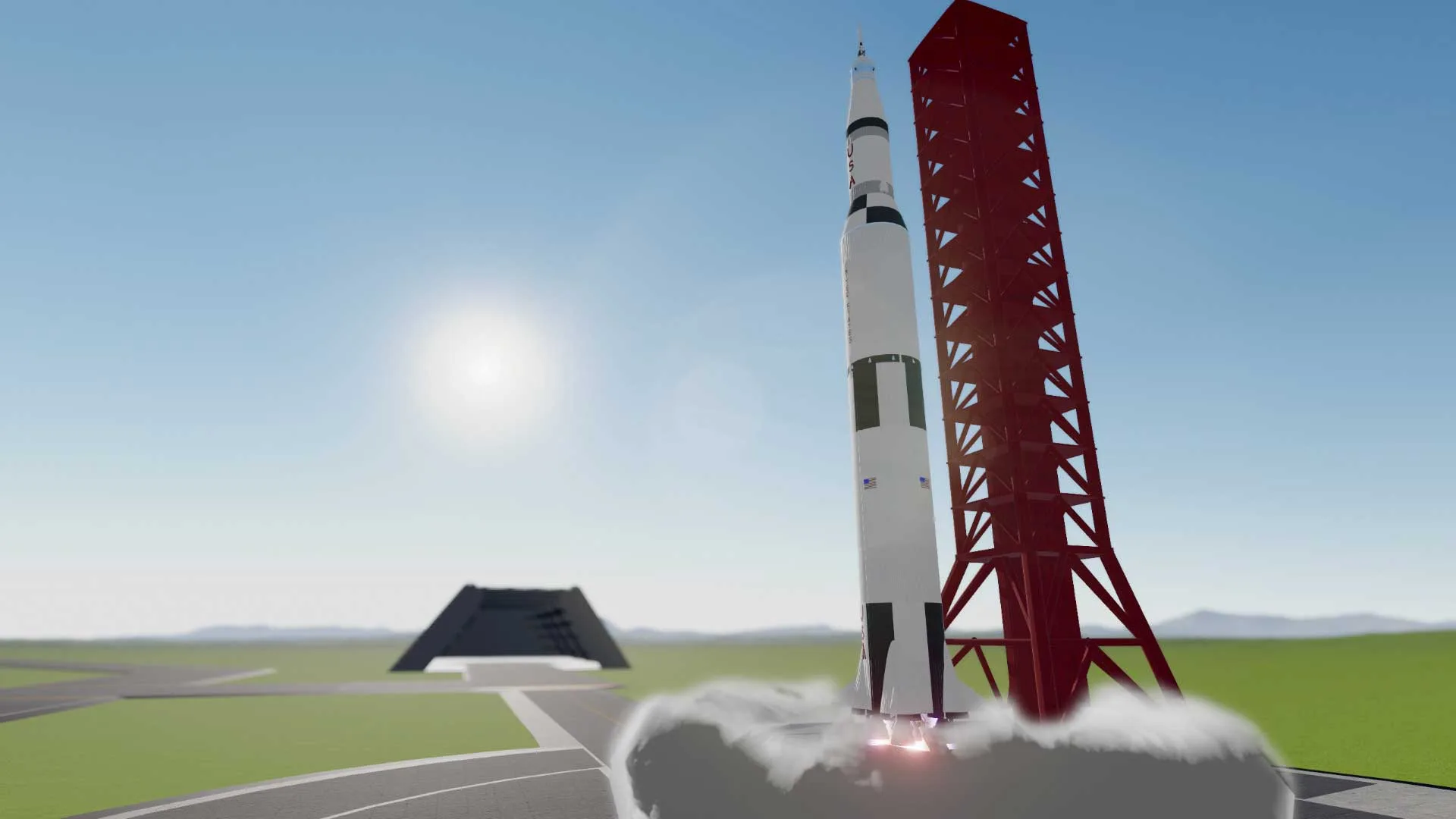
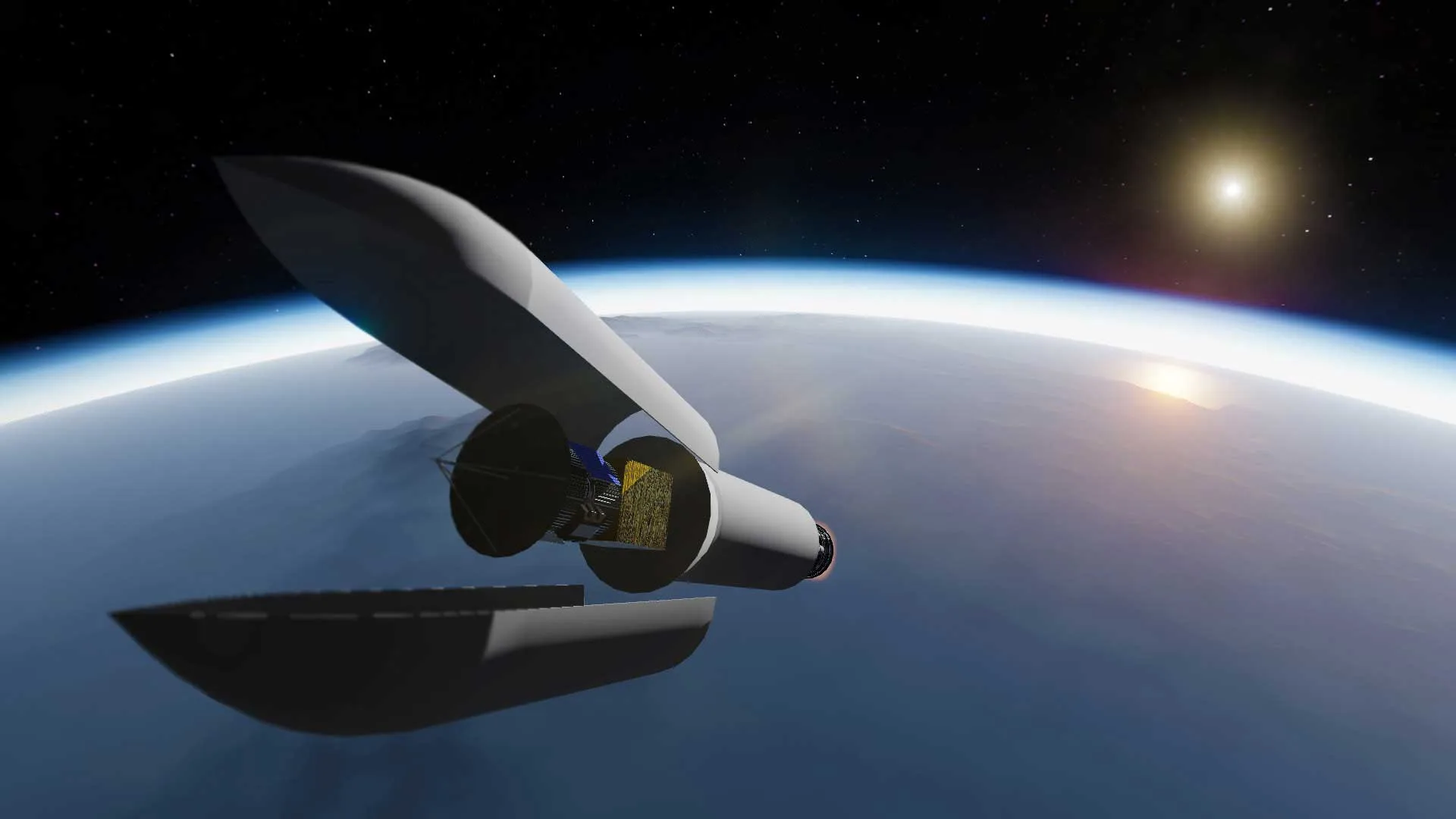
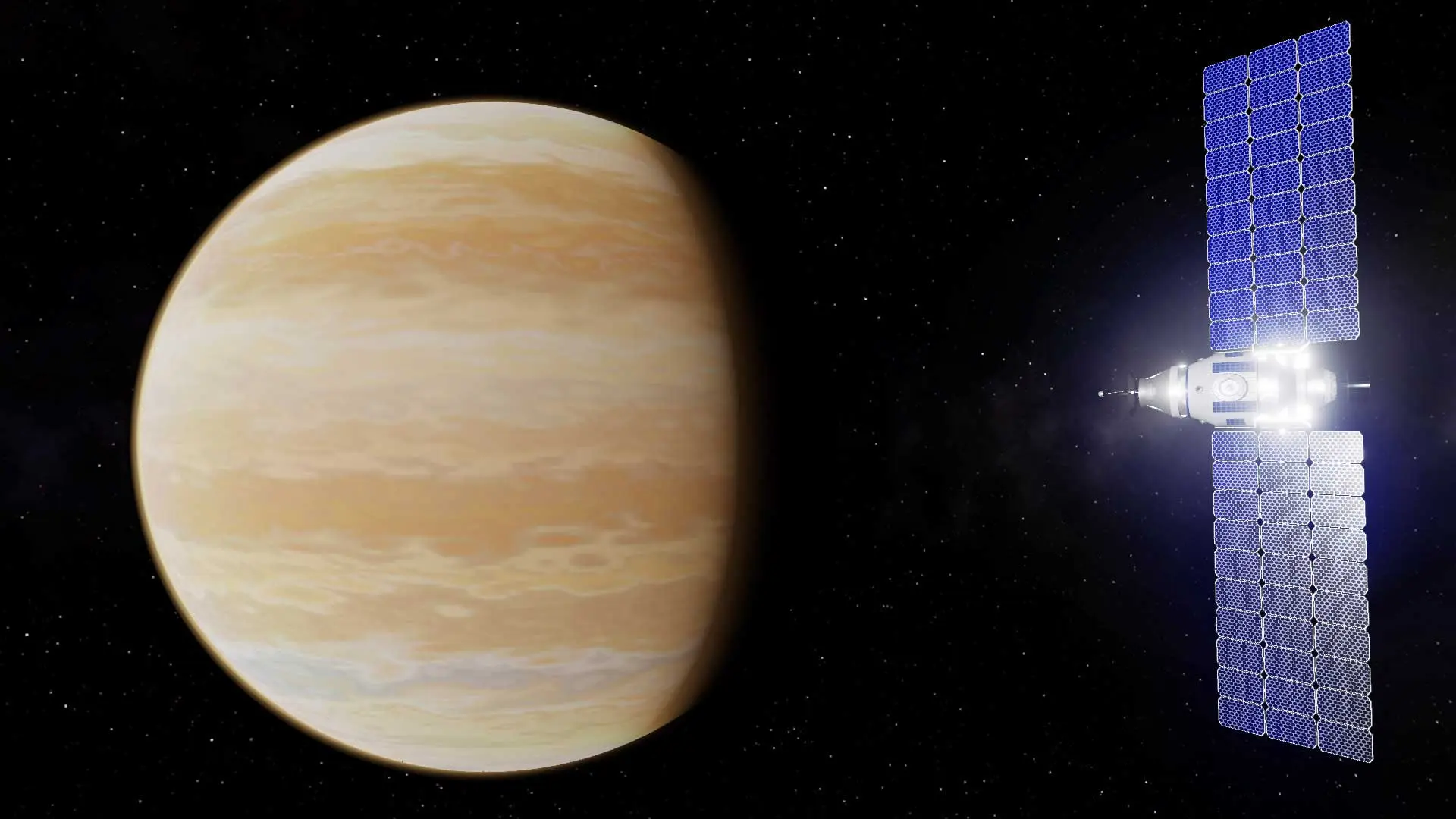
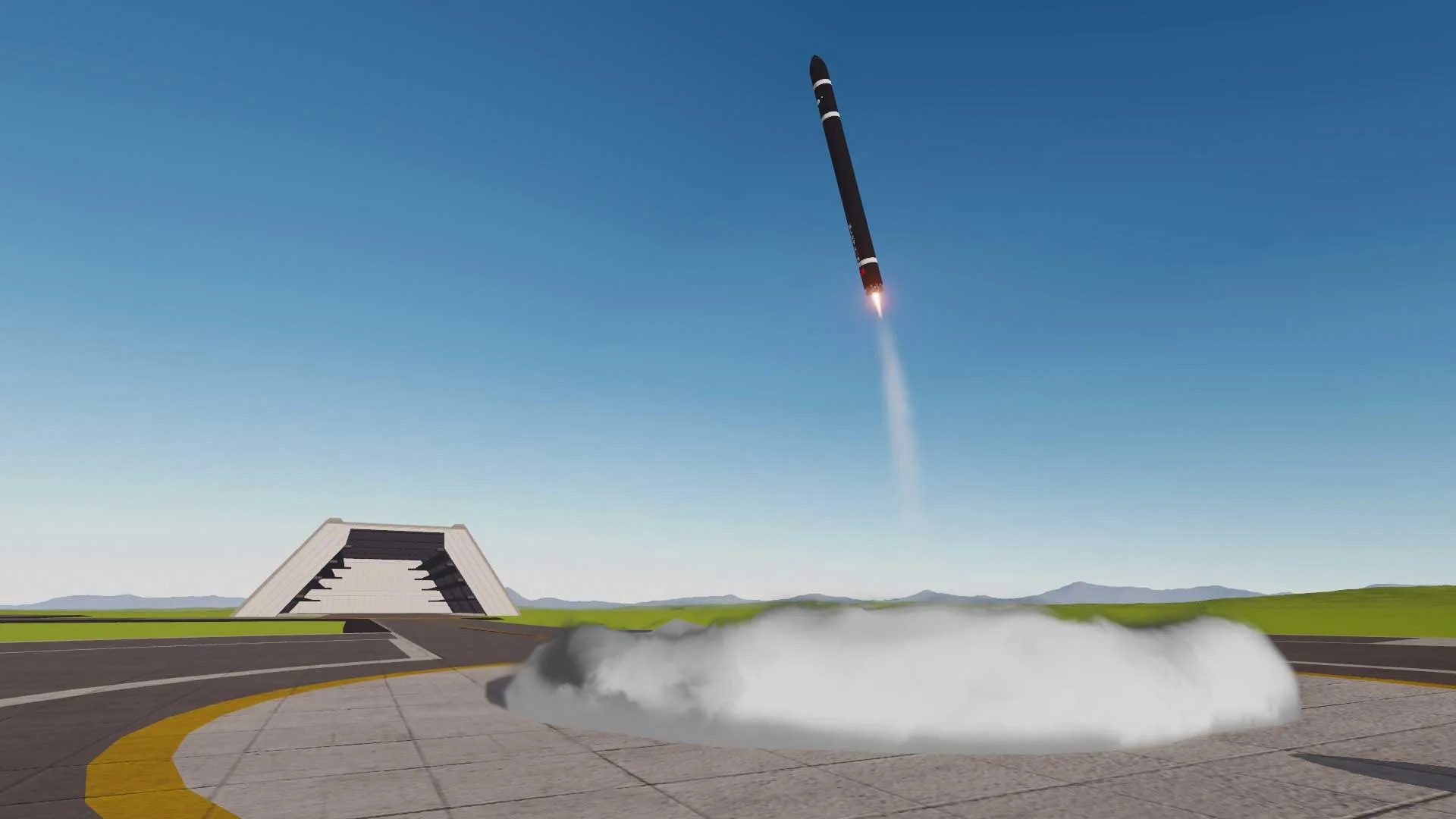
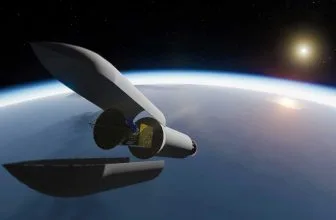
Since the game has no story whatsoever to speak of, let’s focus on the visuals instead. The visuals in this game are that of a simple nature, of which can probably be assumed from the name of the game. All of the visuals in the game are to a degree, simple-shaped polygons that have more than enough detail on them to differentiate from one another, without being overtly detailed. This style is rather simple and isn’t quite as striking as some others, but it makes the game instantly recognizable as a result.
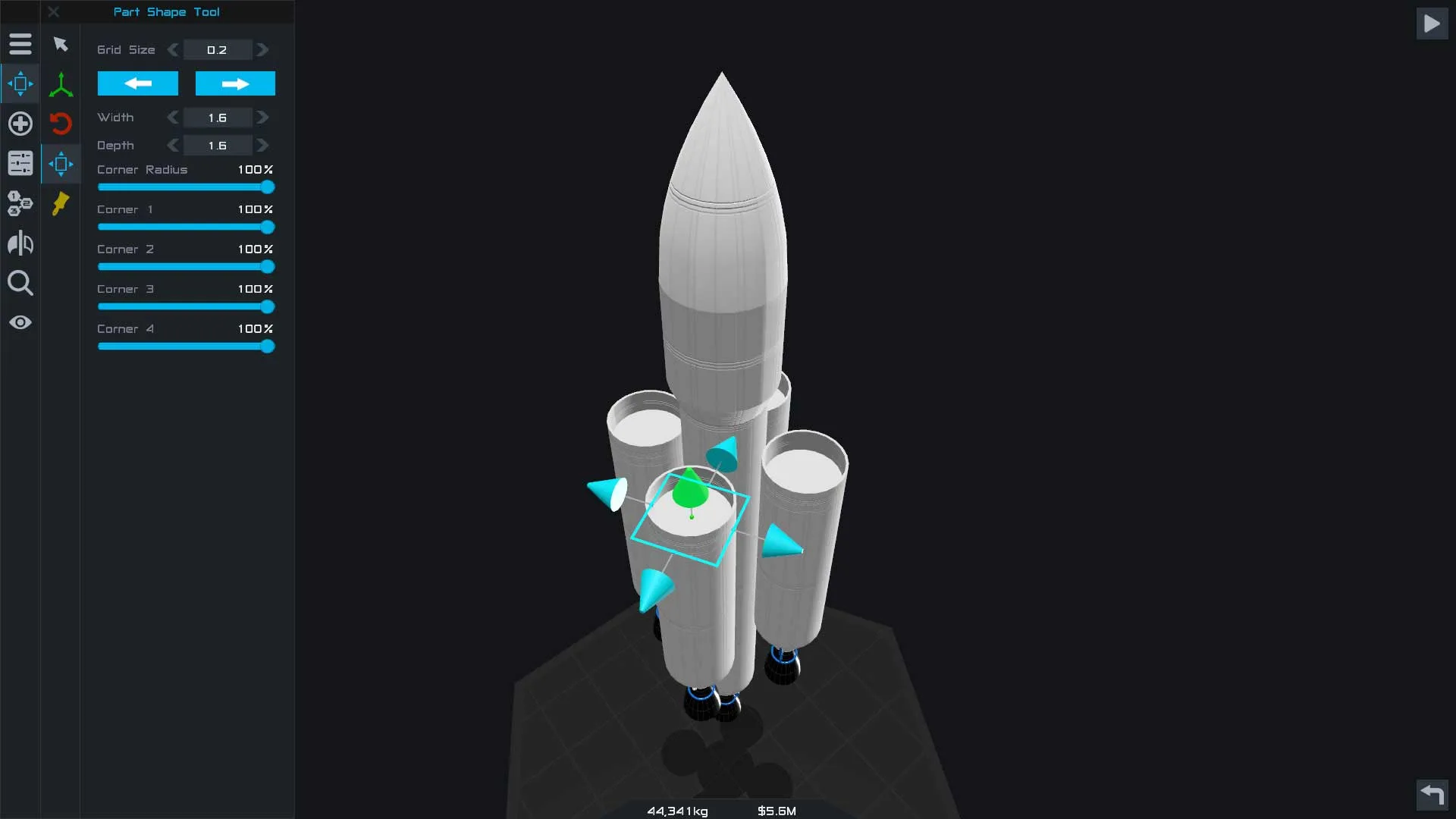
The gameplay is twofold in SimpleRockets 2: first of all, you have to build and design your chosen vehicle and once you’ve done that and it’s up and running, you can move onto the second part, which is operating it.
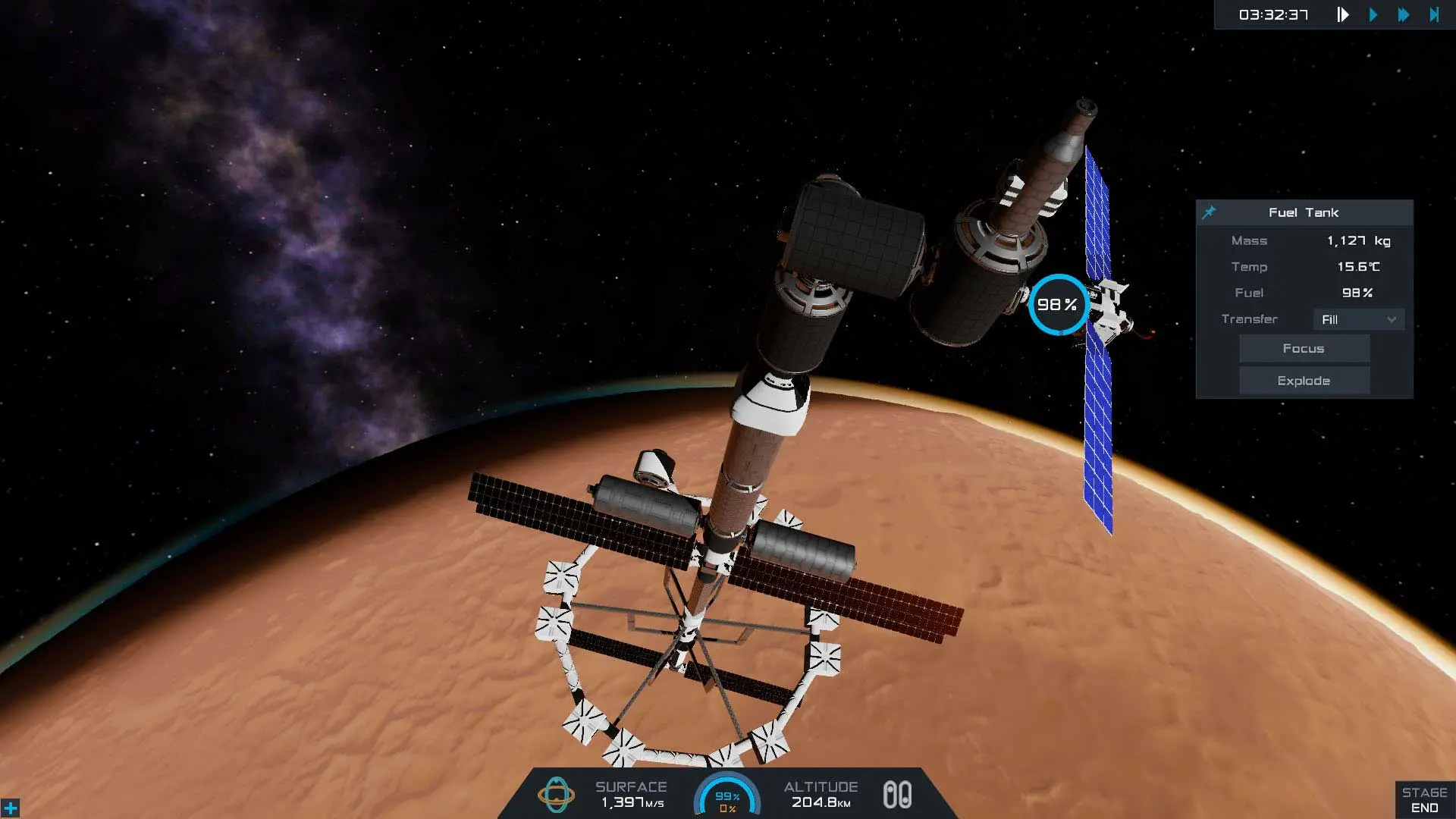
Orbital Mechanics, Vizzy Coding, and Planet Sandbox
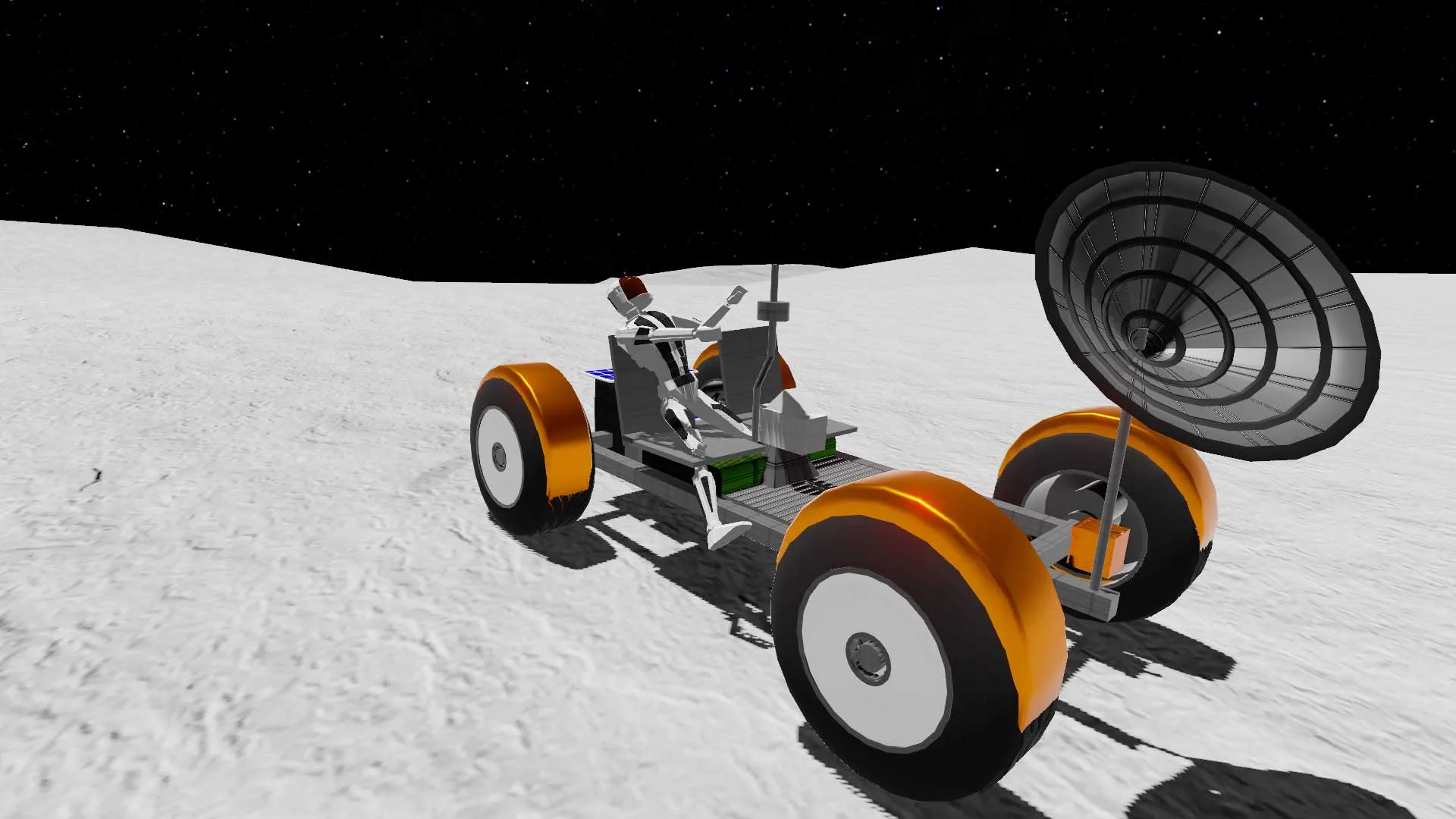
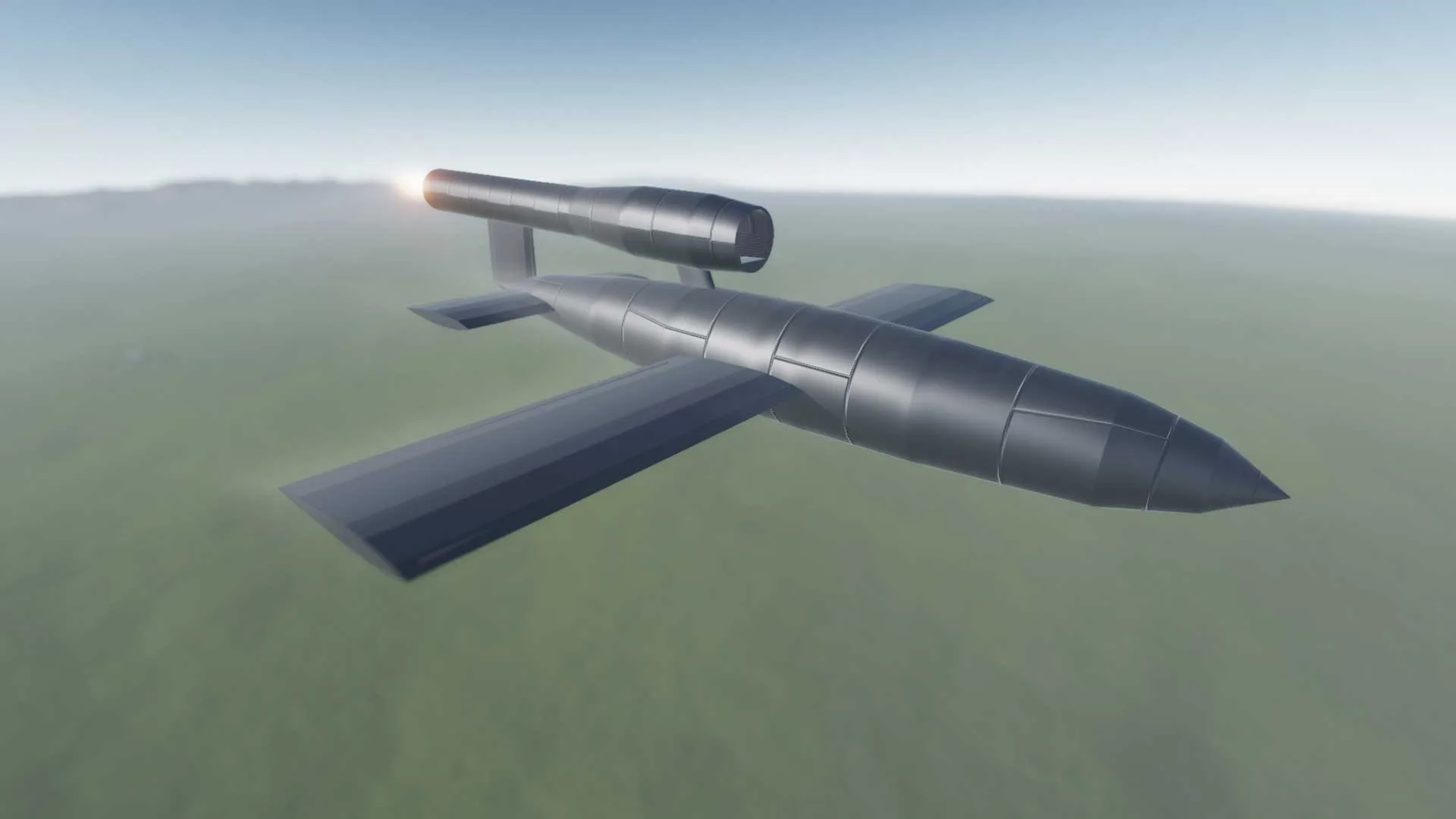
Despite the game being named SimpleRockets 2, rockets aren’t the only thing that you can make. You can also make rovers, planes, and pretty much any vehicle that can come to mind. The game may be titled something else, but you can pretty much build whatever you like with the parts on offer and not have to worry too much about what you’ve actually built.
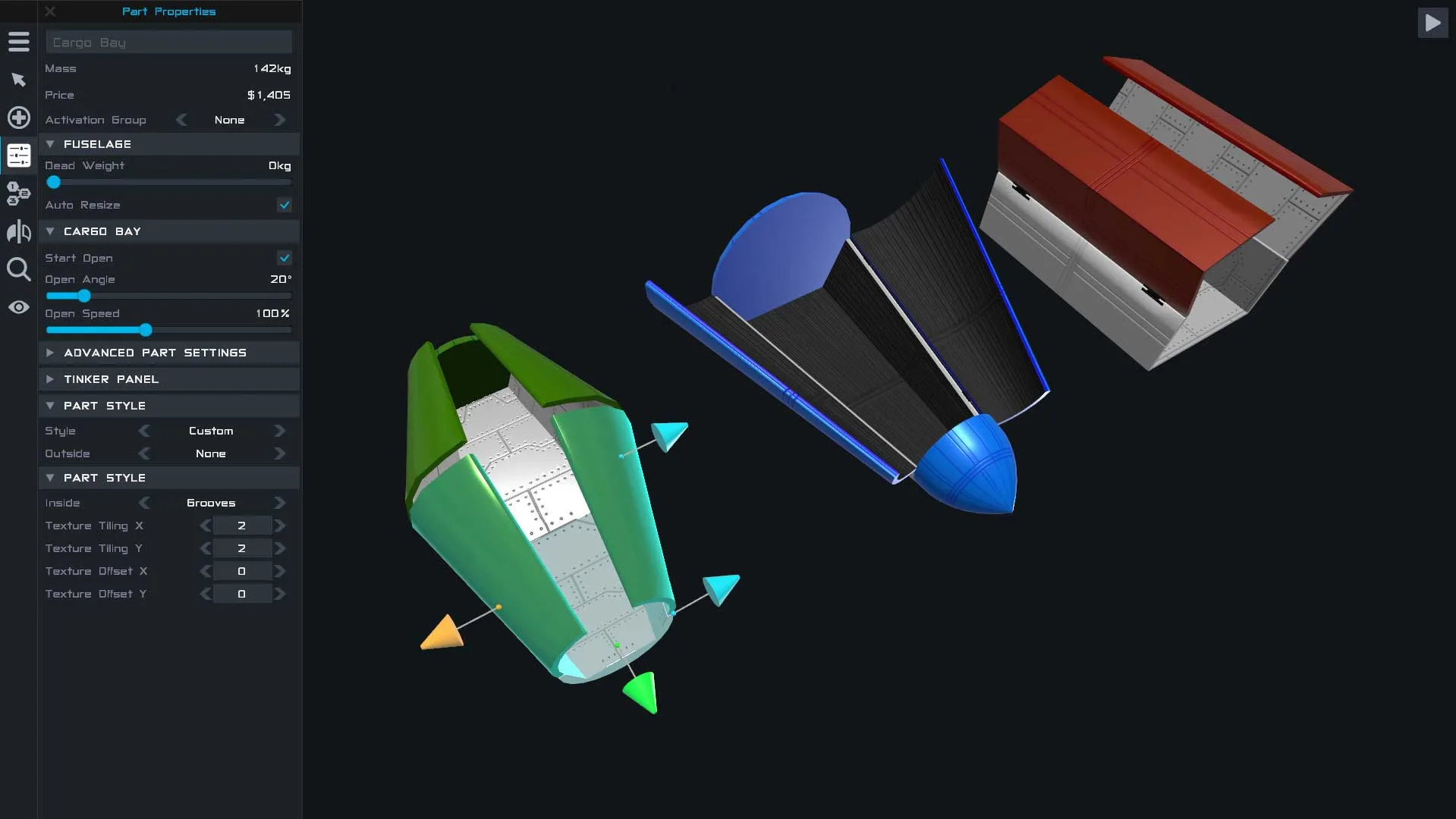
The building aspect of the game is very much in the style of a sandbox game, where you don’t have to pay for or purchase any of the parts. You’re given access to everything in the very first instance of playing and from there you can build whatever vehicle you’re feeling like.
Creative Freedom vs Physics Learning Curve
By combining all of these different parts between module, wheels, engines, and thrusters, you’ll eventually come out with a vehicle of some kind and are free to test it. Whether it makes it to the stars or simply crashes in the ocean is all down to just how well you can build your perfect rocket.
In terms of comparisons, the game is very clearly taken inspiration from its first tile and Kerbal Space Program. When it comes to Kerbal Space Program, though, it seems they’ve wanted to take that very idea, but by making it a little easier and more accessible for the average player, as SimpleRockets 2 doesn’t require quite as much trial and error on the player’s part.
If you enjoy this title, be sure to check our detailed specs breakdown and rating for XCOM 2 on MadDownload. You can also explore our full guide and specs for Mutilate-a-Doll 2.
PC System Requirements (SimpleRockets 2)
Before downloading or launching SimpleRockets 2 on Windows PC, check the minimum system specifications below to ensure smooth frame rates and compatibility.
- OS: Windows 7/8/10/11 (64-bit)
- Processor: Intel Core i5-3470 / AMD FX-6300
- Memory: 4 GB RAM
- Graphics: NVIDIA GeForce GTX 660 / Radeon HD 7850 (2 GB VRAM)
- Storage: 5 GB available space
If you enjoy SimpleRockets 2 on PC, explore our full reviews and Windows guides for Euro Truck Simulator 2 and BeamNG.drive on MadDownload.
Fans comparing performance and features across classic PC releases will also appreciate our coverage of TrapAdventure 2 -Hardest Retro Game.
Fans comparing performance and features across classic PC releases will also appreciate our coverage of Game Jolt.
Frequently Asked Questions
How can I download and play SimpleRockets 2 on PC?
Use the green button on this page to access the official store and download page for SimpleRockets 2.
What are the PC system requirements for SimpleRockets 2?
Refer to our technical specification box and review analysis on this page for platform support, performance notes, and hardware requirements for SimpleRockets 2.
How is the gameplay in SimpleRockets 2?
Our editorial review above evaluates SimpleRockets 2 across gameplay mechanics, graphics, audio design, and replayability, complete with a full Pros and Cons breakdown.
Does SimpleRockets 2 support controllers and widescreen displays?
Modern PC releases of SimpleRockets 2 include configurable display settings and standard input options as detailed in the official release notes.