Download ForceDelete 1.1
ForceDelete 1.1 free Windows 10 & 11 download: unlock and delete stubborn files or folders locked by background processes via drag-and-drop.
The link is further down this page.
Specifications
- Version
- 1.1
- Developer
- AutoClose
- Developer Website
- autoclose.net
- Operating System
- Windows XP, Windows Vista, Windows 7, Windows 8, Windows 10, Windows 11, Windows Server 2003, Windows Server 2008, Windows Server 2012, Windows Server 2016, Windows Server 2019
- License
- free
- File Size
- 800 KB
Our verdict
- Forcibly deletes stubborn locked files and folders blocked by Windows access errors
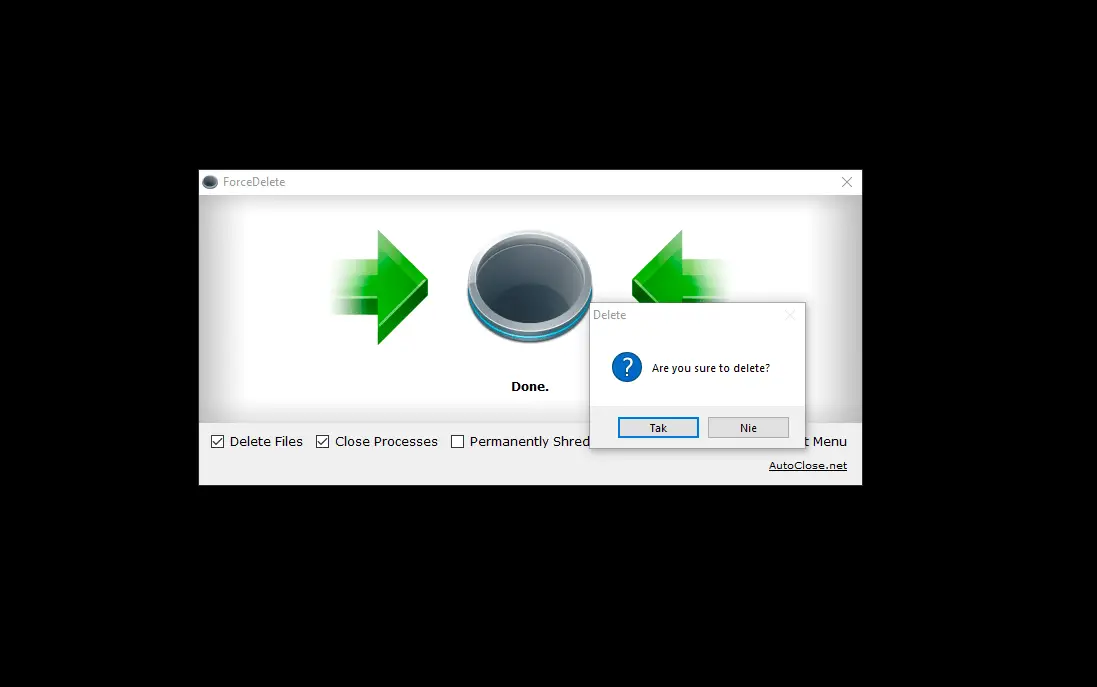
- Drag-and-drop window includes optional process killing, file shredding, and right-click menus
- Completely free with zero signup screens or complex configuration steps
Screenshots


ForceDelete 1.1 can be downloaded directly from MadDownload.com. The file (800 KB) is the developer's original, unmodified file.
ForceDelete 1.1 is developed by AutoClose and runs on Windows XP, Windows Vista, Windows 7, Windows 8, Windows 10, Windows 11, Windows Server 2003, Windows Server 2008, Windows Server 2012, Windows Server 2016 and Windows Server 2019. The version available for download here is for Windows. License: free.
In our review we gave ForceDelete 1.1 7.5/10. It describes the main features, our verdict with pros and cons, and screenshots.
We regularly update the hosted file to the developer's latest release. Developer's official website: autoclose.net.
Download ForceDelete 1.1
1 official sourceFull disclosure: the download button gets the file from MadDownload's own server. It is the developer's original, unmodified file.