Download CopyTrans Photo
CopyTrans Photo download & review: explore features, ratings, compatibility specs, and official setup links on MadDownload.
Links to 2 official sources are further down this page.
Specifications
- Developer
- CopyTrans
- Developer Website
- www.copytrans.net
- Operating System
- Windows 7, Windows 8.1, Windows 10, Windows 11
- License
- trial
- File Size
- 9.1 MB
Our verdict
- Drag-and-drop photo and video transfers between iPhone, iPad, and PC without iTunes
- Runs full iOS media backups and helps clear space on storage-limited Apple devices
- Converts Apple HEIC images into widely compatible JPG files during transfer
- Paid software with no free version, priced at $19.99 standalone before bundle offers
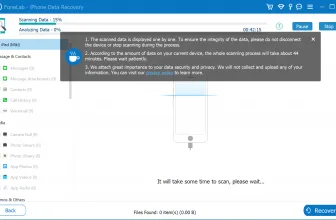
Screenshots


CopyTrans Photo is available from 2 official sources: Official Website / Download and Amazon.
CopyTrans Photo is developed by CopyTrans and runs on Windows 7, Windows 8.1, Windows 10 and Windows 11. License: trial.
In our review we gave CopyTrans Photo 9/10. It describes the main features, our verdict with pros and cons, and screenshots.
Developer's official website: www.copytrans.net.
Download CopyTrans Photo
2 official sourcesFull disclosure: MadDownload does not host or sell this title. Each button opens the official service in a new tab, at the address shown under its name. Availability and prices depend on your country. Affiliate disclosure: Links to Amazon and Prime Video are affiliate links (*). As an Amazon Associate we earn from qualifying purchases, at no extra cost to you.
← Back to the CopyTrans Photo review