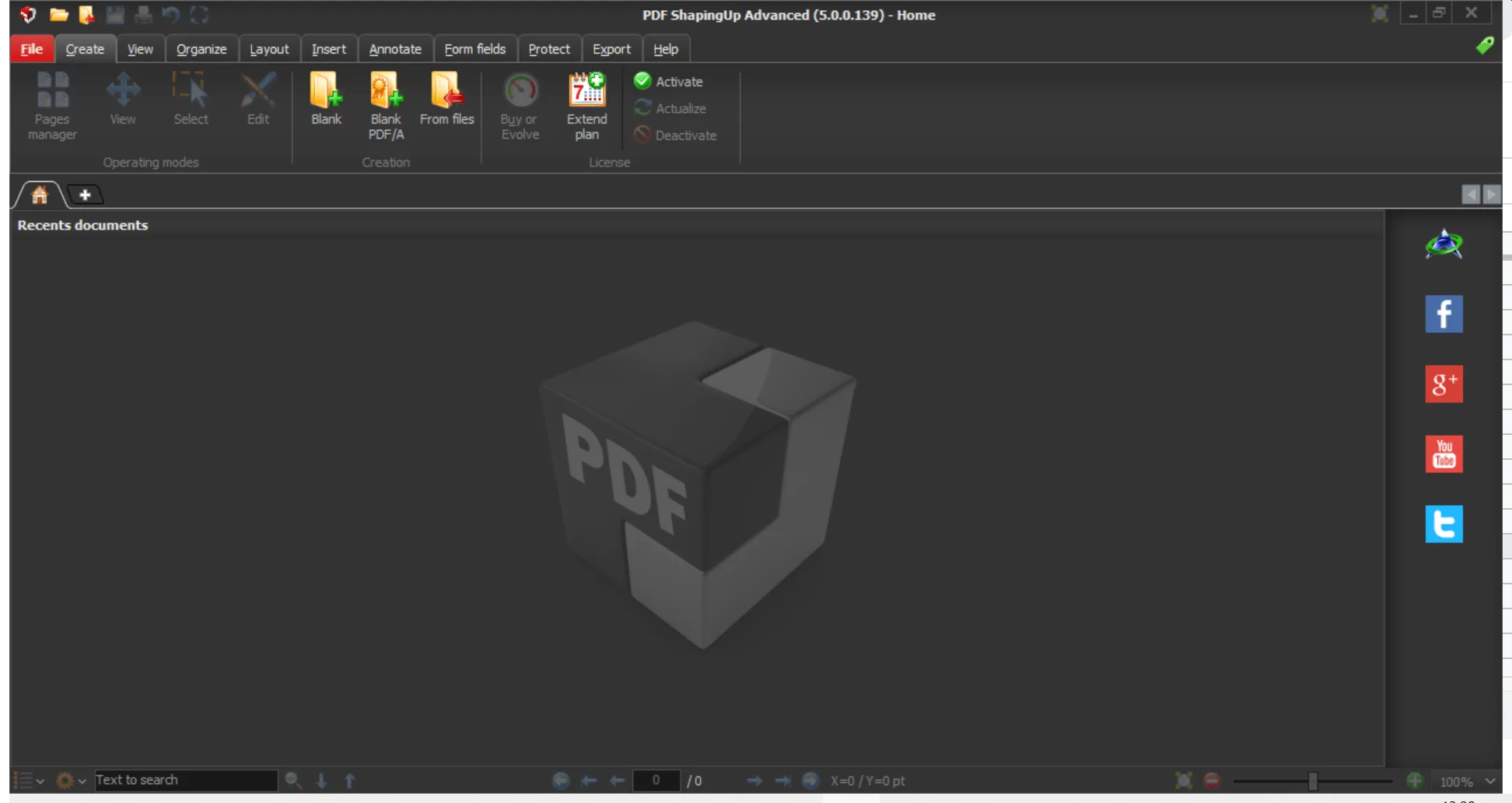
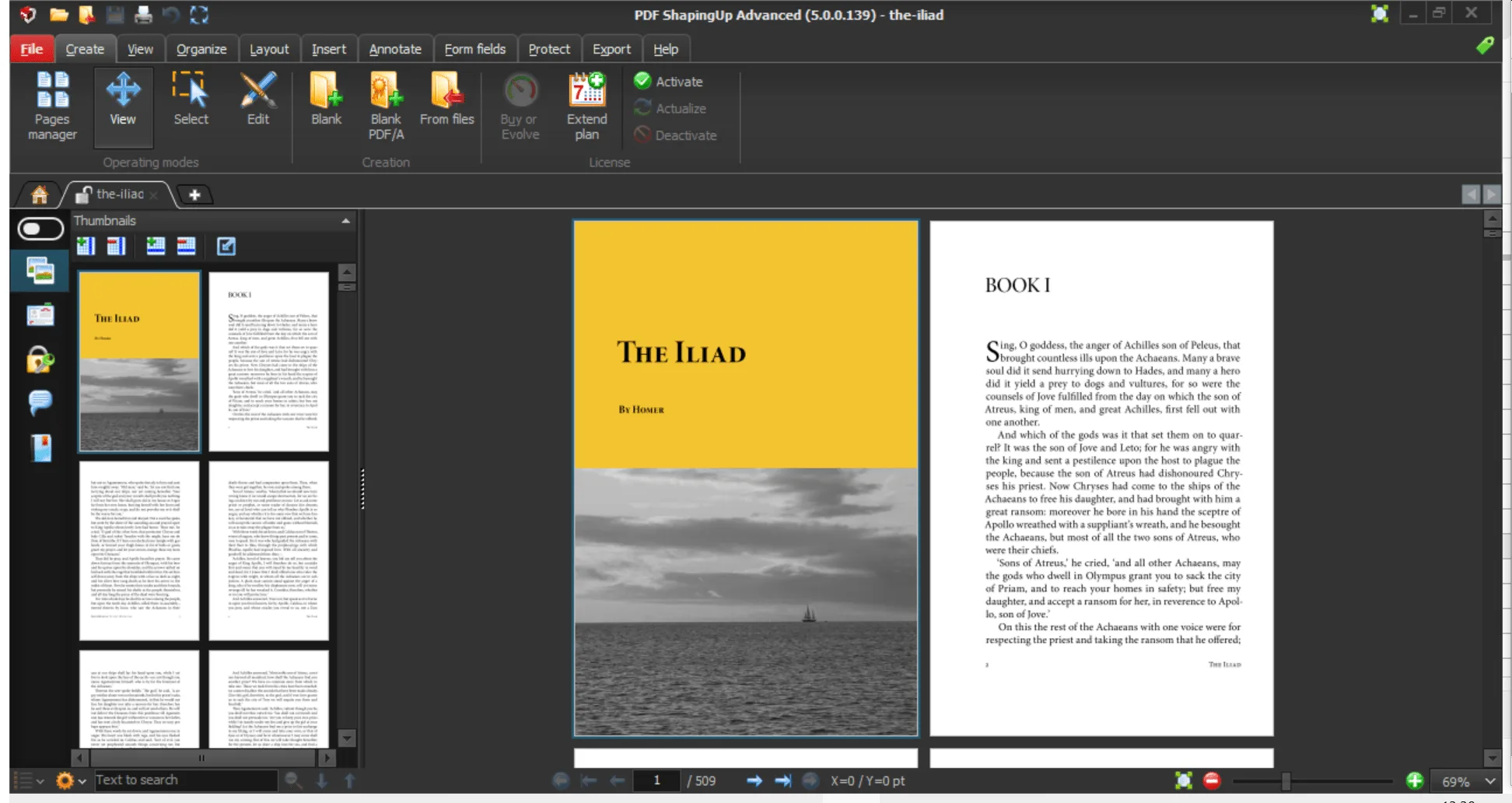
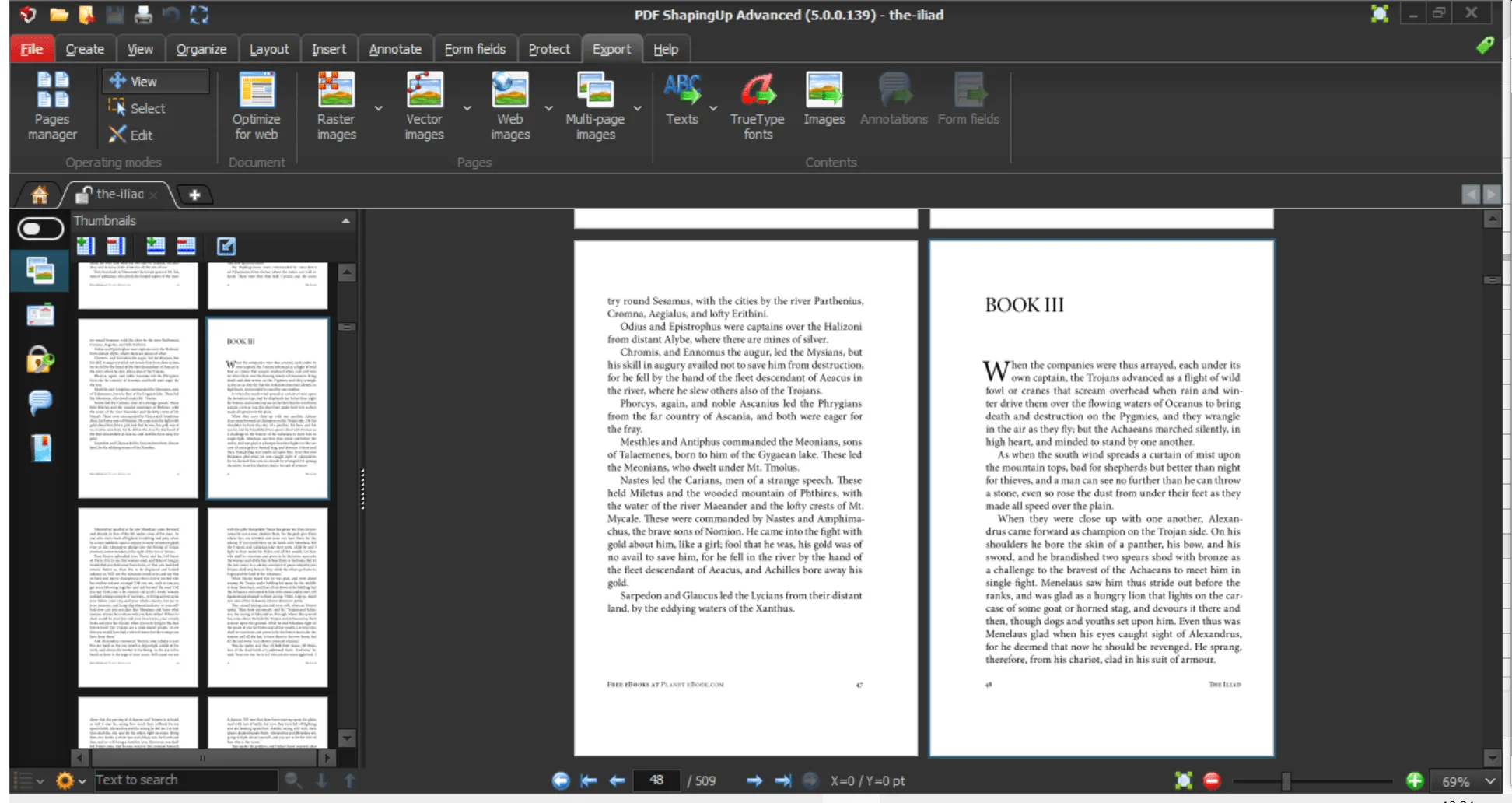
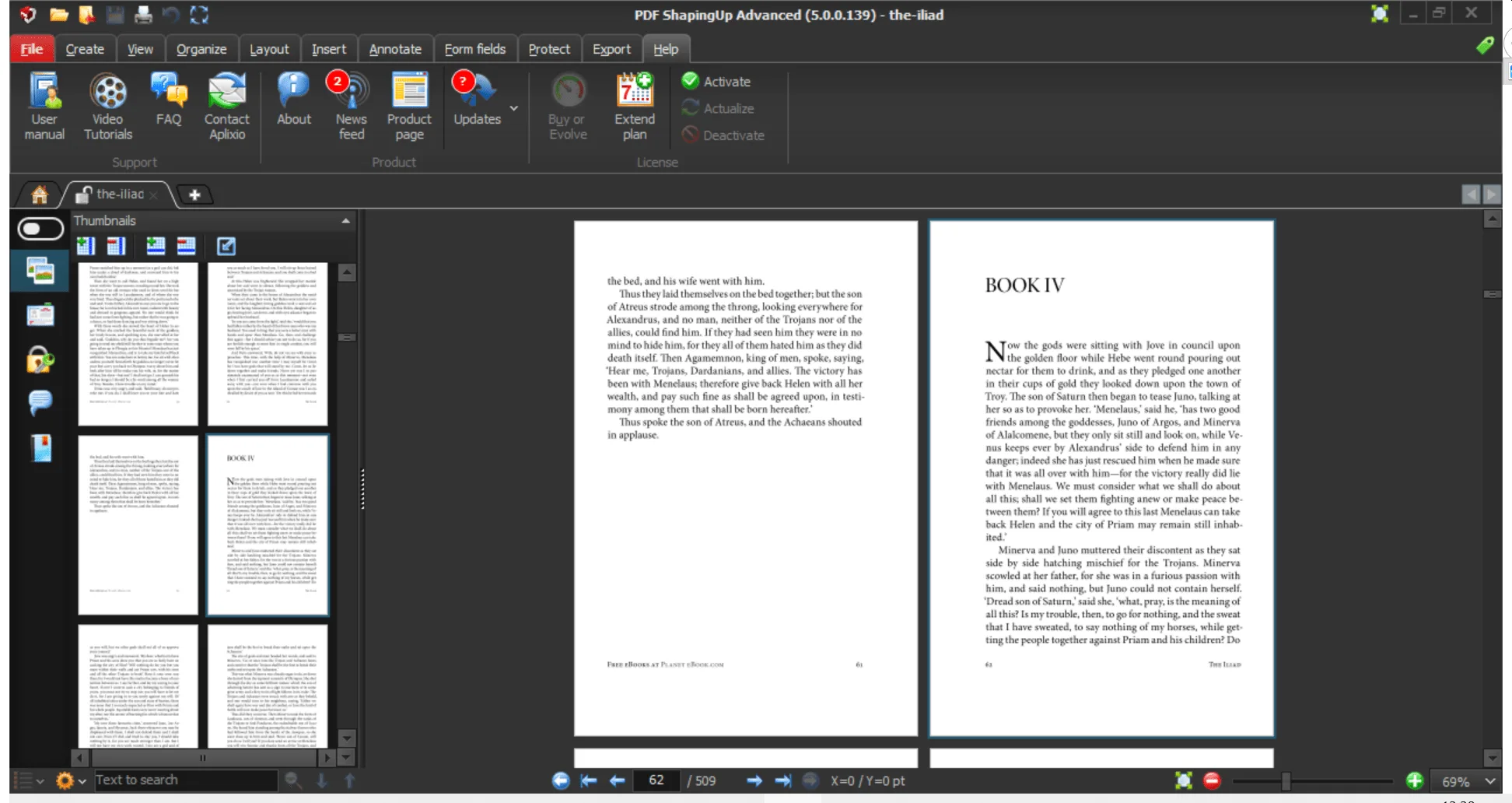
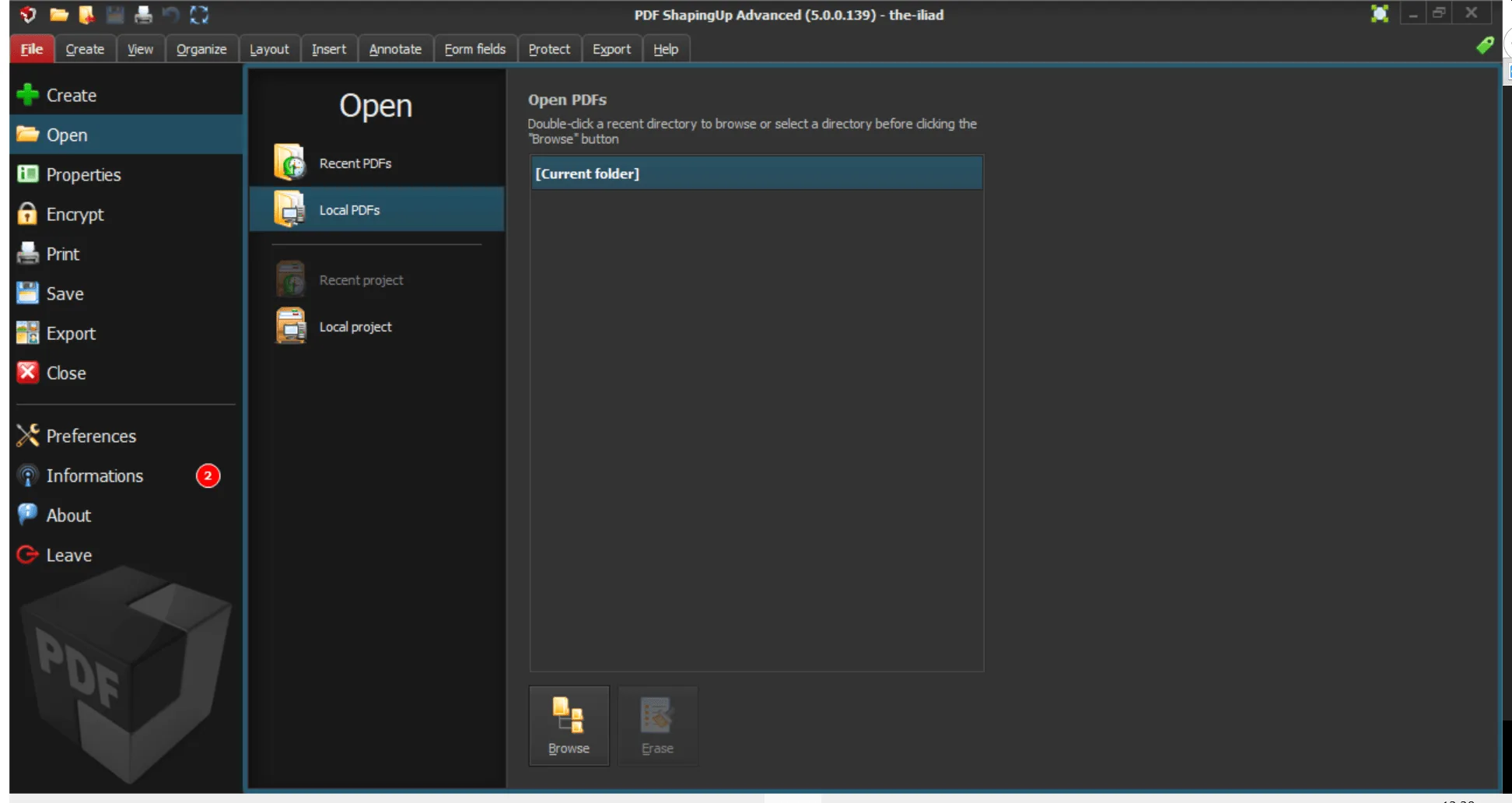
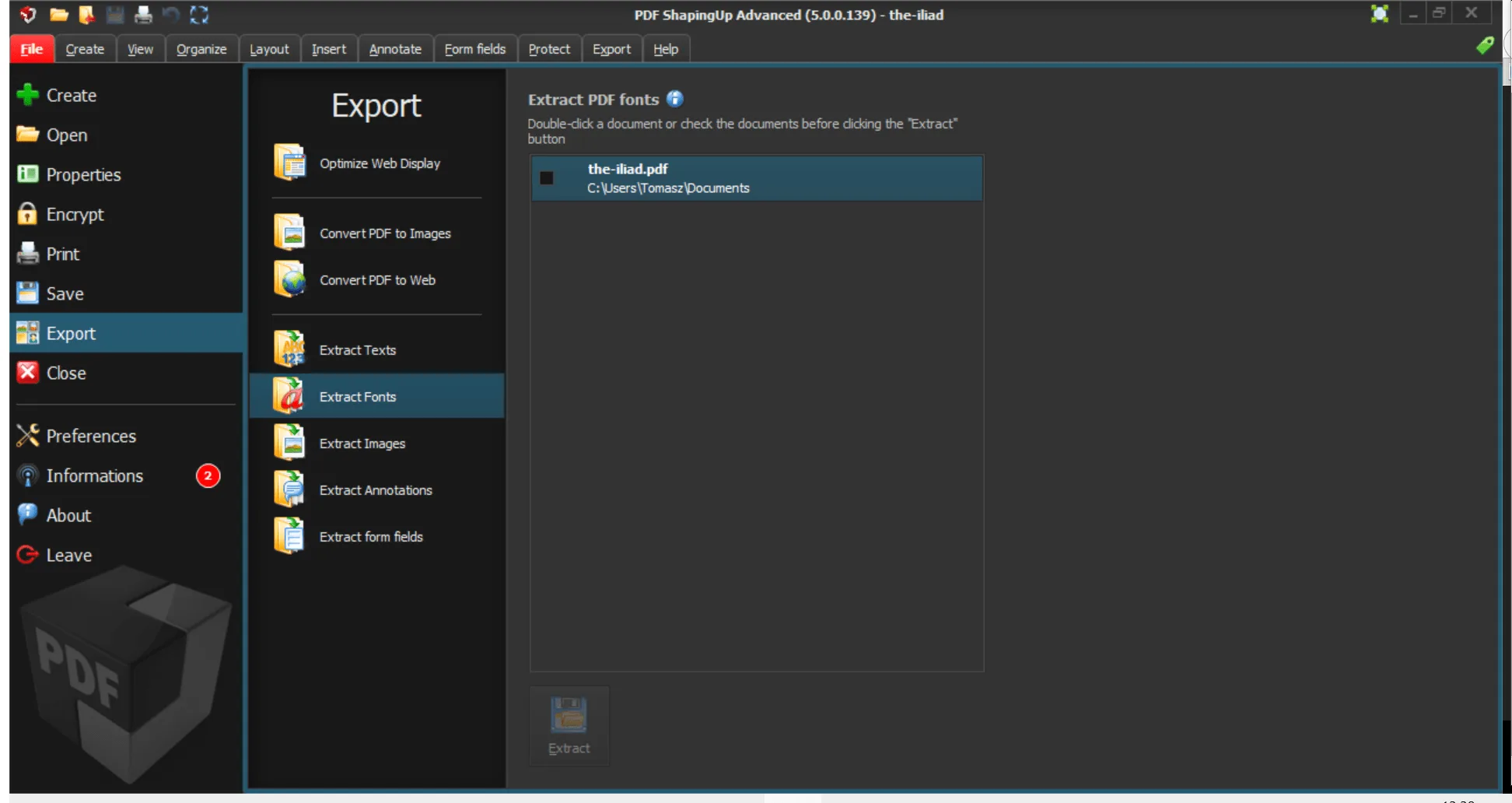
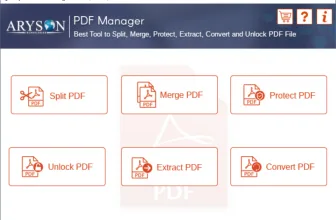
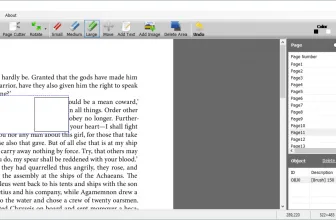
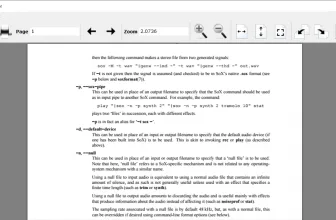
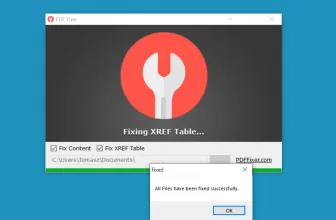
PDF ShapingUp is a PDF editor that is created by Aplixio. With the help of this tool, you can effortlessly manage your PDF files in one go. The tool allows you to create, edit, convert, and secure PDF documents. It’s a comprehensive tool and comes with useful features for beginners.
It’s ergonomic and intuitive interface has all the features which are needed to manage PDF documents. We all know that managing PDF files and aligning them is a tedious task, and for that, you always need the help of an efficient tool. PDF ShapingUp has everything that you are looking for.
This tool also helps to boost your creativity and productivity. So, if you are working on a daily basis and looking for a fast tool, then this one is the ideal companion for you.
How to Download PDF ShapingUp
For a free download of PDF ShapingUp, click on the Download button located at the end of this program review. If you like the program you can also purchase the Standard or the Advanced versions that have even more features.
The Program Review
It’s a fast and reliable tool that helps to create and read PDF files in no time. This tool also helps to encrypt and assign digital signatures to your PDF files. In addition, the tool also allows you to store and manage images, text, tables, and other various contents.
In case if you want to manage and modify your source documents, then you can do it easily with the help of this tool. It also allows you to remove attachments, bookmarks, form fields, and much more.
Furthermore, if you don’t know much about vectors, then don’t worry because this app provides you features to add lines, squares, circles, and arcs to your documents.
PDF ShapingUp – the Key Features
Below are the essential key features of this tool.
-
Straightforward Interface
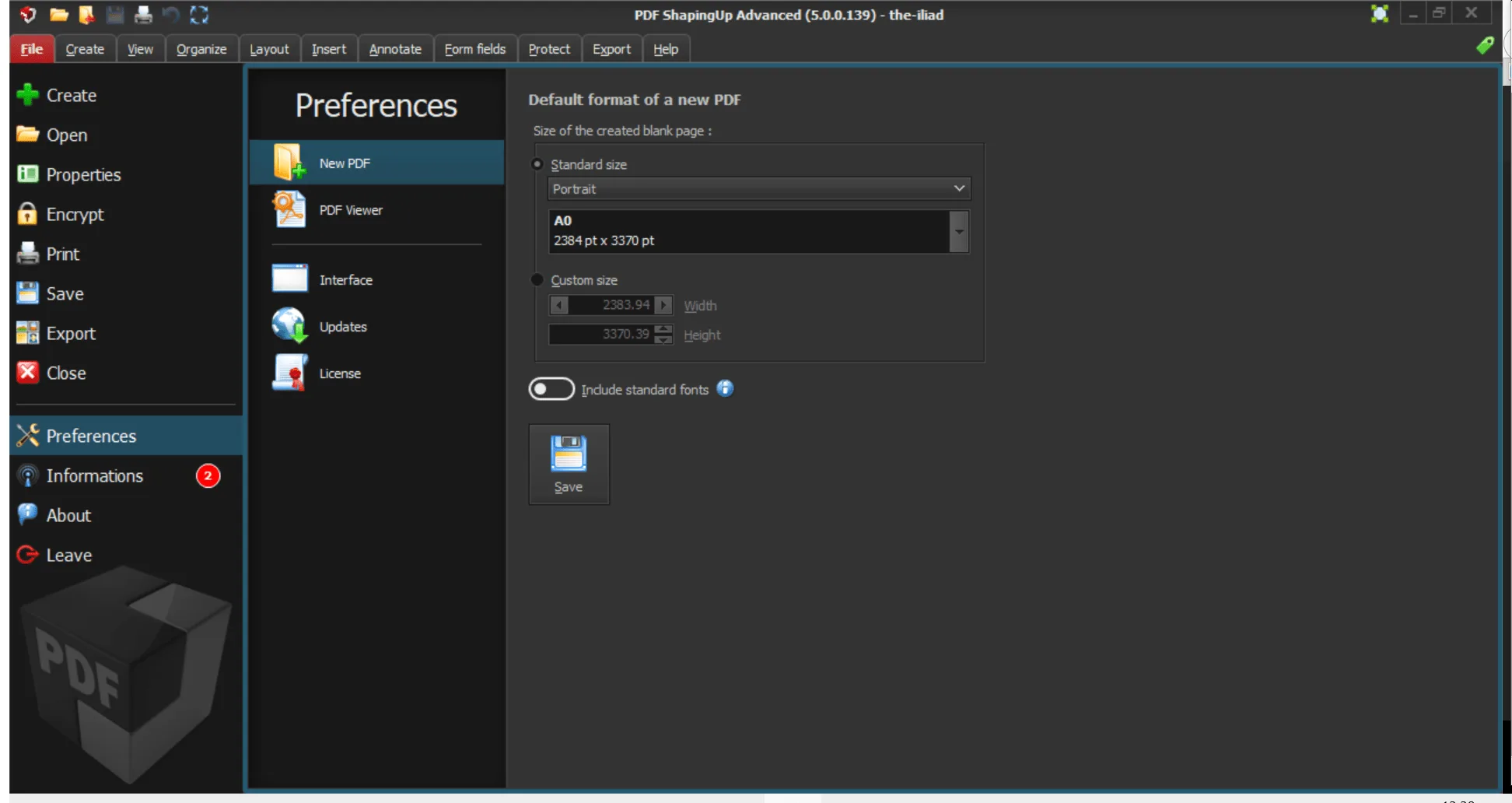
This tool has lots of useful features for you, and you can manage the tool according to your requirements. Graphical themes help you to modify the interface according to your liking. To make your experience better, the tool consists of simple features for beginners.
-
Support for Multiple Encryption Types
If you want to protect your documents from unauthorized access, then you can do it easily by using this tool. It provides support for different encryption methods, such as 40-bit RC4, 128-bit RC4, 128-bit AES or 256-bit AES.
-
Adding Digital Signatures
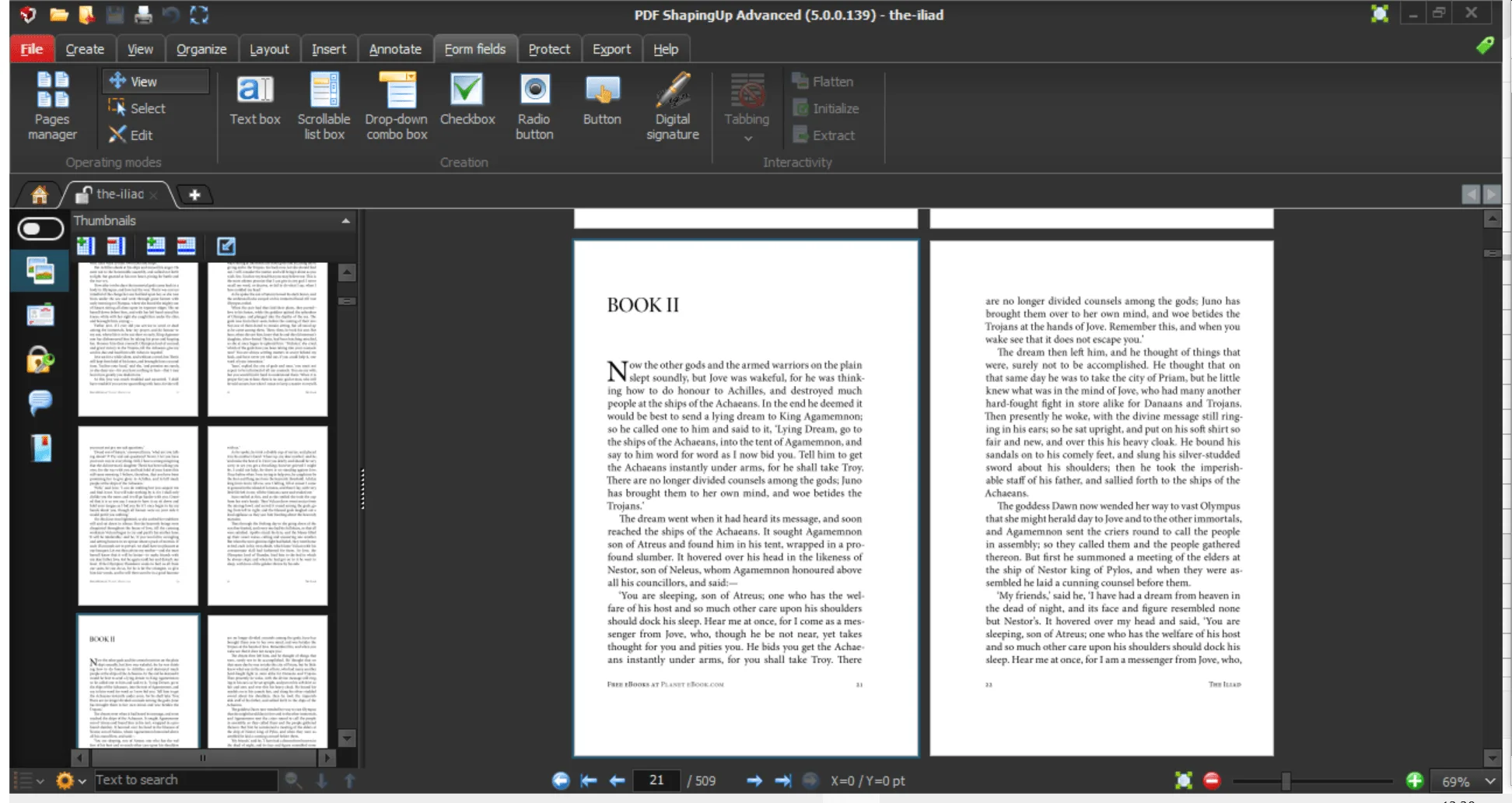
With the help of this tool, adding a digital signature is now easier. All you have to do is choose the certificate file, enter a password, the container file name if required, and add the signature. This process can be a bit complicated for the first time.
-
Performing Different Operations
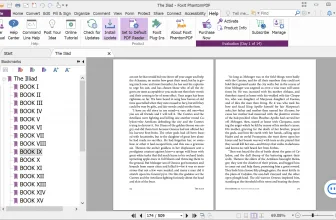
You can easily perform different operations, including creating, modifying, deleting, and searching the PDF documents. You can perform all these operations using the dashboard. It also allows you to quickly preview the context.
-
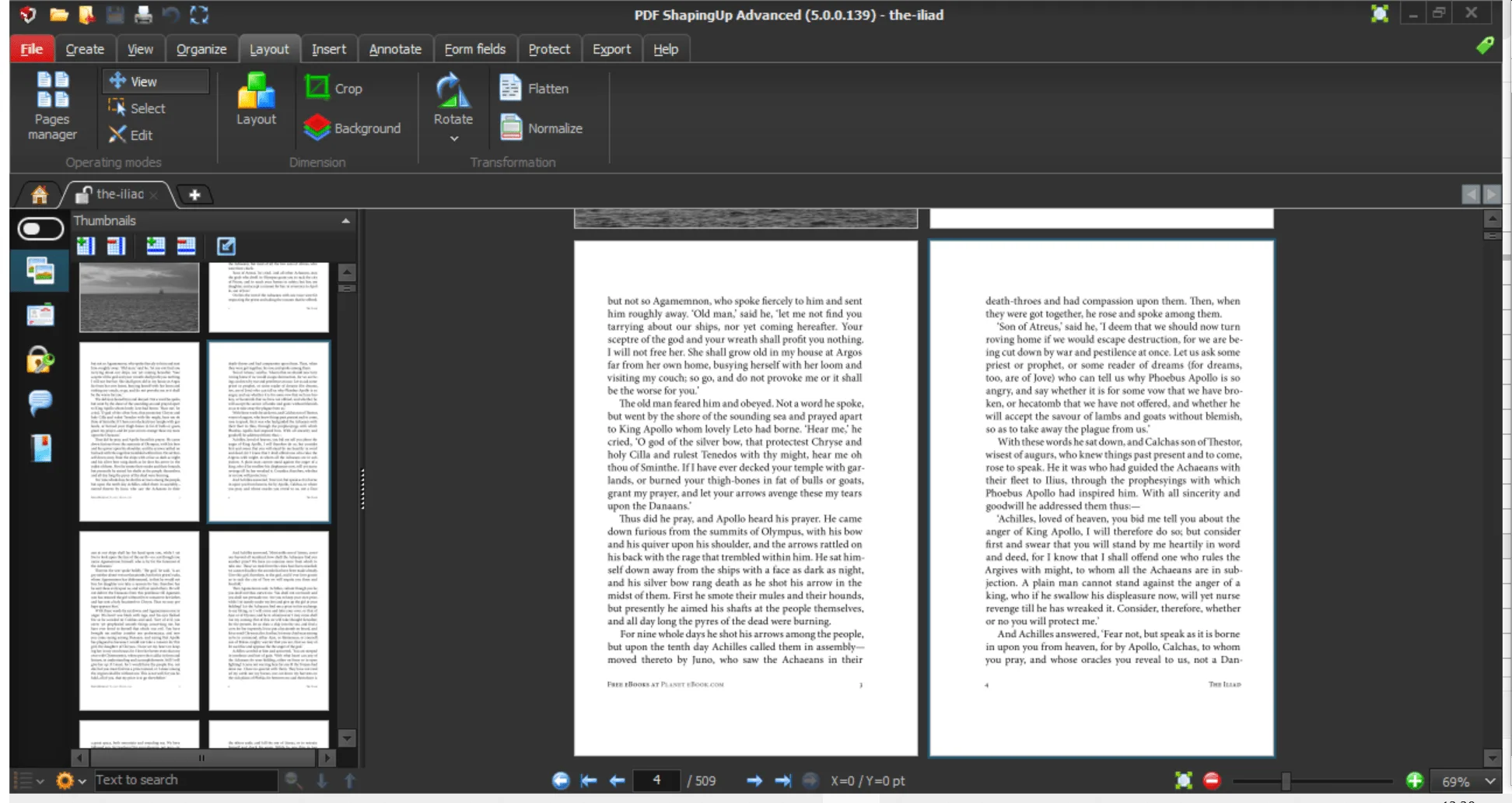
Adjusting the Layout
You can adjust the layout according to your requirements. Moreover, you can also set the media size, create and remove background pages, and much more.
-
Compatibility
It is compatible with all Windows versions, including Windows 10, 8.1, 8, and Vista.
Final Verdict
To sum up all, this tool has all the features that you are looking for. The tool works ideal for beginners and provides them all the facilities at one place. No matter what your skills are, this tool provides you an easy solution to manage your PDF documents.
Frequently Asked Questions
How can I download and play PDF ShapingUp 5.0.0.139 on PC?
Use the green button on this page to access the official store and download page for PDF ShapingUp 5.0.0.139.
What are the PC system requirements for PDF ShapingUp 5.0.0.139?
Refer to our technical specification box and review analysis on this page for platform support, performance notes, and hardware requirements for PDF ShapingUp 5.0.0.139.
How is the gameplay in PDF ShapingUp 5.0.0.139?
Our editorial review above evaluates PDF ShapingUp 5.0.0.139 across gameplay mechanics, graphics, audio design, and replayability, complete with a full Pros and Cons breakdown.
Does PDF ShapingUp 5.0.0.139 support controllers and widescreen displays?
Modern PC releases of PDF ShapingUp 5.0.0.139 include configurable display settings and standard input options as detailed in the official release notes.