As the first expansion for The Sims 4, The Sims 4 Get to Work saw fans have very high expectations for it. To be fair this actually expanded upon what you could do in the daily life of one of your Sims quite significantly. However, reception for this on release was rather mixed, but there is a lot of good ideas here.
How Download The Sims 4: Get to Work
The expansion can be downloaded from the Origin Store. Check out also our reviews of other The Sims 4 expansions:
- #2 Get Together,
- #3 City Living,
- #4 Cats & Dogs,
- #5 Seasons,
- #6 Get Famous,
- #7 Island Living.
The Game Review
You know how when you play the Sims and it is time for them to go to work, you just have to wait? Well, that is what this expansion is all about. Now you actually get to go to your Sims day job and help them move up the ladder of success. Or if you are like me, you end up hindering it, but hey you have a great time anyway!
Gameplay Loop, Mechanics, and Atmosphere in The Sims 4: Get to Work
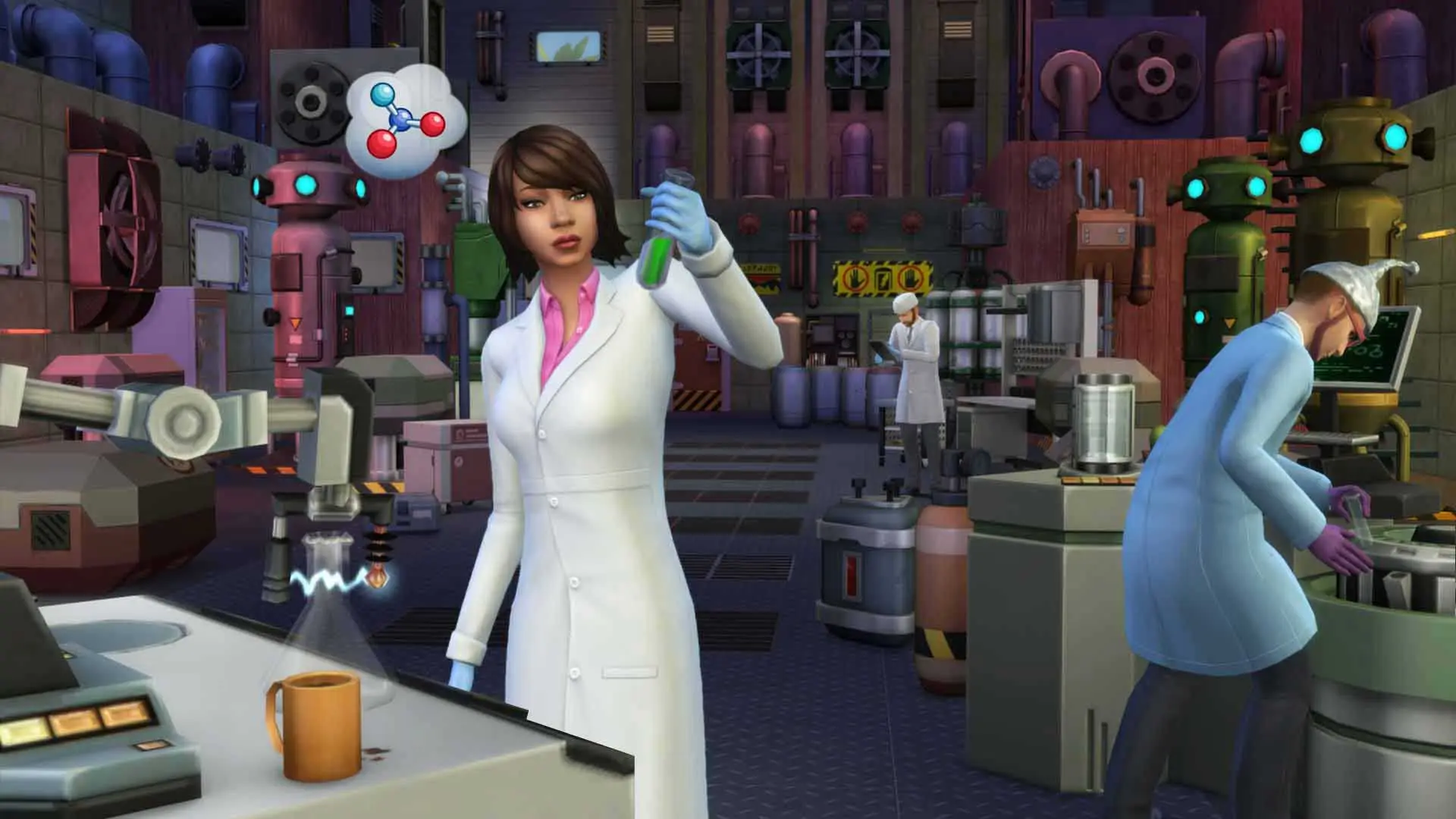
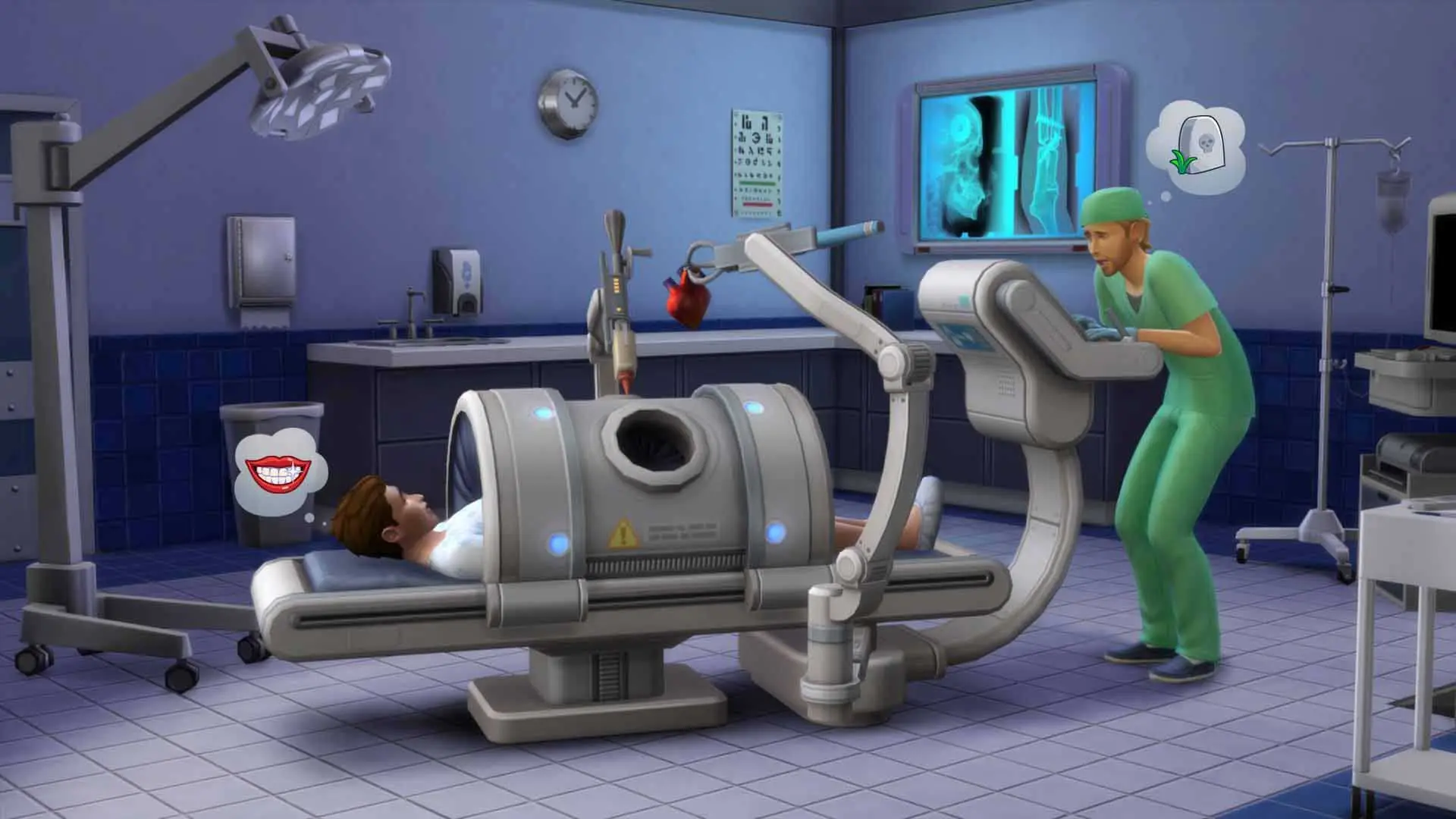
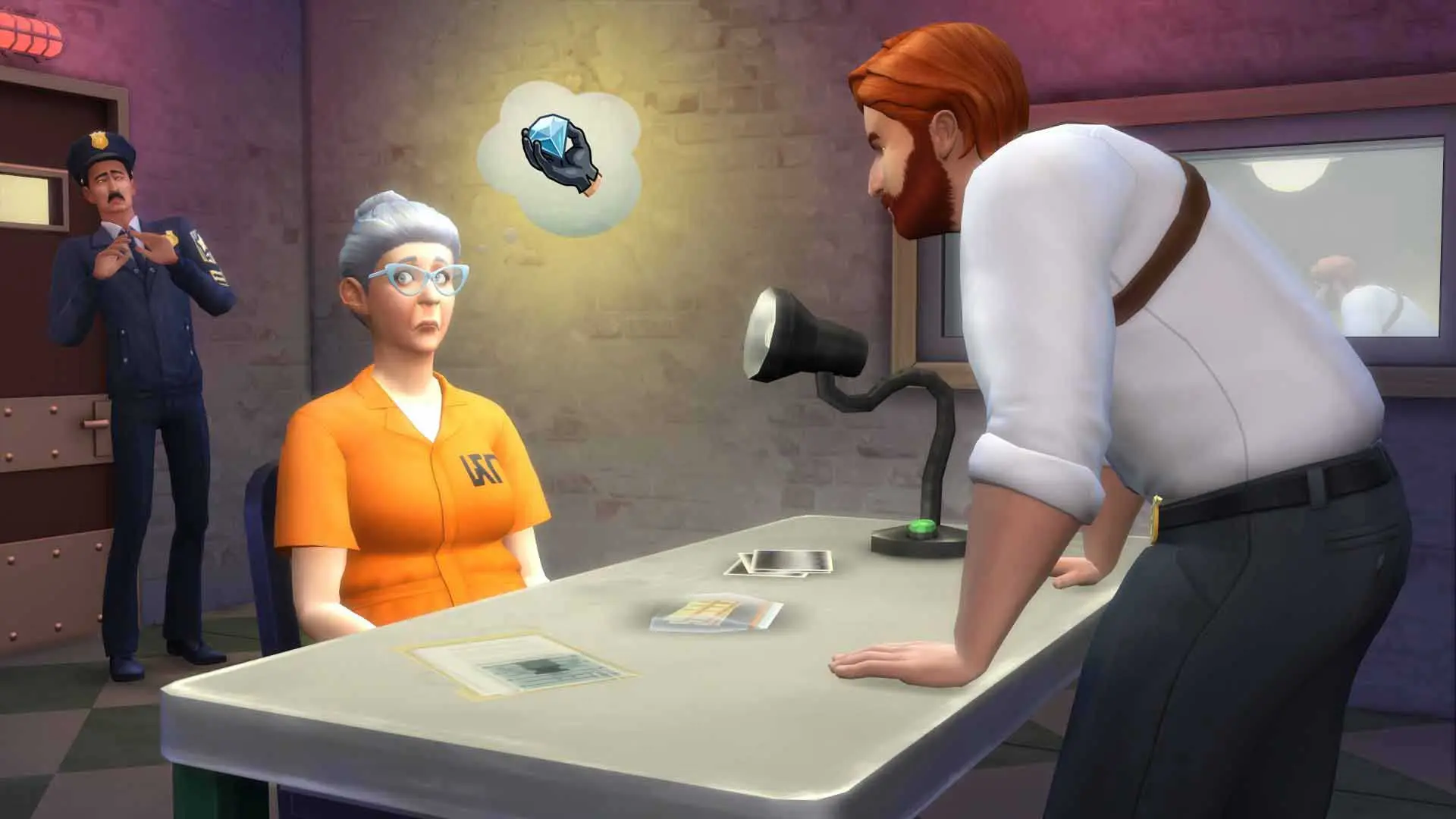
There are four different jobs that you can do in The Sims 4 Get to Work. You can work as a detective, a scientist, a doctor and also a shop owner. The shop owner aspect of the expansion is also where you can make use of two other pretty big additions, baking, and photography.
Each job has the same kind of goal. You will go to your place of employment and you will have a series of tasks to complete. These will help put you in better standing with the people you work for and also help you level up. Each of the jobs does feel rather different and for me, I actually liked working as a shop owner best.
Visual Style, Sound Design, and PC Optimization
Making small talk with customers and then getting them to buy something was fun. Playing as a scientist has you doing all kinds of weird experiments and working as a doctor has you tending to your patients. The most disappointing one was the detective. I had such high hopes for this, but it kind of falls flat and feels like EA put a stop to it at the earliest they could get away with.
Each of the jobs has things that I do like so I did spend quite a bit of time with each one. Sometimes though, I felt like I was doing what was required of me, but it made no difference to how I was perceived and I just basically stayed where I was. This sometimes could be rather frustrating and I am still not sure what I was doing wrong!
I love the aesthetic for each of the places of employment. It is really cool to see your Sims world expand and get an idea of what they get up to when you cannot see them. The graphics are just what they are in the standard Sims 4 game, but that to be fair is not a bad thing at all.
As you would expect, clothing, items for your house and much more are all here for you to collect. I know some people get super into this and I must admit, I did like some of the new clothes that you could get and I did deck my Sim out in some flashy new gear. As well as spruce my house up with some new units for the living room.
In all, I think that The Sims 4 Get to Work is a decent enough expansion. I do not think it is going to blow you away, but there is fun to be had here. To be honest with you the most fun I had was trying to get people to buy my baked treats I was selling in my store…. I was not very successful! But hey I had a great time trying.
Want more PC gaming recommendations after this guide? Read our full overview and system requirements for Marvel’s Spider-Man.
If you want another standout pick to check out next, read our complete Panzer Corps 2 review, rating, and official download guide.
If you want another standout pick to check out next, read our complete Objects in Space review, rating, and official download guide.
The Sims 4: Get to Work PC System Requirements
Check the verified minimum and recommended Windows hardware specifications from the official Steam release of The Sims 4: Get to Work before installing.
| Component | Minimum | Recommended |
|---|---|---|
| Processor | 1.8 GHz Intel Core 2 Duo, AMD Athlon 64 Dual-Core 4000+ or equivalent (For computers using built-in graphics chipsets, the game requires 2.0 GHz Intel Core 2 Duo, 2.0 GHz AMD Turion 64 X2 TL-62 or equivalent) | Intel core i5 or faster, AMD Athlon X4 |
| Memory | 2 GB RAM | 4 GB RAM |
| Graphics | NVIDIA GeForce 6600 or better, ATI Radeon X1300 or better, Intel GMA X4500 or better | NVIDIA GTX 650 or better |
| DirectX | Version 9.0 | Version 12 |
| Network | Broadband Internet connection | Broadband Internet connection |
| Storage | 10 MB available space | 18 GB available space |
Frequently Asked Questions
How can I download and play The Sims 4: Get to Work on PC?
Use the green button on this page to access the official store and download page for The Sims 4: Get to Work.
What are the PC system requirements for The Sims 4: Get to Work?
Refer to our technical specification box and review analysis on this page for platform support, performance notes, and hardware requirements for The Sims 4: Get to Work.
How is the gameplay in The Sims 4: Get to Work?
Our editorial review above evaluates The Sims 4: Get to Work across gameplay mechanics, graphics, audio design, and replayability, complete with a full Pros and Cons breakdown.
Does The Sims 4: Get to Work support controllers and widescreen displays?
Modern PC releases of The Sims 4: Get to Work include configurable display settings and standard input options as detailed in the official release notes.